Apple's Find My app can now track 32 AirTags and other accessories in the Items tab, but some AirPods models may count as more than a single items.
You can now track 32 items in the Find My app instead of 16
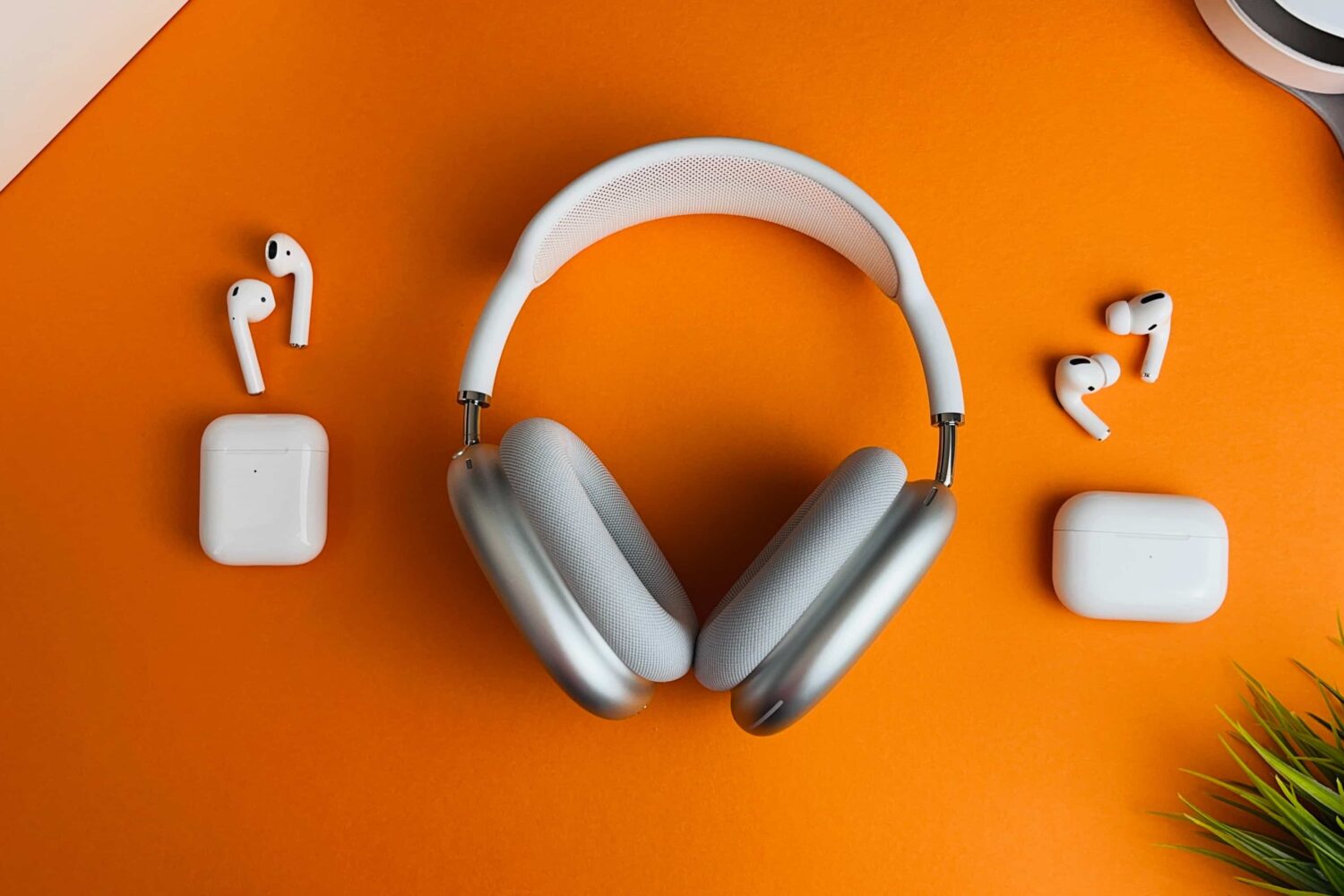
Apple's Find My app can now track 32 AirTags and other accessories in the Items tab, but some AirPods models may count as more than a single items.
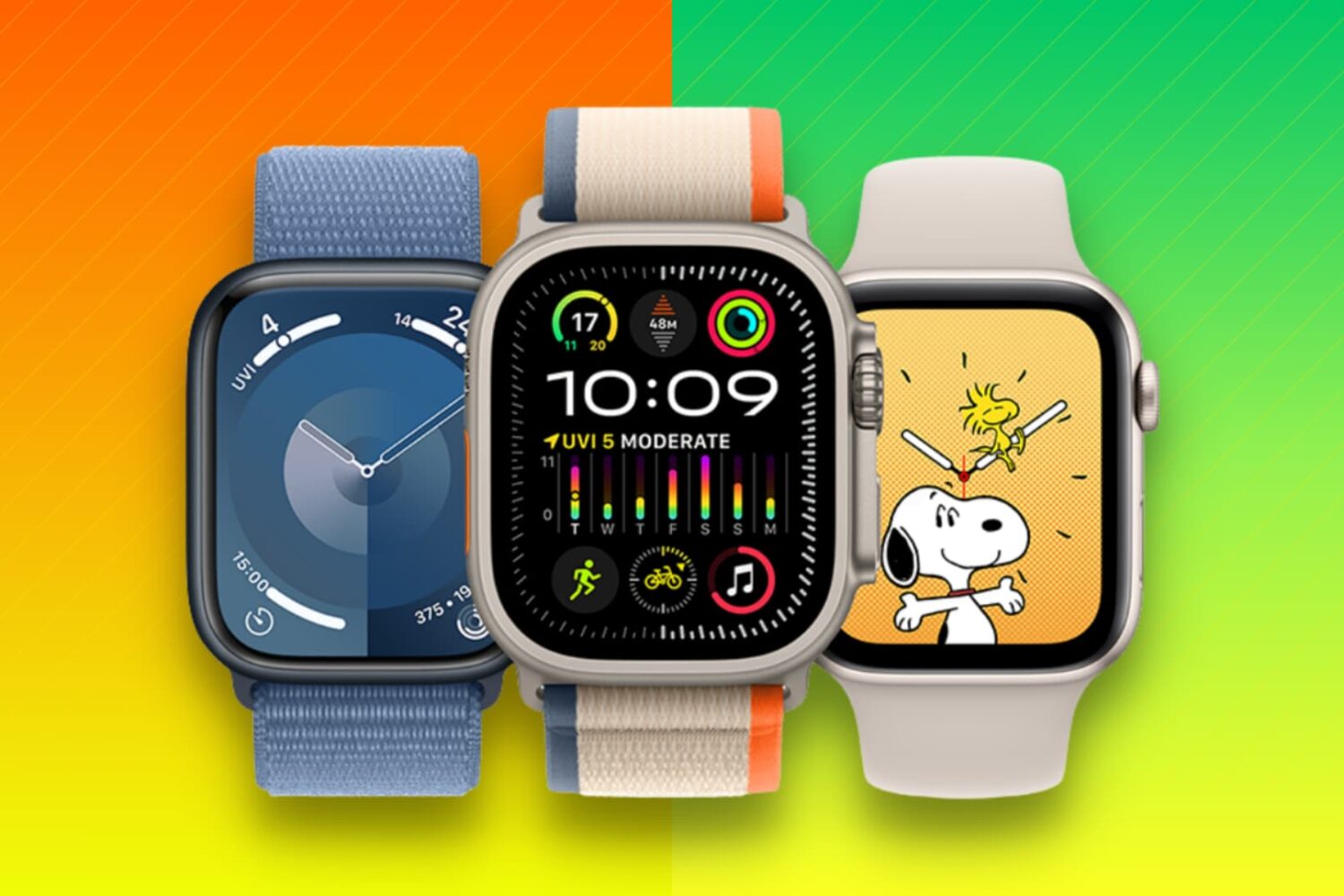
Learn what to do when selling, gifting, recycling, or trading your Apple Watch to ensure your private data stays secure and the new owner can use it properly.

Learn how to share your AirTags or third-party Find My Network accessories with family and friends so they can track the item’s location on their iPhone, iPad, and Mac without receiving unwanted tracking alerts.
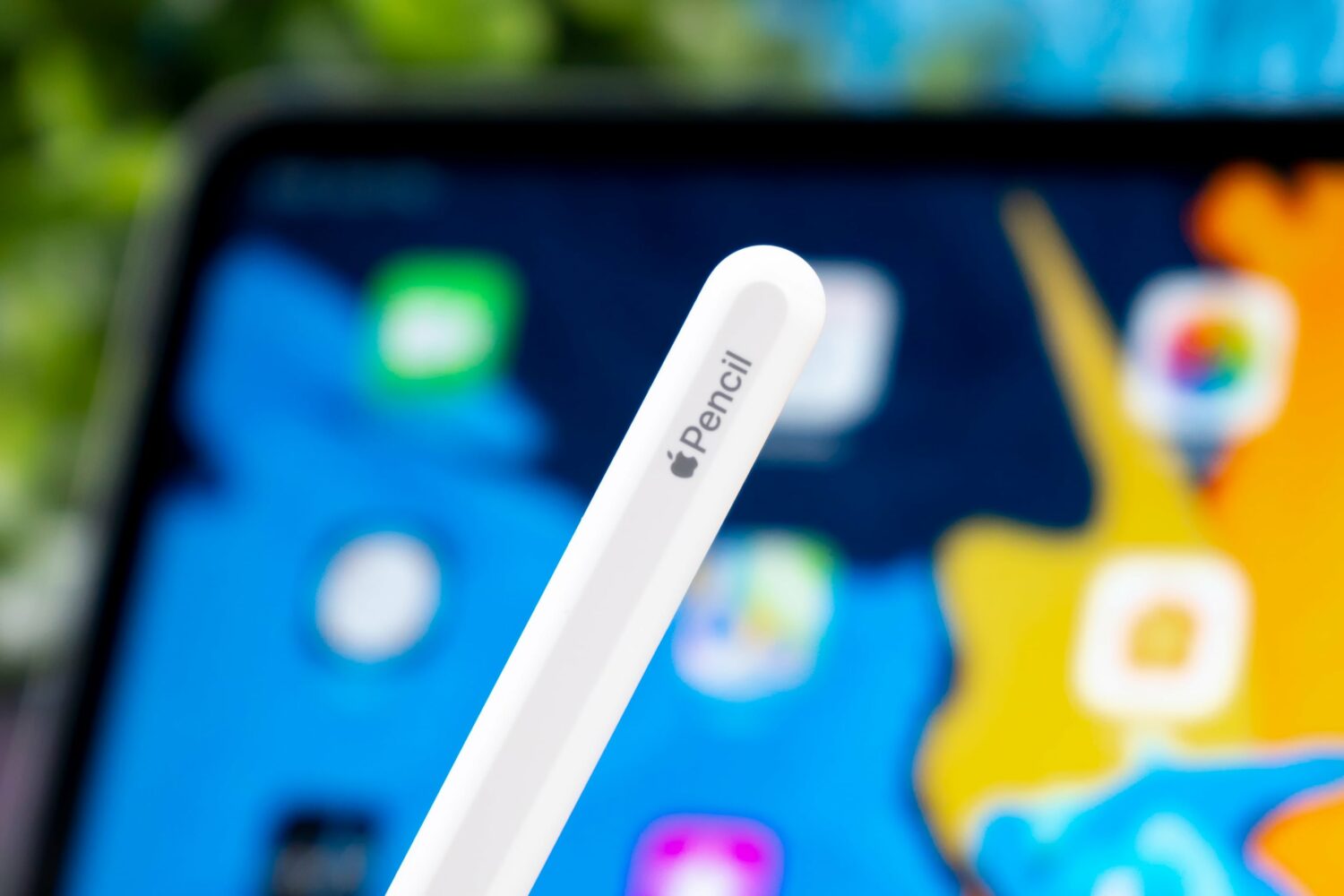
A Find My Apple Pencil feature could be in the works, but it's probably going to require a future stylus from Apple capable of vibrating when nearby.
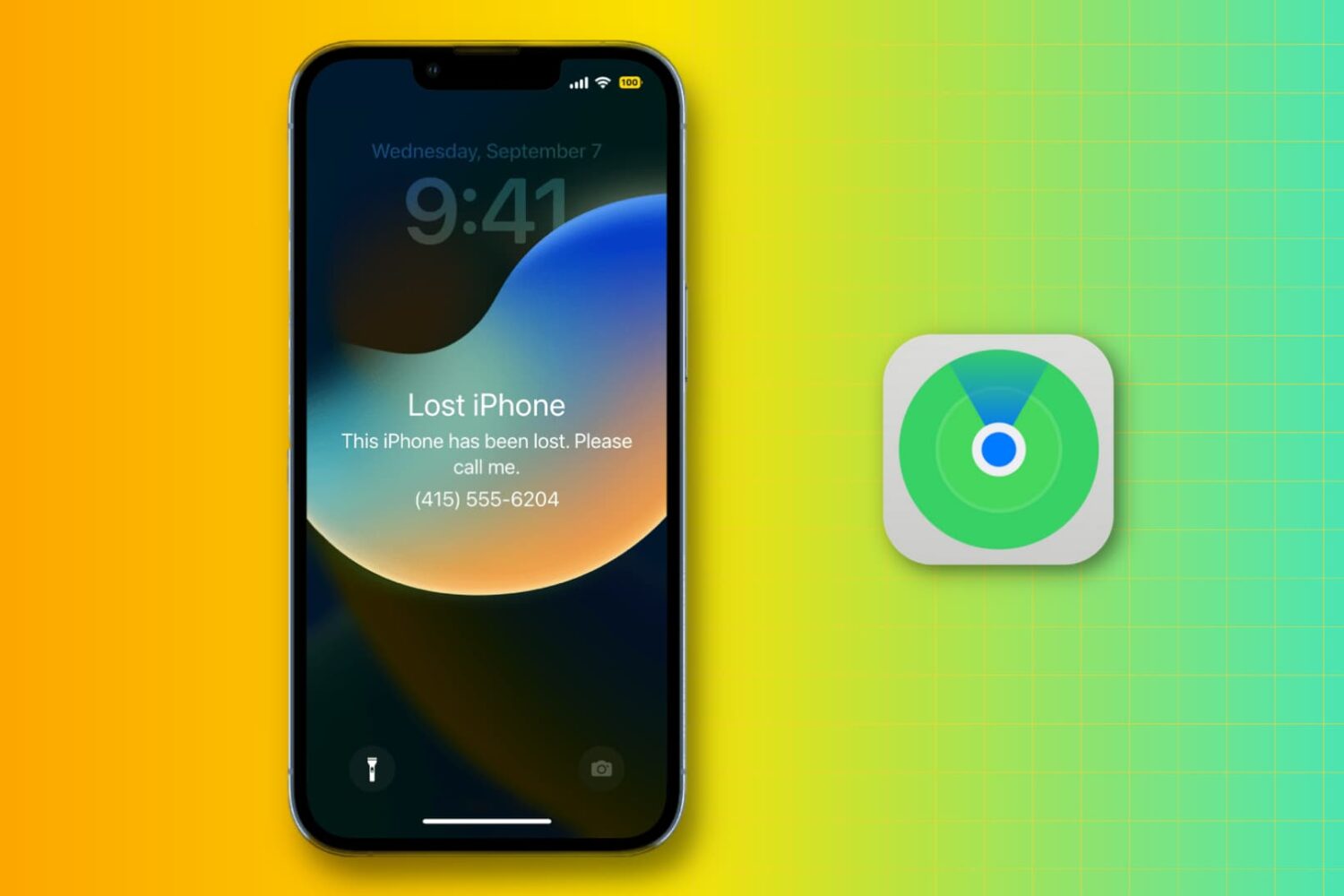
Learn what steps to take if you lose your iPhone or iPad in order to protect your personal data, track your device, and report the incident to law enforcement.
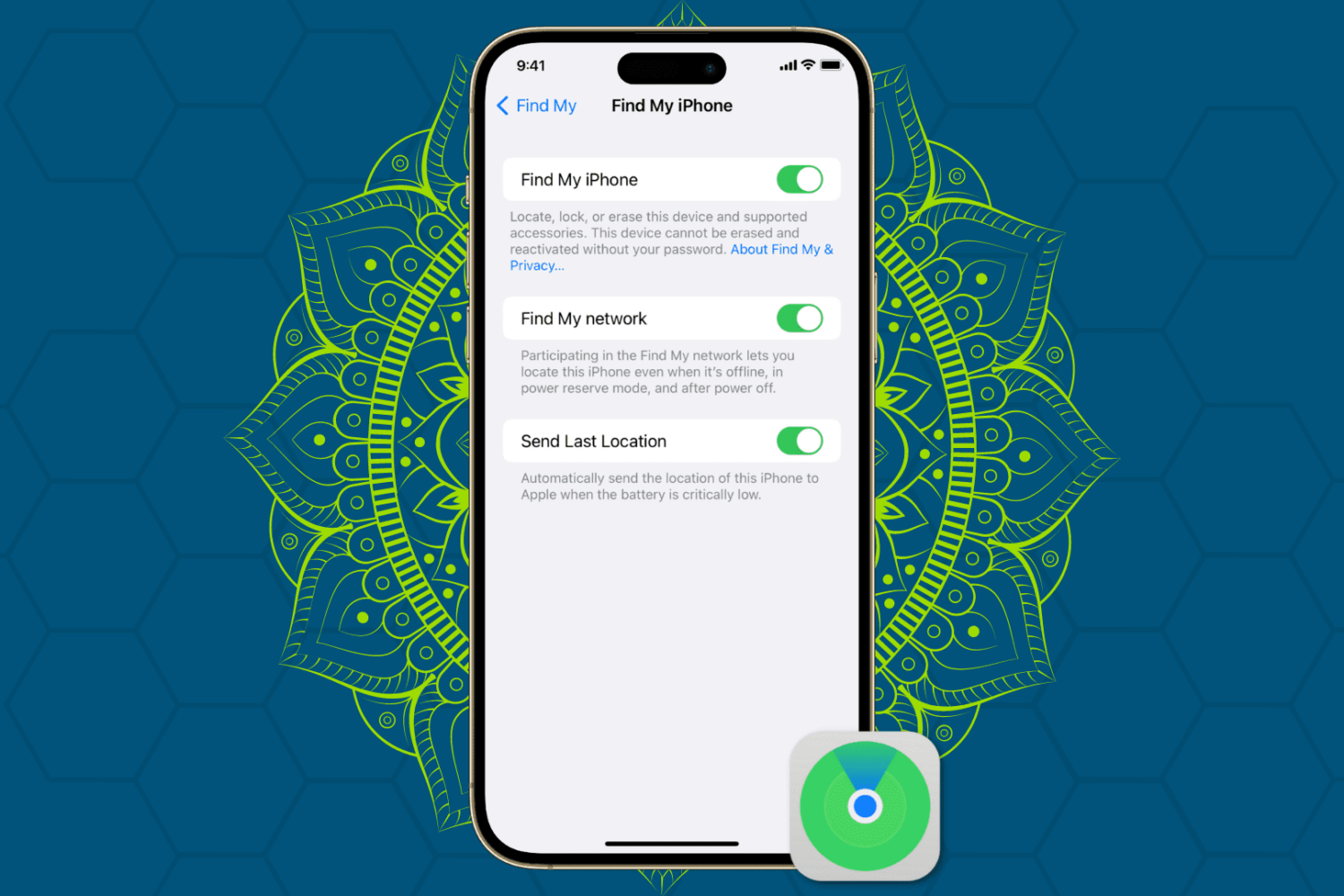
Protect your Apple devices from theft and unauthorized access by enabling Find My Activation Lock, ensuring enhanced security for your iPhone, iPad, Mac, and Watch.

watchOS 9.4 lets you declutter your Apple Watch's Home Screen by removing stock Apple apps you don't use, such as Find My, Heart Rate or Wallet.
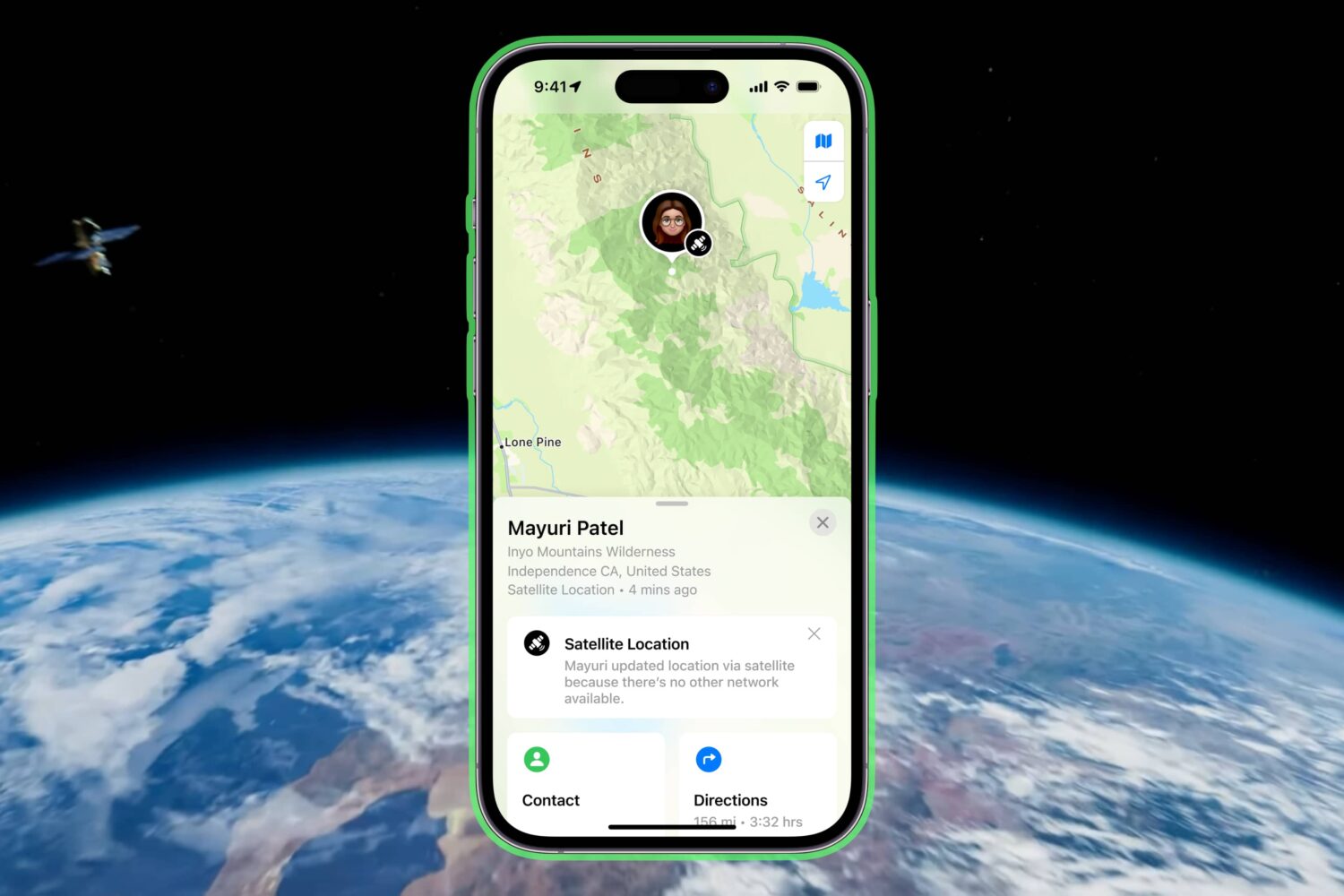
Take advantage of satellite connectivity to share your precise location via satellite using Apple's Find My app and your iPhone 14 or iPhone 14 Pro.
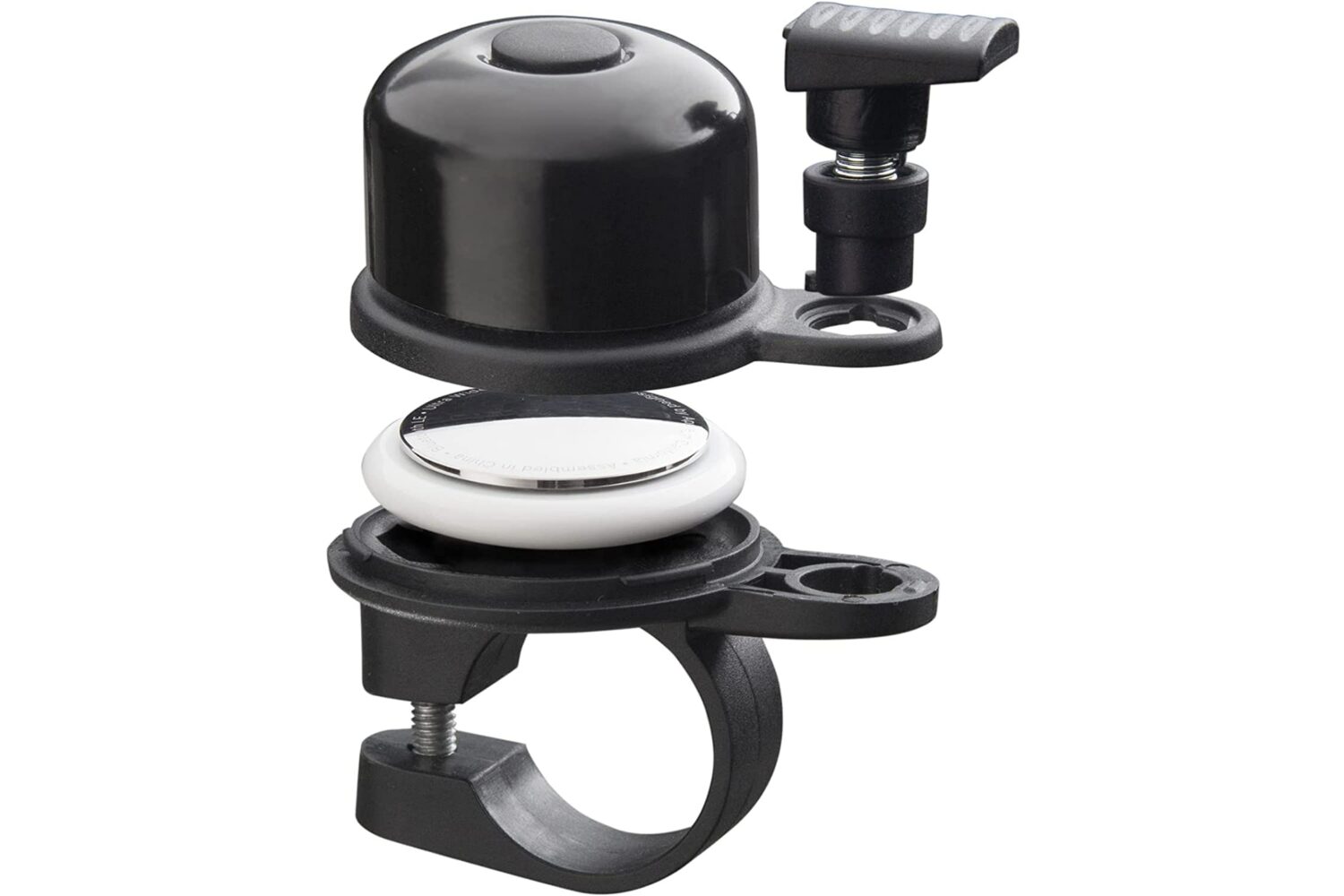
The new AirBell accessory conceals Apple's AirTag personal item tracker within a small generic mechanical bell that you can mount on any bicycle.

Retail availability of the $249 AirPods Pro 2 starts tomorrow, September 23. However, the new earbuds won't support two features on iPad and Mac at launch.
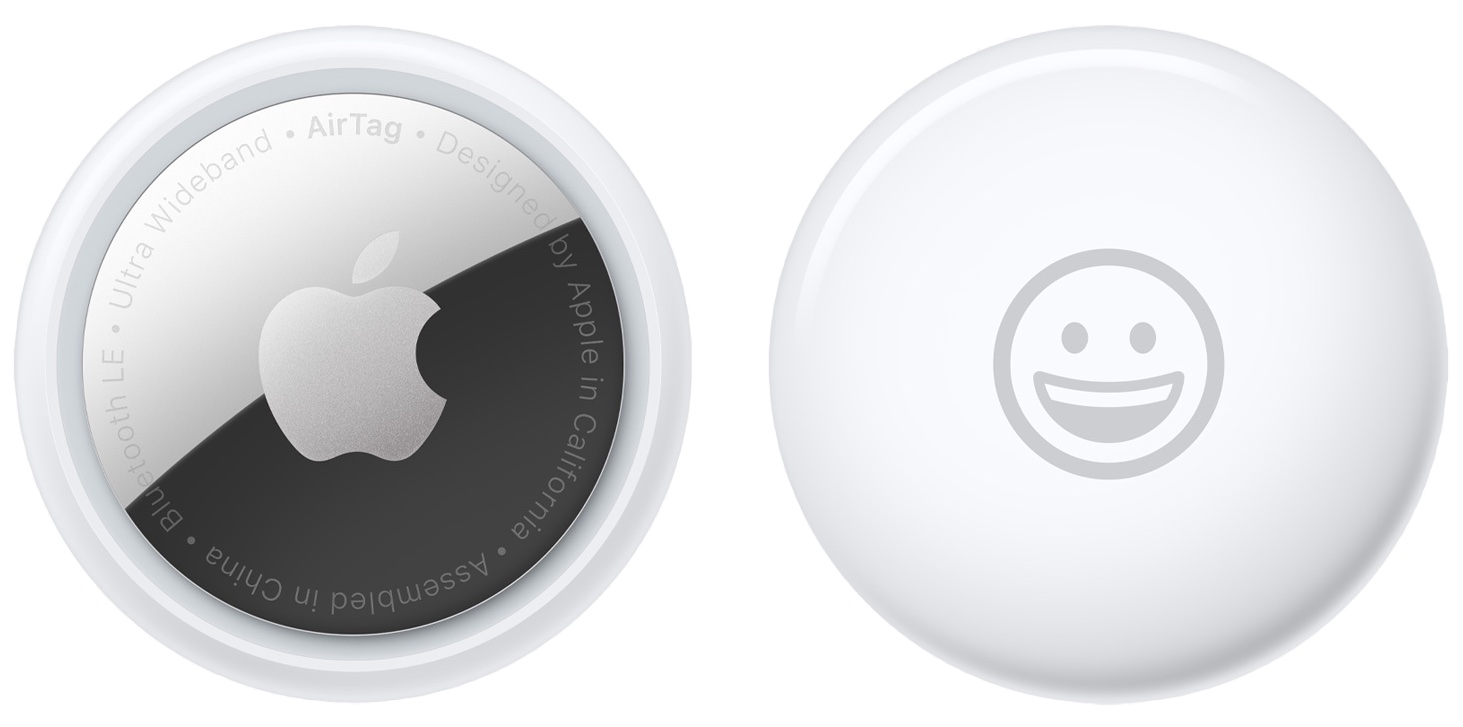
Wondering about the battery on your AirTag? In this guide, we explain more about it and show you how to check the current charge of your AirTags directly from your iPhone.
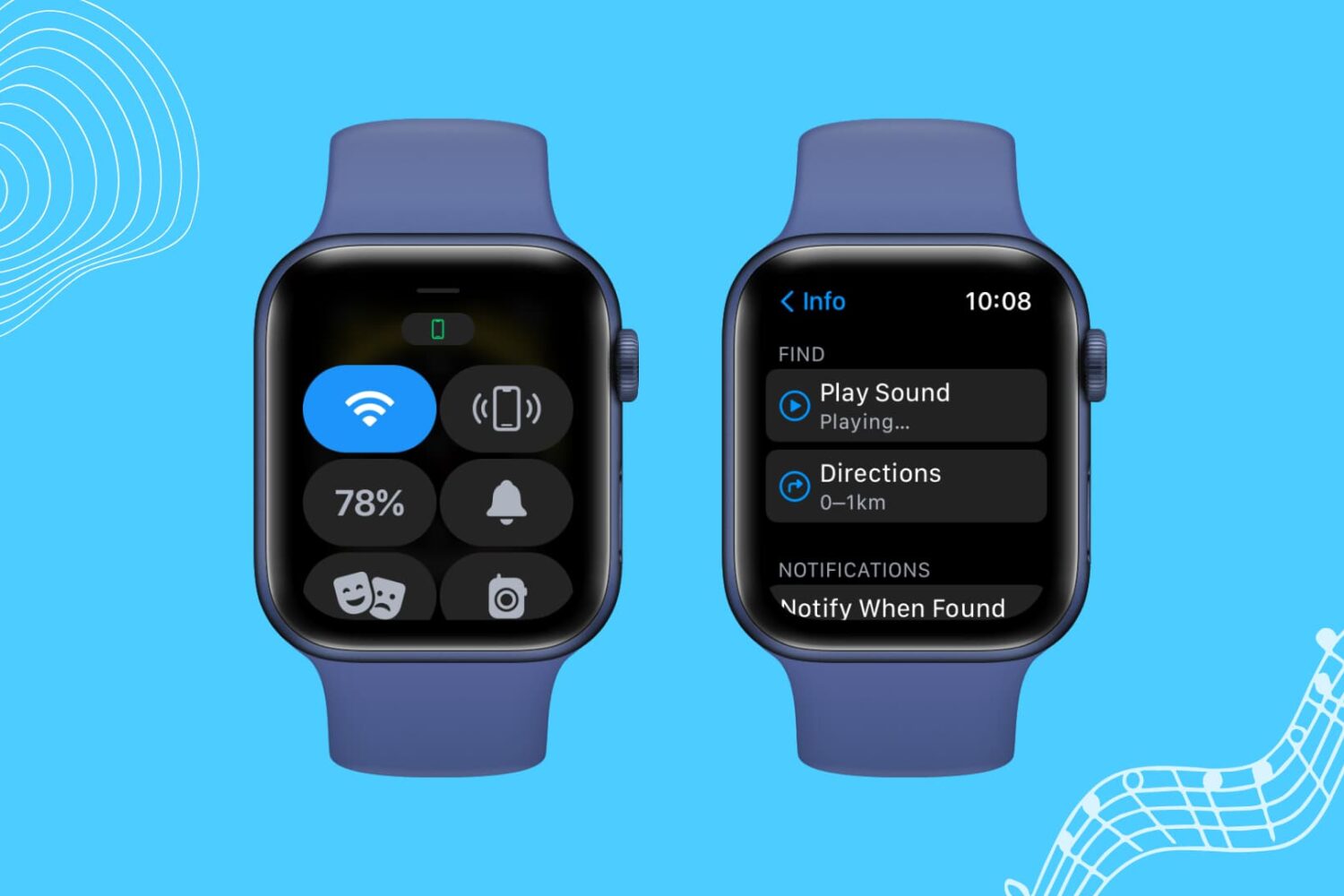
If your Apple Watch is not pinging your iPhone, here are a few solutions to fix this issue. Once that's done, your misplaced iPhone will play a sound when you command it from your Apple Watch, and you can find it easily.