Find out how to use the Reminders app on Mac to remind yourself about specific emails you receive in the Mail app.
How to turn an email into a reminder on Mac
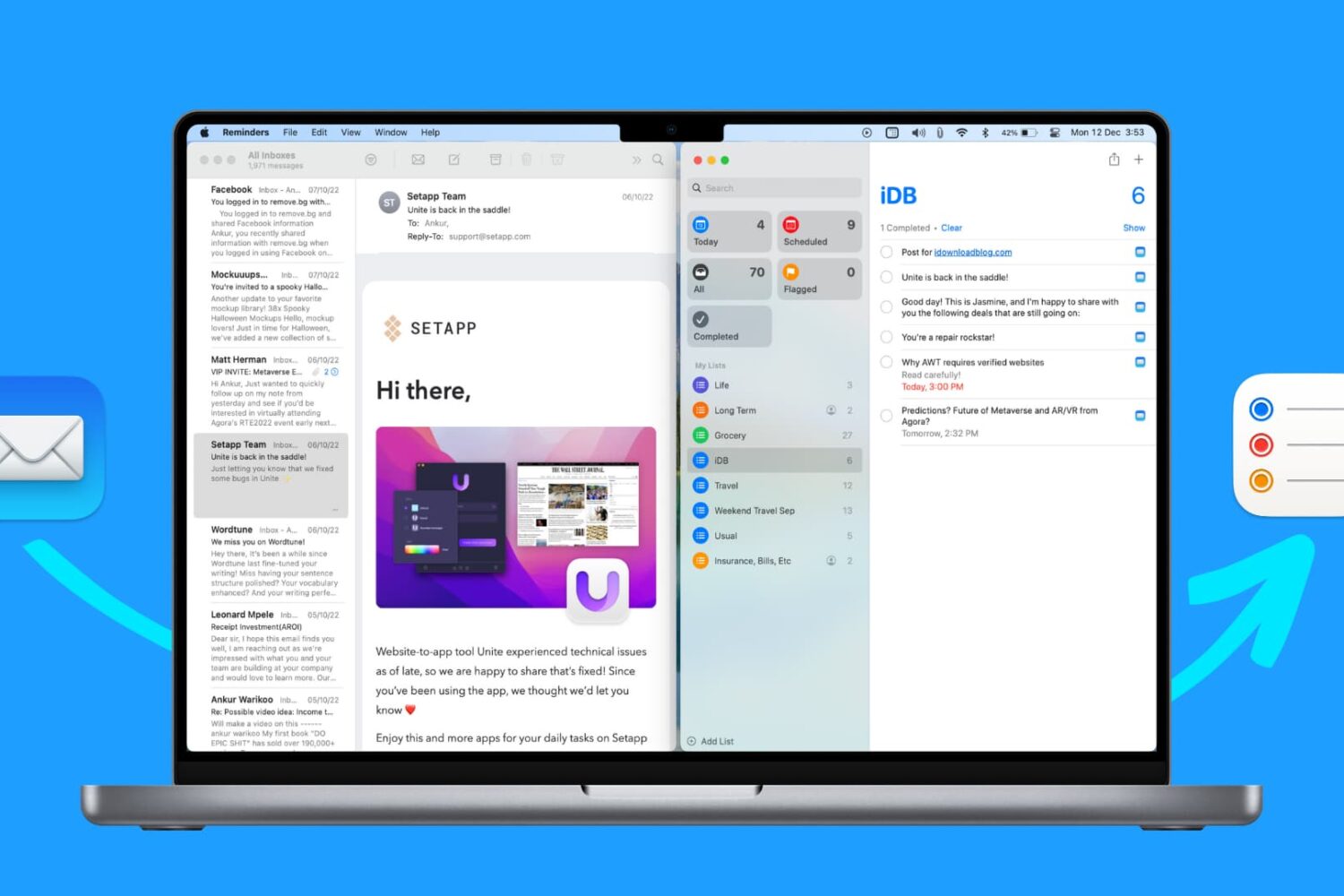
Find out how to use the Reminders app on Mac to remind yourself about specific emails you receive in the Mail app.
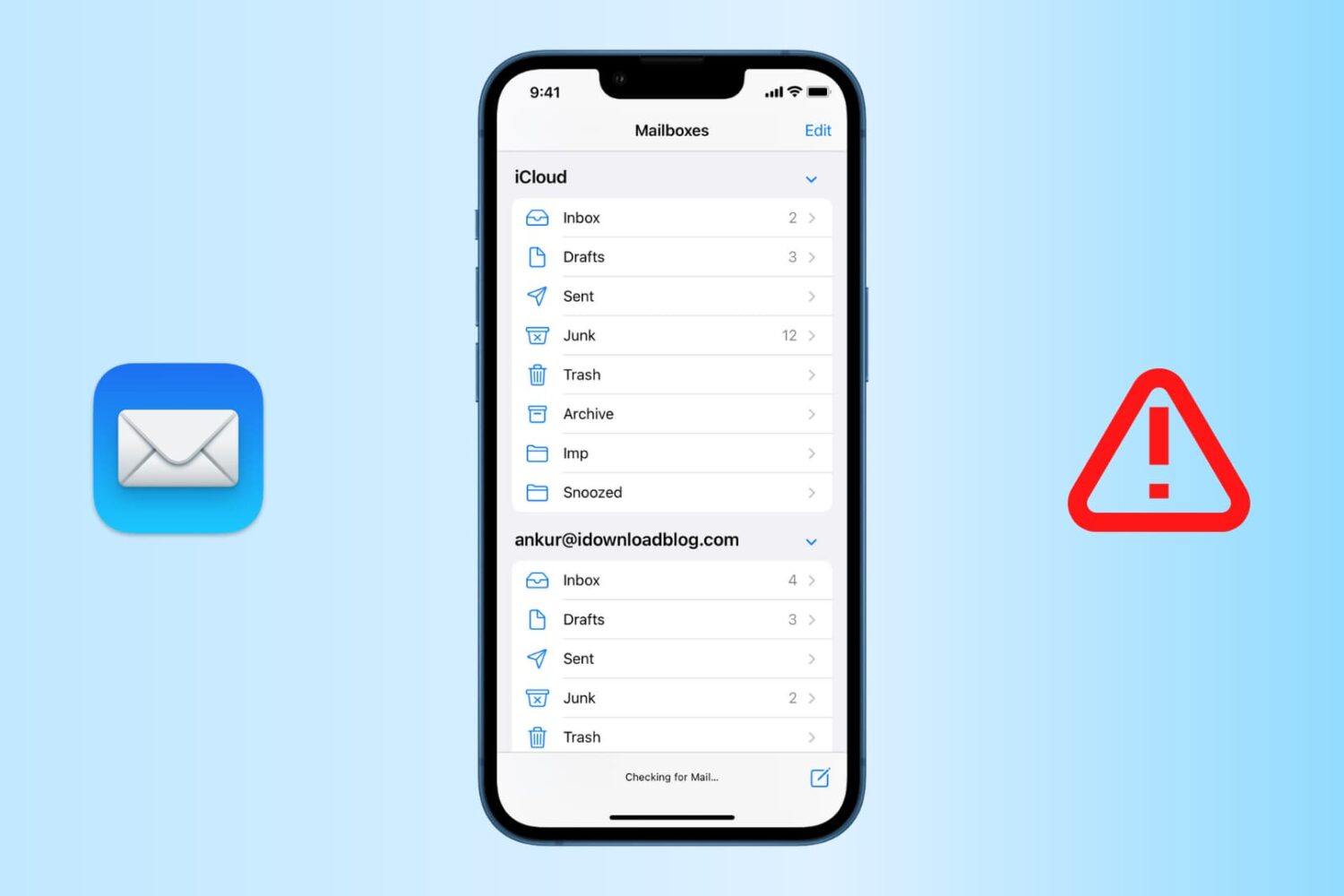
Find out how to fix the “Cannot Get Mail” errors in the Apple Mail app on iPhone or iPad so you can get your emails loading properly again.
After adding 3D Touch support for quickly viewing your calendar or composing a new event or email directly from the Home screen, Microsoft's mobile Outlook app for iPhone, iPod touch and iPad has gained the ability to protect your emails, contacts and calendars within the app with your fingerprint, using Touch ID on supported iPhones and iPads. In addition, the Outlook 2.2.2 update packs in a few other refinements and enhancements.
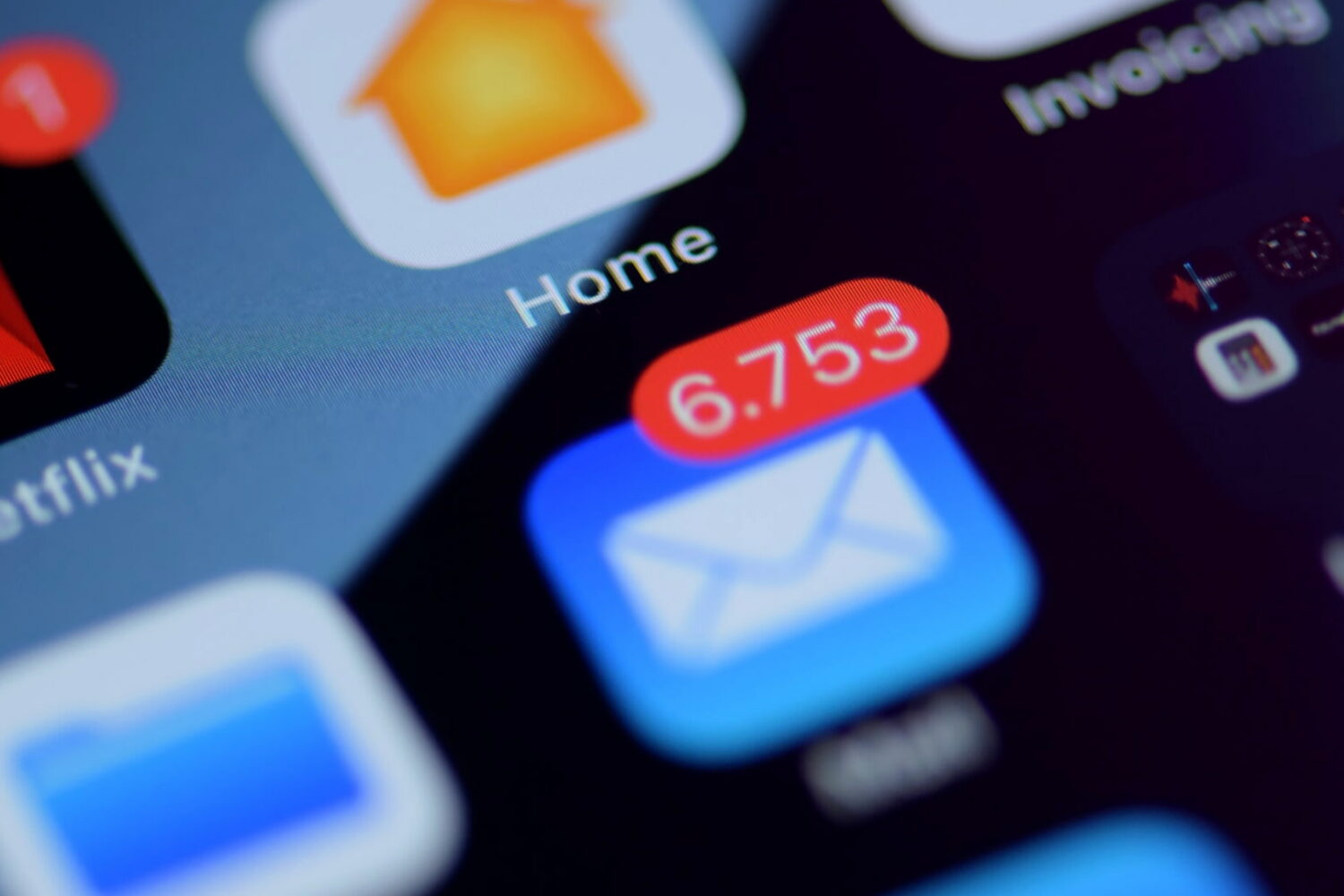
If you use the stock Mail application on your iPhone or iPad, you may have experienced a mysterious occurrence where the Mail app icon will display a red badge telling you there are unread emails when there actually aren't any. No matter what you do, it seems that you can't clear that inaccurate number of unread emails.
The Mail app is no stranger to weird bugs, so let me reassure you here, phantom unread emails aren't taking over your iPhone or iPad. In this post, I will share with you a few options to fix an incorrect unread count and hopefully put an end to it all.
Emails are a popular way to keep in touch with people, be it friends, family, or co-workers, but often companies that you deal business with will send you the occasional promotional email if you signed up for subscriptions.
Sometimes, you get an email that you think is legit, and it turns out it's just a fake email pretending to be something it's not and it tries to get you to click on stuff or give up your personal information. These emails are malicious and they're known as phishing emails.
In this piece, we'll go over some of the things you can look for to tell if the emails you're getting are legitimate, or if they're a con artist trying to scam you of your personal information.
iOS has been hit with another strange bug which causes users to receive ghost emails from 1969 and 1970 that cannot be deleted.
As some Reddit users have discovered, an error with the mail server not downloading the headers correctly appears to be causing some iPhone owners to receive undeletable 'null' emails dated back to December 31, 1969 or January 1, 1970.
It's unclear if this issue is related to the infamous 'January 1, 1970' bug which can brick some devices and that Apple has fixed in the forthcoming iOS 9.3 software update. We have reached out to Apple asking them to comment on the new issue and will report if we receive a reply.
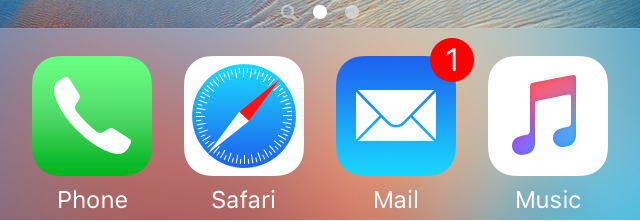
Normally, when you want to check to see if you have any new emails, you have to launch the Mail app and pull down to refresh the email inbox of your choice.
If you're already in the middle of something, stopping what you're doing to check to see if you have any emails is obtrusive. It would be so much better if you could just refresh your email from anywhere without leaving what you are currently doing in another app.
That's exactly what a new free jailbreak tweak called Postman is going to allow you to do, and it works with a key ingredient that most jailbreakers are already familiar with.

Learn how to add a convenient Unread folder to the Apple Mail app on your iPhone, iPad, and Mac to display all your unopened emails in one handy place.

Check out these must-know keyboard shortcuts for the Apple Mail app on Mac so you can streamline your workflow and speed things up.
When you have lots of Birthdays and holidays coming up and you want to wish all your friends and family the best, it can be hard to keep track of these dates on a day-to-day basis.
Fortunately, a useful utility app called Delayd is available for free in the iOS App Store that will allow you to schedule messages to your loved ones so you don't have to remember to send those special messages when the day finally comes.
In this piece, we'll talk about how Delayd works and show you how you can use it to schedule messages to people, but keep in mind the app can also be used for scheduling emails, Facebook posts, and Tweets in addition to SMS messages.
