Email

Popular Spark email client is now available on iPad

Spark, a powerful email client from Ukrainian developer Readdle, has received a much-needed refresh in the App Store today, finally bringing out a native user interface on the iPad, so now you can experience Spark's email magic on all your devices, including the 12.9-inch iPad Pro.

Spark 1.6 also includes other refinements and improvements, such as an even better wrist app with fully native watchOS 2 support, landscape mode across all iOS devices, nine new languages, the ability to keep your email accounts and settings synced across all devices via iCloud and more.

The update is being rolled this morning so don't panic if you don't see it yet in your local App Store as these things take time to propagate.
How to use Gmail without an @gmail address

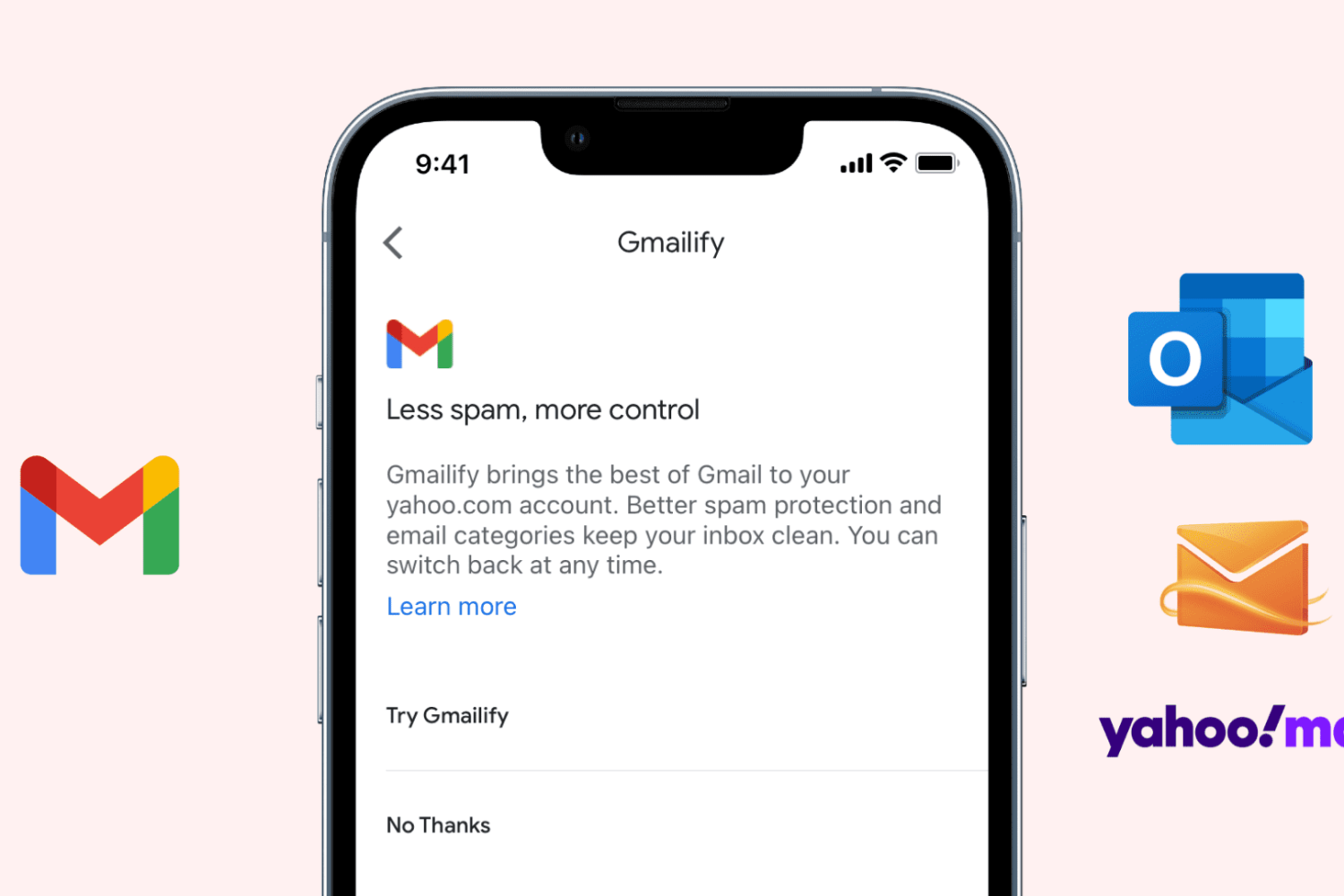
Set up Gmailify on iPhone

Gmail is the most popular email service, offering excellent features like spam protection, automatic email sorting (Social, Updates, Promotions), advanced search, and more. Contrary to popular belief, you can use these features on your existing non-Gmail email service, thanks to a feature called Gmailify.

This tutorial shows you how to link your non-Gmail account with Gmail via Gmailify on iPhone and iPad.

Gmail gains lock and question mark icons to indicate if emails are encrypted and authenticated

In honor of the Safer Internet Day, Google on Tuesday announced in a blog post that it has added a lock icon in Gmail's web interface to denote whether or not your emails are encrypted. Additionally, a question mark icon on a sender's avatar indicates messages that are not authenticated.

Gmail has supported encrypted connections between a user's machine and its servers for some time now, but this doesn't provide the full protection if a sender's email client or email service does not support encryption in transit using TLS.

The new lock icon makes it easier to see if a message you received from someone is encrypted or not, and whether or not it can be authenticated.

How to annotate email attachments in iOS with Markup

One of the major features that shipped with iOS 9 was Markup, better known for the ability to draw on and annotate attachments of various file types that you receive in the Mail app and then send them back to the original sender, or someone else for that matter.

Despite how useful this feature is, few people actually use it, either because they don't know it exists or they don't know how to access it. In this tutorial, we'll take you through how to access it and cover some of the features it provides.

Mac email client Airmail hits iPhone with snooze, 3D Touch, interactive notifications and more

Airmail, the popular desktop email client for the Mac, is now available for the iPhone and iPod touch. Lightweight and fast, Airmail by Italy-based developer Bloop packs in a number of advanced features such as support for 3D Touch shortcuts on the iPhone 6s and iPhone 6s Plus, interactive notifications, snooze features, customizable actions and appearance, iCloud sync and much more.

The app is available in the App Store for $4.99.

Be more productive in Mail with these 3D Touch shortcuts

Apple's Mail is a great place to start trying out iOS's time-saving 3D Touch interactions on your iPhone. With 3D Touch, not only can you create a new email and jump to your inboxes right from the Home screen but manage your emails more efficiently with in-app Peek and Pop gestures.

In this tutorial, you will learn about all the ways Mail takes advantage of 3D Touch to make you more productive by letting you preview emails, contacts, web links, as well as embedded dates and times, airline codes, package tracking numbers and more.

Aura for Mac brings Quick Replies to your Gmail conversations

Unlike most desktop notifiers that merely send you to Gmail's mobile interface on the web, the most recent update to a cool Mac app called Aura actually implements Quick Reply functionality so you can reply to messages, or add a new message to any thread—right from its notification banner.

This nifty little app can save you time when you need to fire off a one-line response. It supports Gmail and Google Apps accounts, it's fully native and optimized for OS X Yosemite and El Capitan.

Outlook for iOS gains Skype integration, Mac app updated with Split View and full-screen support

Microsoft Outlook is an excellent email client, not just for mobile devices but on desktop platforms, too. And now, it's about to get a lot better. According to Microsoft, Outlook for Mac now now officially supports Full Screen view for OS X Yosemite and up and OS X's native full-screen view.

On the mobile front, Outlook for iOS has received a nice little update which brings Skype integration for calendar events so users can now make any meeting a Skype call that can be launched from the calendar event in Outlook.

Spark for iPhone gains custom swipes in notifications, pinch-zooming and more

Readdle's Spark for iPhone is an awesome email client and I can't wait to use it on my iPad (coming soon) and the Mac (it's in the works). Today's update makes it even better.

In Spark 1.5 for iPhone and iPod touch, you can now customize which swipes are available in notification actions for new messages. You can also designate an email signature to be your default on a per-account basis, zoom in on HTML emails and more.

CloudMagic email client comes to the Mac

On Wednesday, CloudMagic released an OS X version of their minimal email client, which is also available on iOS, Android, watchOS, and Android Wear. Like its mobile counterparts, CloudMagic for Mac supports email accounts from Google, Exchange, Yahoo, Outlook, iCloud, and any IMAP-hosted account, making it a well-rounded client for managing several accounts in one place.