Learn how to merge multiple iCloud calendars like Home and Family into one on your Mac for faster scheduling and increased productivity.
How to merge multiple iCloud calendars into one
Learn how to merge multiple iCloud calendars like Home and Family into one on your Mac for faster scheduling and increased productivity.

Learn the meanings of the various Calendar symbols on Mac, helping you navigate and utilize your calendar more effectively.

In this tutorial, we will show you how to add a location to your Calendar events on iPhone, iPad, and Mac so you can be alerted when it’s time to leave for the meeting and get directions to get to it.
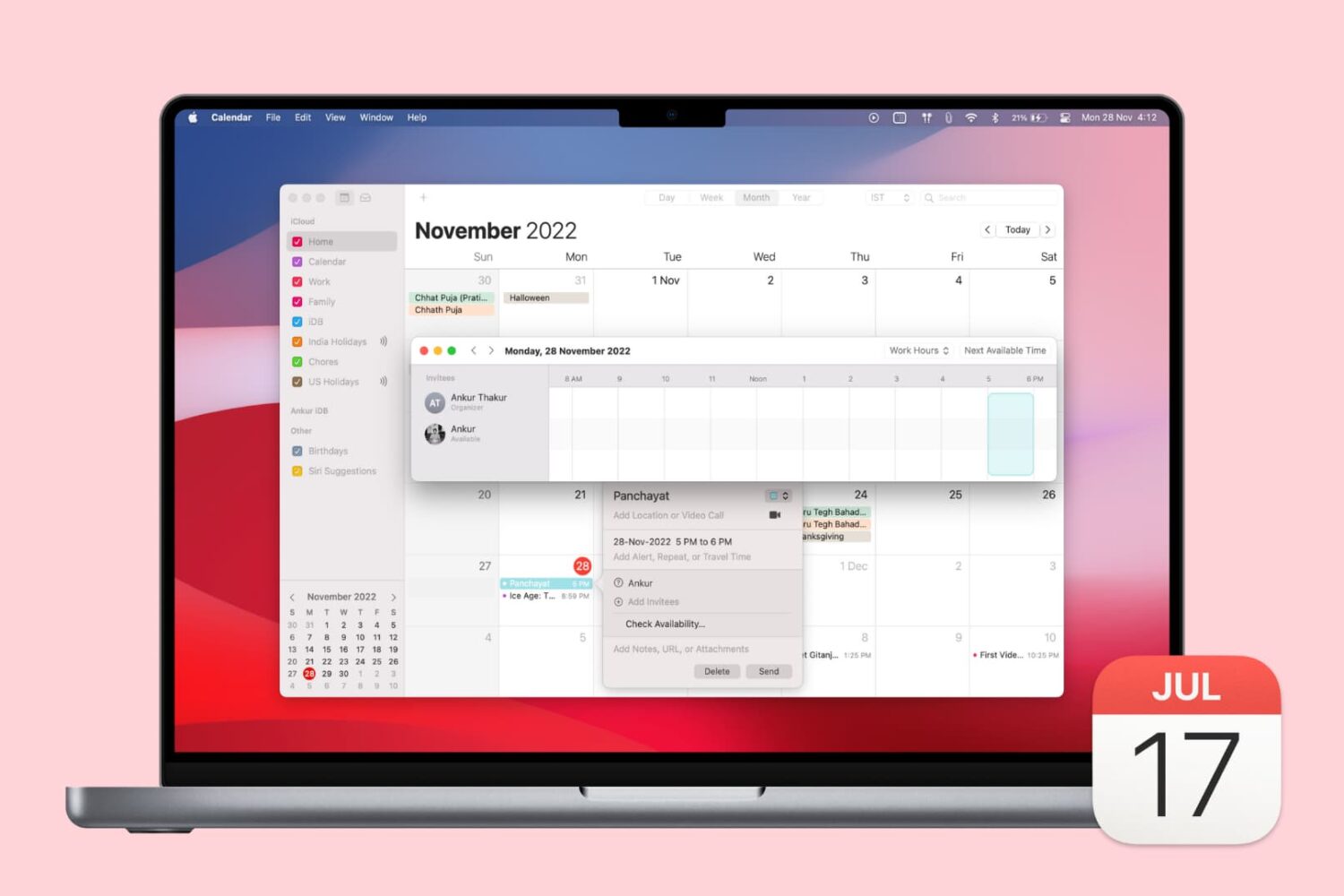
If you use the Calendar app on Mac and have various accounts set up in it, like Google or Exchange, then you have access to a cool availability feature. This lets you check the open times for those you invite to your events.
In addition to that convenience, you can decide if you want those accounts of your own to affect your availability.
If you haven’t checked out the availability options in Calendar on Mac, we’ll show you how.
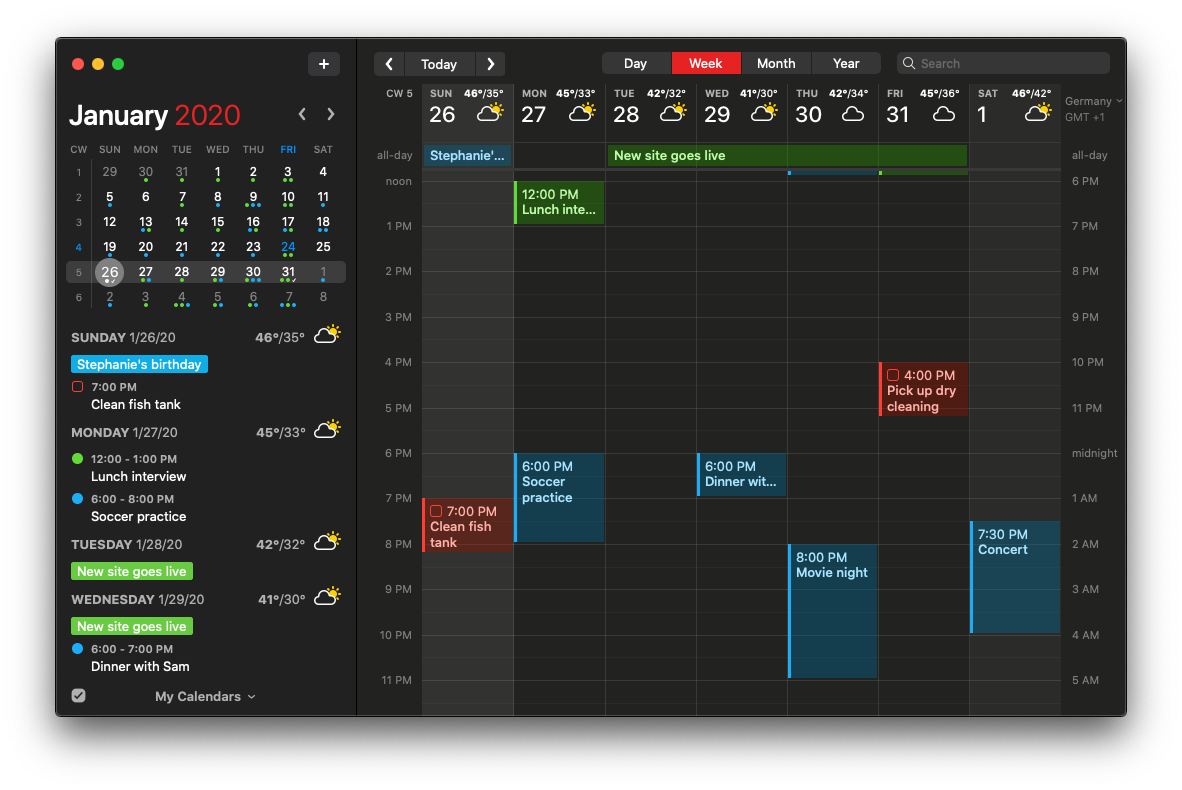
Flexibits created their award-winning Fantastical calendar/to-do app ten years ago. Now they've bumped it to version 3.0 with a plethora of new features available across platforms.

Developer Flexibits is teasing the upcoming new Fantastical app on its website.
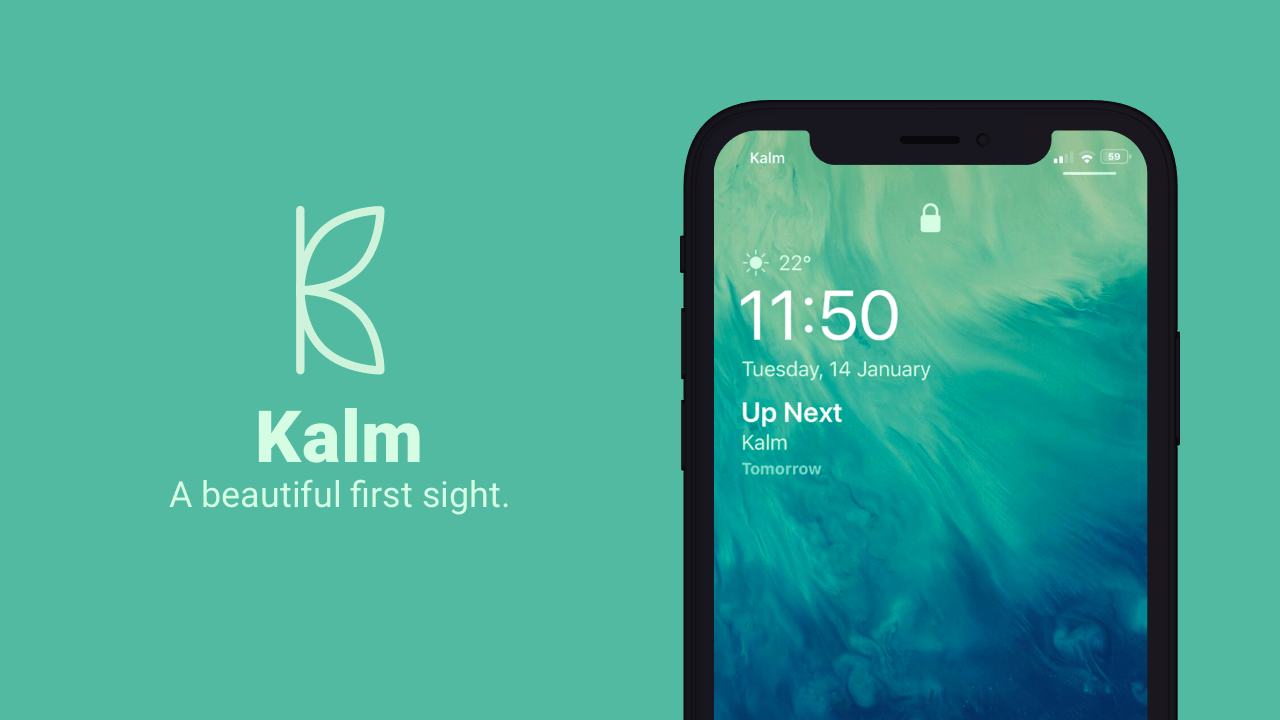
The iOS Lock screen has received a plethora of subtle design changes over the years, but they haven’t been quite as audacious as some users would like to see, and personally, I’d like to see more of my most pertinent information directly on my Lock screen every morning without having to swipe anywhere.
If you’re onboard with this train of thought, then I think you’ll enjoy a newly released jailbreak tweak called Kalm by iOS developer ubik. Kalm brings a beautiful new information-oriented display to your iOS device’s Lock screen, permitting you to see more of what’s going on at a glance with substantially less interaction on your part.
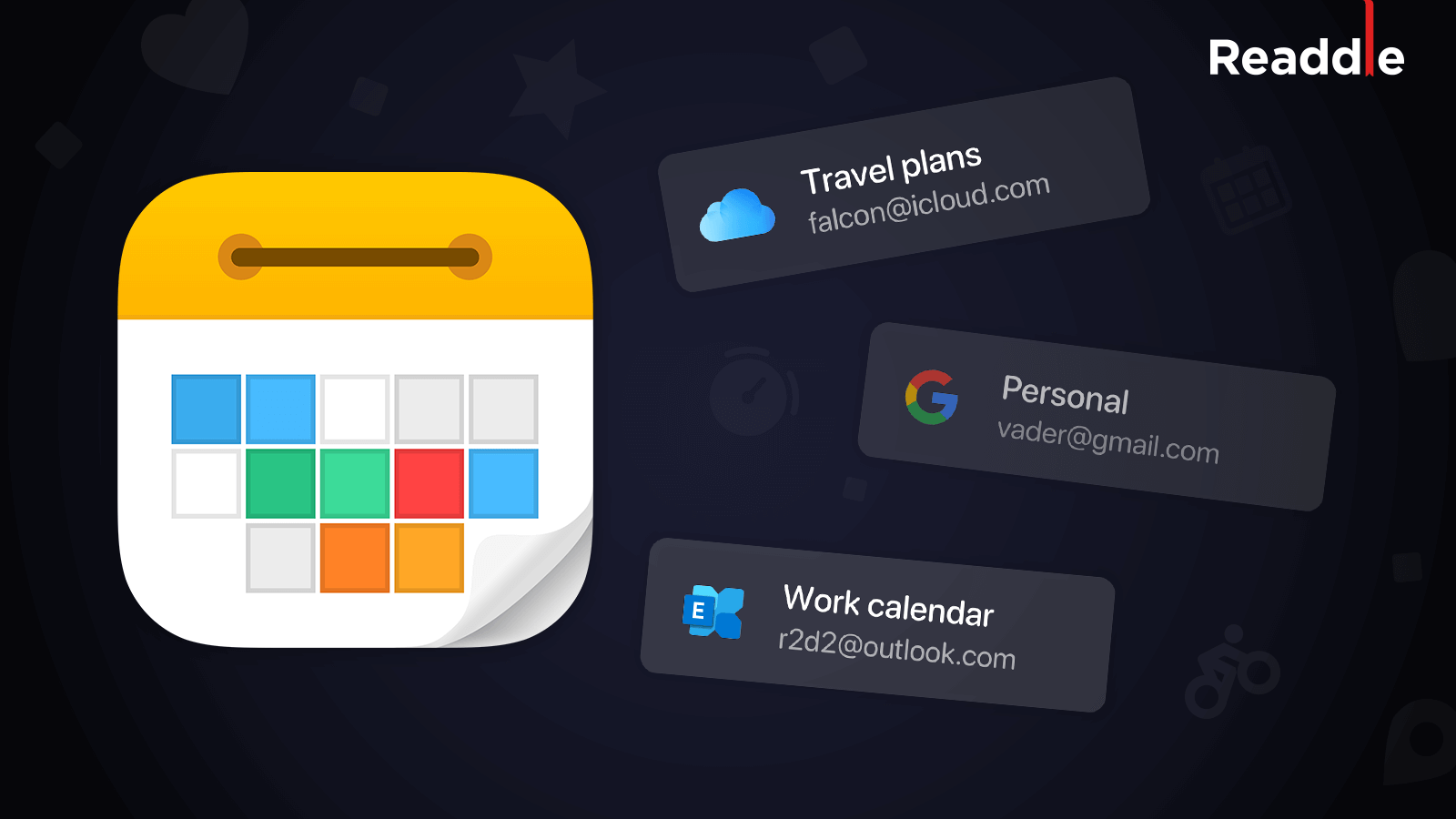
Ukrainian developer Readdle has released an update to its Calendars productivity software bringing improvements including native Exchange integration and multiple account support.

Readdle, the Ukraine-based makers of some of the finest productivity software for the Mac, iPhone and iPad, announced today that their popular apps for iOS and macOS, such as PDF Expert and Scanner Pro, are available half price as part of their time-limited Black Friday sale.
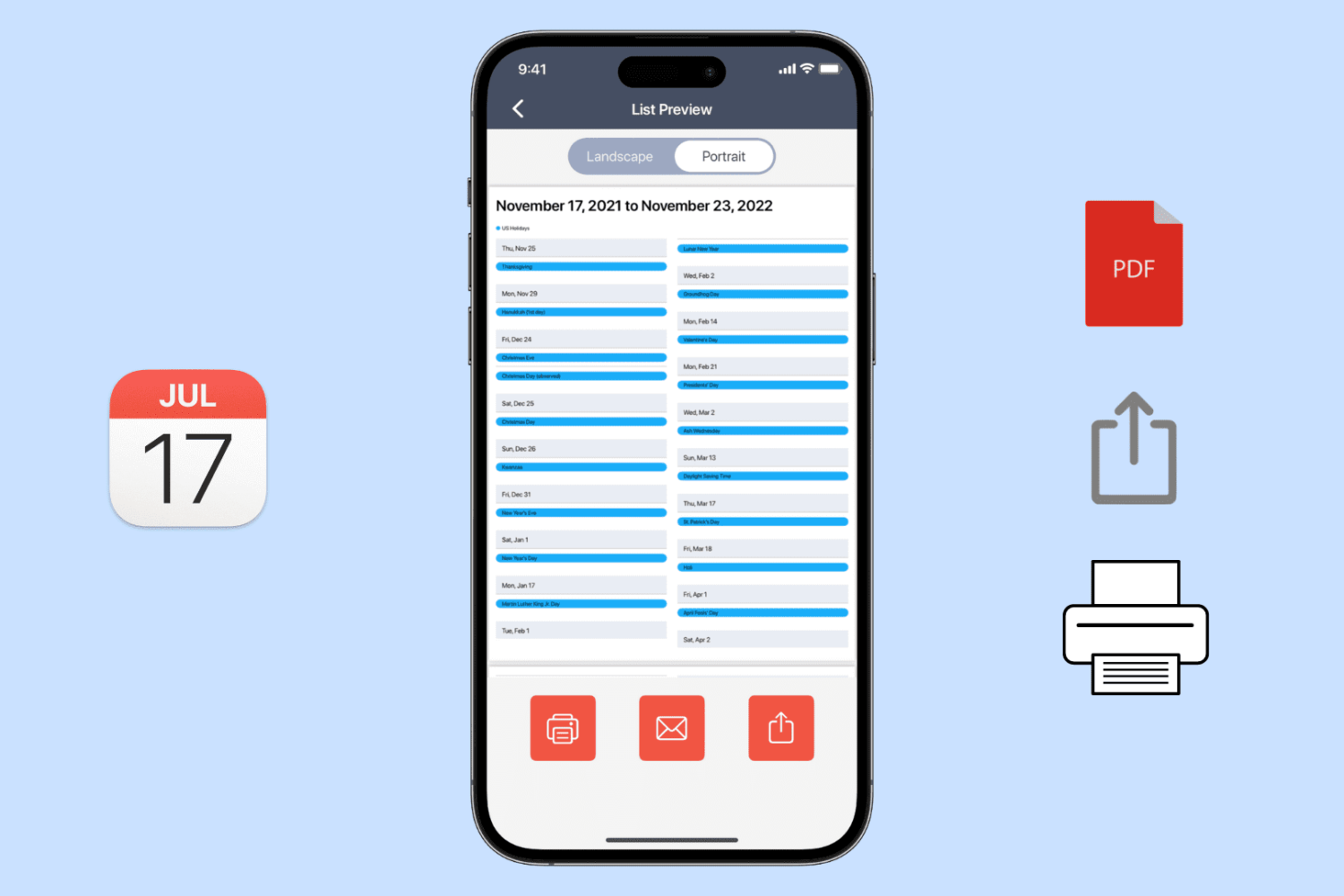
Learn how to export, save, and share your calendar events as a PDF on your iPhone, iPad, or Mac, or print them to get a physical copy.
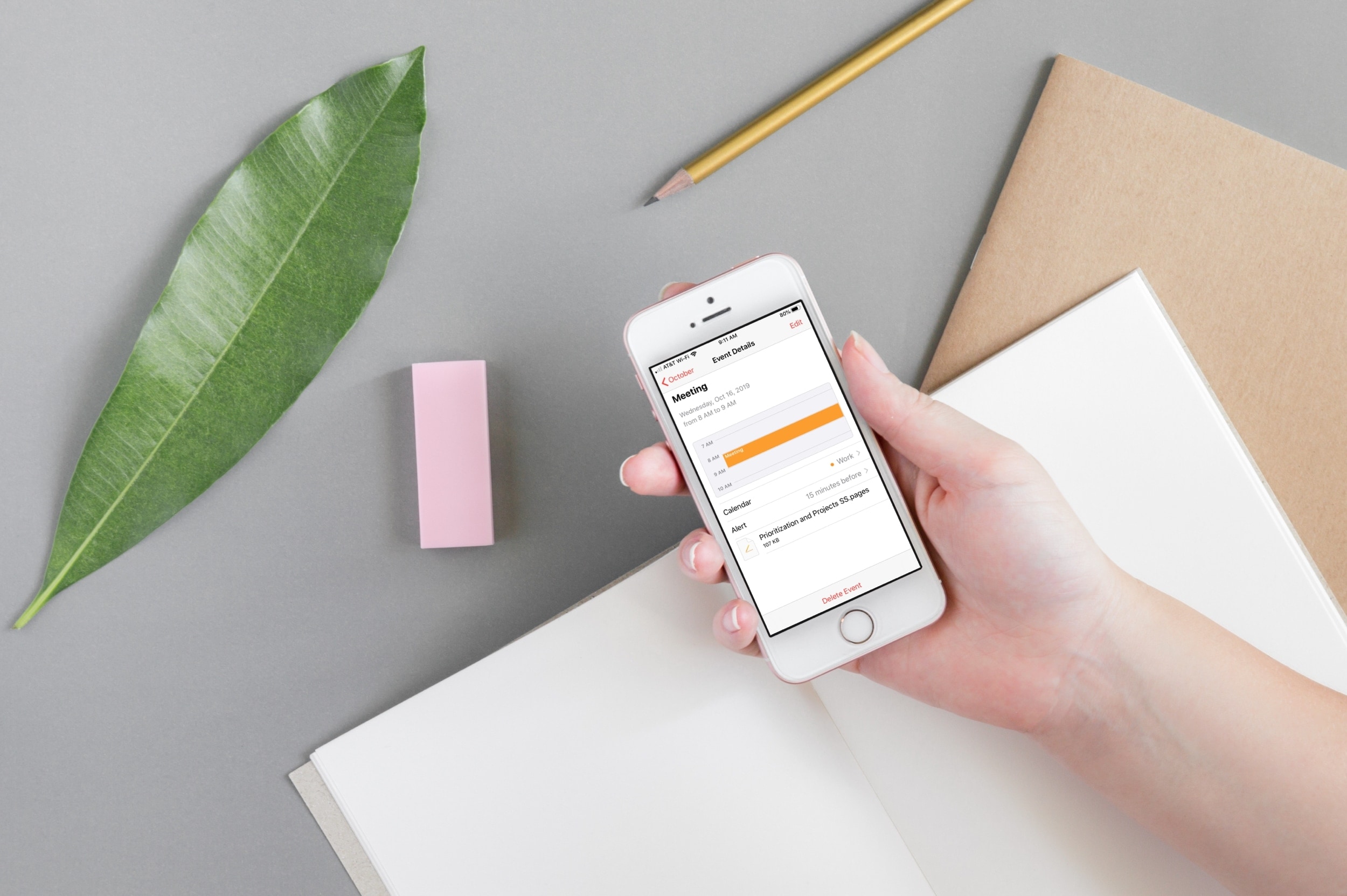
Attach important documents or files to your calendar events on iPhone and iPad to open them right before a meeting, streamlining your schedule and improving productivity.

Learn how to use the built-in calendar feature in the Outlook app on your iPhone or iPad to quickly check your schedule and share your availability over email.