When browsing doesn’t cut it, you can use the search in Apple Books to find a new book or audiobook or one that’s in your library, and this tutorial shows you how to do that.
How to search in the Apple Books app on iPhone and iPad
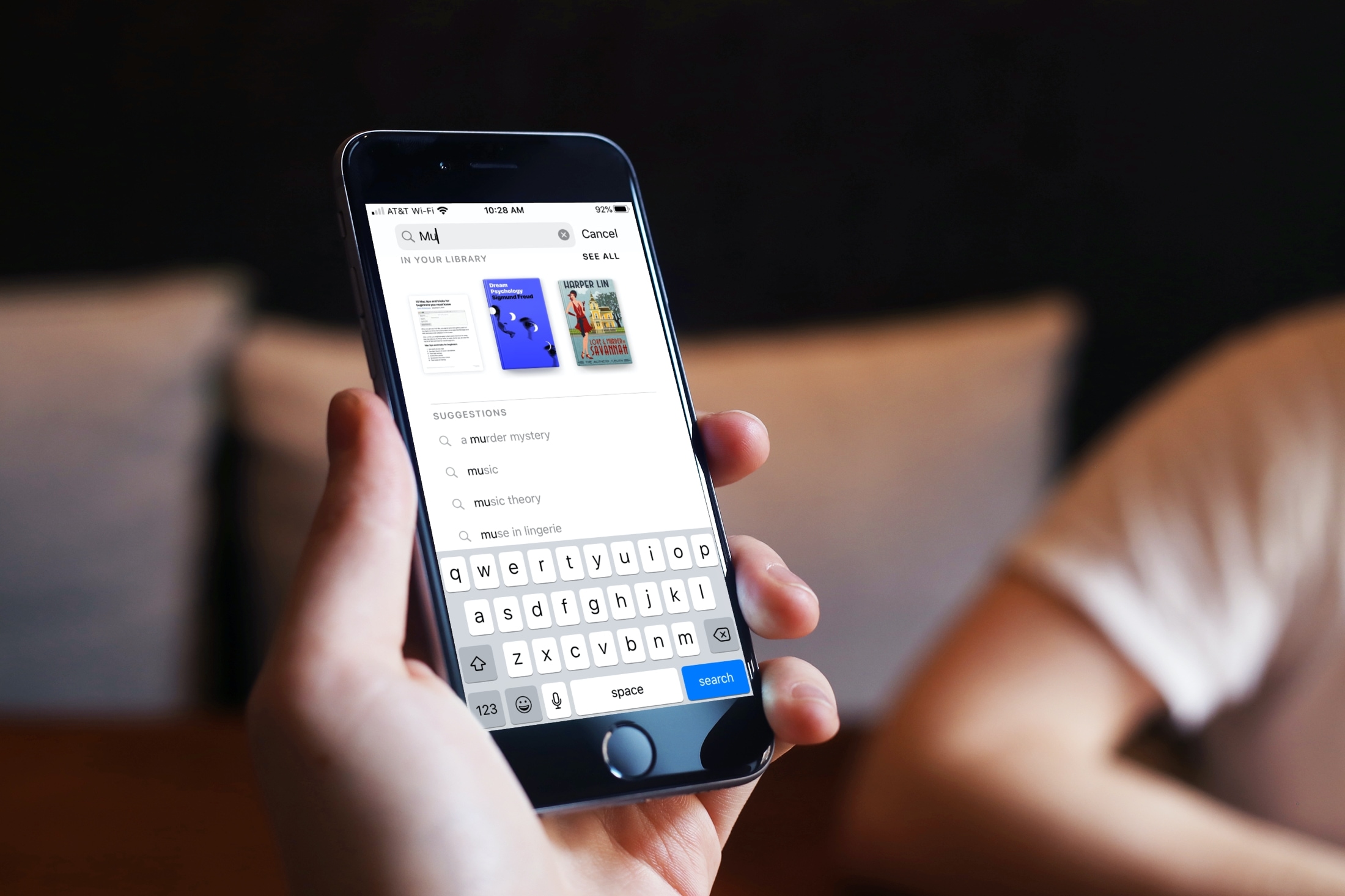
When browsing doesn’t cut it, you can use the search in Apple Books to find a new book or audiobook or one that’s in your library, and this tutorial shows you how to do that.
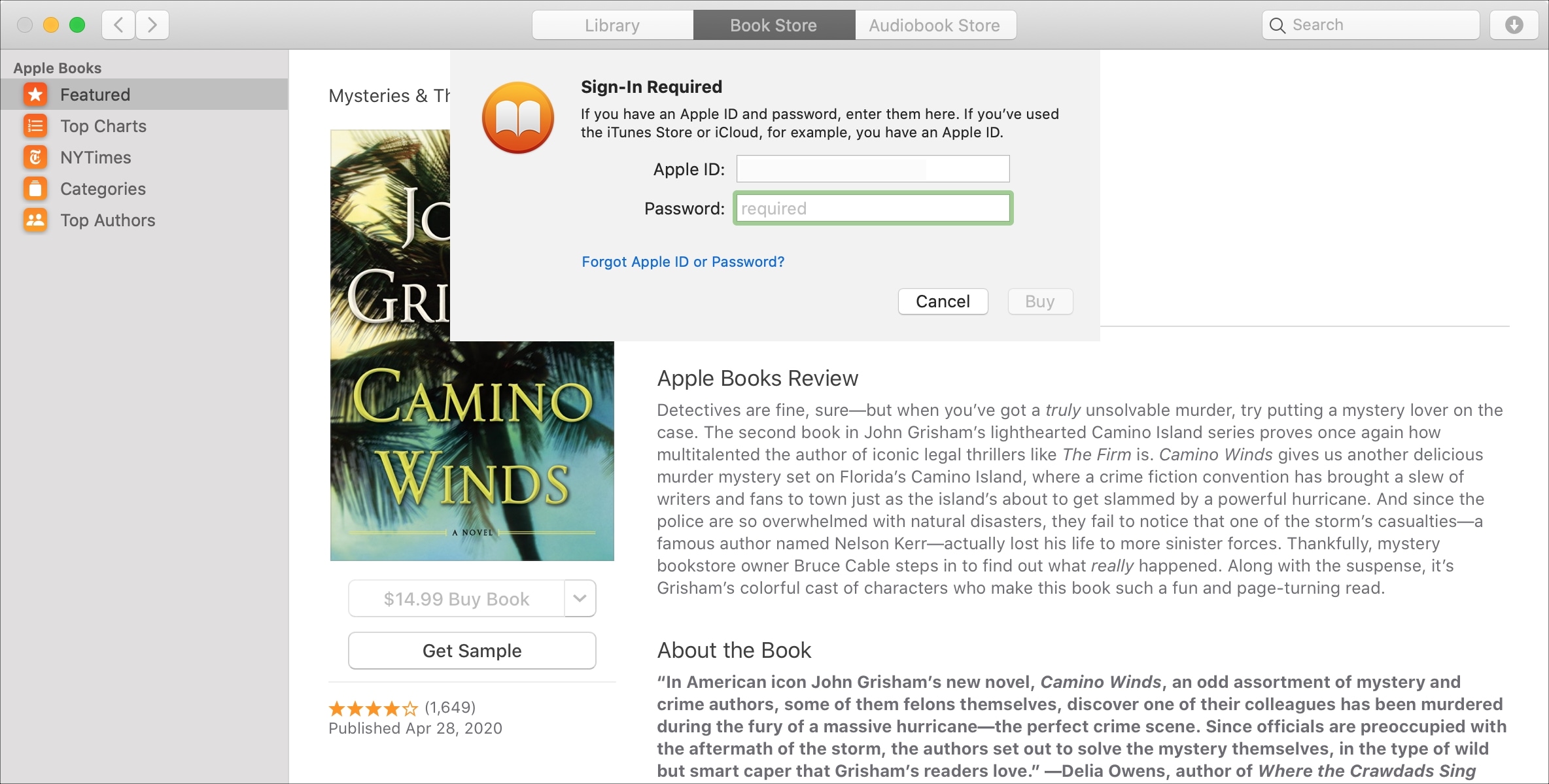
If you purchase books often in the Books app on your device, then it may get tiresome having to enter your password each time. This is especially true if you’re downloading several books in a short time that you’re saving to read later.
While entering your password for purchases is always the safest route, you can set your password to only be required after 15 minutes of the first purchase. That way, if you want to purchase a handful of books at one time, you don’t have to enter your password for each one.
In this tutorial, we’ll show you how to change your password settings for purchases in the Books app on Mac, iPhone, and iPad.
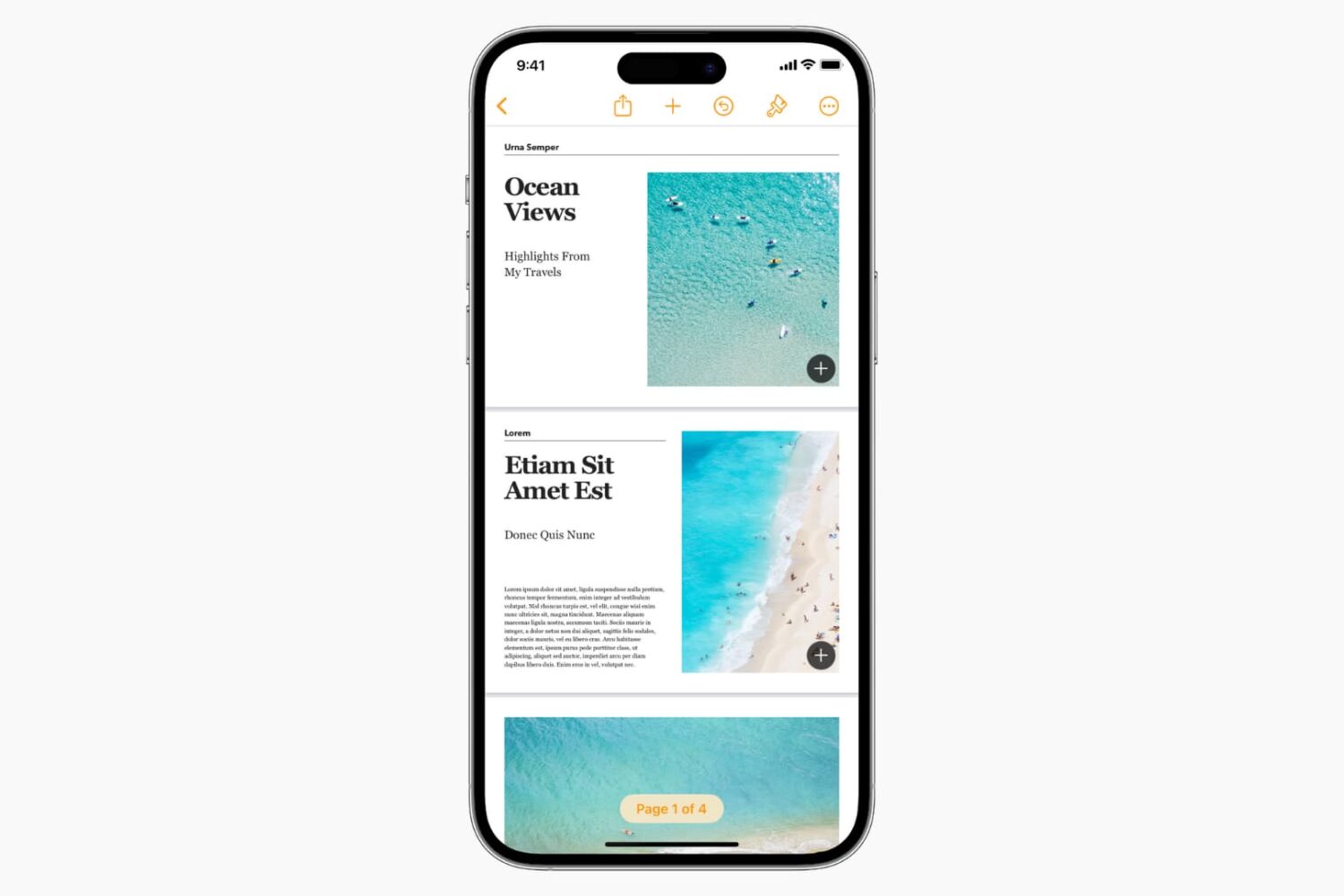
If you’re ready to pen your first novel, this tutorial shows you how to create a book in the Pages app directly from your Mac, iPad, and iPhone to make things easier.
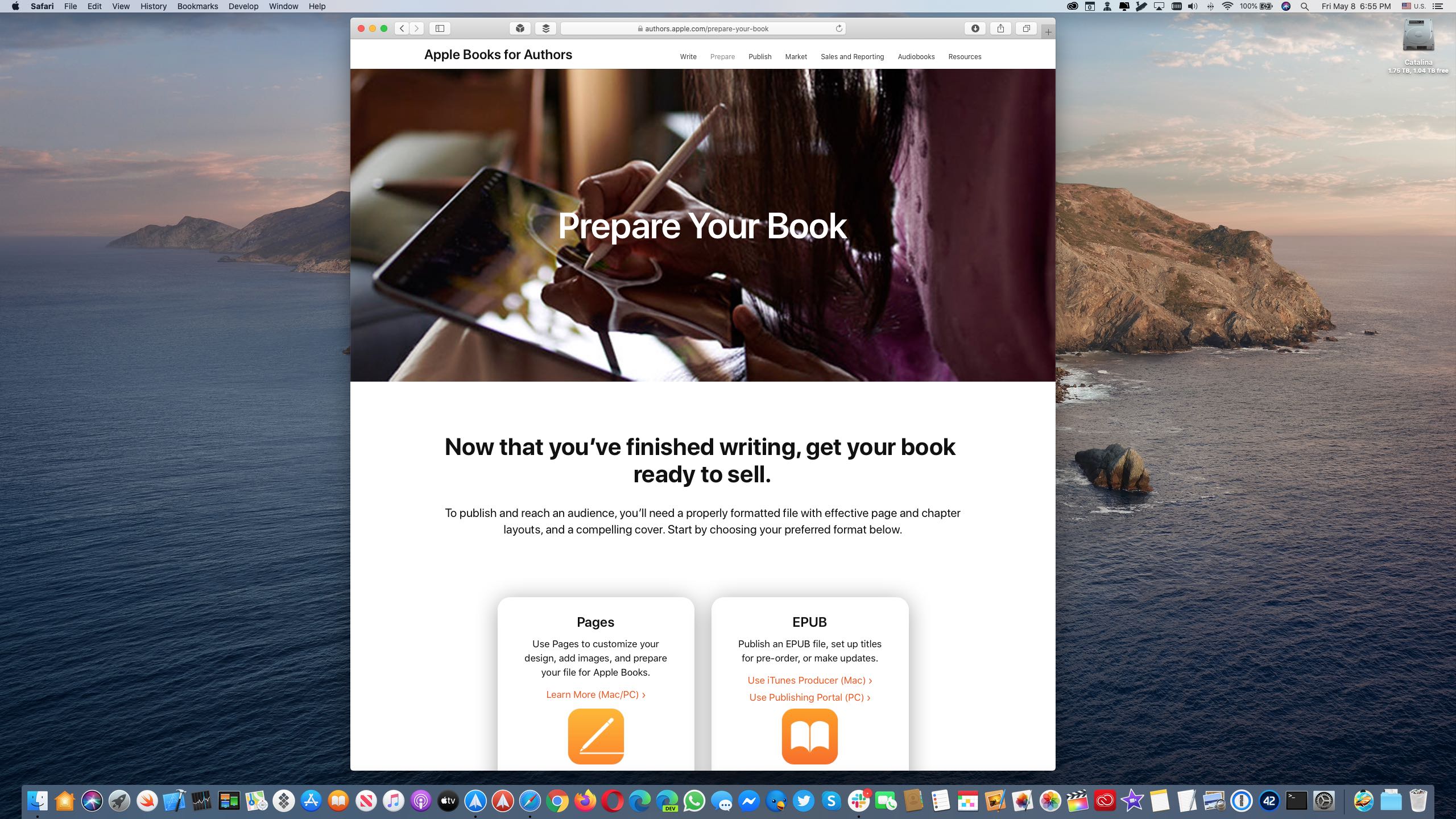
Apple has a new website at authors.apple.com that is packed to the gills with useful resources aimed at writers looking to publish their content on the Apple Books platform.
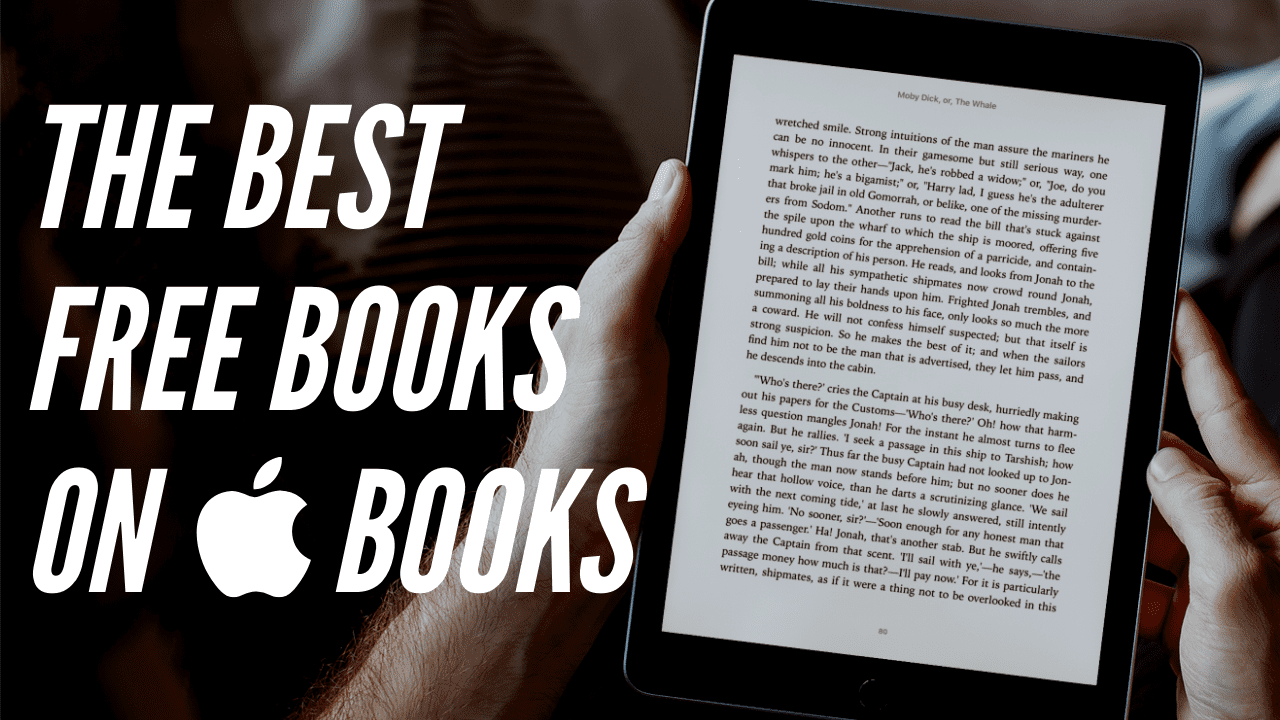
It’s not unusual to run out of things to do when you’re stuck at home. Between movies, games, and idle chit-chat, there comes a time when you need something new to keep you entertained. The Books app on both Mac and iOS offers up a terrific selection of books. And the nice thing is, many great ones are available for free!
To help you through this difficult time, we’ve assembled a list of the top free books you can read in the Books app, in a variety of categories, for both adults and kids. Download a few, even if you don’t read them right away, and immerse yourself in something other than boredom.
If you enjoy reading with the Books app on your Mac, then keyboard shortcuts and gestures are great tools. They let you move around the app easier or continue reading your books without trying to take action with the menu bar. For a simpler way to use Books on Mac, check out this list of keyboard shortcuts.
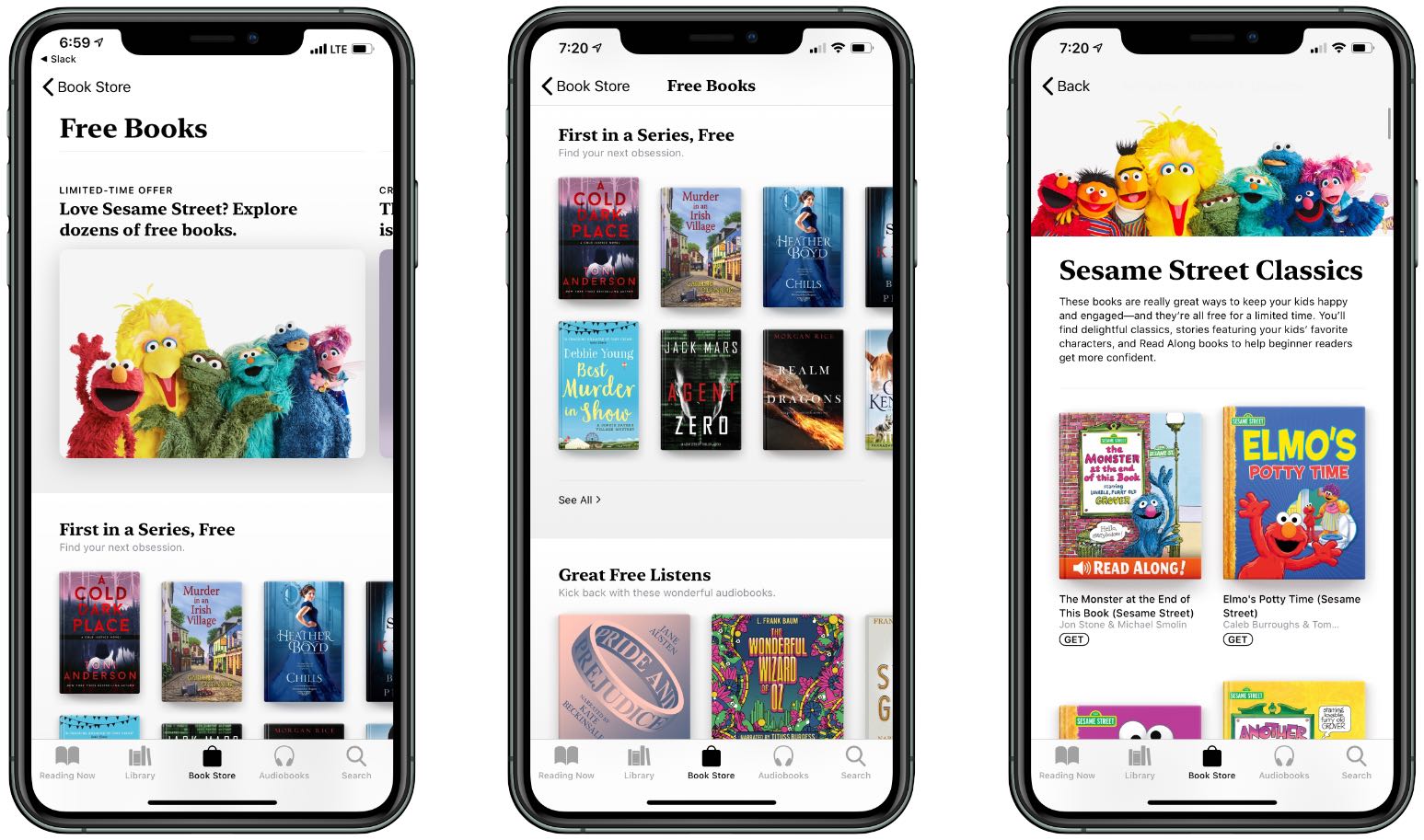
Apple is offering a timely stay-at-home collection of free read-alongs for kids, cozy mysteries and audiobooks for the whole family on its Apple Books service.

In this week's episode of "Oprah's Book Club" on Apple TV+, Winfrey gets to take on the "American Dirt" controversy and is joined by the book's author, Jeanine Cummins.

Is your Apple Books library getting out of control? Here are a few features and tools to manage your library in the Books app on iPhone, iPad, and Mac.
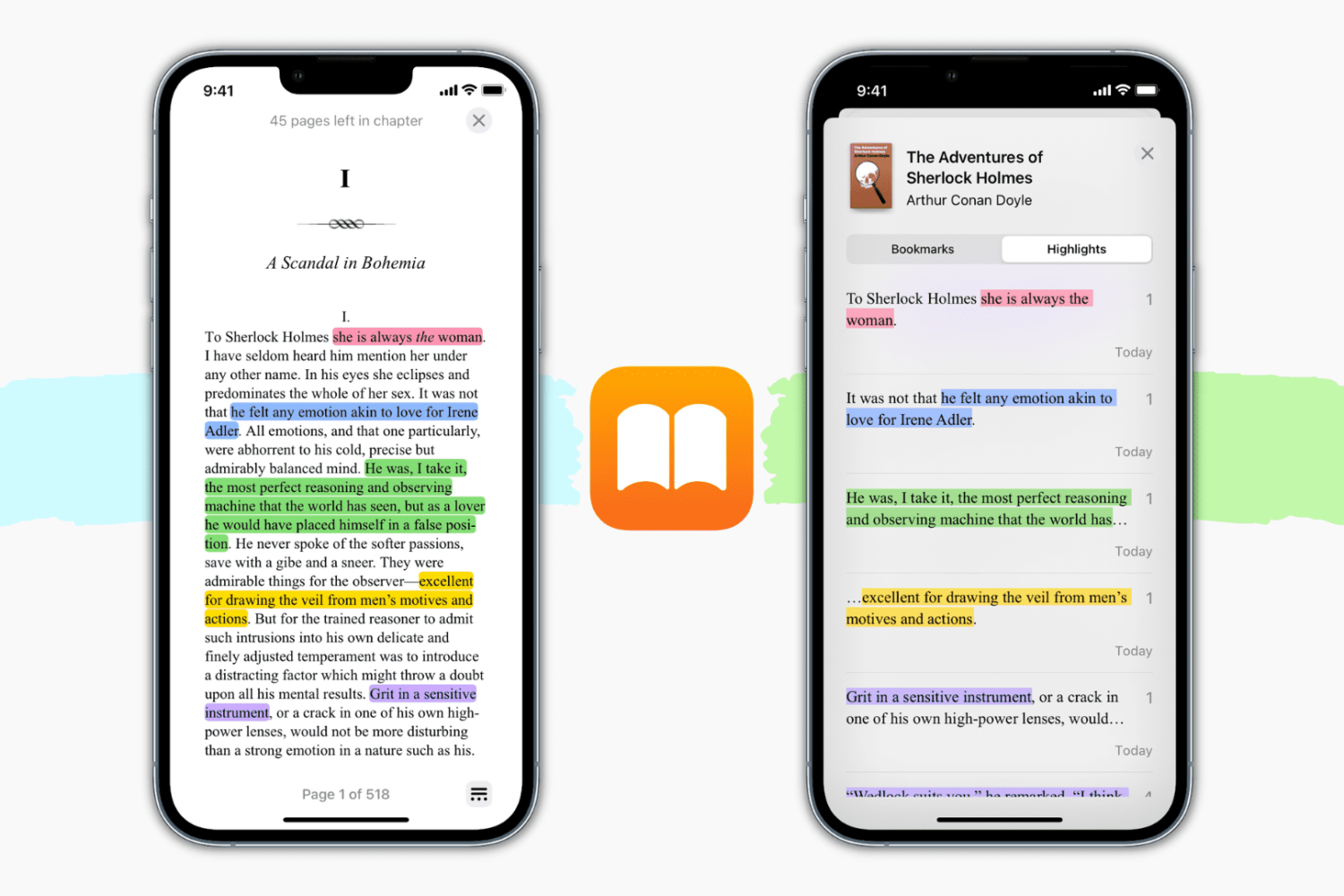
Learn how to highlight text in various colors and add notes for reference in the Apple Books app on your iPhone, iPad, and Mac.
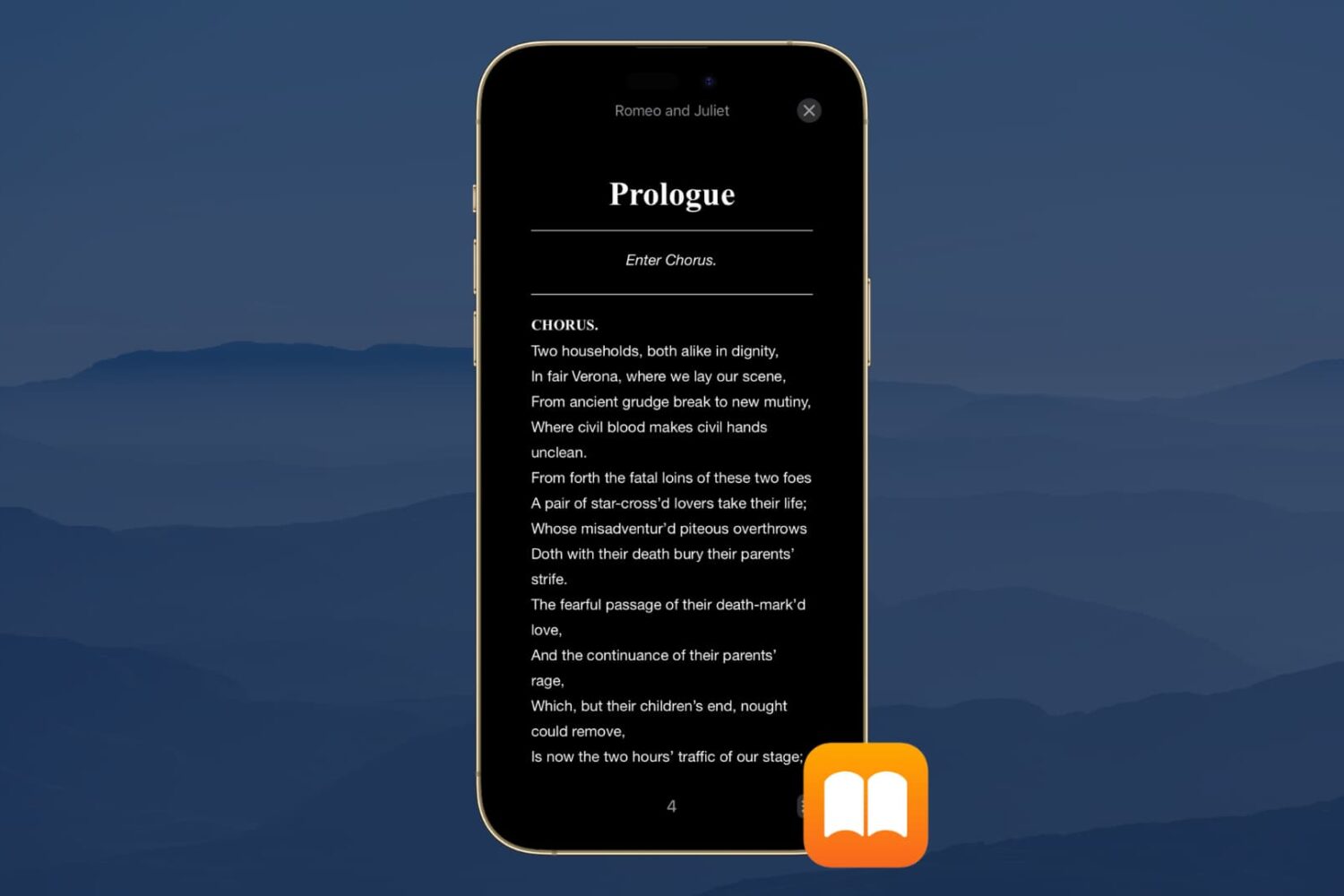
Dark Mode is a wonderful tool for easing eye strain at night on your devices. It replaces that bright screen with one that’s more soothing. So if you use the Books app to read at night, Dark Mode is ideal.
Along with the darkest mode, you can pick from a couple of other options. This is great if you simply enjoy reading with a dimmer background. Here’s how to turn on Dark Mode in the Books app on iPhone, iPad, and Mac.
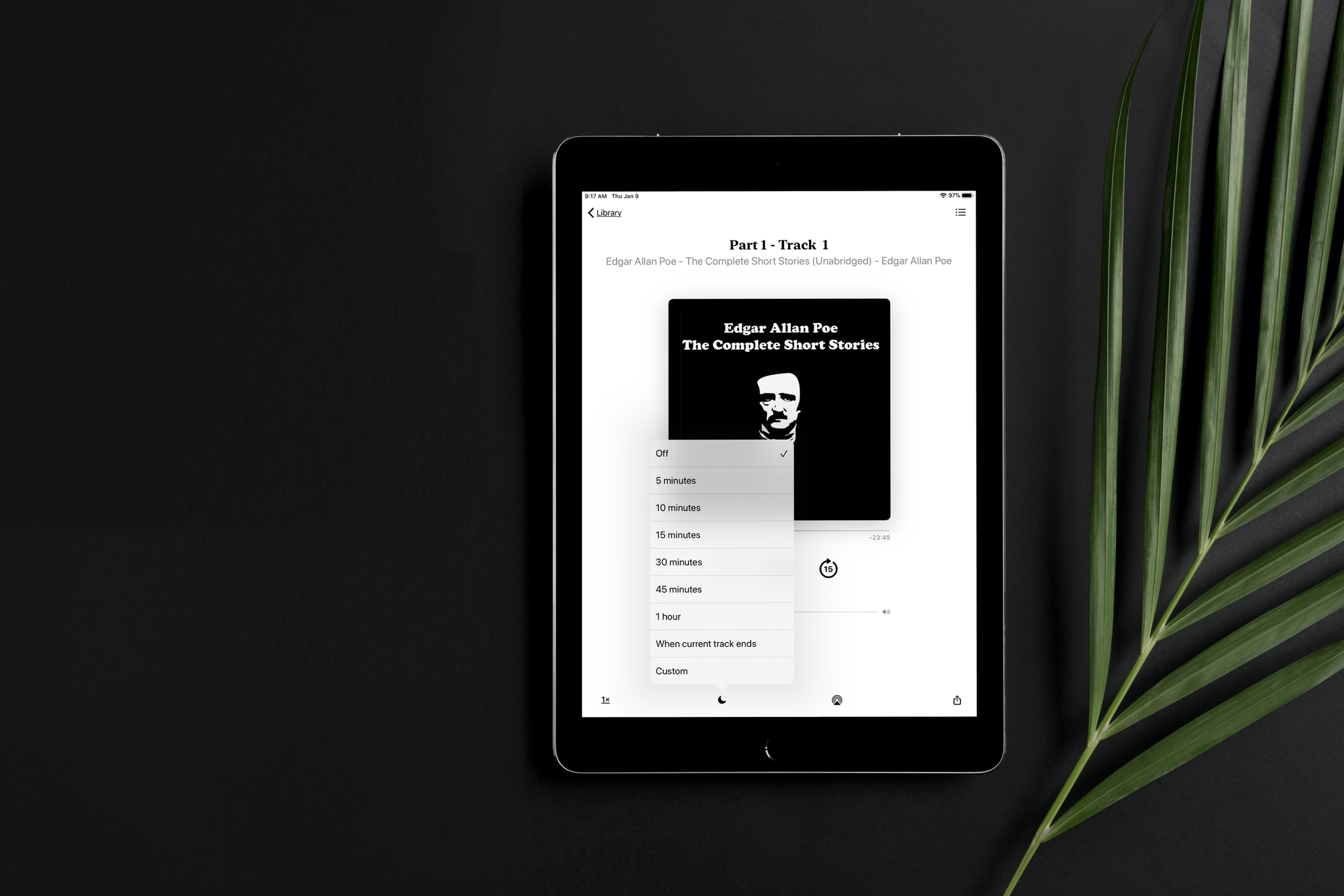
Learn how to set a sleep timer for your audiobook in the Apple Books app so the playback stops automatically after the set time without you having to worry about waking up in the middle of night to pause it manually.