Bluetooth

How to pair a Bluetooth controller with the Apple TV

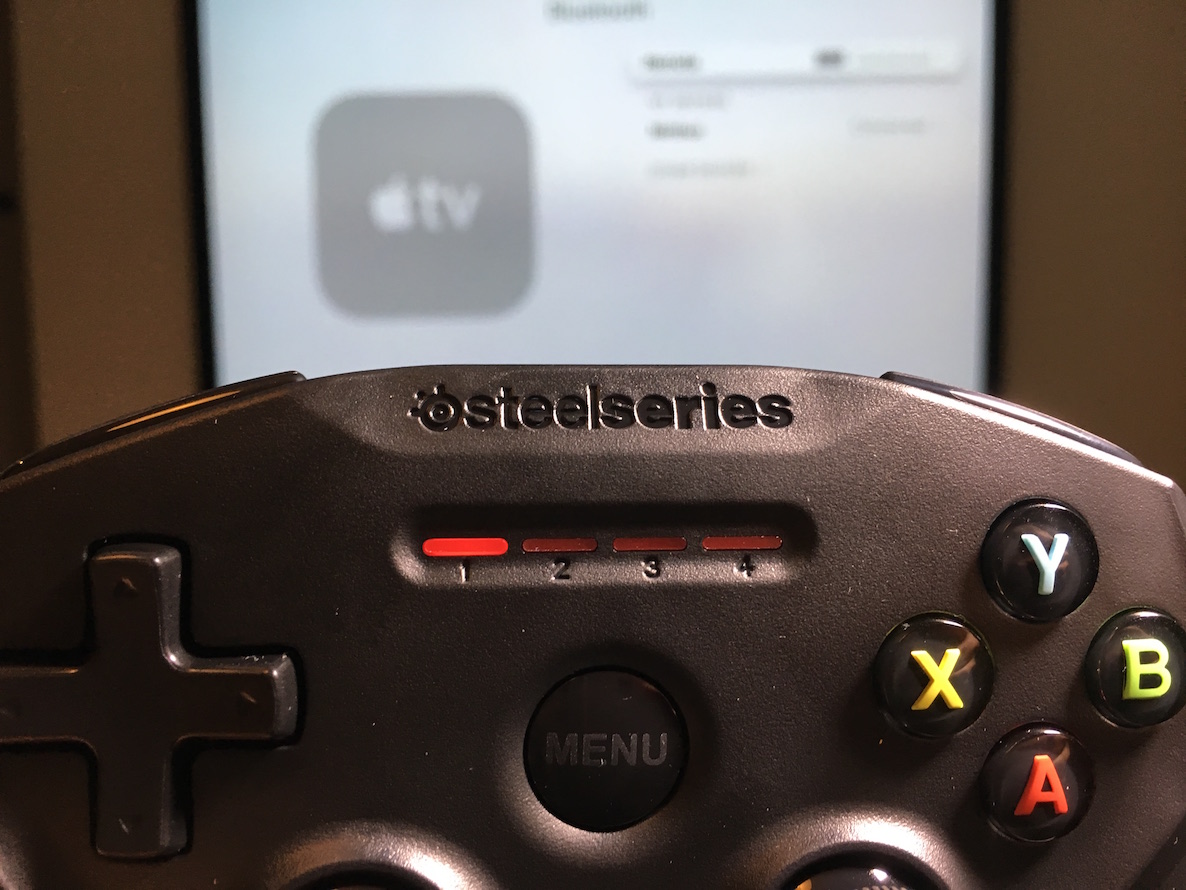
I finally got around to opening my SteelSeries Nimbus, and that gave me a good opportunity to check out the Apple TV pairing process for Bluetooth controllers. As you might imagine, the process is ridiculously easy and straightforward, especially if you have a device like the Nimbus, which was designed with the Apple TV in mind.

Magic Keyboard review: streamlined and rechargeable, but worth it?

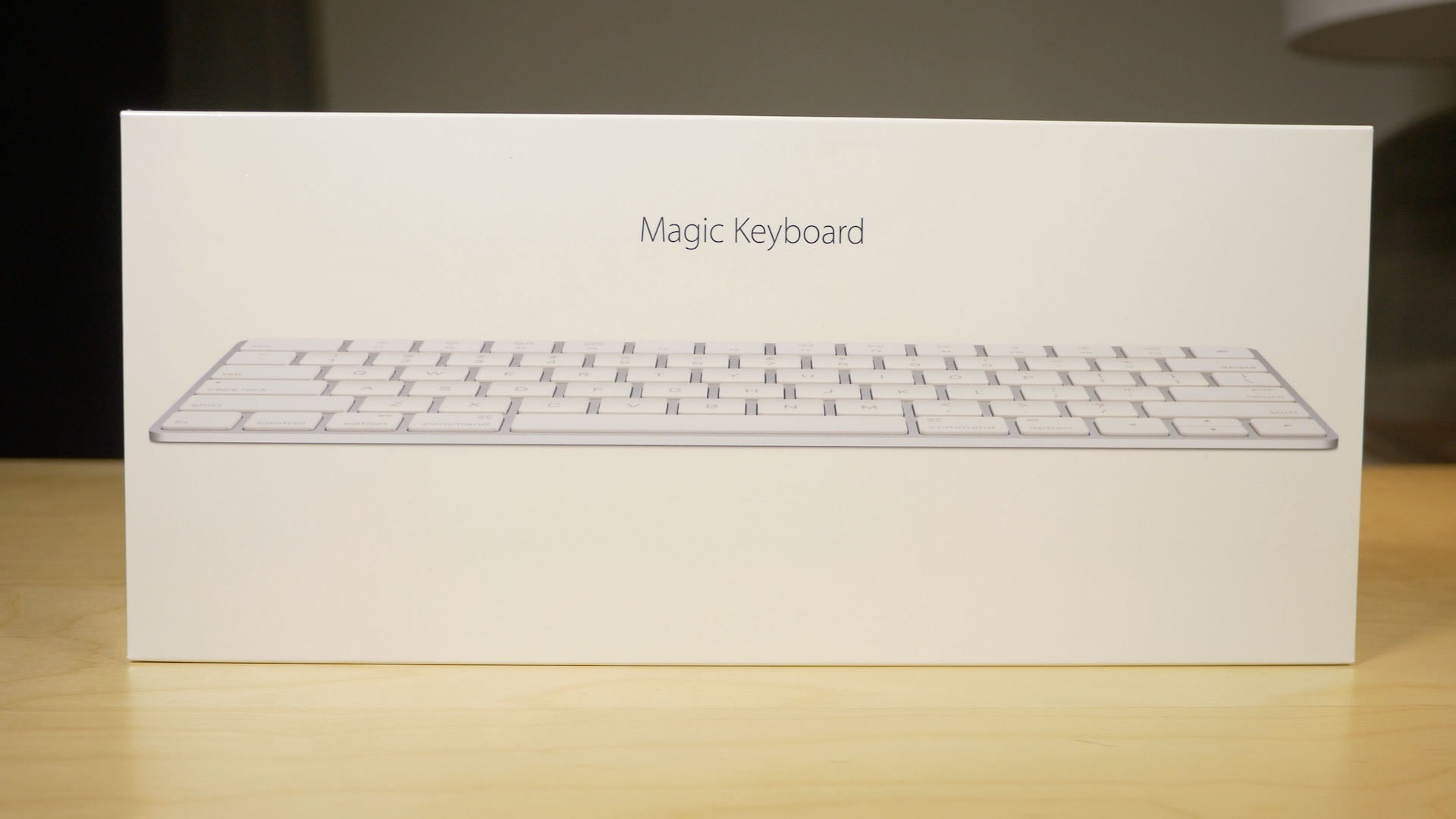
Along with my Magic Mouse 2, I decided to pick up a Magic Keyboard. The Magic Keyboard, for me, is probably the least compelling of the "Magic" devices that Apple just released. That's primarily because I'm a full time MacBook user, so I don't actually have a real hardline need for an external keyboard.

Yet, I'm nonetheless intrigued by the Magic Keyboard. I'm a sucker for the streamlined design, and the rechargeable batteries. Anytime you can get me away from having to replace or swap out batteries, you've pretty much won me over.

But does the Magic Keyboard do enough to truly justify the upgrade? Admittedly, it's a hard sell. Not only do you have to consider whether an upgrade is necessary, you then have to justify paying $30 more than the Wireless Keyboard that it replaces.

Is it worth it? Watch our video review and find out.

How to find your Mac’s Bluetooth version

With the recent release of Apple's new "Magic" devices—the Magic Trackpad 2, Magic Mouse 2, and the Magic Keyboard—some of you may be wondering if your Mac can support these new peripherals. Since all of the new Magic devices are wireless and work with the latest Bluetooth versions, it's important to know if your Mac will support them before making a purchase.

Apple doesn't exactly make it easy and straightforward to find what version of Bluetooth your Mac sports, but it can be done. In this post, we'll show you a simple method for quickly deriving your Mac's Bluetooth version in just a few steps.

Magic Mouse 2 review: rechargeable and sturdier, but is it worth the upgrade?

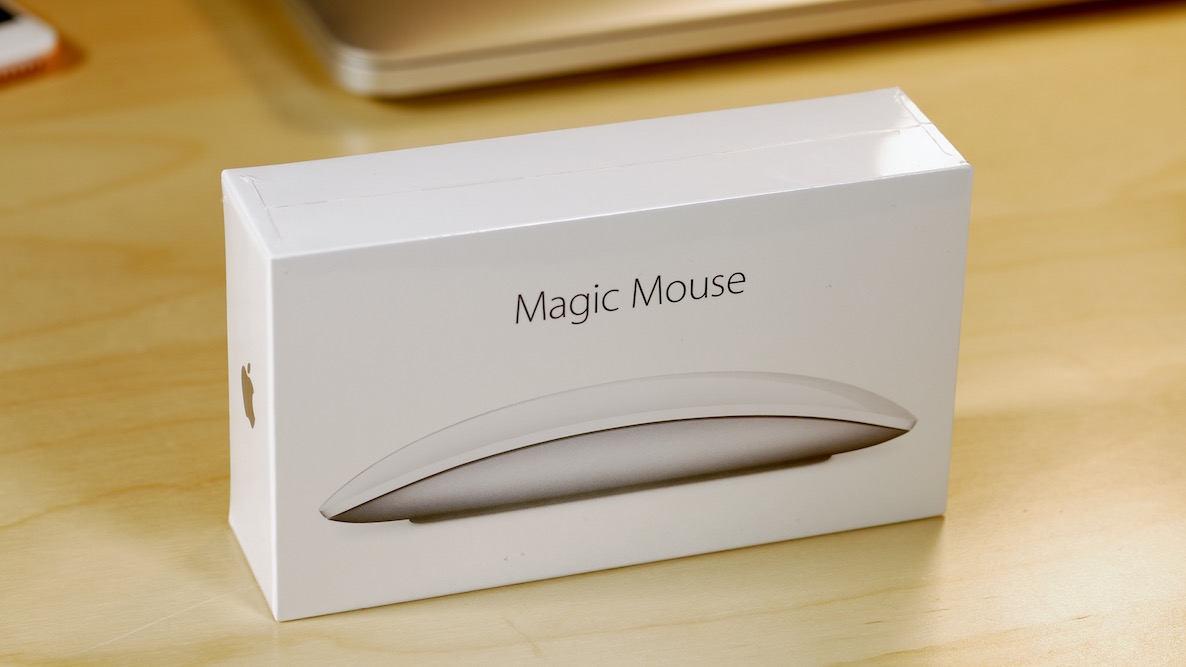
I've been a huge proponent of the Magic Mouse ever since it first debuted. I use this mouse almost daily, even though I have a MacBook with a trackpad.

When editing video in Final Cut Pro X, a mouse is pretty much a necessity due to the precision required. With this in mind, the Magic Mouse is one of my most cherished companions when it comes to my daily workflow.

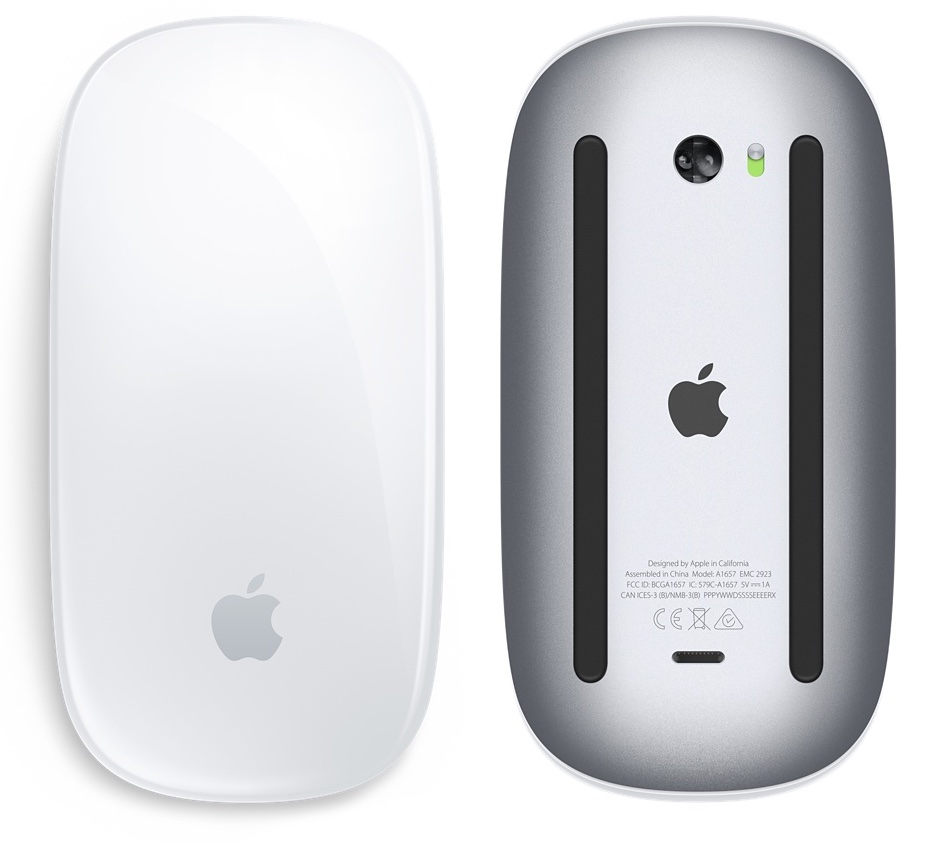
As you know, Apple just updated its Magic Mouse with several new features. The headlining feature of the new Magic Mouse is its built-in rechargeable battery. The new mouse is also lighter with a sturdier build and features an optimized foot design for better movement. But for existing Magic Mouse users, is it worth the upgrade?

10 things I dislike about Apple’s new Magic gadgets

I'm a huge fan of Apple's wireless keyboard, mouse and trackpad. My daily driver is a 2014 MacBook Air model and I also own a 27-inch Apple Thunderbolt Display which gets hooked up to the Air when I'm tied to my desk.

And of course, I also own a Magic Mouse, Magic Trackpad and Apple's Wireless Keyboard. These accessories soup up my desktop computing with precision input, wireless design and small footprint.

That being said, I'm currently on the fence of upgrading to Apple's new Magic Mouse 2, Magic Trackpad 2 and Magic Keyboard. I'm sure I'll eventually purchase them just because I'm sick and tired of buying new alkaline batteries every few weeks.

But right not, I'm having second thoughts because not everything about the new Magic devices is as rosy as Apple paints it.

Apple’s refreshed Magic accessories have introduced a new Bluetooth pairing process

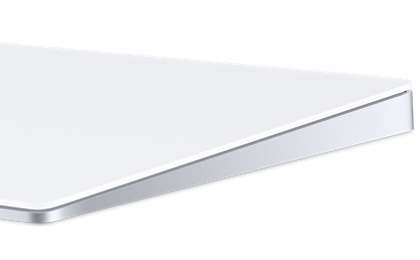
Magic Trackpad 2

Apple's just announced Magic accessories—the $99 Magic Keyboard, $79 Magic Mouse 2 and $129 Magic Trackpad 2—don't just feature a refreshed design with an integrated litium-ion battery, Bluetooth 4.0 and a built-Lightning port for recharging, but a new way to pair them with your computer.

The previous-generation mouse, keyboard and trackpad had to be paired to your Mac using the standard wireless pairing process for Bluetooth-compatible peripherals: you would go through the Bluetooth pane of OS X's System Preferences to scan for Bluetooth device and pair one to your computer.

With the Magic Trackpad 2, Magic Mouse 2 and Magic Keyboard, the pairing process has been vastly simplified, however.

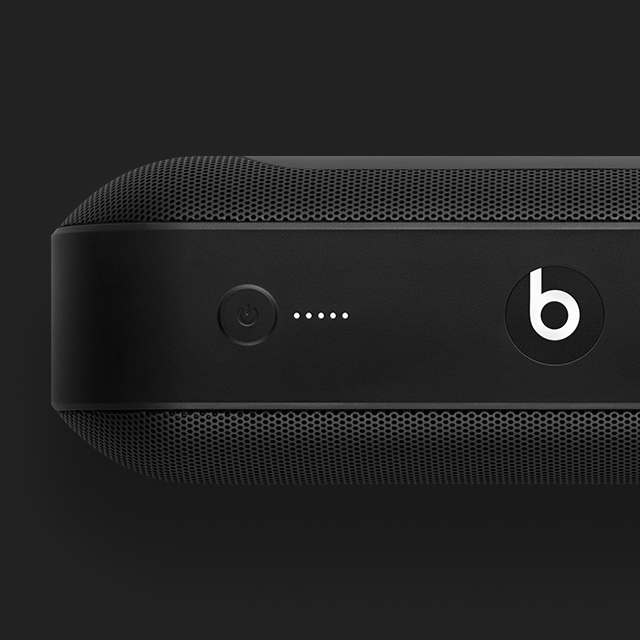
Beats announces light Pill+ wireless speaker, available in November

Apple-owned Beats by Dr. Dre today announced its very first wireless speaker since joining the Cupertino firm in May 2014 deal valued at more than $3 billion.

The new Pill+ is Bluetooth-enabled, lighter than its predecessor and comes with a twelve-hour battery that can be used to charge your devices through the USB and USB-C ports found on the back.

The Pill+ is slightly larger than the original Pill speaker and uses the stereo active 2-way crossover system to create an optimized sound field.

Shazam update brings support for iOS 9’s enhanced Spotlight Search and more

Shazam, the popular music and media identification software, has rolled out a brand new 9.0 update to its iPhone and iPad application in the App Store, bringing out support for Spotlight Search on iOS 9, improved Bluetooth listening and other tidbits.

Shazam songs and artists can now be searched from the Home screen on iOS 9 and tapping a Shazam result takes you directly into that content within Shazam's mobile app.

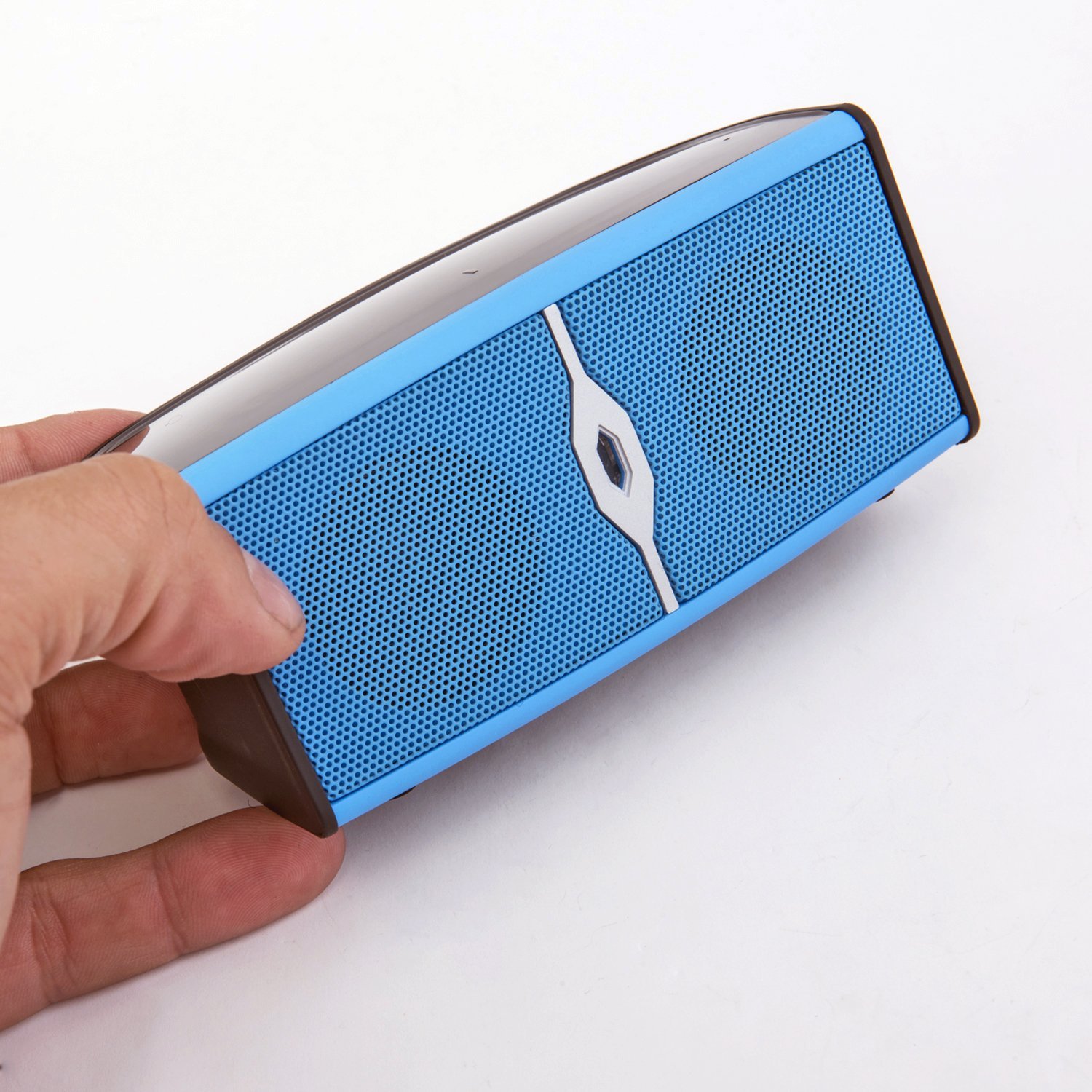
Alpatronix AX400 is a tiny speaker with a big sound

When you are hanging out with friend, whether it is a backyard barbeque or a picnic in the park, music always makes the festivities a little more enjoyable. However, packing a heavy, large speaker into your picnic basket isn't exactly convenient.

Alpatronix AX400 Bluetooth speaker is less than five inches long and just over two inches tall. So, you can toss it in with all of your other outdoor gear and barely even notice its existence until you are ready to rock the tunes.

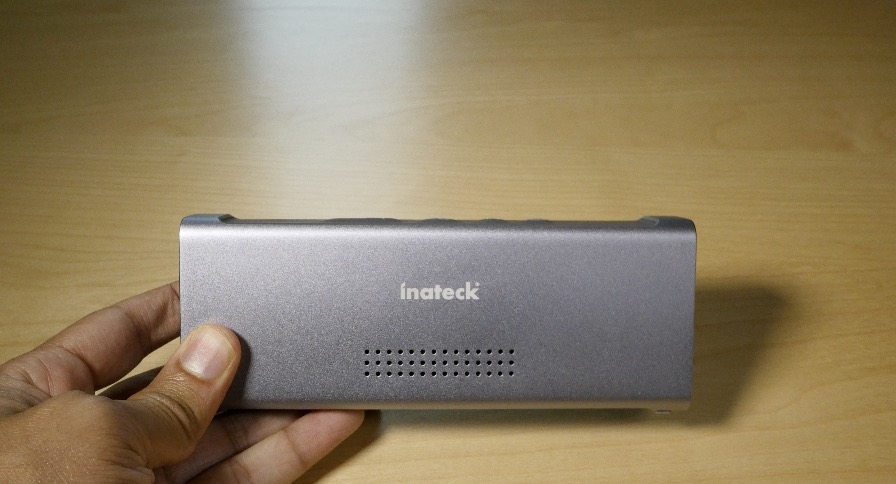
Review: Inateck MercuryBox Bluetooth speaker

One of my biggest beefs with the iPhone and iPad is the lack of love given to sound output quality. Neither device features speakers that face the user, and the speakers that are there produce sound that's just passable in my opinion. It's definitely one of the biggest opportunity areas for improvement when it comes to iOS hardware.

Other devices do a much better job with sound quality. For example, the HTC One M9 features front-facing speakers, as does the just-released Motorola G 3rd-gen. Even tablets like the Nexus 9 feature front-firing speakers that sound relatively good. The iPhone and iPad? Not so much.

But that's okay, because that's what external speakers were made for. In fact, I just got my hands on stylish-looking Bluetooth speaker called the MercuryBox (42.99 with Amazon discount code below). It's from a German company called Inateck, who sent us a sample unit for review.

Is this the perfect device to improve your iPhone's sound output?

Motorola’s new wireless headphones come with an iOS app and Find My iPhone-like functionality

Motorola held 'A Better Mobile Relationship' press event this morning to announce some new hardware, including the third-generation Moto G handset, a second Moto X called the Moto X Play and its brand new flagship, the Moto X Style.

In addition to the new smartphones, the handset maker has released a pair of new wireless headphones: the $59.99 Moto pulse on-ear headphones and the $69.99 Moto surround in-ear earbuds.

Both are Bluetooth 4.1-compatible and use Motorola' companion iOS app called Motorola Connect for battery management, easy pairing, Find My iPhone-like functionality and other perks.