Beta

New in iOS 9.3 beta 1: Wi-Fi Assist usage statistics

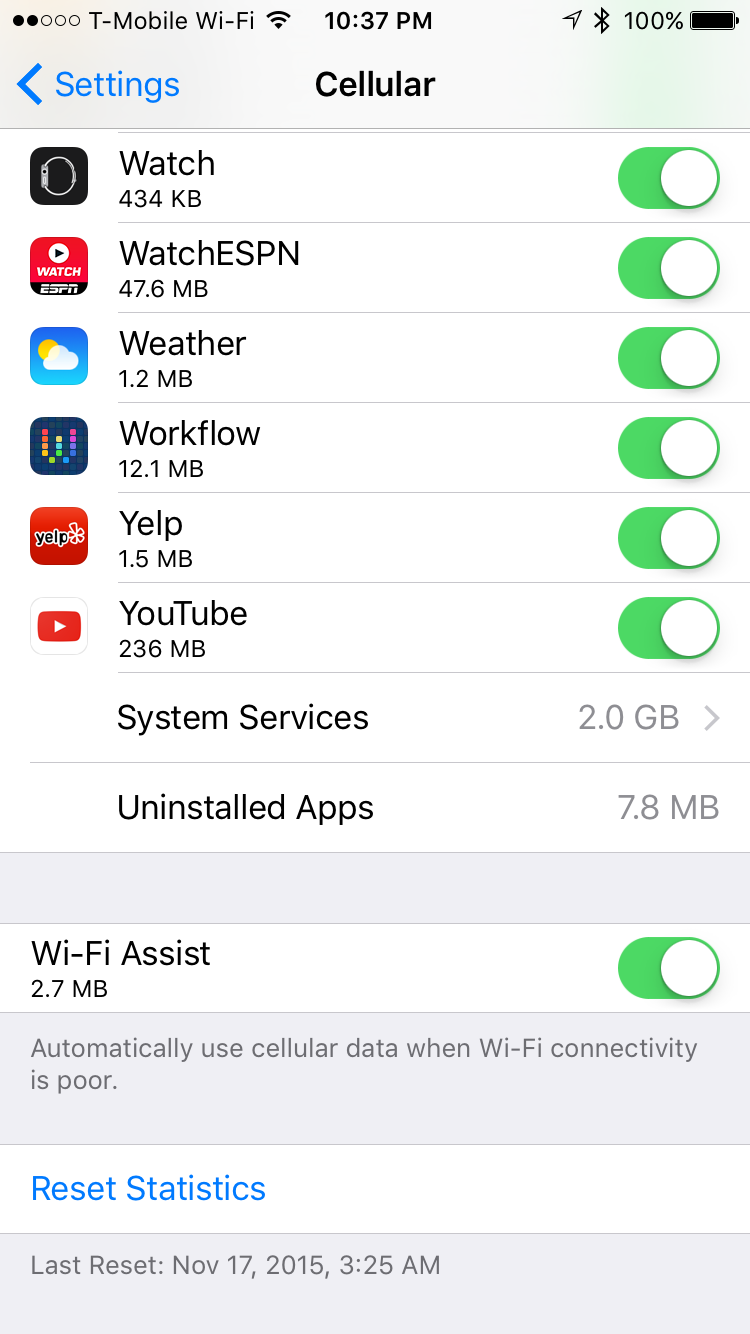
It's now easier than ever to keep an eye on how much data is used by Wi-Fi assist, thanks to a new data monitor found in iOS 9.3 beta 1. Wi-Fi assist, is the controversial feature that taps into your iPhone's cellular connection in those instances where the Wi-Fi connection may not be adequate enough.

First noted by MacRumors' Juli Clover, the addition of data usage numbers for Wi-Fi Assist will help those who claim to have experienced exorbitant amounts of cellular data usage due to the feature.

watchOS 2.2 preview: Pairing more than one Apple Watch and Maps app improvements [video + screenshots]

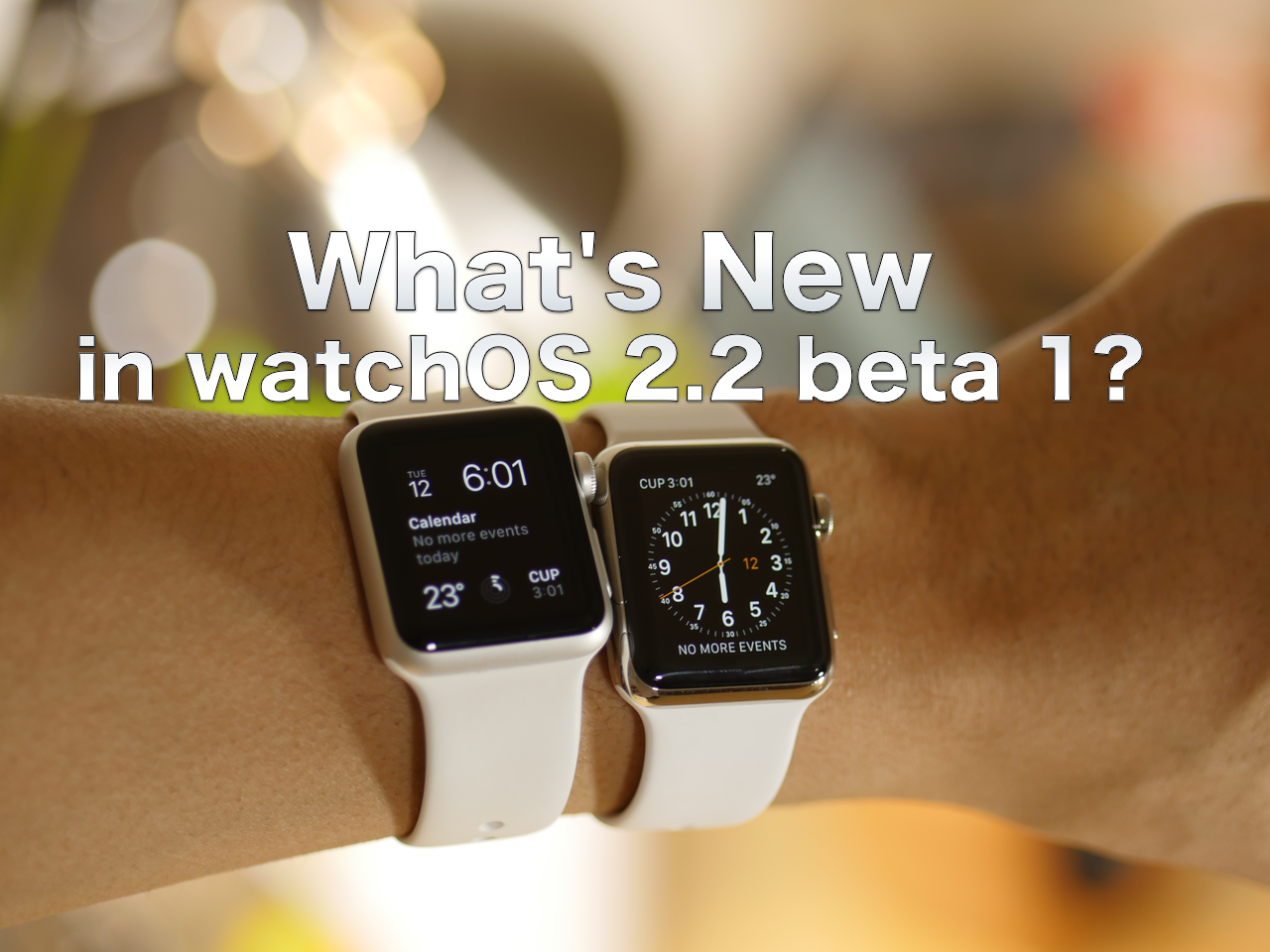
Along with the release of iOS 9.3 beta 1 and tvOS 9.2 beta 1, watchOS 2.2 was seeded to developers. watchOS 2.2 isn't filled with nearly as many features as the aforementioned software for the Apple TV and iPhone, but it does contain a major new feature that will make a specific group of Apple Watch owners happy.

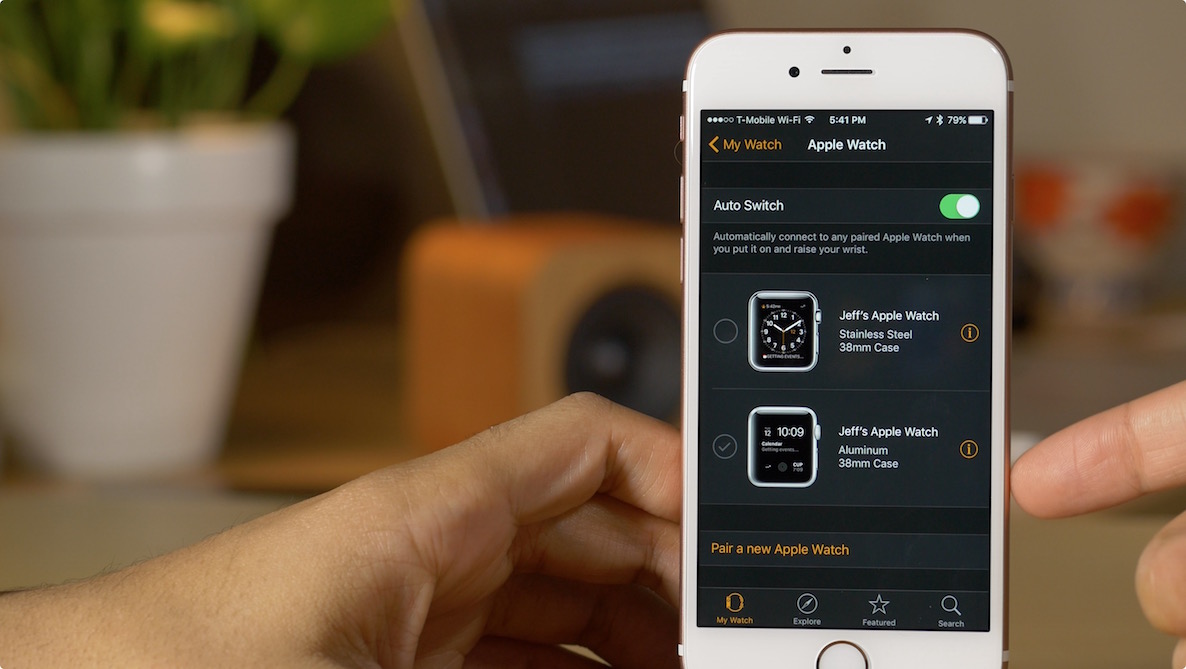
Beginning with watchOS 2.2 and iOS 9.3, users can now pair more than one Apple Watch to a single iPhone. Once paired, you can easily switch between them as the need occurs. Have a look at our full video preview for a demonstration of the pairing process in action.

tvOS 9.2 preview: Bluetooth keyboard support, folders, redesigned App Switcher, and Podcasts app [video + screenshots]

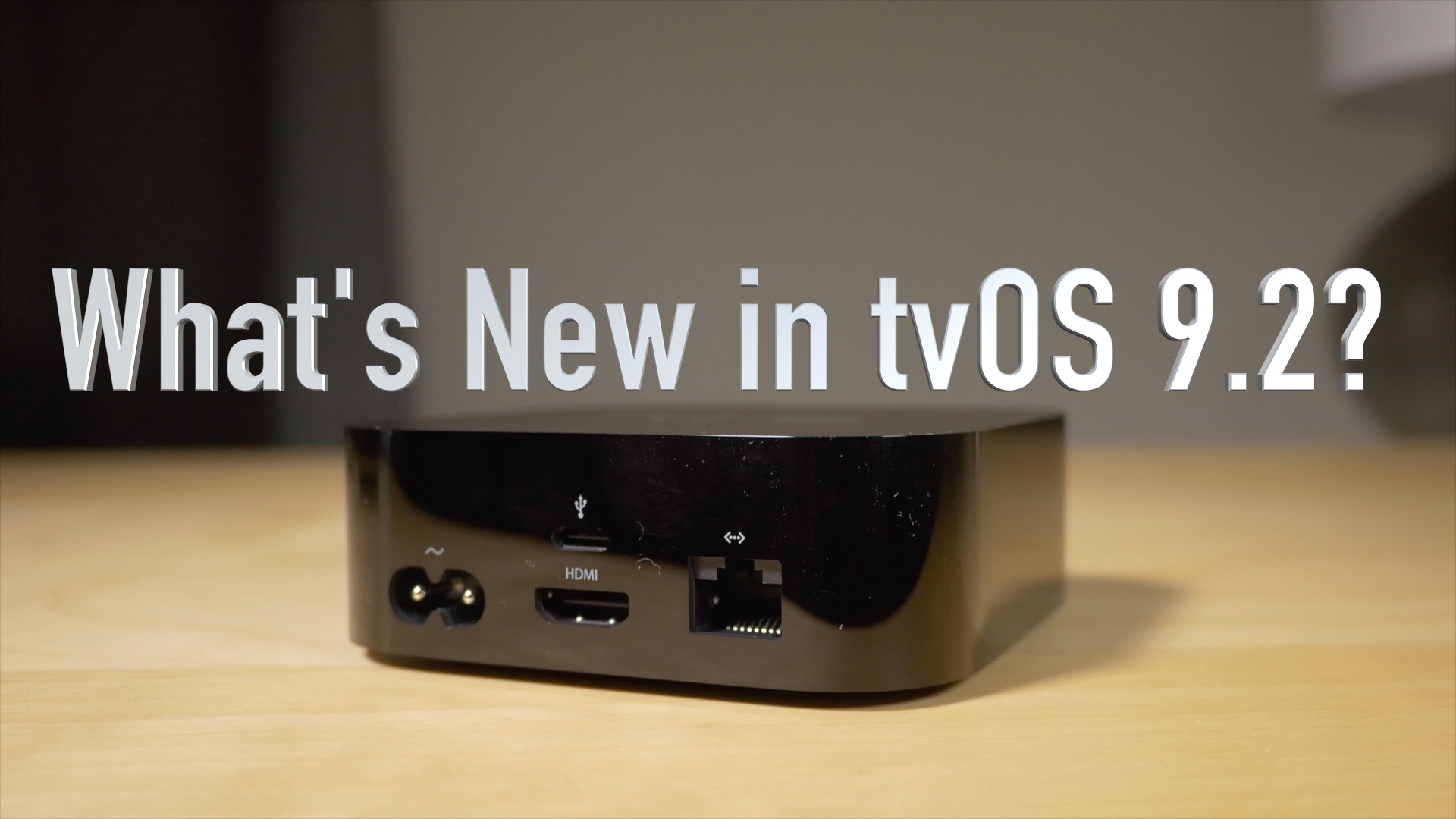
Potentially lost in all of the hype over the huge iOS 9.3 beta 1 release, was tvOS 9.2. This release was no slouch either, as it brings a much-wanted addition to the forth generation Apple TV. In this video, I'll showcase many of the new features, including Bluetooth keyboard support, folder support, the redesigned App Switcher, and the new stock Podcasts app. Have a look...

iOS 9.3 preview: Night Shift, 3D Touch, Notes improvements, and more [video + screenshots]

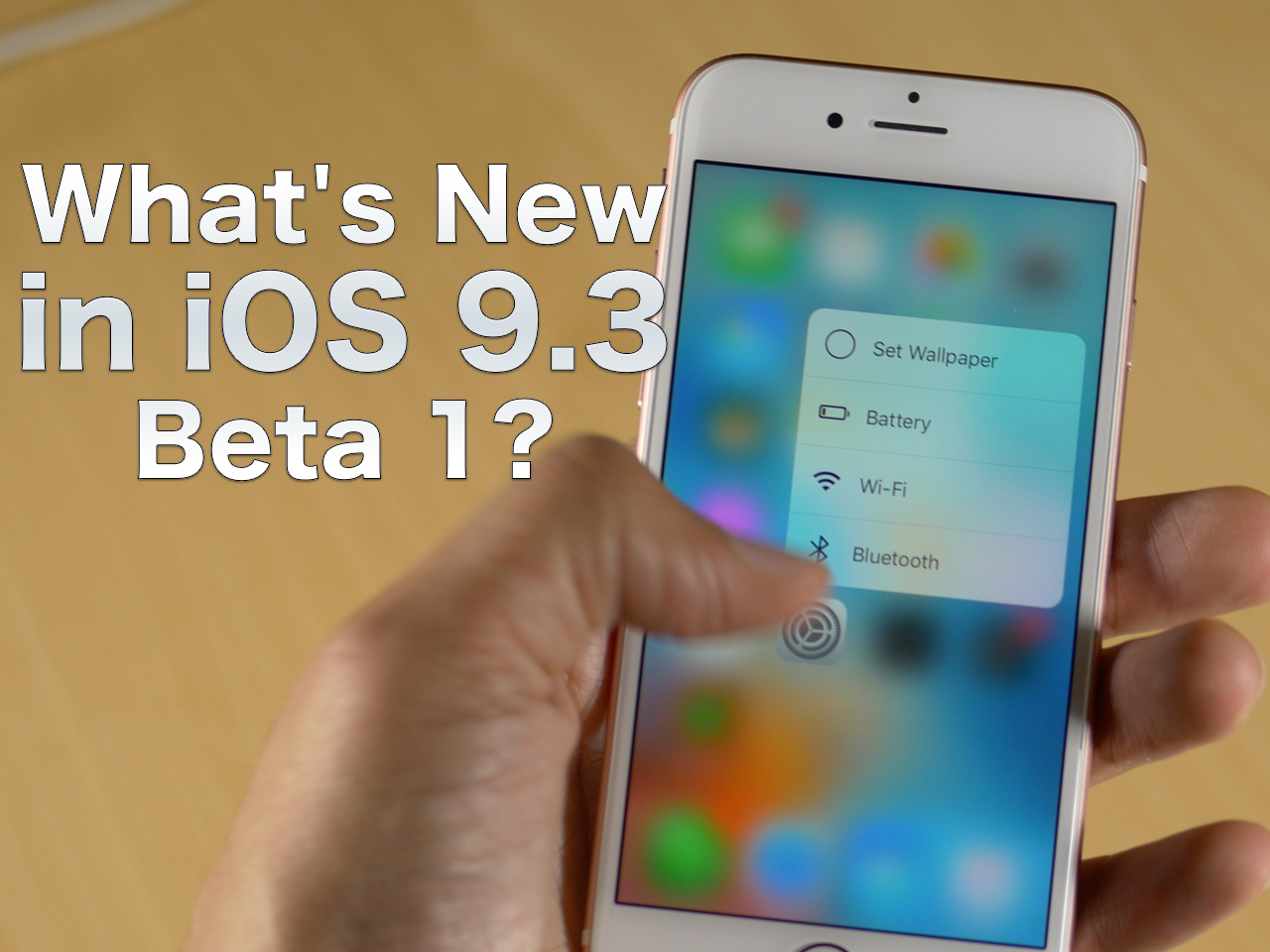
We've put together an in-depth video showcasing many of the new iOS 9.3 beta 1 features. I think it's safe to say that this release packs in many more features for a minor version release than we're used to. In this video, we showcase the new Touch ID security option for the Notes app, the new quick action 3D Touch shortcuts, updated News app features, multiple Apple Watch pairing ability, and much more.

Apple seeds massive new iOS 9.3 beta to developers with new Night Shift mode, improved Notes/News/Health apps, and more

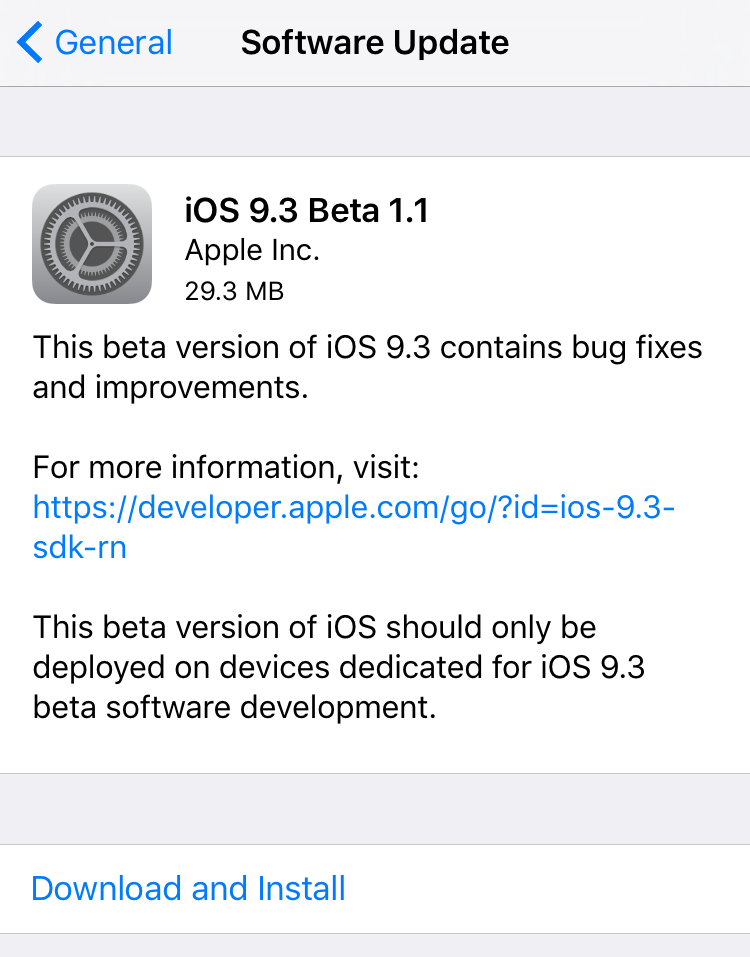
It's a big day for Apple beta releases, as is highlighted by the seeding of iOS 9.3 to developers. iOS 9.3 is a major new release that incorporates tons of new features to iOS. Outside of a major version number update, this update is one of the biggest iOS updates that we've seen in a long time.

iOS 9.3 contains a new Night Shift mode, which basically Sherlock's f.lux, along with new Touch ID security options for the Notes app, improved CarPlay functionality, an upcoming Multi User mode for schools, and much, much more.

Put it this way, this update is so big that Apple has devoted an entire web page for previewing many of the new features. That's something that it usually only does for major version number releases, but the content contained in iOS 9.3 apparently warranted the fanfare.

Apple seeds watchOS 2.2 to developers

Along with iOS 9.3, Apple has also seeded watchOS 2.2 to developers. watchOS 2.2 is a significant release, because it is the first software release for the Apple Watch that allows users to pair multiple Apple Watches to a single iPhone. Granted, the iPhone must be running iOS 9.3, which is only available to developers at the time, but it paints a positive picture for the future.

Apple seeds tvOS 9.2 beta 1 with support for Bluetooth keyboards and app folders

Apple released a slew of developer betas on Wednesday, including iOS 9.3 and tvOS 9.2. This is the first 9.2 beta for tvOS, the operating system for the just-released, fourth-generation Apple TV.

Developers can find the new tvOS beta, which is labeled build 13Y5179e, either over-the-air on an Apple TV set with the previous beta or as a standalone download via Apple's developer portal here.

Apple seeds OS X 10.11.3 El Capitan beta 2 to developers and public beta testers

Three weeks after releasing the first beta of OS X 10.11 El Capitan's third major software update, and 48 hours after seeding iOS 9.2.1 beta 2 to developers and public beta testers, Apple on Wednesday released a second beta of OS X 10.11.3 El Capitan.

It can be installed on machines running a prior beta through the Mac App Store's Updates tab and downloaded through Apple's portal for members of the Apple Developer Program.

The pre-release software is also available to public beta testers who signed up for Apple's Beta Software Program.

Apple seeds iOS 9.2.1 beta 2 to developers

Less than three weeks after releasing the first beta of iOS 9.2.1, Apple on Monday seeded iOS 9.2.1 beta 2 to its registered developers. The software is also available to public beta testers who are signed on Apple's Beta Software Program,

The new pre-release software has a build number of 13D14 and can be applied over-the-air on iPhones, iPads and iPods running a prior beta via Software Update.

A standalone firmware download is available to members of the Apple Developer Program through the company's official portal for developers.

Ryan Petrich releases Activator 1.9.8 beta 2 with new screen brightness control settings

Ryan Petrich has released the second beta of Activator 1.9.8, bringing a whole host of new changes to the popular jailbreak tweak. In the update you'll find new localizations, new increase and decrease brightness actions, and several new fixes.

You won't find Activator 1.9.8 beta 2 in the stock Cydia repos, but in this post, I'll show you how you can add Ryan's beta repo to take advantage of the latest Activator features.

Apple releases iOS 9.2.1 public beta

Right on the heels of yesterday's launch of the iOS 9.2.1 developer beta, Apple has released iOS 9.2.1 to those registered in its public beta testing program.

If you’re already a registered member of the public beta program, or if you’d like to join, just venture over to Apple’s beta website to get going.