Apps

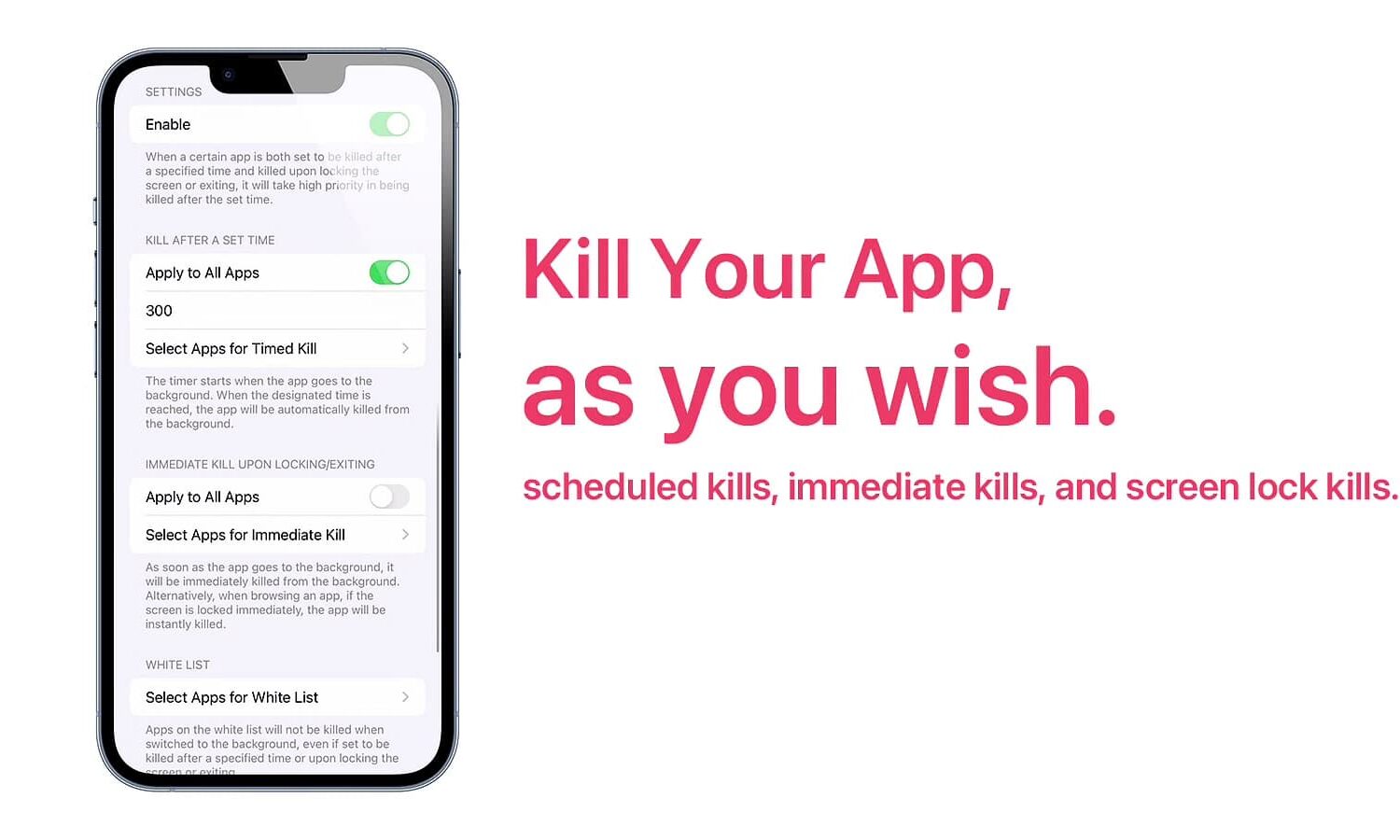
KillYourApps takes a pragmatic approach to force-closing sensitive or tracking apps from your App Switcher

KillYourApps hero image.

The App Switcher on an ordinary iPhone or iPad contains all the user’s recently-used apps. They’re in a state of suspension until re-opened, allowing the system to more efficiently load and prepare the app for the end user. But have you ever picked up your phone a day later and still saw a mess of apps in your App Switcher that you wish wasn’t there?

Titls, Serene, Fryda, and other apps to check out this weekend

Apps of the week

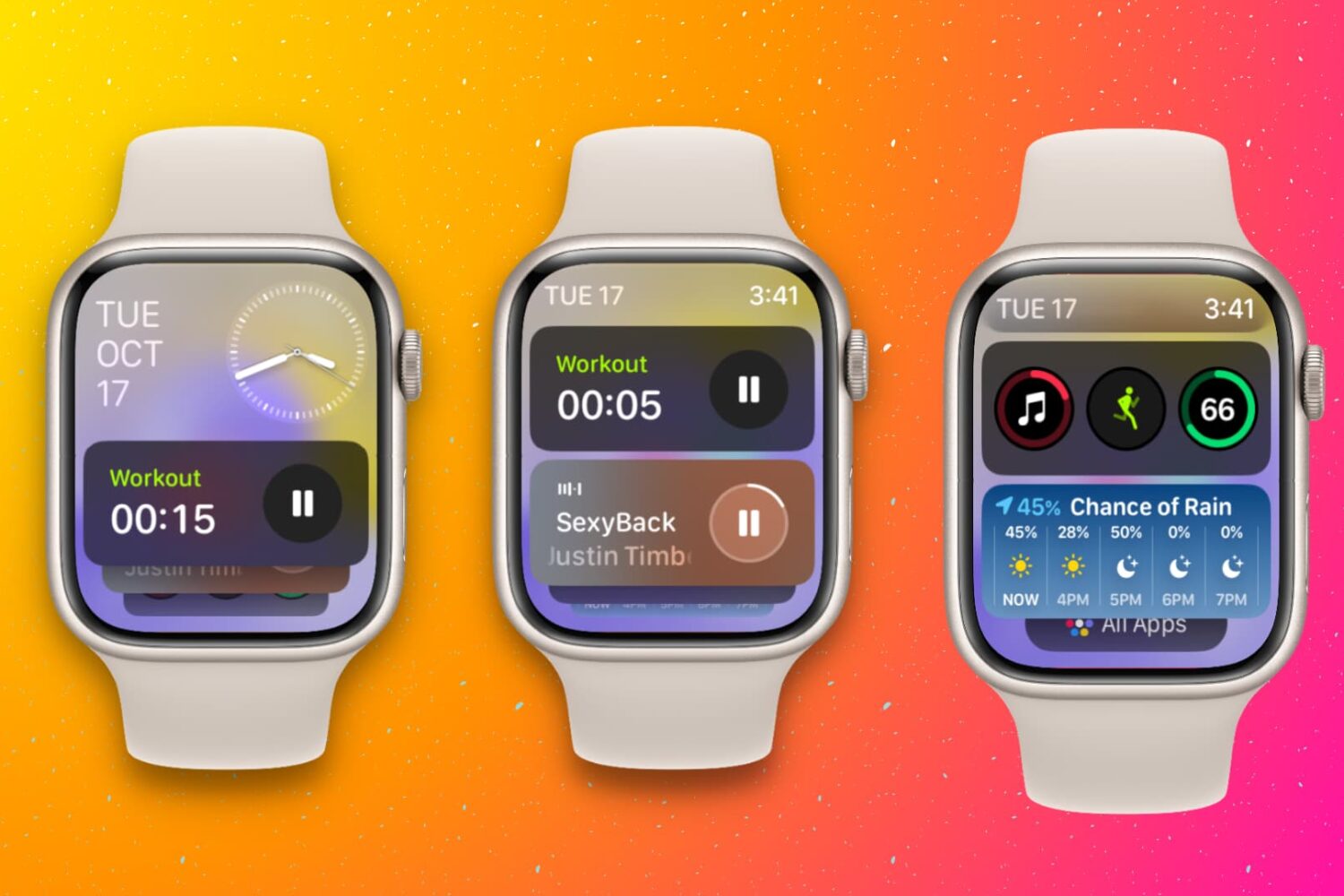
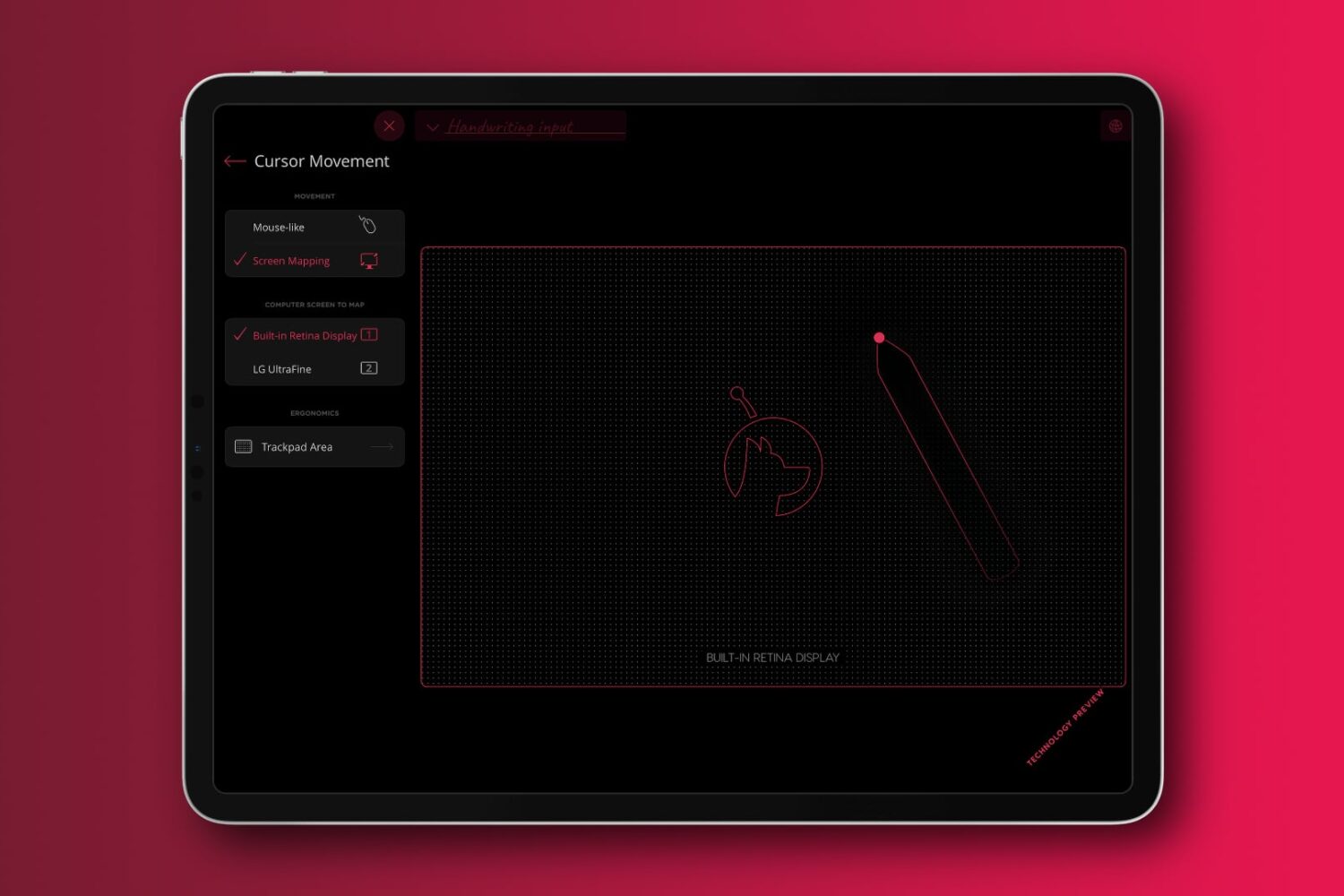
Hey everybody, it's the weekend again! That means it's time for another edition of our Apps of the Week roundup. This week we have some great picks for you including a widget for customizing Home screens, a white noise machine, and a digital filing cabinet. And as always, we've selected a great game for you to check out.

How to decrypt iPhone & iPad apps

Decrypting iPhone and iPad apps.

When you download an app from the App Store on your iPhone or iPad, it comes in an encrypted format. This encryption is designed to prevent apps from being shared from one person to another, effectively stopping unauthorized installs. In addition to this, however, encrypted apps also present problems for software tinkerers.