Apple Watch

Stay up-to-date on the latest Apple Watch news, and learn how to get the most out of your device with our comprehensive tutorials. From updates to features to troubleshooting tips, we’ve got you covered.

Apple confirms tattoos can impact heart rate sensor performance on Apple Watch

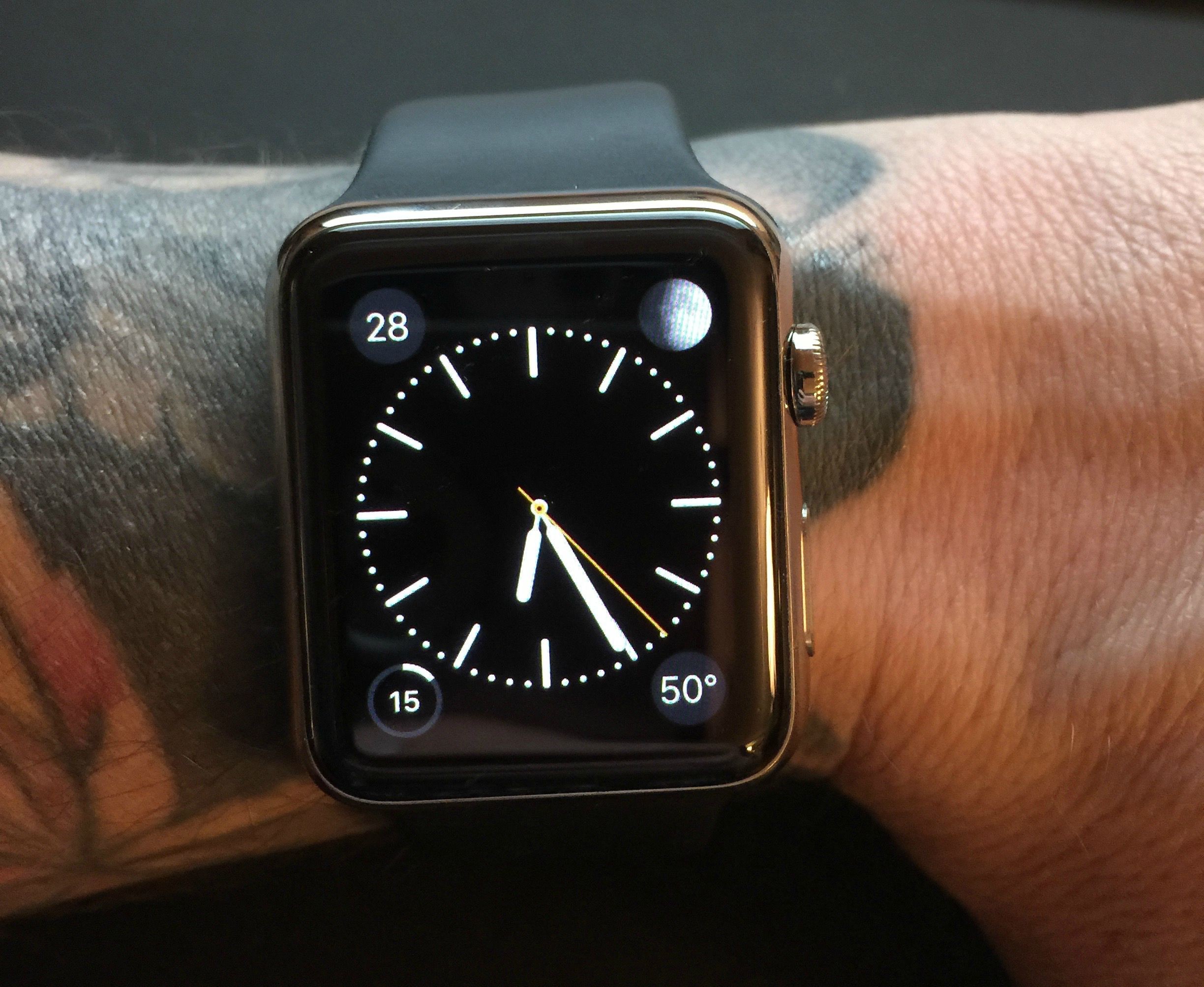
In an update to an Apple Watch support document this week, Apple confirms that tattoos around the forearm and wrist area can impact the heart rate sensor performance on the wearable. Earlier this week, Watch owners took to Twitter and Reddit to complain that their tattoos were causing all sorts of errors with the device.

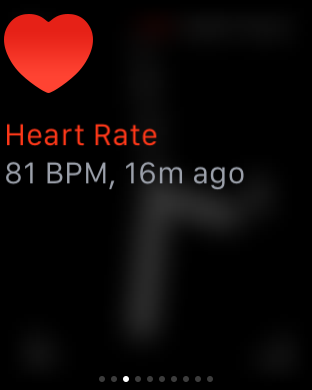
Apple addresses the issue in a document entitled "Your heart rate. What it means, and where on Apple Watch you’ll find it." Many factors, it says, can affect the performance of the Watch's heart rate sensor, including skin perfusion (blood flow), irregular motion/movements, and permanent or temporary changes to your skin.

How to toggle Airplane mode on Apple Watch

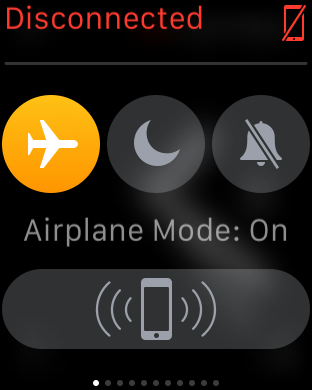
Airplane mode disables all of the Apple Watch radios, which is handy when you want to disconnect from all devices, or when you're flying and are requested to do so by an airline. There are several ways to enable Airplane mode on Apple Watch, as we show you in this continuation of our Apple Watch Guide series.

Poll: should Apple allow third-party Watch faces?

Apple touts rich personalization through custom faces as one of the cornerstones of its wearable device, but not everyone agrees. Skimming through your comments paints quite a different picture as tinkerers and jailbreakers alike are clearly big on the idea of third-party faces for the Apple Watch.

As much as built-in ones are customizable with tint colors and complications, surely official Twitter or Facebook faces that showed current status, photos and what not would have been much appreciated, am I right?

As third-party faces development is a highly polarizing issue among the Apple faithful, we're curious to hear your position on the matter.

So, should Apple deliver?

The Apple Watch Home screen is a beautiful mess

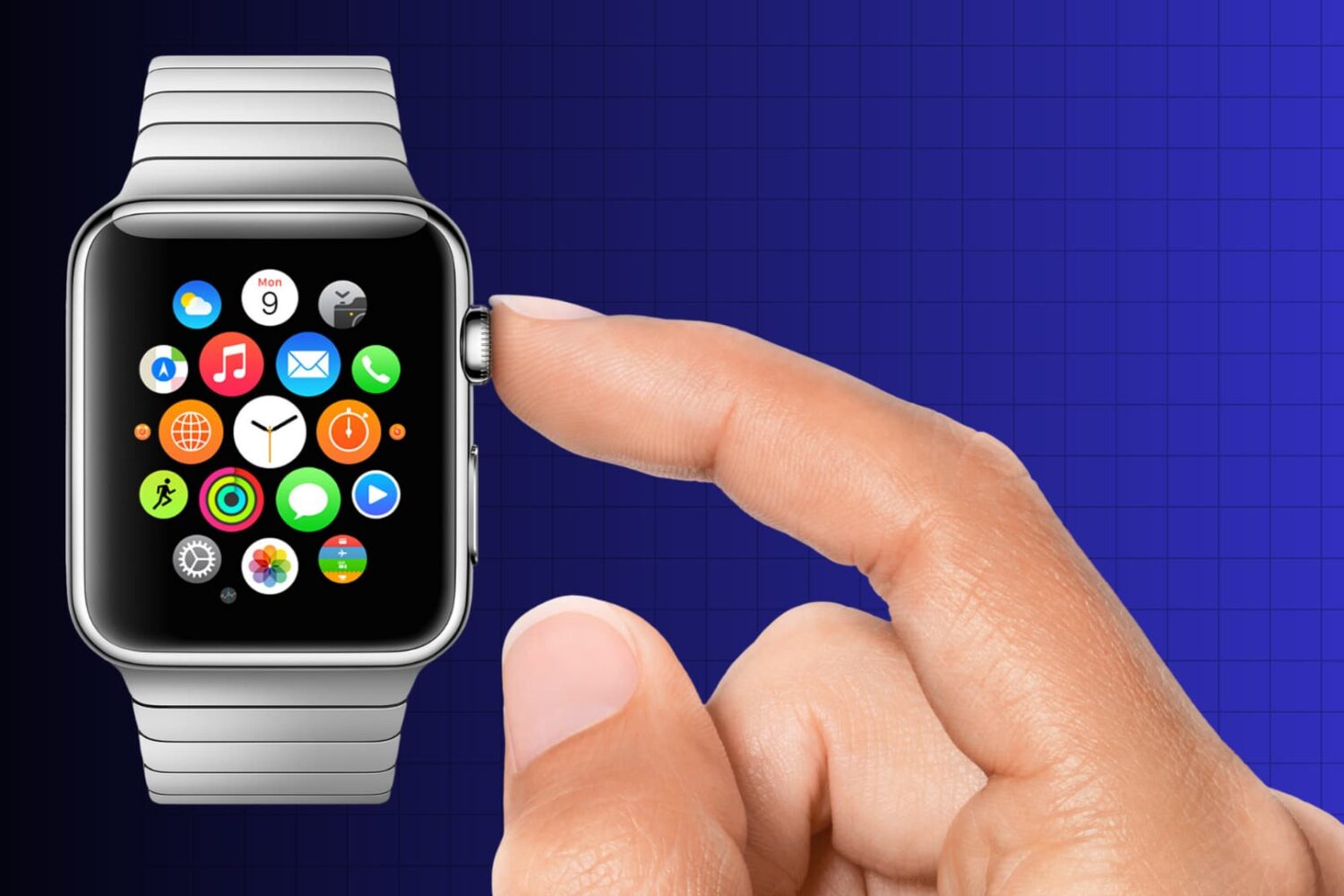
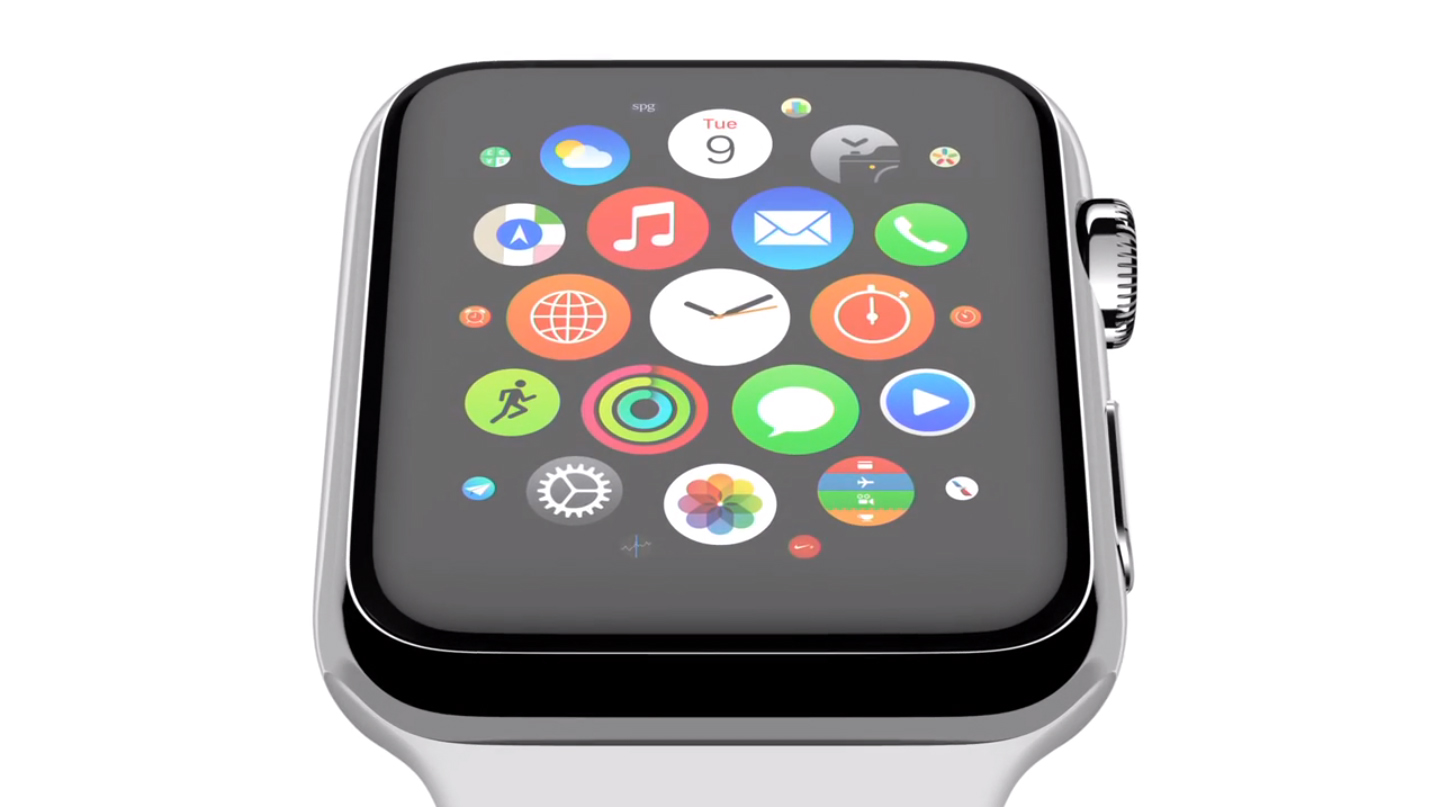
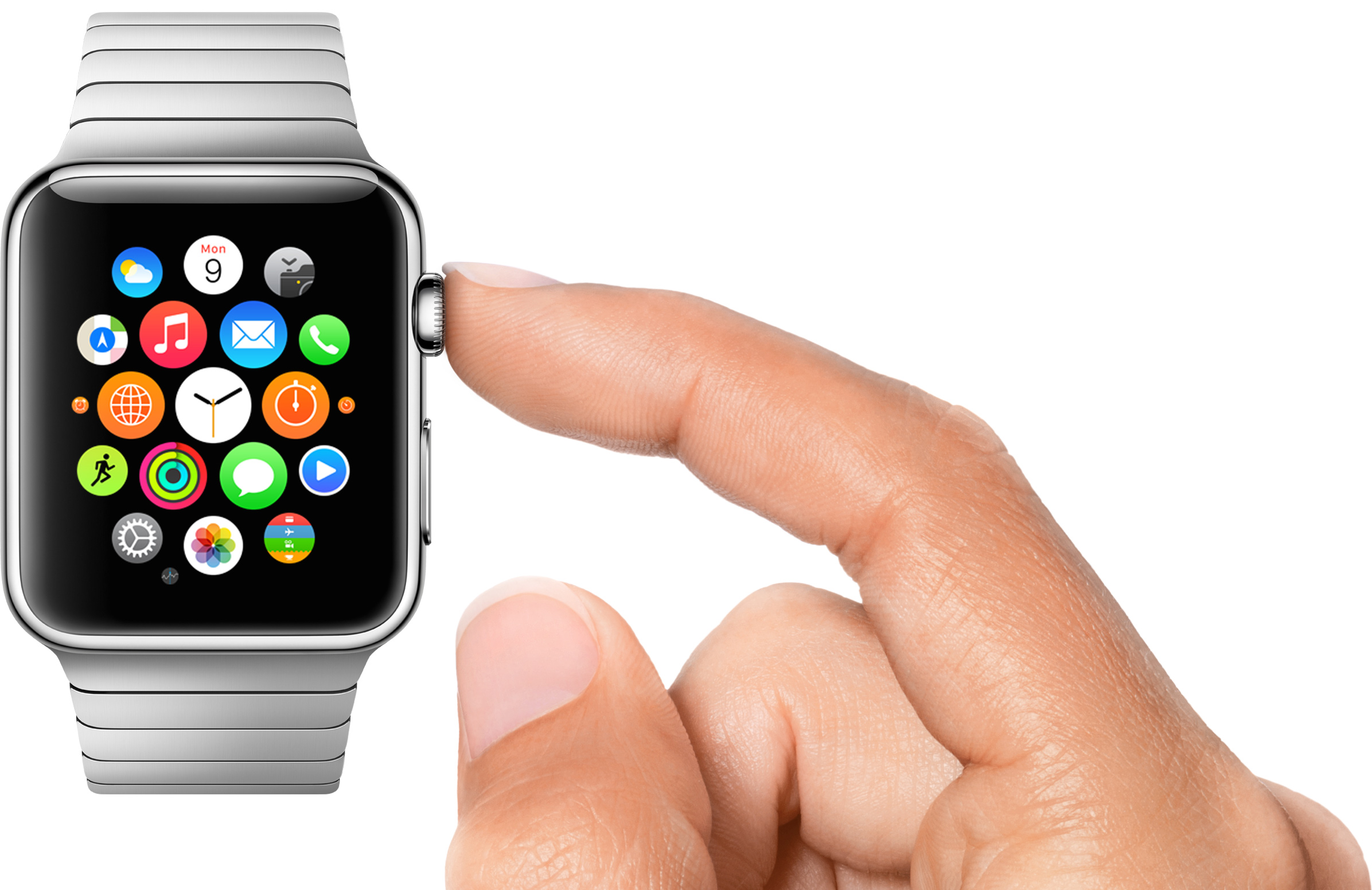
With the Apple Watch Home screen, Apple introduced a new layout and design that is a departure from what we have all been accustomed to with iPhone and iPad. Instead of favoring rows and columns of square-ish icons, Apple had to rethink the user interface and introduced us to an infinite and honeycomb-like fluid grid of apps devoid of pages, folders, or dock.

One could argue this design paradigm modernizes the Home screen as we know it, but beyond the new and refreshing look, I've had a hard time getting used to it and actually find it useful. As a matter of fact, I don't find it useful at all. It is absolutely gorgeous to look at, but it is also a terrible mess to use. Organizing apps, looking for apps, and being able to accurately tap on their icons is something that I have had a difficult time with.

I don’t open apps on my Apple Watch

As I spend more time with my Apple Watch, I am finding that we are starting to settle into something of a routine. The watch tells me when someone or something wants my attention, and I triage that notification based on its importance and the level of attention I can give it. It might not sound exciting, but the process of quick notification triage is something that the Apple Watch is proving most adept at.

But the Apple Watch is more than a way to read notifications. It has apps, and glances, and sensors. Some apps, just like on the iPhone and iPad, are more useful than others, and it's still very early days for the Apple Watch ecosystem as a whole. That said, after a week of using my Apple Watch, I have come to the conclusion that I don't launch apps by tapping their icon on the watch's Home screen. In fact, I don't really use that many apps at all.

38mm Apple Watch Sport component costs estimated to begin at $81.20

Based on the initial Apple Watch teardown analysis conducted by hardware experts at iFixit, Chipworks and ABI, research firm IHS Technology has now estimated the cost of components — so-called bill of material — that go into building each 38mm aluminum Apple Watch Sport at $81.20.

The figure excludes other significant costs associated with assembly, packaging, delivery, logistics, overhead, marketing, sales, licensing, advertising and other related expenses.

For clarity, Apple CEO Tim Cook said on an earnings call earlier this week that component cost breakdowns around Apple products are inaccurate and “much different than the reality.”

Here’s what Apple’s custom designed Apple Watch ‘S1’ chip packs in

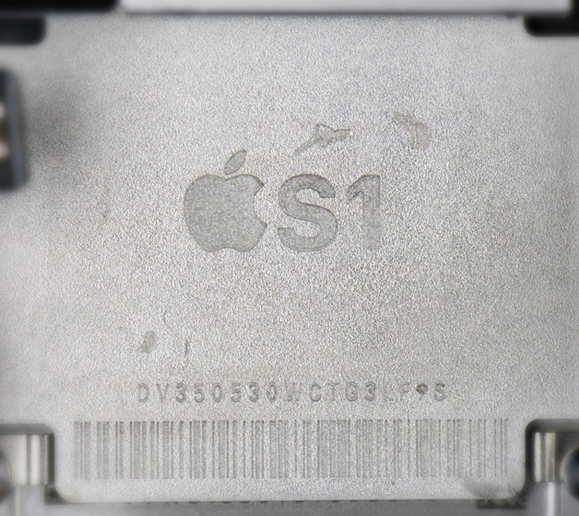
The Apple Watch is driven by Apple's in-house designed system-in-package (SiP) processor, called S1. Laying flat in the bottom of the Watch casing, it integrates many subsystems into one remarkably compact module, essentially miniaturizing an entire computer architecture onto a single chip.

Because it's completely encapsulated in resin to protect the electronics, neither experienced teardown wizards over at iFixit nor semiconductor experts at Chipworks were able to take a detailed look at the S1 innards without basically destroying the package.

Thankfully, ABI Research saw to that.

Thursday, the research firm has published its teardown analysis which delves into the S1 to identify a number of individual components that make up the SiP. Here's what they found.

10 most wanted Apple Watch jailbreak tweaks

It officially launched less than a week ago, but many people are already thinking about jailbreaking the Apple Watch. I've seen prominent hackers and developers talk about jailbreaking Apple's new wearable device, and I've heard it mentioned several times on some prominent podcasts.

The question is, why are so many people interested in jailbreaking Apple's new hardware? The answer is mixed, but there are lots of similarities to iPhone OS and the early iPhone hardware. When the iPhone first launched back in 2007, it was severely limited. You couldn't copy and paste, you couldn't have custom wallpaper, there was no App Store, etc. Jailbreaking eventually allowed early users to do all of those things.

Similar to the early iPhone software, Watch OS 1.0 won't allow users to do things like use custom watch faces, or run native apps. Jailbreaking could, in theory, allow for both of these features. But that's not all. Jailbreaking Watch OS opens up a whole new realm of possibilities.

WSJ: slow Apple Watch rollout due to faulty Taptic Engine

Faulty Taptic Engines may be behind the extremely limited availability of the Apple Watch, The Wall Street Journal reported on Wednesday. Citing sources familiar with the matter, the publication says that after mass production of the Engines began in February, quality testing found some of them to be unreliable.

The component, which Apple uses in its Watch to produce the sensation of being tapped on the wrist, is made by two suppliers: AAC Technologies Holdings Inc. and Nidec Corp. Apparently some of AAC's Taptic Engines were found to break down overtime, so Apple has moved a majority of its production over to Nidec.

Tattoos reportedly confusing Apple Watch heart rate sensor, Wrist Raise feature and more

Your Apple Watch can wake to the watch face, or your last activity, when you raise your wrist. Called Wrist Raise, this handy feature uses the heart rate sensor, which requires skin contact.

But according to users on social media channels like Twitter and Reddit, tattooed wrists fool the Apple Watch into thinking it's not on a wrist in the first place, causing all sorts of issues.

For starters, the Activate on Raise Wrist function may stop working or may perform erratically. More problematic than that, people with tattooed wrists may stop receiving notifications. In addition, inaccurate heart rate readings have been reported, too, as dark tattoos can throw off Apple Watch's heart rate sensor and cause the Workout app to pause every now and then.

And because the sensor interferes with dark-inked tattoos, the device will request your passcode after mistakenly thinking it's lost skin contact. Another side-effect: Apple Pay, another feature that requires skin contact, gets disabled, causing you to re-enter the security PIN.