Apple Watch

Stay up-to-date on the latest Apple Watch news, and learn how to get the most out of your device with our comprehensive tutorials. From updates to features to troubleshooting tips, we’ve got you covered.

Apple Watch rated best smartwatch by Consumer Reports as it passes tests with flying colors

After putting eleven smartwatches through various tests, Consumer Reports rated the Stainless Steel Apple Watch as the best of the category. Putting Apple, Samsung, Pebble, Sony, Martian, Asus, LG, and Motorola in direct competition, the folks at Consumer Reports took the eleven smartwatches through their labs to test for durability, health functionality, readability in bright and low light, ease of use, and ease of interaction.

Apple launches ‘Made for Apple Watch’ program for third-party bands

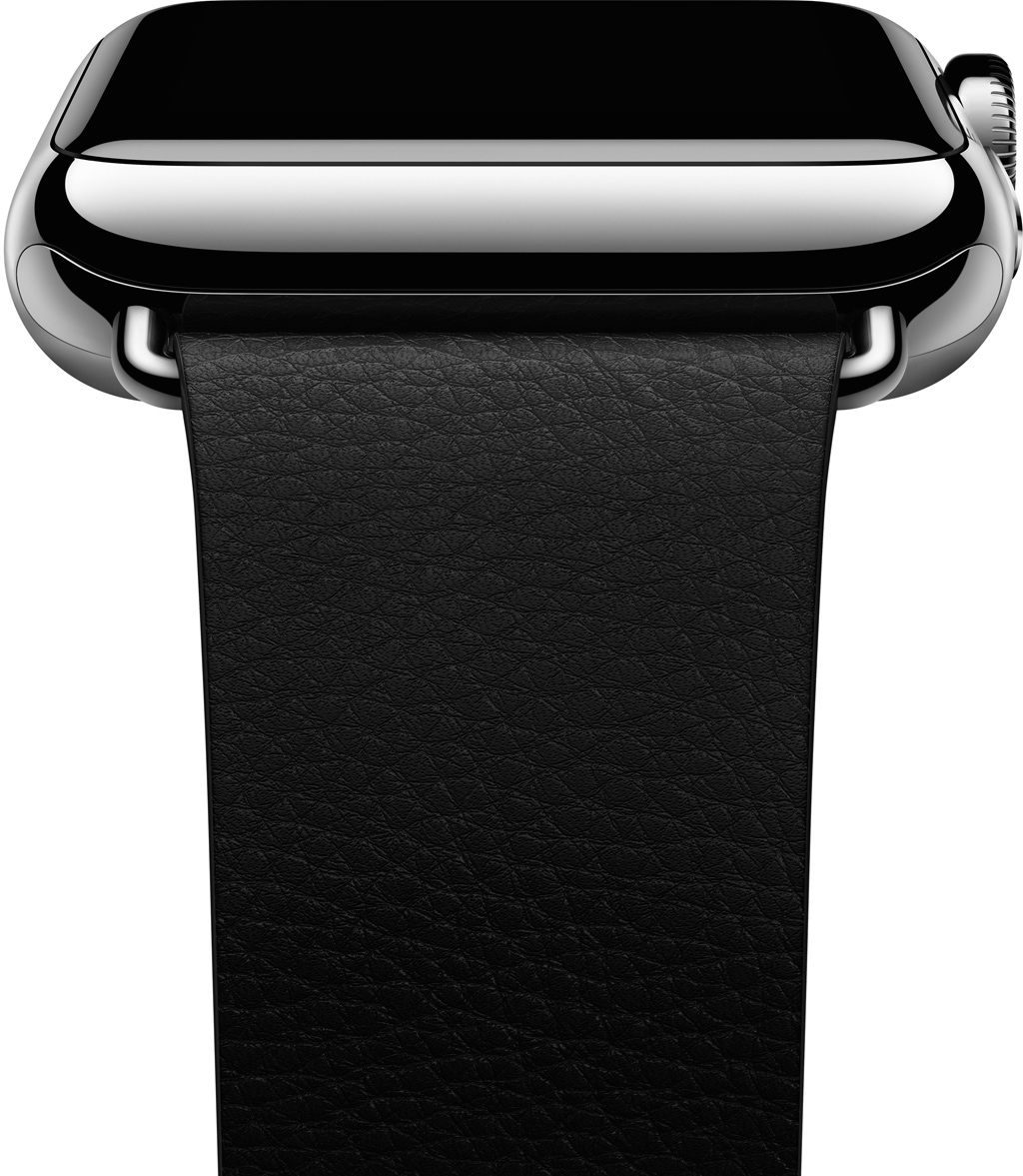
Apple on Monday launched an official program for companies to develop third-party bands for the Apple Watch. As noted by 9to5Mac, a website just popped up on Apple's developer portal called 'Creating Bands for Apple Watch,' and it offers up details on a new 'Made for Apple Watch' program.

On the site, Apple explains that Watch bands are "easily changed with simple release buttons and lugs that secure the band to the Apple Watch case." A set of guidelines and a lug profile are provided for those that want to create custom bands, and Apple says official Watch lugs will be available soon.

Apple Watch is delightfully liberating

In a post I published before Apple Watch was even released, I noted that the most important features Apple hadn’t emphasized about the device were its convenience, and immediacy. Convenient because it is right there on your wrist, and immediate because everything is one raise of the wrist away.

I stand behind what I wrote at the time, especially now that I’ve had time to actually use Apple Watch and confirm my early beliefs. Something I hadn’t envisaged though is how liberating Apple Watch can be.

How to complete various actions hands-free on Apple Watch

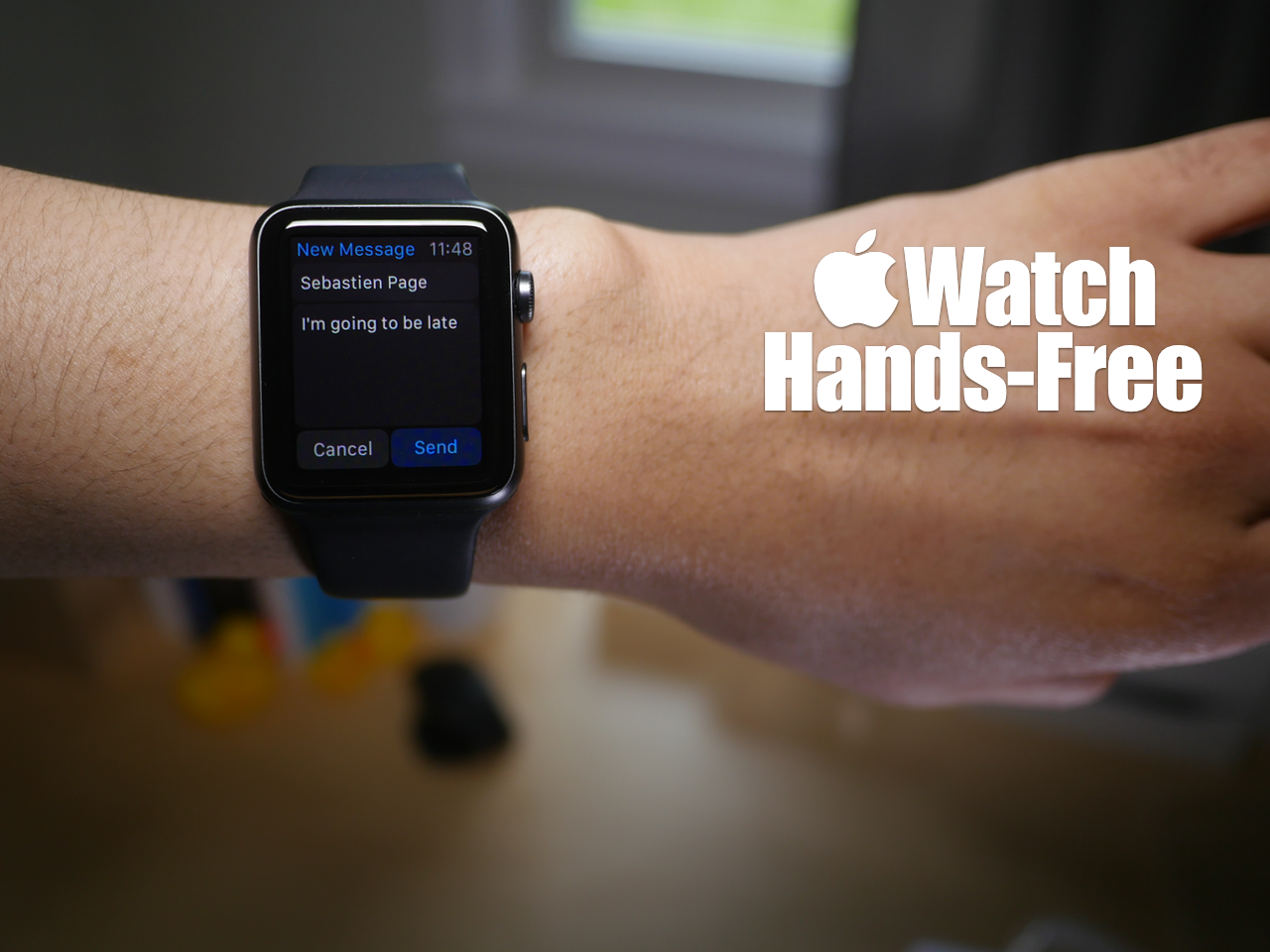
You may have noticed that while using Siri, the Apple Watch interface presents on screen buttons that you have to tap with your finger to confirm commands. While this is doable in a lot of circumstances, it takes away from the hands-free element that's necessary in many situations.

At times, it's simply impossible to physically tap a button on the Apple Watch to confirm a command, and that's where using the Hey Siri hands-free assistant to its full potential can come in handy. In fact, it's totally possible to send text messages, establish calendar events, set reminders, and more without touching your Apple Watch.

Yes, despite what the Apple Watch interface may lead you to think, you can use Siri completely hands-free in quite a few scenarios. Watch our hands-on video for the details.

Apple Watch and potential skin irritation

Apple makes a big deal of the materials with which the Watch and its many bands are made and has even put together a special Craftsmanship webpage and promotional videos highlighting why its materials represent an achievement in itself.

Some people, however, who suffer from allergies or are simply sensitive to certain materials touching their skin should take into account the following tips and guidelines in order to avoid skin irritation, maximize comfort and prevent long-term damage to the device.

App Watch: the day after Christmas

If you have kids, or if you were a kid at some point, you probably remember opening your presents each Christmas, using them to no end for the rest of the day, and forgetting about most of them the day after. That never happened to me, actually, but it's a long-standing stereotype, so go with it.

The difference between your RC car and your Apple Watch is that your car began collecting dust after a day or two, and your Apple Watch is becoming an integral part of your life. The initial novelty of the Digital Crown has become a natural scrolling mechanism, and the urge to constantly try a new watch face turned into changing the color to match today's shirt, or switching from an informative to a simple face from a work day to the weekend. Apple Watch has become a background track in your day-to-day life, and that's a good thing.

However, there is always more room for great apps to expand horizons and streamline workflows, which is why App Watch exists. So let's see what Santa (bearded app developers) has for us this week.

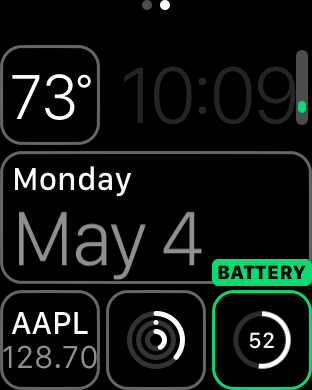
How to check remaining battery life on Apple Watch

Although battery life has been much better than most anticipated with Apple Watch, you should still expect a day or, at tops, a day and a half of battery life after a full charge. For that reason, it's pretty important to keep a close eye on your Apple Watch battery throughout the day, especially if you decide to use battery hogging functions like phone calls and the workout app.

Fortunately, Apple makes it super easy to monitor battery life on Apple Watch. In fact, it's more verbose than it is on the iPhone since the watch shows you the full battery percentage by default. Inside, we'll show you two easy ways to monitor battery life on Apple Watch.

What are Glances and how to use them

Glances on Apple Watch are quick summaries of information that can be quickly viewed at a glance—hence the name. Glances contain, or at least should contain, information that you view the most frequently.

Why did Apple include Glances in Watch OS? How many glances can you have configured at once? These questions, and others are answered in this Glances overview.

Developer builds Apple Watch app that can fully control his Tesla

Developer Allan Wong posted an interesting video on YouTube today, showcasing his new Apple Watch app Remote S. In the clip, he can be seen using the wearable to control his Tesla Model S, performing tasks such as opening the charging port and adjusting the temperature.

While Tesla's are pricey and not very common in most circles, the video is extremely impressive and worth watching. This is by far the most in-depth app we've seen demonstrated on the Watch, as Wong is able to use it to control nearly every function and feature of his vehicle.