Apple Watch

Stay up-to-date on the latest Apple Watch news, and learn how to get the most out of your device with our comprehensive tutorials. From updates to features to troubleshooting tips, we’ve got you covered.

How to watch Apple’s ‘Let us loop you in’ event live

Apple will be streaming its 'Let us loop you in' media event live on the company's website. The Cupertino-based company is expected to unveil a number of new products related to iPhone, iPad, and the Apple Watch, but we'll have to wait and see to know for sure.

If you'll be tuning in to watch the Apple event live on your computer, there are some requirements you'll have to meet, and we'll touch on those requirements in this piece so you're prepared for it.

Everything we expect from Apple’s ‘Let us loop you in’ event on Monday

As you know, Apple has scheduled a media event on its Cupertino campus on this coming Monday, March 21. Earlier this month, the company sent out its predictably cryptic invites with the “Let us loop you in” tagline to select members of the press.

It looks to be a pretty significant event.

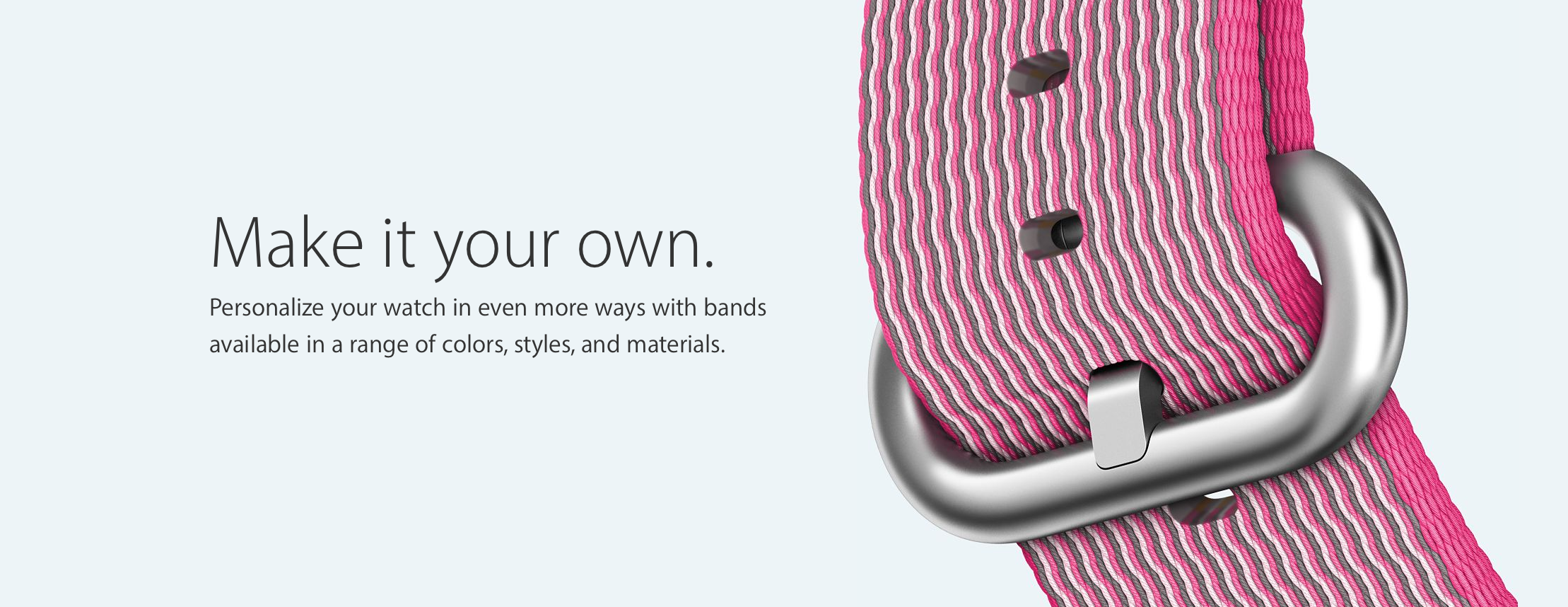
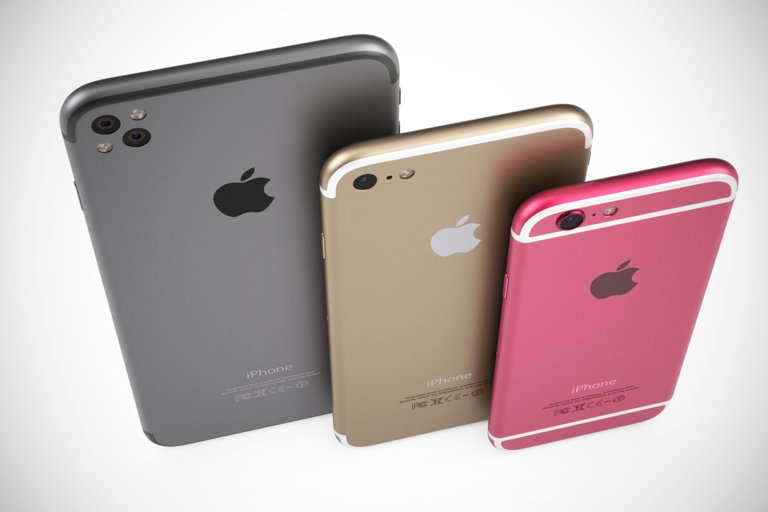
On top of an all-new four-inch iPhone model, we're expecting other announcements like a smaller 9.7-inch iPad Pro, new Apple Watch bands—including a black edition of the Milanese Loop—and a bunch of enhancements for Apple's operating systems.

Deezer Music launches Apple Watch app

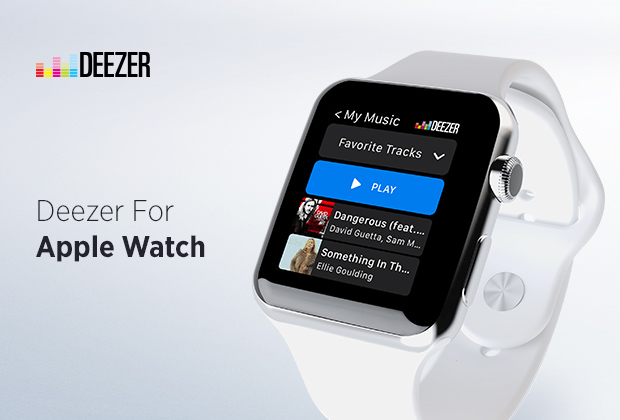
Deezer, a cross-platform music streaming service, is now available on your Apple Watch as a native app.

The new watchOS 2 app lets you access your favorite music, use Deezer's Flow feature, see the latest hits and access Deezer's personalized mixes, all with the flick of your wrist.

On iOS devices, Deezer now provides lots of new recommendations to your Flow feed and lets users unlink devices connected to their Deezer account using the mobile app.

Apple sends out invites for March 21 event: “Let us loop you in”

Following weeks of speculation, Apple on Thursday sent out invites for a media event later this month that should serve as a launchpad for new iPhone and iPad models, Apple Watch bands and possibly more.

The press event will be held at Apple's Cupertino campus on Monday, March 21, 2016, at 10:00am PT, and will be live-streamed using HTTP Live Streaming.

As you may have guessed, iDownloadBlog will continue covering everything there's to know about about Apple's product refreshes.

This Apple Watch app buzzes your wrist if you’re about to leave your iPhone behind

The Apple Watch has a nifty built-in feature that lets you ping your misplaced iPhone over Bluetooth, but wouldn't it be nice if the watch could automatically notify you when you're about to leave without an iPhone in your pocket?

A new free of charge app, Lookout, solves that problem in one fell swoop. It keeps not only your iPhone, but your iPad, iPod touch and Apple Watch safe and secure and protects your devices from data loss, theft and more.

Proof-of-concept app attempts to simulate Mac’s Finder on Apple Watch

Billy Ellis, a 15-year-old developer, has created a fun Apple Watch app that simulates OS X Yosemite's Finder on your wrist. The proof-of-concept software serves to demonstrate what can be achieved on the Apple Watch with a little bit of imagination and some superb coding skills. “Haven't had the time to make everything fully functional just yet,” said Ellis. “Hopefully I'll add some more to it later this week.”

How about the tiniest game of pong for your Apple Watch?

Meet the tiniest game of pong for your Apple Watch, created by developer Matt Wiechec and aptly named A Tiny Game of Pong. Available free in the App Store for a limited time, this minimalist game lets you push your paddle back-and-forth across the display by turning the responsive Digital Crown.

You can play in the Classic or endless Arcade mode, track your high score and rank on Game Center, personalize the game to your liking with ten theme colors and, of course, you can also play A Tiny Game of Pong on your iPhone.

MiniStats shows detailed iPhone stats directly on your Apple Watch

If you're looking for the next cool app to install on your Apple Watch, look no further than MiniStats, a useful utility and statistics app for the iOS platform that's usually $0.99, but is currently free in the App Store.

This app lets you see various statistics about your iPhone usage on your handset itself, and even right from your wrist on your Apple Watch.

Review: boost your sleep analysis with much improved Sleep++ 2.0

David Smith’s excellent Sleep++ app is my killer app when it comes to sleep analysis, a glaring omission from the Apple Watch. It's become second nature for me to open Sleep++ as I tuck myself in bed for the evening.

This native watchOS 2 app collects data from watch sensors to measure sleep quality and duration, which can then be reviewed in greater detail in a companion iPhone app and synced with your Health database.

The updated Sleep++ 2.0, now available as a free download in the App Store, takes sleep analysis to the next level with major improvements to its sleep analysis engine and new features such as better Health integration, an improved Night Detail view, night trimming and timezone support.

Apple patent would use Apple Watch to intelligently adjust iPhone alert volume on the fly

Apple has been researching software solutions that would tap into a user's Apple Watch to intelligently adjust an iPhone's alert volume on the fly, by monitoring and comparing ambient sound samples.

Filed for with the United States Patent & Trademark Office (USPTO) back in 2014 and published on Thursday, the patent application titled “Volume control for mobile device using a wireless device” outlines volume control adjustments by having a Watch's built-in microphone sample an alert generated on an iPhone to “detect a distinct contribution corresponding to the audible alert.”

My top 5 accessories for the iPhone

There are seemingly endless choices for iPhone accessories out there, and I've got to tell you, I go through iPhone accessories like candy. One day I like something I'm using, and another day I find it to be a nuisance and I end up leaving it at home and buying something completely different to suit my needs.

Regardless, there are still some accessories that I still use on a day-to-day basis, and in this piece, I'll show you my top 5 favorite iPhone accessories that I actually use on a daily basis and why.