Apple Watch

Stay up-to-date on the latest Apple Watch news, and learn how to get the most out of your device with our comprehensive tutorials. From updates to features to troubleshooting tips, we’ve got you covered.

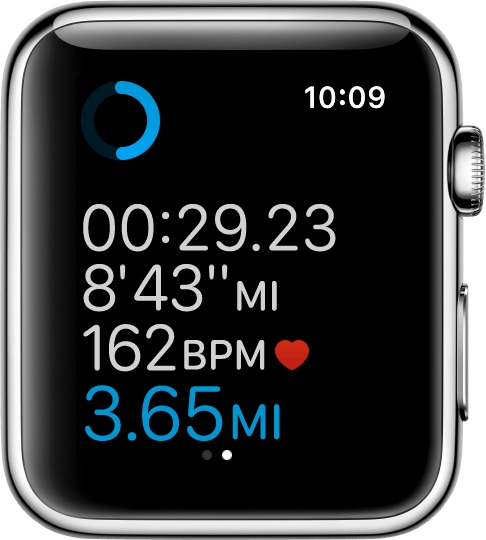
How to have Apple Watch automatically pause and resume your runs

Among a myriad of varied health and fitness focused features, watchOS makes pausing and resuming your runs in the stock Workout app a frictionless experience, based on the inclusion of a new feature which taps into built-in sensors to determine when you start and stop moving. This new feature doesn't require a dedicated GPS so it'll work on every Apple Watch model.

Even better, you can enable it with just one tap, here's how.

What’s Dock on Apple Watch and how to use it?

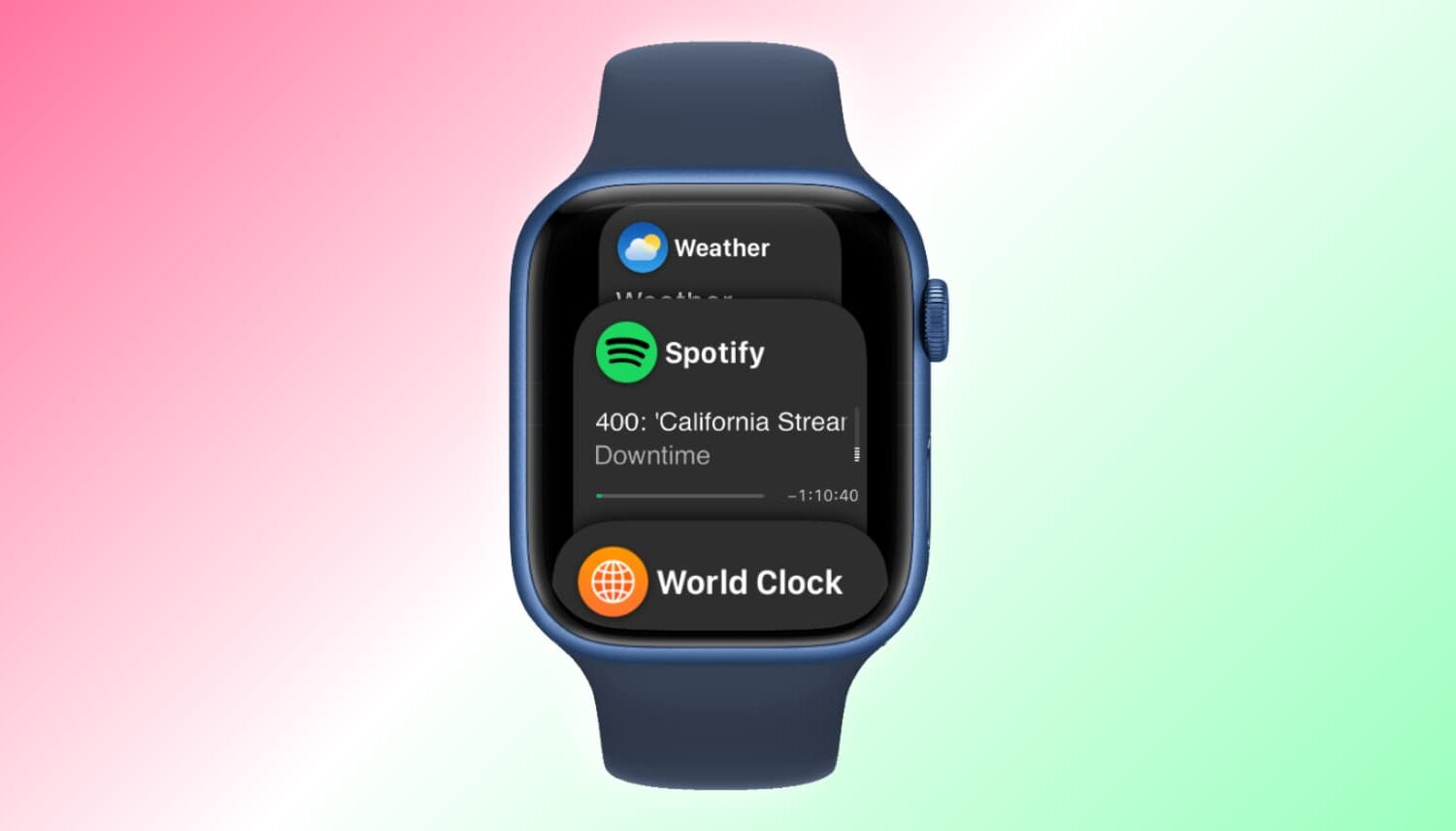
Apple Watch showing Dock

When you press the side button on your Apple Watch, you see the Dock. Depending on the setting, the watchOS Dock has either your favorite apps or the ones you used recently. In this tutorial, we tell you more about the Apple Watch Dock, how to use it, add favorite apps, and get the most of it.

Using the Reminders app on Apple Watch

Apple Watch offers a standalone Reminders app, and as you'll soon learn, it can be just as functional as the iPhone app.

The introduction of an official Reminders app on Apple Watch was great because this little app on your wrist will help you get through all your errands throughout the day and keep track of your busy life.

The app is used with Siri since there is no keyboard to input text on the Apple Watch like there is on your iPhone. With that being said, using the Reminders app may feel a little awkward at first, but it should become a second nature to you in no time at all.

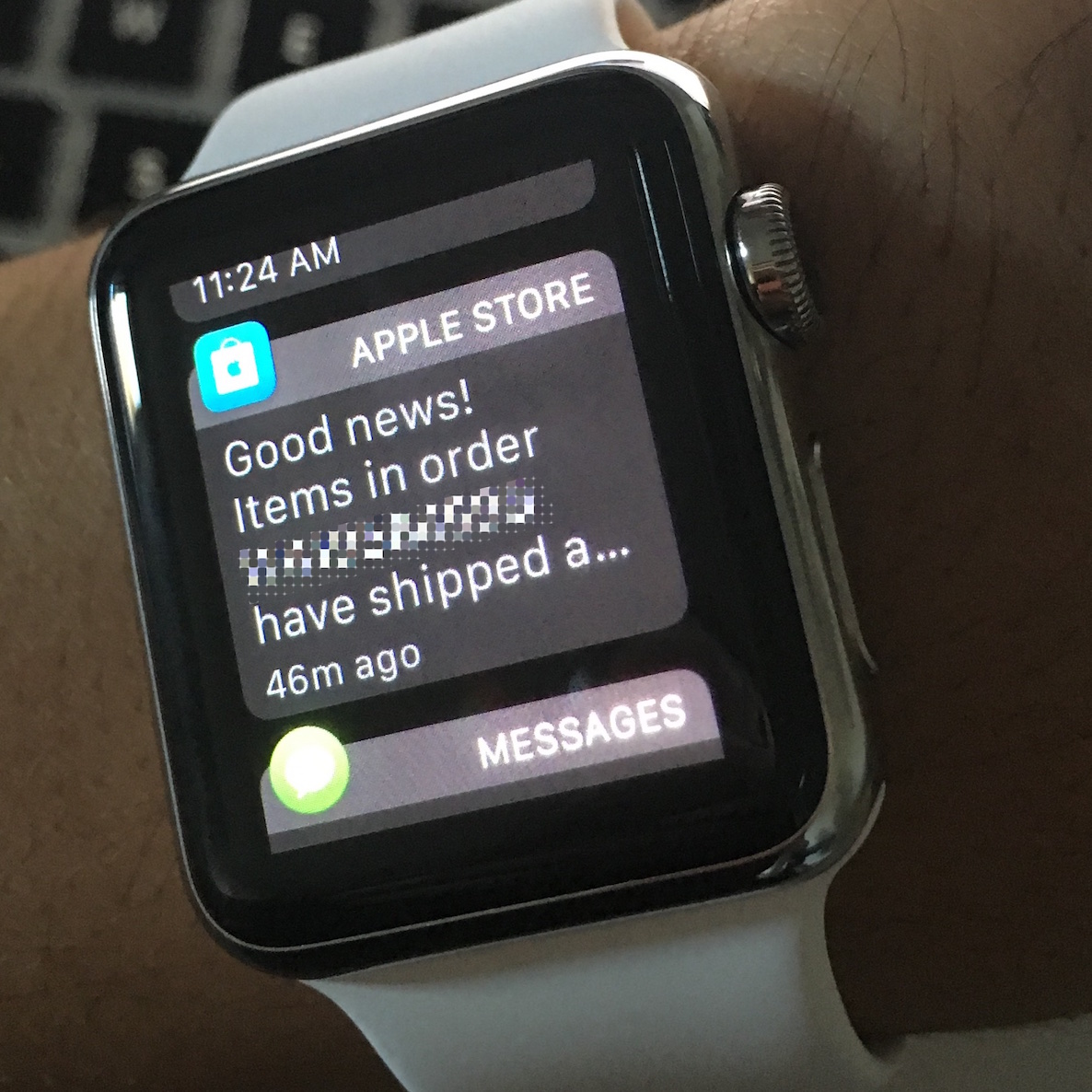
Notifications not forwarding to Apple Watch? Check these likely causes

It's a nice feeling when software works as it should, but that's not always the case. In the case of the Apple Watch, notifications that are supposed to be tapping on your wrist may not work when you expect them to.

If you're having problems with your Apple Watch not receiving the notifications your iPhone is putting out, then you'll want to follow the steps in this piece to troubleshoot what's going on and fix the problem.

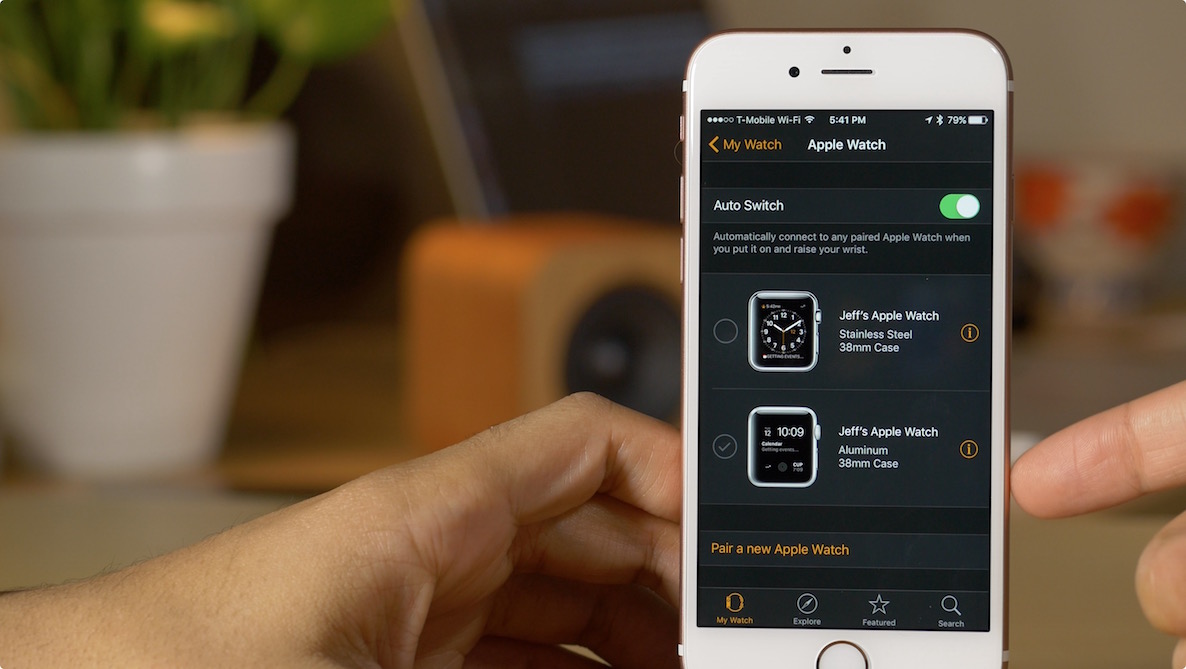
Why pair more than one Apple Watch to a single iPhone? Here’s why…

I've seen so many comments questioning the reason behind Apple allowing more than one Apple Watch to be paired with a single iPhone. Some people think it's silly to have more than one Apple Watch, while others genuinely seem to be confused by the decision.

Why would Apple allow you to have more than one Apple Watch paired at the same time? Let's consider the possible answers.

How to silence your Apple Watch with a simple gesture

Cover Apple Watch to mute alerts

When you're in a meeting or at the movies and a phone call comes in or a loud alert starts dinging, nothing compares to the social awkwardness after realizing you've forgotten to silence your watch. While you can mute the alerts on your Apple Watch with a couple of taps, by the time you fumble through the menus, you'll have already embarrassed yourself.

Thankfully, there's a better way: the Apple Watch includes a nifty little feature for silencing incoming phone calls and other audible alerts with a super quick gesture.

How to change dictation language on Apple Watch

As part of the Apple Watch setup procedure, you're asked to select your preferred language that will be used system-wide in apps, the user interface and other places. Your choice also determines the language used for dictation.

For example, my watch is set to English even though my mother tongue is Croatian (I just find English user interfaces easier to use).

Unfortunately, this gives me headache if I want to dictate messages to my local buddies in Croatian, not English. But did you know that you can transcribe words spoken in languages other than your default one?

I sure as hell did not and am not ashamed to admit that I was totally oblivious to using multiple languages for the Apple Watch's dictation feature. In this post, I'm going to teach you real quick how to do just that with a few easy-to-follow steps.