Apple TV

Stay up-to-date on the latest Apple TV news and learn how to get the most out of your device with our comprehensive tutorials and guides. Discover new features, troubleshoot issues, and explore the best apps and games for your Apple TV.

PremiumPlay enables AirPlay streaming in apps that normally don’t support it

If you own an Apple TV, then you might be familiar with Apple’s convenient AirPlay streaming feature. With it, you can wirelessly stream content from your iOS device(s) to your Apple TV for enjoyment on the big screen; unfortunately, some apps prevent you from doing this.

Enter PremiumPlay, a new jailbreak tweak created by iOS developer Tony Kraft that enables AirPlay streaming in apps that typically wouldn’t support it.

How to use the AutoFill Passwords feature on Apple TV

Password autofill via iPhone on Apple TV

Most likely, you're already familiar with the password autofill on your iPhone and iPad. But this feature goes one step further, and you can use AutoFill Passwords to log into apps on your Apple TV straight from your iPhone or iPad.

Curious? Here’s how to use that AutoFill Passwords feature on your Apple TV.

The best free Apple TV educational apps for kids to play and learn

Bug Party Apple TV - educational apps for kids

If everyone in your house enjoys spending time with your Apple TV, then make the most of it with fun educational apps for kids.

These apps are available for free with options to purchase additional content. So, they are awesome try-before-you-buy apps or you can just let your child enjoy the free content. Most importantly, they are terrific learning tools for kids. Helping them enhance their skills, learn new ones, and enjoy the process all at the same time is a wonderful use for your Apple TV.

Apple brings tvOS 12 to Apple TV

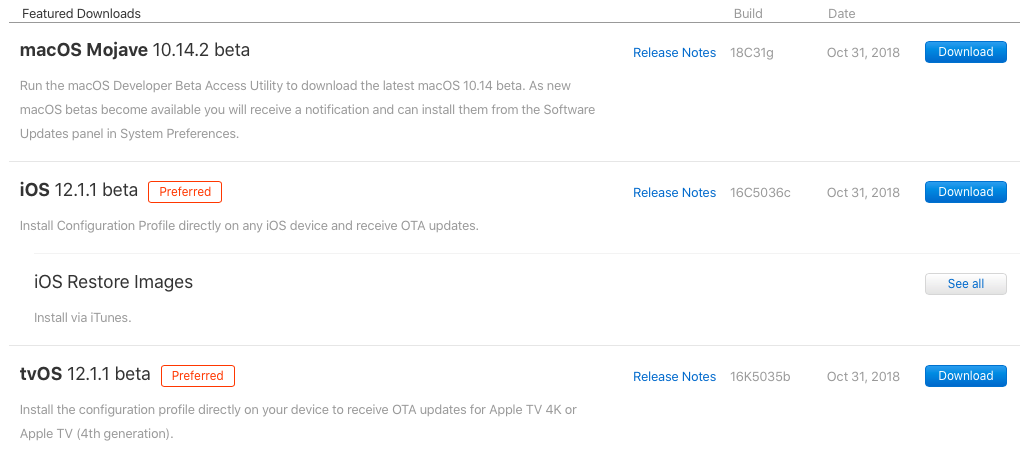
It's official. Apple has released the tvOS 12 update for Apple TV. The release is mostly minor, although it does offer one important new feature for film aficionados, the introduction of Dolby Atmos support.

The new update, with a build number of 16J364, includes:

Dolby Atmos

Along with support for Dolby Atmos, Apple promises to add the most extensive collection of Dolby Atmos-supported movies beginning this fall.

Once tvOS 12 has been installed, you can set up Dolby Atmos on your Apple TV by going into the Settings app under Video & Audio.

Other new features

TvOS 12 also introduces new aerial screensavers in partnership with the International Space Station. Additionally, existing screensavers now include location information to let you know where each has been captured.

You can download and install tvOS 12 by visiting the Settings app on your device.

1) On Apple TV 4K or Apple TV (4th generation), go to Settings > System > Software Updates and select Update Software.

2)  Select Download and Install. Wait for your Apple TV to download the update. Don't disconnect or unplug your Apple TV until the upgrade completes.

3) Wait for the update to install.

Are you excited about seeing tvOS 12? Let us know below.