Apple TV

Stay up-to-date on the latest Apple TV news and learn how to get the most out of your device with our comprehensive tutorials and guides. Discover new features, troubleshoot issues, and explore the best apps and games for your Apple TV.

How to save blobs for the Apple TV 4K

Update: This guide is now outdated, and simpler methods are available. We recommend that Apple TV 4K users now do Step 2) of this guide to find their ECID, and then use our simpler guide on saving blobs with TSS Saver instead. This guide will remain up for advanced users, who may still want to use it to save beta blobs, or incremental blobs which are not saved by TSS Saver.

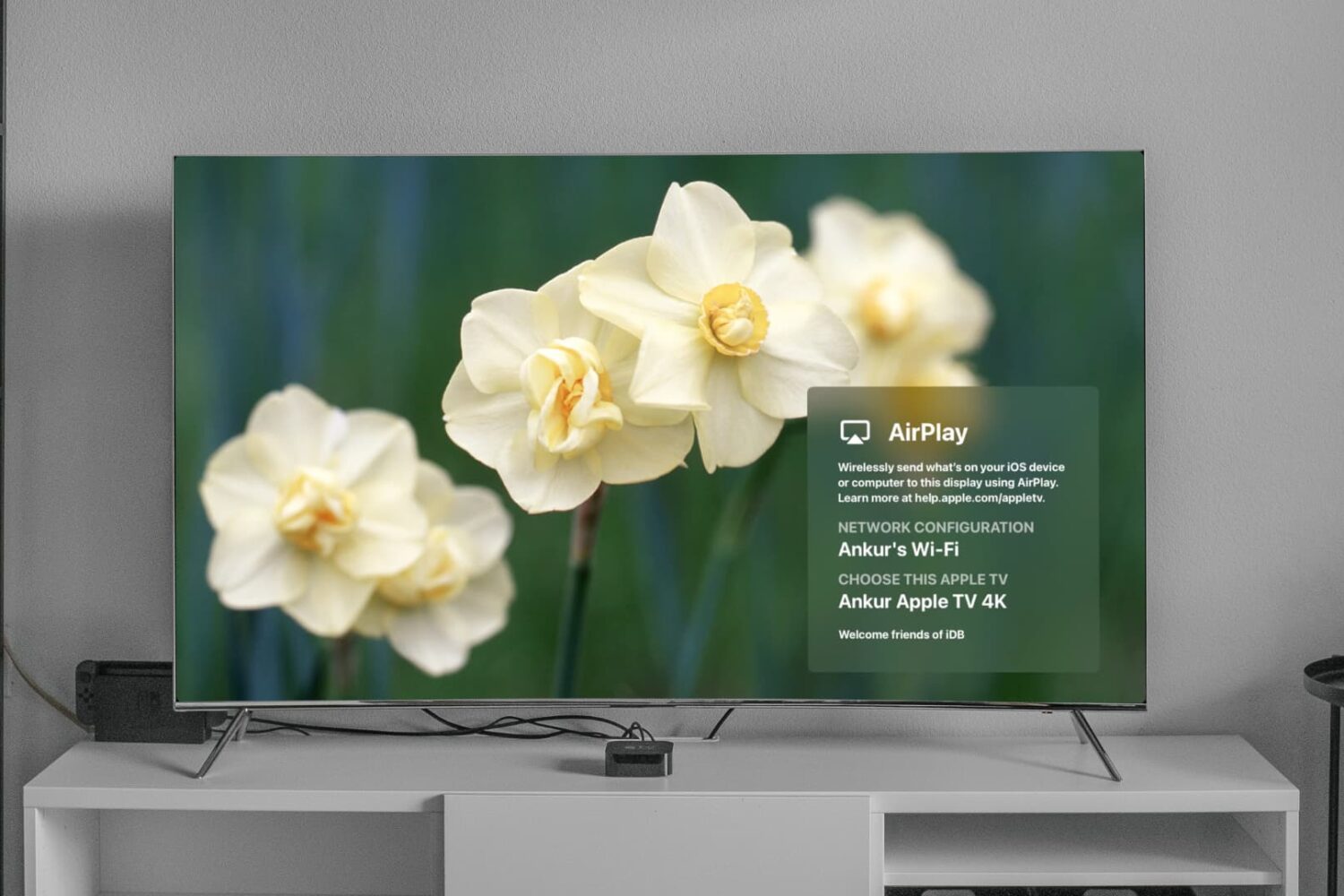
How to AirPlay or mirror your iPhone or iPad display to an Apple TV

Mirror iPhone to Apple TV

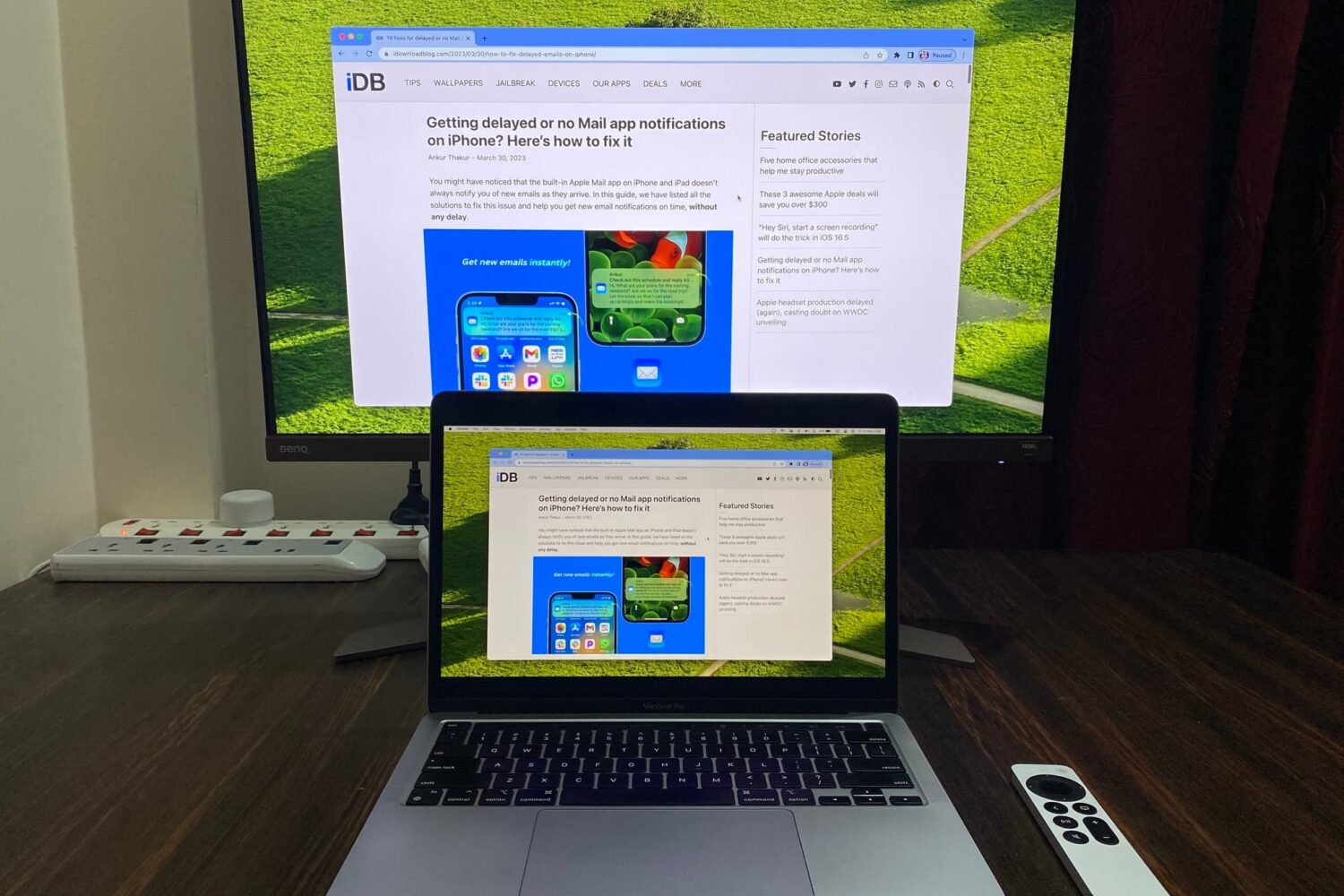
You can easily send your Mac screen to your Apple TV and either mirror it or use it as a second display. So, if you want to show something you have on your iPhone or iPad up on your Apple TV, this is just as simple.

You can use AirPlay if you have a video on your iPhone you want to show everyone in the room. And if you want to see a bigger picture of something on your device and interact with it, you can use Screen Mirroring.

Here’s how to both AirPlay and mirror your iPhone or iPad display to Apple TV.