Apple TV

Stay up-to-date on the latest Apple TV news and learn how to get the most out of your device with our comprehensive tutorials and guides. Discover new features, troubleshoot issues, and explore the best apps and games for your Apple TV.

Apple’s onerous iPhone terms for Comcast and Charter apparently require selling a preset number of iPads and Apple TVs

Carriers generally dislike Apple's stringent terms of business, but they rarely complain out of fear of losing access to the company's iconic smartphone. And now, a new report citing multiple unknown sources alleges that the Cupertino technology giant strong-armed cable companies into selling more iPads and Apple TVs in return for access to iPhone.

Apple breaks down the changes with iTunes in macOS Catalina

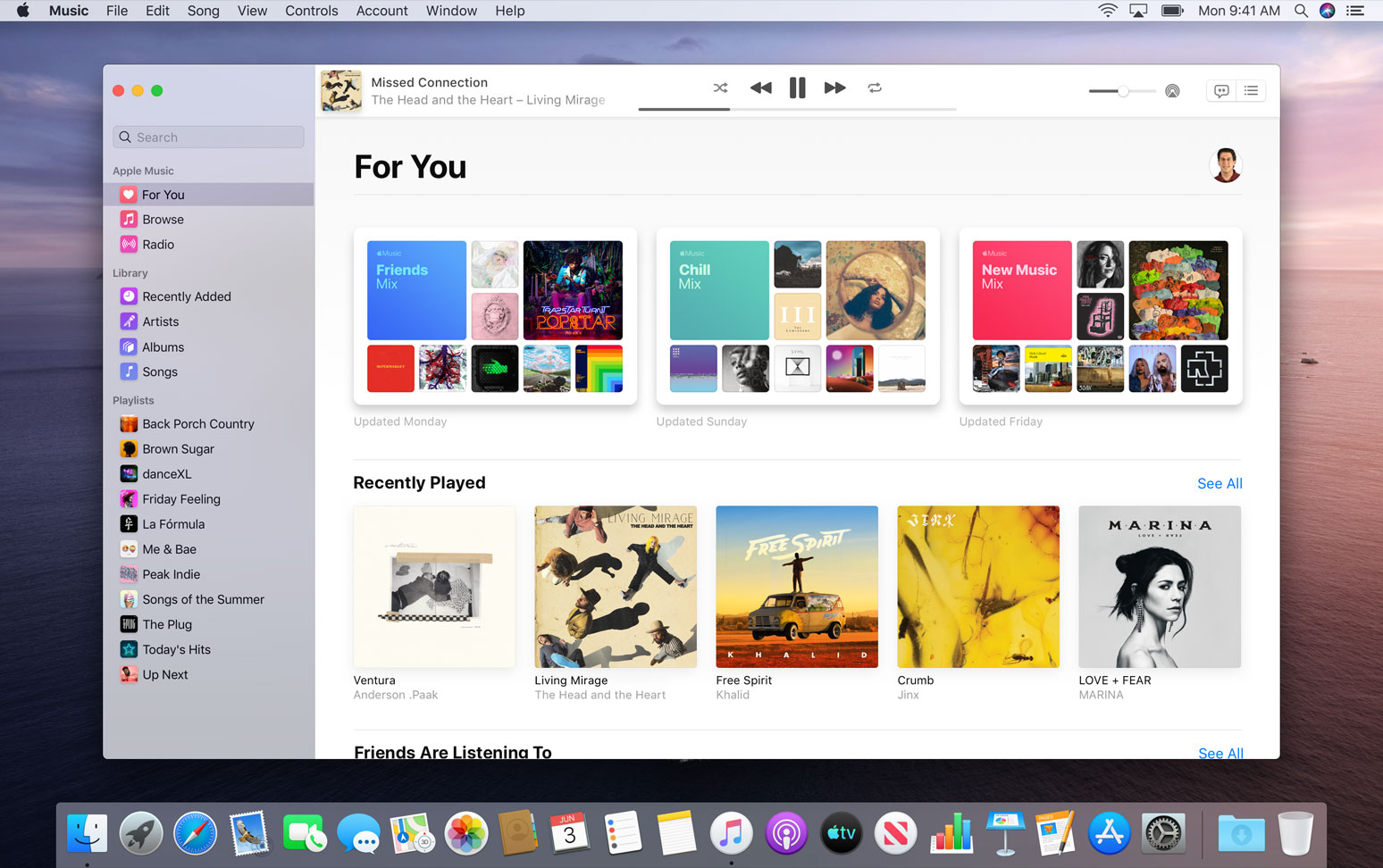
Apple Music app for macOS Catalina

Apple is making some big changes to macOS in the coming update, named Catalina. Perhaps none are as big as the break up of iTunes, which effectively gets separated into three separate apps: Apple Music, Apple Podcasts, and Apple TV. In an effort to clarify what's actually changing, and what might not be, the company has a new dedicated page to tackle the issue.

macOS Catalina makes big changes to syncing

Apple Music app for macOS Catalina

Apple made some drastic changes to iTunes with the unveiling of macOS Catalina, effectively ditching the legacy software in favor of standalone Apple Music, Apple Podcasts, and Apple TV apps. But considering how many people still sync their device(s) with a cable, Apple had to make sure not to ditch this particular feature altogether. So instead, it's just been tweaked a bit.

How to hide and unhide purchased music, movies, and TV shows on Mac

Apple TV app on Mac

You may buy items in the Music app, TV app, or iTunes that you want to keep to yourself from time to time, especially if you use Family Sharing. It could be a movie, song, album, TV show, or audiobook. You can hide purchases and keep them hidden on all devices that use the same Apple ID.

If you need to keep something you buy away from prying eyes, here’s how to hide and unhide your purchased media on Mac.

How to save blobs for the Apple TV 4K

Update: This guide is now outdated, and simpler methods are available. We recommend that Apple TV 4K users now do Step 2) of this guide to find their ECID, and then use our simpler guide on saving blobs with TSS Saver instead. This guide will remain up for advanced users, who may still want to use it to save beta blobs, or incremental blobs which are not saved by TSS Saver.

How to AirPlay or mirror your iPhone or iPad display to an Apple TV

Mirror iPhone to Apple TV

You can easily send your Mac screen to your Apple TV and either mirror it or use it as a second display. So, if you want to show something you have on your iPhone or iPad up on your Apple TV, this is just as simple.

You can use AirPlay if you have a video on your iPhone you want to show everyone in the room. And if you want to see a bigger picture of something on your device and interact with it, you can use Screen Mirroring.

Here’s how to both AirPlay and mirror your iPhone or iPad display to Apple TV.