In this tutorial, we'll show you how to customize the Apple TV Siri Remote to your liking by adjusting the sensitivity of its Touch Surface or turning it off altogether.
How to adjust the sensitivity of your Apple TV Remote
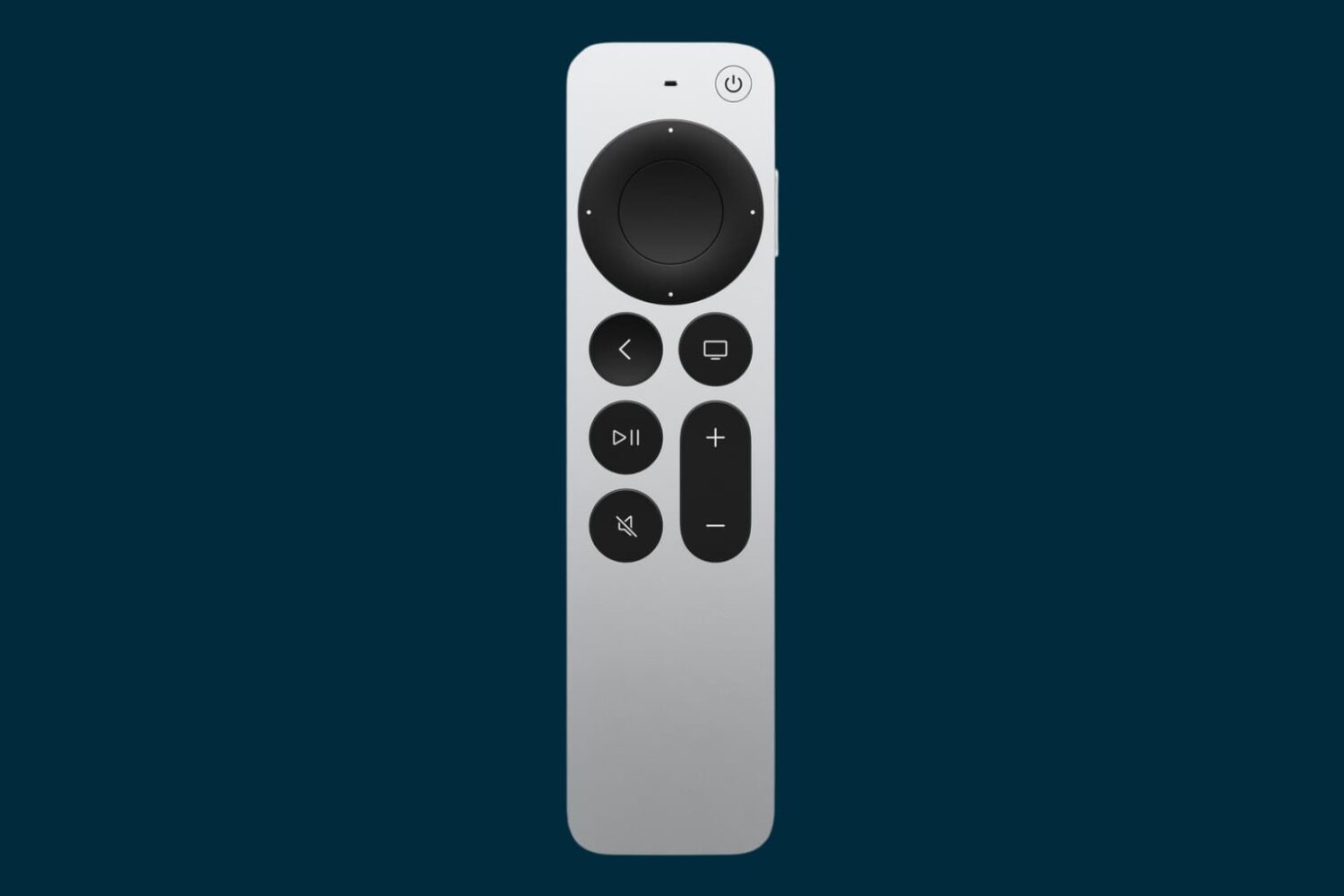
In this tutorial, we'll show you how to customize the Apple TV Siri Remote to your liking by adjusting the sensitivity of its Touch Surface or turning it off altogether.
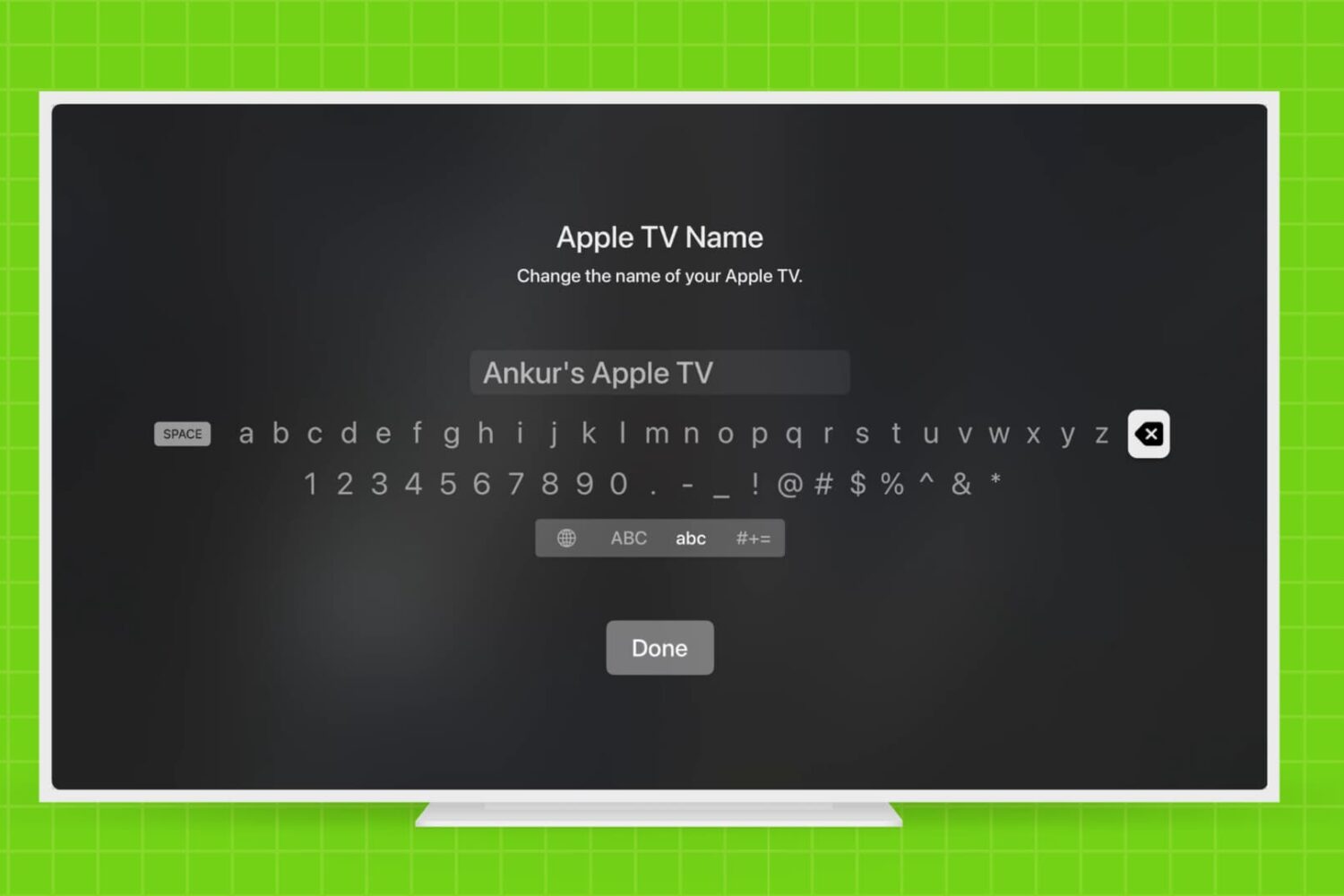
Learn how to rename your Apple TV and make it easier to identify, especially if you have multiple Apple TVs in your household.
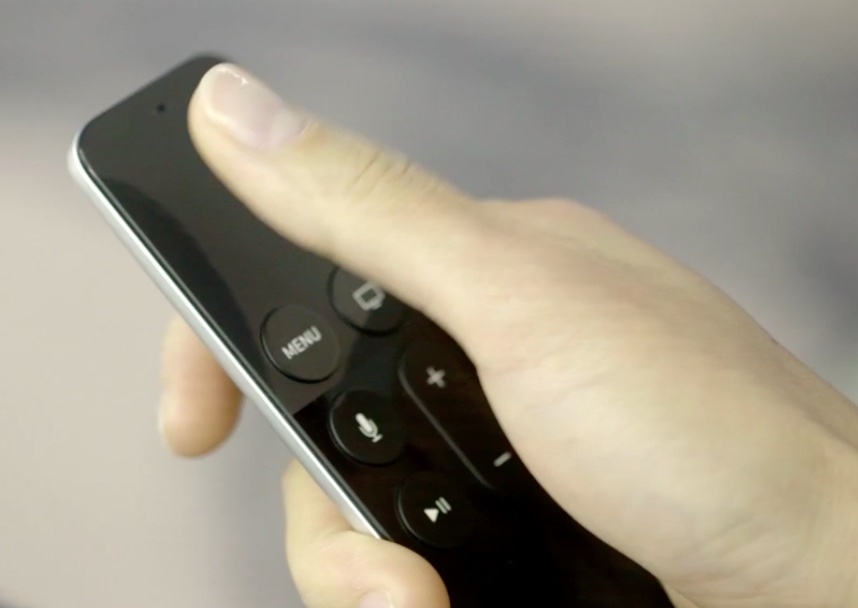
By now, you have learned how to use the new Apple TV's task switcher, rearrange and delete apps on the set-top box, take screenshots, disable password prompts for free and paid downloads and more.
Our coverage of the device continues with this tutorial which will teach you how to restart your Apple TV or put it into sleep or standby mode using either its remote or by selecting an option in the Settings menu.
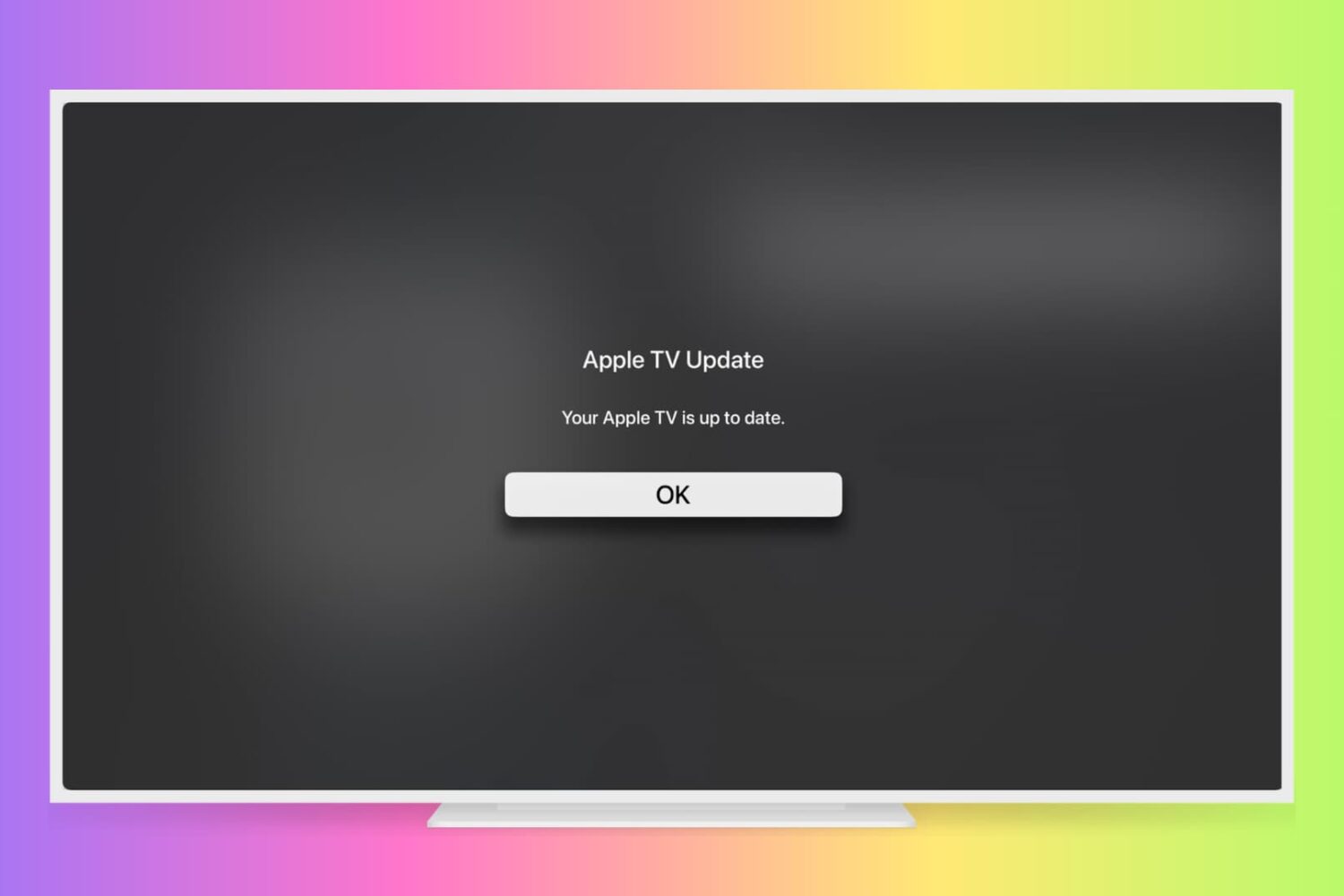
Learn how to manually check for Apple TV software updates and install the latest version of tvOS so it has all the latest available features and can run without hiccups.
You are probably aware that you can disable password prompts altogether for free downloads made on your iPhone, iPod touch, iPad and Mac. As an added layer of protection, iOS and macOS will either require your Apple ID password for each paid download or after fifteen minutes of making your last purchases in the iTunes Store, App Store, Books Store or Mac App Store, depending on your preference.
What you cannot do on iOS and macOS is disable password prompts for both free and paid downloads. On the Apple TV, however, it's possible to turn off password protection for both free and paid items and this tutorial will help you do just that.
Your brand spanking new Apple TV does a lot of nice things pretty well, and some really cool ones Apple hasn't even mentioned officially.
As first discovered by developer Steve Stroughton-Smith, the set-top box can actually render stereoscopic 3D content provided an app has implemented the functionality and the customer owns a 3D-enabled TV set to enjoy it on.
Specifically, he has identified stereoscopic 3D support within Pangea Software’s Bugdom 2, which has been refreshed in the App Store to work on the new Apple TV.
Responding to the Apple TV 4 launch day and the warm reception the device has received from reviewers thus far, online retail giant Amazon has now removed all Apple TV models from sale on its online stores.
Earlier this month, Amazon warned customers that it would stop selling both Google's Chromecast HDMI dongle and Apple's set-top box in an effort to prevent “customer confusion” over devices that don’t “interact well” with its Prime Video service.
The Apple TV launch will be accompanied by a surprisingly comprehensive list of third-party apps and games, some of which were shown off on stage during Apple's media presentation last month. Ahead of tomorrow's launch, a much larger selection of premium triple-A games and apps is available for the device.
We've compiled a list of the games and apps that we think are going to make a difference on the big screen. If you have pre-ordered your Apple TV, bookmark this article as you'll want to download these apps as soon as your shiny new box drops on your doorstep.

Big things are happening with the new Apple TV. Not only have numerous readers received their now shipping notifications, alluding to a Friday arrival, Apple has also made several significant necessary infrastructure changes for tomorrow's big launch.
First and foremost, the App Store is now live for the Apple TV. Twitter is flowing with screenshots and images of the new Apple TV App Store. Although its discovery elements are still questionable, Apple is probably still in the midst of rolling out the categories section and top charts section. Remember, the actual launch isn't until tomorrow, so anything can change between now and then.
Secondly, Apple has released the final build of its tvOS software that powers the new Apple TV. In fact, you can download tvOS 9.0 right now.
Eddy Cue, Apple's Senior Vice President of Internet Software and Services, gave CNN a tour of the new Apple TV, which hits Apple's retail stores tomorrow.
Reiterating that to Apple, television is about apps, Cue called the fourth-generation box “absolutely” more than a hobby project for Apple.
“We have over 20 million Apple TV's in households today,” he said. “We think this is really going to revolutionize television. So this is a big deal for us.”
As the new Apple TV is scheduled to hit Apple's retail stores tomorrow, first reviews are now in. Journalists who were given a chance to spend some quality time with review units are praising evolutionary improvements to the living room experience while highlighting untapped potential for the refreshed $149 device.
One of the common complaints focuses on Siri and its inability to search apps for the Apple TV in a dedicated App Store. In addition, reports are noting that users won't be able to search Apple Music with their voice at launch, the omission Apple claims will be addressed with a software update due at the beginning of next year.
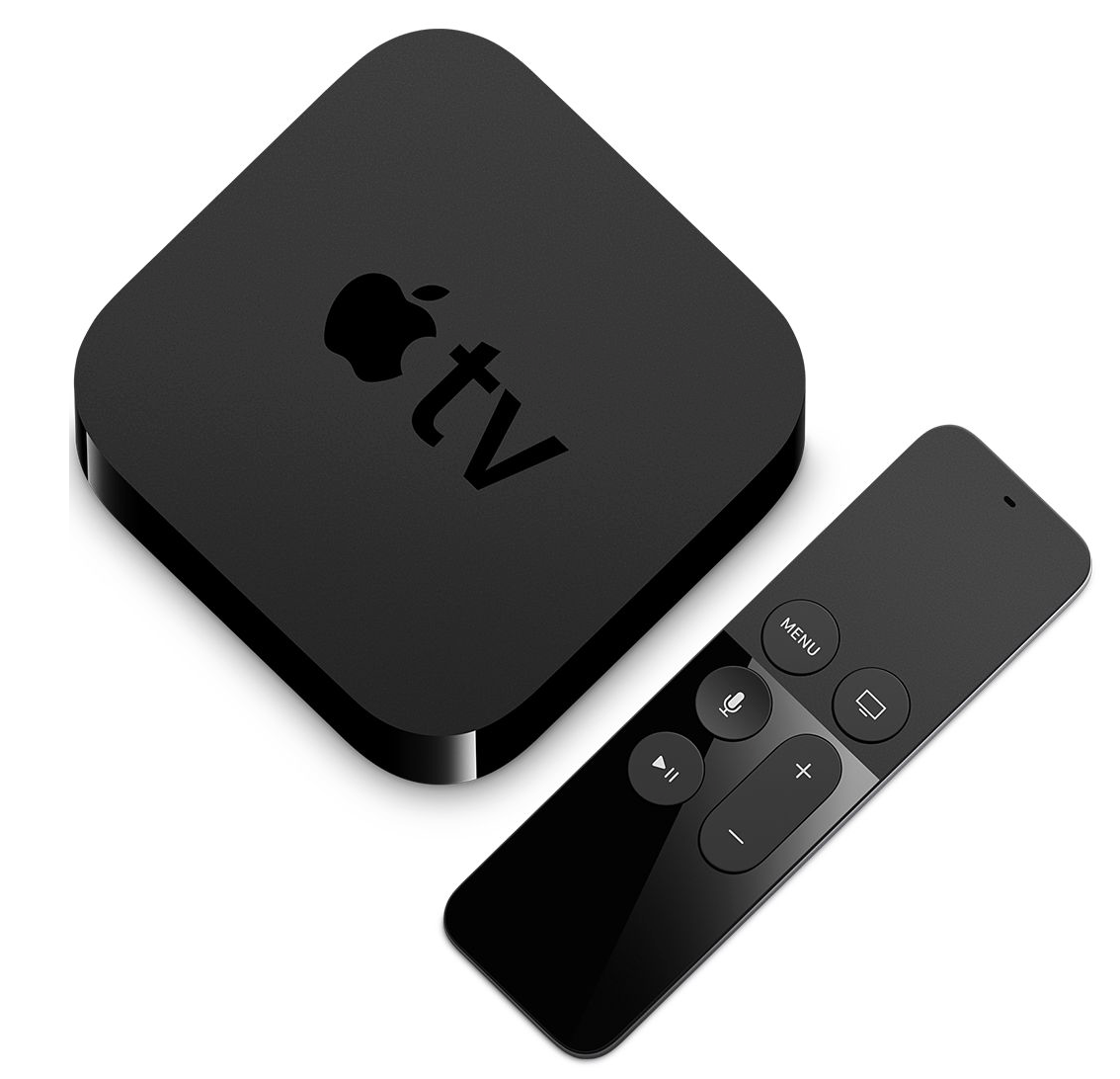
After launching online orders for its fourth-generation Apple TV, Apple will start selling the new set-top box at its retail stores on Friday, October 30, 9to5Mac learned from sources close to the matter.
In addition to sales via the Apple Online Store and company-owned retail stores, the new Apple TV is listed for pre-order at other resellers like Best Buy and B&H.