Alarm

No2Theft2 protects your iPhone from thieves and pranksters

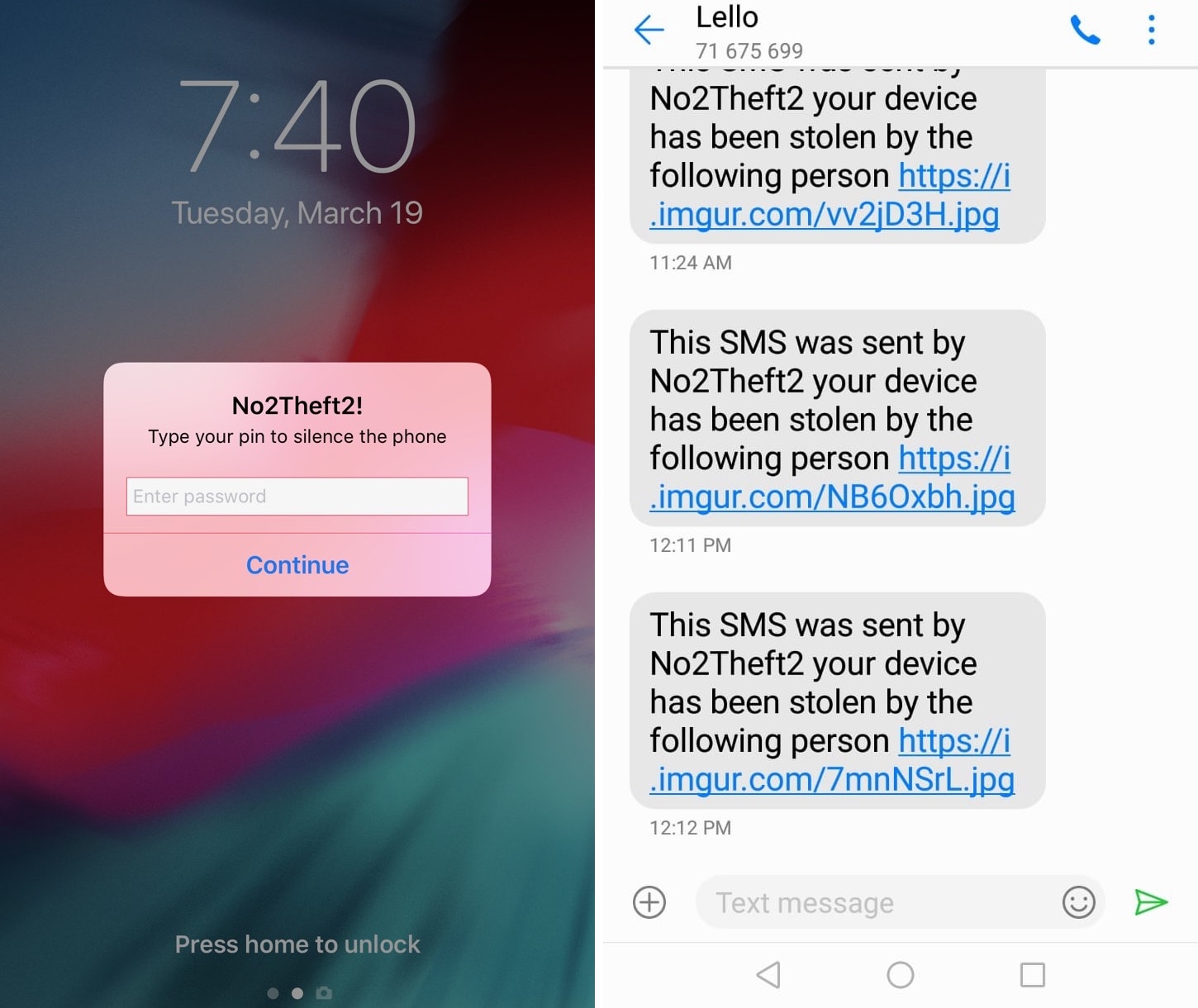
Whether you’re always paranoid about someone stealing your iPhone when you set it down on a table somewhere in public or you’ve just got lousy friends that like to play pranks on you, a jailbreak tweak called No2Theft2 by iOS developer Elias Sfeir promises to let you know whenever someone tries to be nefarious with your handset.

After you’ve installed and configured No2Theft2, you can rest assured that if someone’s doing something fishy with your iPhone behind your back, you’ll know about it. The tweak uses several methods to notify you whenever someone picks up your handset and enters the passcode incorrectly.
AlarmFade makes waking up to morning alarms on your iPhone more pleasant

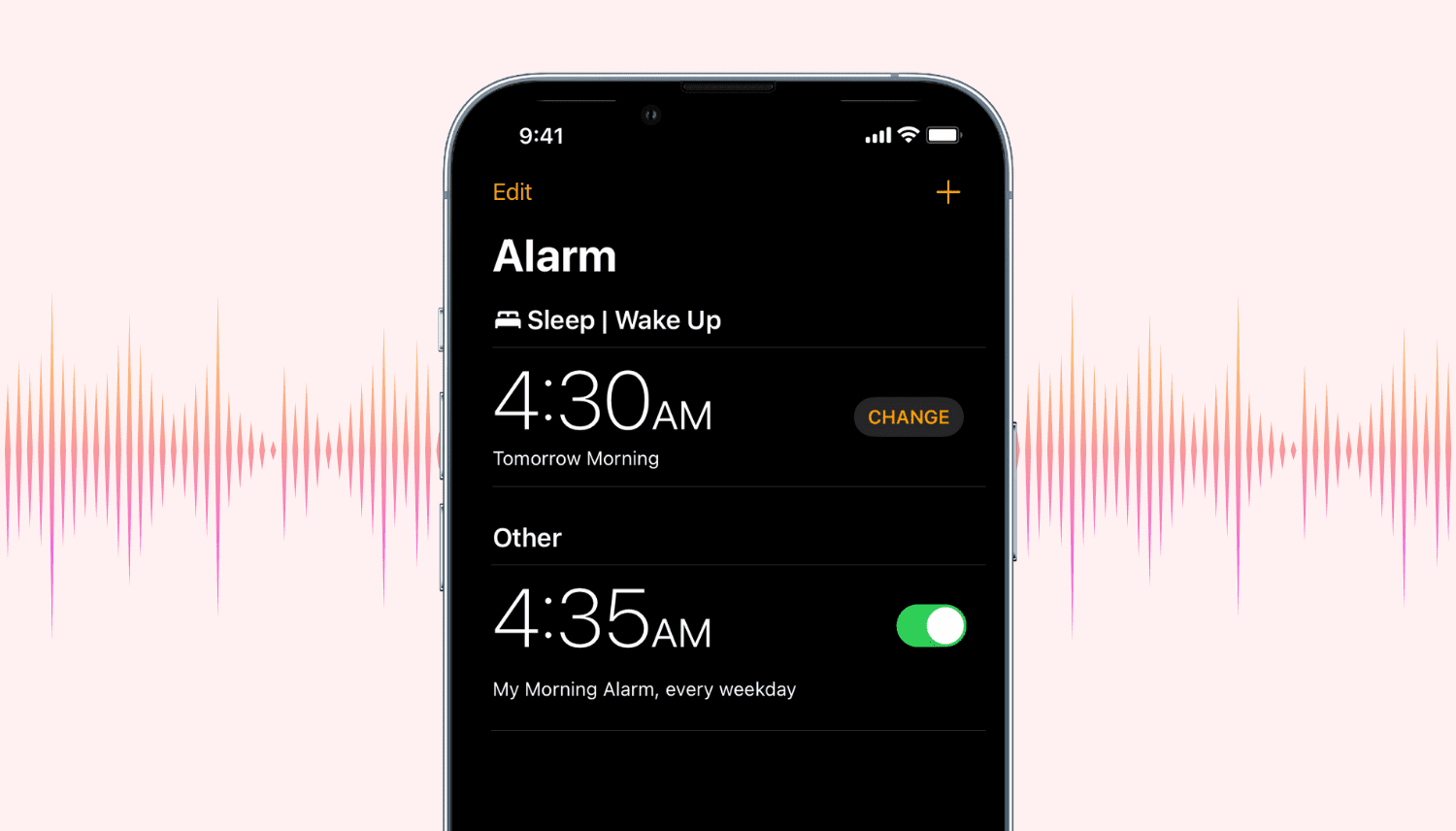
Many people rely on their iPhone’s alarm to get up every morning, and while it’s evident that Apple spent a lot of time polishing the alarm interface, there are certainly a few ways that it could be improved.

With that in mind, it should come as no surprise to anyone that iOS developer Nils Kirchhof has released a new free jailbreak tweak called AlarmFade with the intention of making a few improvements to the iPhone’s alarm experience. But does it? – Let’s find out.

AlarmGroups brings a popular grouped alarm concept for iOS to life

Many people use the alarm feature in their iPhone’s Clock app to wake up on time for school or work every morning, but sometimes users will hit the stop button and inadvertently fall back asleep, defeating the purpose of setting the alarm in the first place.

You could create a cascade of alarms to prevent this from being a problem, or you could use a new free jailbreak tweak called AlarmGroups by iOS developer Fouad Raheb, which streamlines the process of generating and grouping multiple alarms to ensure you wake up every morning.

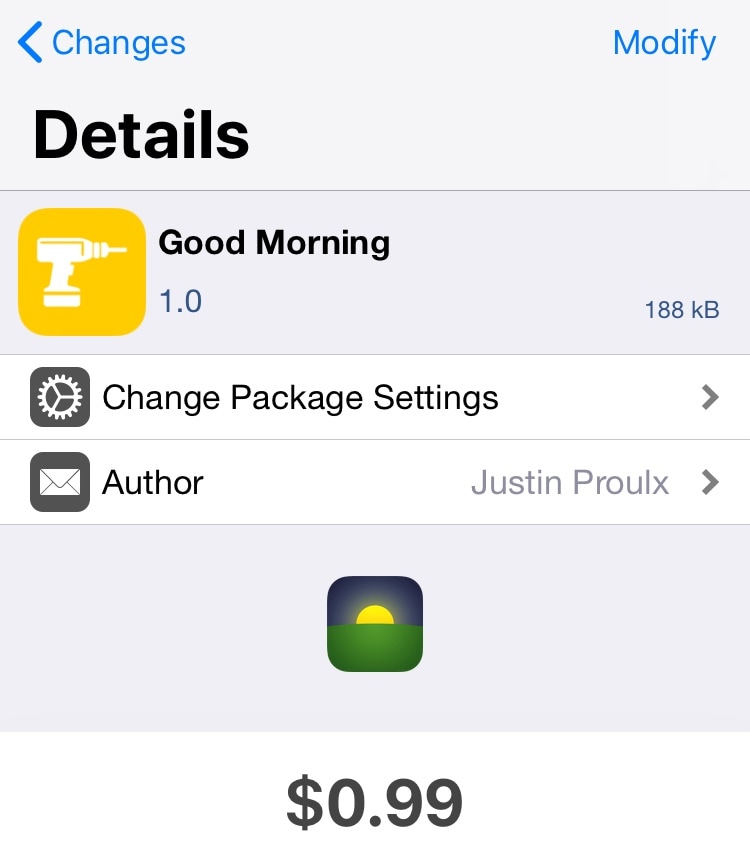
Good Morning: A tweak that launches your favorite app before you wake up every morning

Many people, including myself, reach for their iPhone after waking up every morning to check their missed notifications and catch up on their favorite app(s). But how would you like it if your iPhone knew what you wanted to do every morning and prepared that information before you ever woke up?

A new jailbreak tweak dubbed Good Morning by iOS developer Justin Proulx is a brilliant first step in this direction.

Add countdown timers to your pending iPhone alarms with SleepyTime

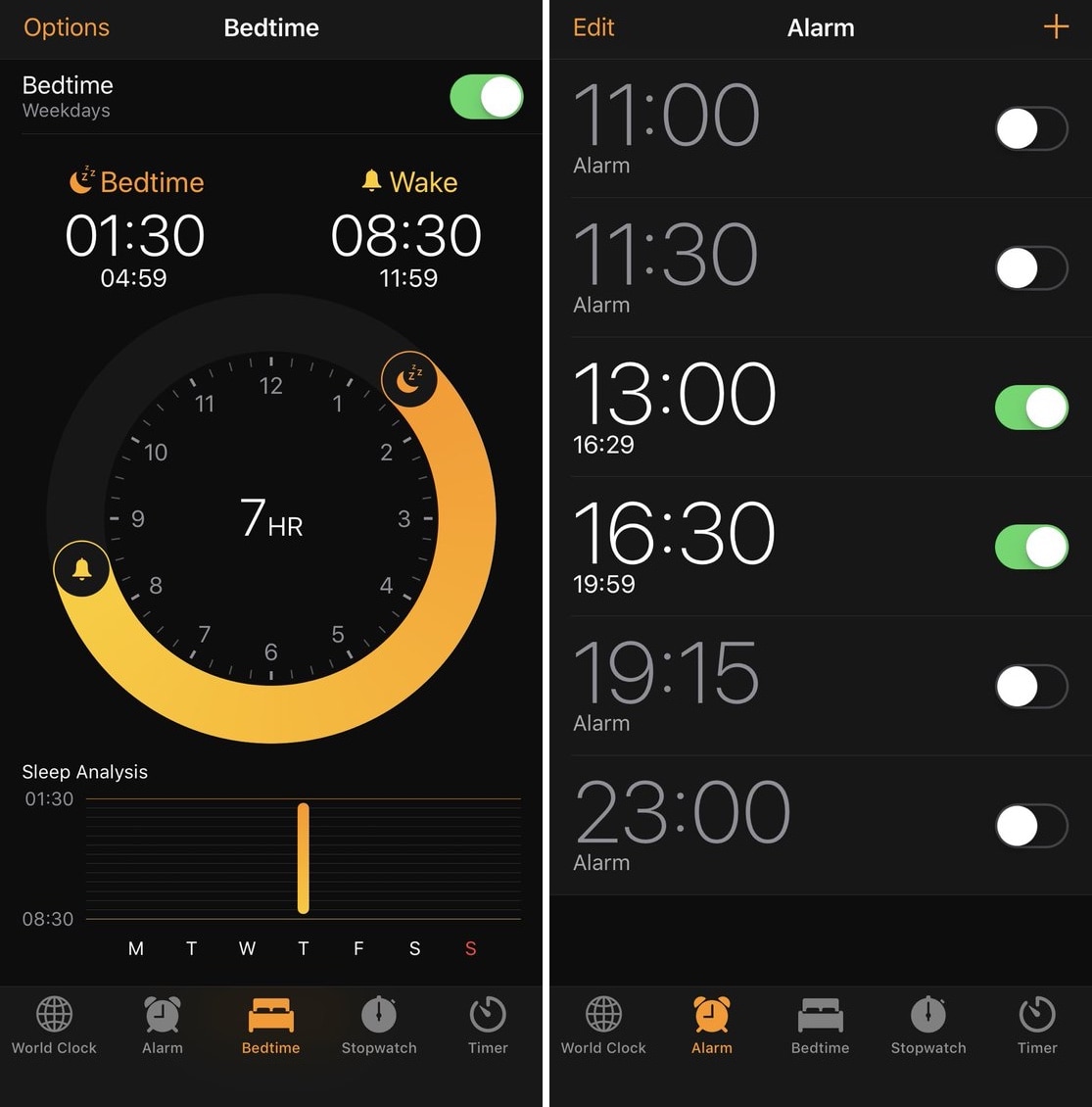
If you get up for class or work every morning, then you’re probably accustomed to setting the alarm on your iPhone to ensure you wake up early enough. iOS’ alarm interface is rather polished right out of the box, but there’s still room for improvement.

A free jailbreak tweak called SleepyTime by iOS developer SparkDev enhances iOS’ alarm interface by displaying the time remaining before one or more of your alarms fire off.

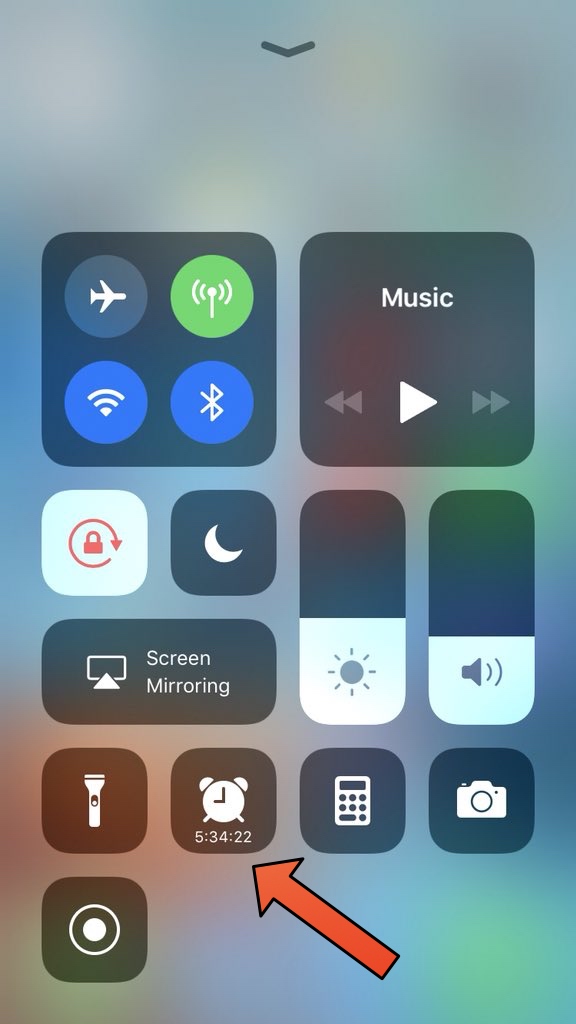
This tweak displays a countdown to your alarm in Control Center

If you take advantage of the alarm feature on your iPhone or iPad as often as I do, then a new free jailbreak tweak called CCAlarmETA by iOS developer LonestarX may come off as intriguing to you.

Precisely as the name implies, CCAlarmETA puts an ETA indicator inside of the Control Center-based alarm shortcut any time there's an active alarm on your handset.

How to set and manage alarms on HomePod

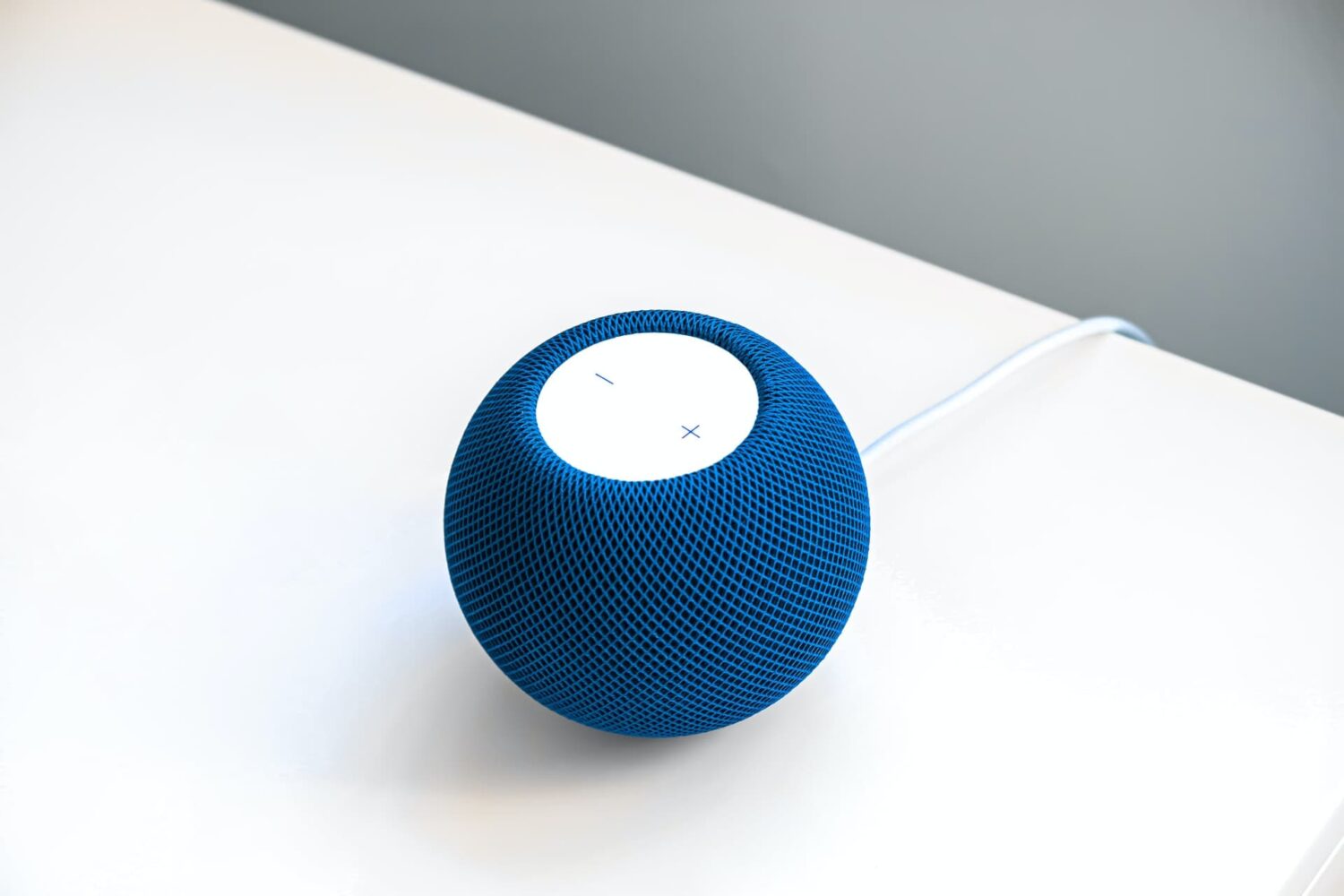
Blue HomePod mini on a white table

Like other Apple devices, your HomePod permits you to set custom alarms.

You can create multiple alarms using just your voice, optionally add some context to them, if you like, and more. Your Siri speaker will signal you when one of your created alarms goes off.

Siri on HomePod allows you to create as many alarms as you want, manage them, remove ones you no longer need, turn specific alarms on or off, create recurring alarms, and more.

Alarms do not synchronize across multiple devices via iCloud. Any alarms created using your HomePod will not appear on your Mac, iPhone, or other devices, and vice versa.

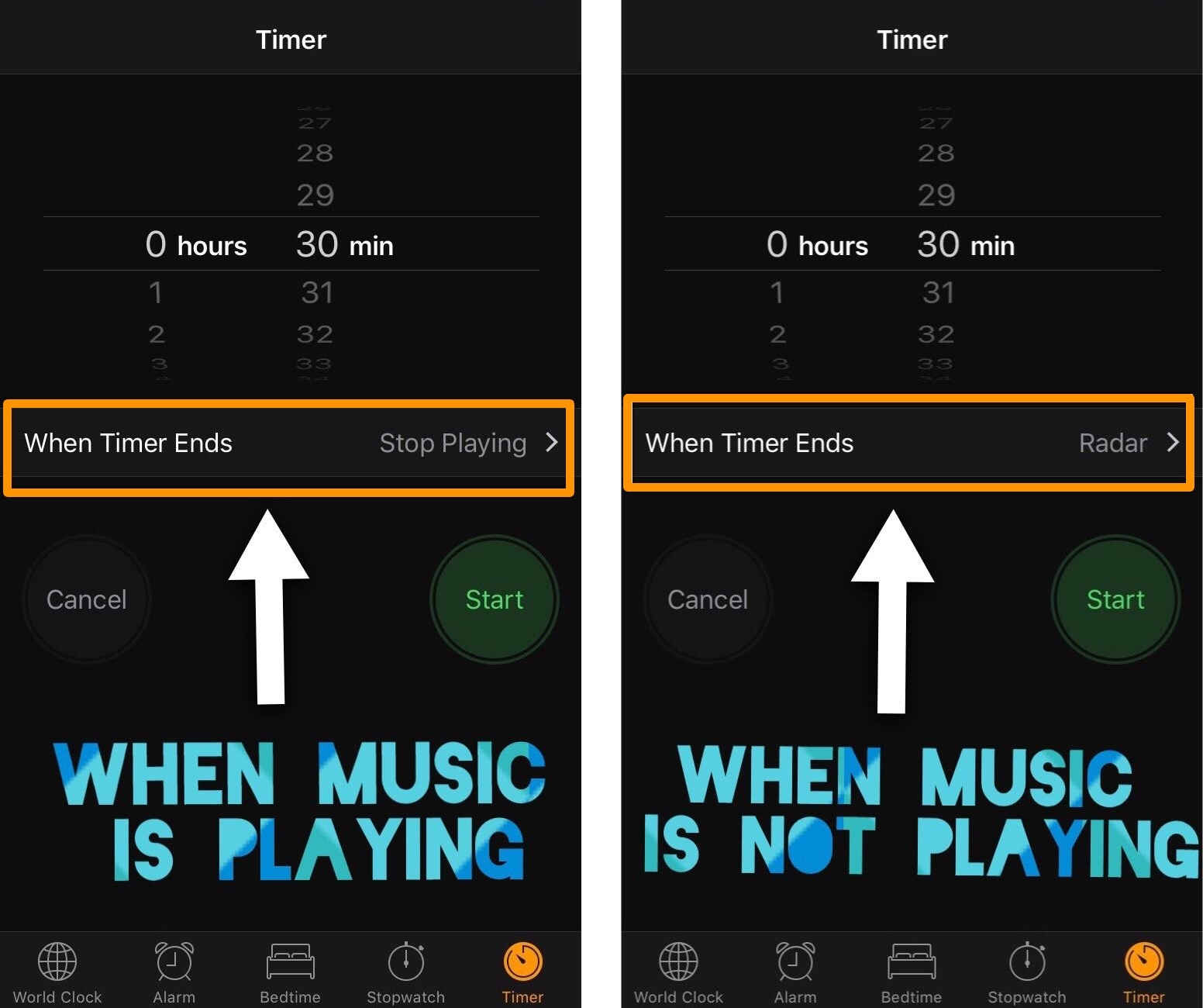
DynamicTimer automatically configures iOS timers to “Stop Playing” when music is playing

Anyone who uses the timer in iOS knows that it's useful for one of two things: 1) to count down for something special, or 2) to make your music playback stop after a designated amount of time.

If you use your iOS timer for both cases mentioned above frequently, then it can be cumbersome to switch back and forth between your favorite sound and the "Stop Playing" option for each situation. Fortunately, a new free jailbreak tweak called DynamicTimer by iOS developer KingPuffdaddi helps automate this process.

Safe Alarm 3 adds powerful features to your iPhone alarm

So many people rely on alarms from their smartphone to wake up in the morning that when a major new jailbreak tweak comes out that improves the stock alarm system on the iPhone, it’s a big deal.

Safe Alarm 3 by Douglas Soares is a noteworthy release in Cydia that expands upon the alarm system in iOS by giving you a trough of new options to configure, including new ways to be woken up.

CasualAlarm uses random songs from your music library for alarm sounds

Tons of people use their iPhone as a means of waking up every morning thanks to the built-in alarm feature, and while there are a number of alarm tones to pick from and despite being able to choose any local song on your device as an alarm sound, there is very little diversity whenever you choose either of these methods.

A new free jailbreak tweak called CasualAlarm aims to spice things up by randomizing whatever your alarm might be when it’s time to wake up in the morning, and it does this by shuffling through your very own music library. With it, you will have something different to listen to each morning when it’s time to wake up.