Accessories

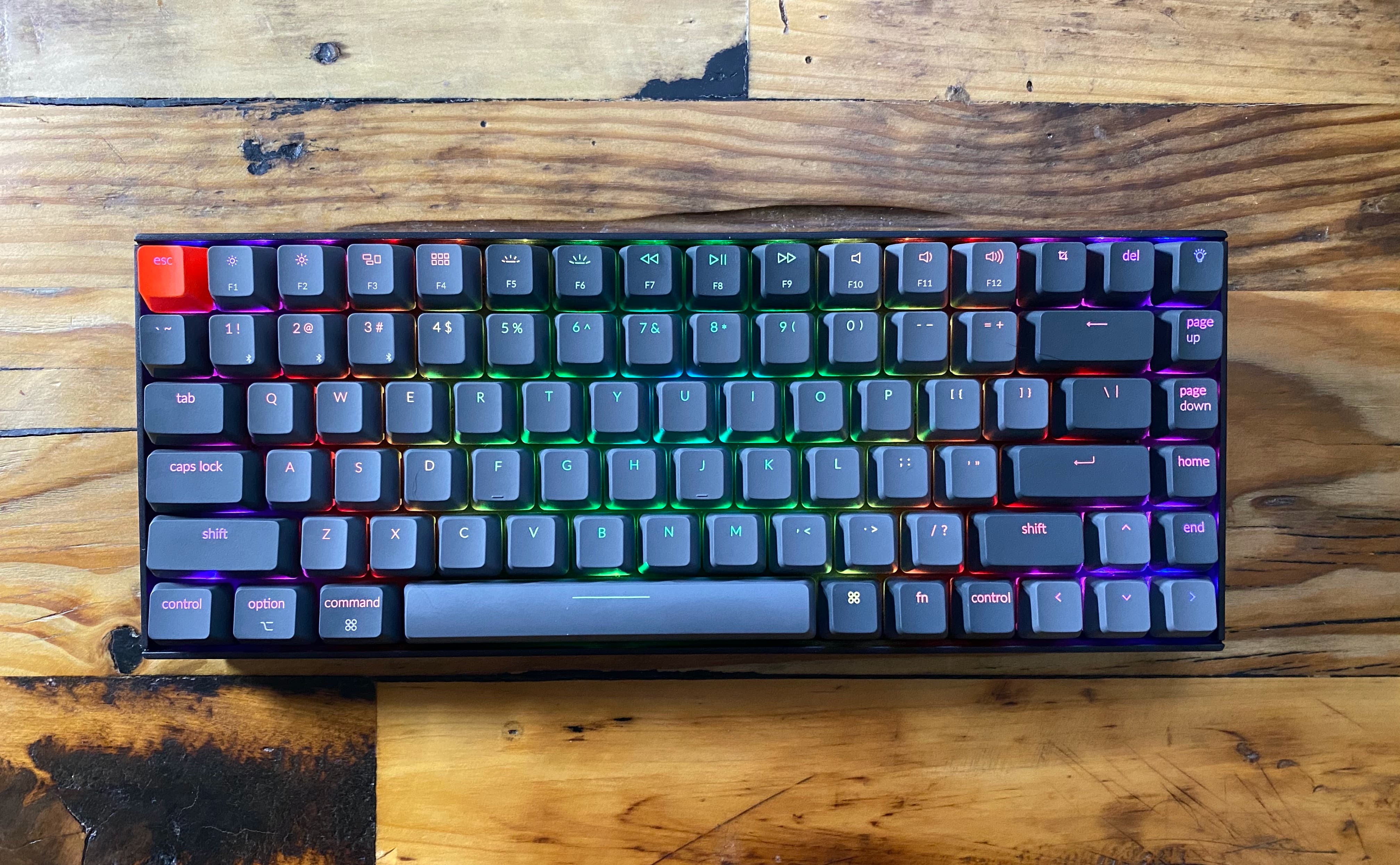
The best wireless keyboards for Mac
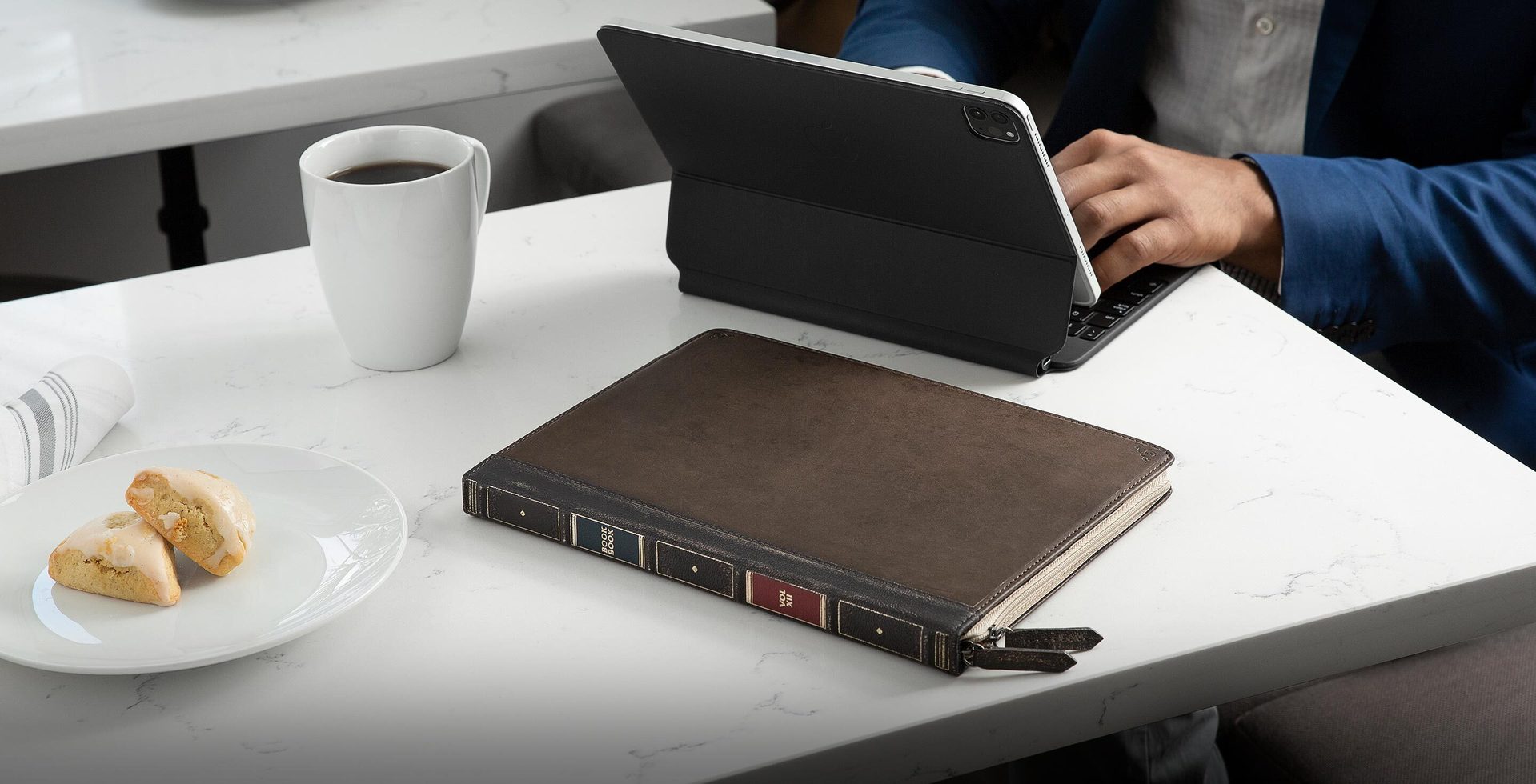
Wireless keyboards make the perfect companion for your Mac. They are portable, so you can take them with you on the go, and they won't clog up your desktop with extra cables. But there are a ton of these out there, so we felt it was our duty to help you sort through the noise. Here is our list of the best wireless keyboards for Mac, with options for nearly every device and budget.

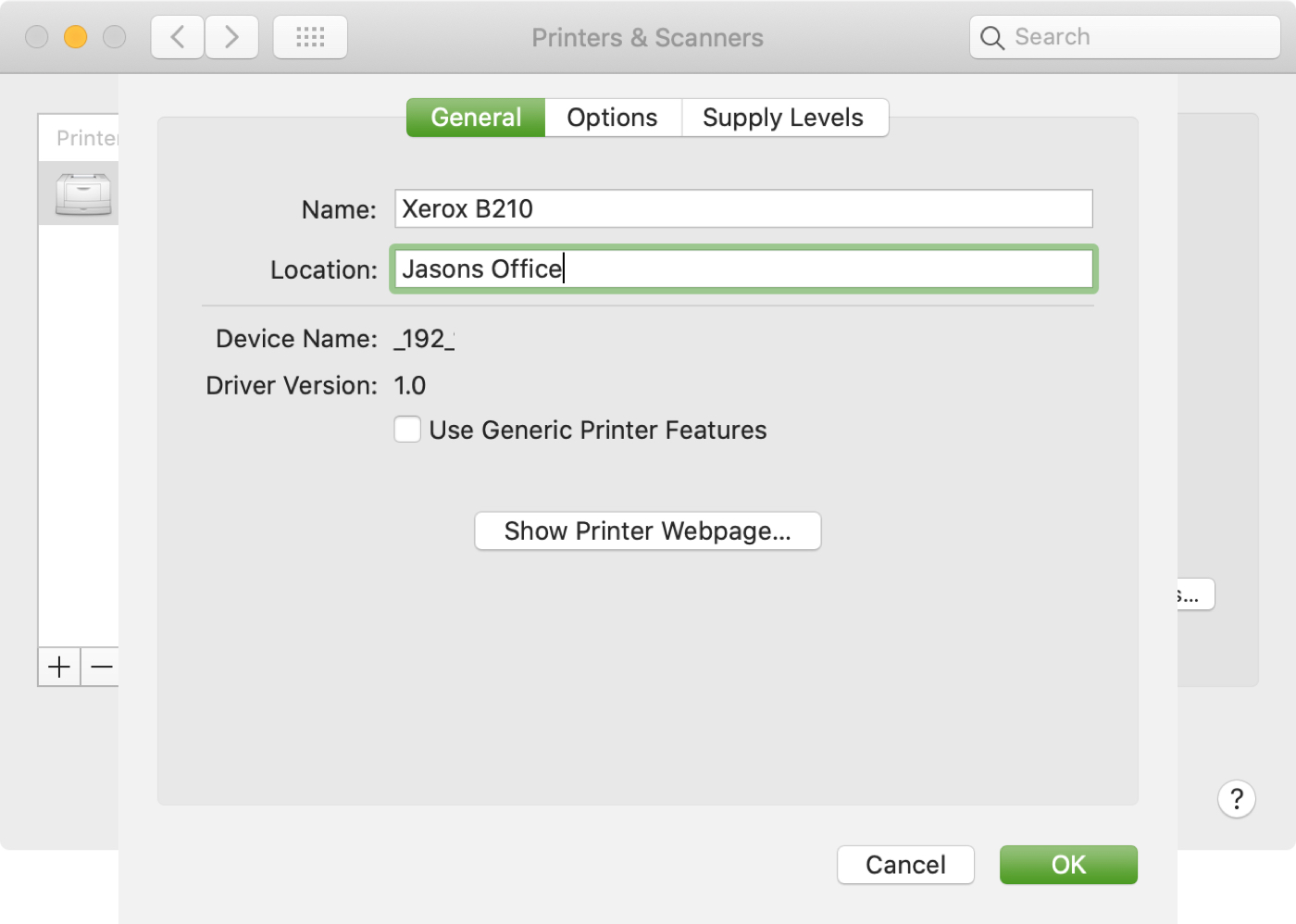
How to set your default printer and change its name and location on Mac

Set Default Printer Change Name Location on Mac

If you use more than one printer with your Mac, it’s important to know how to choose the default printer. This is useful if you take your Mac to your physical office, school, or library and then return to your home office. And if you share your Mac and printer with others, giving a name and location to your equipment is also helpful.

In this tutorial we’ll show you how to set your default printer as well as change its name and location on your Mac.

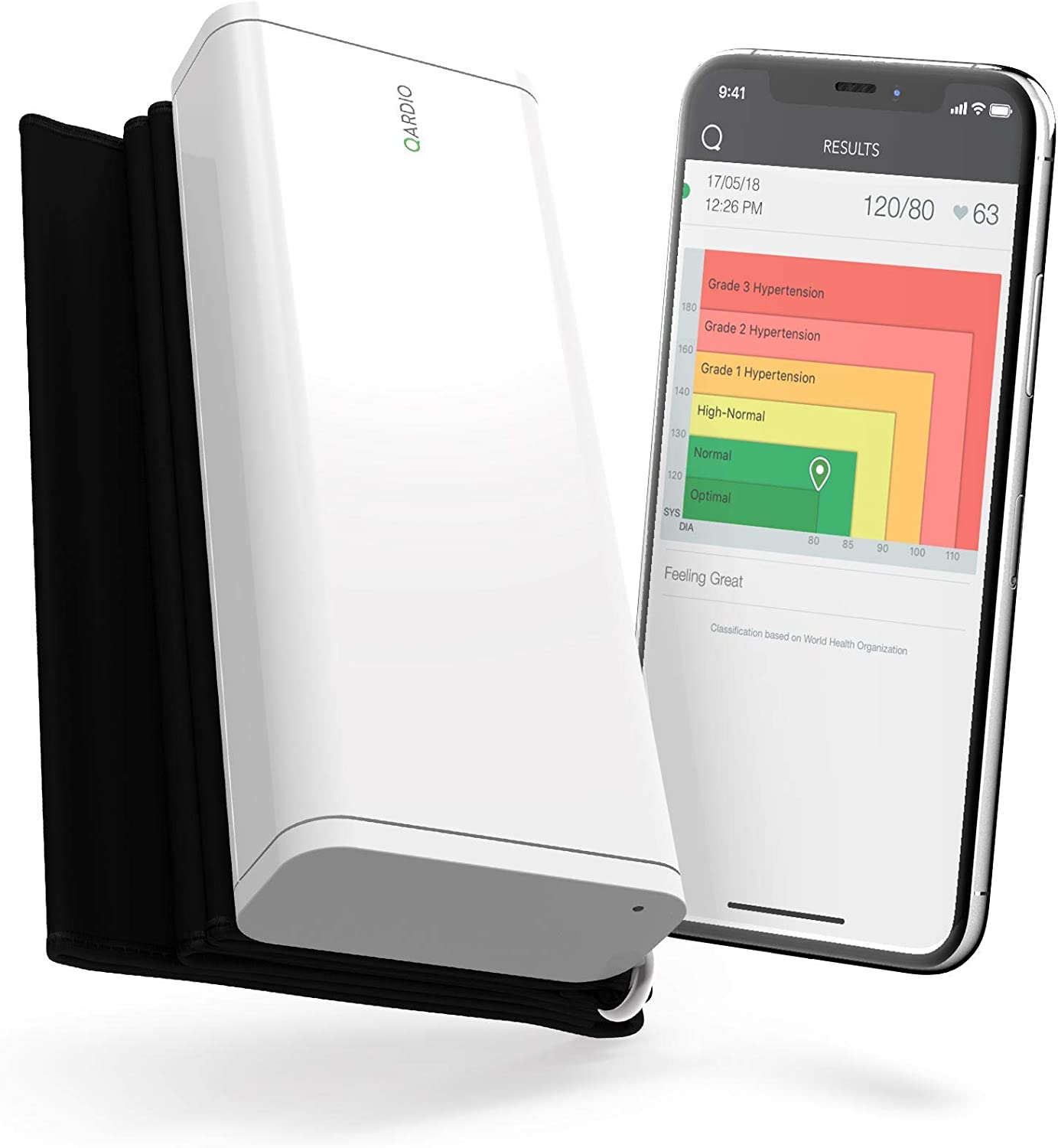
How to set up HomeKit notifications for your accessories

iPhone Door Unlocked Notification

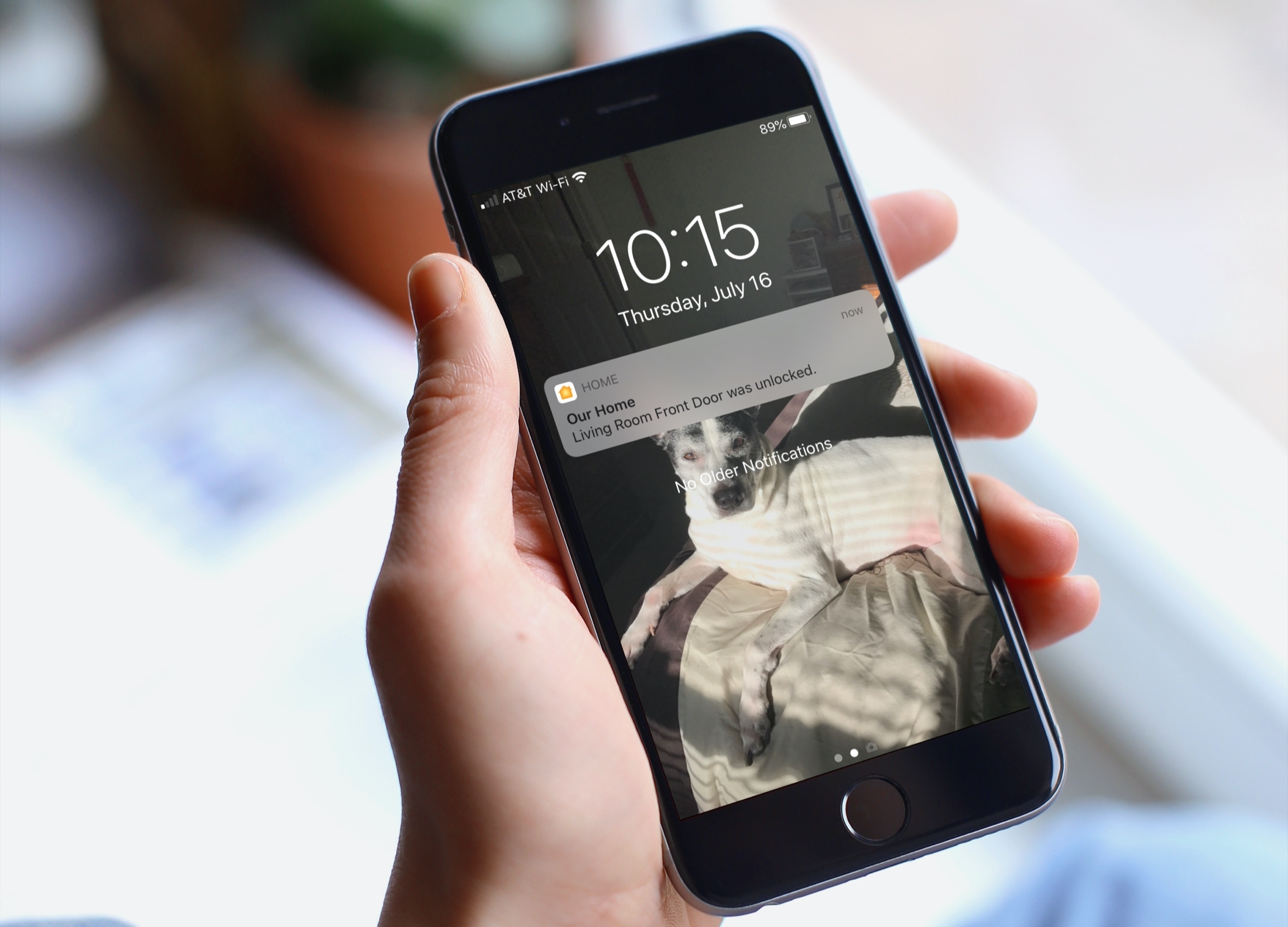
There are certain smart home accessories that do more than turn off or change color. Devices like door locks and motion sensors are used to keep you safe and in control of your home. So it’s with good reason that accessories like these come with notifications.

If you’d like to receive an alert when your door locks or motion is detected, as examples, here’s how to set up notifications for your HomeKit devices.

How to use the Home app visual status for accessories

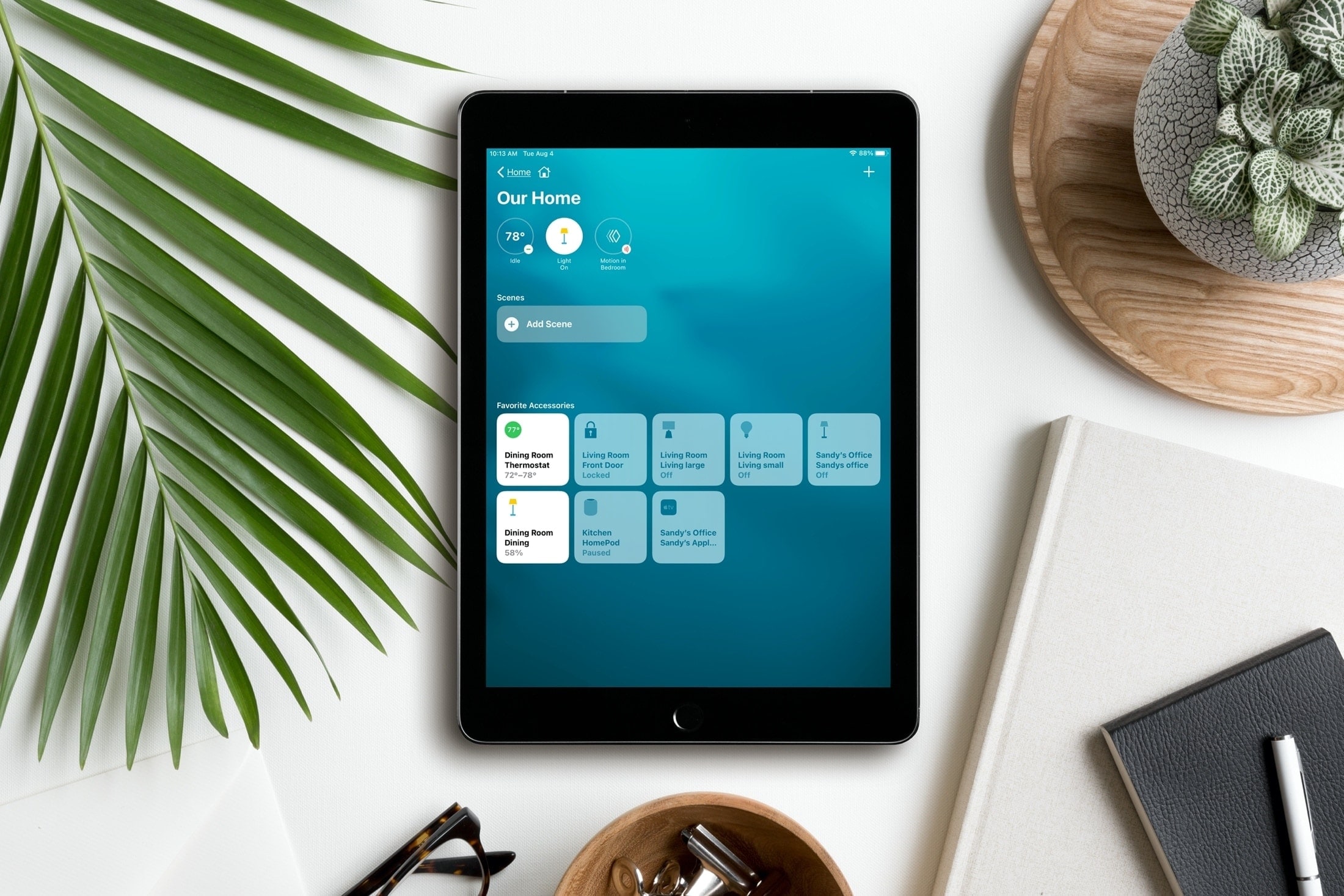
Home App Visual Status iPad

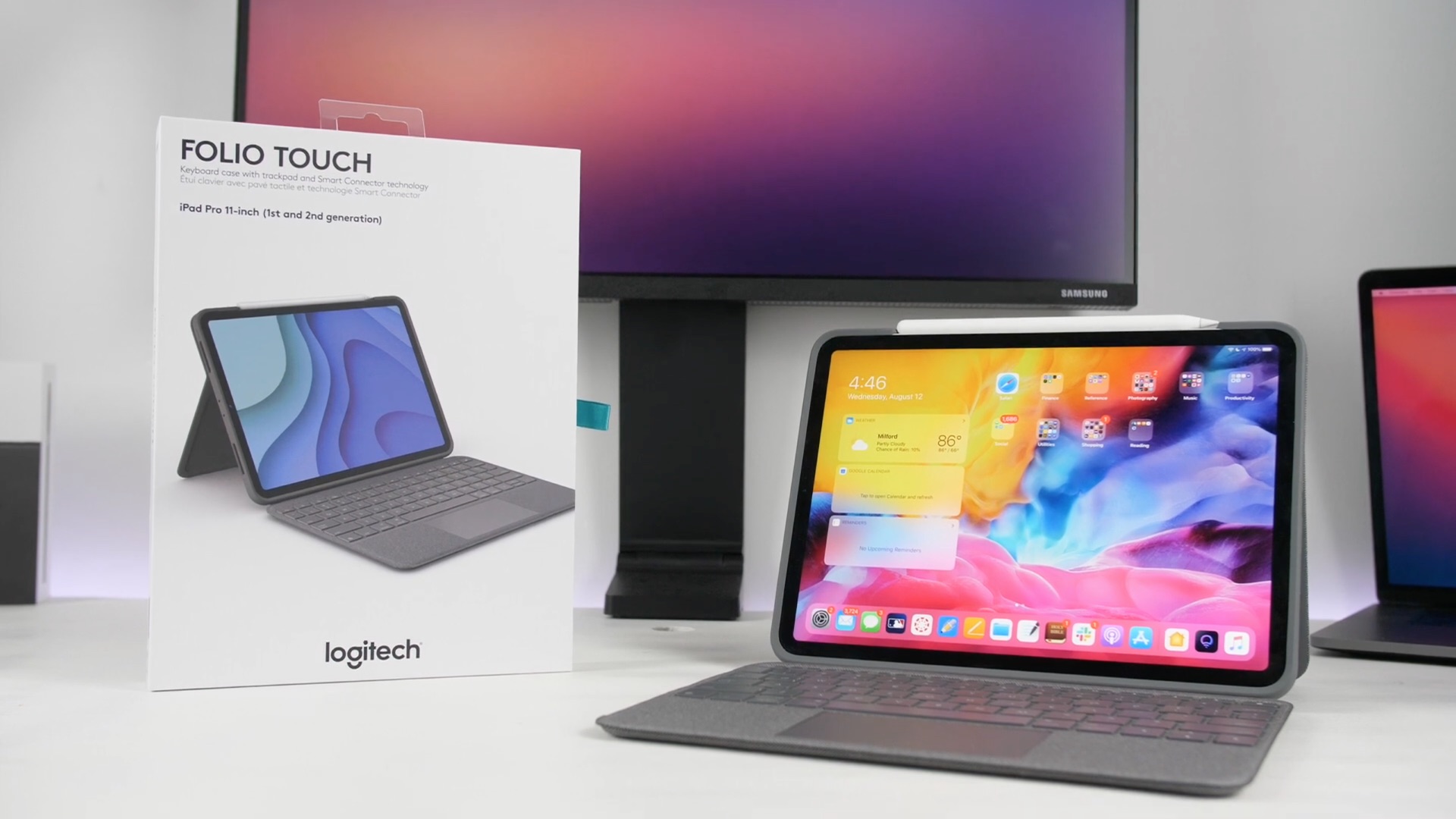
Controlling your smart home from your iPhone and iPad is simple with the Home app. And with iOS 14, iPadOS 14, and macOS  Big Sur, you have a clearer way to see and manage your HomeKit accessories.

What used to be written summary section at the top of the Home app is now a visual summary of your connected devices. This allows you to quickly take action or more easily control your accessories. Here’s the scoop on using the visual status section for devices in the Home app.