Accessibility

Mute specific apps for certain periods of time with QuietDown

Notifications can be useful, but some apps tend to be a little bit noisier than others. iOS’ native Do Not Disturb mode sometimes comes in handy in this instance, but it mutes all your apps at the same time, and this isn’t always ideal. For that reason, iOS developer Skitty has come out with a new free jailbreak tweak release called QuietDown.

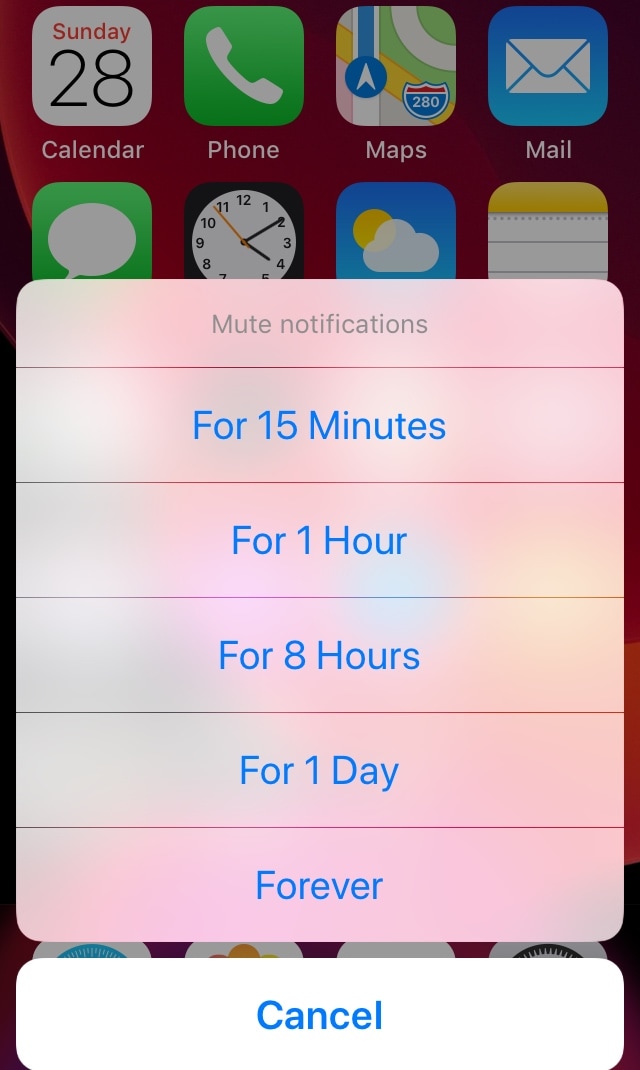
QuietDown allows users to mute specific apps for certain periods, and it does so in such a user-friendly manner. With a simple swipe up on an application icon or a 3D Touch gesture on that same icon, you can bring up the muting interface shown above.
EasyBrightness makes it easier to revert to an ideal display brightness level

When it comes to your iPhone’s display brightness, you might have a preferred brightness level for both indoor and outdoor usage. Sadly, iOS’ automatic brightness setting tends to be less than optimal, and adjusting the display brightness manually can feel somewhat cumbersome at times.

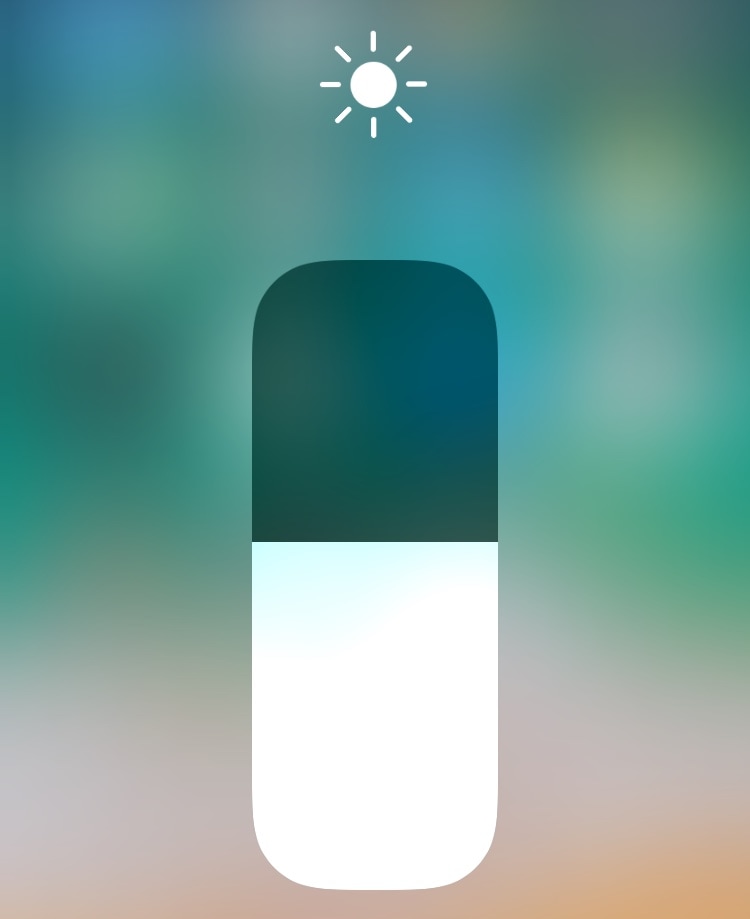
If you’re in the same boat, then you might want to turn your attention to a newly-released and free jailbreak tweak called EasyBrightness by iOS developer gilesgc. This tweak mitigates the problem discussed above by letting you designate a default display brightness level and making it easy to return to it on demand.

This tweak improves the timestamps in your iPhone’s call log history

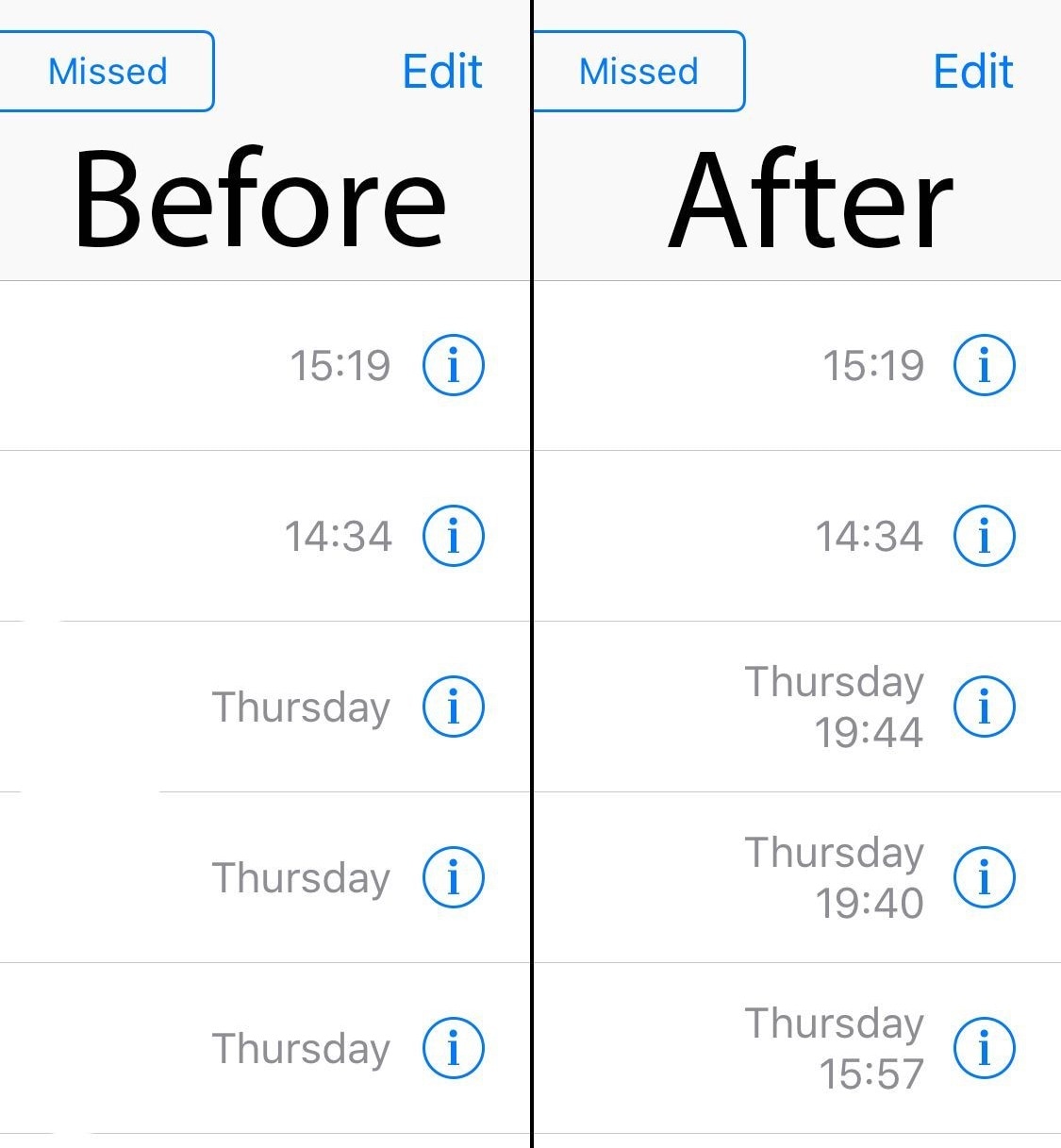
The Recents tab found in the iPhone’s native Phone app is meant to display a running history of your incoming and outgoing phone call activity, making it easier for you to call someone back or reference a phone number if you ever needed to. Sadly, the timestamps for older phone calls tend to become less descriptive over time, showing only the date and not the timeframe.

Thankfully, a new free jailbreak tweak called ExactTimePhone by iOS developer gilshahar7 can fix this problem. As shown in the before and after screenshot examples above, this tweak makes even your oldest phone history items show a timestamp in addition to the date that it transpired.

Spotpower lets you respring your iOS device and more from Spotlight

After jailbreaking an iPhone or iPad, you might respring the device from time to time, as it can help you save changes made to jailbreak extensions in addition to other things. With that in mind, wouldn’t it be a good idea to have a dedicated shortcut for respringing or performing other boot options in a pinch?

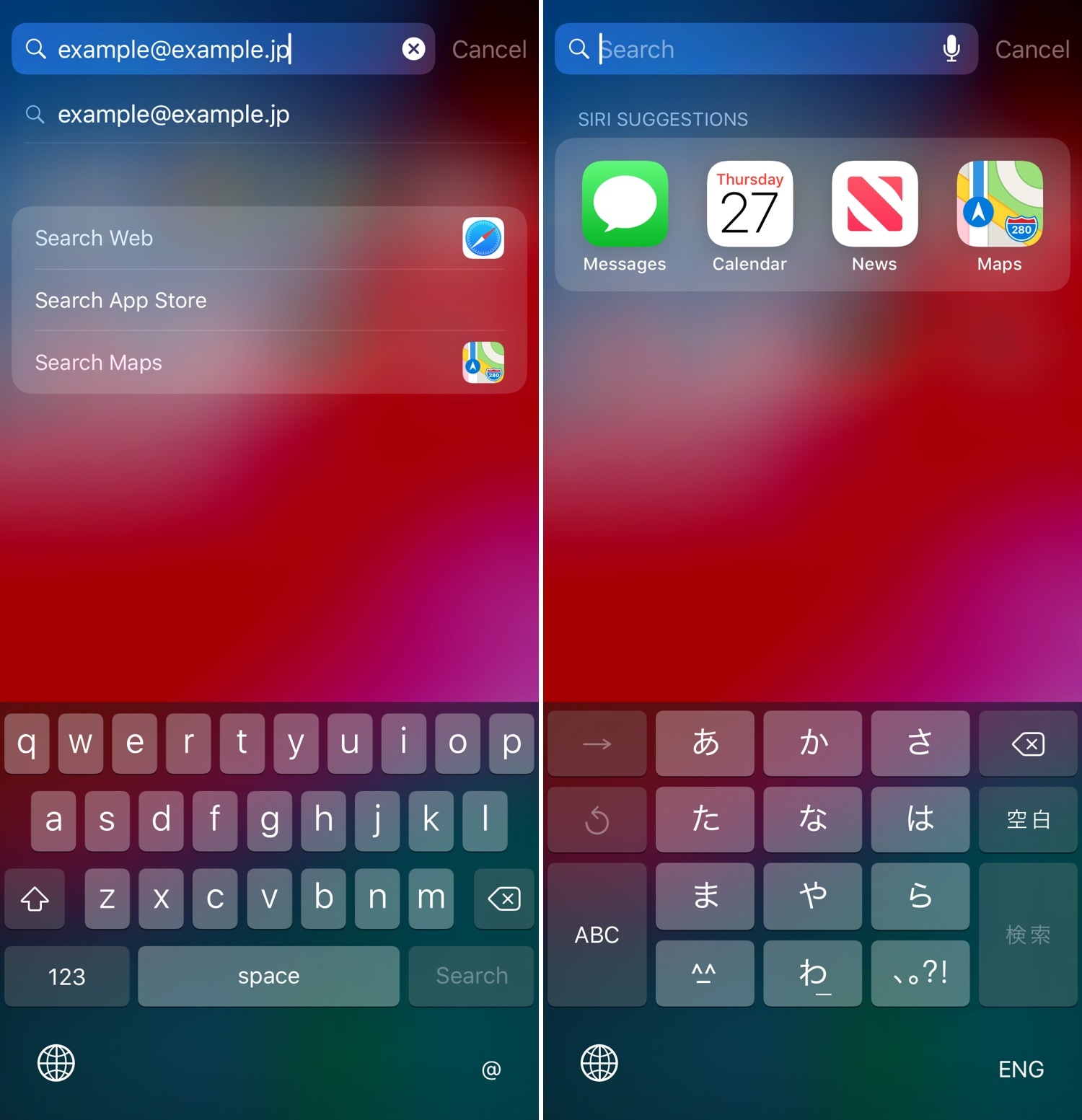
Those in agreeance may want to check out a newly-released and free jailbreak tweak called Spotpower by iOS developer Castyte, as it makes many of these essential functions more accessible to the common jailbreaker. Moreover, it implements these features into a familiar interface that many will use daily: Apple’s own Spotlight search.

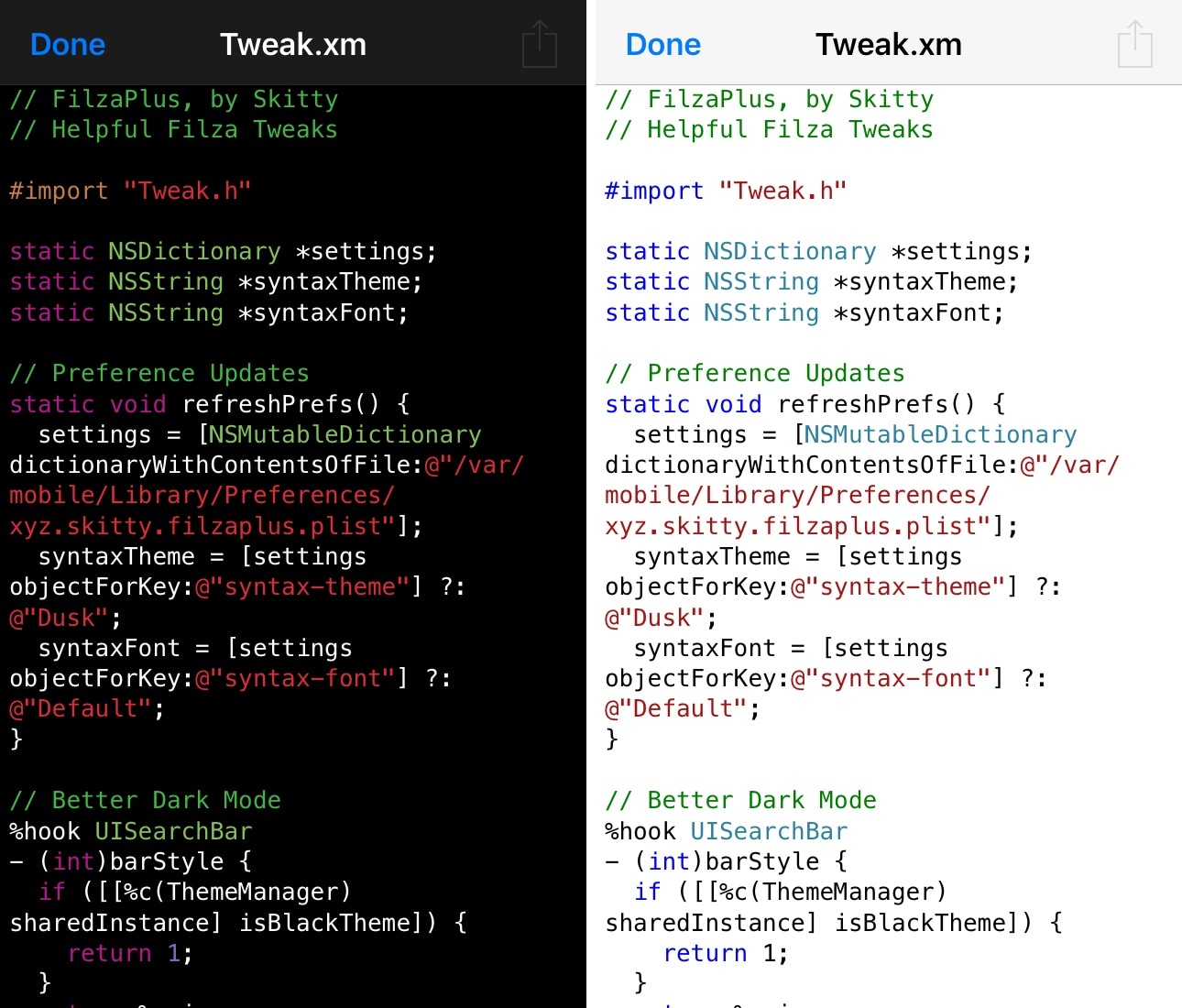
FilzaPlus integrates a full-fledged code editor with syntax highlighting into the Filza file manager

If you’re an avid jailbreaker, then you’re likely familiar with the Filza file manager, which allows users to access their handset’s root filesystem and add, change, or delete existing files.

Filza comes with a lot of features, including a plain text file viewer, but with a newly-released and free jailbreak tweak dubbed FilzaPlus by iOS developer Skitty, you can add a full-blown code editor with syntax highlighting to that list.

EasyKeyboardX replaces your keyboard’s Dictation button with other shortcuts

Some people use iOS’ Dictation feature more than others, but if you find yourself on the opposite side of the spectrum and not using it as much as you’d initially anticipated, then you just might benefit from a newly-released jailbreak tweak called EasyKeyboardX by iOS developer Soh Satoh.

EasyKeyboardX essentially replaces the Dictation key on the iOS keyboard with a configurable shortcut key instead. With it, you can either use the button to switch between your enabled keyboards more quickly, or you can enter a specific text string that you’d like to be able to paste into any text field in a jiffy.

RePower XII supercharges your iPhone’s power down menu

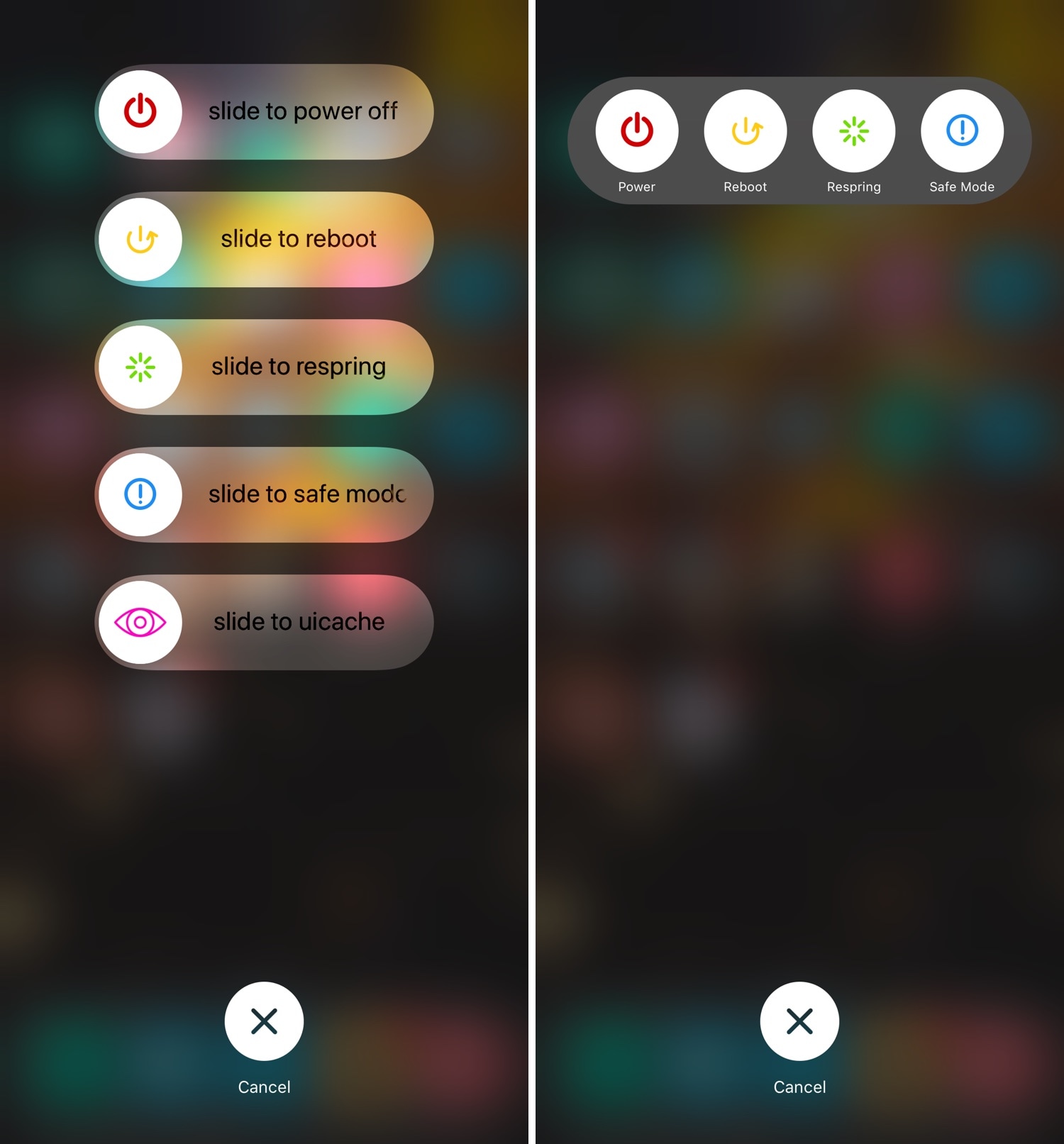
There’s no doubt that the iPhone’s native power down screen leaves a lot to be desired, but with the help of a new jailbreak tweak called RePower XII by iOS developer Haifisch, you can change that.

RePower XII supercharges the native power down interface, providing users with several other switches besides powering off. Those include:

This tweak automatically turns off your iPhone’s LED flashlight if you forget it

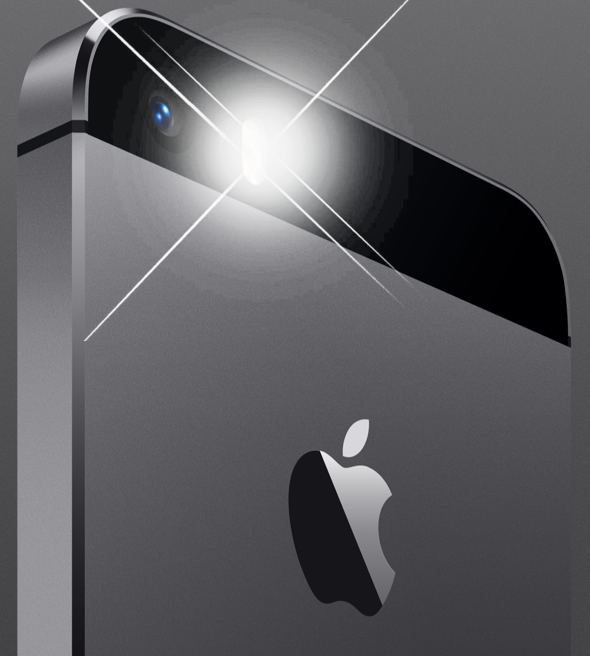
iPhone 5s LED flashlight.

Your iPhone’s rear-facing LED camera flash becomes an excellent makeshift flashlight in a pinch, but have you ever glanced at your handset’s battery level after accidentally leaving your LED flash turned on? I have… and it wasn’t pretty.

With a newly-released jailbreak tweak dubbed OhMyFlash by iOS developer NoisyFlake, you can prevent this from happening. The tweak implements a customizable timeout period, after which your iPhone’s rear-facing flash is automatically turned off.

DragEnabler enables iPad-like Drag and Drop functionality on iPhones at no extra cost

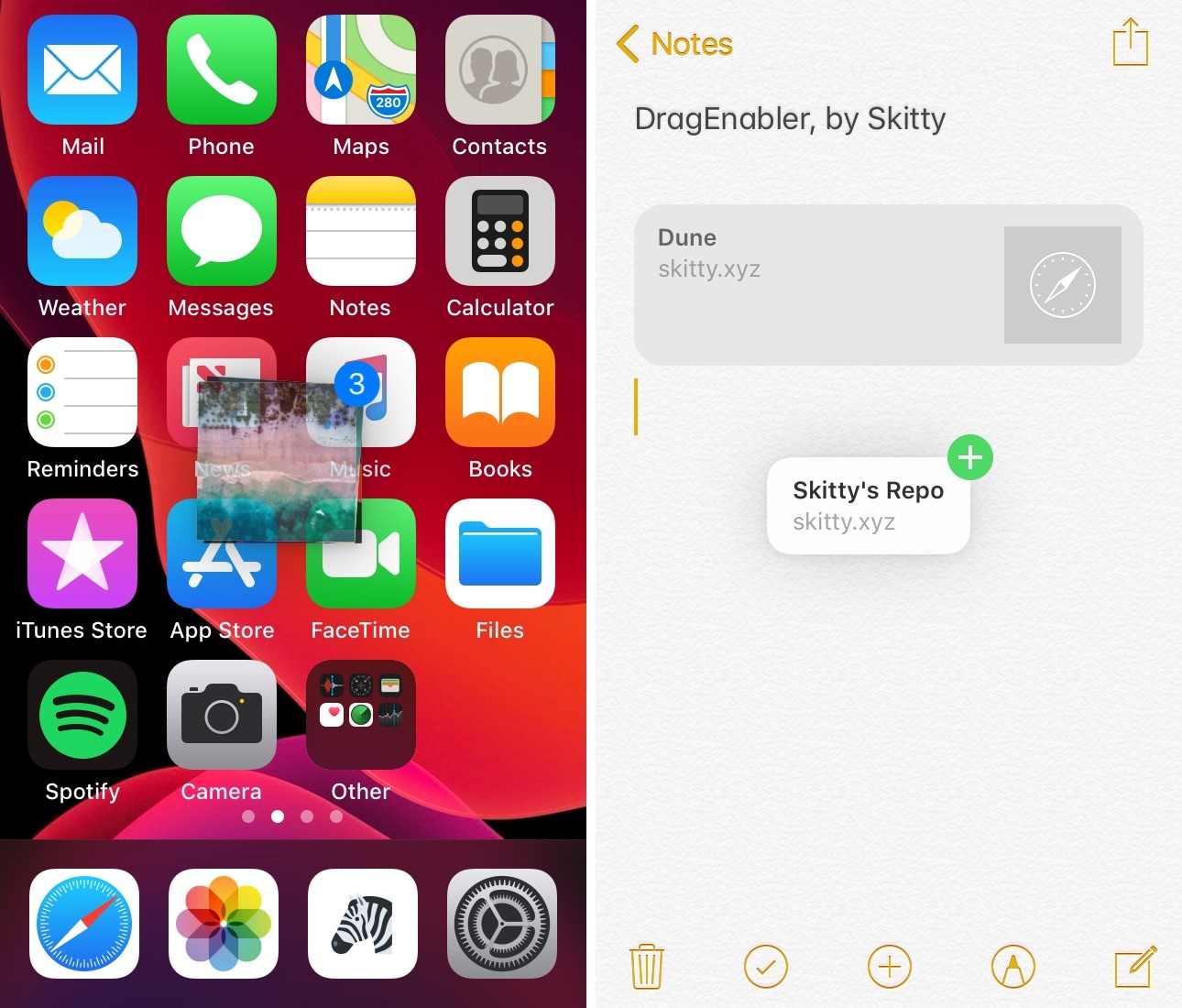
iPad users have long been able to enjoy multitasking-centric features such as Drag and Drop and multi-window interfaces, but iPhone users have been somewhat unlucky in this department, mostly because Apple limits these features to the iPad since it’s marketed as a mobile productivity device.

If you’re jailbroken, however, then you don’t need to play by these asinine limitations. A newly-released and free jailbreak tweak dubbed DragEnabler by iOS developer Skitty permits iPad-like drag and drop functionality on unsupported devices, including the iPhone and iPod touch.

NotchControl expands your iPhone’s notch with more features

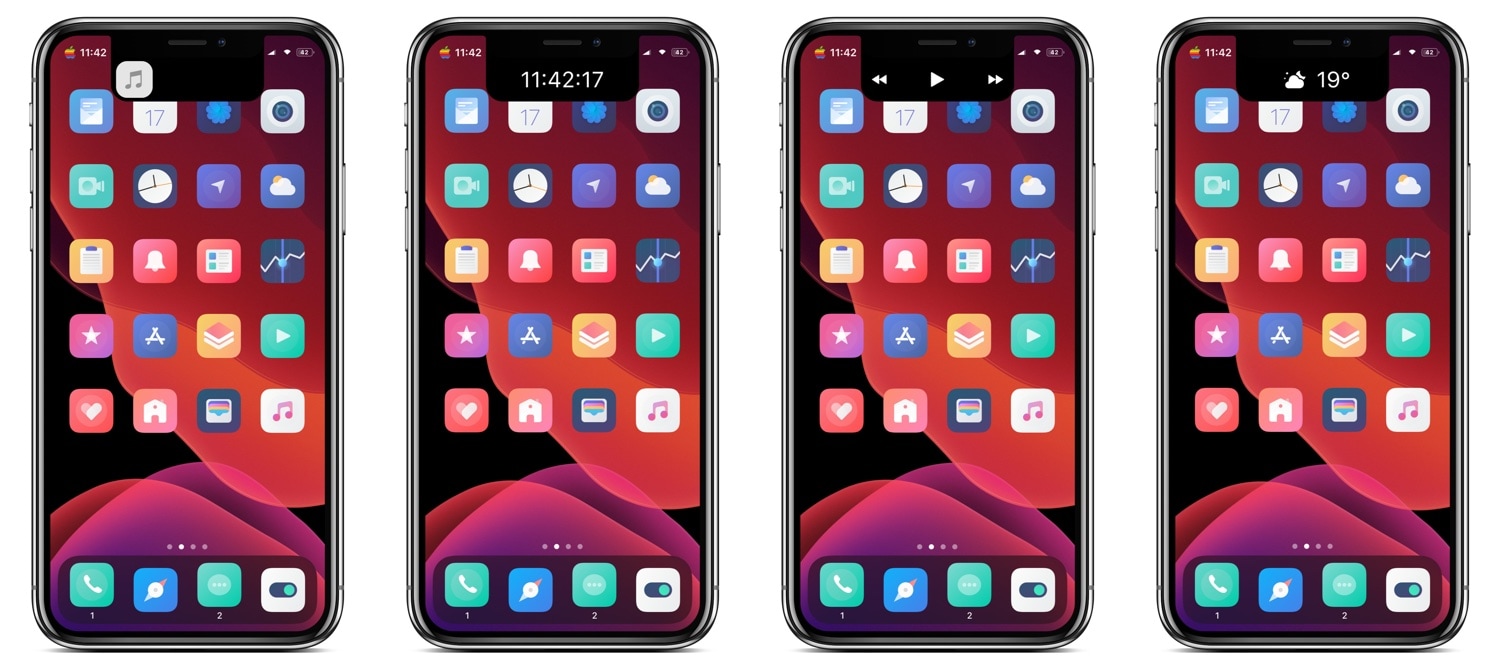
Love it or hate it, most of Apple’s modern-day mobile devices come standard with a top-of-display notch that houses the TrueDepth camera system used by Face ID for biometric authentication and for selfie images. Now that the notch has become the norm, the best thing you can do is embrace it; but why not go a step further and expand it?

NotchControl is a new free jailbreak tweak by iOS developer PeterDev that builds upon the notch’s native aesthetics and functionality. With it, you can incorporate new controls and information displays into the notch, such as things that pertain to music, time, or weather.

Shenmue ensures that you won’t forget upcoming plans or events ever again

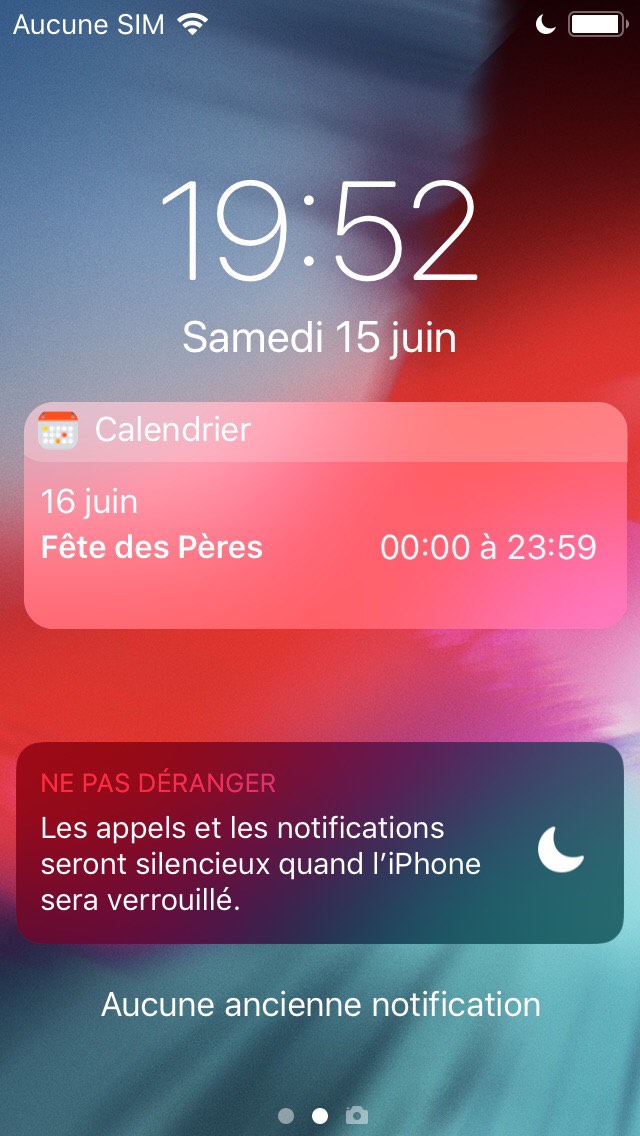
Lots of people pack their iOS handsets’ Calendar app with upcoming plans and events, and we find it particularly alarming that Apple still doesn’t persistently display those plans and events on the Lock screen to prevent users from forgetting about them as the week goes on.

Given the circumstances, we’re particularly excited to show you a newly-released and free jailbreak tweak called Shenmue by iOS developer maximehip, which resolves the aforementioned problem by displaying a specialized event widget on the Lock screen with a persistent reminder regarding what’s still to come.