Accessibility

Configure iPhone volume on a per-app basis and more with Volumizer

Depending on how you use your iPhone, you might prefer to crank up the volume in certain apps and leave others at a lower volume level. Apple doesn’t provide volume-tuning of this magnitude in iOS out of the box, but with a jailbreak tweak called Volumizer by iOS developer SynnyG, you can have your cake and eat it too.

Volumizer brings beaucoup improvements to the iOS volume level experience, including per-app volume settings, improvements for landscape orientation, and more.

Banana brings automatic ANC and Transparency mode switching to AirPods Pro

AirPods Pro

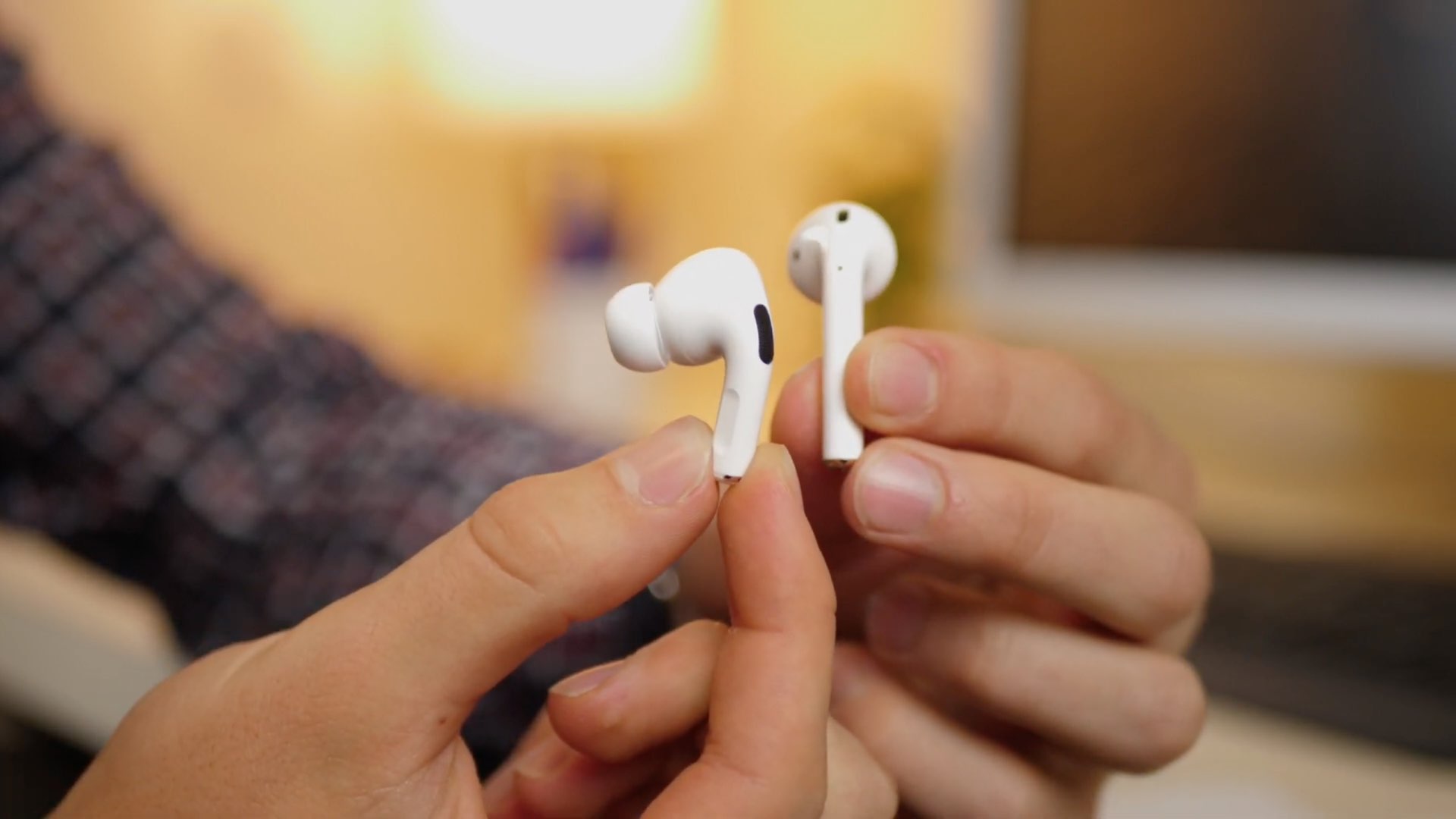
If you’re lucky enough to own a pair of Apple’s new AirPods Pro, then you already know just how great their active noise cancellation is in terms of augmenting your audio’s sound quality. On the other hand, we can think of a few different ways that the implementation in iOS could be improved in daily usage.

Enter Banana, a new and free jailbreak tweak by iOS developer LaughingQuoll that makes the AirPods Pro’s transition from active noise cancellation mode to transparency mode an automatic process, depending on what the user is doing.

Assistability13 augments iOS 13’s Reachability interface with shortcuts

When it comes to the features people use most on their iPhones, Reachability is somewhat of a moot point, especially for those with hands large enough to finagle with Apple’s largest handsets. Apple provides a way to disable Reachability if you never use it, but wouldn’t it make sense to repurpose the interface instead of disabling it entirely?

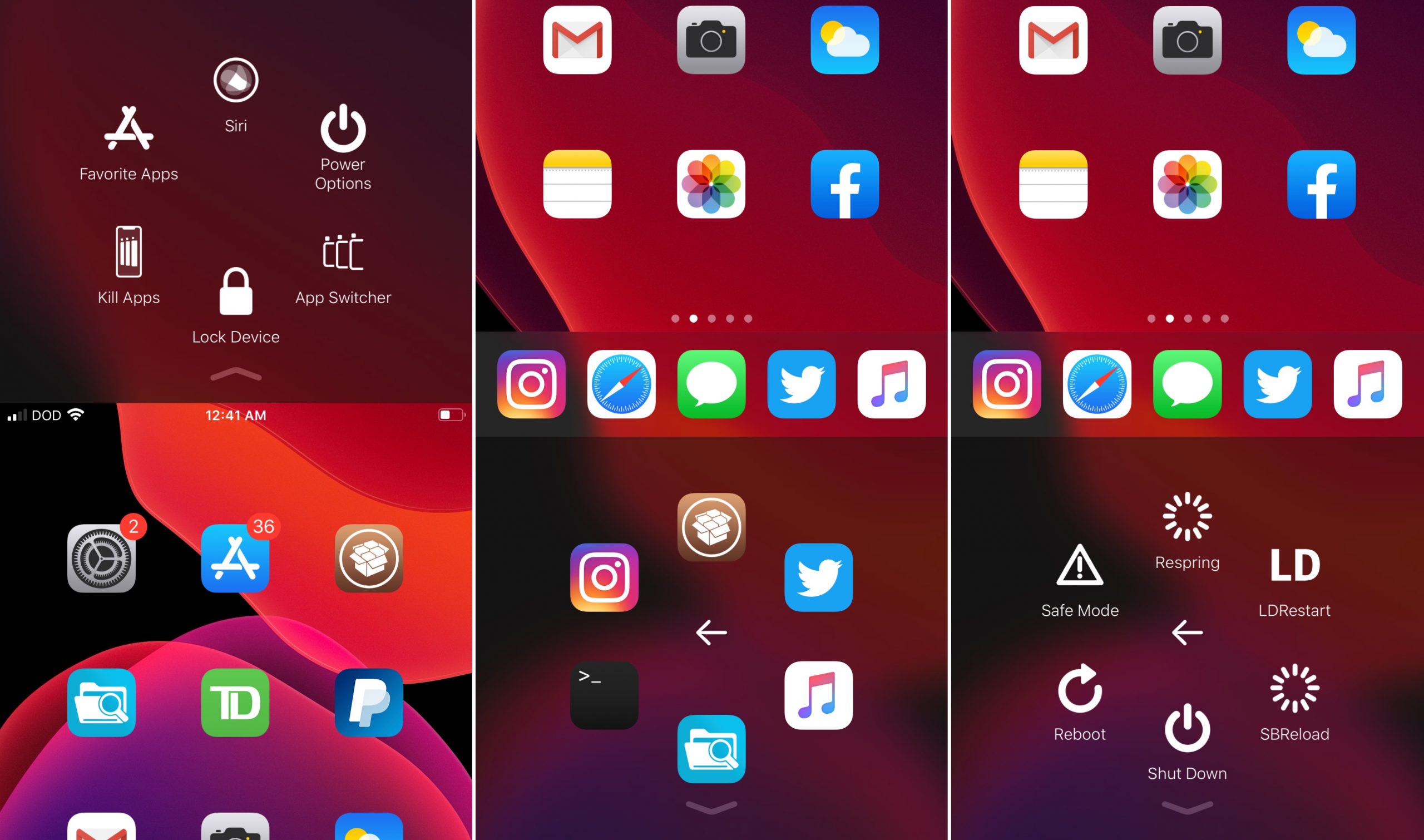
Playing on this train of thought is a newly released jailbreak tweak called Assistability13 by iOS developer DODGraphics, which implements an AssistiveTouch-inspired shortcut palette into iOS’ native Reachability interface.

Get the iPhone X screenshot gesture on older iPhones with this tweak

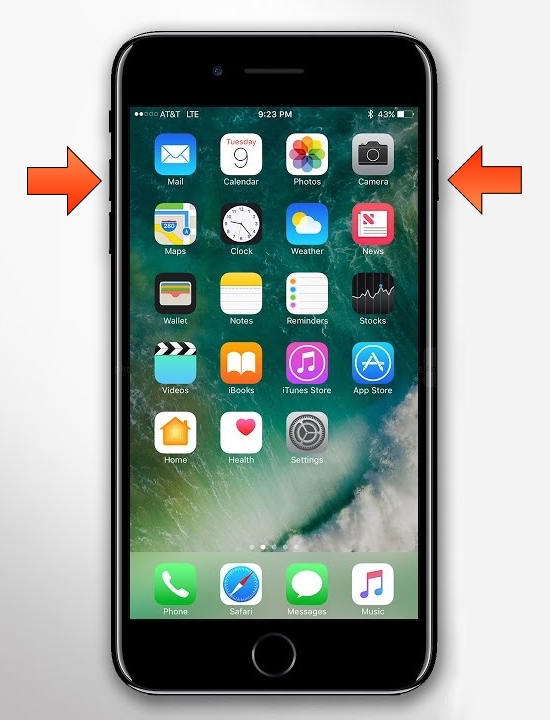
The removal of the Home button from Apple’s notched handset lineup compelled the company to adopt a new button sequence for snapping screenshots on those devices. I’ve gotten accustomed to the new button sequence since adopting notched iPhones as my daily drivers since the iPhone X debuted, and I’ve found it somewhat challenging to remember to use the old screenshot button sequence on Home button-equipped devices.

If you’re like me and wish Apple would simply update iOS to make the screenshot button sequence the same across all devices for consistency’s sake, then you might appreciate a newly released and free jailbreak tweak dubbed Shot Pro by iOS developer Arablag, as that’s exactly what this add-on does for older handsets.

LetMeDecline makes it easier to decline calls when your iPhone is locked

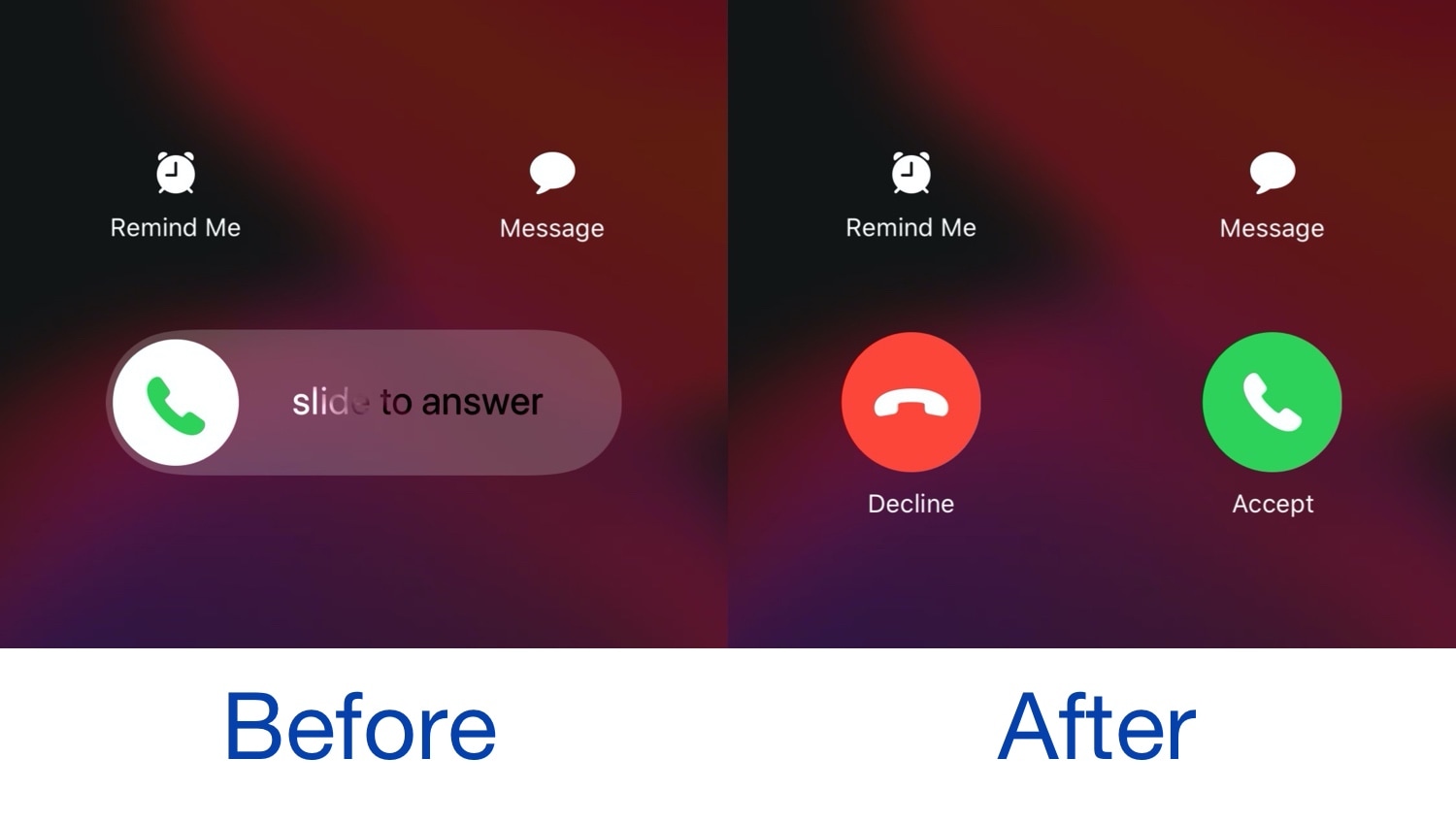
When you receive a phone call from your locked iPhone, iOS automatically directs you to a ‘slide to answer’ interface with no obvious way of dismissing the phone call. You can press the side button a couple of times to dismiss the call, but not everyone knows this, and it this seems like a user interface shortcoming on Apple’s part.

Given the circumstances described above, we’re especially pleased to see the release of a new jailbreak tweak called LetMeDecline by iOS developer P2Kdev. As depicted in the before and after screenshot examples above, this tweak replaces the ‘slide to answer’ bar with dedicated Decline and Answer buttons, making it easier to get the annoying full-screen incoming call interface out of your way.

How to set up and use Hot Corners on your iPad

Hot Corners on iPad

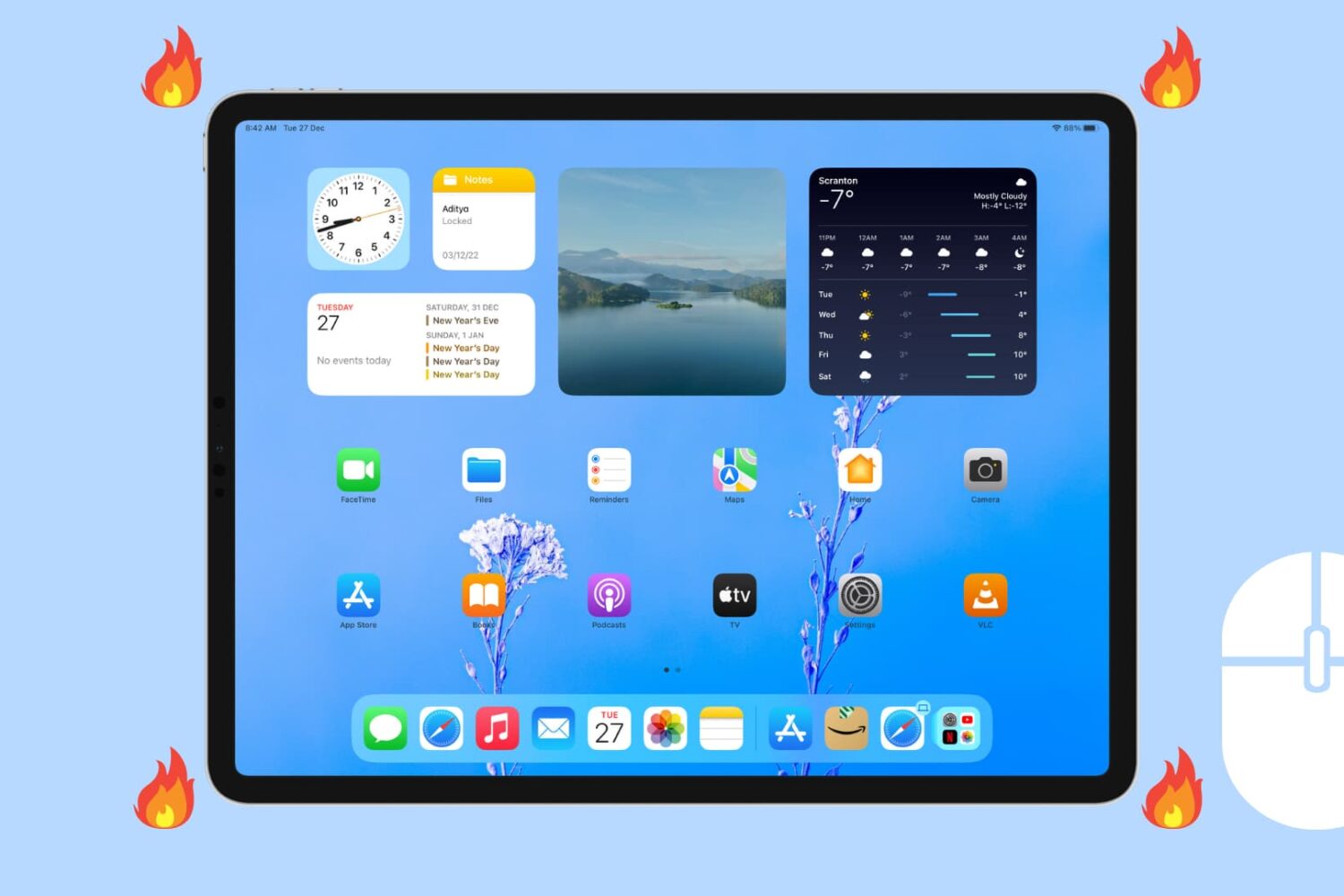
If you enjoy using Hot Corners on your Mac for quick access to actions, then you’ll love the feature on your iPad too. Hot Corners in iPadOS let you perform specific actions while tapping and holding in one of the four corners of your iPad.

In this tutorial, we'll show you how to set up and use Hot Corner on iPad.

Make iOS’ Rotation Lock less cumbersome with Oriental

The ability to switch between landscape and portrait orientation on the iPhone can be godsend in certain situations, but in certain situations, it can be a real pain in the (redacted) — especially when in bed and your iPhone thinks laying on your side means that you want landscape orientation.

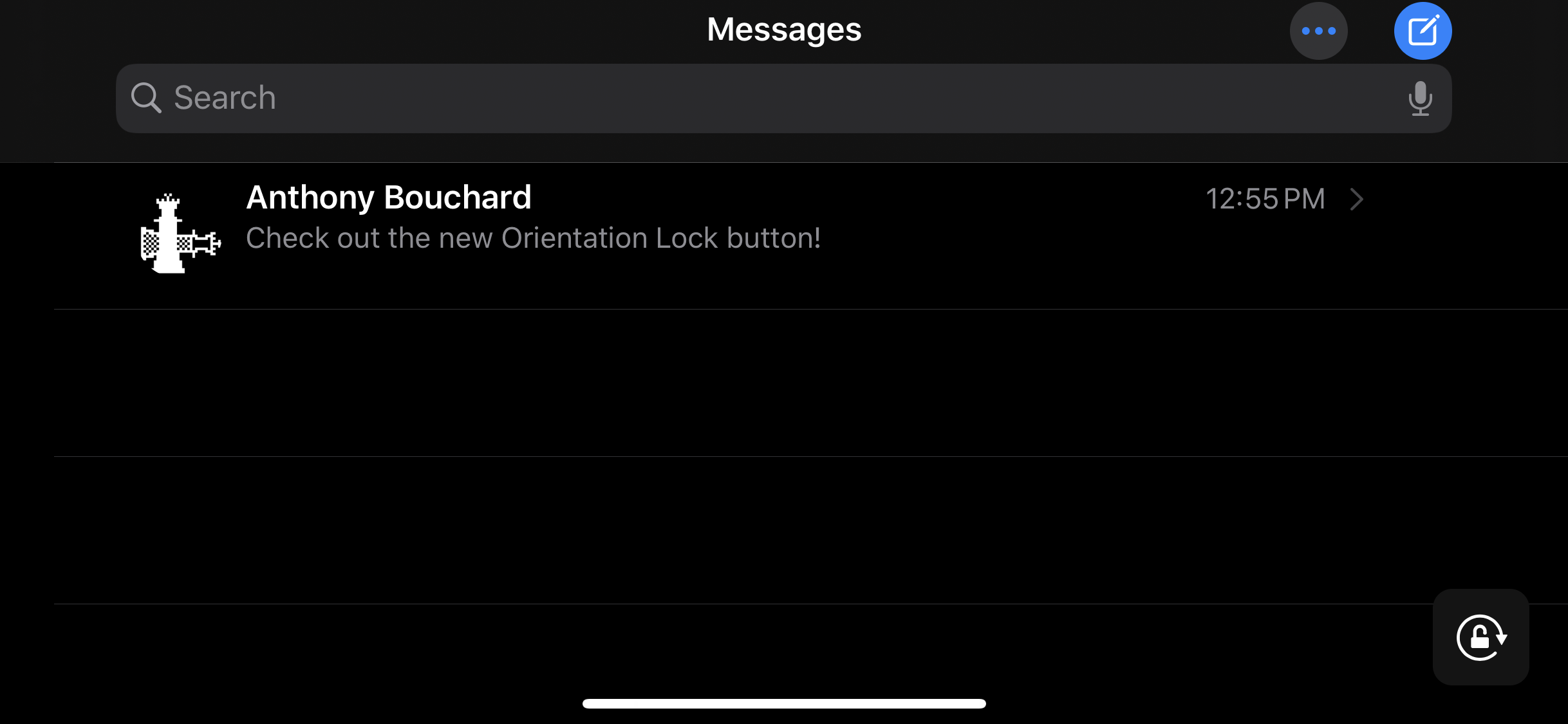
Apple combats this problem with iOS’ optional Rotation Lock feature, but this necessitates an additional step on the user’s part. For that reason, iOS developer Ubik has made a new and free jailbreak tweak called Oriental, which aims to make display rotation smarter for the iOS platform in general.

Gump keeps backgrounded apps running amid device resprings

Respring screen.

Perhaps one of the most bothersome parts about respringing your jailbroken handset is that when you have music playing in the background, the respring interrupts it, forcing you to manually tap on the ‘Play’ button to continue music playback.

Those who’ve been plagued by this nuisance for as long as I have will be thrilled to learn about the launch of a new jailbreak tweak called Gump by iOS developer Kurrt, as it effectively keeps backgrounded apps and music running even throughout the course of a standard respring.

Little11 augments older iPhones with modern gestures and features

Now that we live in a day and age in which notched, edge-to-edge displays are the norm for Apple-branded smartphones, those sporting traditional rectangular displays are beginning to show their age both in terms of appearance and functionality.

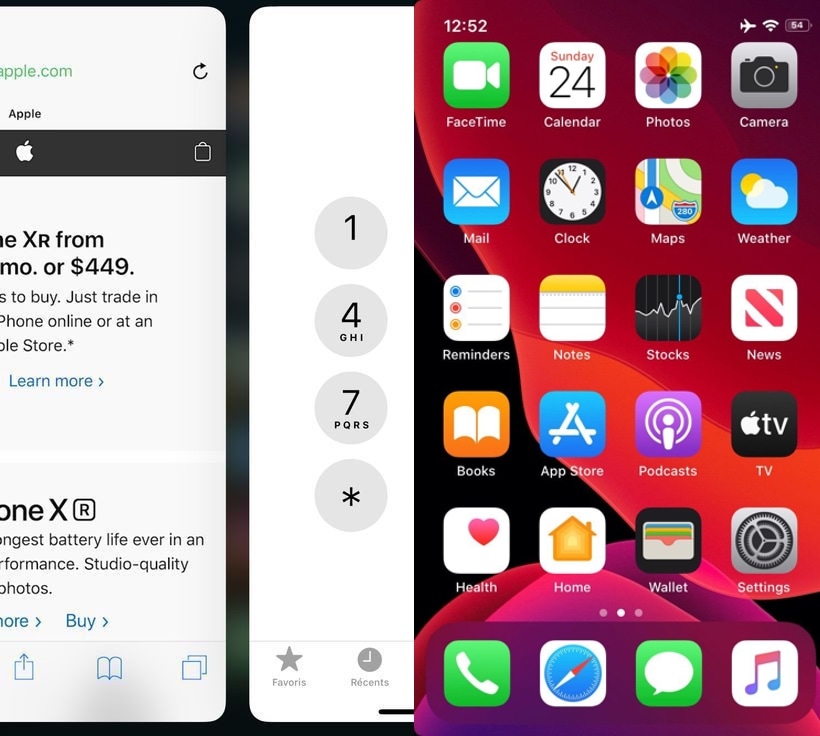
Despite the massive bummer this seems to entail at first glance, those who’ve taken the steps to jailbreak their aging iPhone can now call upon the help of a newly released and free jailbreak tweak called Little11 by iOS developer Ryan Nair to port many of the of the latest gestures and user interface elements that we’ve come to enjoy on the iPhone X and later to older handsets with traditional rectangular displays

Noire toggles iOS 13’s dark mode with a pull-down gesture in Settings

Apple integrates several ways into its mobile operating system to toggle iOS 13’s new dark mode feature on or off on demand, but perhaps you aren’t satisfied with them or you’d prefer to use a different method?

Enter Noire, a new and free jailbreak tweak by iOS developer MTAC that lets you turn dark mode on or off with a simple swipe-down gesture in the first page of the Settings app.

Manila lets you use 3D Touch or Haptic Touch to launch apps in folders

If your iPhone’s Home screen is chock-full of application icons, then you might use folders to help you organize them. On the other hand, having too many folders can quickly create the illusion of an application labyrinth that makes navigating your Home screen more confusing than it’s worth.

Those familiar with the circumstances described above just might take a liking to Manila, a new and free jailbreak tweak by iOS developer David Goldman that lets you launch apps from your folders with a Haptic Touch or 3D Touch gesture.

Re-enable your iPhone’s 3D Touch hardware in iOS 13 with Sunflower

One of the most controversial changes in iOS 13 was the removal of 3D Touch functionality in place of a new feature Apple calls ‘Haptic Touch.’ While this might’ve made sense for handsets that lack 3D Touch-equipped displays, Apple purposefully disabled this hardware with the release of iOS 13 such that even devices with 3D Touch-equipped displays would utilize Haptic Touch instead.

If you were among those disappointed by Apple’s decision to nix 3D Touch, then you’ll be happy to know that a newly released jailbreak tweak for iOS 13 dubbed Sunflower by iOS developer LaughingQuoll can help you get your precious pressure-based 3D Touch gestures back.