Learn how to use the Zoom accessibility feature to magnify what’s on the Apple Watch display if you cannot discern text and buttons on the tiny screen.
How to use display Zoom to magnify your Apple Watch screen
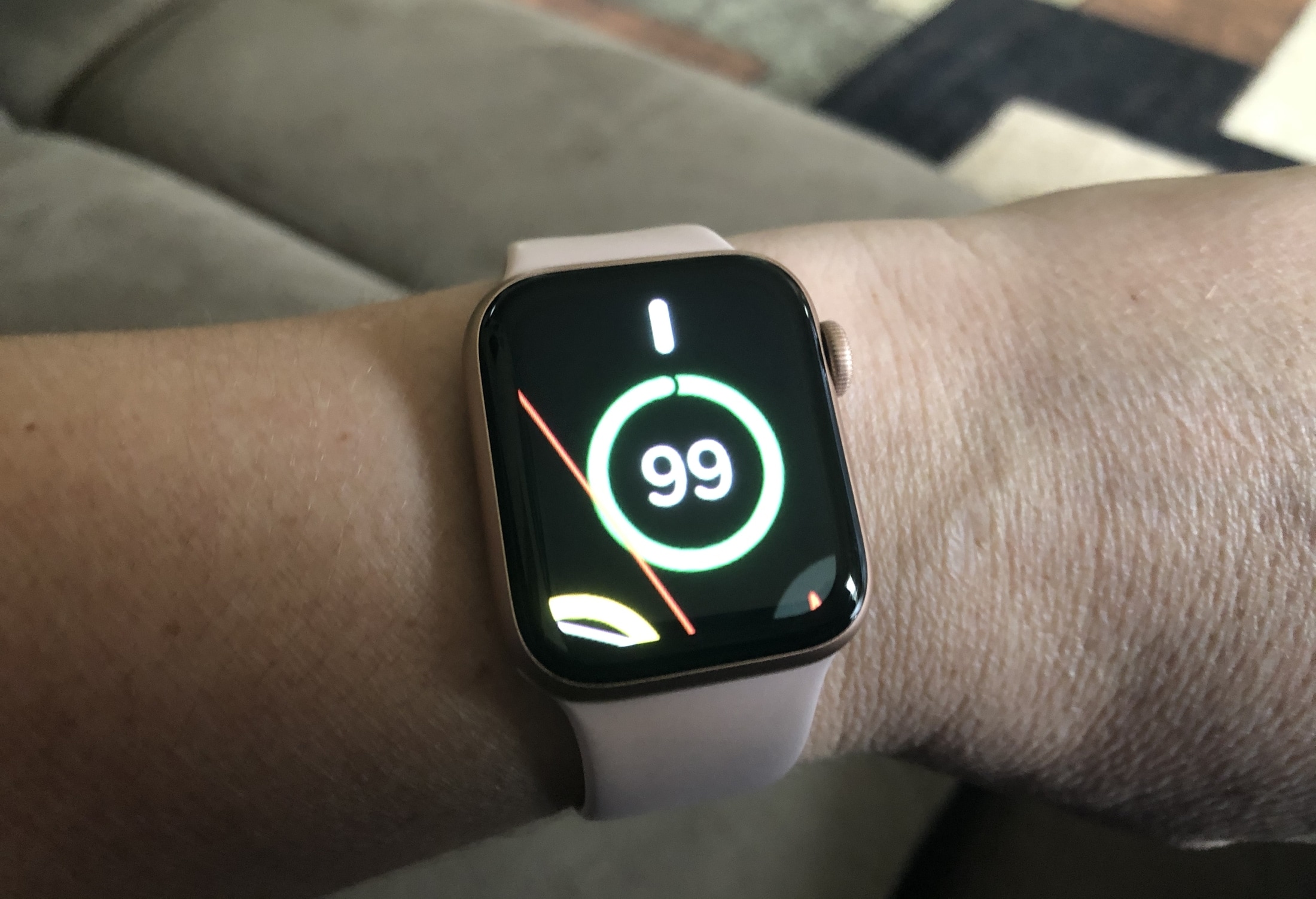
Learn how to use the Zoom accessibility feature to magnify what’s on the Apple Watch display if you cannot discern text and buttons on the tiny screen.
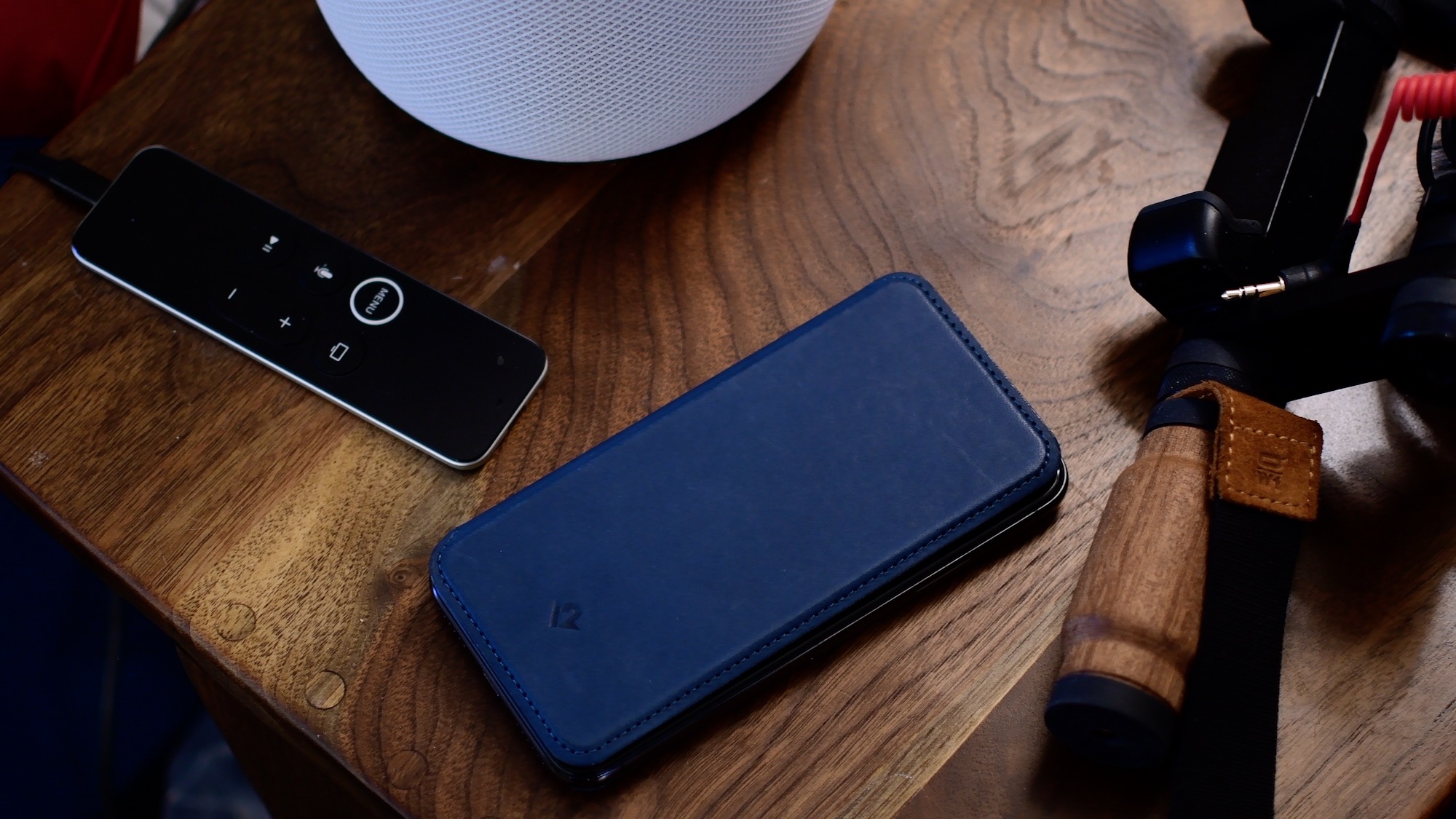
Siri is often the easiest way to use your iPhone hands-free, but the smart assistant stops listening for the "Hey Siri" hot phrase when you lie the handset with its face down. In this tutorial, we're going to teach you how to enable Siri when iPhone is face down or covered.
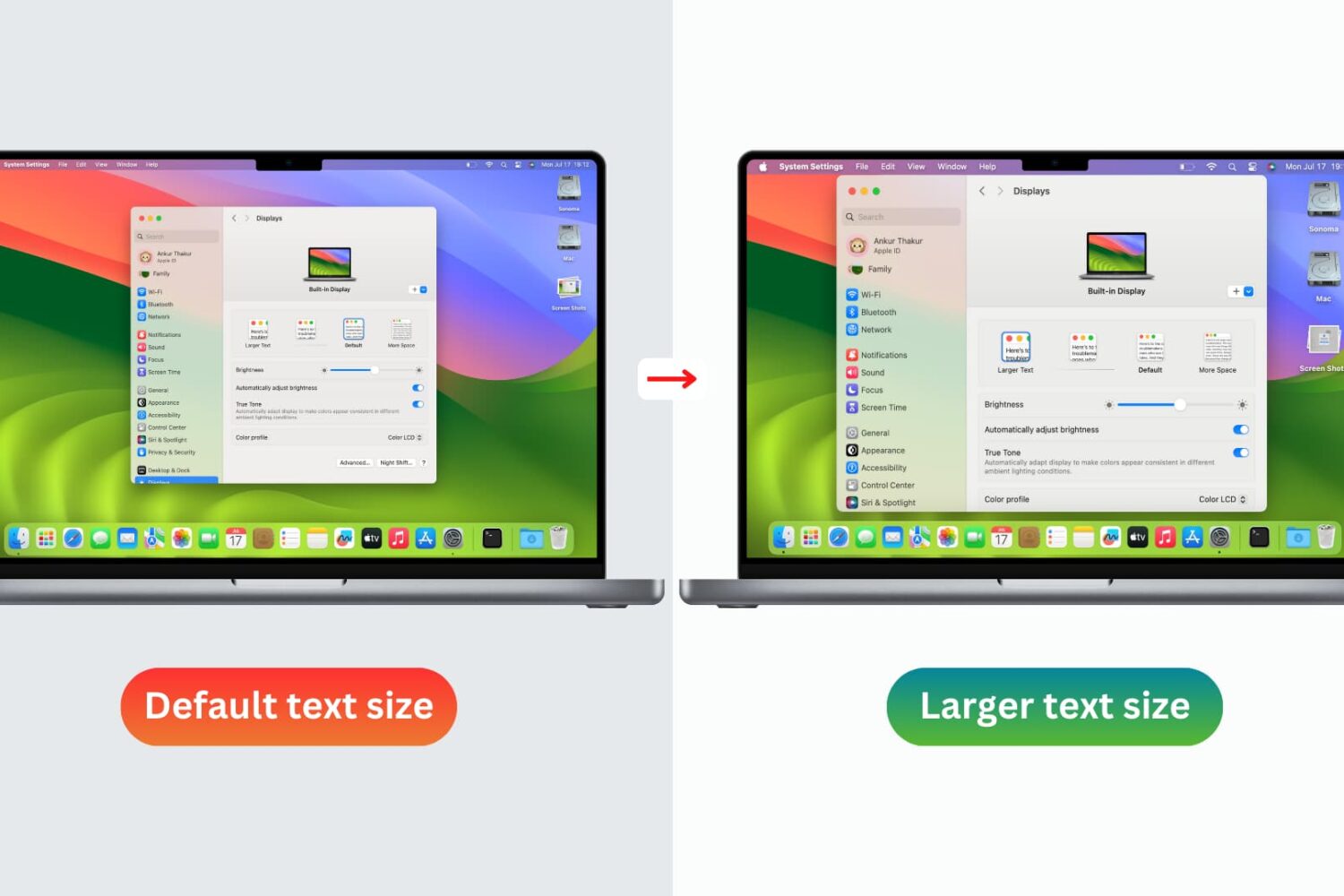
You don’t need to strain your eyes or grab your reading glasses to see items on your screen more clearly. Use these built-in options to increase the font size on your Mac and enjoy a more comfortable computing experience.
One thing I love about having an Apple Watch is being tapped on the wrist when all my important notifications come through. But in certain situations, such as when wearing a winter coat with long and heavy sleeves that cover your wrists, feeling those subtle taps can be nearly impossible.
Spearheading a solution to this problem is a newly released and free jailbreak tweak called Winter Mode for Apple Watch by iOS developer Ayden Panhuyzen. Once installed, this tweak forces both your Apple Watch and iPhone to notify you about any incoming notifications simultaneously.
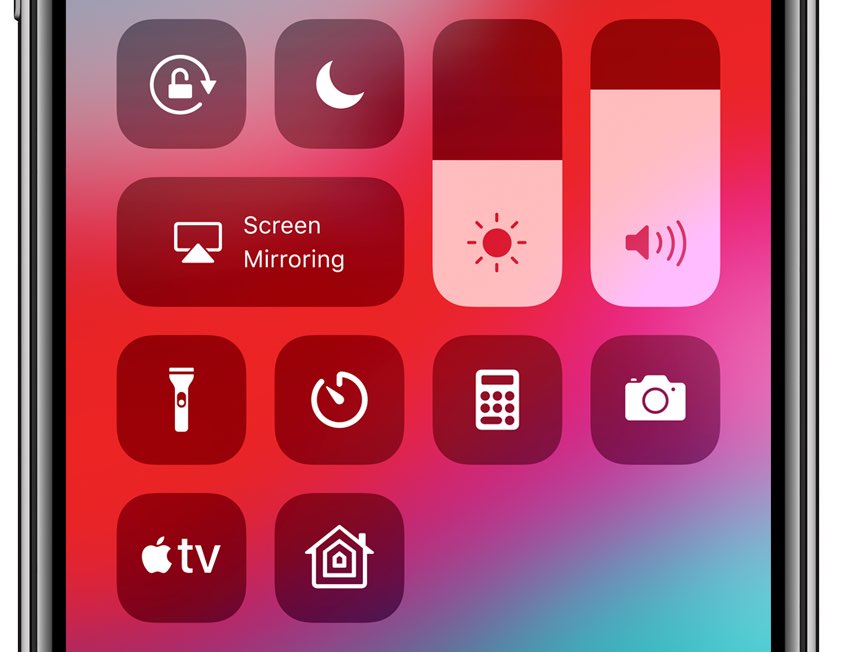
Control Center is an incredibly convenient section of iOS that provides instantaneous access to your favorite toggles and shortcuts, but if you have a larger iPhone such as the XS Max or 11 Pro Max, then you might have trouble getting to the interface with just one hand given how the gesture to open Control Center involves the very top-right corner of the display.
Here to solve the aforementioned problem is a newly released and free jailbreak tweak called ReachCC13 by iOS developer Kritanta. Just as the name implies, this tweak modifies the behavior of the iPhone’s native Reachability gesture to launch Control Center when invoked instead.
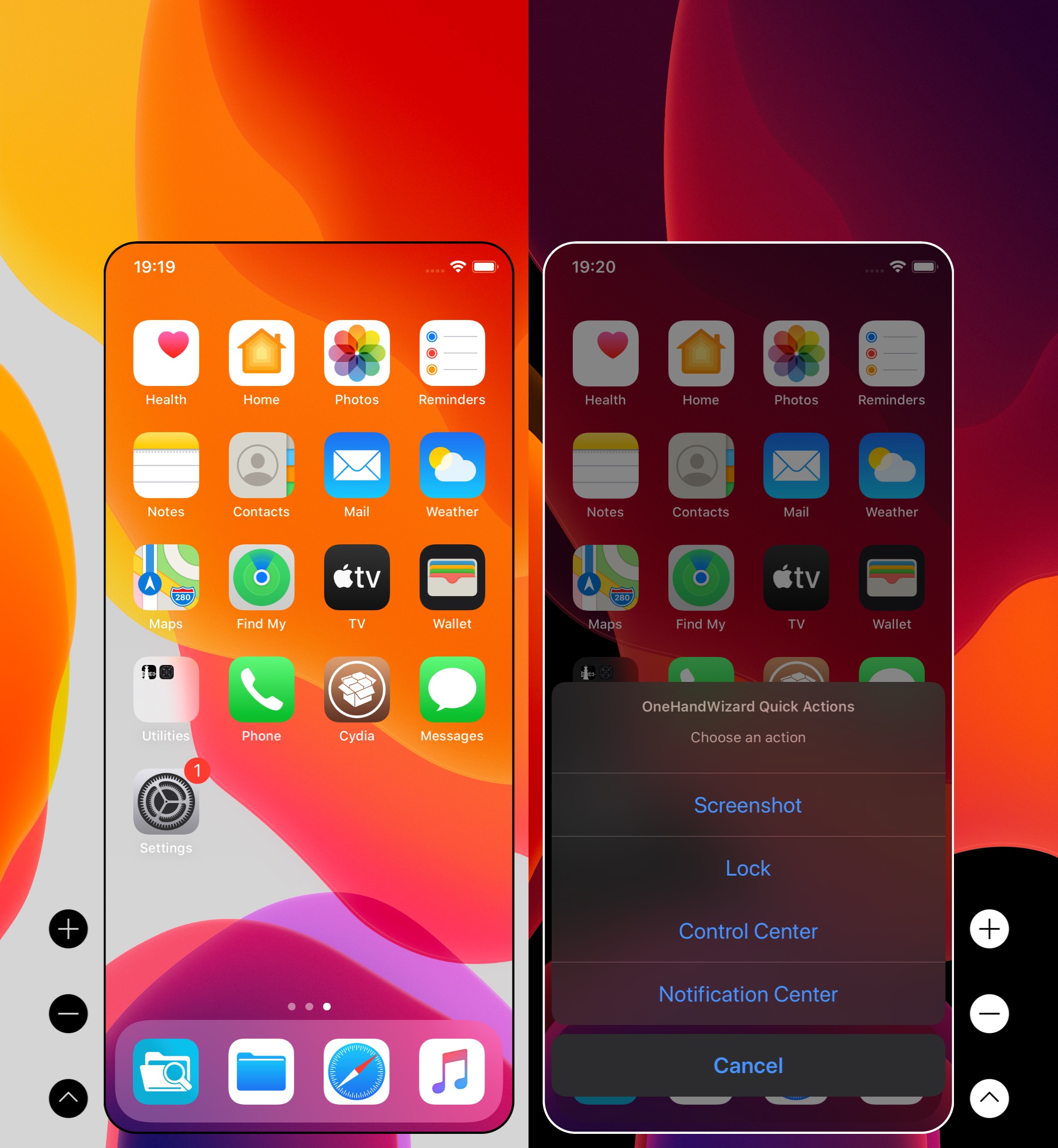
There’s no doubting the fact that smartphones are receiving larger displays by popular demand, and while this can be considered a benefit from the standpoint of media consumption, it also tends to be a shortcoming by way of one-handed usage.
Apple tries to make things on handsets with large displays easier to reach with just one hand through a native Accessibility feature called Reachability, but using it can be cumbersome, and it tends to lack much-needed functionality. For those who demand more out of their one-handed smartphone usage, it’s tough to go wrong with a jailbreak tweak called OneHandWizard 2 by iOS developer sharedRoutine.

You know how you can temporarily prevent “Hey Siri” from listening and stop notifications on your iPhone by laying the handset with its face down, without changing any settings? This underrated feature is called Facedown Detection and it doesn't require any toggles or initial setup. iOS 13.4 adds a brand new accessibility setting designed to override Facedown Detection's automatic disabling of Hey Siri when the phone is faced down or covered.
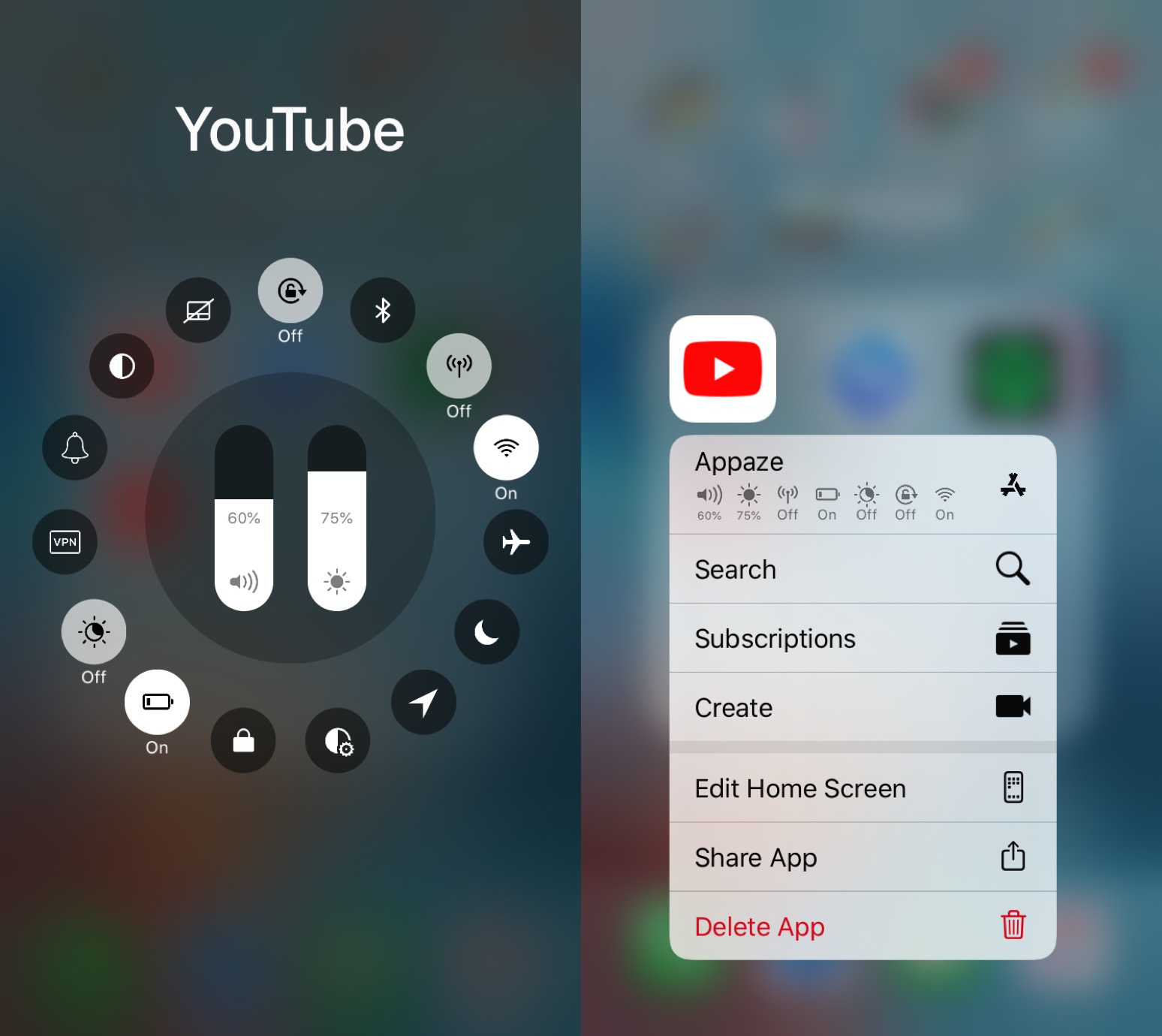
If you’re anything like me, then you might use particular device settings in certain apps to get the most out of using said apps. For example, perhaps you use maximum brightness in YouTube and a lower brightness in Safari; alternatively you might use Rotation Lock in Safari, but not in YouTube.
Assuming the aforementioned behavior describes you in any capacity, you might want to turn your attention to a newly released jailbreak tweak called Appaze 2 by iOS developer AnthoPak. This tweak lets you configure system settings on a per-app basis to make using those apps as comfortable as possible.

One of the best reasons to own an iPhone is to have one of the world’s greatest point-and-shoot cameras at your disposal. But even better, those with jailbroken iPhones can augment their camera’s capabilities on top of all the killer features Apple provides out of the box.
Enter Fisting, an unfortunately named, but free jailbreak tweak by iOS developer kremedved that makes accessing your iPhone’s Camera app a cinch no matter where you are in the operating system.
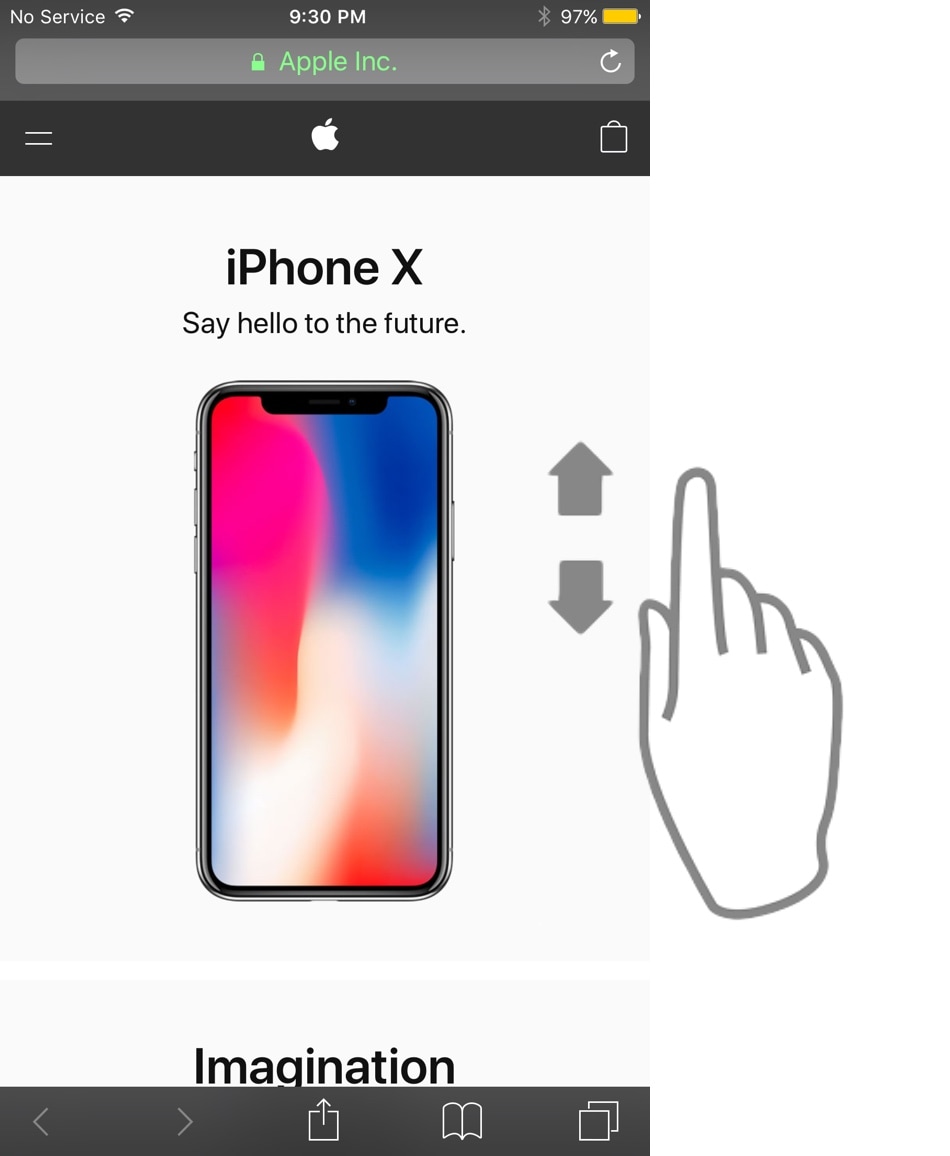
As Steve Jobs once said, your finger is the best pointing device for your iPhone. But with enough manual scrolling effort, it may not take long before you start to experience finger fatigue, especially when reading lengthy websites or eBooks.
Those looking for a solution to the finger fatigue problem when scrolling endlessly may enjoy a newly released jailbreak tweak called AutoScroll by iOS developer pxcex. Just as the name implies, this add-on incorporates automatic scrolling into iOS.
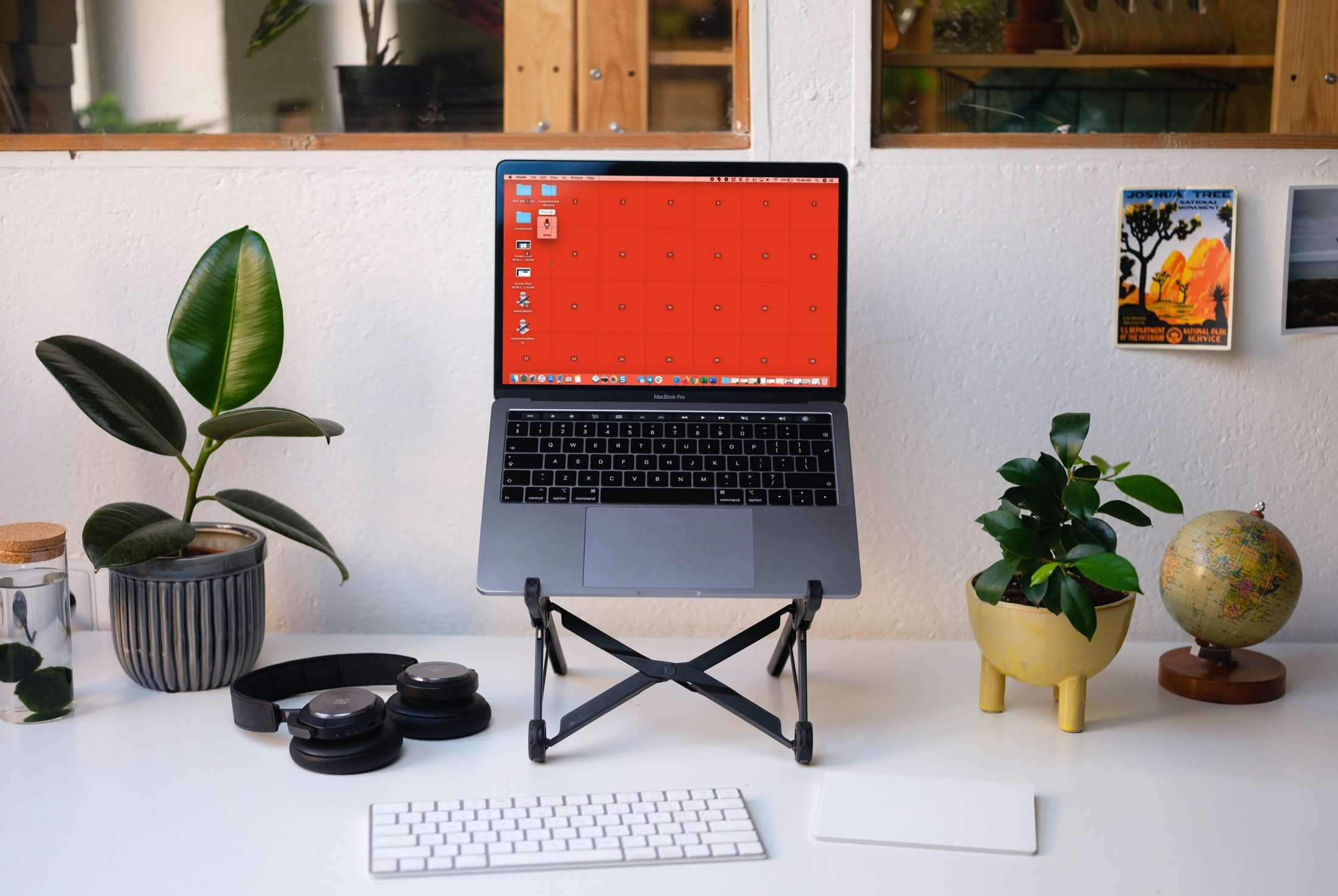
Learn how to use Voice Control on your Mac to navigate and interact with your computer using just your voice. This is handy if you cannot use traditional input methods, or want an additional way to get things done.
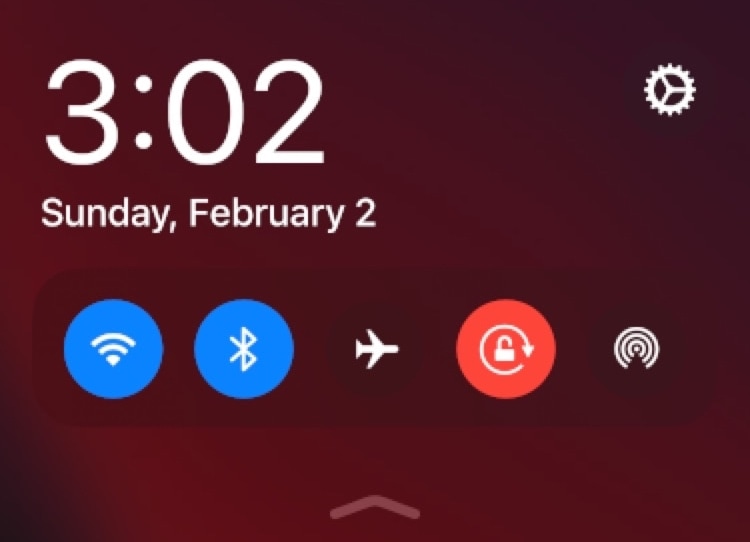
Reachability is a feature Apple put into iOS to make using taller iPhones easier with just one hand, especially for the small-handed folk out there. But if you have the ability to reach that high up with just your thumb when using your iPhone one-handed or you want to make better use of the space when using two hands, then you might view the Reachability interface as a complete and utter waste of space.
If you identify as the latter category, then you’ll probably come to appreciate that of a newly released jailbreak tweak dubbed Carbonite by iOS developer Antique. This tweak aims to make the Reachability interface more useful by filling it with toggles and shortcuts that can make your life easier in day-to-day usage.