Learn how to display an analog clock on your iPhone or iPad with the hours, minutes, and seconds hands to keep track of the exact time down to the second.
How to have a clock that also shows seconds on iPhone and iPad
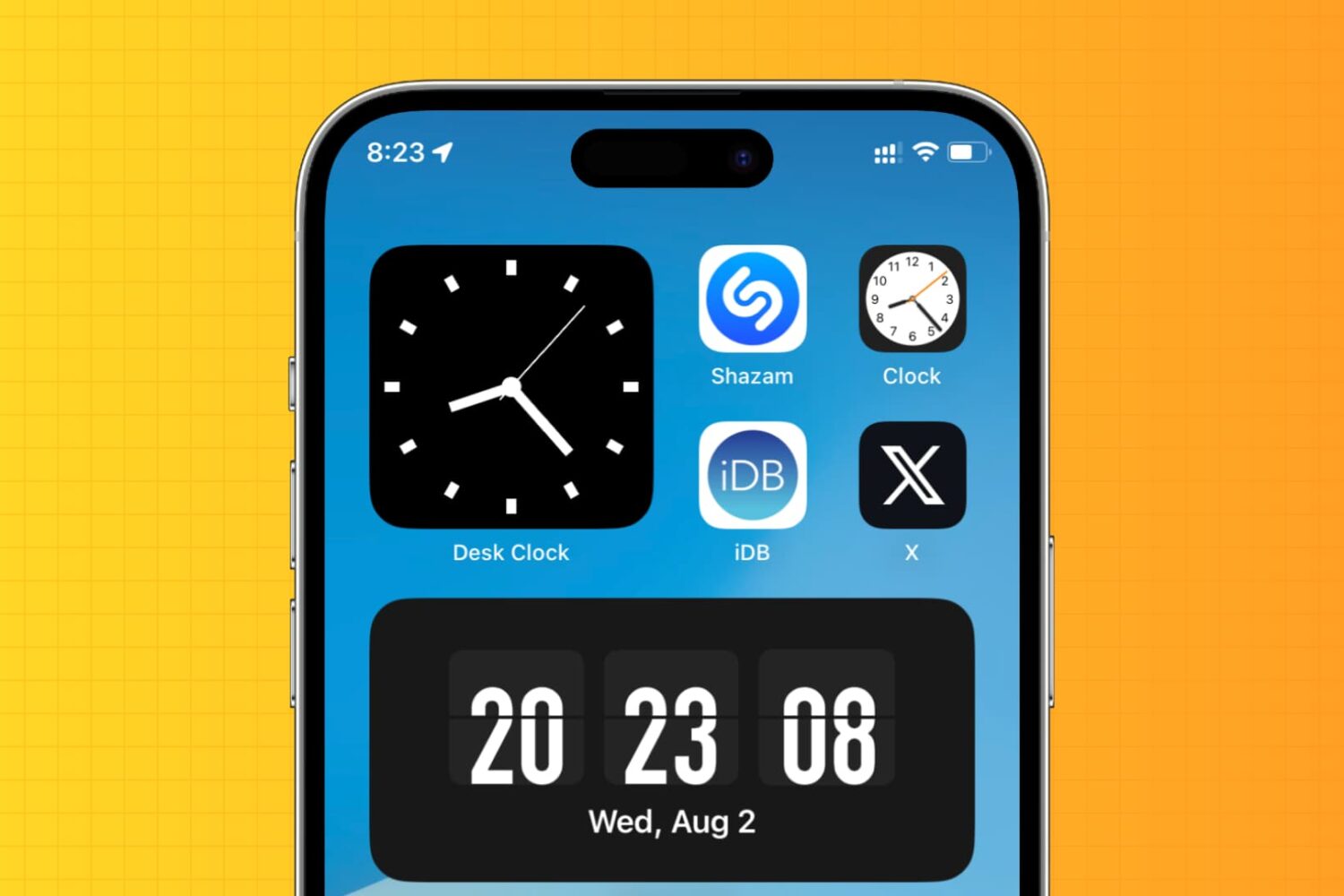
Learn how to display an analog clock on your iPhone or iPad with the hours, minutes, and seconds hands to keep track of the exact time down to the second.
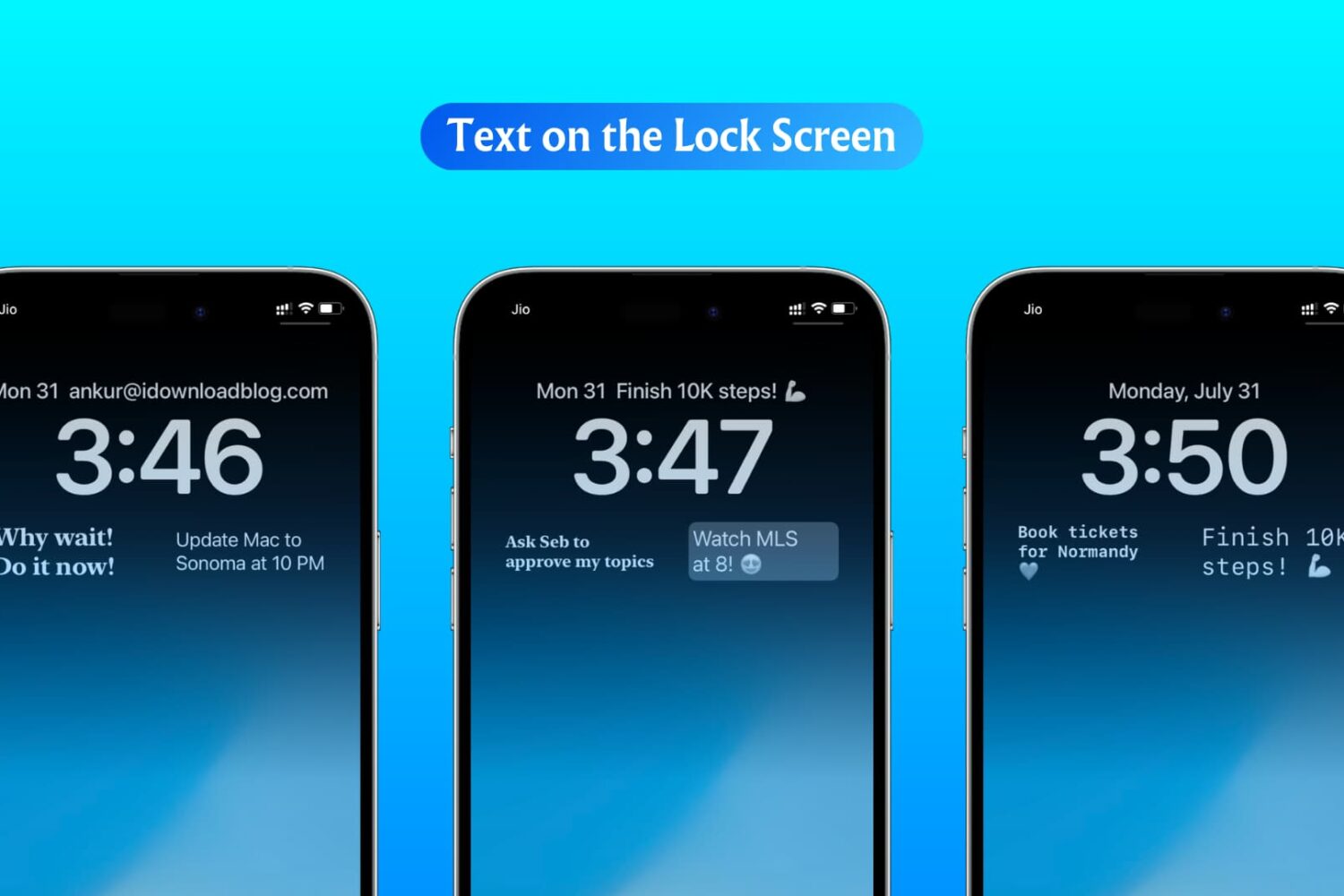
In this step-by-step tutorial, we show you how to display custom text, like your name, email address, phone number, or an inspirational quote, on your iPhone or iPad Lock Screen.
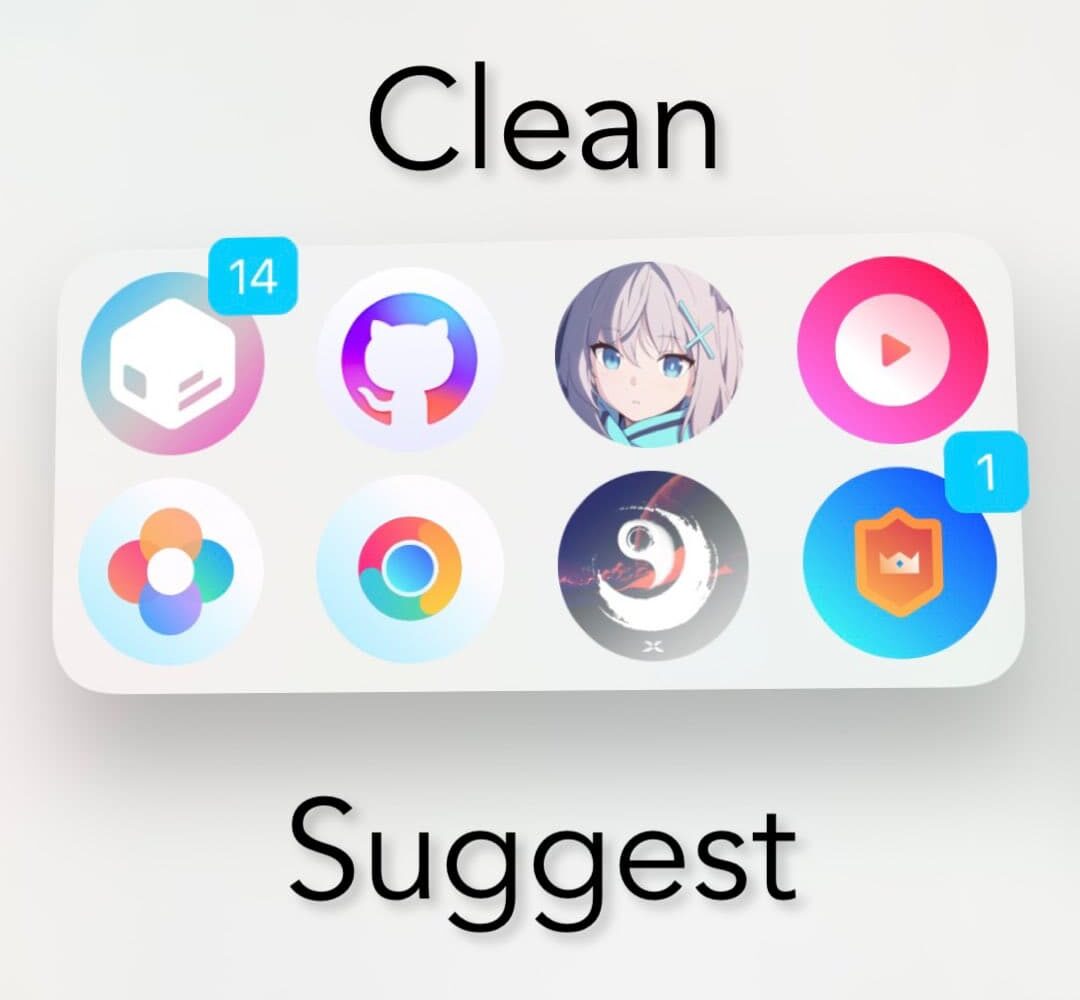
If you take advantage of the Siri Suggestions widget on your iPhone’s Home Screen, and you’re interested in hiding the app icon labels from it for the sake of minimalism, then you may want to turn your attention to a newly released and free jailbreak tweak dubbed CleanSuggest by iOS developer uz.ra.
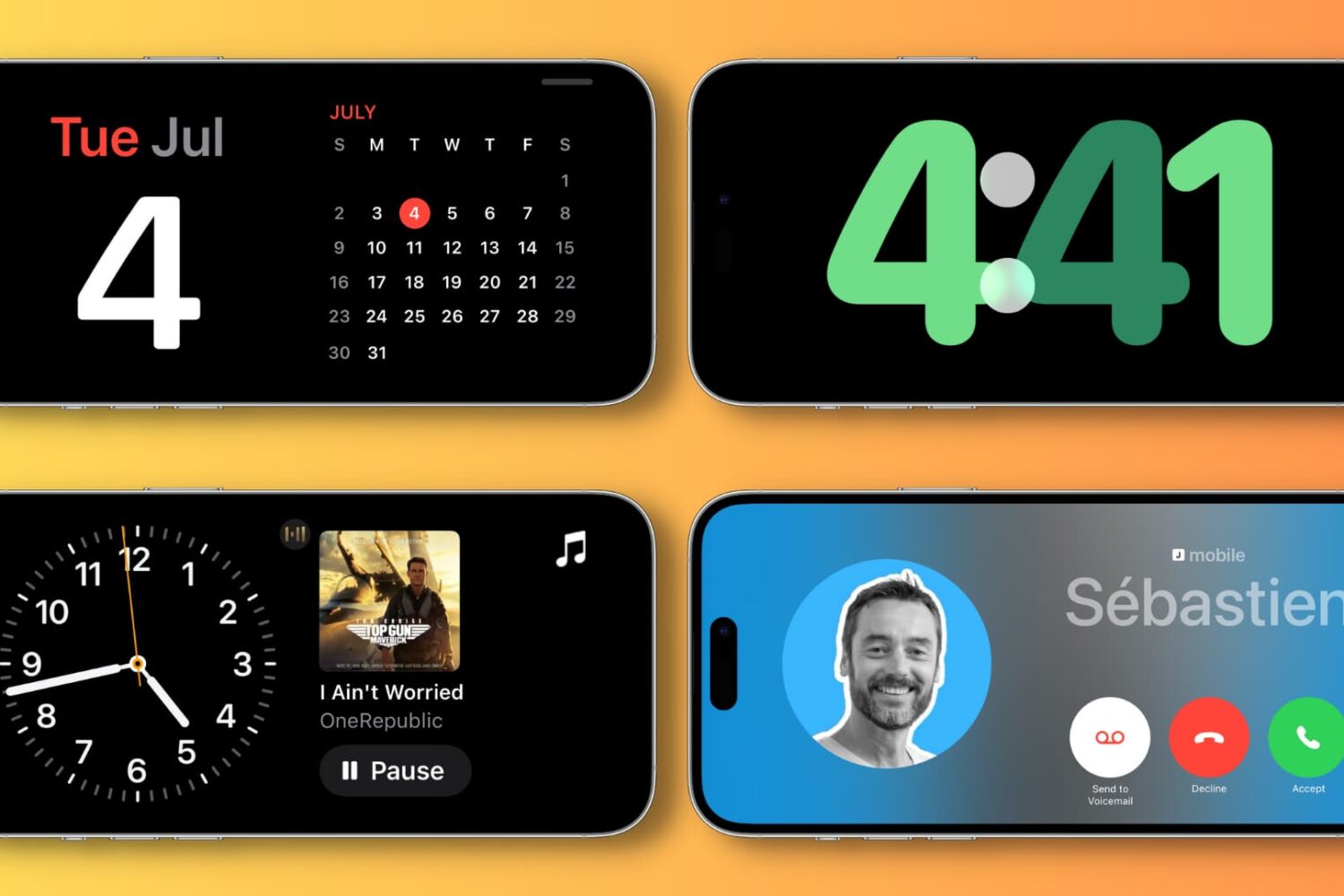
Learn how to use the StandBy feature to turn your iPhone into a smart display when it’s charging in landscape mode.
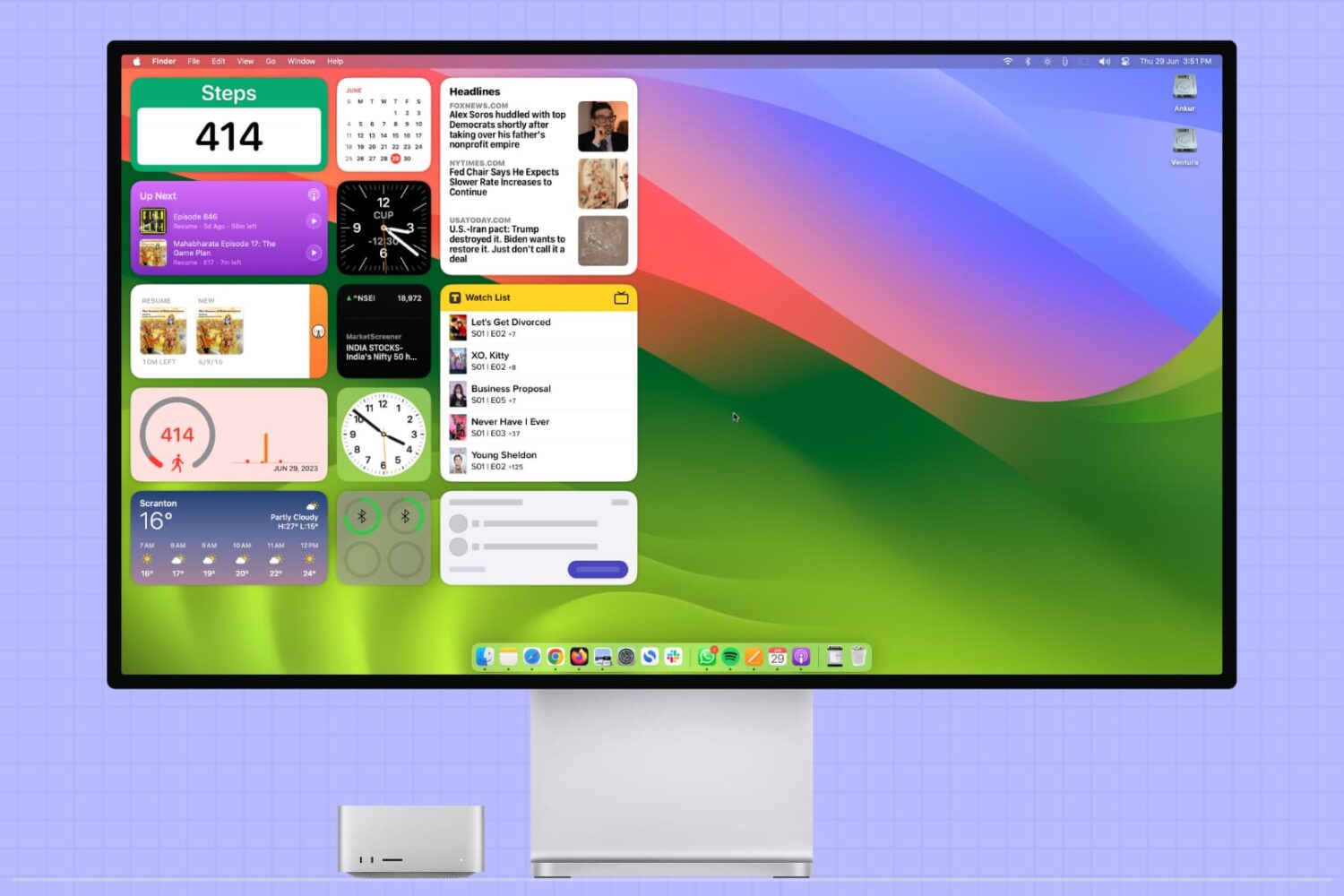
This tutorial covers how to add, use, and manage app widgets on your Mac’s desktop, including adding widgets from your iPhone apps to your Mac.
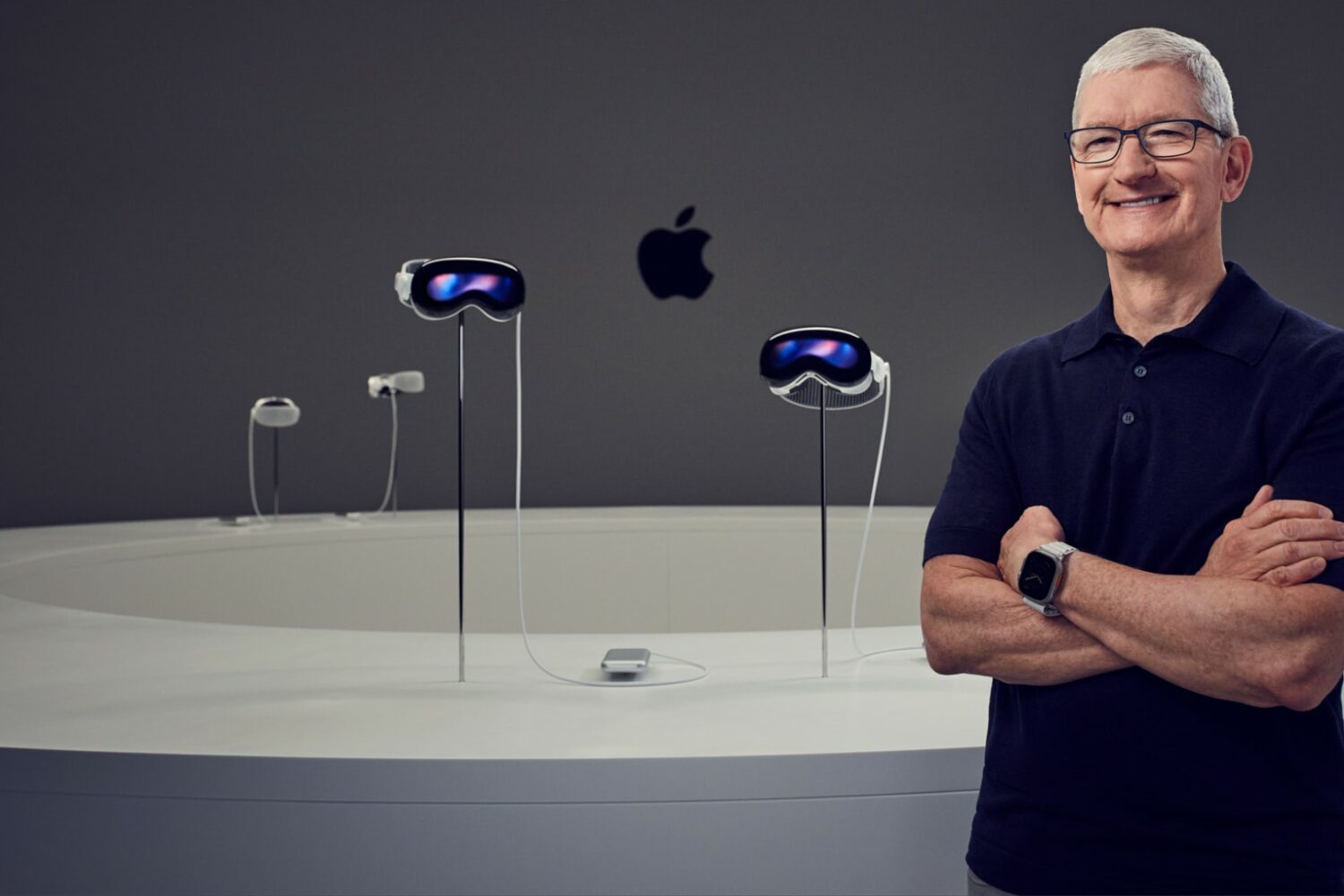
visionOS doesn’t let you use AirPlay on the Vision Pro headset. Features like App Clips and widgets are unsupported, too, but that could change down the road.
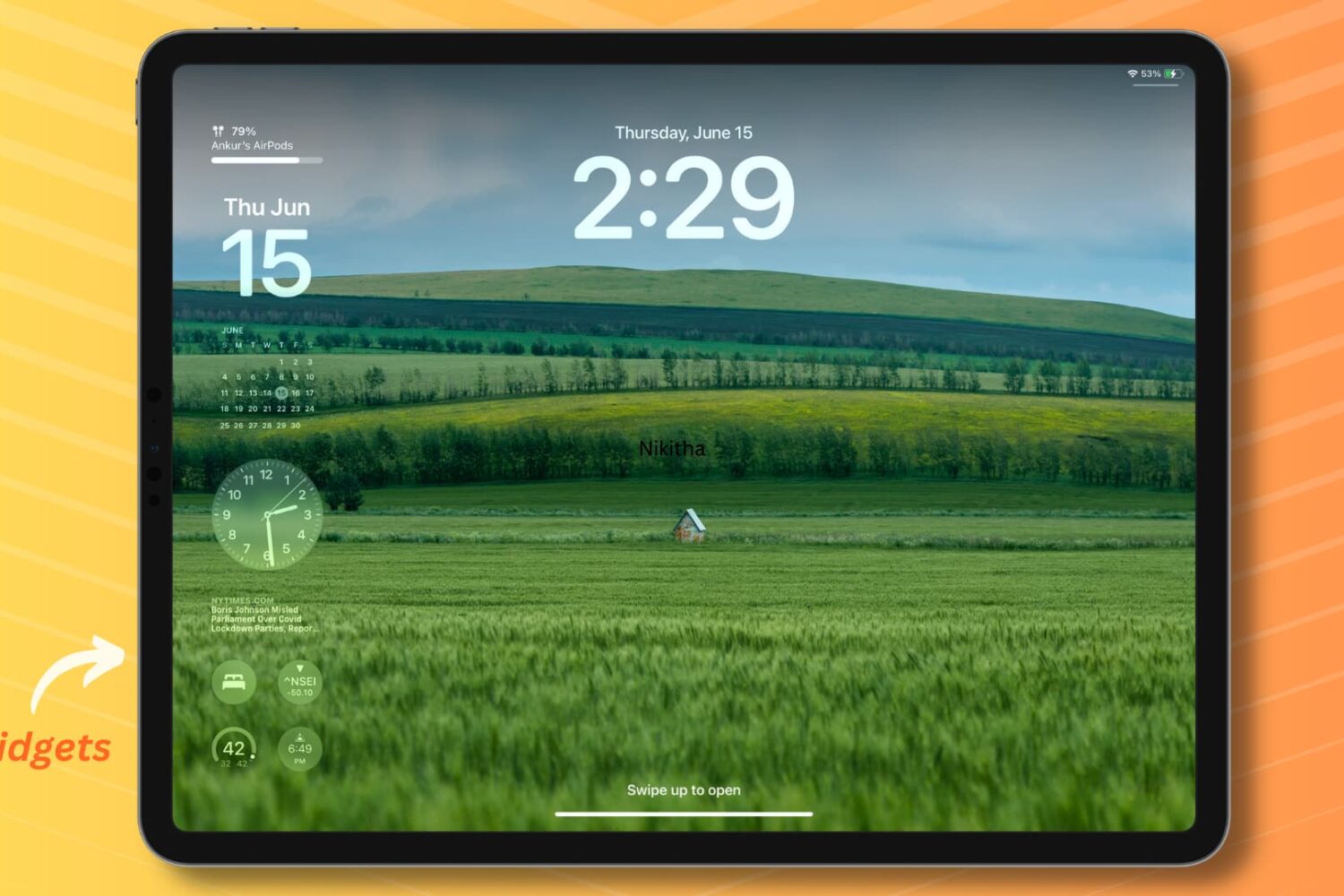
Learn how to add widgets to your iPad Lock Screen in both landscape and portrait mode to access essential information without unlocking your device.
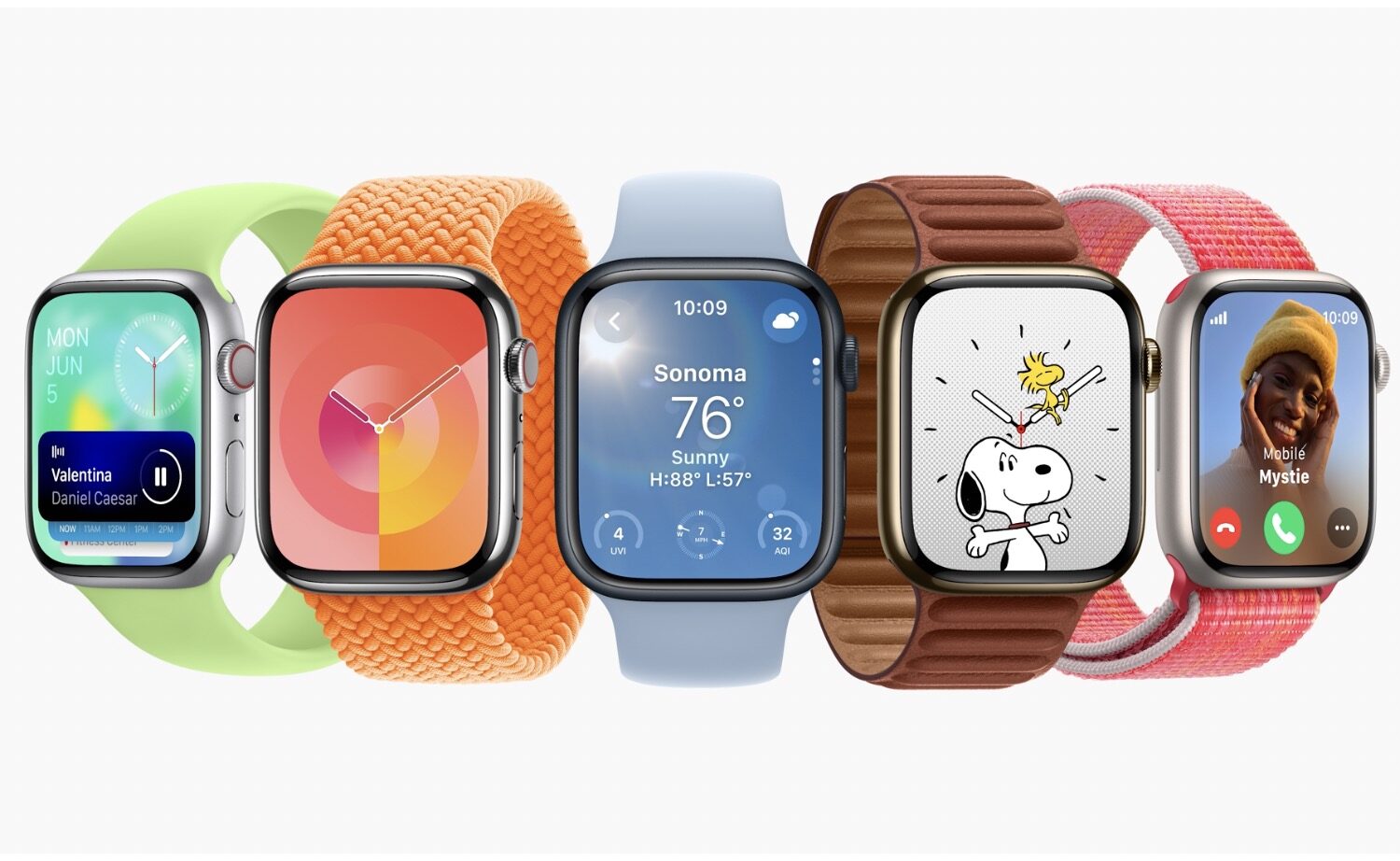
Everything about Apple's watchOS 10 update, including a redesigned Home Screen, iPhone-widgets, changes in core apps to accommodate bigger displays, etc.
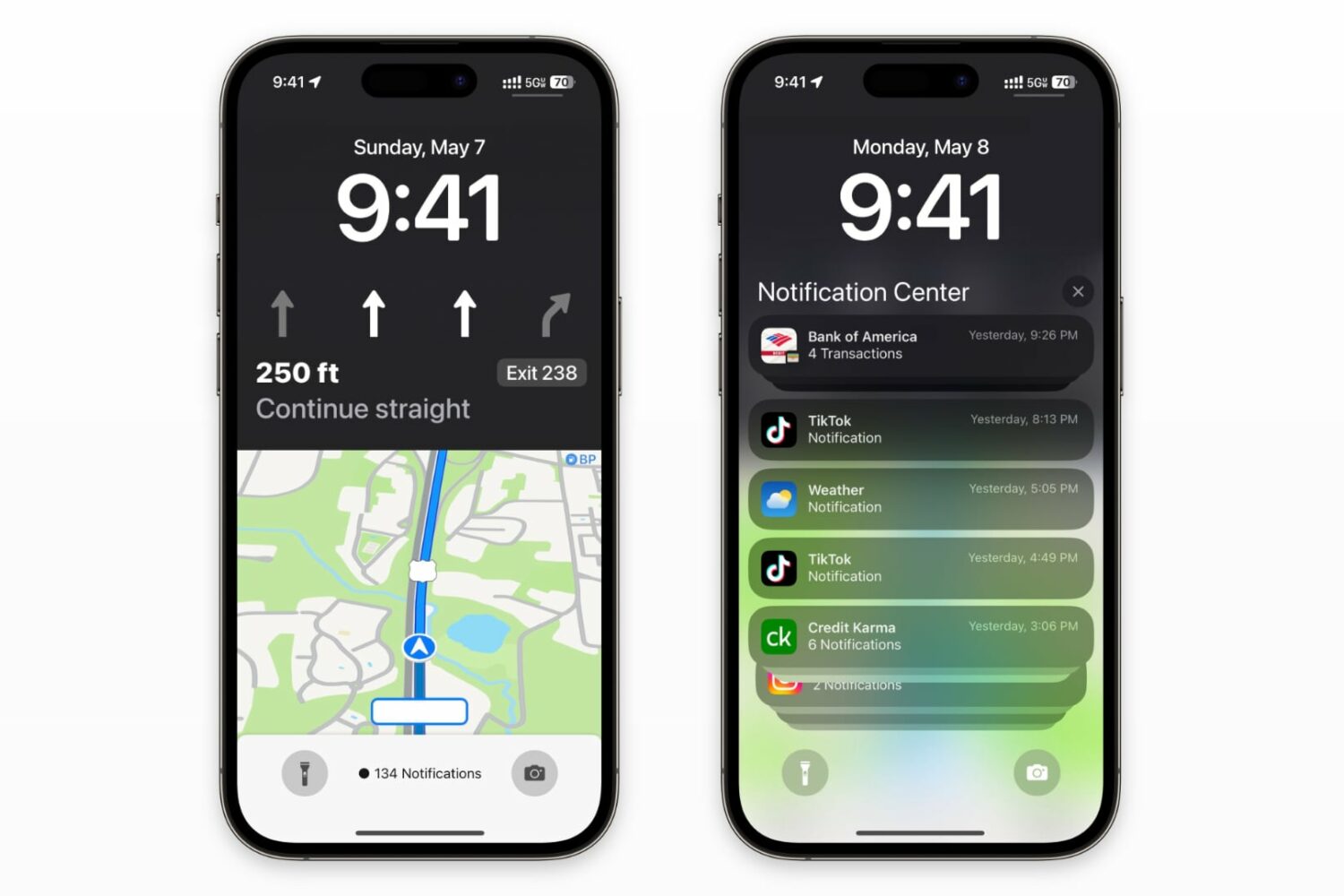
You'll be able to navigate with the Maps live activity widget and still see notifications and the date/time on your iPhone's Lock Screen.
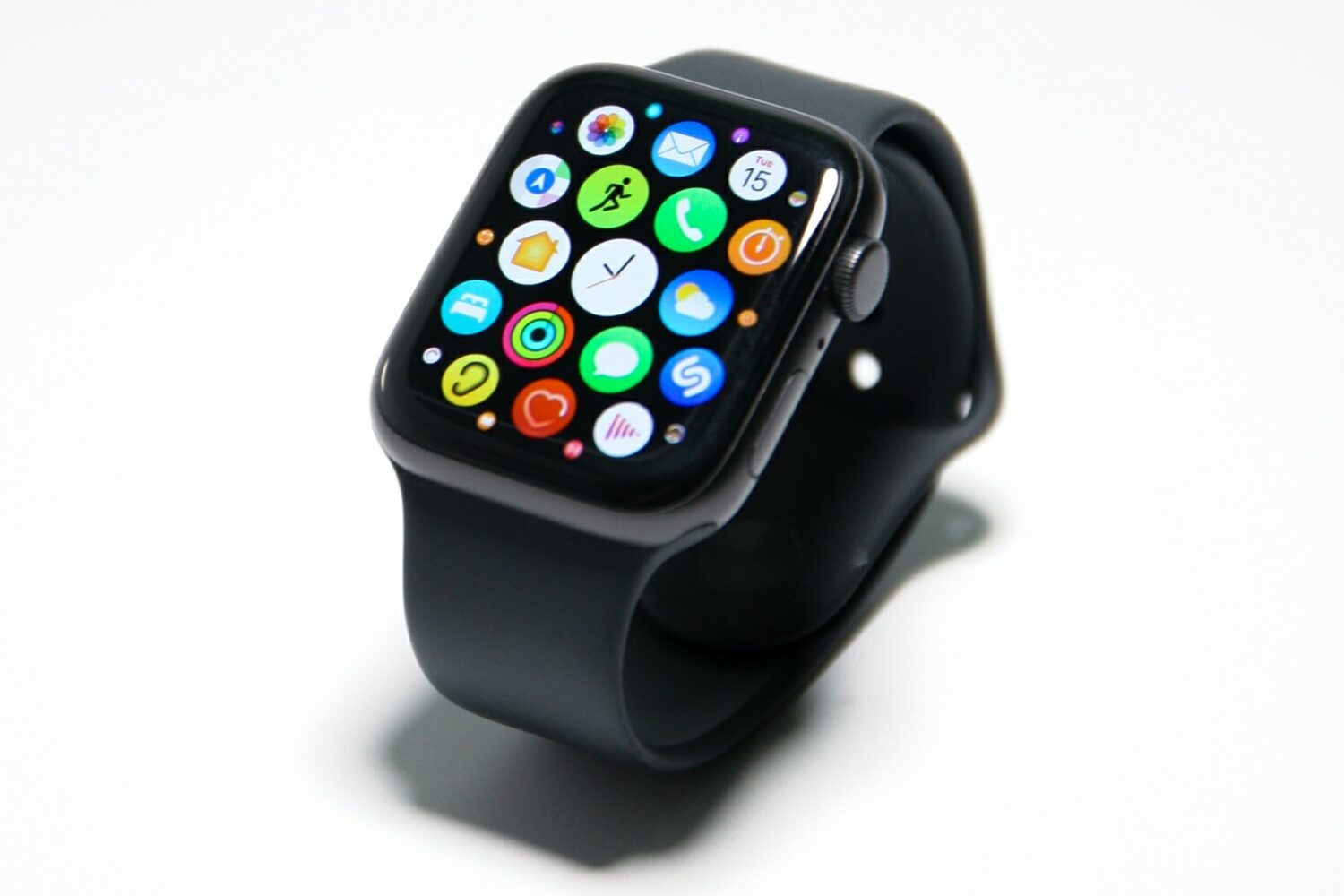
iPhone-like Apple Watch widgets will bring glanceable information and reduce the need to launch apps, becoming a central part of the watchOS 10 interface.
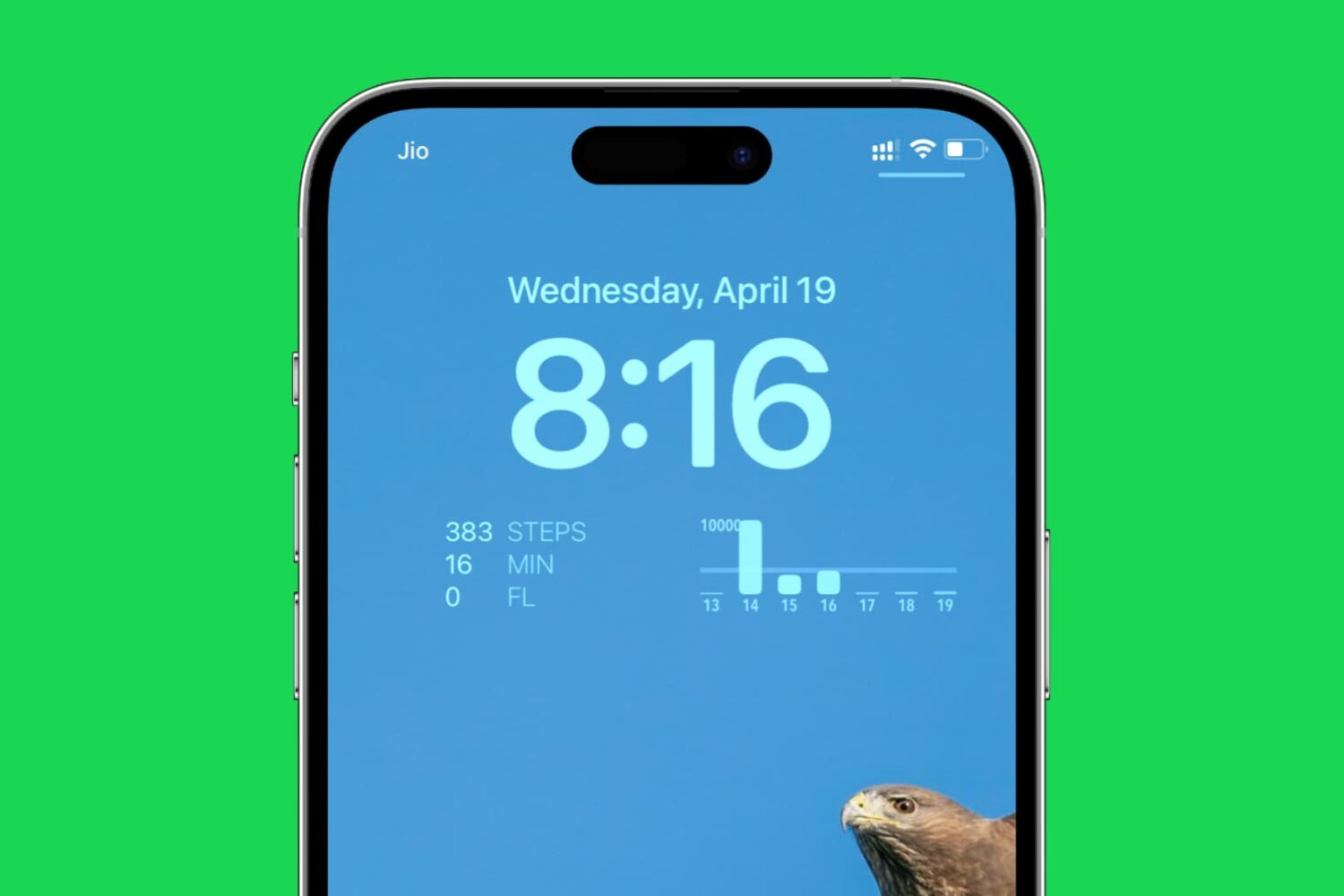
Easily track your daily steps walked and distance covered by adding a step counter to your iPhone Lock Screen with this simple guide.
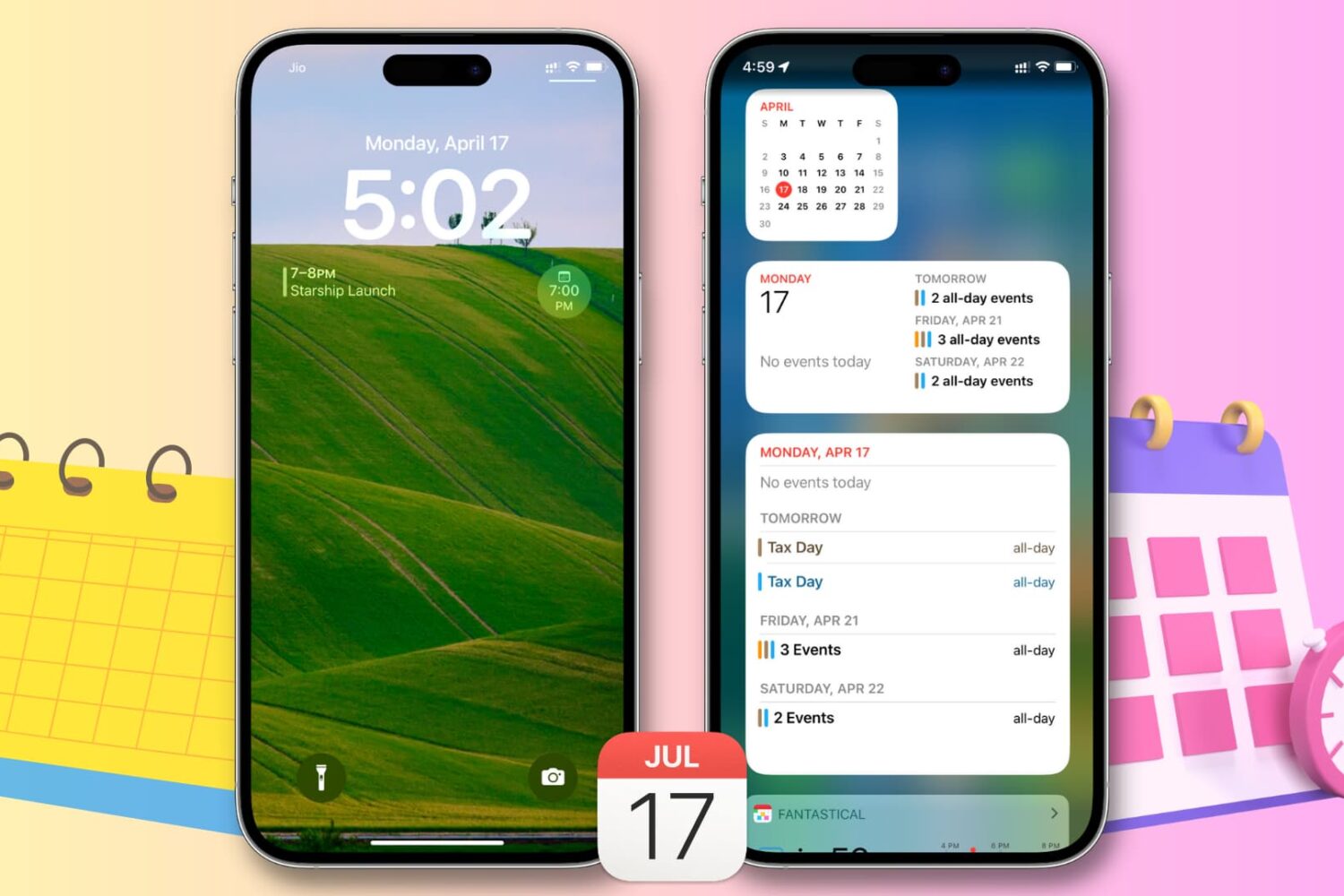
This article provides step-by-step instructions on how to use widgets to easily view your upcoming calendar events from the Today View or Lock Screen on your iPhone or iPad, saving you time and keeping you organized.