Web

Saurik warns against using Cydia Impactor alternative ‘AppSigner,’ says it’s unsafe

If you’ve ever used a semi-tethered jailbreak before, then you should be familiar with Cydia Impactor. Saurik (Jay Freeman) created this multi-platform application to let you side-load apps on your iPhone or iPad, especially of the jailbreak flavor, such as Electra and unc0ver.

Recently, a web-based alternative to Cydia Impactor called AppSigner received some public attention on /r/jailbreak, and as you might come to expect, prominent members of the jailbreak community are speaking up to explain why you should not use it.

This tweak removes promoted Tweets from your Twitter News Feed

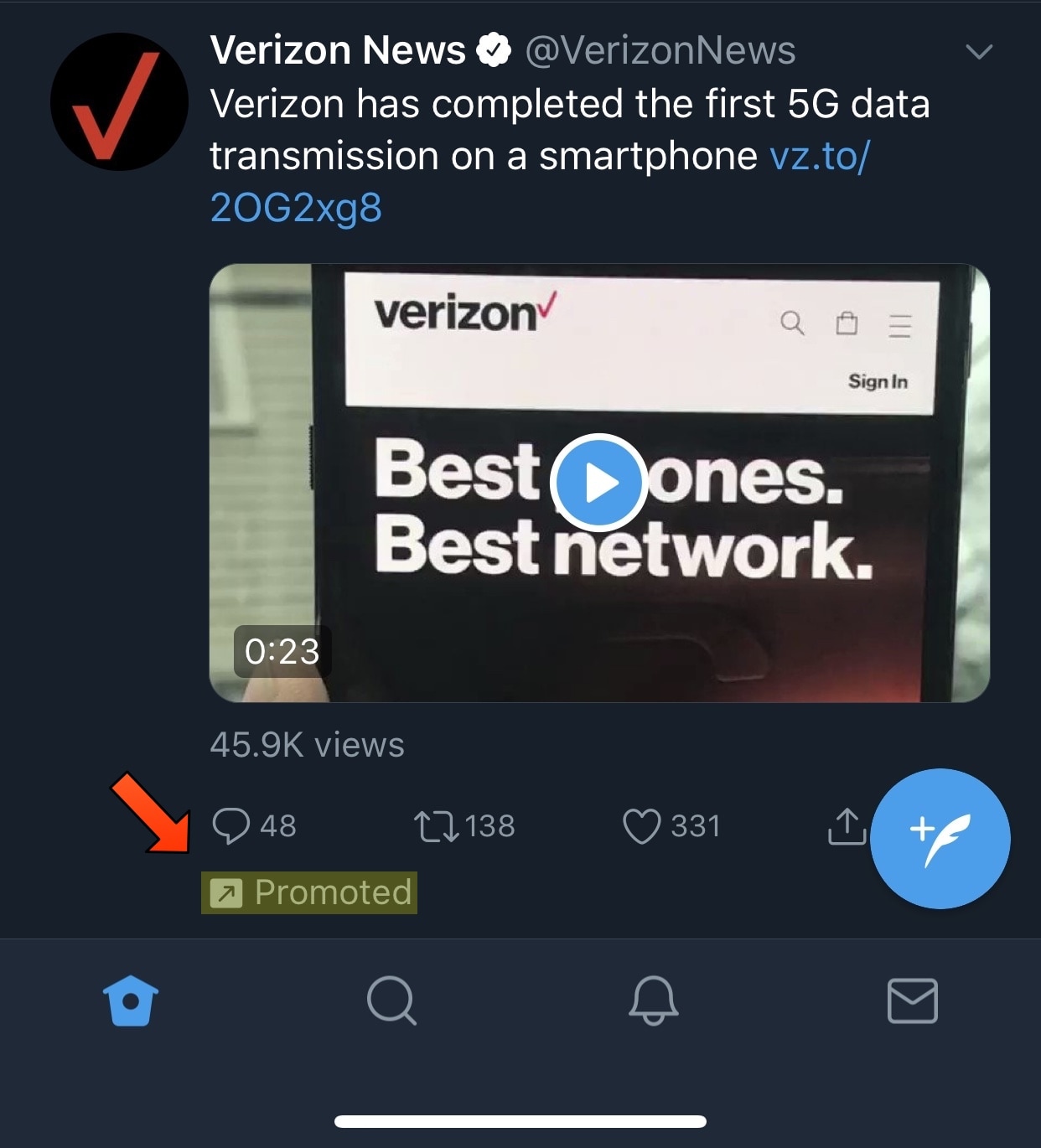
While I enjoy using Twitter, I’ve come to frown upon  the bevy of promoted Tweets that litter the News Feed viewing experience. Fortunately, you can now get around this if you have a jailbroken device.

Upon launching the Cydia Store and refreshing your sources, you should notice a new free jailbreak tweak called NoTwitterAds by iOS developer Chloee. This tweak does away with all promoted Tweets in your News Feed, much like the one shown above.

iCab Mobile review: a different web browser for your iOS device

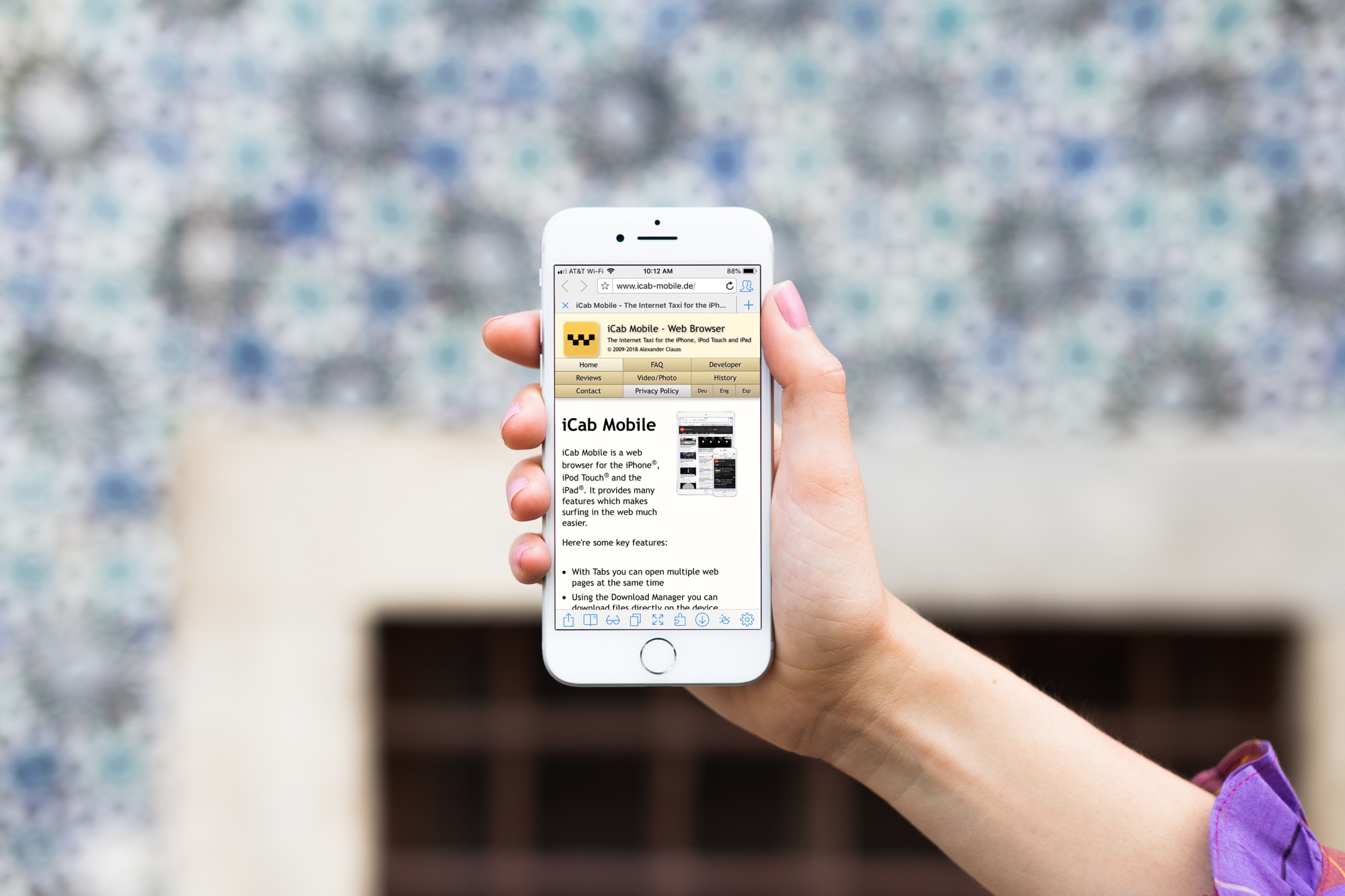
iCab Mobile App on iPhone

If you’re tired of the same old web browsers on your device; Safari, Firefox, Chrome, maybe it’s time for something new.

You may want more flexibility with your browser interface, more options with your settings, or just something you can completely customize. If so, the iCab Mobile web browser is one option you might want to check out. The app isn’t new on the scene, but after a reader suggested it, we had to give it a try. Here’s what we found.

Keyboard shortcuts to move up and down web pages on Mac

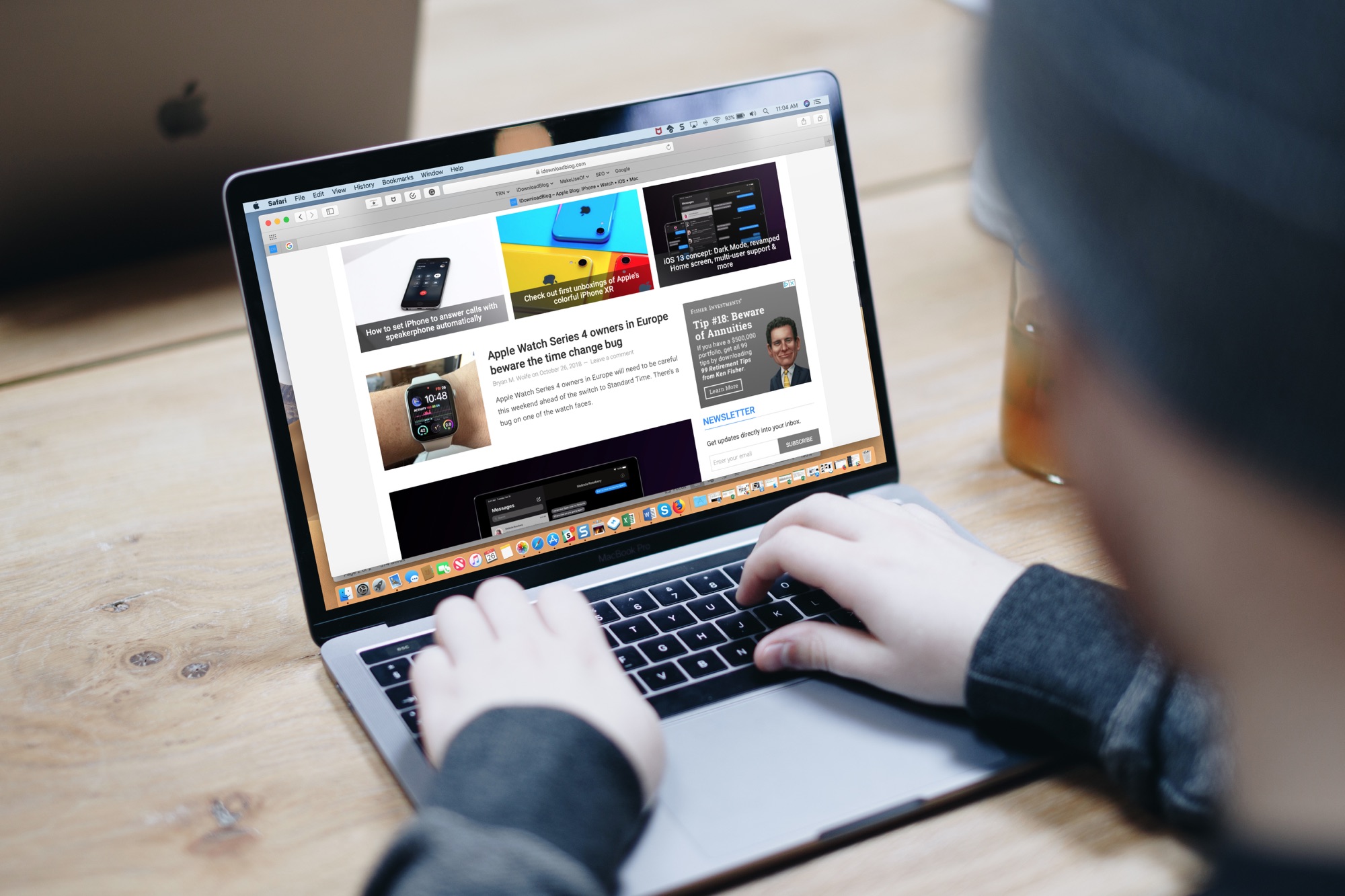
Macbook Pro Keyboard Shortcuts for Web Pages

One of the first things I looked for when I started using a MacBook Pro for work was how to navigate web pages faster. Being able to move to the top, to the bottom, or both in small increments and without lifting my fingers from the keyboard was essential.

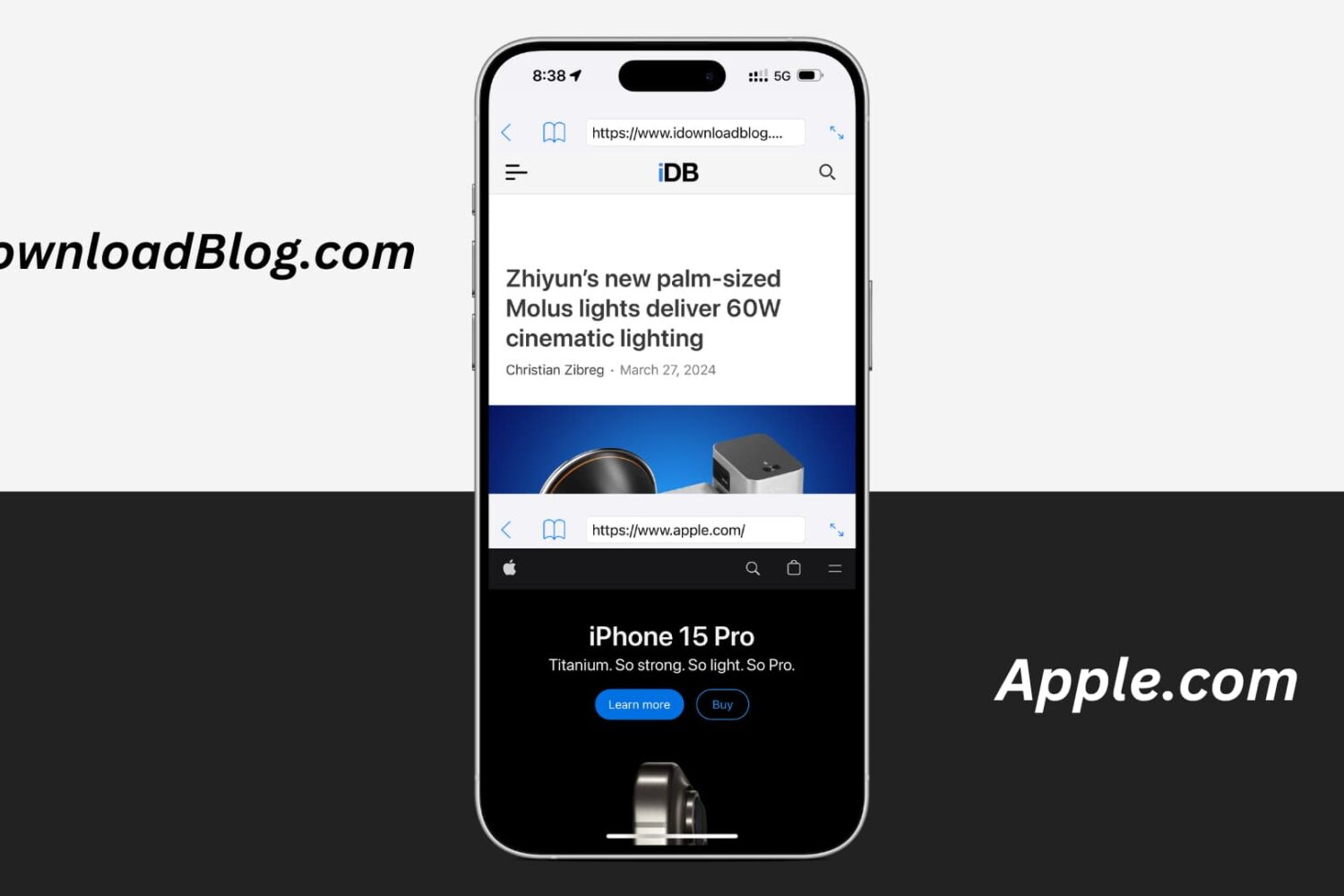
If you’re like me and want to navigate sites you visit quicker, this list is for you. Here are several keyboard shortcuts to move up, down, and sideways on web pages on Mac.