Learn how to make a new tab the active page in your Mac web browsers like Safari, Chrome, and Firefox so you are automatically switched to the new tab, thus saving yourself an extra click.
How to make new tabs active in Safari, Firefox, and Chrome
Learn how to master your Apple devices with our comprehensive tutorials. From iPhone and iPad to Mac, Apple Watch, AirPods, and more, our expert guides will help you unlock the full potential of your Apple products. Discover new features, tips, and tricks each day to enhance your user experience.
Learn how to make a new tab the active page in your Mac web browsers like Safari, Chrome, and Firefox so you are automatically switched to the new tab, thus saving yourself an extra click.
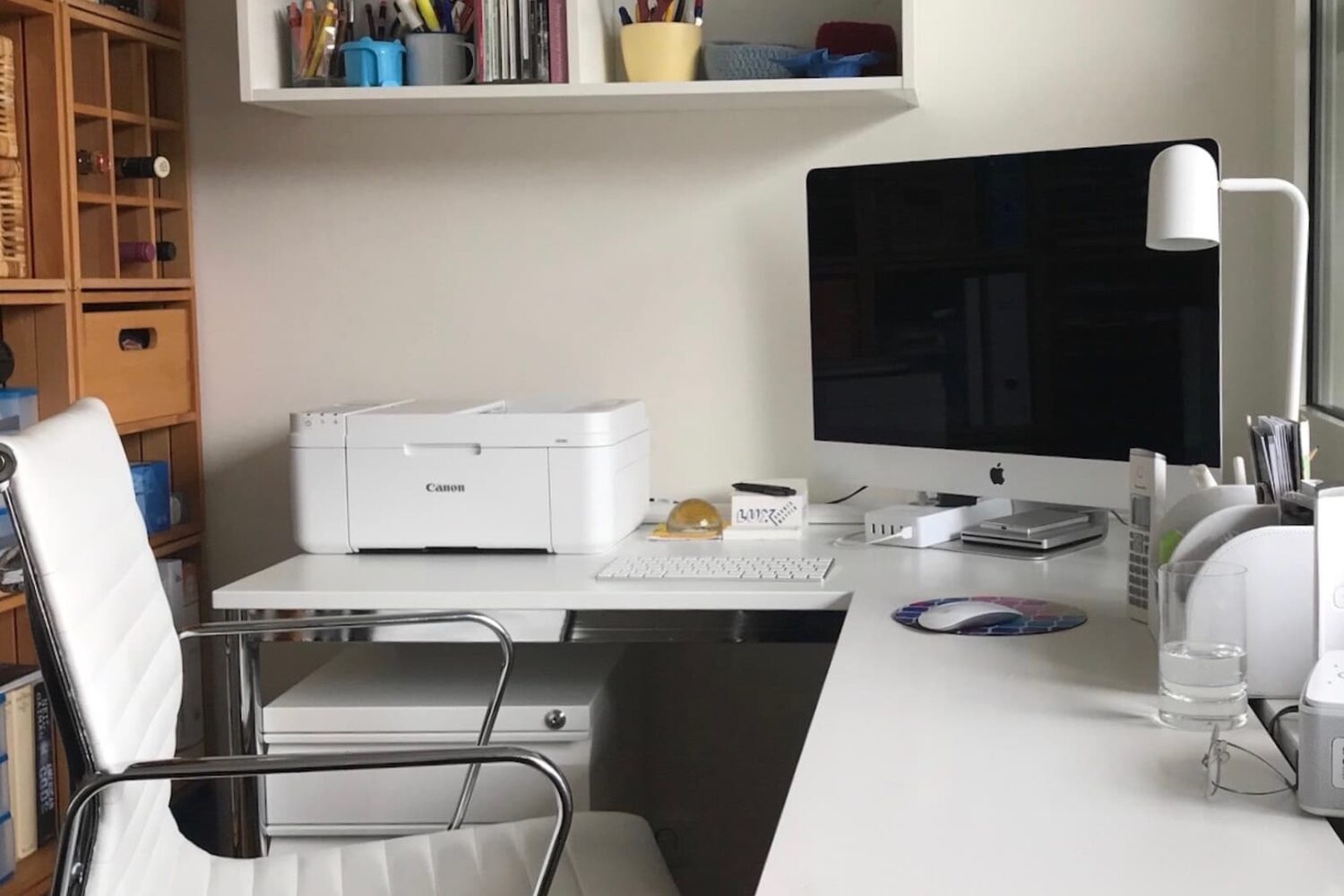
If you have a printer connected to your Mac, you can see the print jobs you currently have in the queue. And if you use a shared printer, this can be handy to confirm that you’ve sent your job to the printer and are still waiting your turn.
At the same time, you might want to see completed jobs. Again, with a shared printer, you may find that items you thought you printed are nowhere to be found. You can check to see if your item did, in fact, print successfully. You can then hunt down the coworker or family member who accidentally grabbed your printed items.
Here, we’ll show you how to view details of print jobs on your Mac, including currently printing jobs and completed jobs.

Learn how to set up Typing Feedback on iPhone or iPad so the characters and words you type are spoken aloud, which is ideal for people with visual impairments.
If you do a lot of reading on your Kindle Paperwhite and download books often, then you know how quickly your library can grow. And while this is good because it gives you options to read what you’re in the mood for, it can also make finding what you want to read difficult.
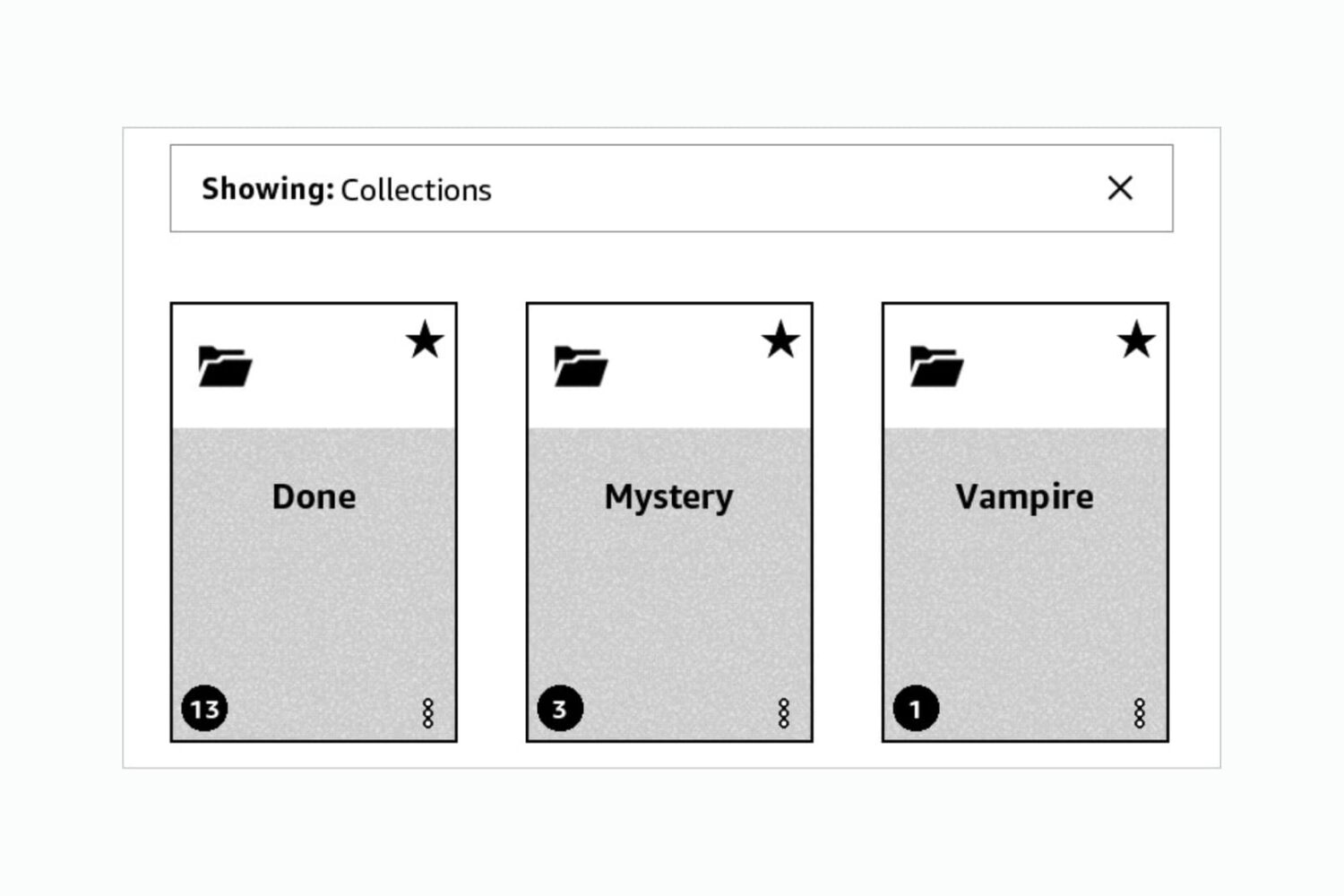
You can organize your books by using Collections on Kindle. This lets you categorize your books so that you can find a book you want much faster. And the nice thing is that these Collections are yours. So create as many as you want, for whatever you want, to help you organize your books.
To help you out, we’ll show you how to create and manage Collections on your Kindle Paperwhite.

Action Needed: Website Push Certificate Expires in 30 Days. Your Website Push Certificate will no longer be valid in 30 days. To generate a new certificate, sign in and visit Certificates, Identifiers & Profiles.
If you run a website that send browser push notifications, you have most likely received this email from Apple reminding you that your push certificate for Safari is about to expire. I've been receiving the same email for several years now, but every time I scratch my head wondering how do I do that again.

In this guide, we will go over some easy ways to figure out the age of your Mac on both a working and non-working computer.

In this tutorial, we’ll show you how to change the default apps and actions for opening files and downloads in Firefox on your Mac.

There are many reasons why your MacBook could be overheating. From wonky apps using too much CPU to poor ventilation, here are things to check for and the ways to prevent your Mac from getting too hot.

Learn the keyboard combinations for moving and selecting items when navigating the desktop, Dock, and Mission Control using VoiceOver on your Mac.
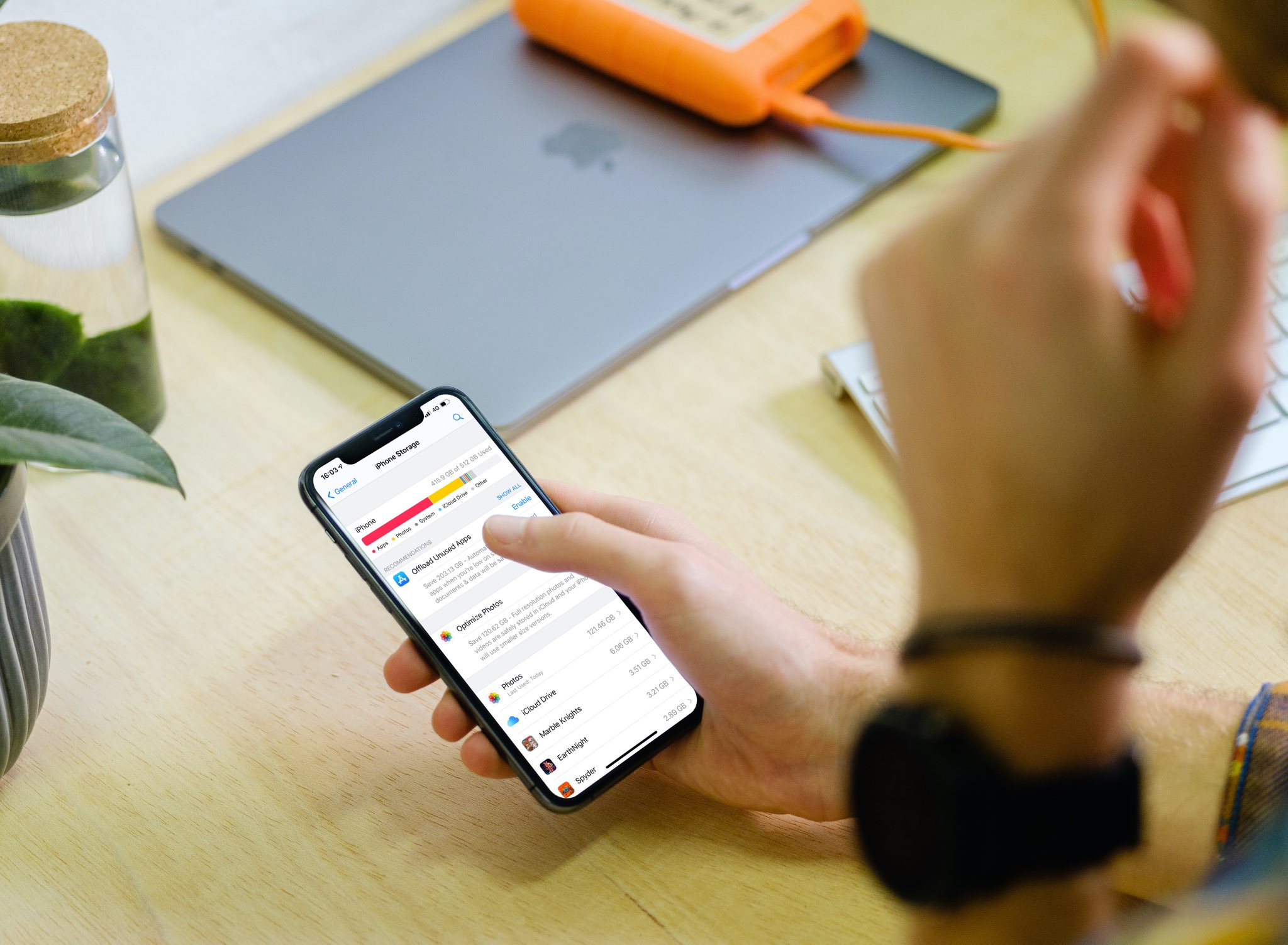
With the iPhone storage search feature, you can quickly find out how much storage space a specific app is taking up on your device without having to scroll through a long list of apps.
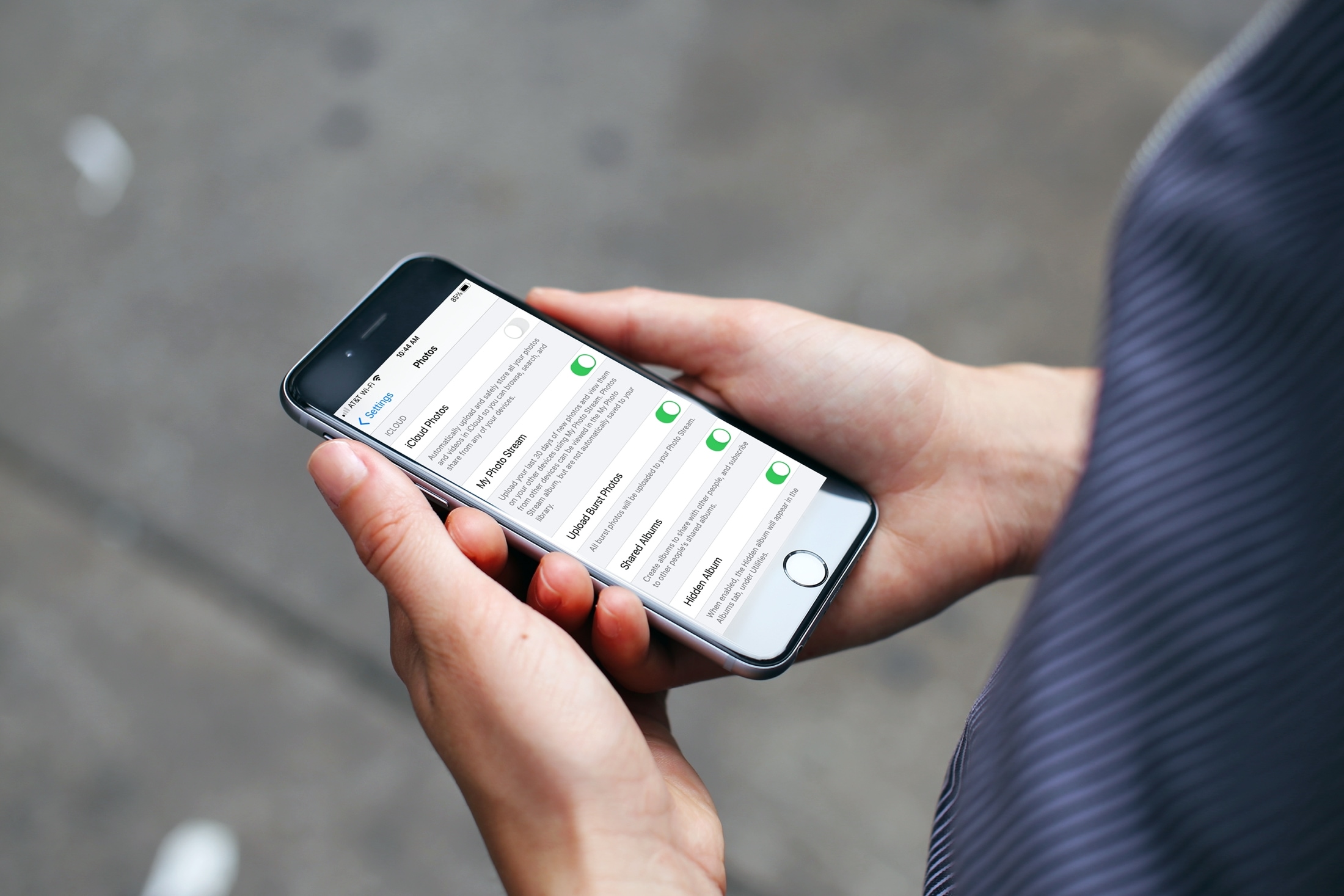
If you’re one who uses the My Photo Stream feature in Photos rather than iCloud, there’s a small setting you might not know about. The setting is to automatically upload burst photos to My Photo Stream and can be quite handy.
Burst photos are terrific for making sure you capture the perfect shot. So instead of just one photo, you can take several with a tap. You then review and keep those you want from the burst. And since you can see and save the images on any device with My Photo Stream, you may want the photos from the bursts there by default.
Here we’ll show you how to automatically upload burst photos to My Photo Stream so you can work with them on iPhone, iPad, or Mac.
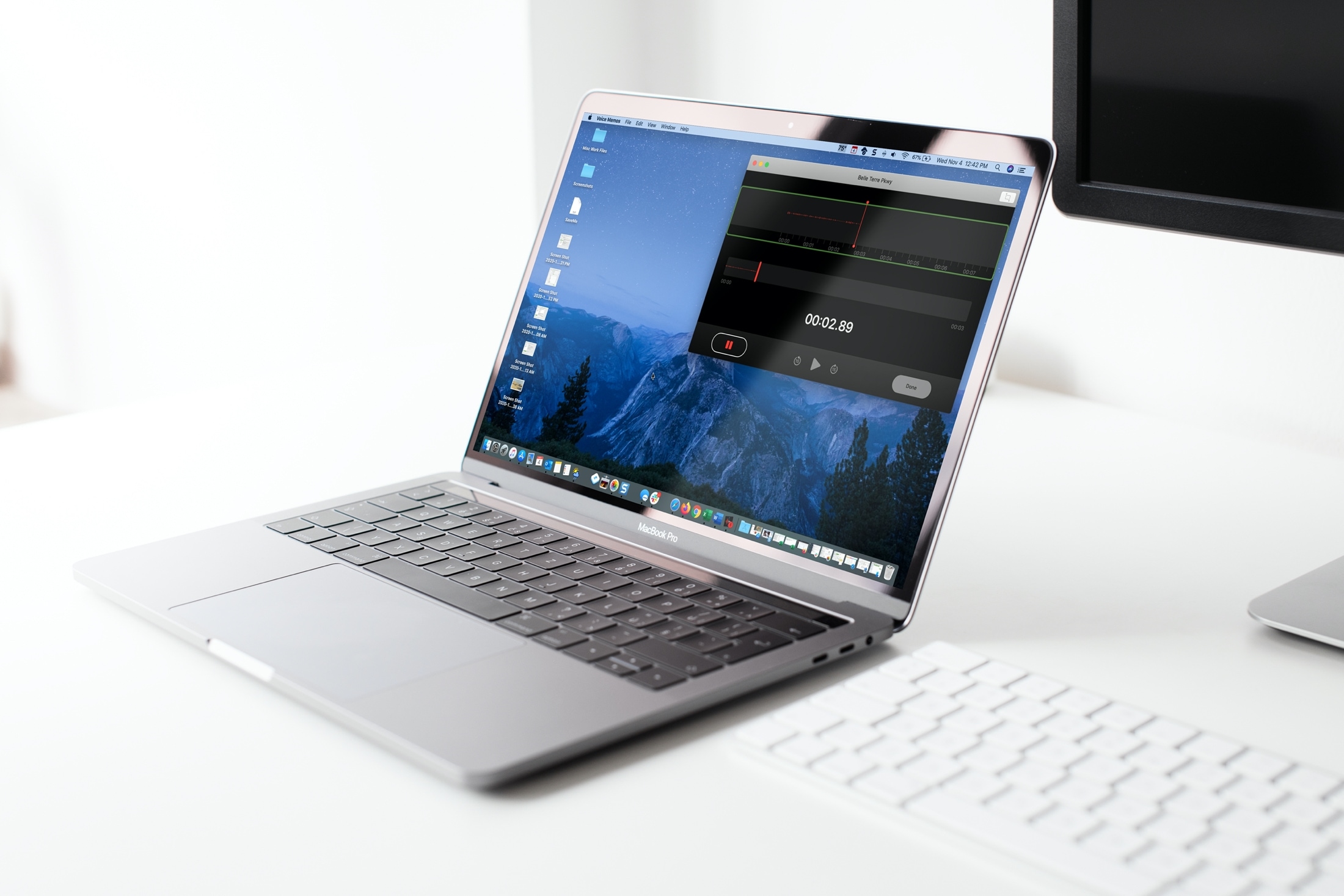
In this tutorial, we’ll help you set the Voice Memos app on your iPhone, iPad, and Mac to automatically empty the recently deleted voice recordings immediately, after a few days, or never!