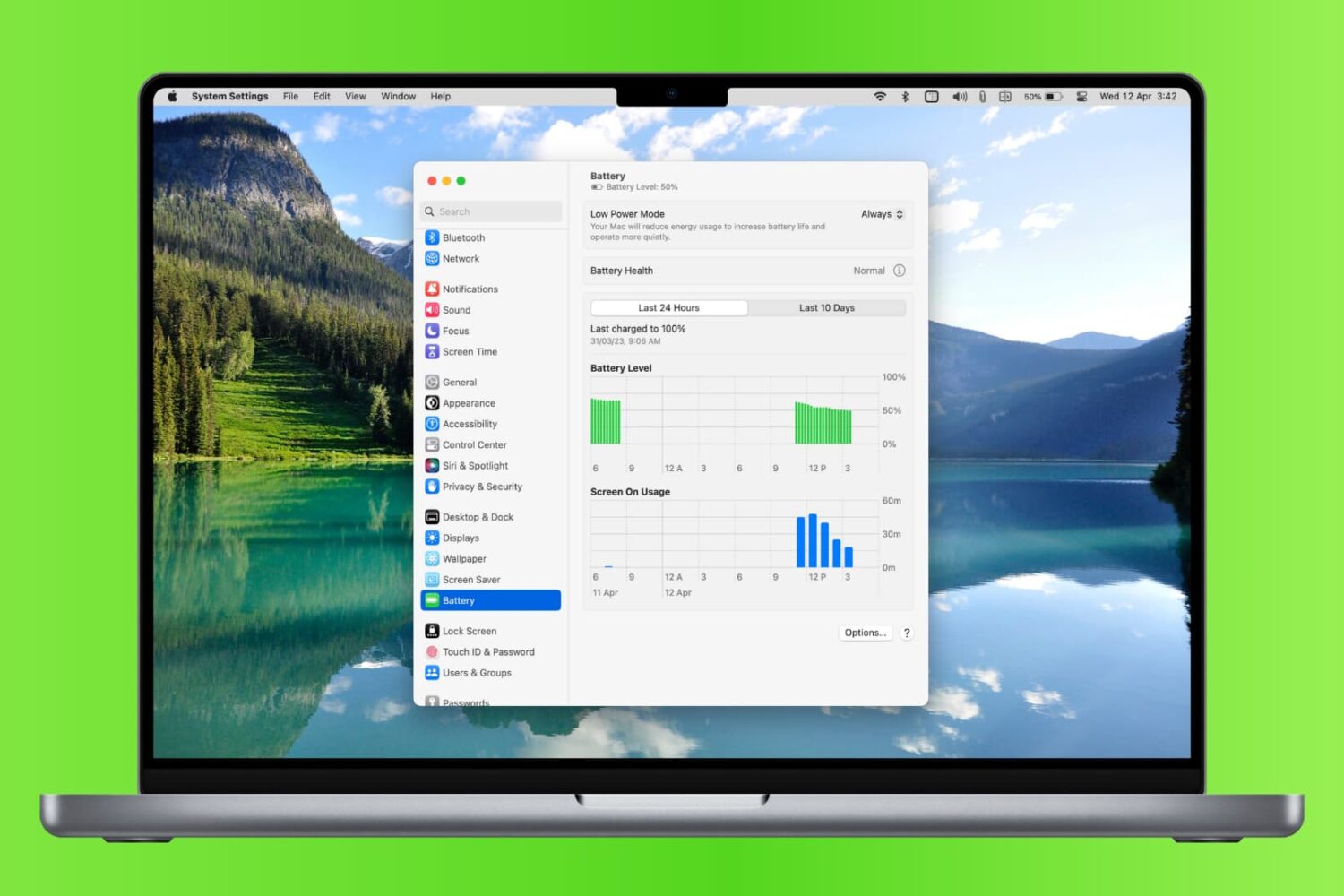
Learn how to check your MacBook’s battery usage history so you can compare charging accessories, view days with heavy use, and more.
How to view battery usage history on your MacBook
Learn how to master your Apple devices with our comprehensive tutorials. From iPhone and iPad to Mac, Apple Watch, AirPods, and more, our expert guides will help you unlock the full potential of your Apple products. Discover new features, tips, and tricks each day to enhance your user experience.
Learn how to check your MacBook’s battery usage history so you can compare charging accessories, view days with heavy use, and more.
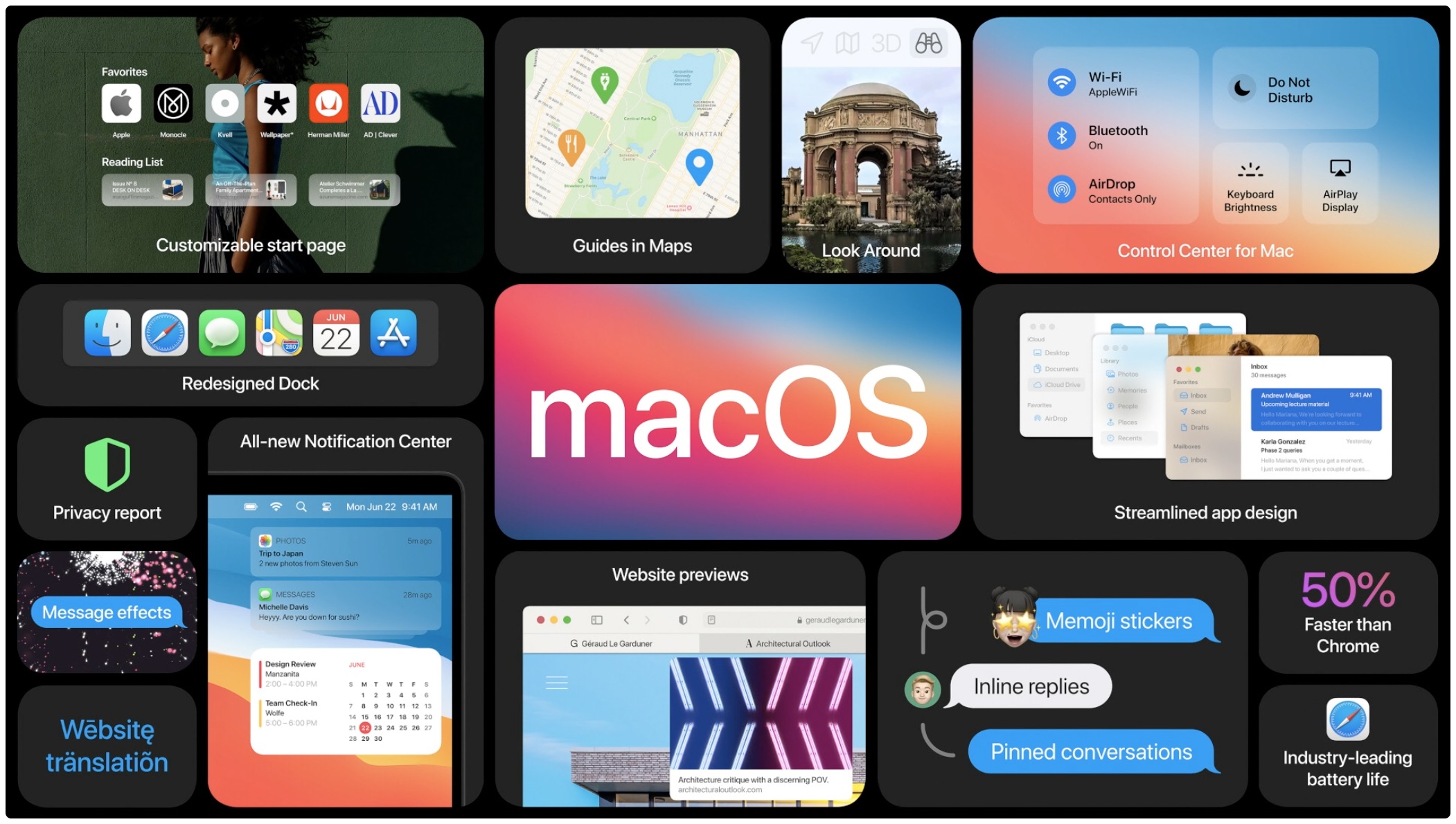
macOS Big Sur, Apple's latest software powering Macs, has been available for more than a week now. As some people have reported problems when trying to update their late-2013 or mid-2014 13-inch MacBook Pro notebook to Big Sur, Apple has now offered a fix.
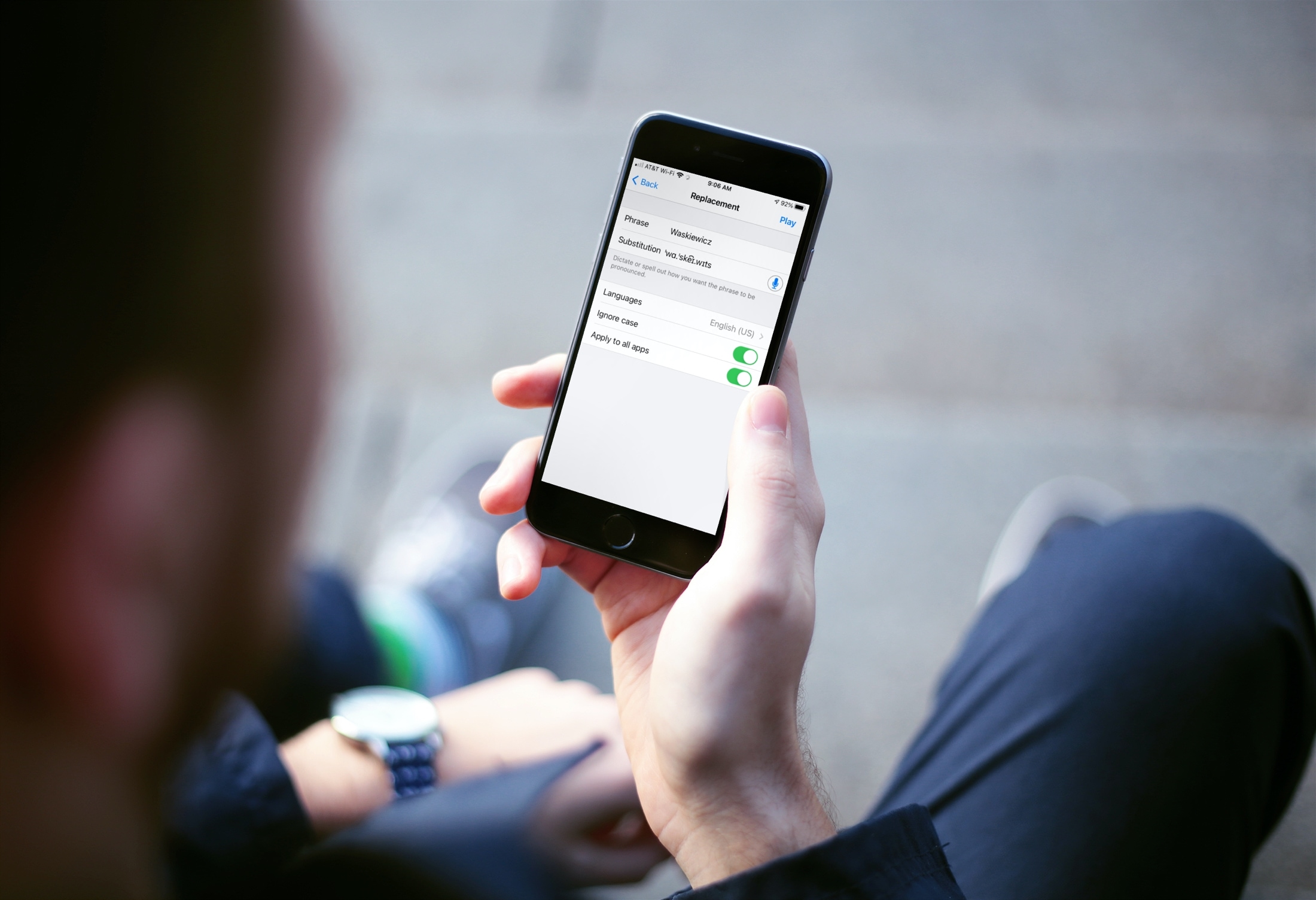
Learn how to add your own pronunciations on iPhone and iPad for words or phrases you want spoken a certain way.
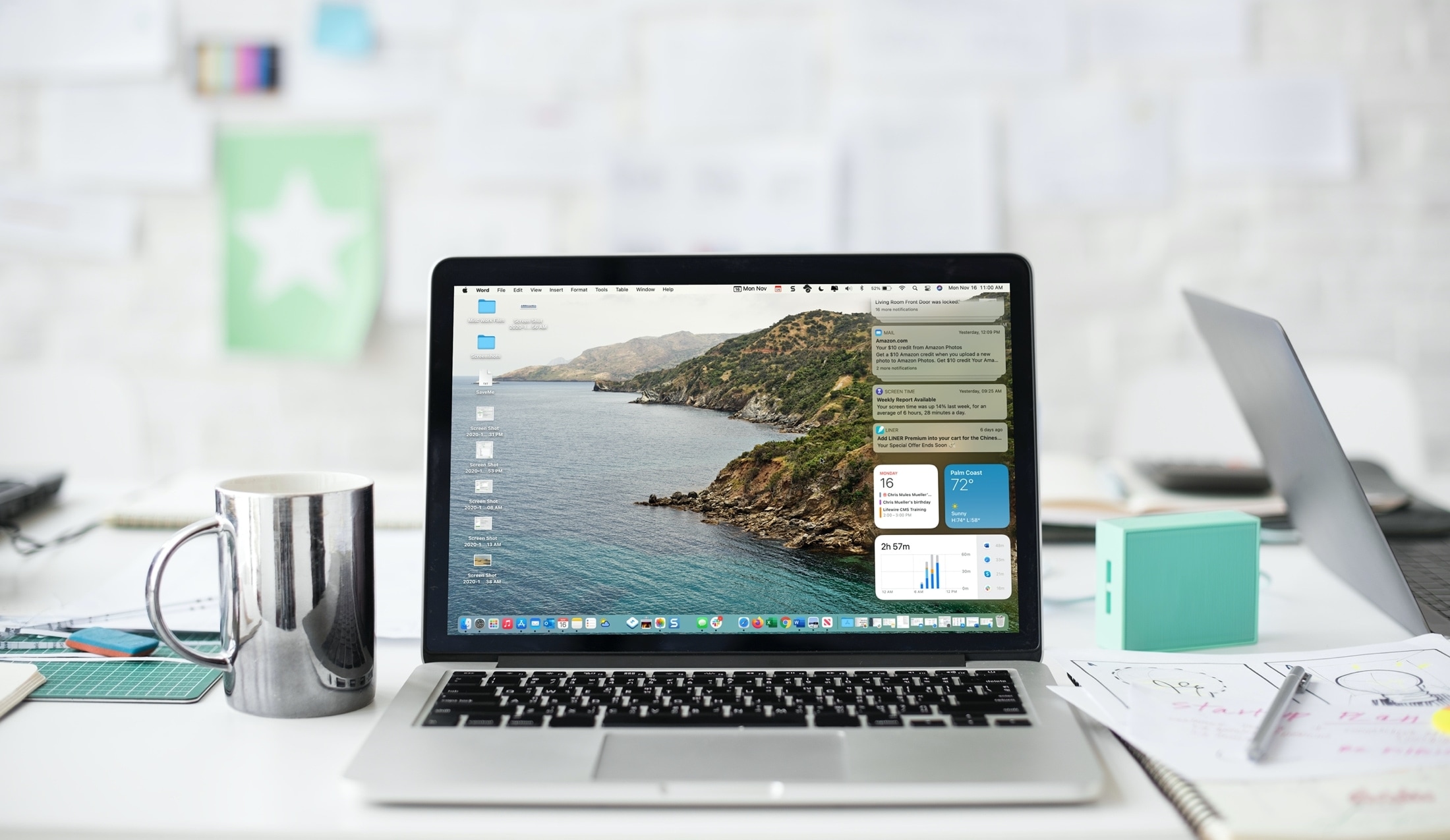
Learn how to customize and use the Notification Center on your Mac so you can see the stacked notifications the way you like, interact with them, and work with macOS widgets.

Check out eleven tips for customizing your Mac’s top menu bar to personalize its look and increase your productivity.
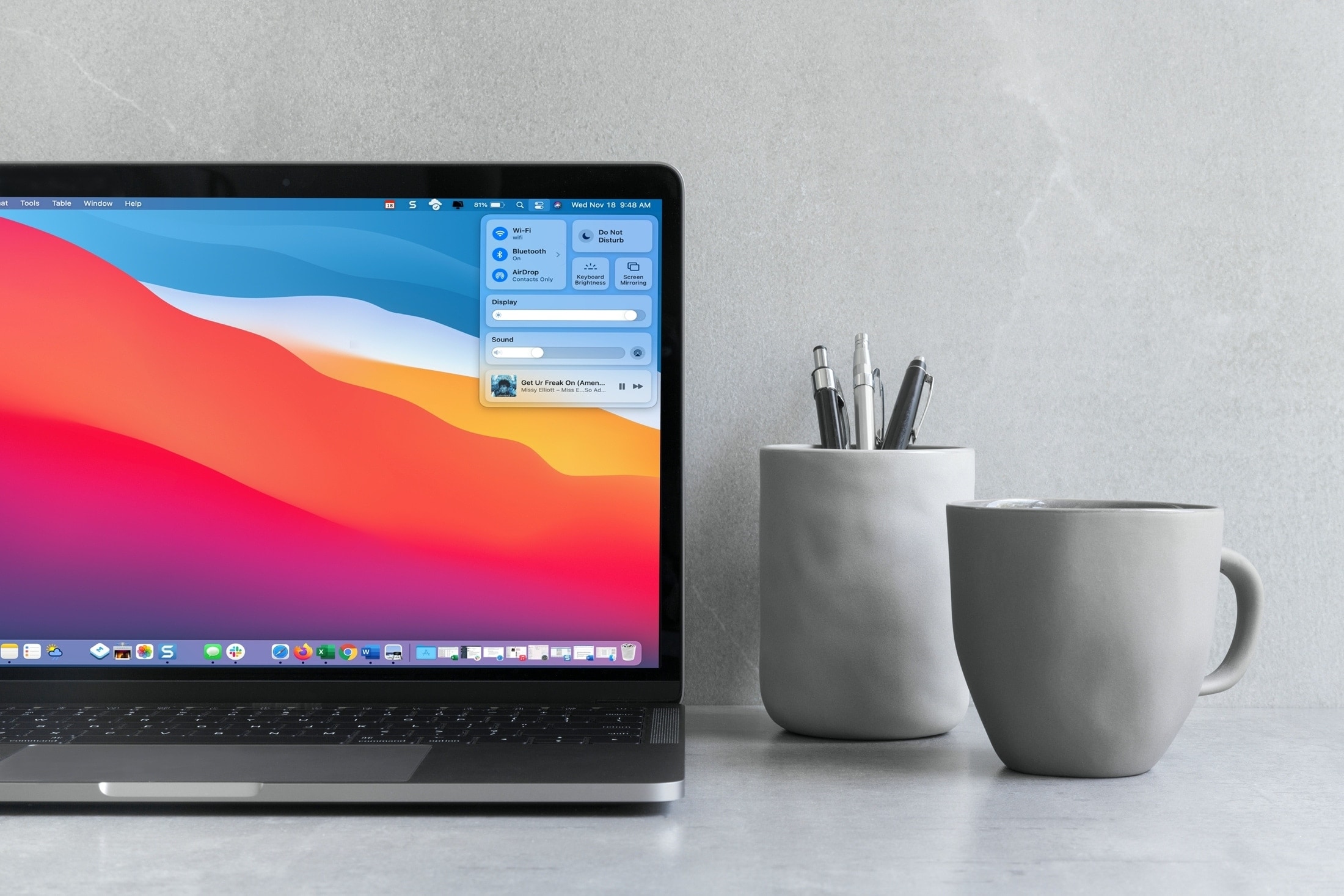
Your Mac comes with the Control Center feature that's similar to the iPhone and iPad's Control Center you already know and love. Follow along with this tutorial to learn how to use macOS Control Center, including how to customize it to your liking by adding or removing items.
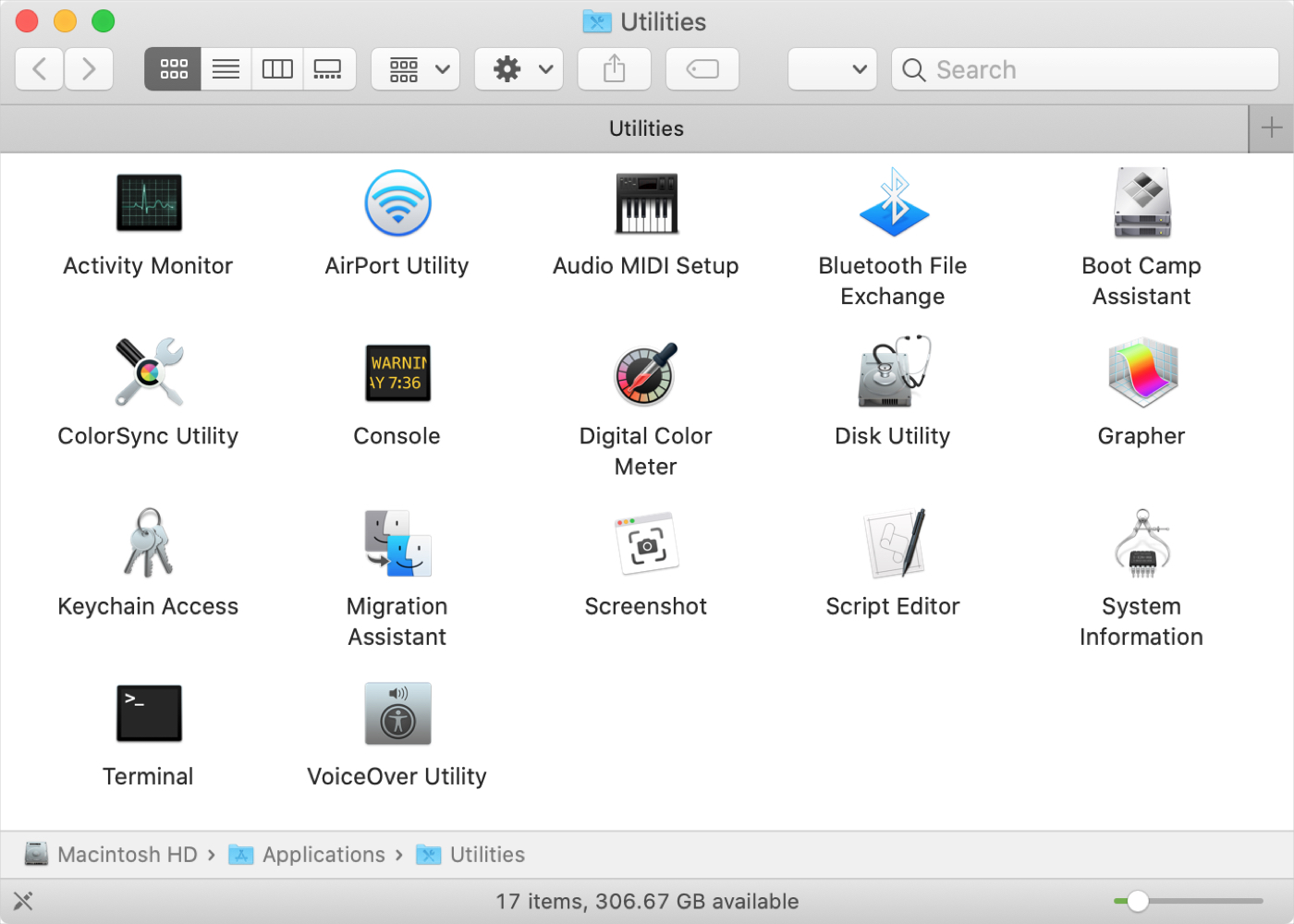
If you’ve just purchased your first Mac, and especially if you’re coming from Windows, you might be wondering about the Utilities folder. You may see the folder but have yet to open it or you might be looking for a specific tool and don’t realize it’s in that folder.
Whatever the case, we’re here with another in our New to Mac series to help you out! We’ll explain what’s in the Utilities folder and what each tool is for.
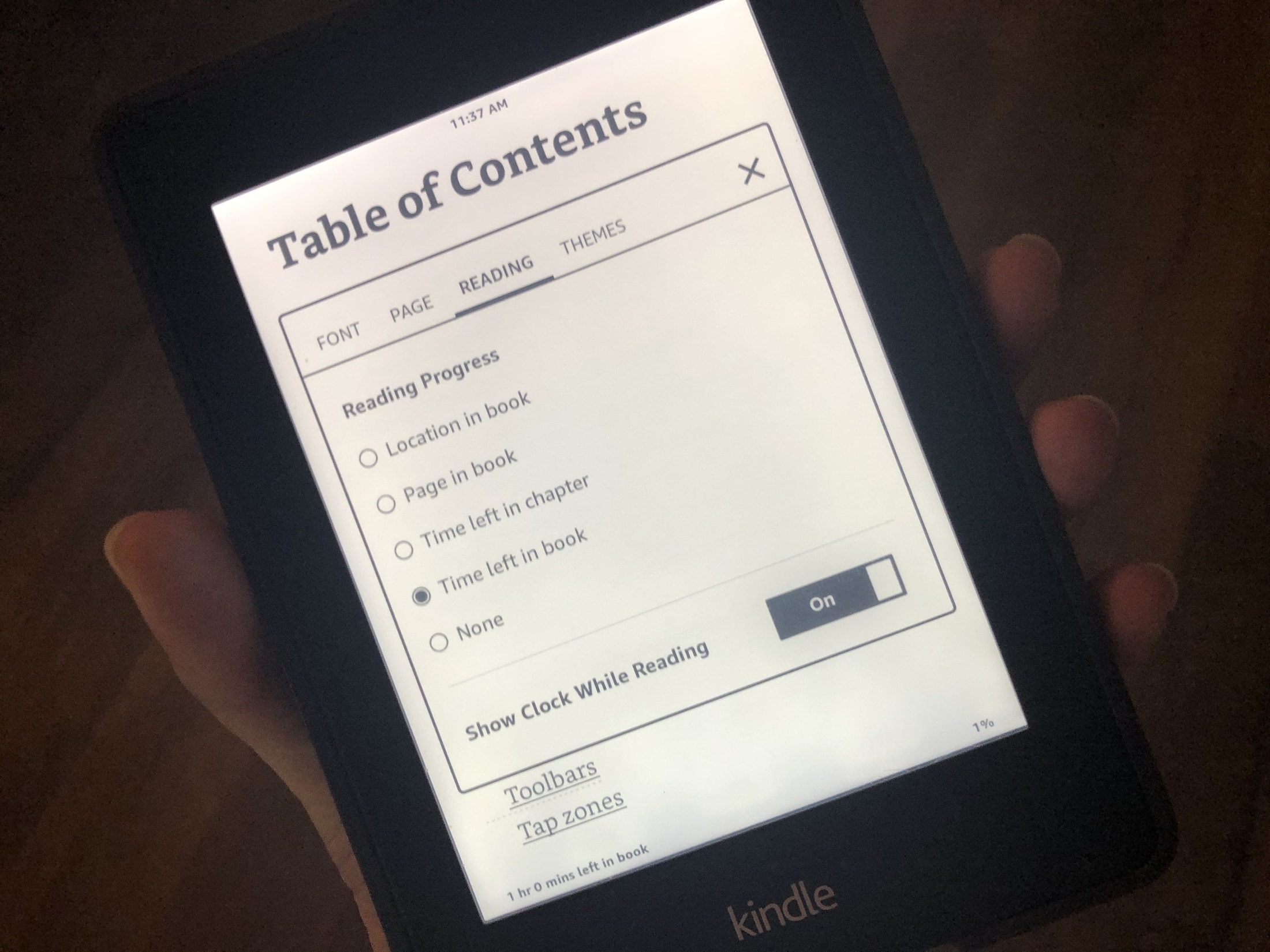
When you’re reading a book on your Kindle Paperwhite, you may not have a lot of time. Maybe it’s your coffee break from work or spare time before dinner. In these situations, it’s good to know how much time is remaining or the current time.
You can display your reading progress with the time left in the chapter or book, see the current time while you’re reading, or simply show the page or location in a book. Here’s how.
It’s one of those Mail features that’s easy to miss. It’s called Redirect, and it lets you send emails you’ve received to others without actually forwarding them. This is convenient for emails you receive by mistake, or that should be sent to someone else to handle.
When you redirect an email, it has no indication of it like it does when you forward a message. The person you redirect the email to receives it as if it came to them originally.
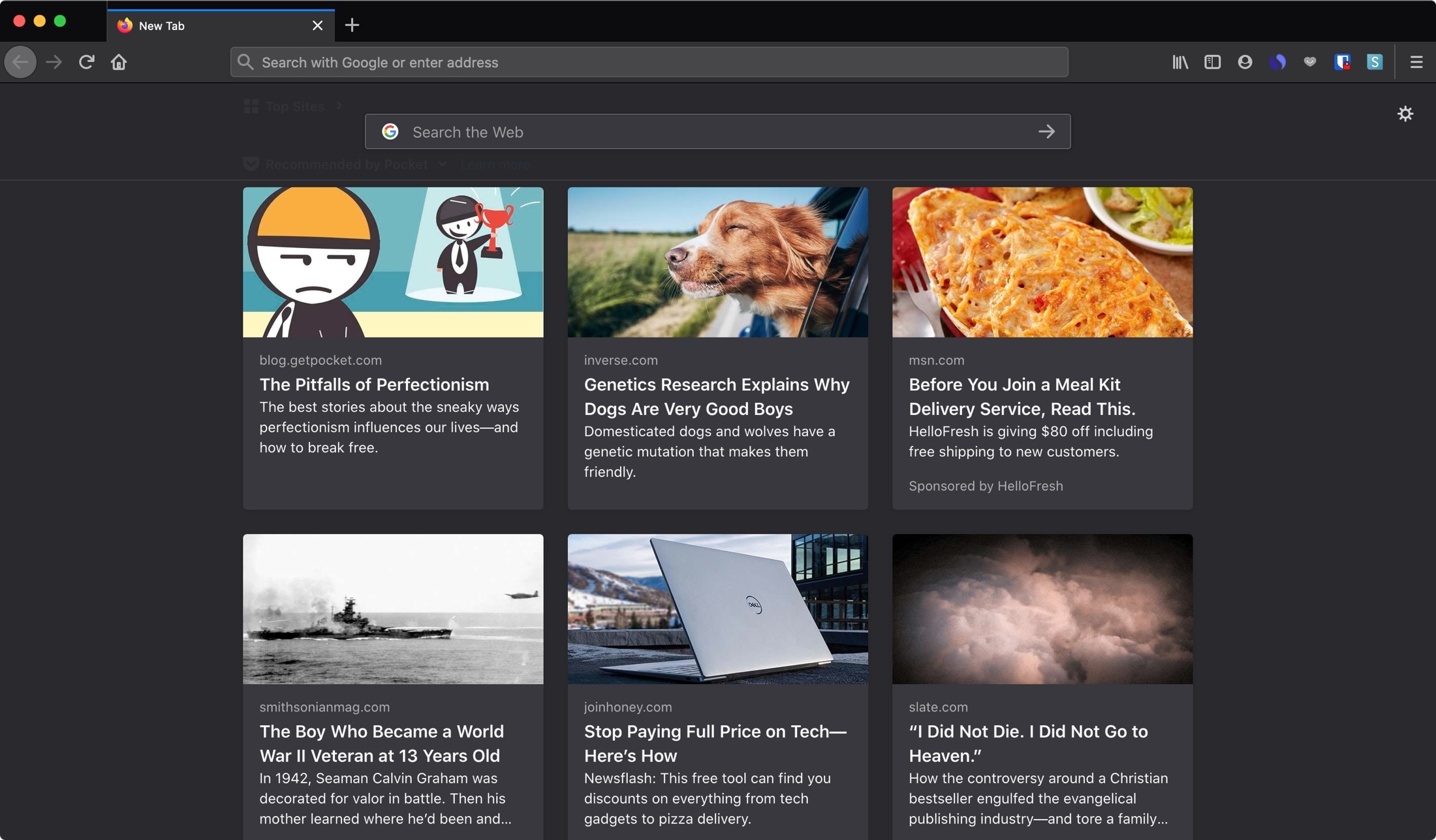
Learn how to change the home page and new tab page in Firefox and Chrome browsers on Mac, iPhone, and iPad to a specific URL, or leave it blank.
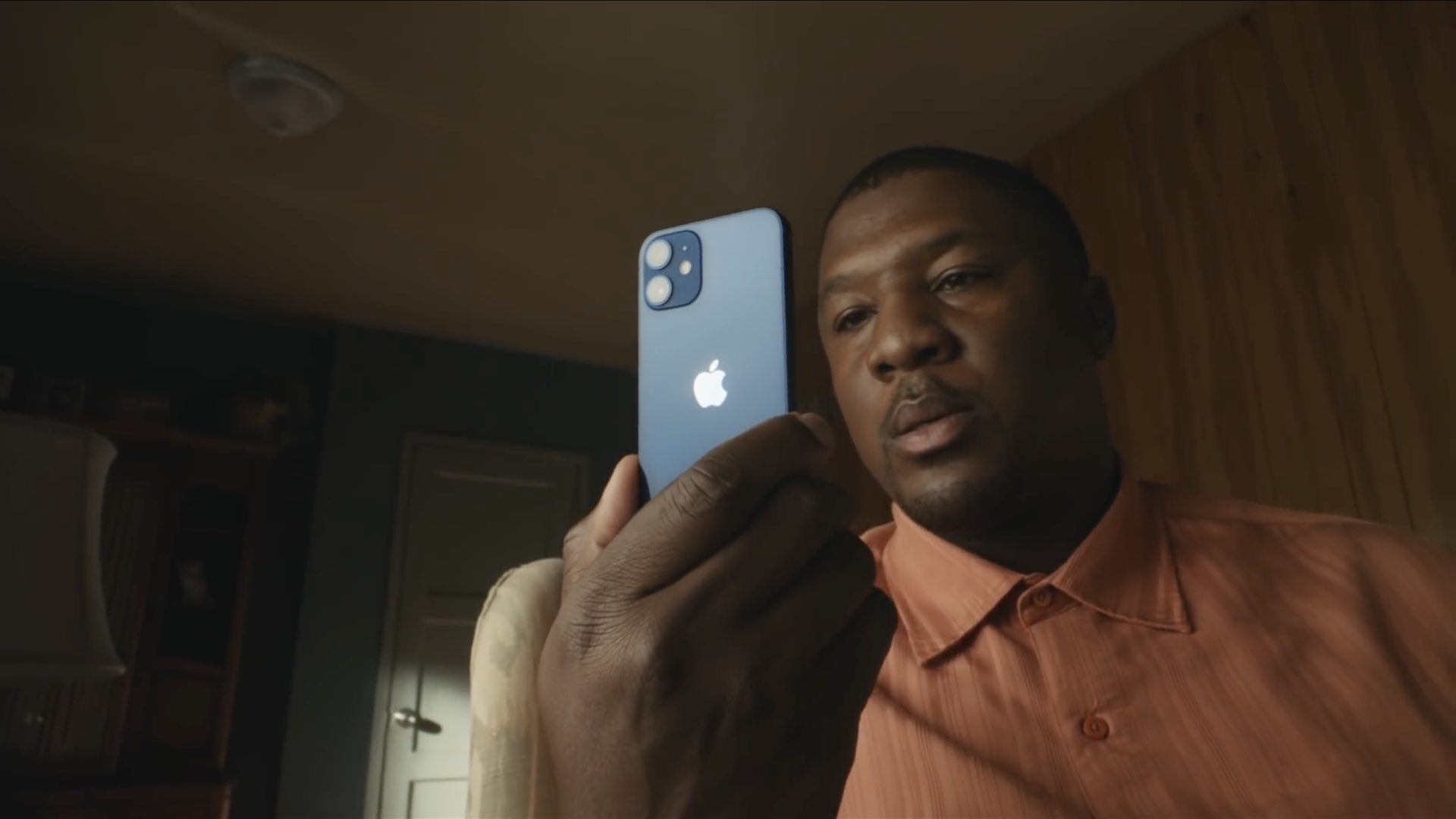
The iPhone 12, Apple's smallest handset in their 2020 lineup, is finally here! The entry-level device cuts corners when it comes to battery life, but makes up for it with extreme pocketability. At just 5.4-inches diagonally and near fullscreen design with Face ID, this is going to be the beloved iPhone for many. Here are a few tips for making the most out of it.