Find out how to know which app created or saved a photo or video to the iOS Photos app on your iPhone to trace media origins.
How to know which app saved media to your iPhone Photos

Learn how to master your Apple devices with our comprehensive tutorials. From iPhone and iPad to Mac, Apple Watch, AirPods, and more, our expert guides will help you unlock the full potential of your Apple products. Discover new features, tips, and tricks each day to enhance your user experience.
Find out how to know which app created or saved a photo or video to the iOS Photos app on your iPhone to trace media origins.

Learn what to do if your iPhone apps take ages to open, crash, freeze, stutter while switching, or if you face similar issues.
Check out the complete steps to reset the built-in Mail app on your iPhone, iPad, and Mac to troubleshoot problems related to it.
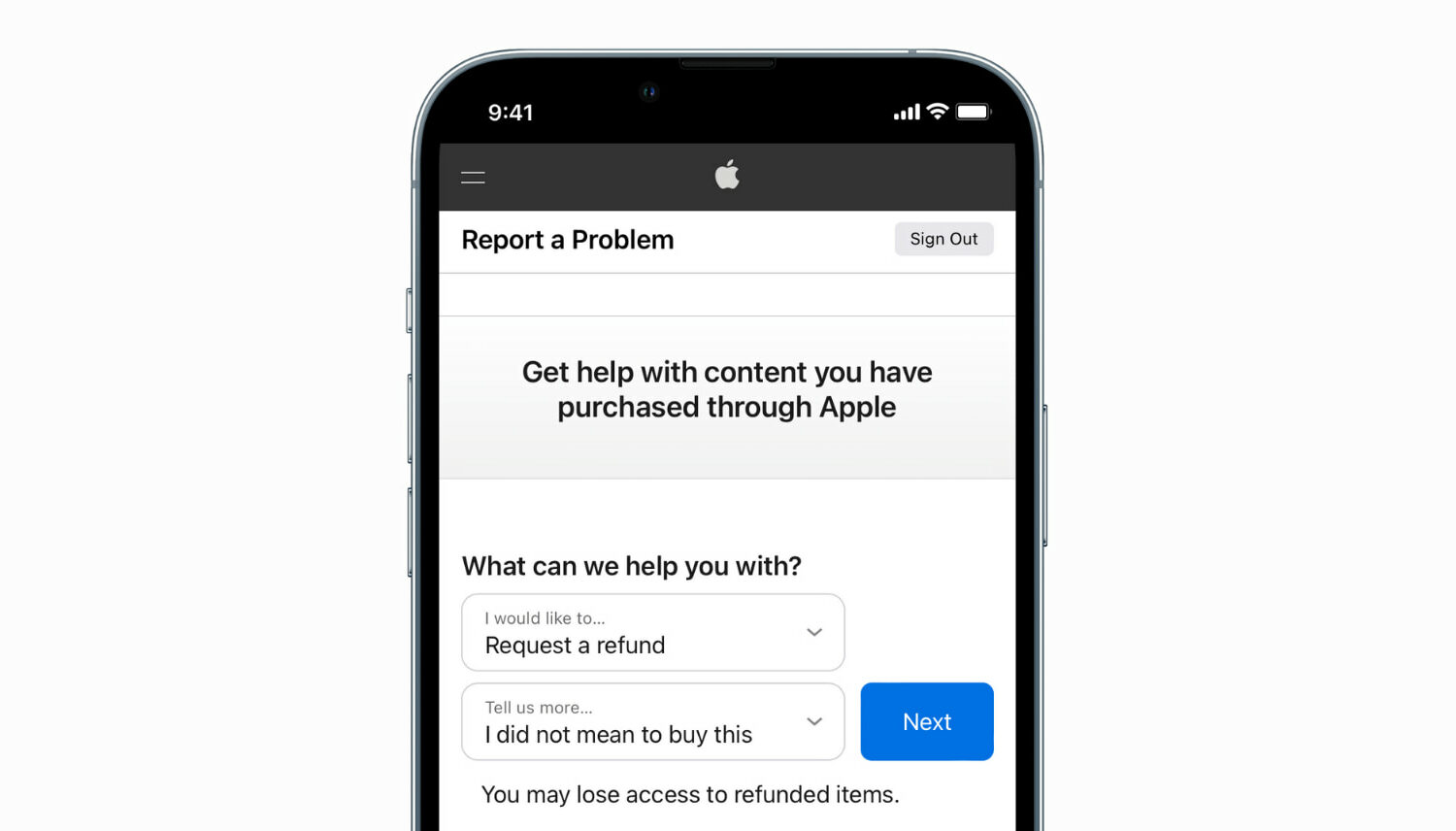
Learn how to request a refund from Apple for an app, media, subscription, or purchase using your iPhone, iPad, Mac, or Windows PC.
Learn how to force close apps on your Apple Watch to fix unresponsive apps and improve performance.
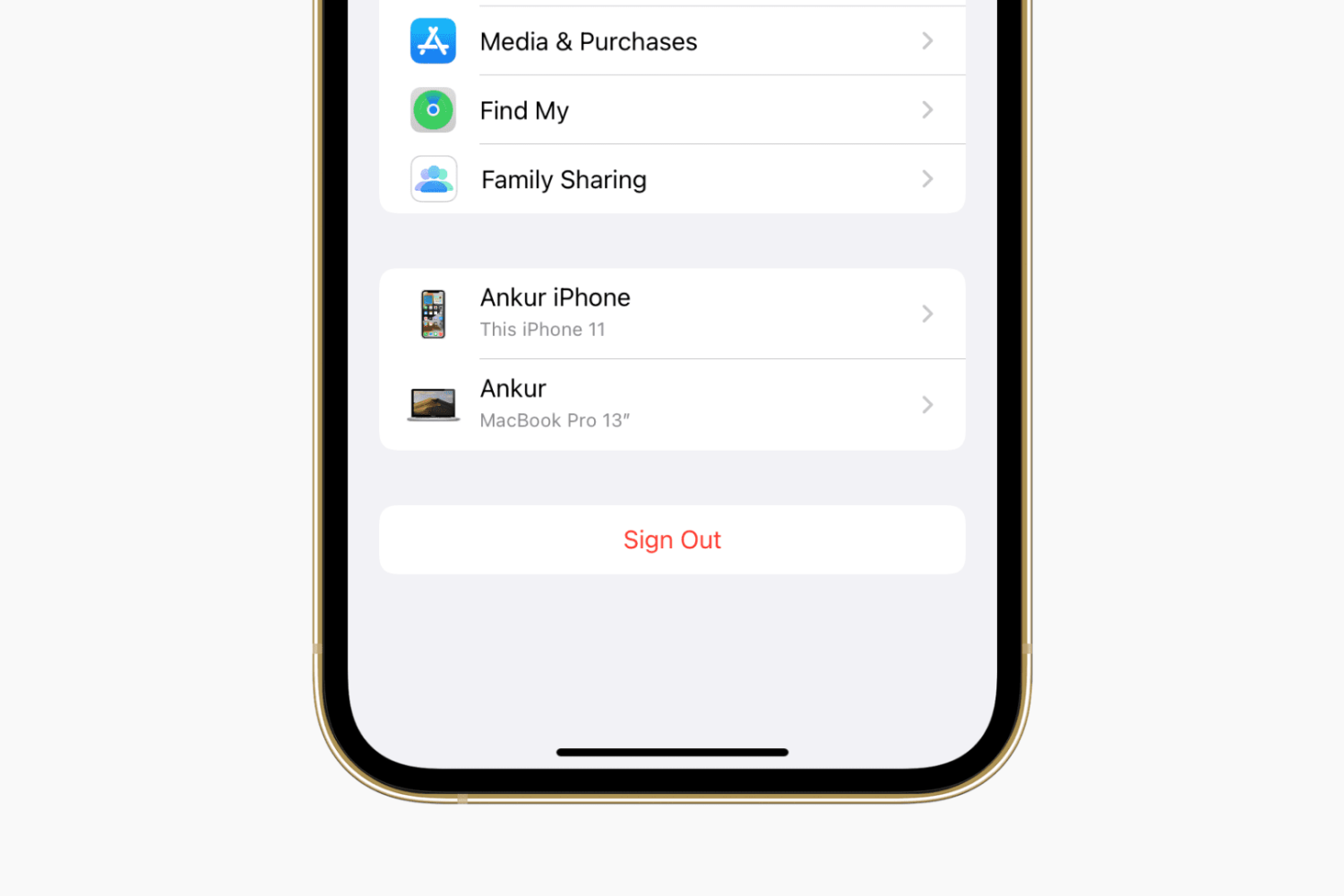
Learn how to sign out of iCloud or your Apple Account and sign in again on your iPhone, iPad, Apple Watch, and Mac, as well as the consequences and possible side effects associated with this.

Check out the best free methods to convert HEIC photos to JPG on your iPhone, iPad, and Mac to ensure universal compatibility.

When you have a jailbroken iPhone or iPad at your disposal, the inevitable happens; you install add-ons to upgrade the user experience of your handset, whether to make it look better or to give it new functional capabilities.

In this quick tutorial, we’ll share multiple ways to see the remaining battery of your AirPods and AirPods charging case on an iPhone, iPad, Apple Watch, Mac, Apple TV, as well as on Android phone and Windows PC.
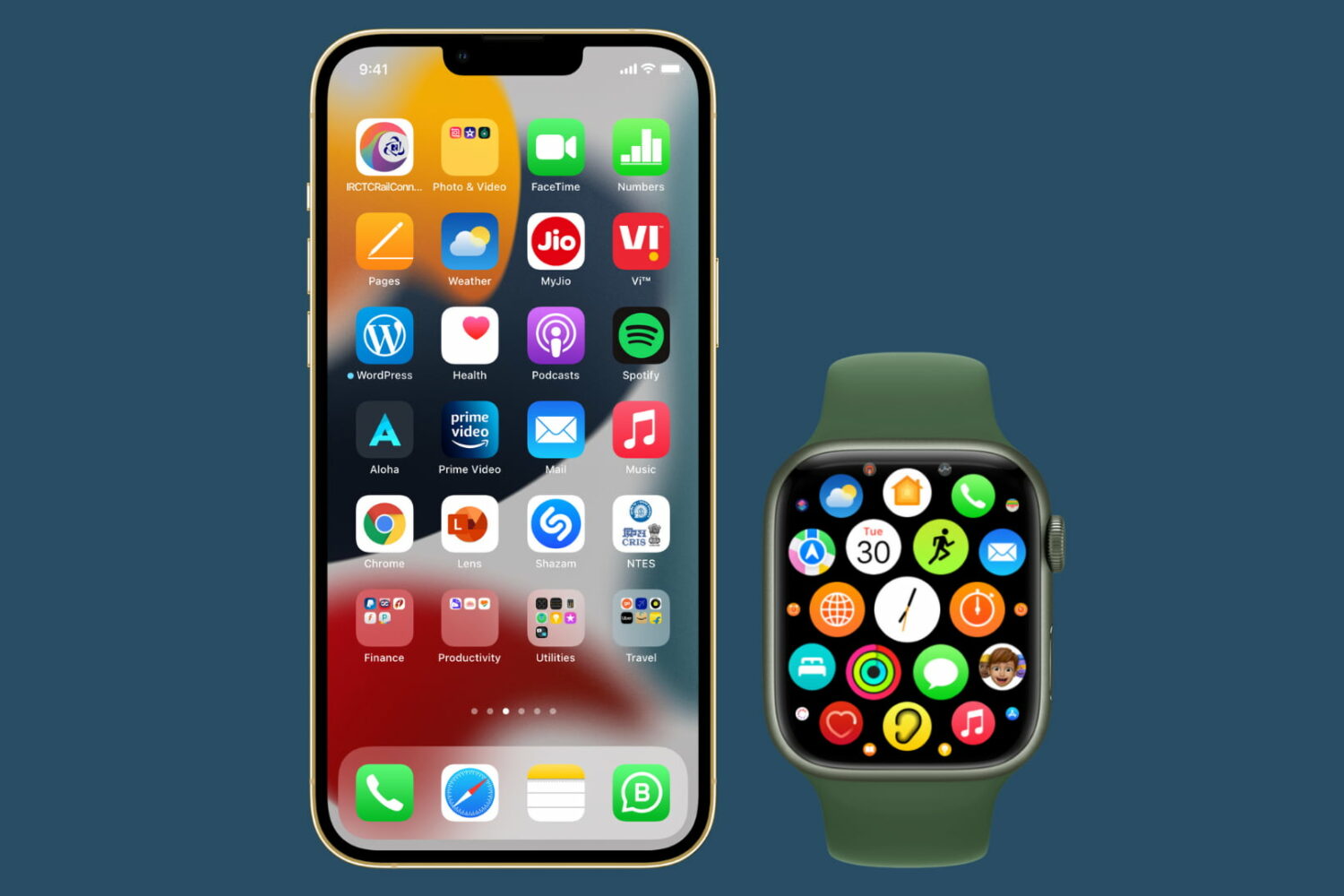
Want to use a downloaded app but can't find it? In this tutorial, we go over all the ways to find, open, and unhide hidden apps on your iPhone, iPad, and Apple Watch.
Check out the easy steps to hide or unhide an app from your list of App Store purchases on iPhone, iPad, and Mac.
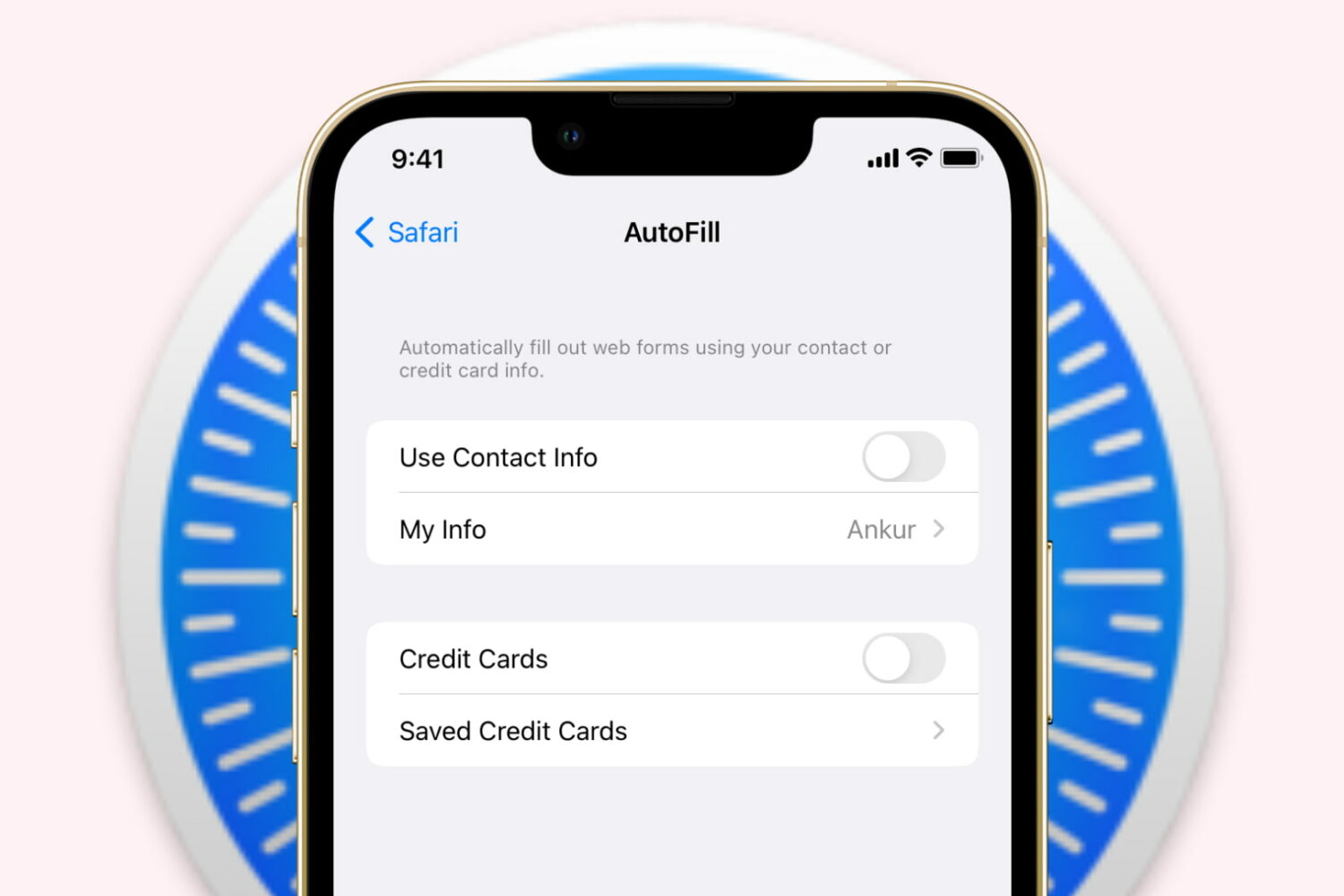
Learn how to stop Safari on iPhone, iPad, and Mac from auto-filling your name, address, email, and payment info on websites if you prefer to do it manually or have privacy concerns.