Siri

All-new Apple TV Remote app with Siri and tilt gaming support hits the App Store

The new Apple TV Remote app with Siri features and support for controlling games on the fourth-generation Apple TV via tilt controls on your iPhone is now available for download on the App Store. Formally announced at WWDC in June 2016, the app used to be available as a developer-only preview, but now everyone can download it from the App Store. The new app doesn't replace the old one, which is still available on the App Store.

Both apps support the second, third and fourth-generation Apple TV, but only the new one packs in full support for Siri and tilt-based gaming on the new Apple TV.

This website chronicles a comprehensive list of things you can do with Siri

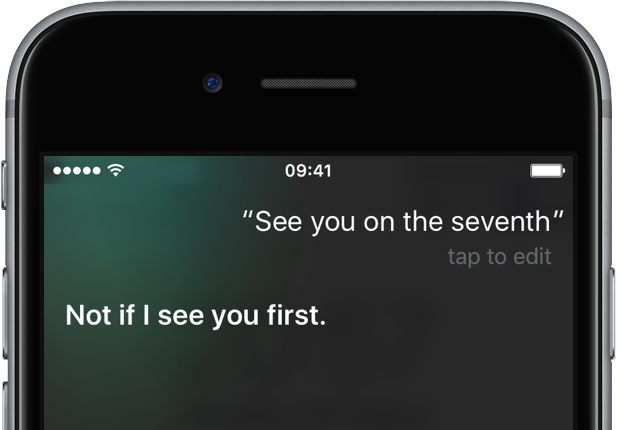
As Apple continues perfecting Siri and adding new operations to her arsenal of supported actions, chronicling everything the digital personal assistant can do on your behalf is becoming increasingly difficult, even for Apple itself which highlights only the most popular Siri queries on its website.

That's where a new website, aptly named Hey Siri, jumps in. As first discovered by The Loop, it's a comprehensive list of things you can do with Siri which uses crowdsourced data to share some of the most successful queries made to the digital assistant.

tvOS’s Universal Search feature gains support for Comedy Central, MTV and VH1

Universal Search feature on the fourth-generation Apple TV has been refreshed yesterday with expanded support for searching content provided by tvOS video apps from Viacom-owned Comedy Central and music networks MTV and VH1. Provided these apps are installed on your set-top box, you can either use the Search app on the device or press the Siri button on the remote and use your voice to find shows like South Park and others.

How to simulate tetherless ‘Hey Siri’ functionality on macOS Sierra like a pro

Apple advertises Siri as one of the headlining new features in the forthcoming macOS Sierra software update. Siri on the Mac performs in much the same way as it always has on an iPhone, iPad and iPod touch, except on the Mac tetherless 'Hey Siri' functionality is currently unsupported.

On iOS, tetherless 'Hey Siri' requires Apple's embedded M9 motion coprocessor to monitor microphone input without taxing the battery. Since the battery isn't a major concern with Macs, the decision not to implement 'Hey Siri' on Sierra is eyebrow-raising. As it turns out, you can easily simulate 'Hey Siri' on Sierra without resorting to dark magic, using a simple trickery.

tvOS 10 preview: 4 new Siri features on Apple TV

Aside from Single Sign-On for pay-TV apps and other new features and enhancements, tvOS 10 brings expanded Siri capabilities to the fourth-generation Apple TV, including searching across even more apps, YouTube search, topic search and tuning right into live channels.

Both existing and new Siri features will be available in four new new countries when tvOS 10 launches this fall. Here's our detailed preview along with a video hands-on of the above Siri features coming  to your big screen via tvOS 10.

tvOS 10 preview: all-new Remote app with Siri voice control, tilt gaming & more

A software replacement for the physical remote that came in the box with your fourth-generation Apple TV, Apple's entirely overhauled Remote application provides you with the full range of Siri Remote features complete with touch navigation, tilt-based control in games and voice input via Siri.

And in making tedious text entry on tvOS even easier than before, the new app lets you summon the keyboard right from the Lock screen of your iPhone by pressing a notification that automatically gets pushed every time you select a text field on the Apple TV.

iOS 10 preview: Siri comes to (some) apps & powers smarter QuickType keyboard suggestions

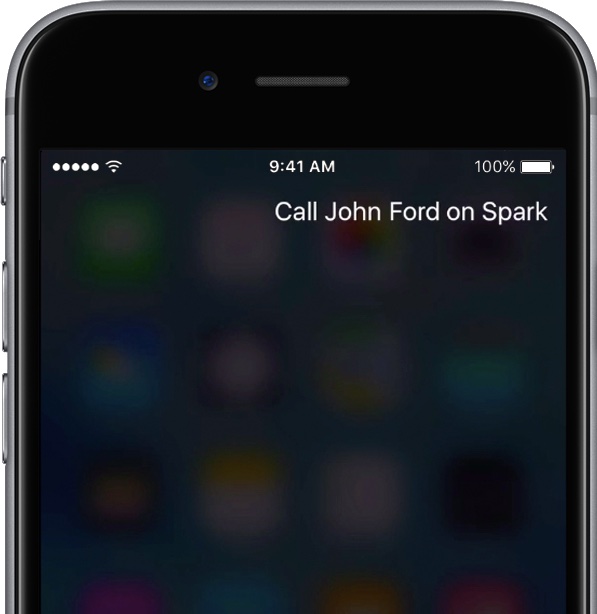
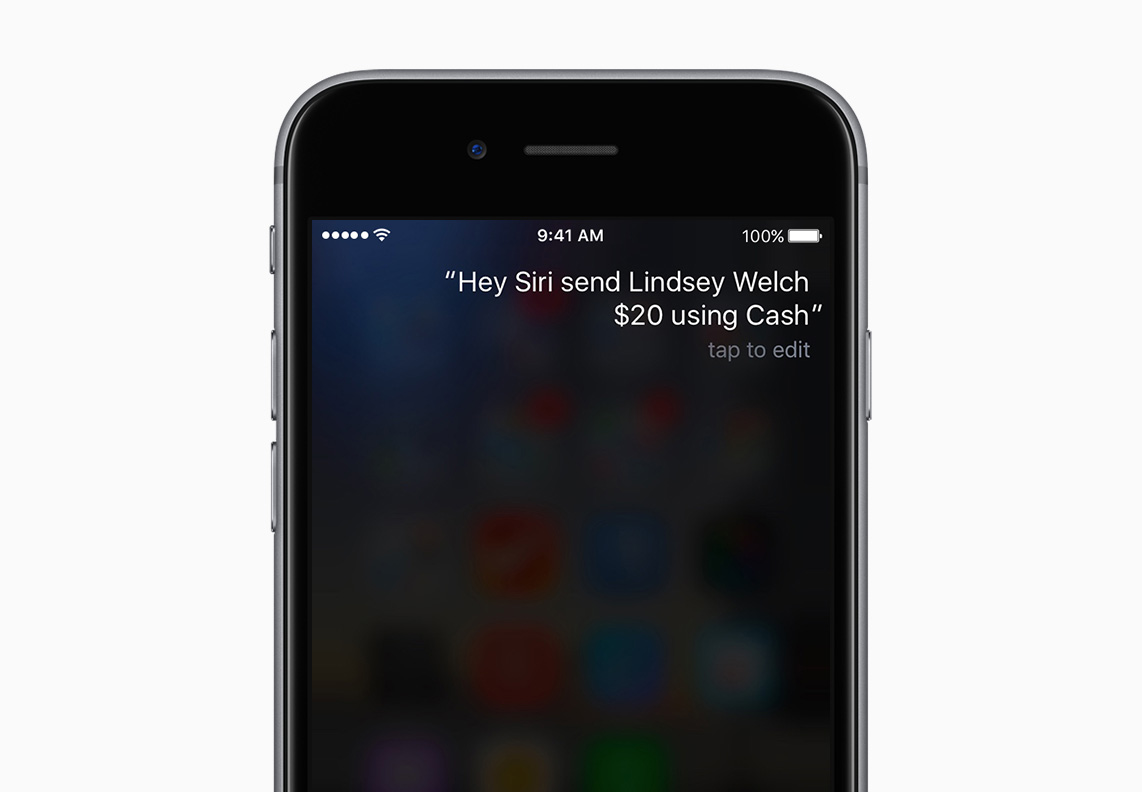
Siri has gained new features in iOS 10. Not only does she power smarter QuickType keyboard suggestions and lets you control HomeKit-compatible accessories using your voice, but Apple now officially supports third-party integration with SiriKit for developers.

In opening up Siri to apps, Apple's taken the same controlled approach like with iOS multitasking by only permitting certain app types.

In this iOS 10 preview, we're going to take a closer look at an improved QuickType keyboard with added Siri intelligence, explain specific app types that can take advantage of Siri and look into the technologies that make all of this possible. 

macOS Sierra preview: Siri comes to the Mac

macOS Sierra brings the familiar features of Siri for iOS to the Mac with an attractive user interface, third-party integration and some interesting capabilities specifically designed for the desktop that are not supported on iOS. In addition to standard search queries, you can ask Siri to locate a specific document you worked on last night, add a meeting to your calendar, start a FaceTime call and more.

The Siri interface is interactive, letting you drag and drop items from search results into your documents.

You can even pin Siri searches in the Notification Center with live updating! Here's our quick video preview of Siri for Mac in action and a detailed overview of the supported features that Apple hopes will make you more productive.

Apple TV games are no longer required to support Siri Remote

Apple has dropped the requirement for tvOS games to use the Siri Remote, according to a refreshed version of the official Game Controller Programming Guide. With this change in place, games for the fourth-generation Apple TV are now permitted to require a 'Made for iOS' (MFi) controller without needing to also support the Siri Remote.

Here’s another hint that Siri is coming to the Mac

Siri is rumored to be coming to the Mac and third-party apps with an official Siri software development kit (SDK). In addition to teasing a dark mode in iOS 10, Siri seems to be also trolling Apple fans worldwide with an unusual reference to OS X Finder when asked to “open settings in the window.”

There are no windows in iOS, of course, so one would expect Siri to respond with an “I don't understand” whereas she in fact says that “It doesn't look like you have an app named 'Finder'”, as first spotted by Brian Roemmele.

Siri is trolling us ahead of WWDC keynote with vague hints of dark mode in iOS 10

Go ahead, pull an iPhone out of your pocket right now, press and hold the Home button and tell Siri to please “turn on dark mode”.

Much to your surprise, instead of responding with a “I didn't quite get that”, “I don't understand” or some such, she'll inform you that “I'm not able to change that setting”.

As noted by AppleInsider, the wording is unusual given that iOS currently contains no reference to any kind of dark mode. Is Apple trolling us ahead of the keynote?