Check out these keyboard shortcuts for Microsoft Word that will help you navigate your documents, select text, make edits, and much more faster than ever on your Mac.
40+ best keyboard shortcuts for Microsoft Word on Mac
Check out these keyboard shortcuts for Microsoft Word that will help you navigate your documents, select text, make edits, and much more faster than ever on your Mac.

Just like unc0ver, the Odyssey jailbreak app is intended to be side loaded into a compatible iPhone or iPad. To help make the process of side-loading the Odyssey jailbreak app easier, the Odyssey Team officially endorsed the brand-new Wander add-on for Apple’s Shortcuts app shortly after the tool came out of public beta.
The Wander add-on doesn’t replace side loading utilities like AltStore and ReProvision or signing services like Jailbreaks.app, but rather synergizes with them to make the process of installing Odyssey and updating to newer versions faster and less cumbersome while providing a more native user experience through Apple’s Shortcuts app in the process. In this tutorial, we’ll show you how to set up the Wander add-on with your Shortcuts app.
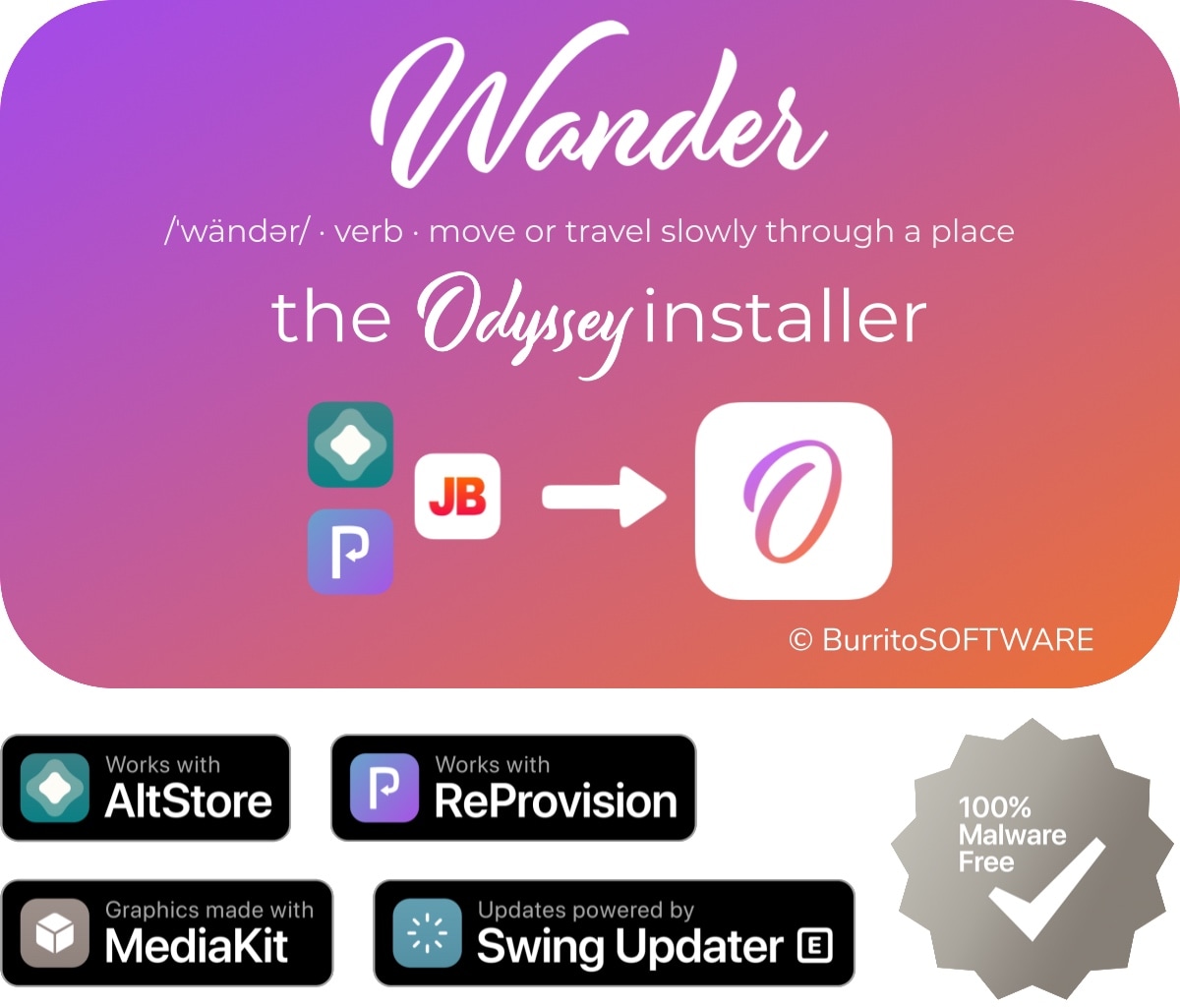
The Odyssey Team officially released the Odyssey jailbreak to the general public last week following a limited public beta testing period. While the Odyssey jailbreak can be installed with the AltStore utility for both Mac and Windows, some users might be excited to learn about a new on-device option dubbed Wander by BurritoSoftware, which can be used to deploy an installation shortcut via Apple’s own free Shortcuts app.
Wander is especially made for iOS 13 devices, which makes it an ideal match for the iOS 13-centric Odyssey jailbreak. The new shortcut installs the Odyssey jailbreak with just a tap, and more importantly, is fully compatible with other side-loading utilities including AltStore, ReProvision, and signing services like Jailbreaks.app. The announcement that it would be used by the Odyssey Team was made via Twitter:
If there’s an app that you’ll want keyboard shortcuts for on Mac, it’s Keynote. You can navigate your presentation and any videos in it, move around views as you’re creating a slideshow, or simply control the Keynote window.
Learn how to control your iRobot Roomba with Siri and command your smart vacuum from anywhere using your iPhone, iPad, or HomePod.
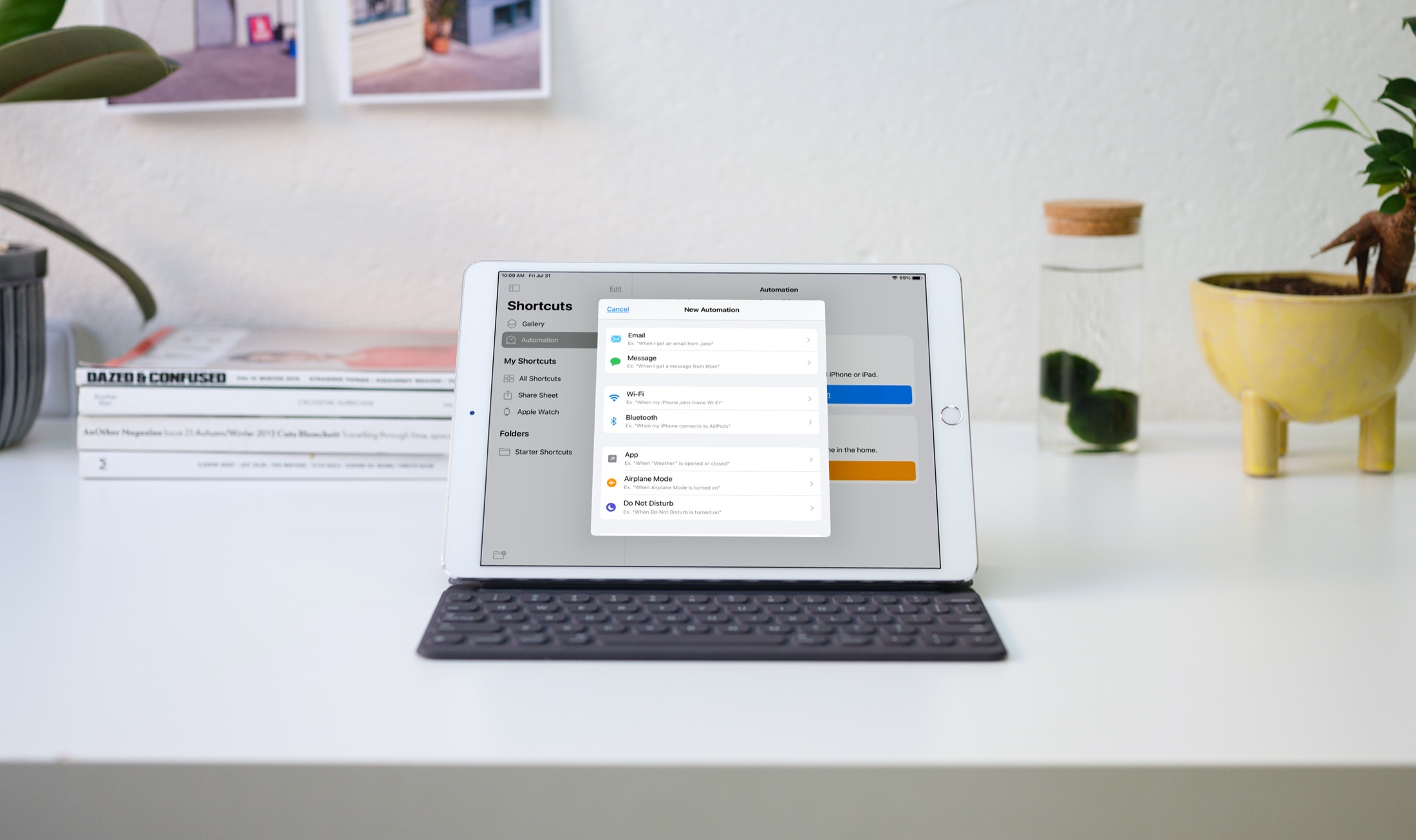
Automations in the Shortcuts app give you awesome ways to make tasks simpler. With automations, you can do things like open an app, play music, or make a phone call, all automatically based on triggers you set up.
The Shortcuts app offers both personal and home automations to make your life a little easier. And with iOS 14 and iPadOS 14, you have even more triggers available. Here, we’ll show you how to use some of these new personal automation triggers in Shortcuts.
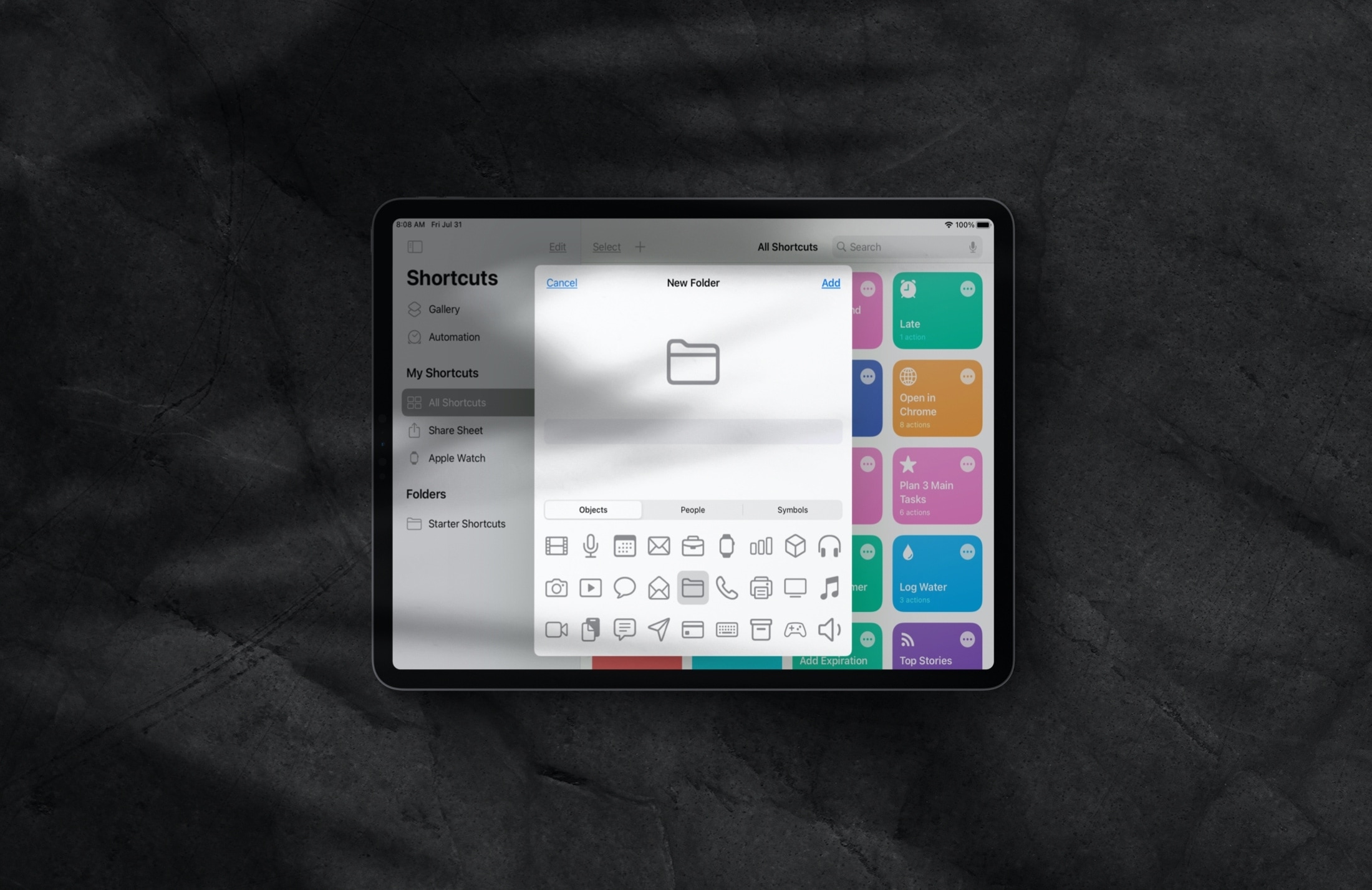
Manage folders inside the Shortcuts app on iPhone and iPad to keep your iOS shortcuts neatly grouped and organized.
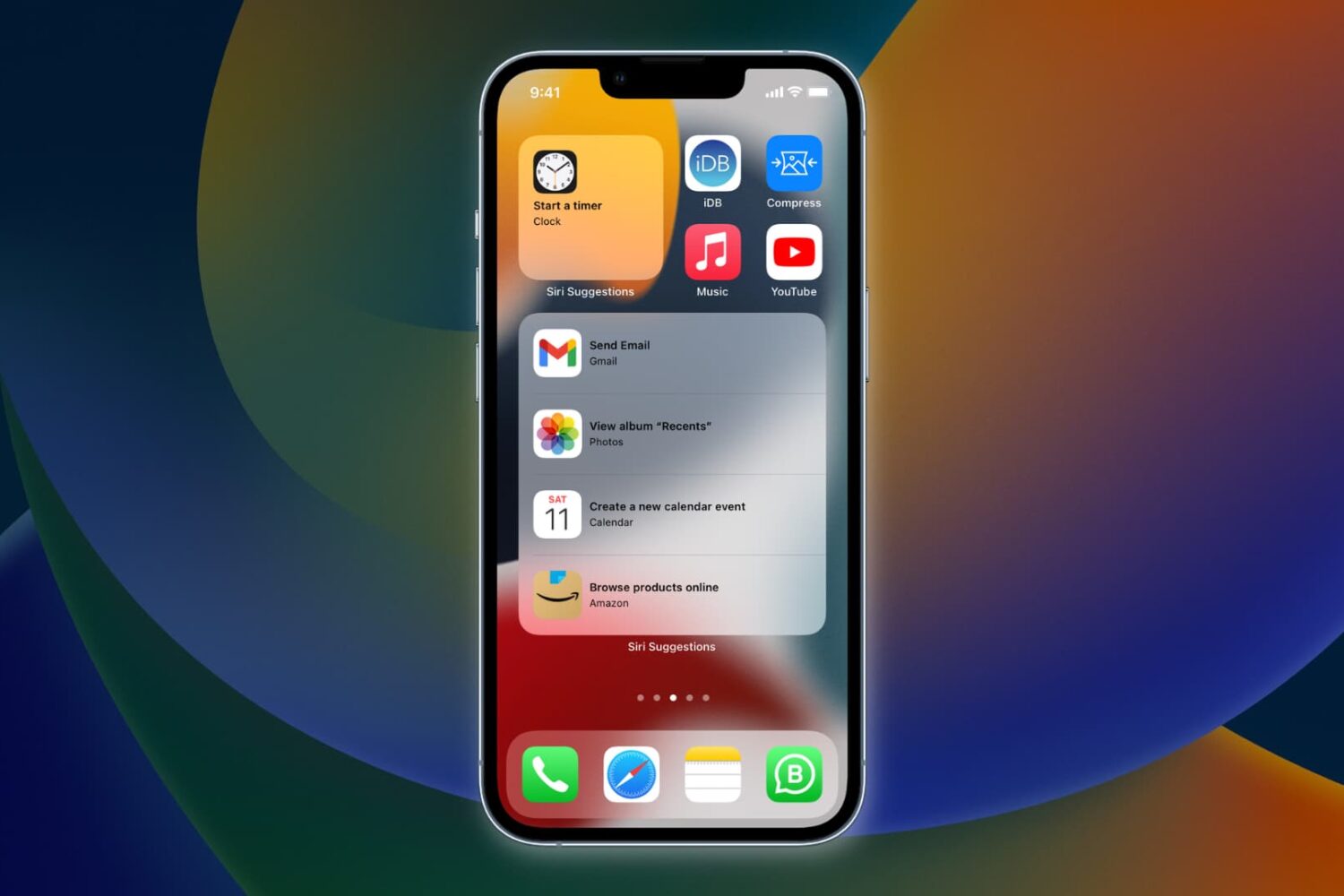
Learn how to have Siri intelligence dynamically curate your apps and show suggested actions right on your iPhone Home Screen in the Siri Suggestions widget.
A lot of the keyboard shortcuts available for apps on Mac are the same across those applications. Things like cut, copy, paste, close, or quit are often the same, especially for Apple’s apps like Pages, Numbers, and Keynote.
So in this list of keyboard shortcuts for the Numbers app, we’ve included some that you would only use inside Numbers, like shortcuts for working with tables, basics for controlling the Numbers window, working in spreadsheets, and more.
Explore this handy list of time-saving keyboard shortcuts for the Pages app on your Mac to control the window, open documents, navigate within a document, move through the sidebar, and more.
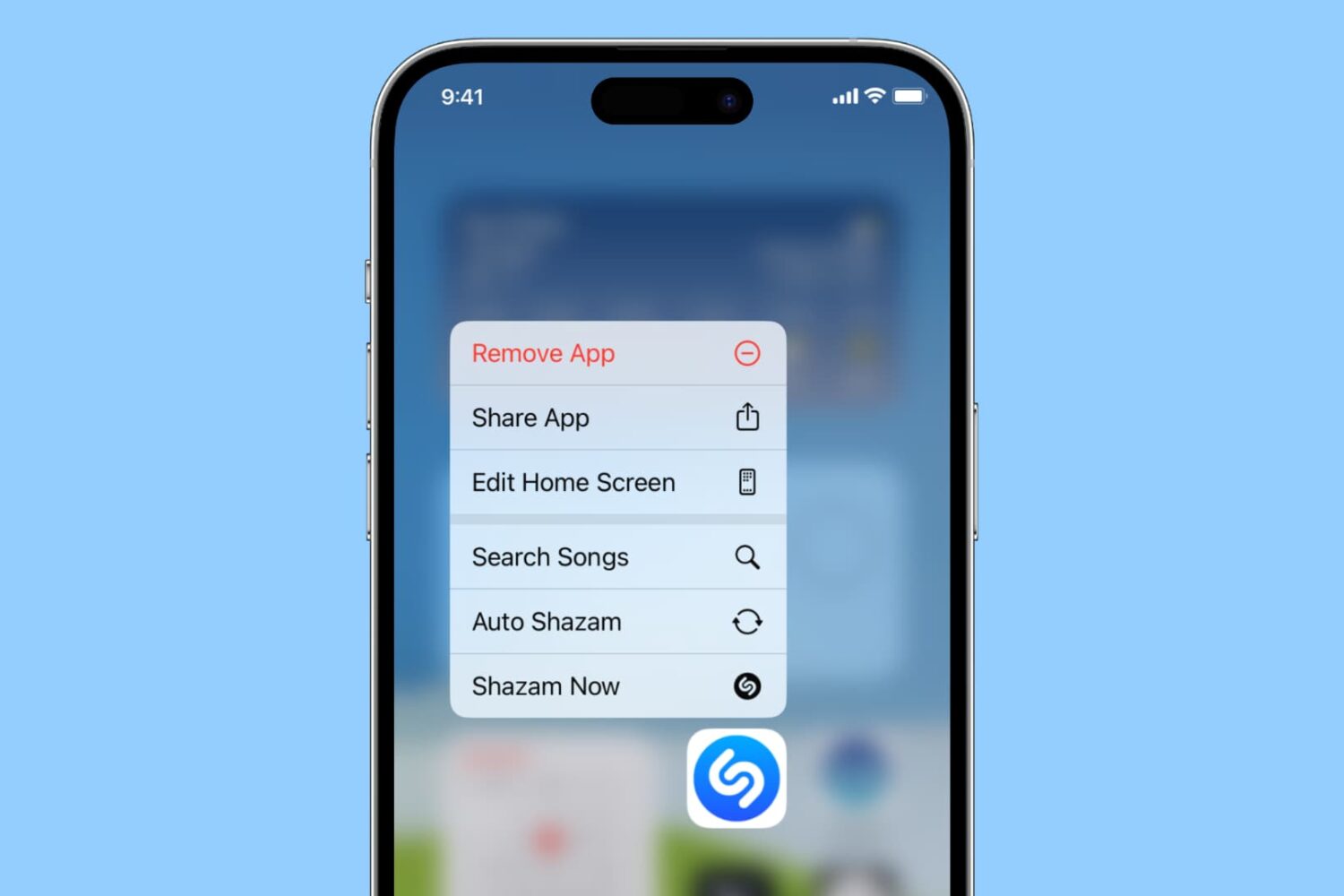
Learn how to do things faster by pulling up quick actions for your iPhone and iPad apps with a simple touch & hold gesture!
If you and your team use Slack for team communication, these keyboard shortcuts for Slack on Mac can help you perform actions faster.