When you download items in Safari, they are all easily accessible from the toolbar. You can see them, pause and resume them, and clear them away.
Here’s how to manage and remove download items in Safari for Mac.
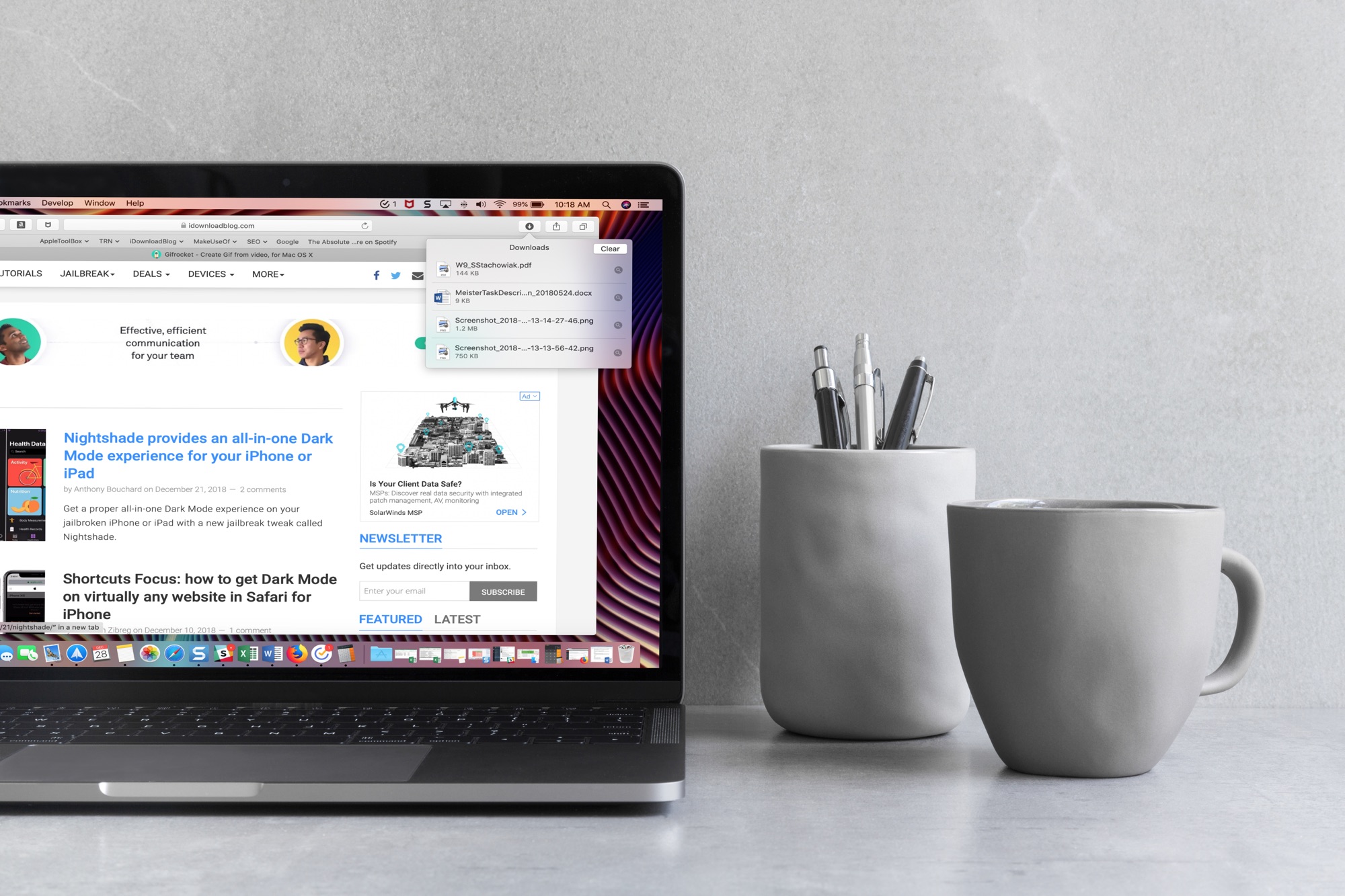
When you download items in Safari, they are all easily accessible from the toolbar. You can see them, pause and resume them, and clear them away.
Here’s how to manage and remove download items in Safari for Mac.
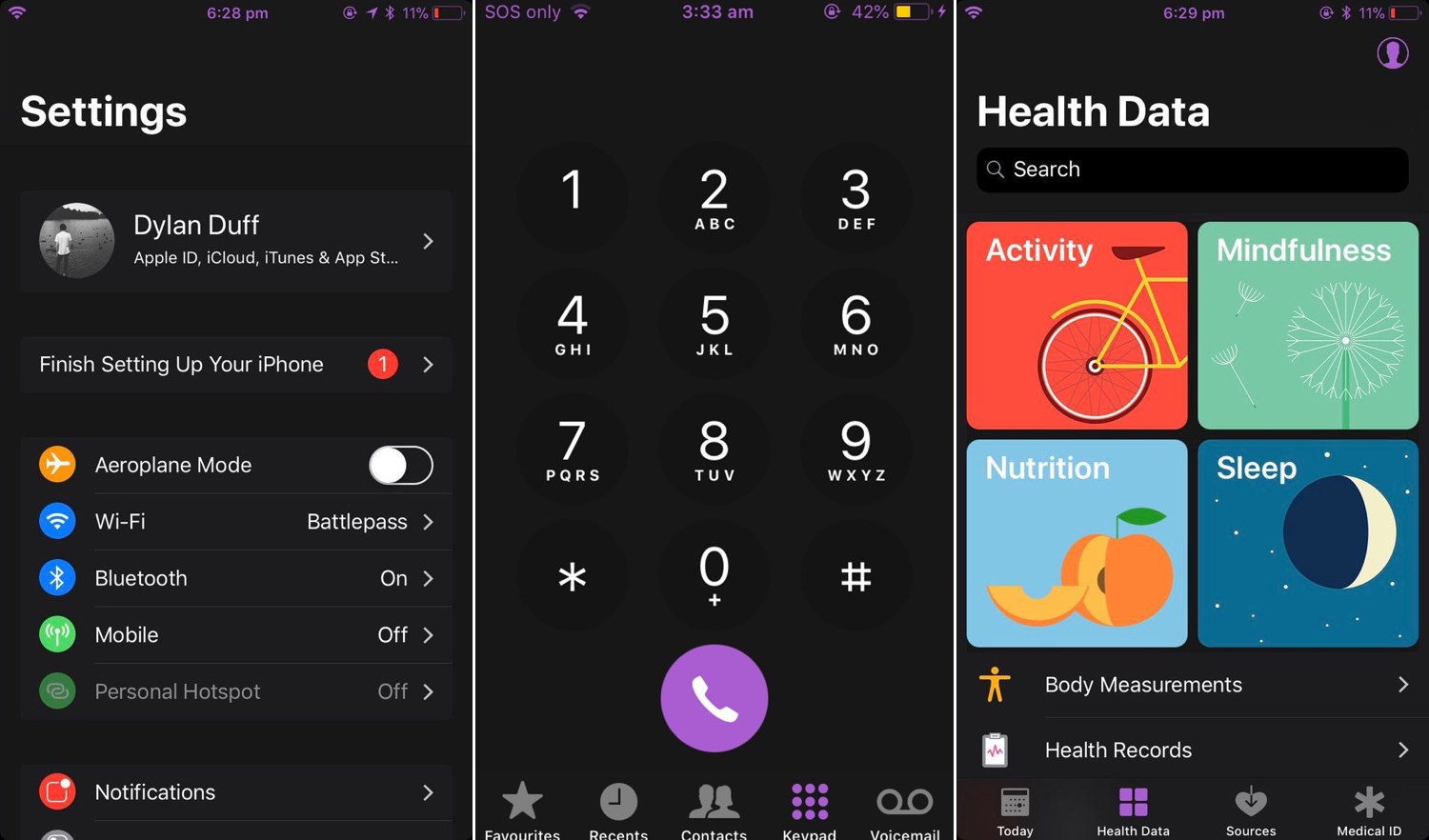
Dark Mode jailbreak tweaks have become quite the hot commodity among iPhone and iPad users, especially considering how Apple officially supports the feature on macOS. But wouldn’t it be nice to have a reliable all-in-one solution for all your apps and user interfaces rather than installing several jailbreak tweaks to achieve the same result?
If you answered ‘yes’ to that question, then you’re in luck; a new jailbreak tweak called Nightshade by iOS developer Dylan Duff promises ‘an all-in-one iOS Dark Mode’ that promises to ‘theme almost every aspect of the UI.’
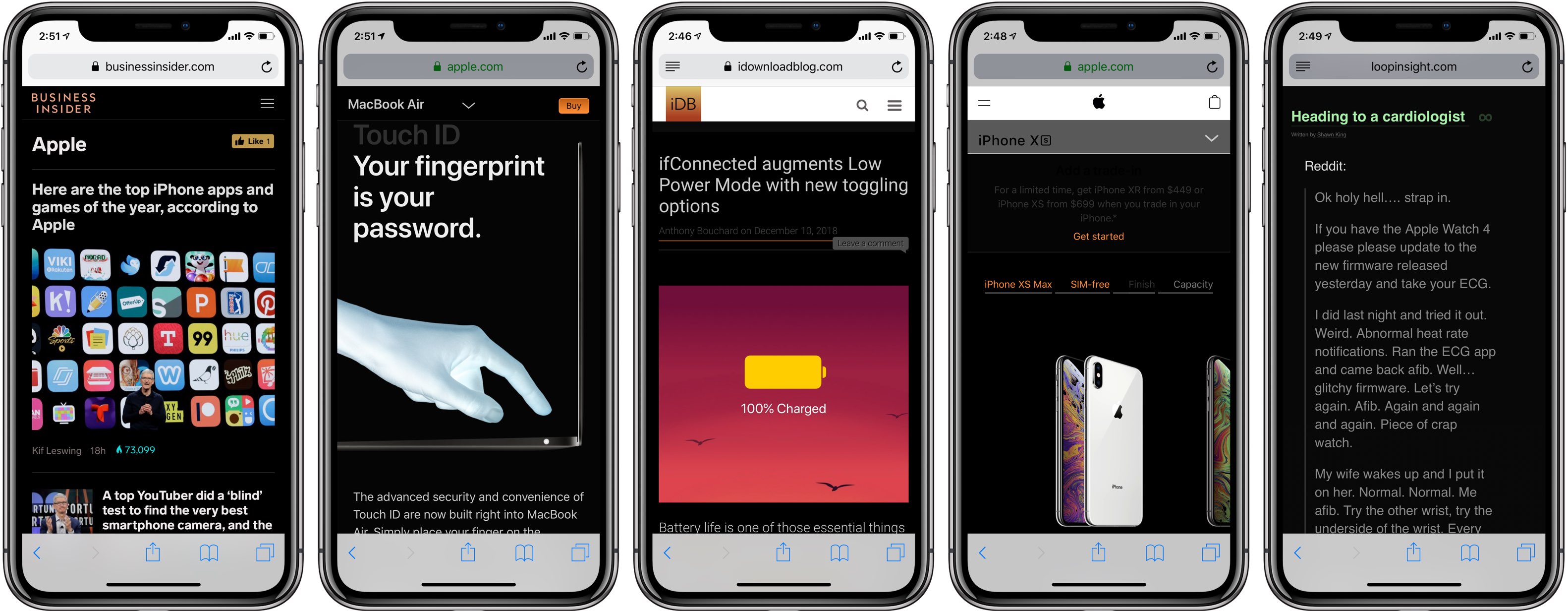
Darkened interfaces look good in apps, not so much on websites. The problem is, web content remains a major source of visual inconsistency as far as the popular Dark Mode feature is concerned. Thankfully, you can get a Dark Mode-alike environment on almost any website thanks to a handy Dark Mode V2 shortcut for your iPhone and iPad.
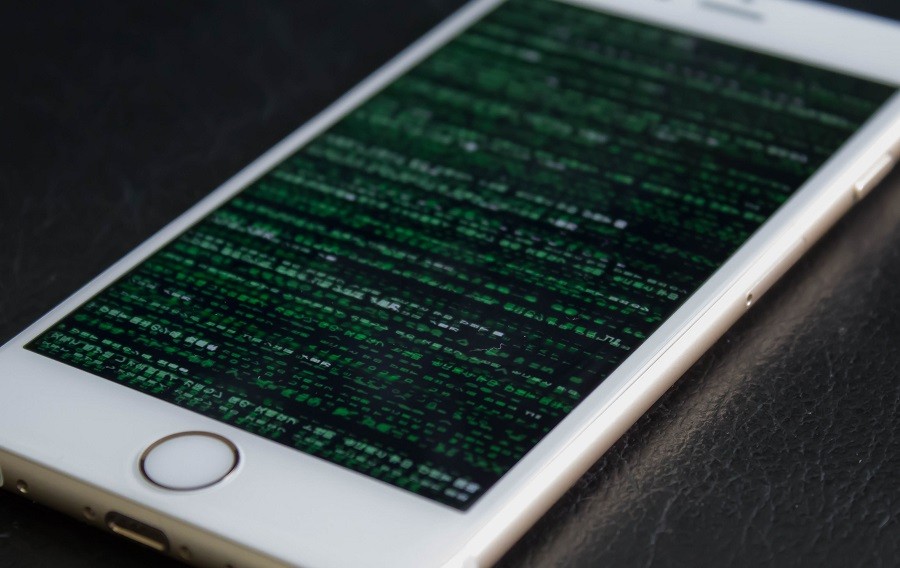
It was only a few days ago that we learned about a sandbox escape PoC for iOS 12.0-12.0.1, and while it was just a proof of concept, there’s always the potential that a talented hacker could make use of it for future endeavors; perhaps even jailbreak development.
Fortunately, that’s not the only iOS 12-centric vulnerability floating around in the wild these days. As it would seem, a Safari-based exploit targeting iOS 12.1 and below (and macOS 10.14.1 and below) was also released this week by iOS tinkerer Linus Henze.
While there’s no official confirmation of any individual or team of people working on a public iOS 12 jailbreak, it seems that we could be one step closer as of Tuesday.
Citing a post published on /r/jailbreak, it appears that a powerful sandbox escape proof of concept for iOS 12.0-12.0.1 has been released, fueling speculation that a public jailbreak tool could be crafted in the future with support for Apple’s latest and greatest mobile operating system. Notably, the exploit is patched in iOS 12.1.

Are you trying to figure out how to access iCloud on your or someone else’s iOS device? This tutorial shows you how to log in to iCloud.com in a web browser on an iPhone or iPad and customize its appearance and functionality.

Find out how to add a bookmark to Google Chrome right from Safari on your iPhone or iPad if you use both browsers and want to save links efficiently.

Despite the absurd amounts of time and money that Apple pours into security efforts to make iOS one of the most secure mobile operating systems available today, it seems that even iOS 12.1, the latest publicly-available firmware version on the iPhone and iPad, isn’t entirely hack-proof.
At the recent Pwn2Own contest in Tokyo, Richard Zhu and Amat Cama, a duo of white hat hackers, reportedly harnessed the power of a powerful Safari-based 0-day exploit to recover a photograph that was recently deleted from an iPhone X’s native Photos app.

Learn how to instantly declutter your desktop by merging all separate Safari windows and using tabbed browsing in a single window instead.
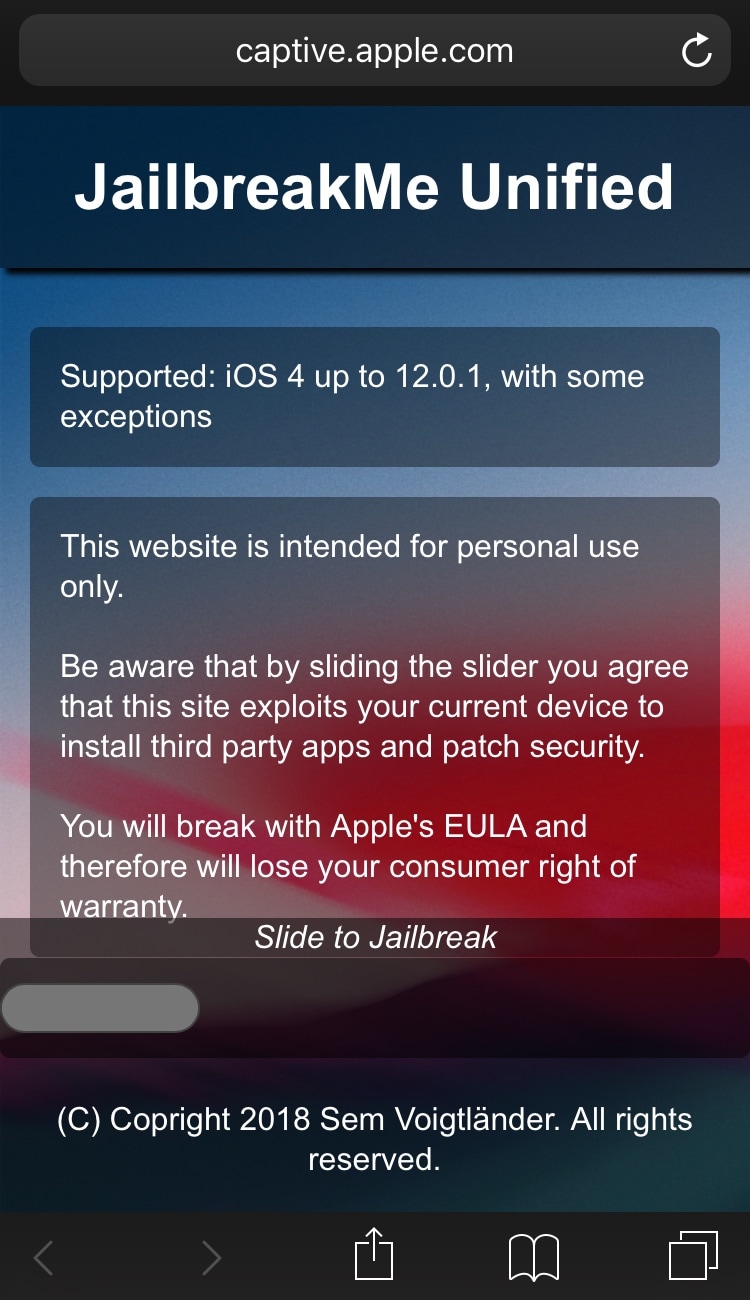
If you remember the good old days when you could visit a web page in mobile Safari and swipe your finger over a virtual slider to achieve a jailbreak (yes, I’m pointing at you JailbreakMe), then we’ve got some good news for you.
iOS hacker and developer Sem Voigtländer (@UKERN Software) appears to be working on a JailbreakMe-styled tool that you can visit in mobile Safari that theoretically supports iOS firmware versions from 4.0 to 12.0.1 (*with some exceptions*).

One of the first things I looked for when I started using a MacBook Pro for work was how to navigate web pages faster. Being able to move to the top, to the bottom, or both in small increments and without lifting my fingers from the keyboard was essential.
If you’re like me and want to navigate sites you visit quicker, this list is for you. Here are several keyboard shortcuts to move up, down, and sideways on web pages on Mac.

Learn how to save all images from a web page on your iPhone or iPad without manually downloading them one at a time.