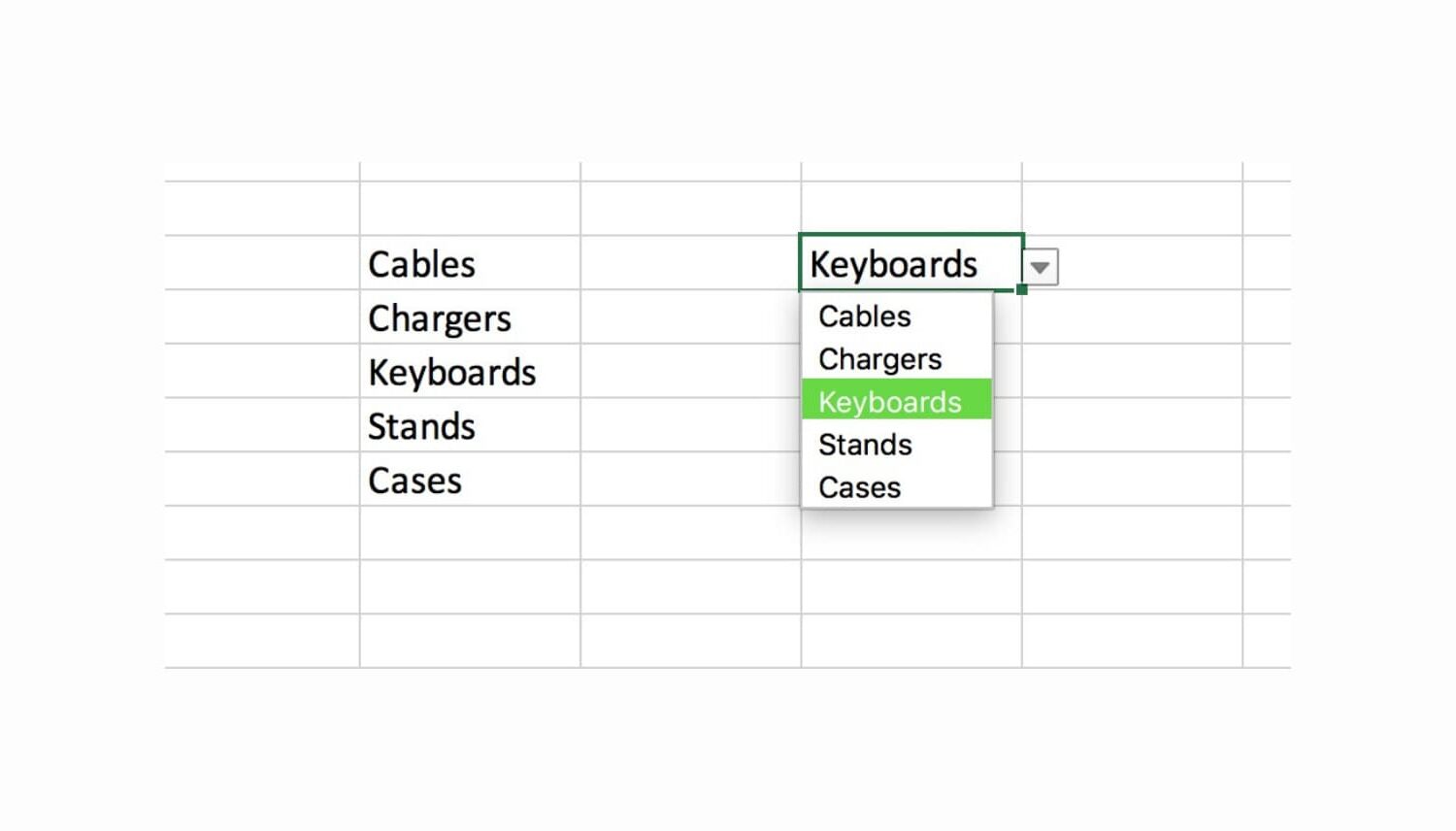
Using custom lists in Microsoft Excel on your Mac makes tedious data entry relatively quick and easy. Drop-down lists are no different; you can create one in just a few clicks.
Drop-down lists in Excel are ideal for limiting the options for cell entries. They come in handy for selecting items like colors, sizes, products, people, days, and so much more.
Here’s how to quickly create a drop-down list in Excel on Mac.