Messages

Color Convos: assign colors to Messages app conversations

Color Convos is a jailbreak tweak that serves as a Messages app addon. It lets you quickly assign different colors to the outgoing message bubbles in a Messages app conversation.

Why is this useful? The developer presents an interesting use case scenario. He suggests that Color Convos will make it easier to discern who you are sending a message to, ensuring that you are sending messages to the correct contact, lending peace of mind.

Does Color Convos work as expected? Have a look at our walkthrough to find out.
GroupMe separates regular Messages app conversations from group conversations

Do you find your Messages app to be too cluttered? Perhaps it's the mix of group messages combined with normal one-on-one messages that make sit feel that way.

GroupMe is a new jailbreak tweak that can go a long ways towards decluttering the Messages app. It separates group messages from regular messages using tabs at the bottom of the Messages app interface. Watch our video walkthrough for a thorough explanation.

iOS 8.3 brings useful enhancements to Quick Reply

Apple today released the iOS 8.3 software update for the iPhone, iPad and iPod touch. The software contains dozens of fixes and brings out a handful of feature enhancements related to Messages, Siri, the much enhanced emoji keyboard and more. Oddly, a subtle change to how Quick Reply and Notification Center handle messages with previews disabled aren't mentioned in release notes.

That's something I was alerted to by Twitter user @ericcamazin. Without a doubt, you'll find these changes much welcomed.

AKMessages can make using the stock Messages app faster

Wouldn’t it be nice if the keyboard interface opened automatically when tapping on a conversation thread in the stock Messages app? The developer of AKMessages must have thought so, because that’s the exact premise behind his new jailbreak tweak.

Like TypeTab, another tweak that we recently reviewed, AKMessages reduces the amount of friction in your day-to-day app activities. Have a look at our video walkthrough to see how it eliminates the need for you to perform a tap before you start typing within the Messages app.

How to access the Couria beta for jailbroken iPhones

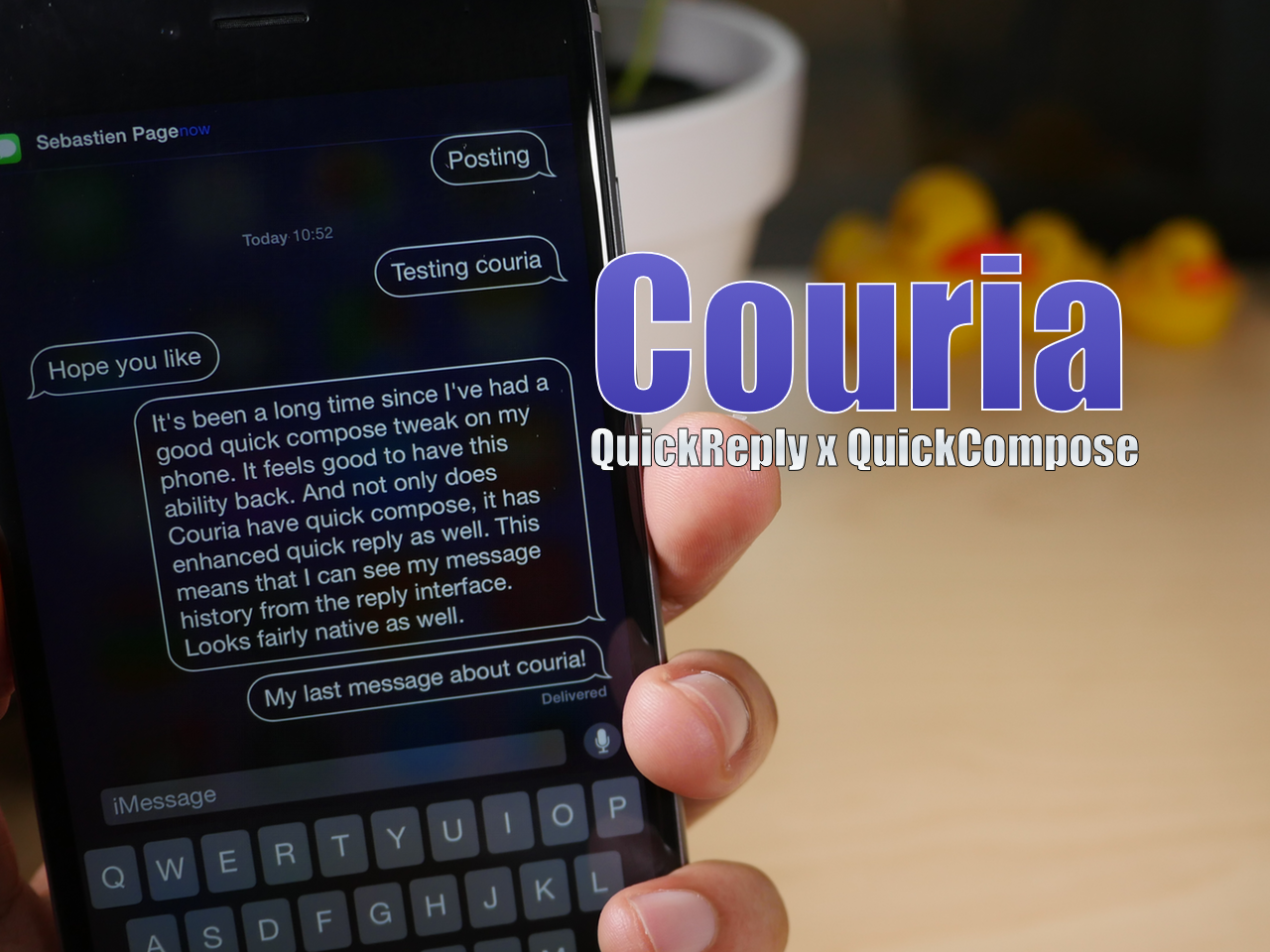
Yesterday, we brought you a preview of the upcoming quick reply and quick compose tweak, Couria. Today, we're showing you how you can go hands on with the tweak.

Couria is now available on a special beta repo by its developer, QusicS. If you've been desperate for a good quick compose solution and an enhanced quick reply interface, then you may want to take it for a test drive.

Hands-on with Couria, an upcoming quick reply and quick compose tweak for iOS 8

Couria is a quick reply and quick compose tweak for iOS that originally debuted back in the iOS 7 days. Today, the Messaging landscape for jailbroken devices is significantly different, with a key major player, biteSMS, now defunct.

With this in mind, a few tweaks that are currently in the works are hoping to reinvigorate the Messaging app tweak genre. One of them, Couria, plays heavily on the infrastructure already put in place by Apple, piggybacking on the native quick reply feature in iOS 8.

Couria quick reply tweak is coming to iOS 8

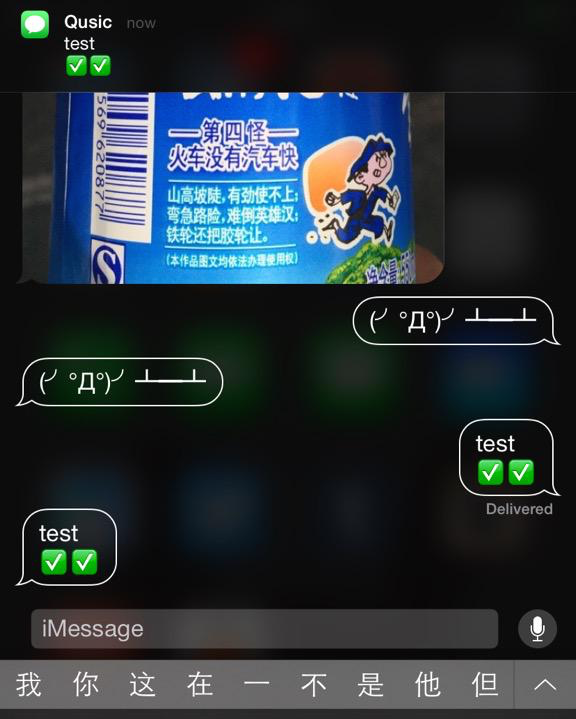
With biteSMS' demise, there has been a distinct need for messaging tweaks, specifically quick reply and quick compose tweaks. Couria, a quick reply and quick compose tweak that first debuted on iOS 7, is a tweak that looks to fill the need.

Today, its developer, Qusic, teased the progress he's been making on Twitter. Here's a look at what you should expect.

HiddenConvos: a sleek way to hide conversations in the Messages app

Normally I would shoot a video to highlight a jailbreak tweak, but seeing as I'd probably have to blur out most of the video, I decided to go about it the old fashioned way. I hope that I can accurately portray just how awesome HiddenConvos is without the assistance of video, because it's really that good.

HiddenConvos is a tweak that allows you to quickly hide conversations in the Messages app using a simple left-swipe gesture. Once you left-swipe on a conversation, tap the Hide button to hide the conversation from view and suppress its notifications.

ReturnToSender: press the return key to send texts in the Messages app

Are you ever annoyed by the presence of the "return" key in the Messages app? Yes, sometimes it's nice to be able to quickly insert line breaks in messages by means of this key, but it's usually a rare need, and as such, some find such a key to be unnecessary.

Instead, wouldn't it be cool if you could replace the return key with a send button? That's the premise behind a beta tweak called ReturnToSender.

How to use Facebook stickers in iMessage conversations

One of the things that I learned while visiting Korea last year is that Koreans love using an app called KakaoTalk. Kakao is a messaging app that pretty much everyone in Korea uses. It's an app that's instantly recognizable due to the bright, colorful, animated stickers that litter the conversations of passersby.

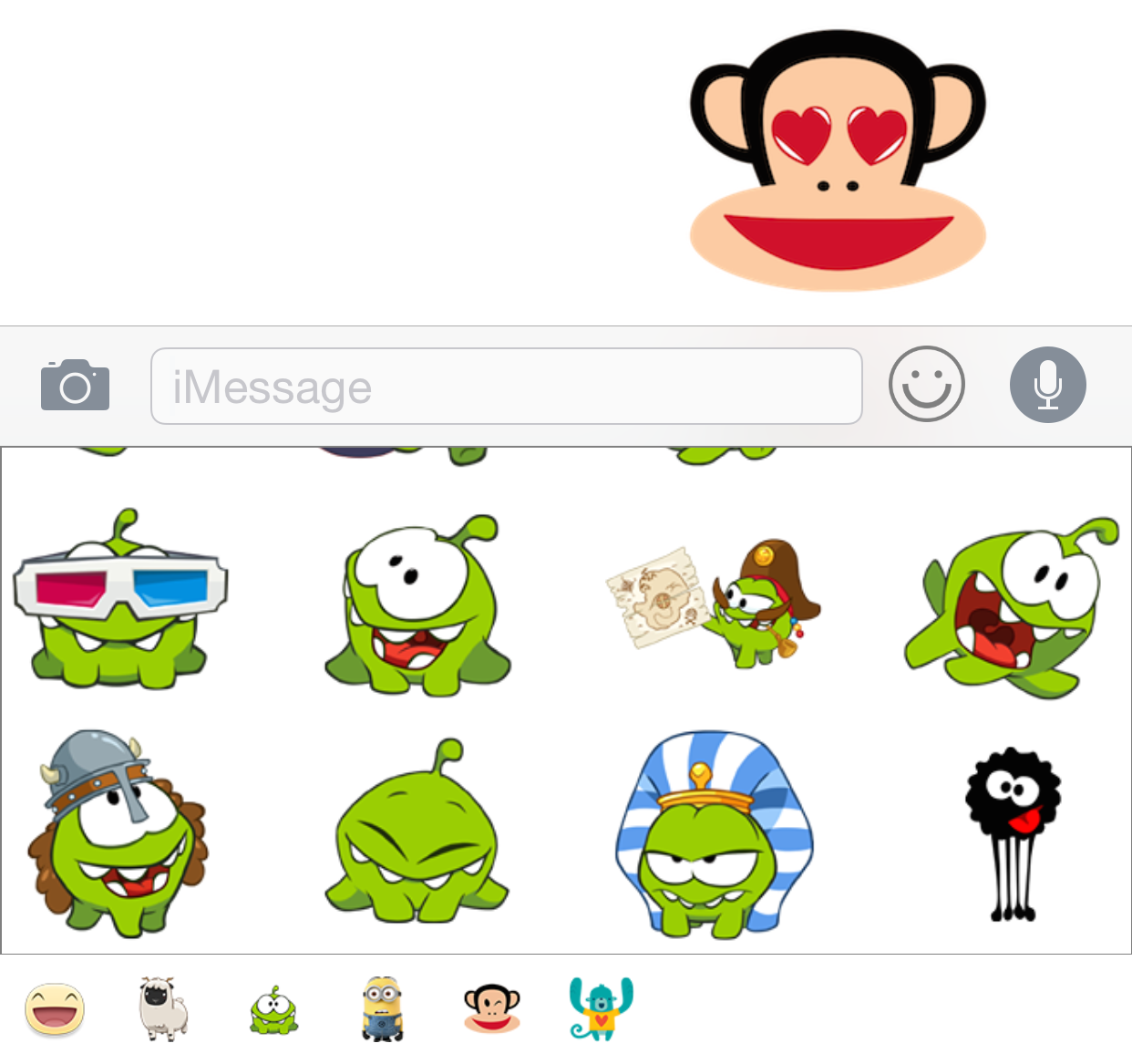
I've always thought that it would be cool if iMessage users could use animated stickers within the Messages app, and now it's a reality thanks to a new jailbreak tweak called StickerMe. StickerMe takes the stickers available within the Facebook Messenger app, and brings them to an iMessage conversation near you.

Brevity 2: send a quick canned message directly from the stock Messages app

Brevity 2 is the sequel to a tweak of the same name—Brevity—which allowed iOS 7 users to send a quick canned message via the stock Messages app. The sequel to Brevity is pretty much a 1:1 translation of the original for newly jailbroken iOS 8 devices.

If you're looking to add a simple canned message that you can quickly access from the stock Messages app, then Brevity 2 should meet your needs.