Find out what to do if the audio recordings made in the Apple Voice Memos app are not syncing via iCloud from your iPhone, iPad, and Apple Watch to your Mac or vice versa.
How to fix voice memos not syncing from iPhone to Mac and vice versa
Stay up-to-date on the latest Mac news, and tutorials. Get expert tips and tricks to optimize your Mac’s performance and learn about the latest Apple products and software updates. Discover the best Mac apps and accessories to enhance your user experience.
Find out what to do if the audio recordings made in the Apple Voice Memos app are not syncing via iCloud from your iPhone, iPad, and Apple Watch to your Mac or vice versa.

Some folks who installed the latest macOS Monterey 12.2 update are reporting an unusual Bluetooth issue that drains a Mac notebook's battery overnight while in sleep mode.
Developers can now publish unlisted iPhone, iPad and iPod touch apps on the App Store that don't appear in search results and are only discoverable through direct links.

While it's technically true in every ecosystem, it's particularly egregious in Apple's: staying productive is typically defined by the products we use. It's why folks who watched the MacBook Pro evolve into something far less "pro" were so adamant Apple was losing touch. Removing features in a device that's meant to get a lot of work done isn't a great move.

Apple has officially deprecated Python 2.7 in macOS Monterey 12.3. The company is advising its developers to use an alternative programming language instead, such as Python 3, which, however, does not come preinstalled on macOS.
Way back in the day, somewhere around the 2016 mark, Apple reached a major milestone: 1 billion active devices globally. And if the quarterly earnings tell us anything on a regular basis, Apple has been steadily adding to those numbers. Which is why it's not surprising to hear the company's getting closer and closer to another milestone.

It's that time of year again. No, not a day when Apple announces new products and/or services. It's Earnings Day, which means we get to find out just how much Apple managed to rake in over the last few months. Hint: it's a lot.
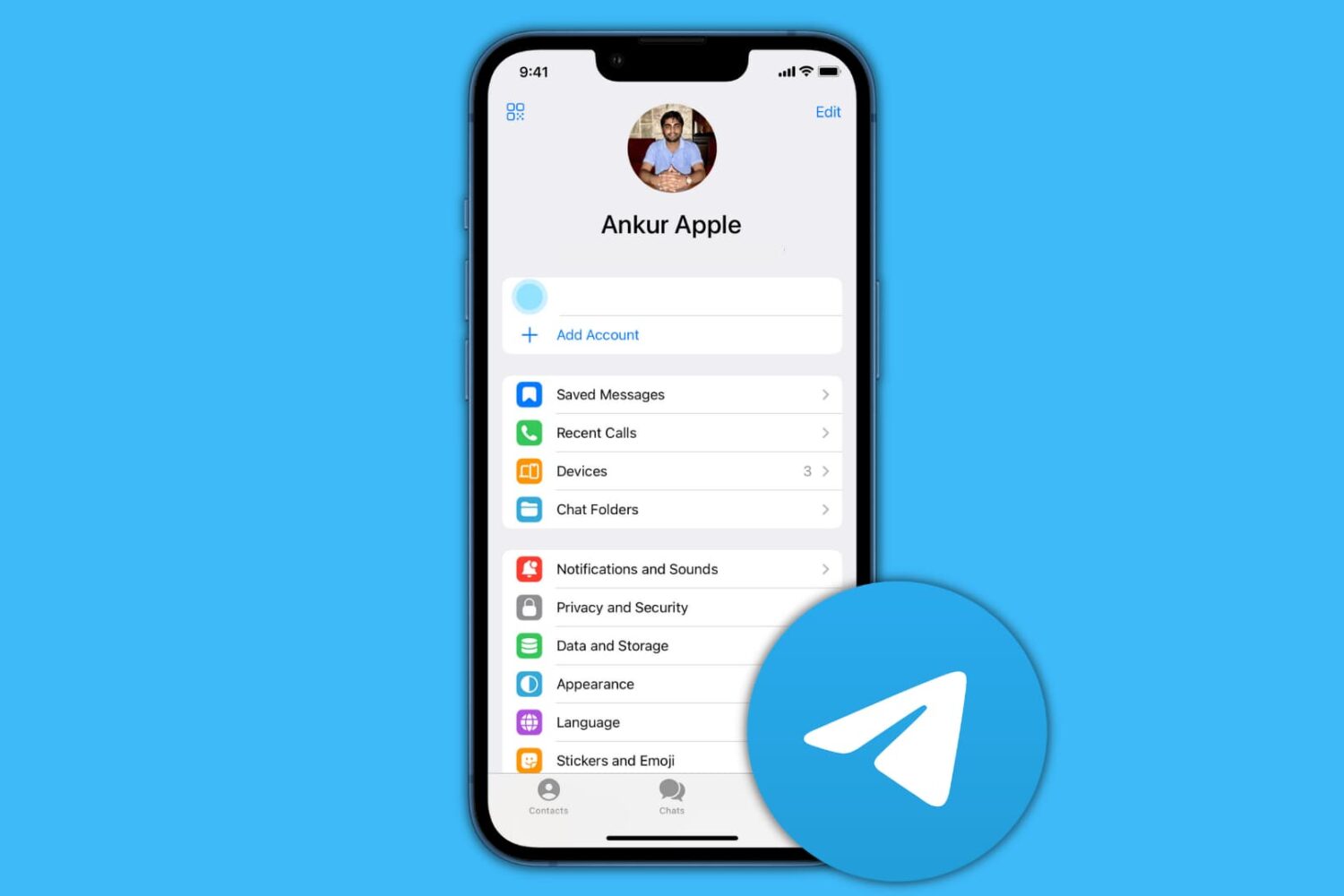
In this guide, we show you how to delete your contacts and chats from Telegram and then deactivate or permanently delete your account.
Learn what to do if your iCloud contacts are missing in the Contacts app on your Mac, or if new ones are not syncing properly with it.

WhatsApp is rolling out a new feature in its desktop app for Mac that allows you to pause your voice note so you can preview the recording before hitting the Send button.
Learn what to do if your Mac is stuck on the screen saver screen and is refusing to let you go in.
In this tutorial, we will show you how to set your Mac to automatically start playing music when it starts up or after a reboot.