Mac

Stay up-to-date on the latest Mac news, and tutorials. Get expert tips and tricks to optimize your Mac’s performance and learn about the latest Apple products and software updates. Discover the best Mac apps and accessories to enhance your user experience.

Review: Logitech MX Master – a good choice for OS X users?

The Logitech MX Master Wireless Mouse has been at the top of my must-try list ever since it came out. Debuting to glowing reviews, and statements of increased productivity, I had to try this mouse out to see if it would help my workflow on OS X. Does it live up to my high expectations? Check out our review for more details.

Premium Star Wars games discounted deeply on Mac App Store and App Store

With only five days left until the annual Star Wars Day celebration (May the Fourth Be With You, says the marketing tagline), Aspyr Media is celebrating the occasion in advance by temporarily slashing five premium Star Wars titles for the Mac by fifty percent.

The Star Wars: Knights of the Old Republic, Star Wars: Empire At War, Star Wars Jedi Knight: Jedi Academy, Star Wars Jedi Knight II: Jedi Outcast and Star Wars: The Force Unleashed games have gone half price each, in some cases even lower, on the Mac App Store. Put together, these downloads normally sell for a combined $70, so you're looking at a cool $40 saved if you download the five Mac games while this promotion lasts.

Pixelmator for Mac gains Photos app support, Force Touch drawing, enhanced Repair tool, more

Pixelmator for Mac received a sweet update last evening, adding a trio of noteworthy features and a plethora of bug fixes. A free update to existing users of the app, Pixelmator 3.3.2 brought out an even more remarkable — and way faster — Repair tool.

It also added support for pressure-sensitive drawing on Macs with the new Force Touch trackpad and importing photos from the Photos app on OS X Yosemite 10.10.3. In addition to these perks, the app contains other tweaks and bug fixes.

djay Pro for Mac gains live video mixing, native Pioneer CDJ/XDJ integration and much more

In addition to transforming the Apple Watch into the world's first wearable DJ controller with djay for Apple Watch, German developer Algoriddim also refreshed its Mac app this morning.

Djay Pro 1.1 for Mac, the company's flagship product, includes major new features such as real-time video mixing, native support for Pioneer's CDJ and XDJ line-up of professional digital decks used by the likes of David Guetta, high-quality Spotify streaming with up to 320 kbps and a host of other advanced features and capabilities.

How to manage received AirDrop files with Hazel on Mac

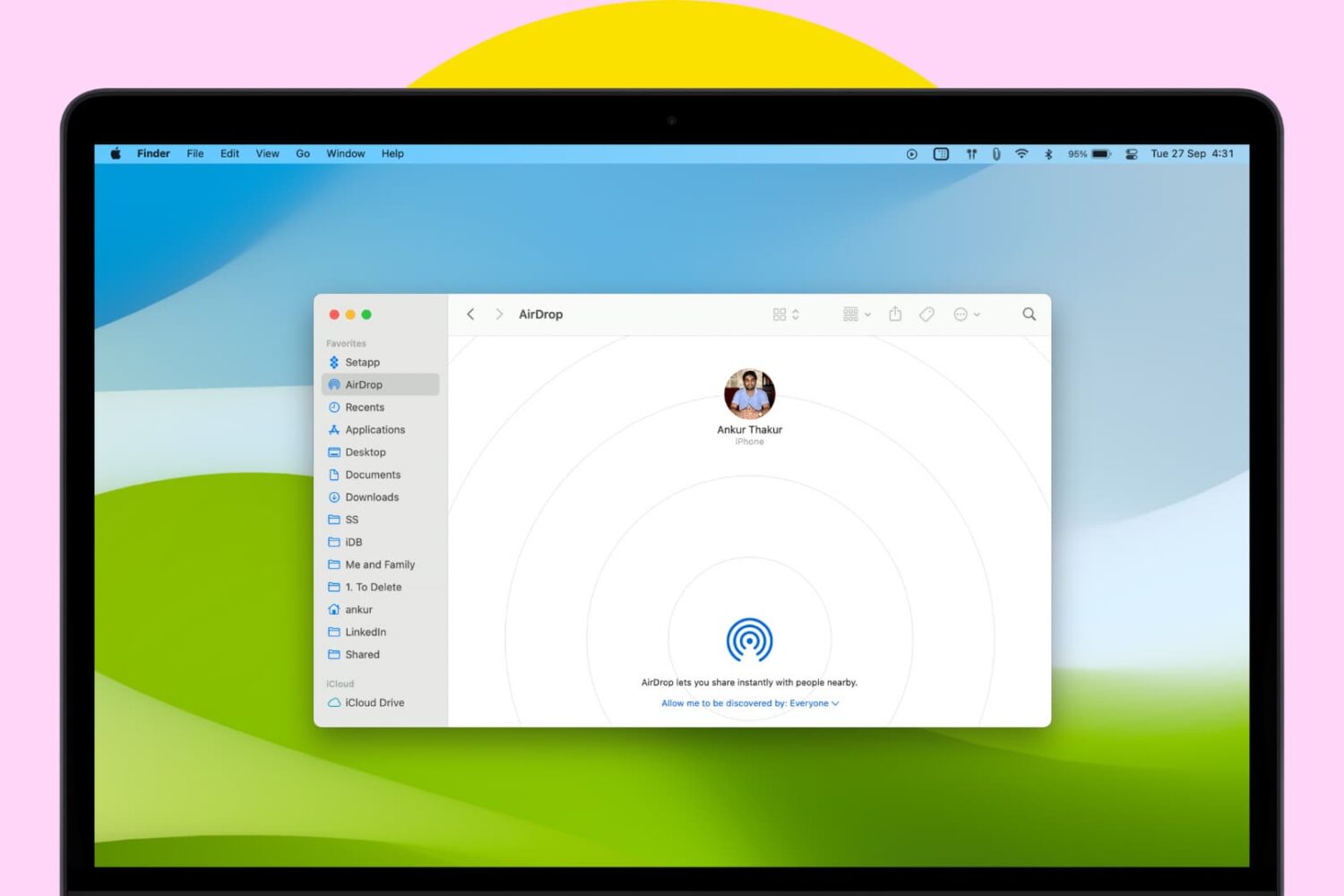
Every waking day I send tons of screenshots from my iPhone to my Mac via AirDrop. And every day I wish that Apple allowed users to customize the AirDrop save location. Not only is the ~/Downloads folder the default save location, but it can't be modified, not even via undocumented methods.

As a workaround, I use Hazel ($29 w/ free trial) to automate the process of moving images sent via AirDrop to my Desktop. It's a great workaround that does the job. While it would be nice if Apple allowed you to specify an exact save location, this is probably the next best thing.

How to use the Pixelmator Repair Tool extension on Mac

One of the most under-the-radar new features to hit OS X Yosemite was the addition of extensions. Action extensions are particularly nice, because they allow apps to interface with other apps directly.

Some app developers, such as Pixelmator ($29.99 on the Mac App Store), have brought third-party extensions to the Mac, which demonstrates how beneficial extensions can be. Watch our video that showcases Pixelmator's Repair Tool extension to see what I mean.

How to enable battery charging chime on MacBook

Illustration for battery charging chime on MacBook

Learn how to use this simple Terminal command to make your MacBook play a confirmation sound when you plug it into a charger.

Note: Owners of recent MacBook models need not even finish reading this article because their machines come with the power-charging chime enabled by default.

Apple seeds OS X Yosemite 10.10.4 beta 1 to developers

Thursday, Apple seeded the first beta of the upcoming OS X Yosemite 10.10.4 software update to its Mac developers, as first reported by MacRumors. Registered Mac developers can grab the installer manually through Apple's portal for developers, or automatically, using the OS X Software Update Seed Configuration Utility.

We'll be reporting on any interesting new features, changes and enhancements in OS X Yosemite 10.10.4 beta 1 as we encounter them.

Astropad now works with FiftyThree’s Pencil stylus

Astropad, an awesome iPad application which turns your Apple tablet into a professional-grade graphics tablet for your Mac, now works with the Pencil stylus by FiftyThree.

A major update, Astropad 1.1 includes major accuracy and wavy line improvements for the Jot Touch Pixelpoint stylus, improved palm rejection for Adonit styluses, support for Adobe Ink (choose Adonit when pairing), new settings and built-in help.

How to remove date and time from screenshot file names on Mac

By default, every time you take a screenshot on macOS, the file generated will be named "Screen Shot date time" where "date" and "time" are replaced with the actual date and time the screenshot was taken. For most people, this is a useful feature as it allows to quickly sort screenshots depending on when they were taken. But for other people, it might be an annoyance.

In this post, we will show you how to remove the date and time from screenshots that were taken on Mac.