Learn how to change the app icon and name of the Instagram app on your iPhone or iPad Home Screen for aesthetics or privacy reasons.
How to change the Instagram app icon on your iPhone Home Screen

Learn how to change the app icon and name of the Instagram app on your iPhone or iPad Home Screen for aesthetics or privacy reasons.
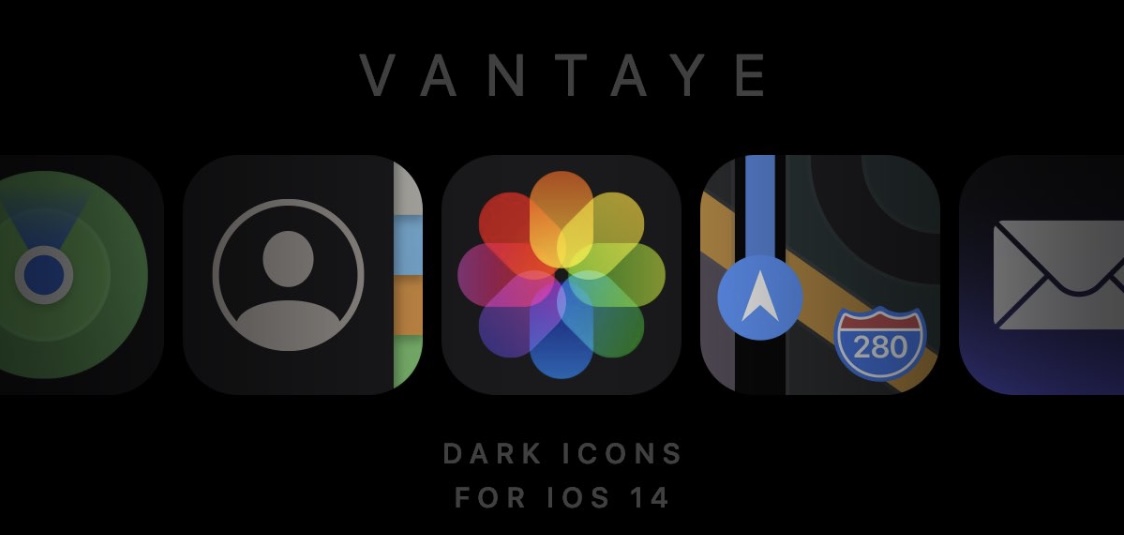
One of the takeaway new features that shipped with iOS and iPadOS 14 just a couple of weeks ago is the ability to “theme” your Home Screen’s app icons. This is one of many features from Apple’s latest and greatest mobile operating systems that seems heavily inspired by the jailbreak community. That said, it’s not surprising that some jailbreak community theme creators have started porting themes over to iOS and iPadOS 14.
Joining that list is esteemed graphic designer and theme creator Surenix, who just this week released a new Dark Mode-friendly theme for iOS and iPadOS 14 dubbed Vantaye. This theme puts a darker spin on your handset’s Home Screen app icons, and if you recall a theme for jailbroken devices that Surenix named Ayedapt that was released earlier this year, then some of these icons probably look familiar…
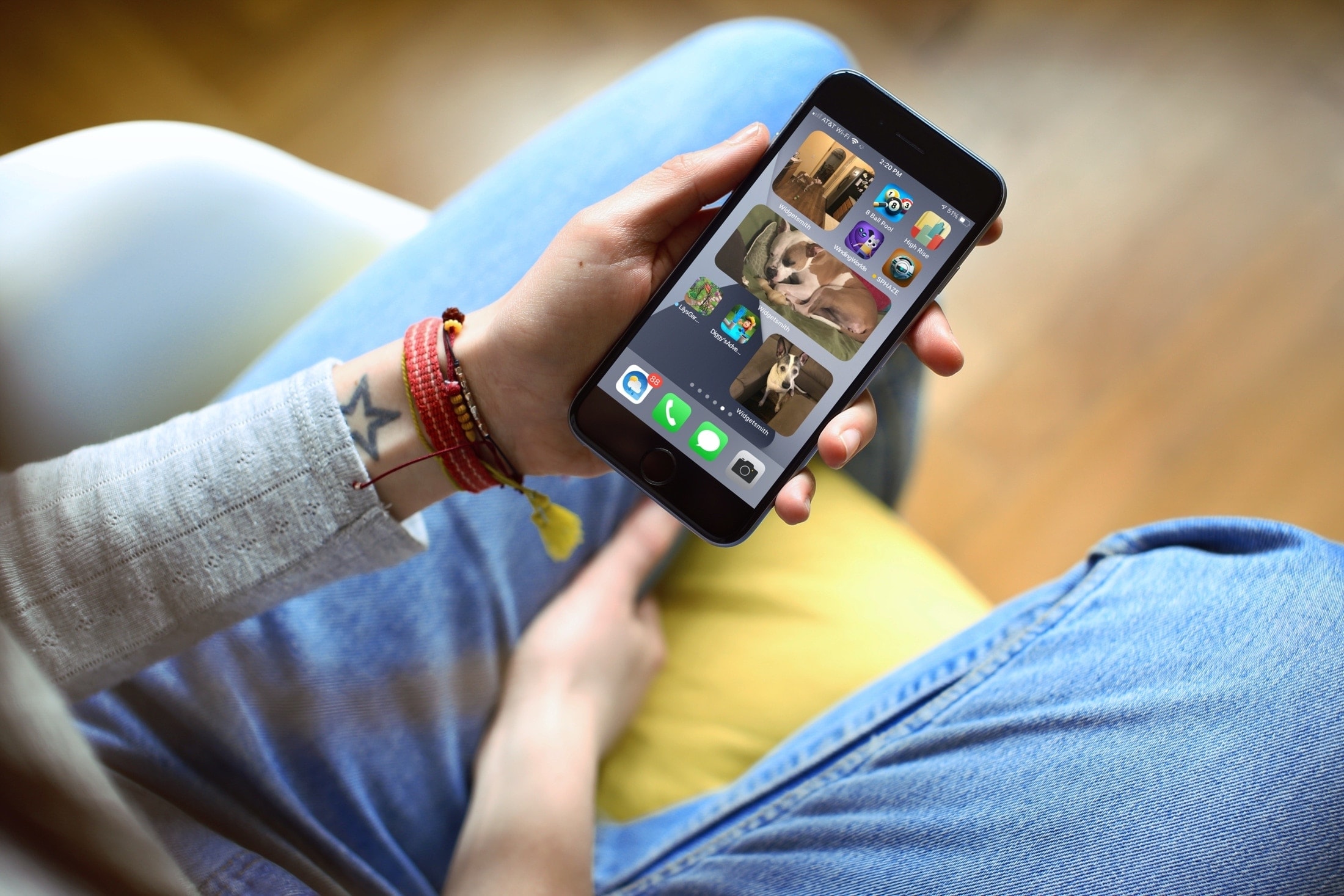
Learn how to add a photo widgets to your iPhone or iPad Home Screen so you can get a glimpse of memorable pictures without going inside the Photos app.
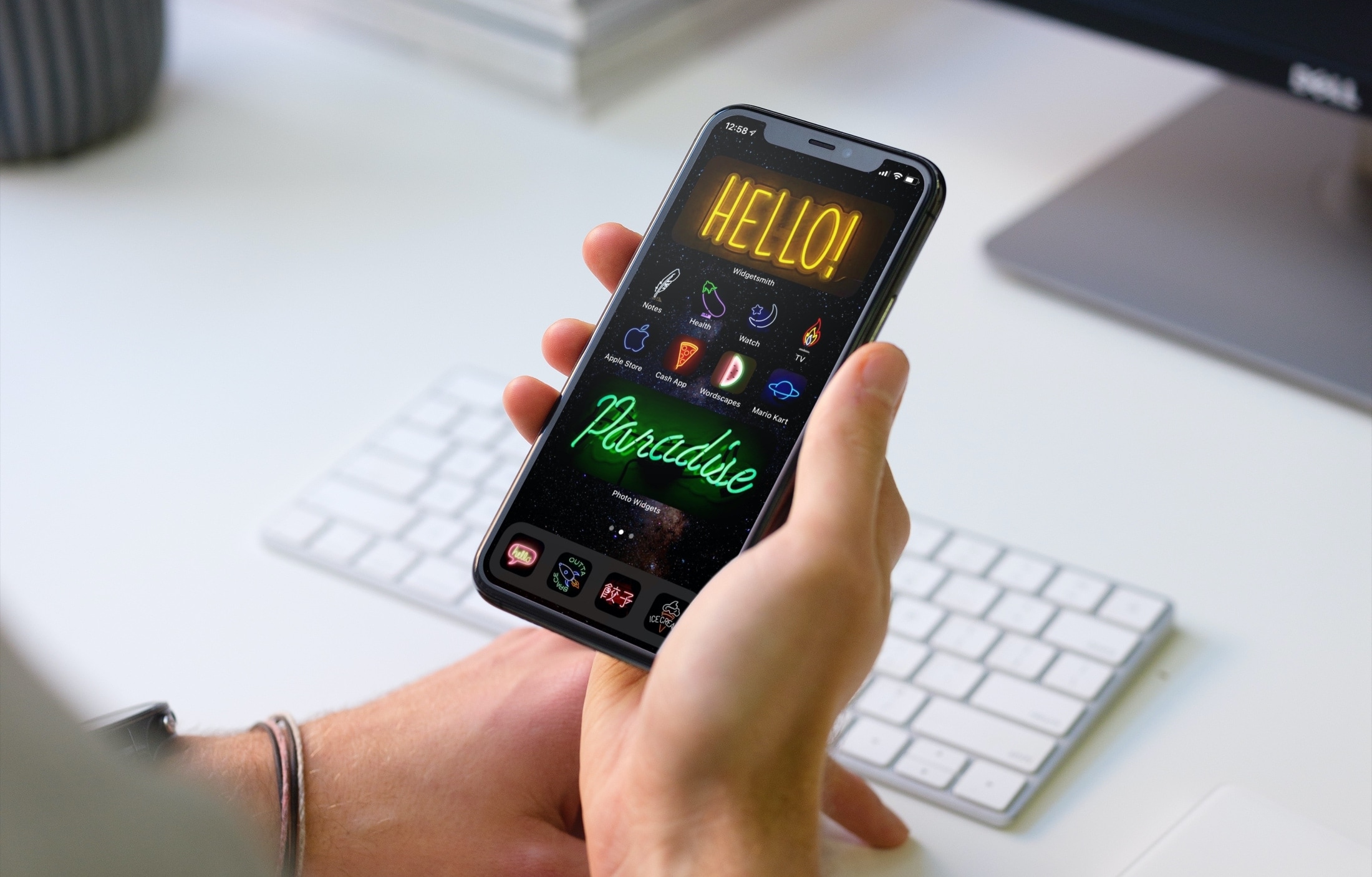
Looking for a little help or ideas for personalizing your device? With these tips, you can take your Home Screen to the next level. Whether you love animals, games, or characters and want to change widgets, icons, or wallpaper, here are great ways to customize your iPhone Home Screen.
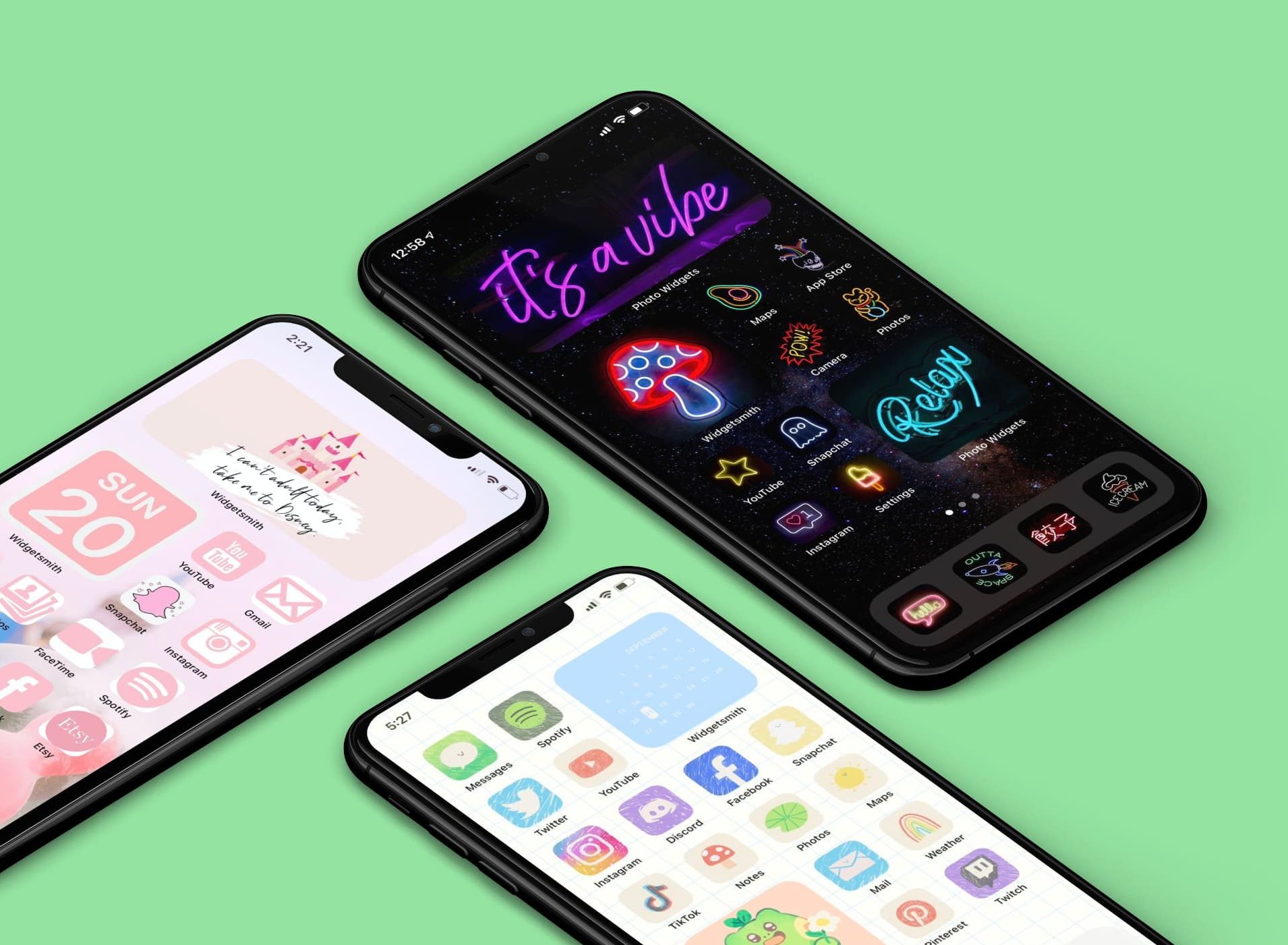
You can add widgets and create personalized widgets or download icon packs and create custom app icons, or a mix of both; all to make your iOS 14 Home Screen fit your taste or style. But what if you’re not sure where to start? Like with many things, getting ideas from someone or somewhere is just the ticket to inspiring yourself!
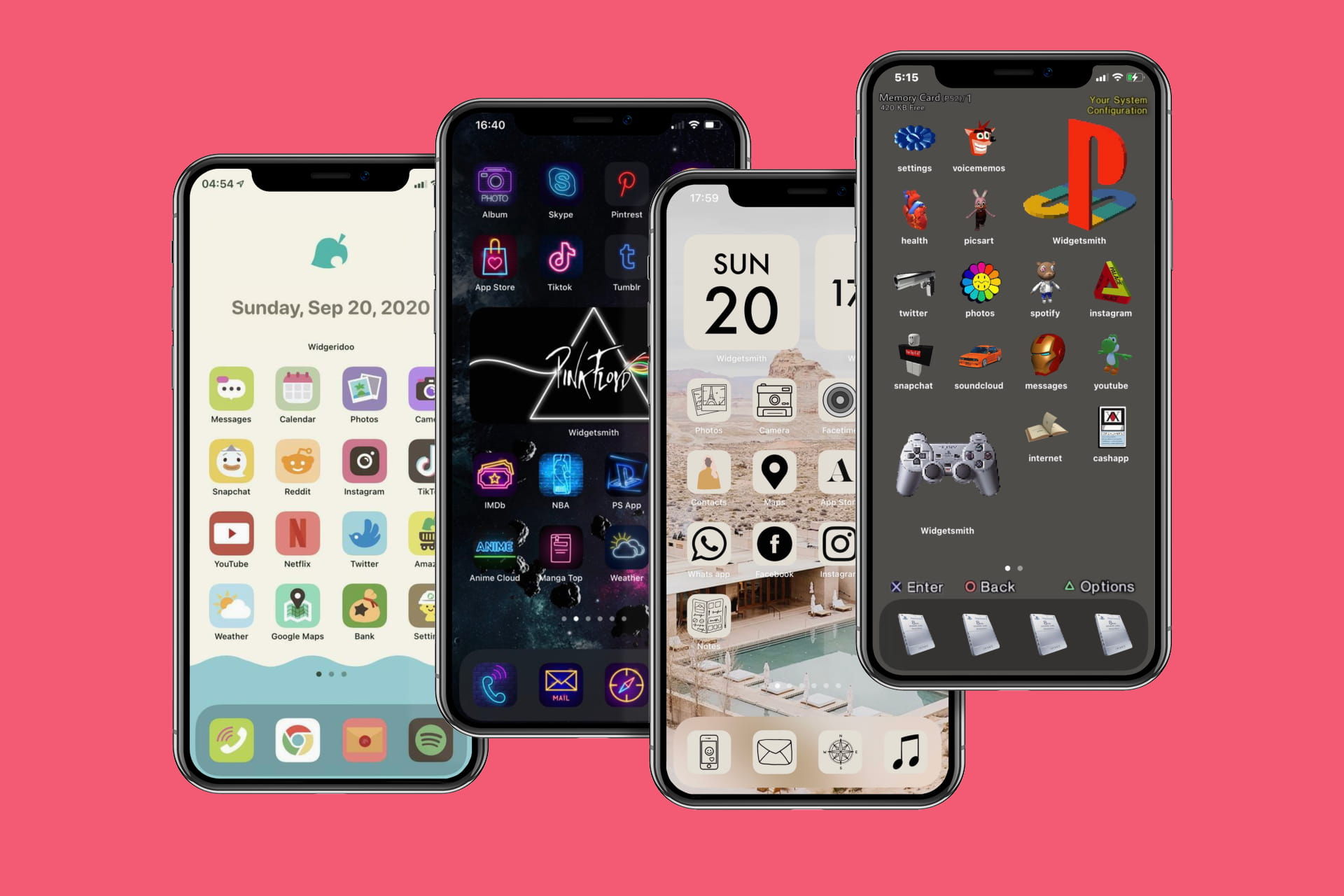
Many, many people are sharing their newly customized iPhone Home Screens on social media. So to help give you some ideas for your own iOS 14 Home Screen, check out these awesome screens for inspiration.
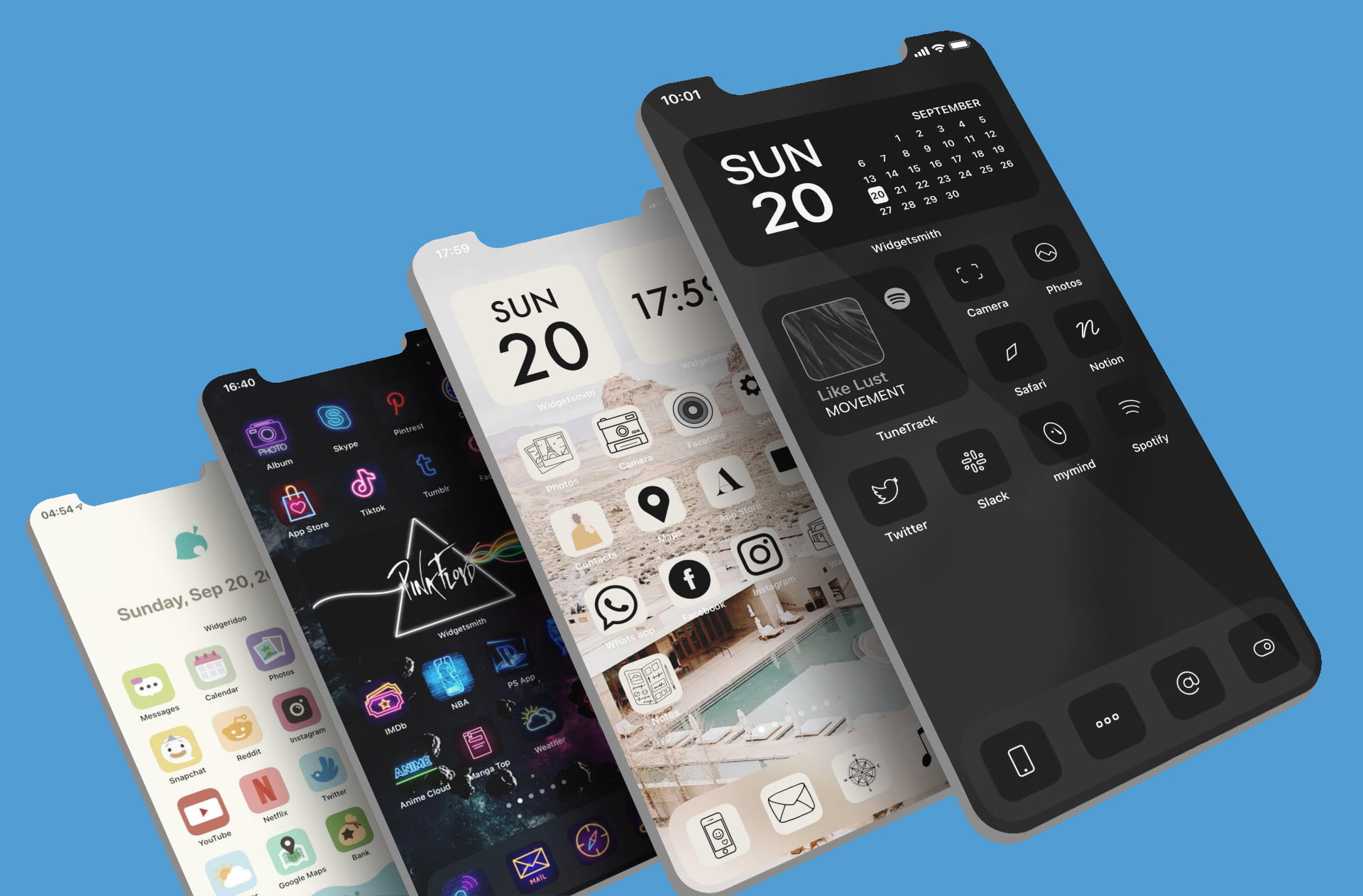
Creating custom app icons with Shortcuts is an exciting way to customize your iPhone Home Screen. If this is something that interests you, how about making sure you have the icons you want? Sure, you can use a photo of your pet or a picture of your pal, but if you want to go with a theme, an iPhone icon pack is a terrific option.
Here are some awesome spots to find iPhone app icon packs.
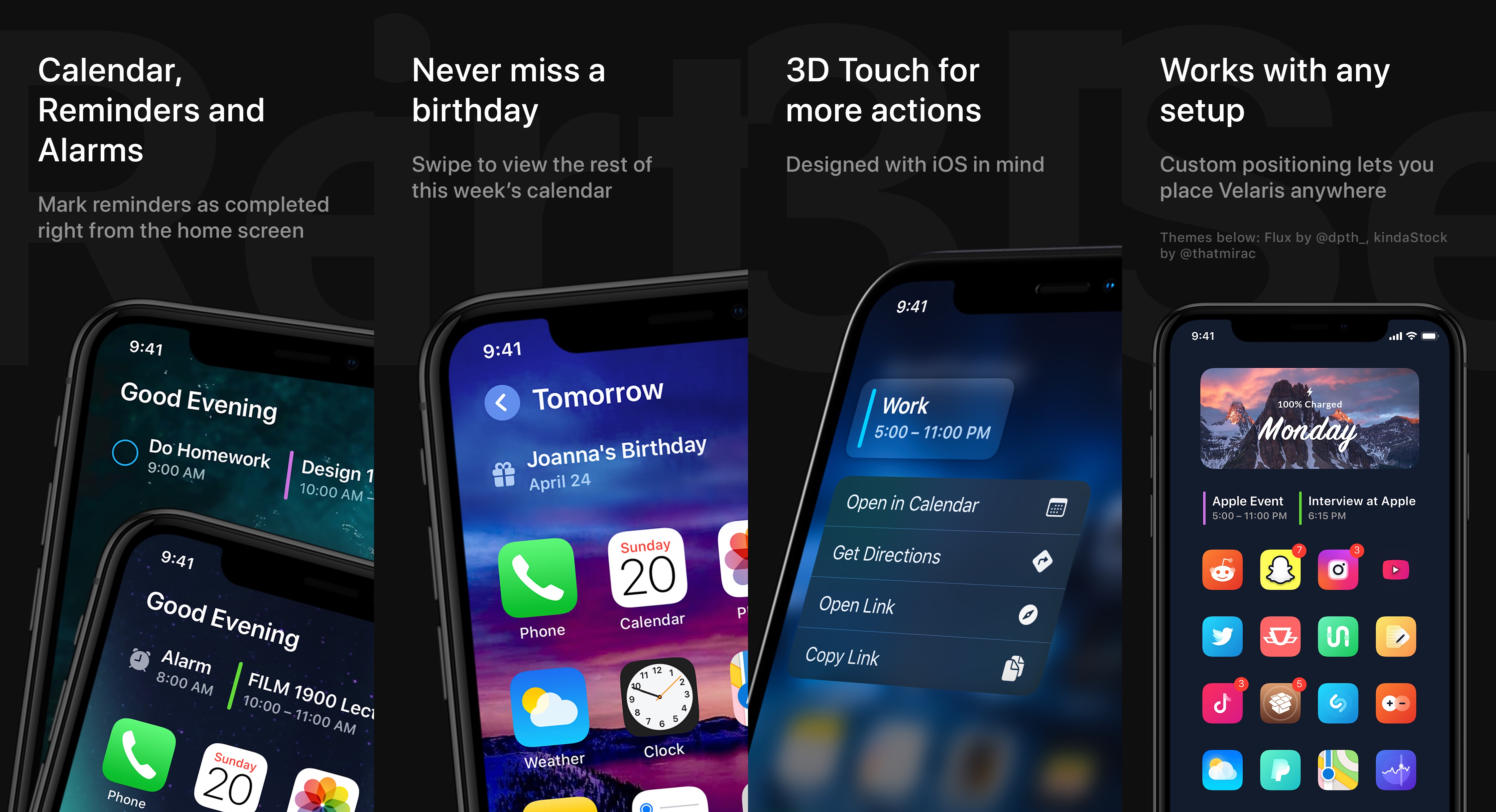
Apple’s new iOS 14 update is jam-packed with enticing new features that offer a strong argument for upgrading from a jailbroken iOS 13 device. But as veteran jailbreakers will say, it’s generally better to stick with the jailbroken device, even if the firmware isn’t the ‘latest and greatest.’
A newly released jailbreak tweak called Velaris by iOS developer Ben Giannis provides an stout example of why that’s the case. As depicted in the screenshot examples above, Velaris upgrades the iPhone’s Home Screen interface by incorporating alarm, calendar, and weather information in an aesthetically-pleasing manner — in fact, it looks so good that some might even prefer it over iOS 14’s new Home Screen widgets.
In this step-by-step tutorial, we show you how to use the built-in Apple Shortcuts app to personalize your iPhone or iPad Home Screen with custom app icons and add some pop to your digital space.

If you somehow manage to overlook the plethora of notification banners that stack up on top of one another on the Lock Screen, then you’ll be met later on with a myriad of red notification badges from the moment you authenticate and arrive at the Home Screen. But whoever said iOS’ notification experience needed to be so bland? Ah yes… Apple did.
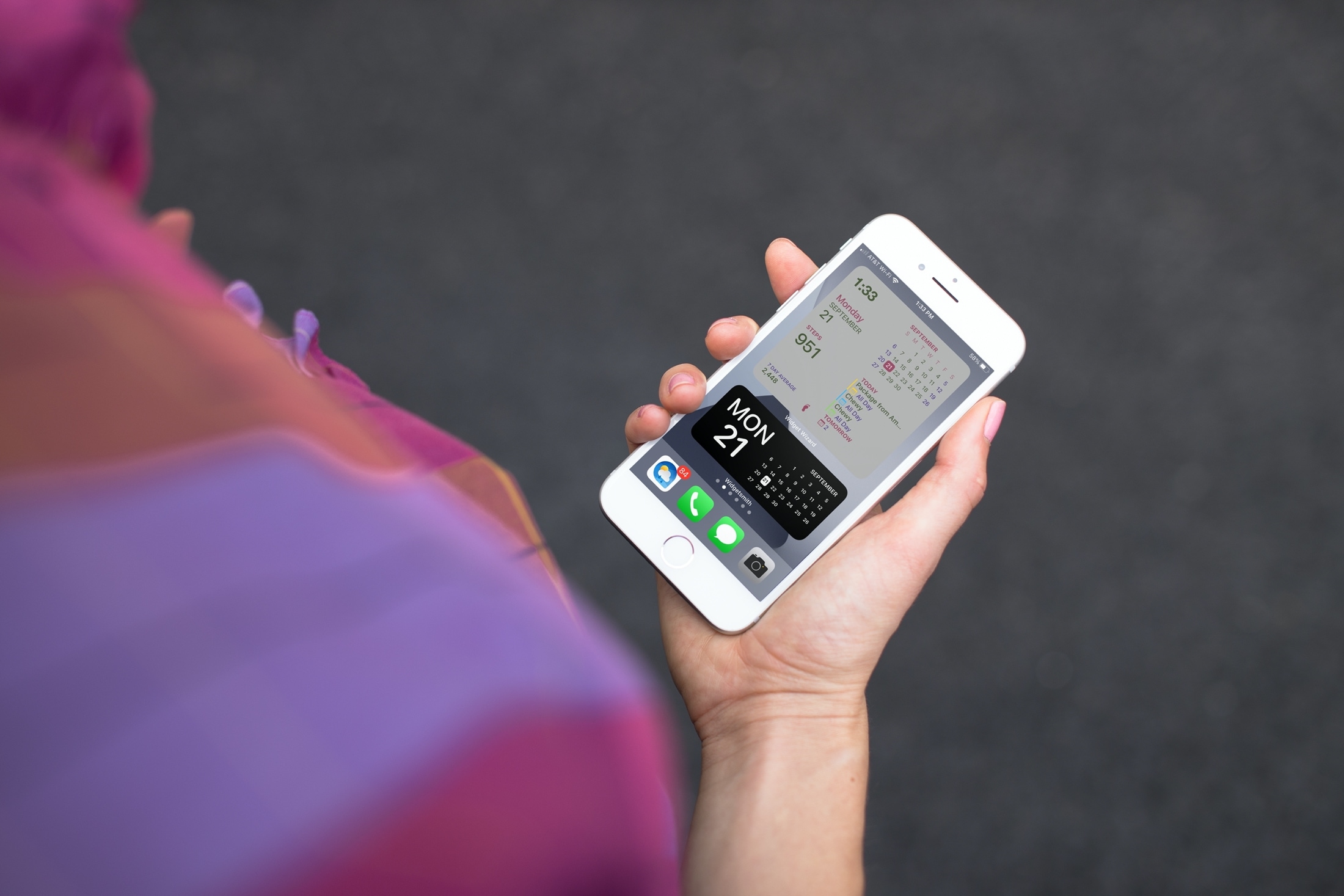
If you’ve been enjoying the iOS 14 and iPadOS 14 feature for adding widgets to your Home Screen, then maybe you want to take that a step further. Among apps with Home Screen widgets are apps that let you customize your own widgets!
You can create your own Home Screen widgets and have them look exactly as you like. This gives you even more flexibility than you probably expected for personalizing your device. Here’s how to create custom Home Screen widgets on iPhone and iPad and tools you can use.
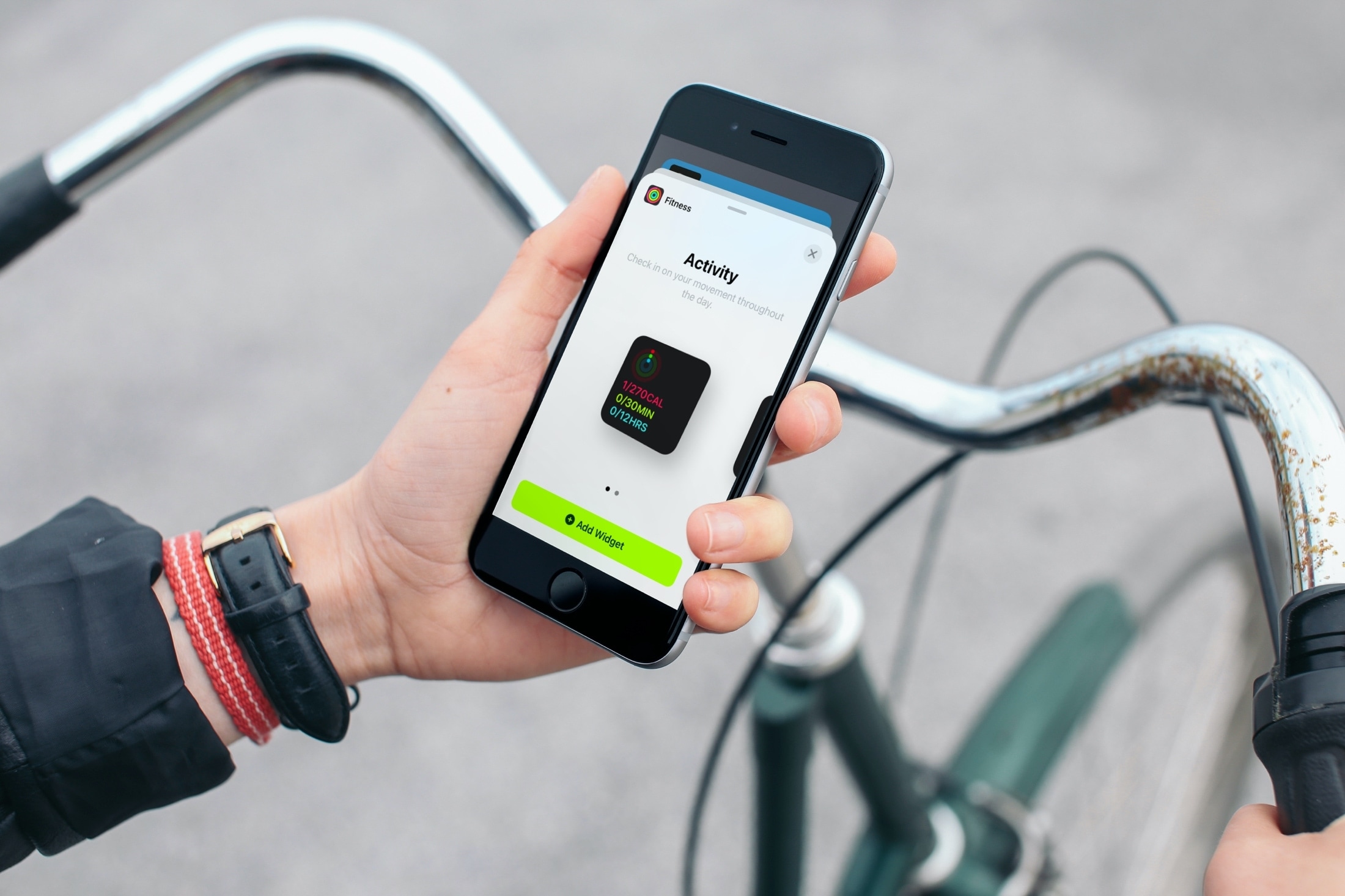
Don’t limit your Home Screen to just app icons! Learn how to add and remove widgets on your iPhone or iPad Home Screen so you can see things at a glance without having to open the app.
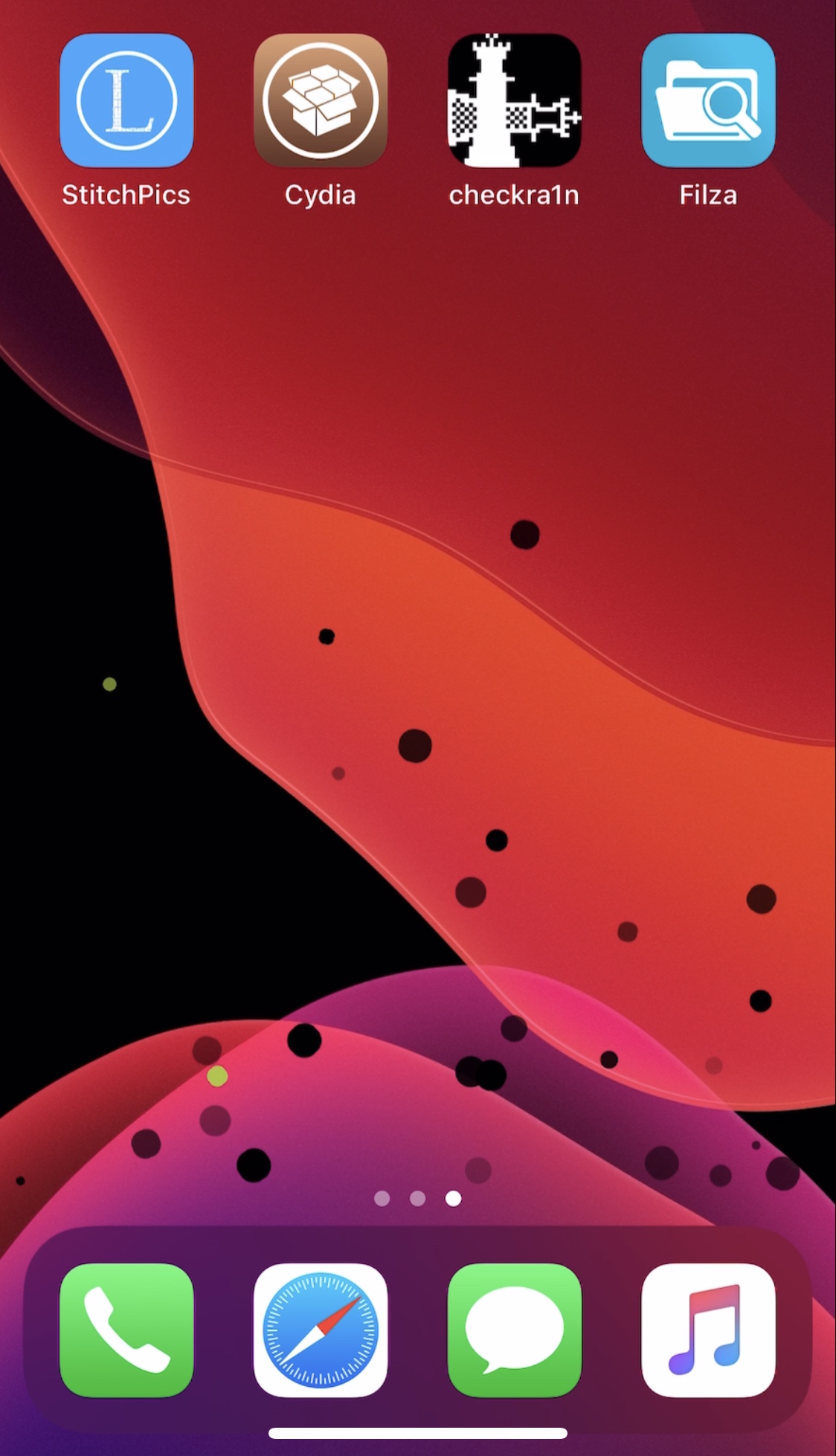
If you’re rocking a jailbroken iPhone or iPad and are looking for fun and exciting ways to spice up the user experience, then you should definitely consider taking a minute out of your day to check out a newly released jailbreak tweak called ExplosiveIcons by iOS developer Wes.
Just as the name implies, ExplosiveIcons makes it fun to delete apps from your iPhone or iPad by providing users with an exciting animation upon doing so. Below, you’ll find an animated GIF depicting the newfangled animation in all its glory: