Finder

How to hide device icons on your Mac desktop

If you're a minimalist type of person, then you might prefer to keep your Mac's desktop free of any icons.

Yes, you can easily drag documents and other files that have been cluttering your desktop and put them in a folder on your Mac. However, that doesn't change the fact that icons for external hard drives, USB thumb drives and other hardware devices will still pop up on the desktop as soon as they're connected to your Mac.

Wouldn't it be nice if you could do something about that? Thankfully, Apple's engineers though of that, too, because macOS makes it easy to optionally remove desktop icons for different types of devices with just a few clicks.

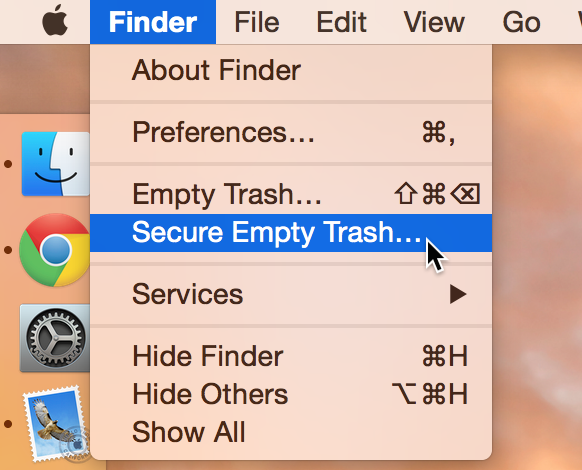
Empty Trash versus Secure Empty Trash – what’s the difference?

Did you know that there are actually two ways to empty the trash on your Mac? Perhaps you've seen both options before, but never gave it much thought. Just what is the deal with Empty Trash versus Secure Empty Trash? Which one should you use? By knowing what each empty trash command is capable of doing, you'll be able to make more informed future decisions with regard to handling your Mac's sanitation needs.

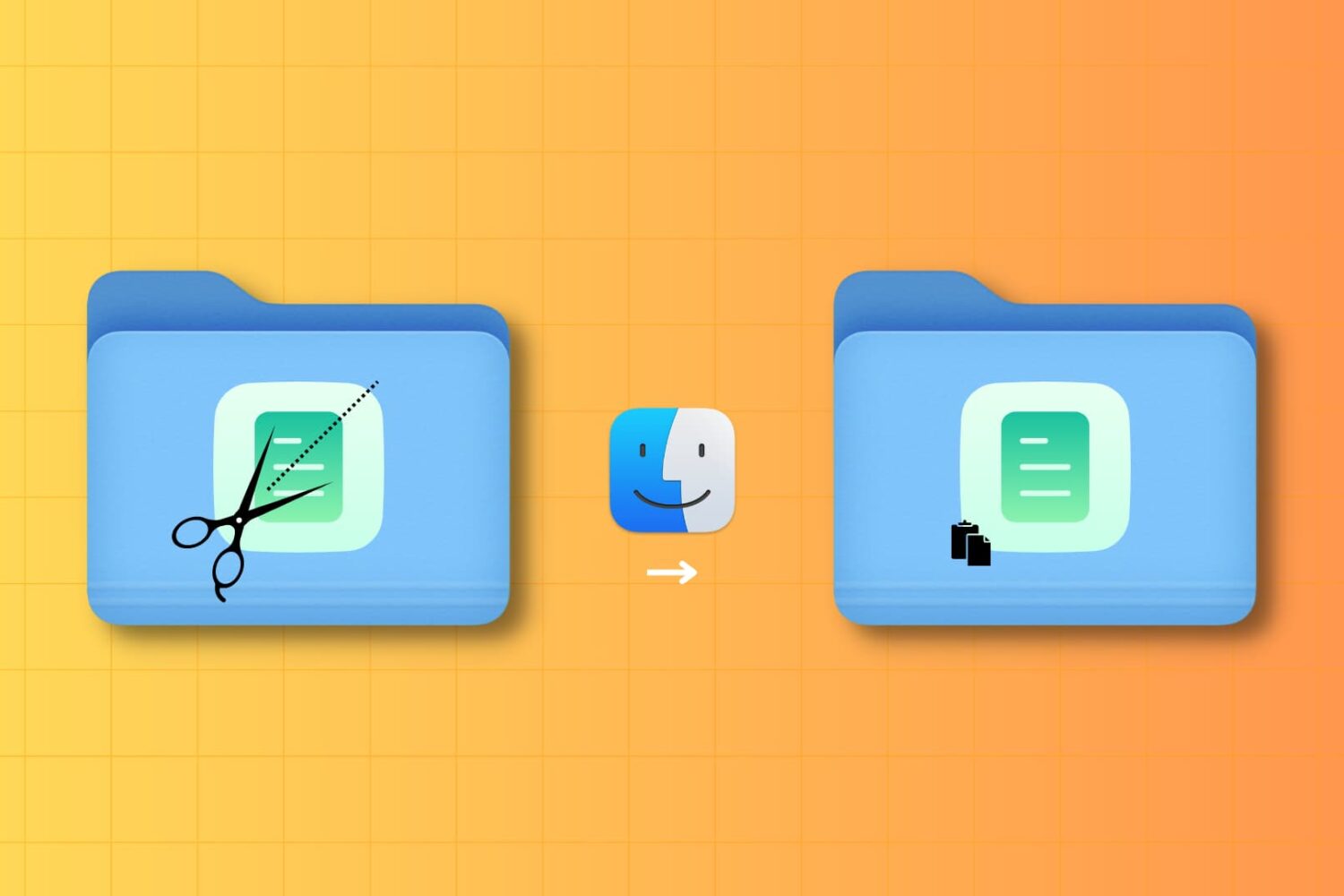
How to Cut and Paste files on Mac

Cut and Paste on Mac

It may not be obvious, but your Mac has the option to cut a file and paste it to a new location in Finder. In this tutorial, we’ll show you four different ways to use cut and paste files on a Mac.

How to move files around in OS X Finder while maintaining permissions and ownership data

Many Mac users are unaware that copying a file or folder in the Finder, or moving it to another location, does not preserve the permissions and ownership data attached to it.

In most circumstances, that's not a problem as you’ll be moving stuff within your own user account. Hence, the default behavior of changing ownership/permissions is actually desirable for most users, in most cases.

But on occasion, you may need to override the default setting when, say, copying a file into another user’s folder, dropping a document into the Guest account and so forth. In these kinds of scenarios, preserving the original file’s ownership and permissions can save you headache down the road.

But worry not — the Mac's Finder includes a pair of hidden features, Paste Item Exactly and Duplicate Exactly, that get the job done. The following tips will teach you how to leverage them to ensure that the file’s ownership information and permission data has been kept intact after the copy/move operation.