Learn how to save time and reduce errors by using the Autofill feature in the Apple Numbers app on Mac to fill cells with and without dragging.
How to fill down with Numbers Autofill on Mac
Learn how to save time and reduce errors by using the Autofill feature in the Apple Numbers app on Mac to fill cells with and without dragging.
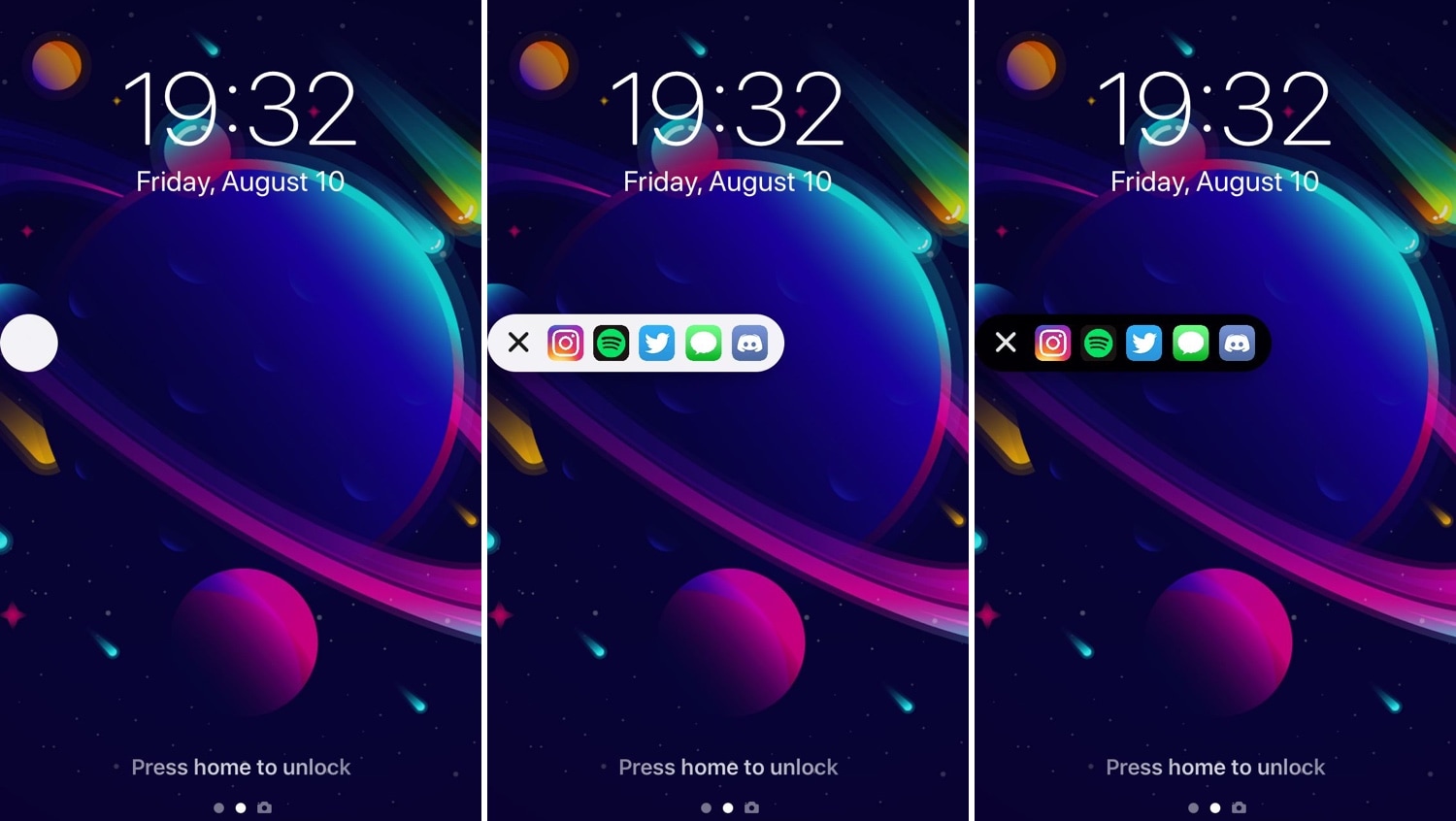
If you’ve ever used an Android handset before, then you might be familiar with the App Drawer where you can access any of your installed apps from one place. iOS has never sported an App Drawer-like feature out of the box, and this prompted iOS developer SparkDev to create a new jailbreak tweak called Vesta to bring one to the iOS platform.
Vesta is easily invoked with any of the built-in gestures or with Activator, and as depicted in the screenshot examples above, the Vesta interface is divided into two sections – one that displays some of your recently-used apps, and another that displays all your handset’s installed apps in one convenient place with no Home screen pages or folders to get in your way.
The official Apple Music app for Android was updated this morning on Play Store, picking up the same overhauled and reorganized Browse tab which came to iOS last week, along with a cool perk for Google fans in the form of support for the Chromebook computers.
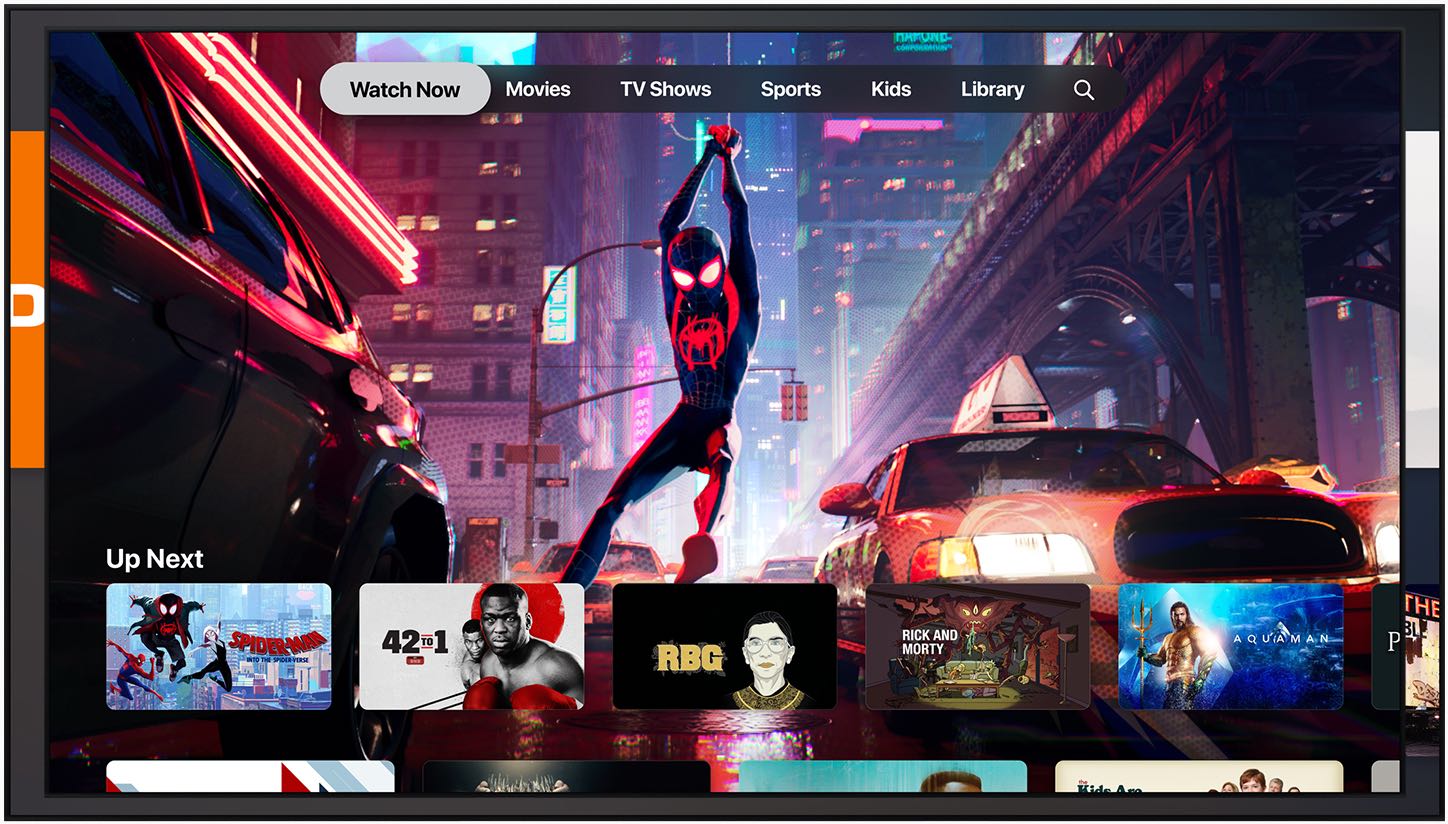
In addition to its new Apple TV+ service, Apple also shared some other big announcements today regarding its TV strategy: a new à la carte offering it's calling "channels" and a redesigned TV app that will support over 150 streaming apps and offer recommendations of new content to watch based on your interests.
Darkroom, one of the best iOS photo editors with RAW support and a gorgeous darkened user interface, was updated today with a new extension for the Photos app, support for the Files app, the ability to drag and drop images from other apps and other improvements.
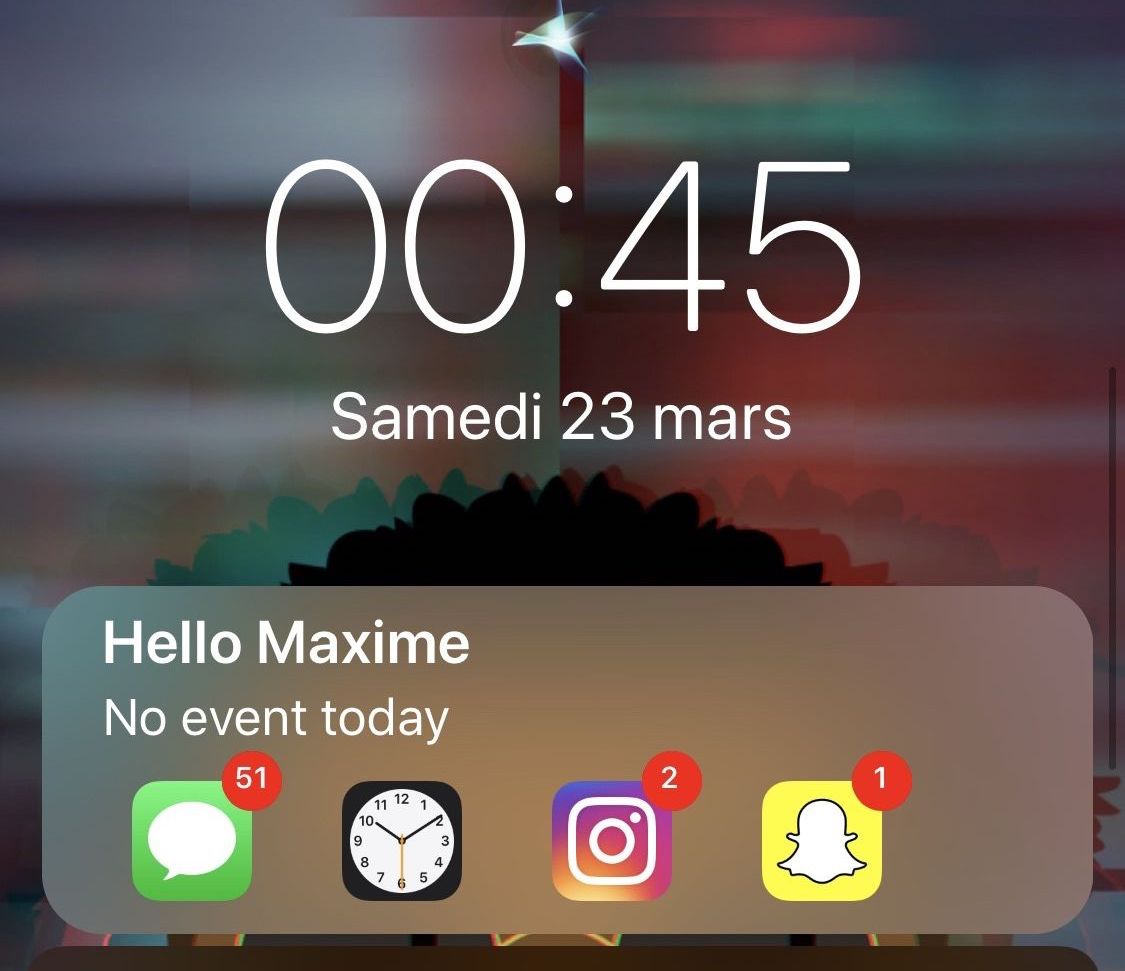
The iPhone’s stock Lock screen is as barebones as can be, and while some people love the minimalistic look, others with Apple would make better use of the available screen real estate. Those in the latter boat, much like myself, will come to appreciate a new jailbreak tweak called Centurion by iOS developer maximehip.
Centurion is essentially a new widget that appears just below the date and time on the Lock screen with an informative view regarding current/upcoming events and the number of missed notifications for some of your favorite apps.
I’ve always been a fan of application shortcut-centric jailbreak tweaks, and that’s one of the reasons why I’m excited to show you a new release called AppShortcut by iOS developer donbytyqi.
AppShortcut is a customizable system-wide application shortcut interface that provides you with quick access to your favorite apps whether you’re on the Lock screen, Home screen, or in the middle of an app already.
In this week's edition of our Apps of the Week roundup, we have a beautiful new digital notebook, a unique take on a reminder app and an at-home personal trainer. And as always, we've selected two great new games for you to check out.
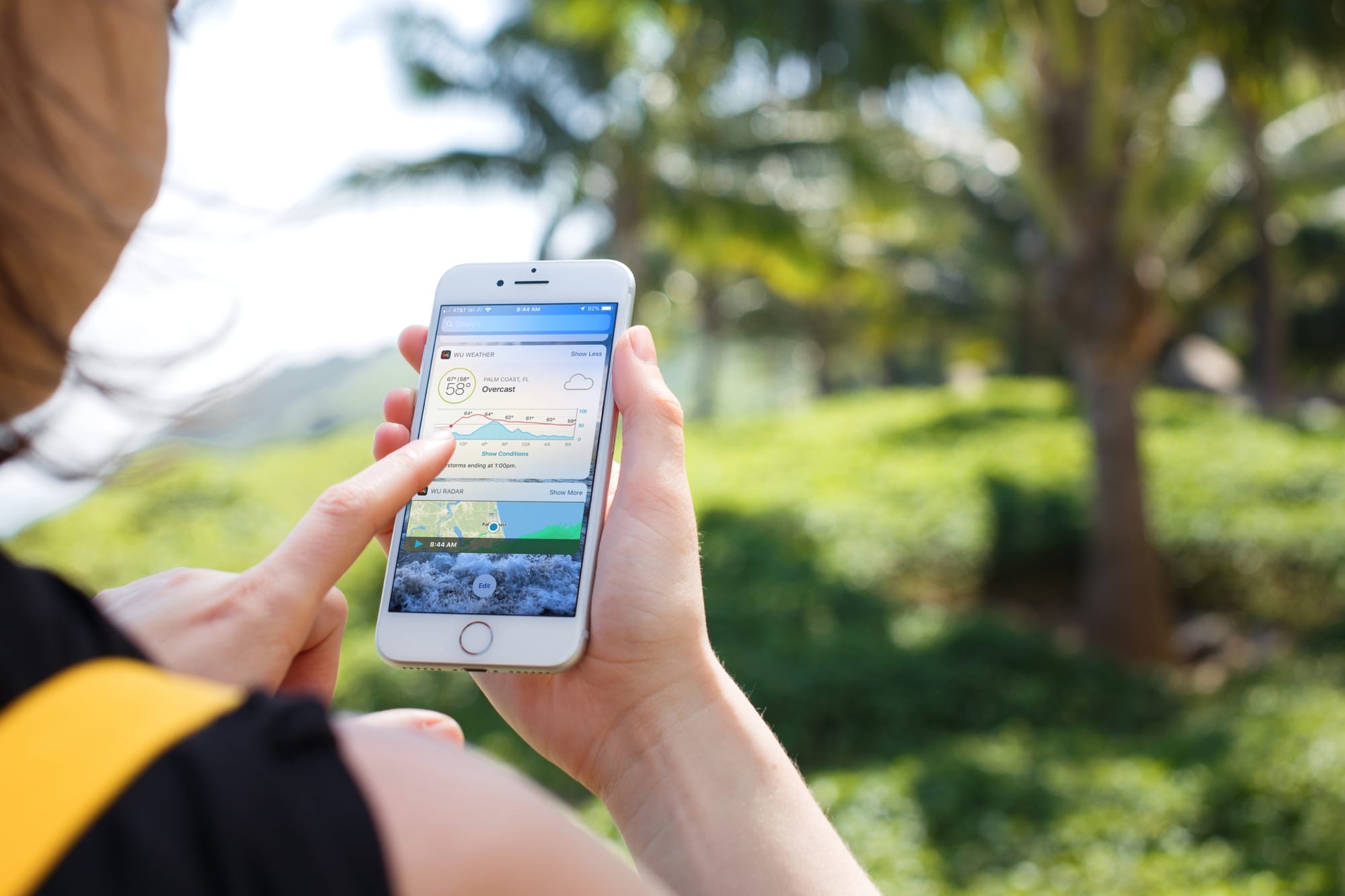
Your iPhone and iPad both come with a handy weather app for getting your current conditions and upcoming forecast. And you can use the widget for that app in your Today View. But what if you want something more or just a little different?
Instead of searching the App Store and trying tons of weather widgets, we’ve compiled a list for you. Here are the best free iPhone weather widgets for your Today View.
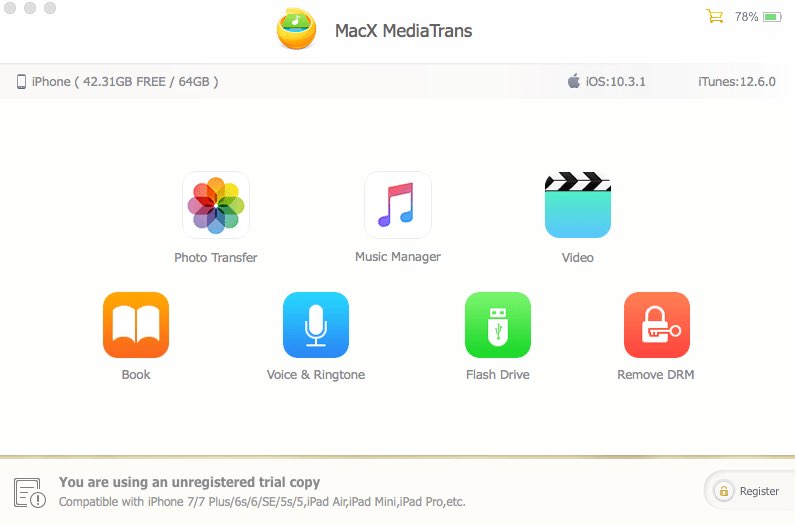
Transferring your iPhone data to a Mac or Windows PC isn't a hassle-free affair due to various iTunes syncing errors that can quite often result in duplicate files, syncing inconsistencies and even data loss. One viable option is MacX MediaTrans by developer Digiarty Software, a versatile iTunes alternative for your Mac that resolves iTunes syncing errors.
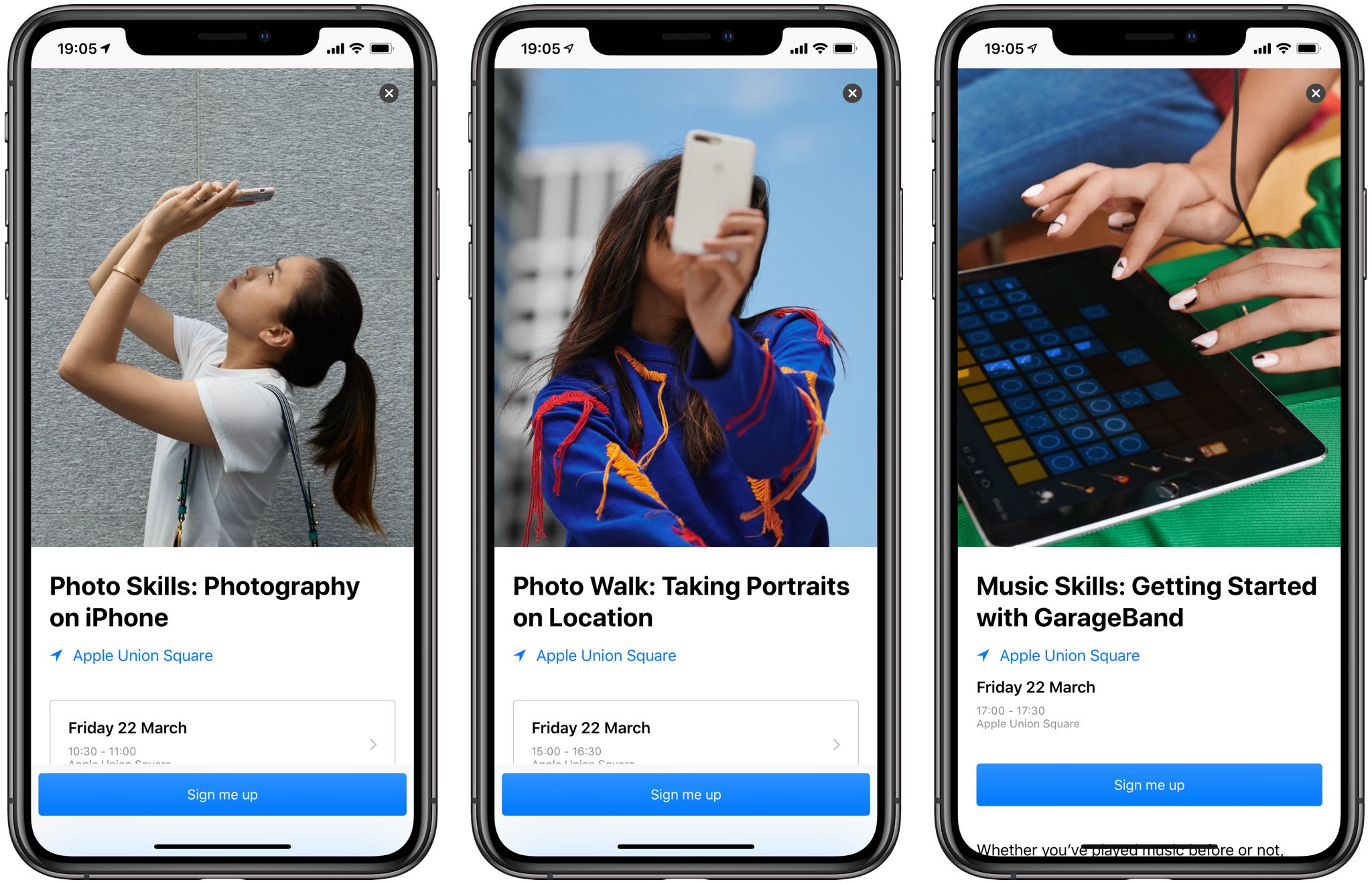
Apple today updated its official Apple Store shopping app for iPhone and iPad with more than 50 new Today at Apple sessions that got introduced back in January, along with a redesigned Sessions tab and an easier way to get a trade-in quote on your smartphone.
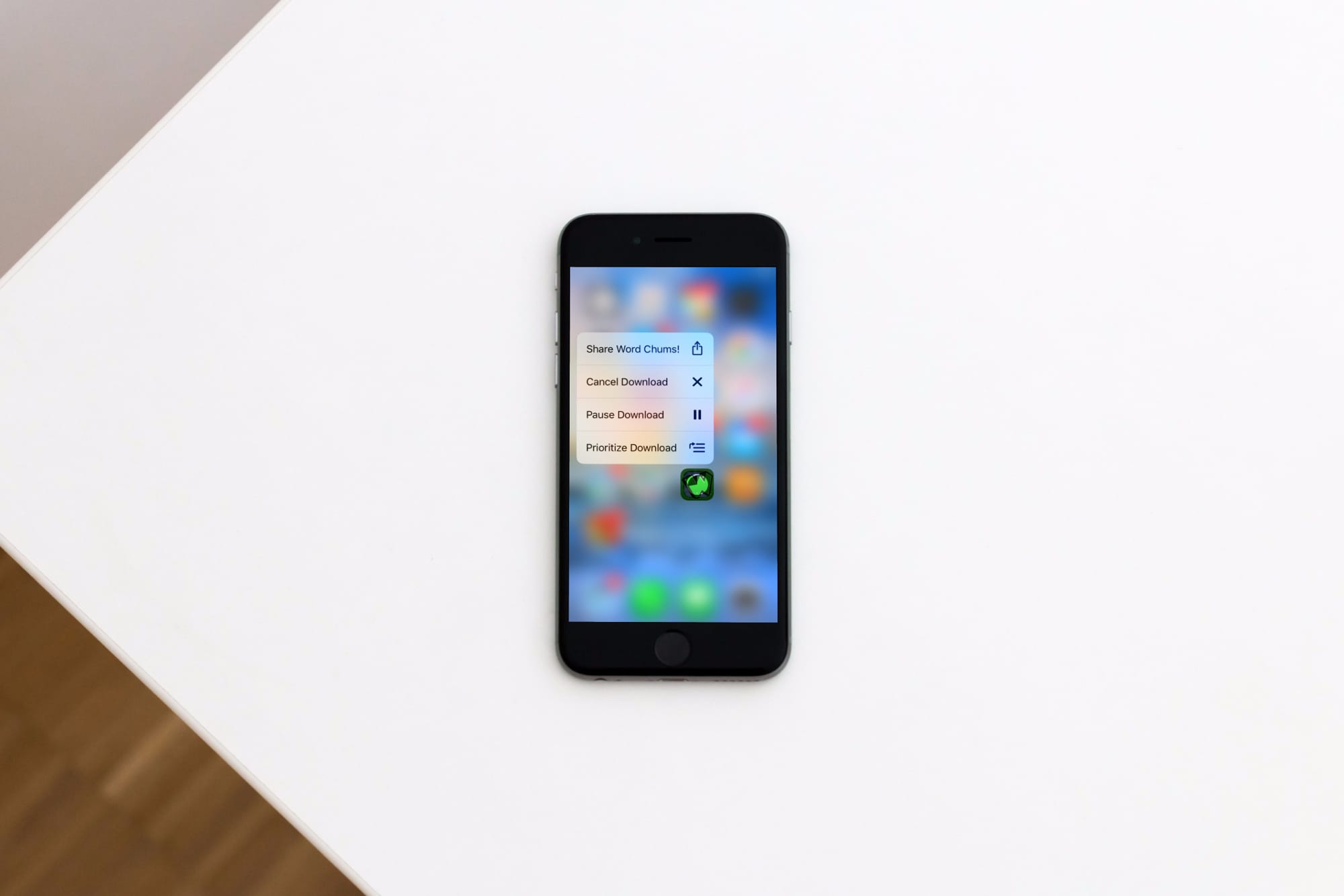
Learn how to prioritize app installations on your iPhone or iPad to speed up specific app downloads or updates from the App Store so the ones you need most finish first.