Apple Watch

Stay up-to-date on the latest Apple Watch news, and learn how to get the most out of your device with our comprehensive tutorials. From updates to features to troubleshooting tips, we’ve got you covered.

Apple partners with Yellow Pages on local Maps business listings in Canada

Apple and Yellow Pages have partnered to bring Apple Maps customers in Canada rich business data like address, phone numbers, URLs, category, hours of operations, photos, ratings, reviews and more.

“We are pleased to bring our YP.ca local business listings data to Apple Maps,” said Matthieu Houle, Vice-President, Digital Media of Yellow Pages, in a media release Monday. Apple's Maps acknowledgements page now lists Yellow Pages as a data provider in Canada.

The expansive Apple Watch wallpaper collection

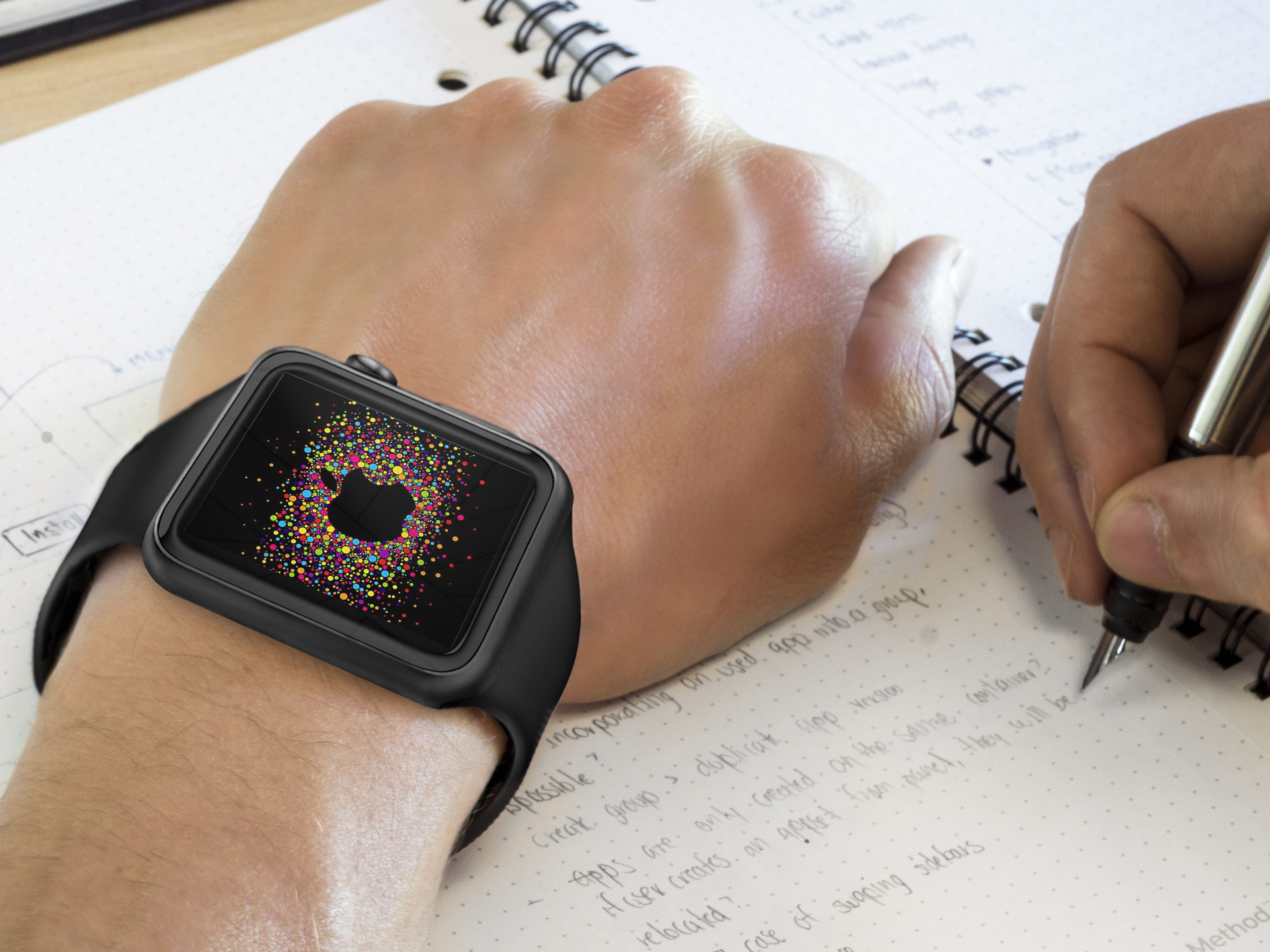
With the launch of WatchOS 2, Apple Watch owners can now more effectively control the look of their watch faces. By adding the ability to change photo based faces, Apple provided unlimited options to make Apple Watch fit your preferences.

Using a photo album, Apple Watch users are able to cycle through photos at each wrist raise, or have the photo remain constant. Last week, we released a set of Apple Watch wallpapers based on all previous iOS stock wallpaper images. Back by popular request, today, another giant collection is ready for download.

Aeternum Hives: an upcoming jailbreak SpringBoard replacement inspired by Apple Watch

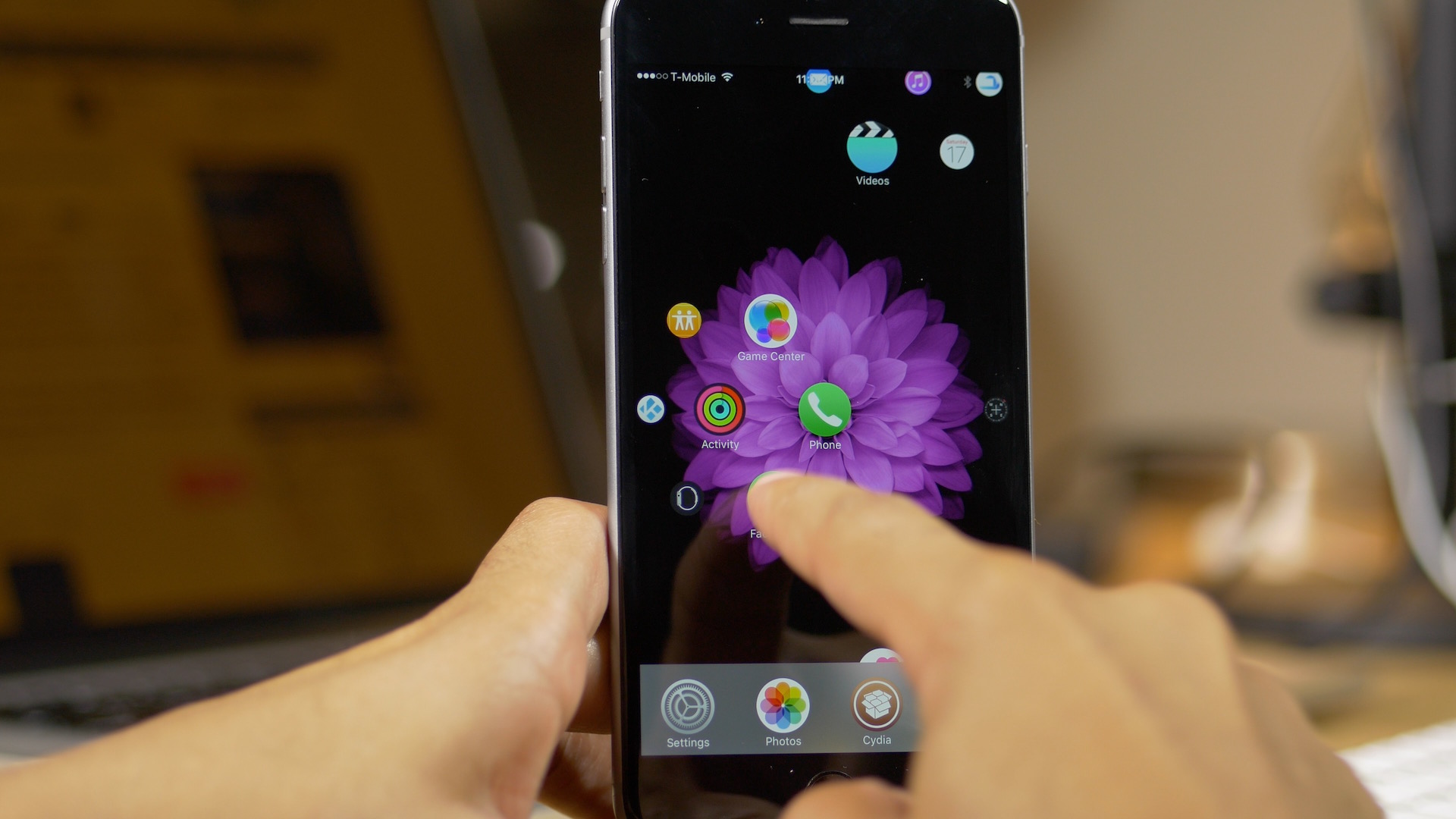
Aeternum is a jailbreak tweak that debuted last year, which brought an Apple Watch-inspired interface to the iPhone. Aeternum Hives is a new tweak based on Aeternum that takes the idea to the next level.

If you've dreamed of a folder-less Home screen setup with easy to view and easy to launch apps, then Aeternum Hives is going to be right up your alley. I was able to snag an early preview copy of the tweak, and I'd like to show it off to you via our hands-on video walkthrough.

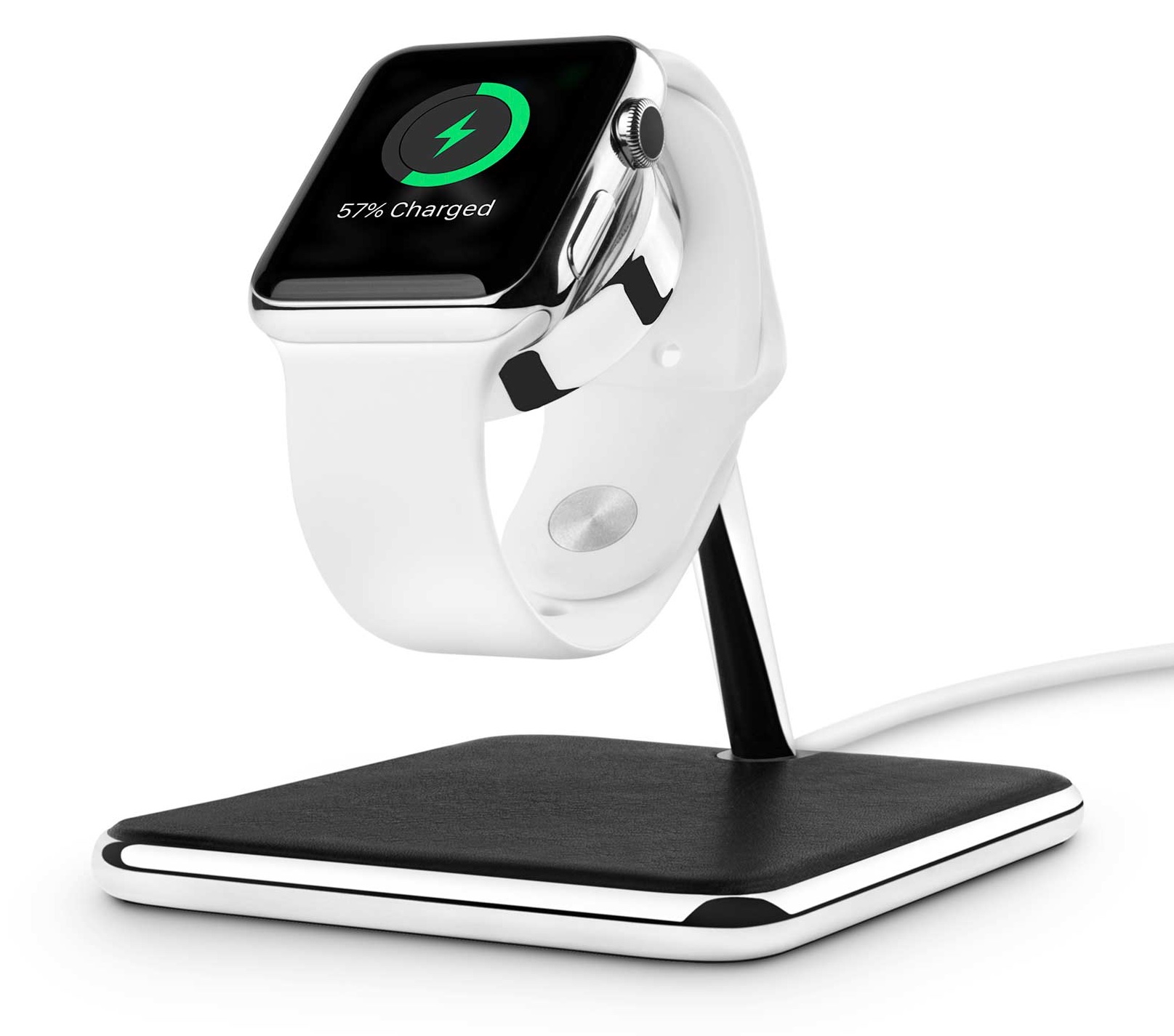
Twelve South launches Forté stand for Apple Watch

Apple-exclusive accessory maker Twelve South released its HiRise charging stand for the Apple Watch back in the summer.

As I noted in my review, the only thing holding it and other Apple Watch stands back is a somewhat complicated setup requiring you to assemble the pieces yourself, including using the inductive charging disc that came with your watch.

Now Twelve South has created the Forté as a brand new Apple Watch stand that supports both portrait and Nightstand modes while allowing you to simultaneously rest your iPhone on the base of the accessory.

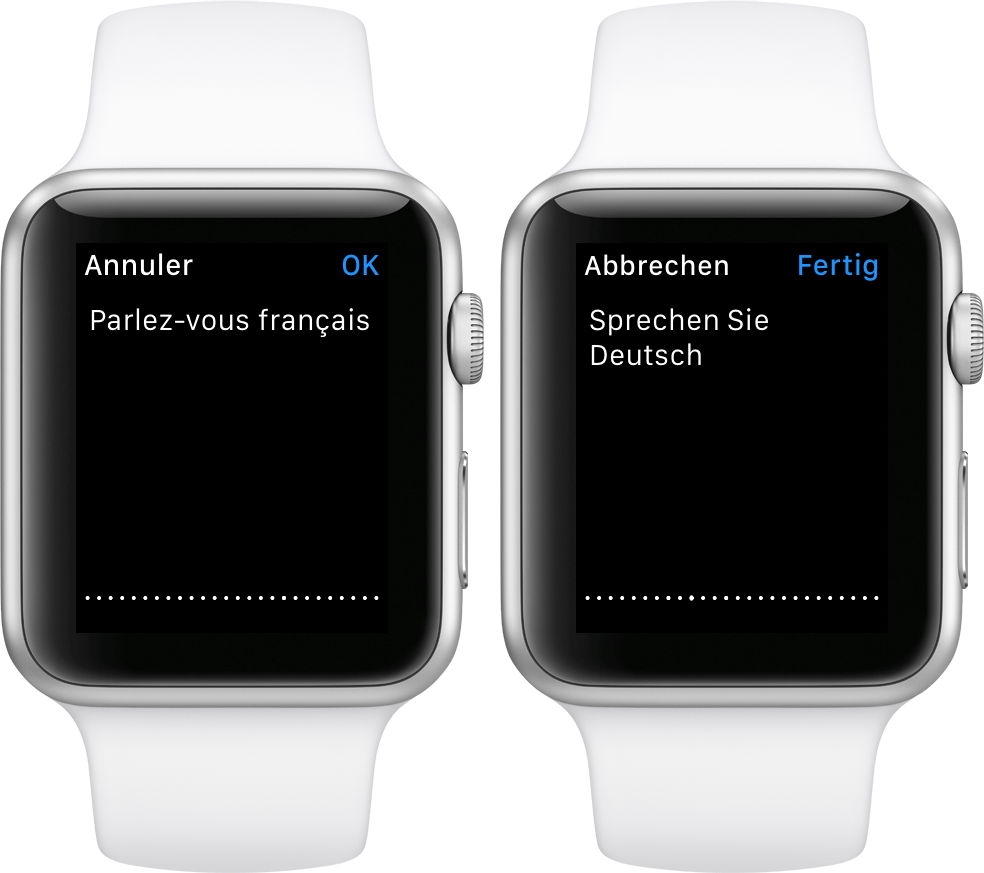
How to change dictation language on Apple Watch

As part of the Apple Watch setup procedure, you're asked to select your preferred language that will be used system-wide in apps, the user interface and other places. Your choice also determines the language used for dictation.

For example, my watch is set to English even though my mother tongue is Croatian (I just find English user interfaces easier to use).

Unfortunately, this gives me headache if I want to dictate messages to my local buddies in Croatian, not English. But did you know that you can transcribe words spoken in languages other than your default one?

I sure as hell did not and am not ashamed to admit that I was totally oblivious to using multiple languages for the Apple Watch's dictation feature. In this post, I'm going to teach you real quick how to do just that with a few easy-to-follow steps.

Day One journaling app updated for iOS 9 with 3D Touch support and native watchOS 2 app

Day One by Bloom Built, my go-to journaling app for iOS and the Mac, has had an app for the Apple Watch since April 2015, but it used to be hampered by the limitations of watchOS.

With watchOS 2, apps can now run directly on the wearable device and more independently of its connected iPhone, resulting in better responsiveness and faster execution. A brand new release of Day One now includes a native watchOS 2 app, support for 3D Touch Home screen shortcuts on the iPhone 6s and iPhone 6s Plus and more.

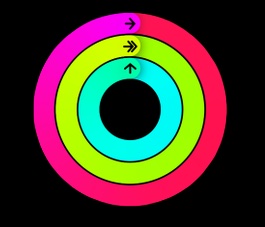
How to mute Activity reminders on Apple Watch for the rest of your day

Among the small things Apple's added to watchOS 2 is a new switch allowing you to mute Activity reminders for the rest of your day.

To be clear, hourly alerts to stand up and move a little, as well as other coaching reminders on your Apple Watch, can help a great deal when it comes to meeting your personal fitness goals.

But not everyone is a fitness buff.

If you yourself aren't exactly an active person, you might find Activity alerts a bit distracting, if not downright annoying. But worry not, you can suspend coaching alerts for the rest of your day with just a few taps. Let me show you how.

Starbucks will soon begin accepting Apple Pay

Starbucks fans rejoice! The popular coffee chain will soon support Apple Pay. Jennifer Bailey, the head of Apple's mobile payment arm, broke the news Thursday onstage at the Code/Mobile conference, telling Recode's Ina Fried that the launch is planned for early next year.

Note that this will be different than the current implementation of Apple Pay in the Starbucks app, which only really allows you to re-fill your Starbucks Card. In-store support of the payments service will allow users to pay for their coffee using their iPhone or Apple Watch.

You can now use Facebook Messenger on Apple Watch

Facebook on Thursday rolled out a new update for its Messenger app, bringing the iOS client to version 38.0. The update brings about long-awaited support for watchOS 2, meaning you can finally use the popular messaging app on your Apple Watch.

Introduced this summer, Facebook Messenger for Apple Watch allows you to send and receive things like voice messages, Likes and stickers, and you can also dictate messages and tap the Location button to quickly send out your current location.

New in watchOS 2: status icon when Apple Watch is connected to known Wi-Fi on its own

Joining a bunch of status indicator icons at the top of the Apple Watch screen is a handy new icon displayed when the device is on a known Wi-Fi network without the paired iPhone present.

Before watchOS 2, the wearable used to indicate that it's lost connection with its paired iPhone but would not distinguish whether it's remained connected to a known Wi-Fi network on its own.

Fantastical gains iOS 9’s productivity-enhancing features, Apple Watch complication and more

Hot off the heels of its big Mac update, developer Flexibits today issued an update to Fantastical for iPad, iPhone and Apple Watch. The new software takes advantage of the new productivity-enhancing features provided by iOS 9 and watchOS 2.

These include 3D Touch support for iPhone 6s owners, a dedicated Fantastical complication for Apple Watch wearers, Slide Over and Split View multitasking modes on the iPad Air 2 and iPad mini 4 and much more.