Apple Watch

Stay up-to-date on the latest Apple Watch news, and learn how to get the most out of your device with our comprehensive tutorials. From updates to features to troubleshooting tips, we’ve got you covered.

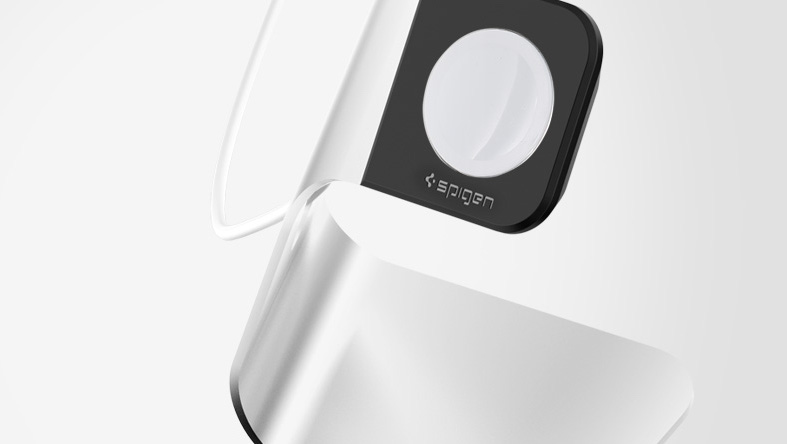
Spigen Apple Watch Stand: an elegant and affordable charging solution

Spigen has been on the forefront of Apple Watch accessories since the device was first available a little over a month ago. The company rapidly came up with a line of cases for Apple Watch, and they also made a stand that represents an affordable yet elegant solution for your desk or night stand.

In a brief review of the Spigen Apple Watch Stand, I'll share with you what I like and don't like about this simple accessory.

Readdle launches Spark, gorgeous iPhone and Apple Watch email app to tame your inbox

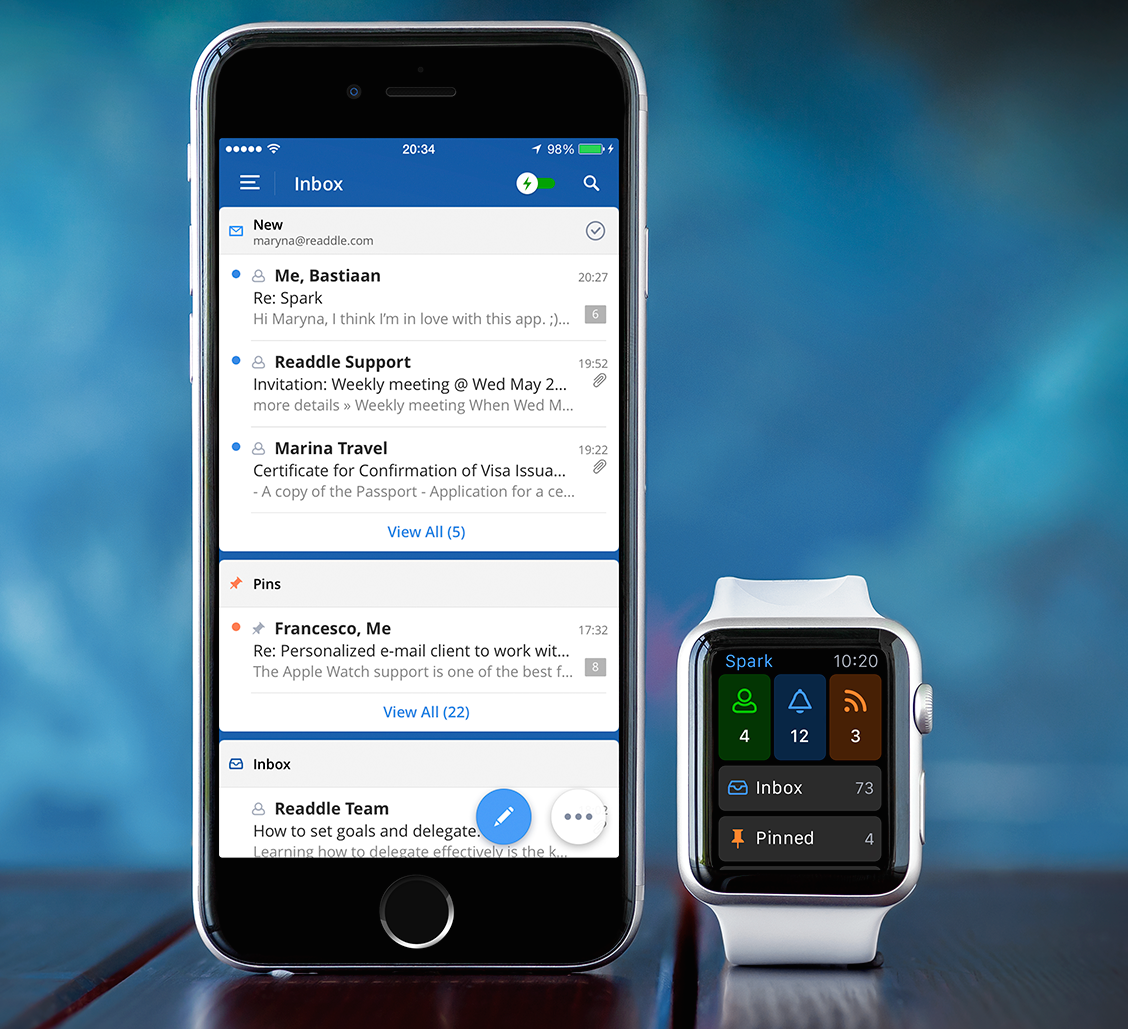
Ukrainian developer Readdle, the maker of some of the finest productivity apps for the iPhone and iPad, today launched its most ambitious project yet, a personalized email client for the iPhone and Apple Watch conceived to help you deal with your inbox faster.

The app is called Spark, it looks neat and offers a number of compelling features, like quick replies, powerful search, fast signatures, smart notifications, attachments, cloud services support, email-to-PDF conversion, a WatchKit extension to check important messages on the wrist with an Apple Watch app and a glance, and much more.

How to snooze or dismiss an iPhone alarm from Apple Watch

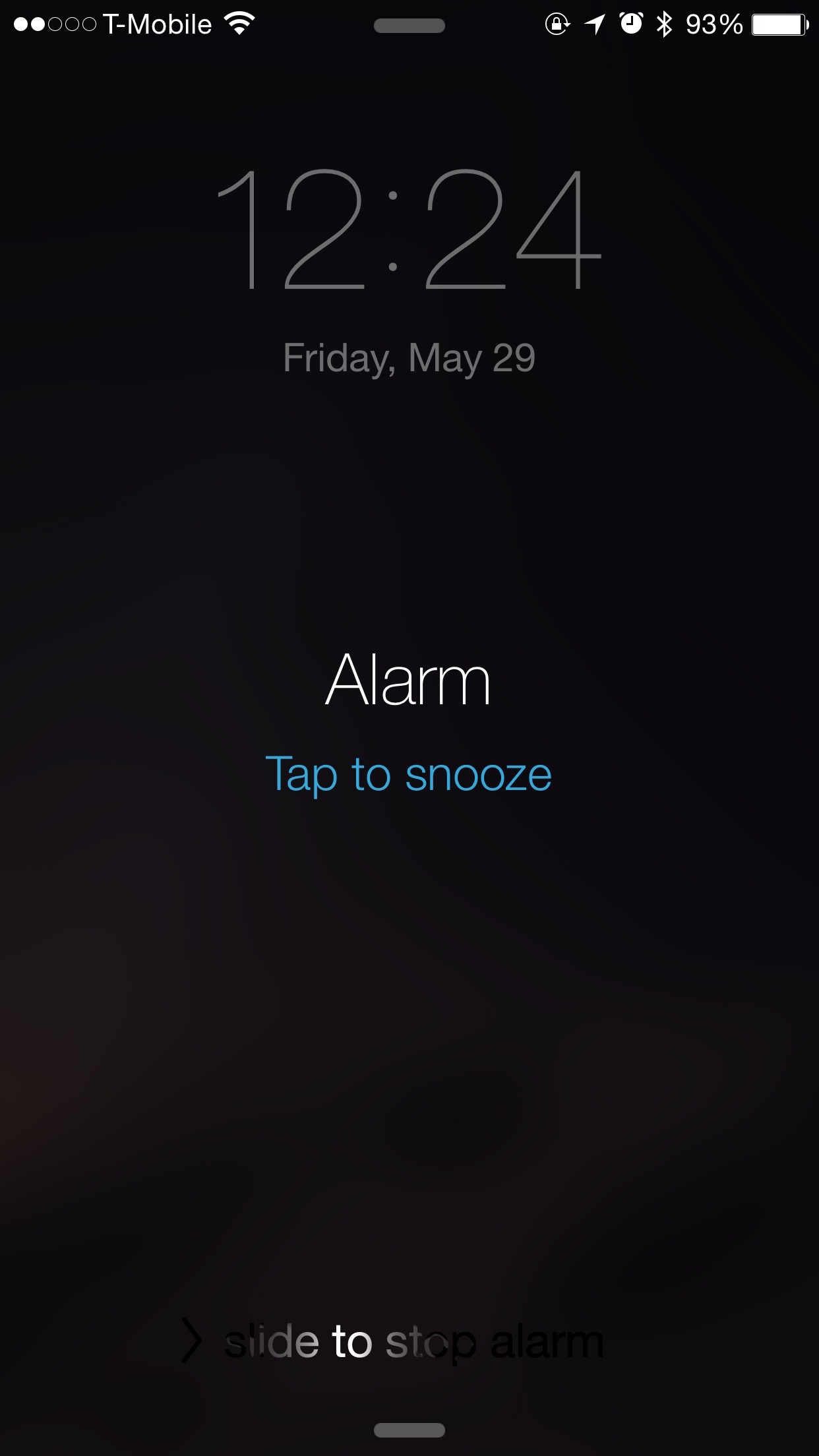
Since some of the features on Apple Watch and iPhone are mirrored between each other, one may think that Alarm clocks set on Apple Watch would appear on the iPhone and vice versa. This is only somewhat true.

As it turns out, Alarms set on Apple Watch do not appear on iPhone and alarms set on iPhone do not appear on Apple Watch. Sort of.

Confused? In this post, we clarify the way that Alarm clocks work between the Apple Watch and iPhone.

How to manage reminders on Apple Watch

If you've been looking for an official Reminders app for the Apple Watch, your search has been in vain. That's because there simply isn't an app dedicated to Reminders on the Apple Watch like there is on the iPhone.

That doesn't mean that the Apple Watch is incapable of both managing reminders and setting reminders. Actually, with the help of Siri, it's easy to set up reminders on Apple Watch.

Take a glance at this latest entry into our full Apple Watch tutorial for a look at how to effectively set and manage reminders on the small screen.

Todoist launches Apple Watch app with Inbox, Today view, Projects, Filters and Labels

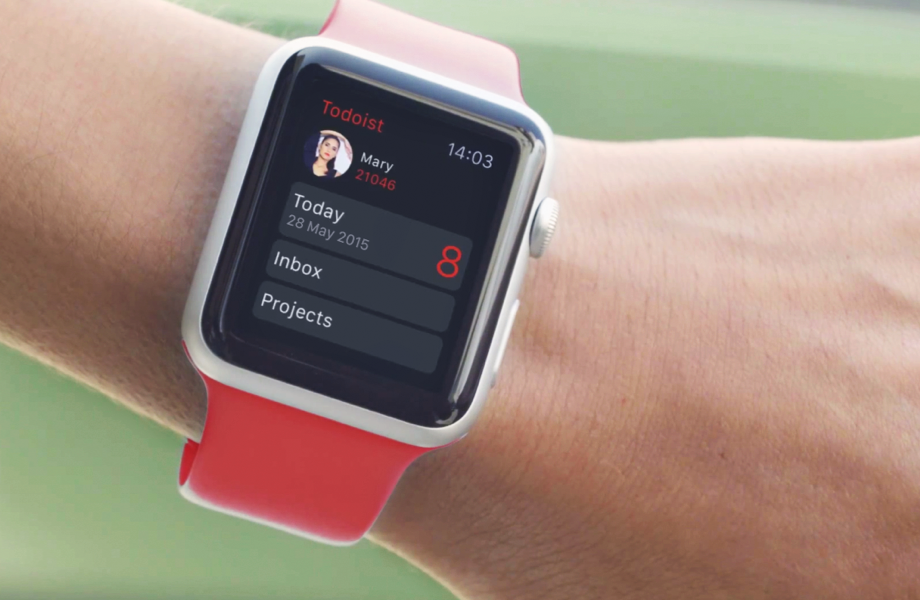
Todoist, the advanced to-do list and task manager for iOS and OS X, is now available for the Apple Watch. The app delivers a number of powerful features for managing tasks to your wrist, including Inbox, Today view, Projects, Filters and Labels. A Glance view gives you a quick overview of your upcoming tasks.

You can also respond to rich notifications with natural language processing. The main app provides more details related to your tasks and projects, allowing you to review tasks and projects, create new ones using dictation and much more.

How to use Digital Touch to send sketches, taps, and heartbeats on Apple Watch

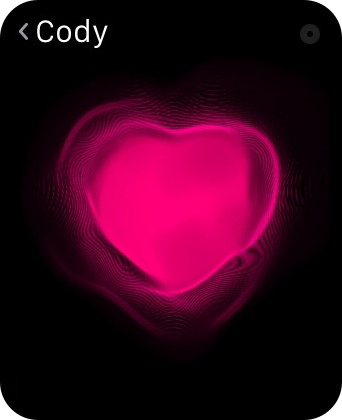
The Digital Touch features available on Apple Watch are some of the device's most personal qualities. With it, you can do things like send sketches, taps, and yes, even your heartbeat, to friends. These three aspects make up the whole of the highly touted Digital Touch feature-set on Apple Watch. In this post, we'll break down how to send sketches, taps, and heartbeats with ease.

How to track stocks on your Apple Watch

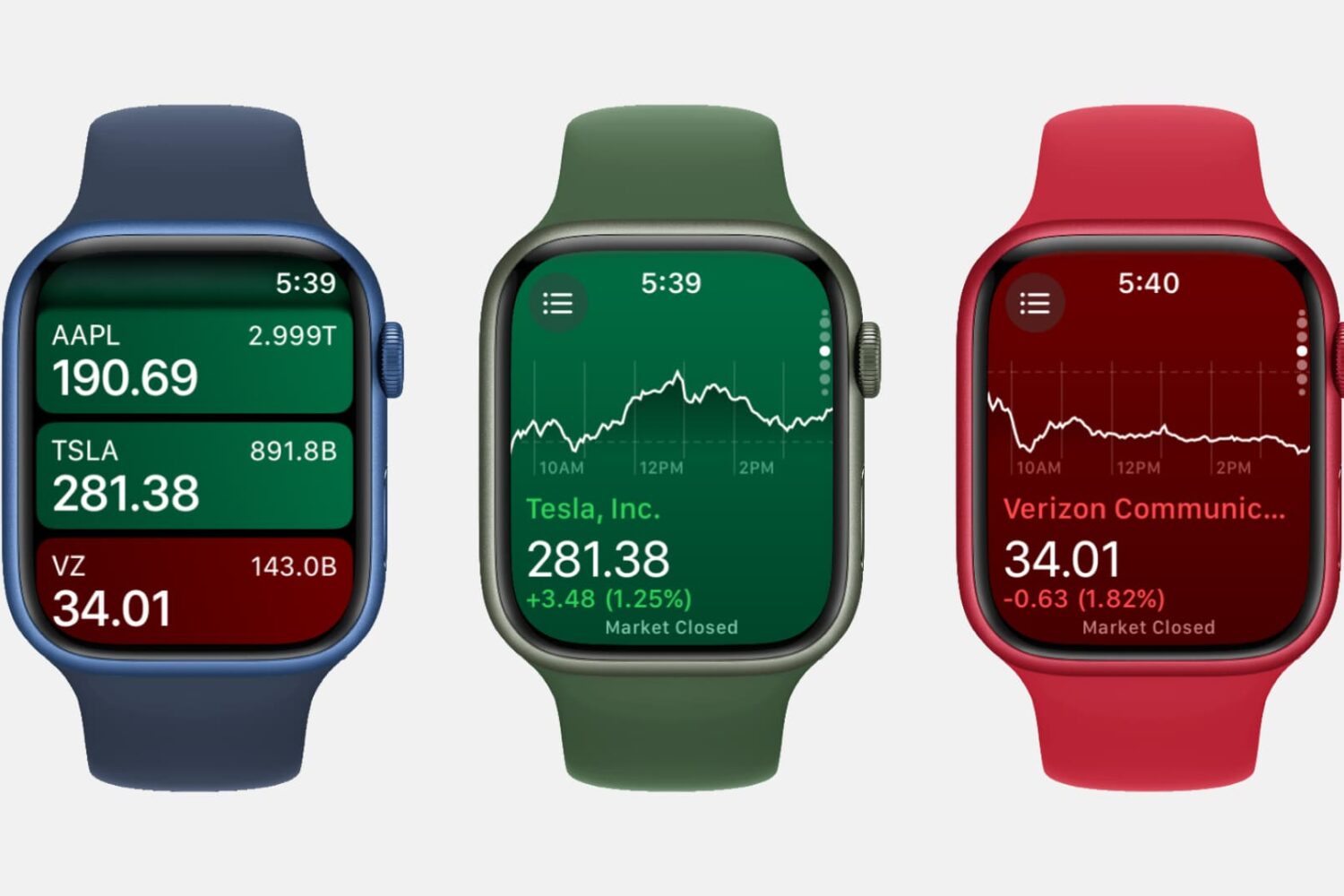
Three Apple Watch mockups showing the Stocks app

Featuring a built-in Stocks app and the ability to check on a stock via Siri, the Apple Watch is a great tool for quickly garnering info on the stocks that interest you, allowing you to keep track of your favorite companies’ financials right from your wrist.

I survived my first day without my Apple Watch

Yesterday I did something I haven't done before. I forgot to put my Apple Watch on when I left the house for work. That meant being about 14 hours without my watch. over half a day with no wearable notifications, or fitness tracking, or quick replies to messages. For the first time since April 24th, I was Apple Watchless.

And I was kind of pleased.

How to use your Apple Watch stopwatch like a pro

Stopwatch on Apple Watch

The Apple Watch, as you might have guessed, is really good at timekeeping. Unsurprisingly, it comes bundled with a stopwatch function that works as both a full-fledged app and a watch face complication. In this post, which is a continuation of our Apple Watch tips series, we'll show you how to get the most out of the stopwatch functionality on your Apple Watch.