Apple TV

Stay up-to-date on the latest Apple TV news and learn how to get the most out of your device with our comprehensive tutorials and guides. Discover new features, troubleshoot issues, and explore the best apps and games for your Apple TV.

DirecTV NOW launches on iPhone, iPad & Apple TV

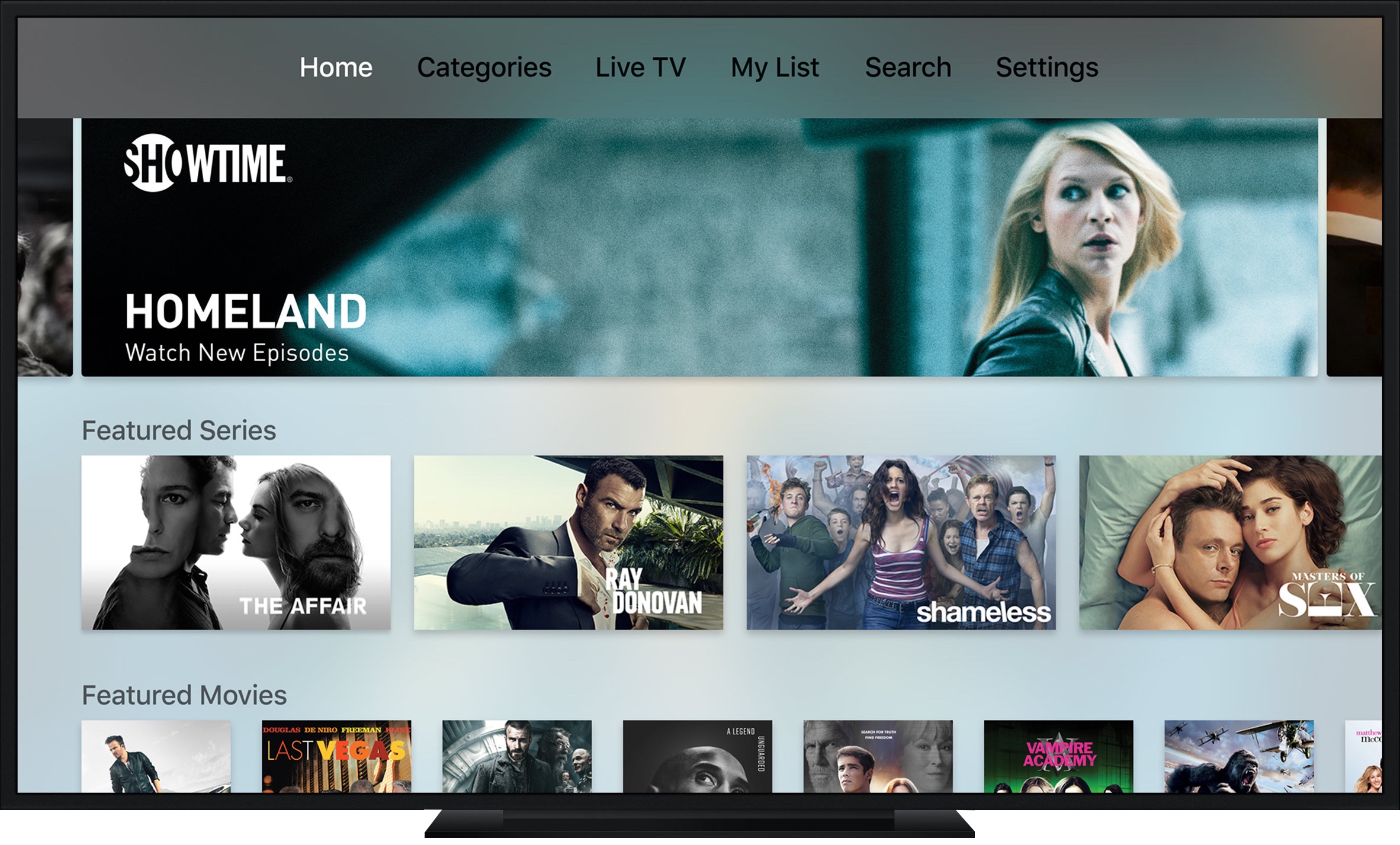
Two days ago, U.S. wireless carrier unveiled DirecTV NOW, its brand new Internet television streaming service that comes with a free fourth-generation Apple TV for those who would commit to at least three months of paid service.

Today, DirectTV apps for the iPhone, iPad, iPod touch and Apple TV have gone live in the App Store.

Infuse 5 is out: Up Next, Split View, PiP, iCloud sync, cloud streaming & more

aTV Flash Black developer Firecore today released Infuse 5, a major new version of his versatile media player for the Apple TV, iPhone, iPad and iPod touch. It's the single biggest Infuse update Firecore ever released and they've been working on it for the better part of the year.

Infuse 5 packs in a bunch of goodies, including iCloud sync, a new “Up Next” discovery list for the Apple TV, Split View and Picture in Picture support on compatible iPads, cloud streaming and much more.

Apple plans to cut App Store fees for video streaming apps

Apple plans to cut the amount it charges to sell video services over its App Store, Bloomberg reports. The outlet says the move is part of an effort to appease content partners, whose TV shows and movies are vital to the company's larger video strategy.

Previously, the iPhone maker took a 30% cut of revenue from app and in-app purchases. Then in June it announced it would slice that in half after the first year Now it sounds like Apple is going to make that an upfront price for participating video apps.

A quick look at upcoming “TV” app on Apple TV

Apple's dedicated “TV” app, announced at last month's Mac event, a week ago made an appearance on iOS 10.2 beta 2. Yesterday, Apple released third developer-only betas of iOS 10.2 and tvOS 10.1 and the new TV app has replaced the stock Videos app and its accompanying widget on iOS devices.

And now, various web and Twitter reports have confirmed seeing the TV app on the Home screen of their Apple TV after updating to tvOS 10.1 beta 3.

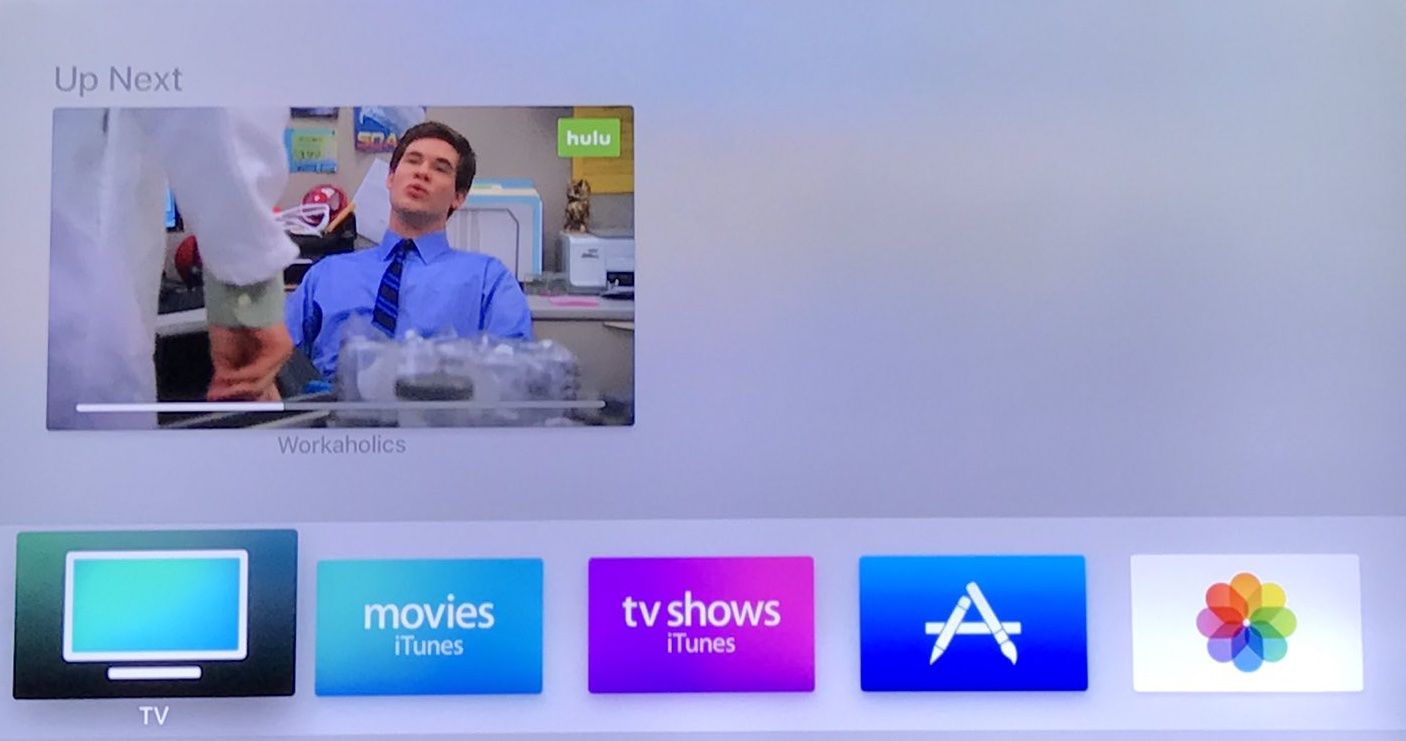
Here's a quick visual overview of the TV app's single-interface design on the fourth-generation Apple TV along with other features like the ability to change the default function of the Siri Remote's Home button.

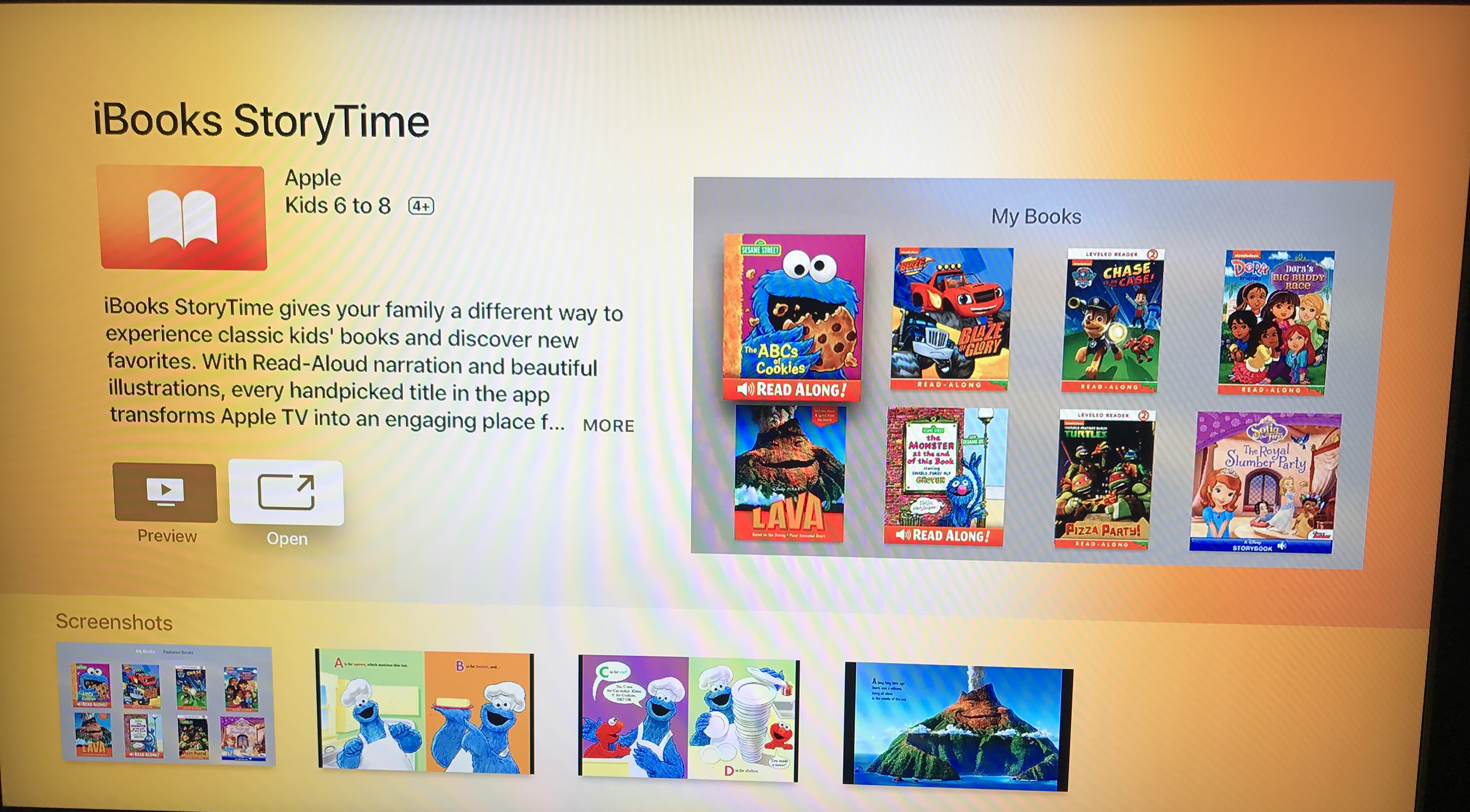
Apple launches new ‘iBooks StoryTime’ app on tvOS

Apple on Thursday quietly launched a new app for tvOS called "iBooks StoryTime." It's a children's app that allows them to read along with their favorite [compatible] books using special features built for television.

These features include enhanced audio with unique character voices, sound effects and of course narration that makes it both easy and entertaining for kids to follow along with on their own devices or physical book.

A quick look at Apple’s new TV app

Apple released the second betas of iOS 10.2 and tvOS 10.1 on Monday and in them, it included its new TV app. The company introduced the new app at its 'hello again' Mac event last month, saying they believe it's going to "completely change how you watch TV."

TV is essentially a television guide that helps you find and discover available content. So after using Single Sign-On to login with your cable credentials, the app will populate with movies, TV shows and live events, with a focus on stuff you might be interested in.

A fix for issues with 2nd and 3rd generation Apple TV is coming soon

It seems that the most recent Apple TV software update has rendered a lot of second and third-generation Apple TVs virtually unusable, with the set-top box device's Home screen displaying only the Computers, Music and Settings apps with no other channel options available.

According to a thread on Reddit, an Apple representative has confirmed that a fix for the bug will be included in a future software update for the Apple TV. Users can manually check if any new firmware update is available at any time through the Settings app.