Apple TV

Stay up-to-date on the latest Apple TV news and learn how to get the most out of your device with our comprehensive tutorials and guides. Discover new features, troubleshoot issues, and explore the best apps and games for your Apple TV.

How to program a universal infrared remote to control your Apple TV

Your universal infrared remote which used to control your old Apple TV should work just fine with the fourth-generation Apple TV right out of the box. In some cases, however, your legacy remote might need configuring in order to learn the signals that the Siri Remote generates.

In this post, we're going to show you how you can program a universal infrared remote that came with your TV, cable box or DVD/Blu-ray player in order to navigate the entirety of tvOS, or use it with a prior Apple TV model.

Here’s why Siri on Apple TV only supports eight countries so far

The new Apple TV ships with the same remote everywhere but Siri on the set-top box is only supported in these eight languages and countries: English (Australia, Canada, the United Kingdom and the United States, German (Germany), French (France), Spanish (Spain) and Japanese (Japan).

Why is that? After all, Siri on the iPhone, iPod touch and iPad support the most basic features in a total of 29 countries, as per Apple's iOS Feature Availability webpage.

Based on an interview that the German-language blog MacPrime conducted with several Apple TV project managers, it's all about the differences in the pronunciation of actor names, films and directors in various countries. But rest assured, Apple is already hard at work on training the Apple TV's Siri for additional countries.

How to control your TV or receiver volume using the Apple TV remote

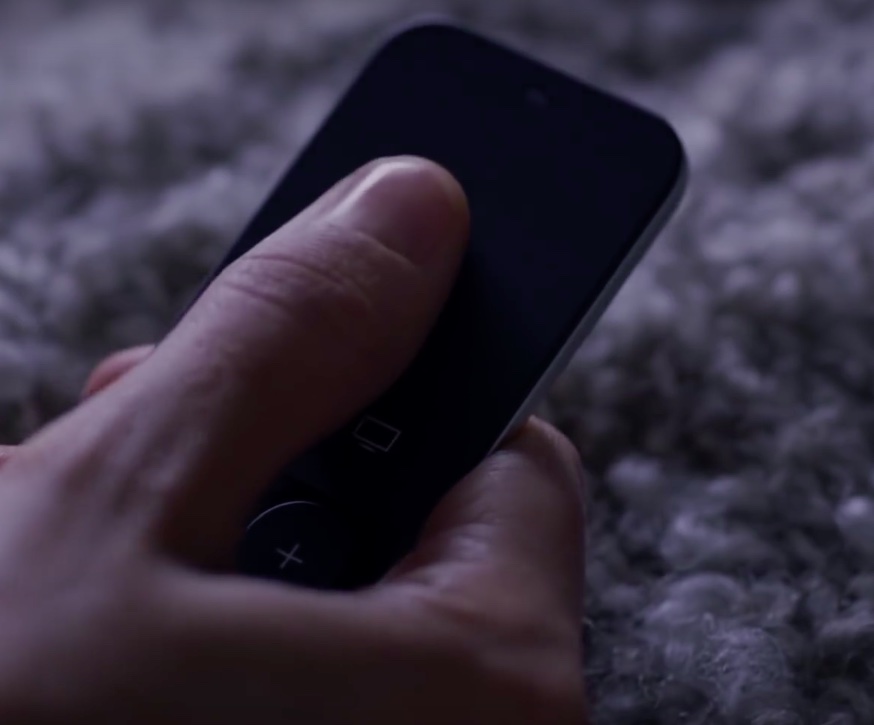
In addition to using your Siri Remote to navigate the tvOS user interface and play games on the fourth-generation Apple TV, you can program it to control power and adjust volume levels of your television set or home theater receiver.

That's because your Apple TV and the Siri Remote that came with it are compatible with HDMI-CEC and outfitted with a built-in infrared receiver and blaster.

This means owners of the new Apple TV can adjust the volume of their TVs and home theater receivers via the HDMI cable or line of sight, using just their Siri Remote.

In this tutorial, you'll learn how to program your Siri Remote and configure it to work with your home entertainment equipment.

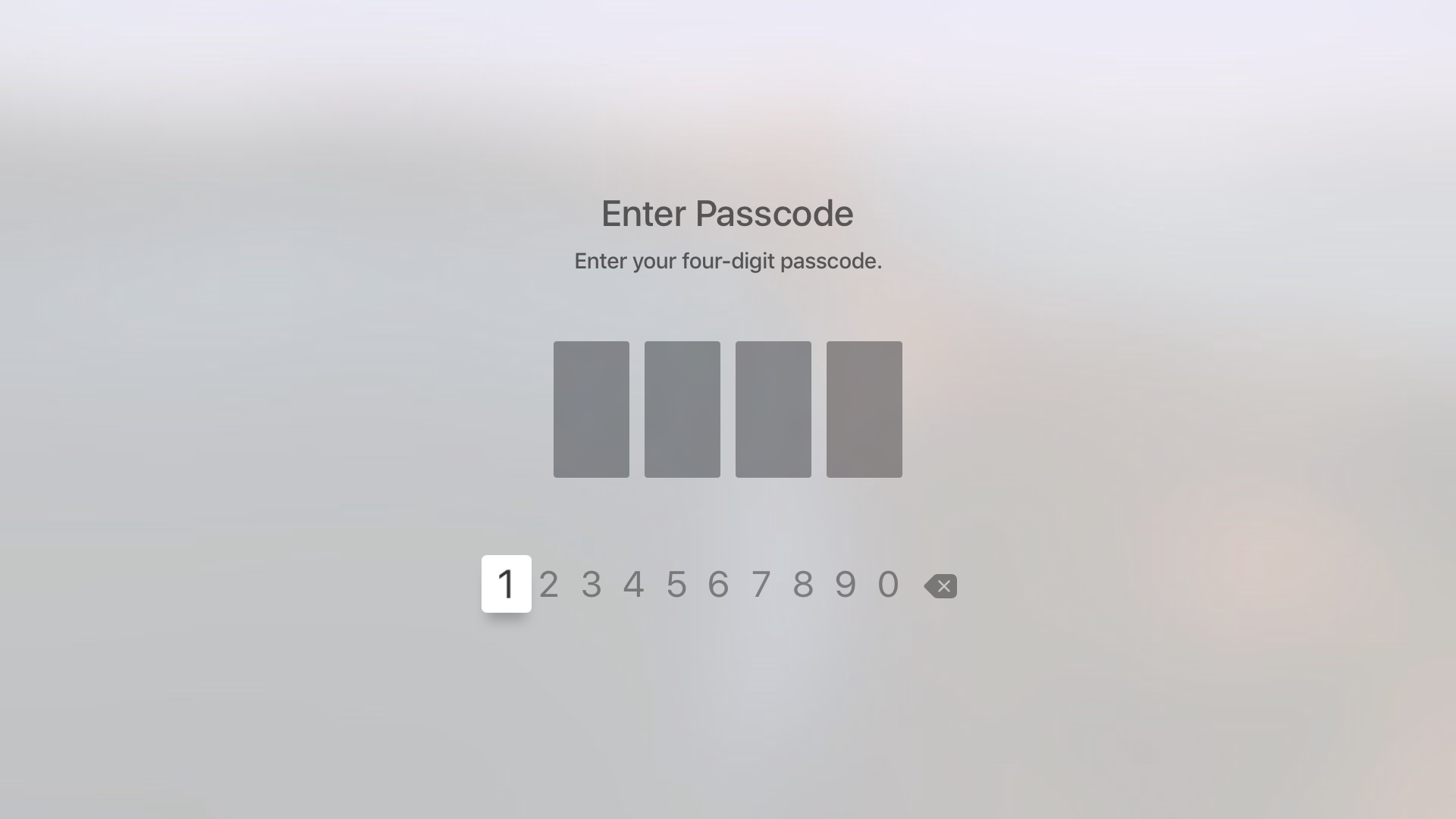
How to use a 4-digit passcode for purchases on Apple TV

Yesterday, on Let's Talk iOS, we discussed how arduous and tedious it is to enter a password on the Apple TV interface. It's a difficult process, because the Apple TV lacks support for Bluetooth keyboards, and features an A-Z text entry setup that makes the process even more difficult that it was on last generation's Apple TV.

Fortunately, the Apple TV features an option that allows you to never require a password for iTunes & App Store purchases. While using such an option works, it leaves your device open to unauthorized purchases. The good news is that, as we discussed on the podcast, you can easily set up restrictions for App Store and iTunes purchases, which will make it so that purchases only require the entry of a 4-digit passcode.

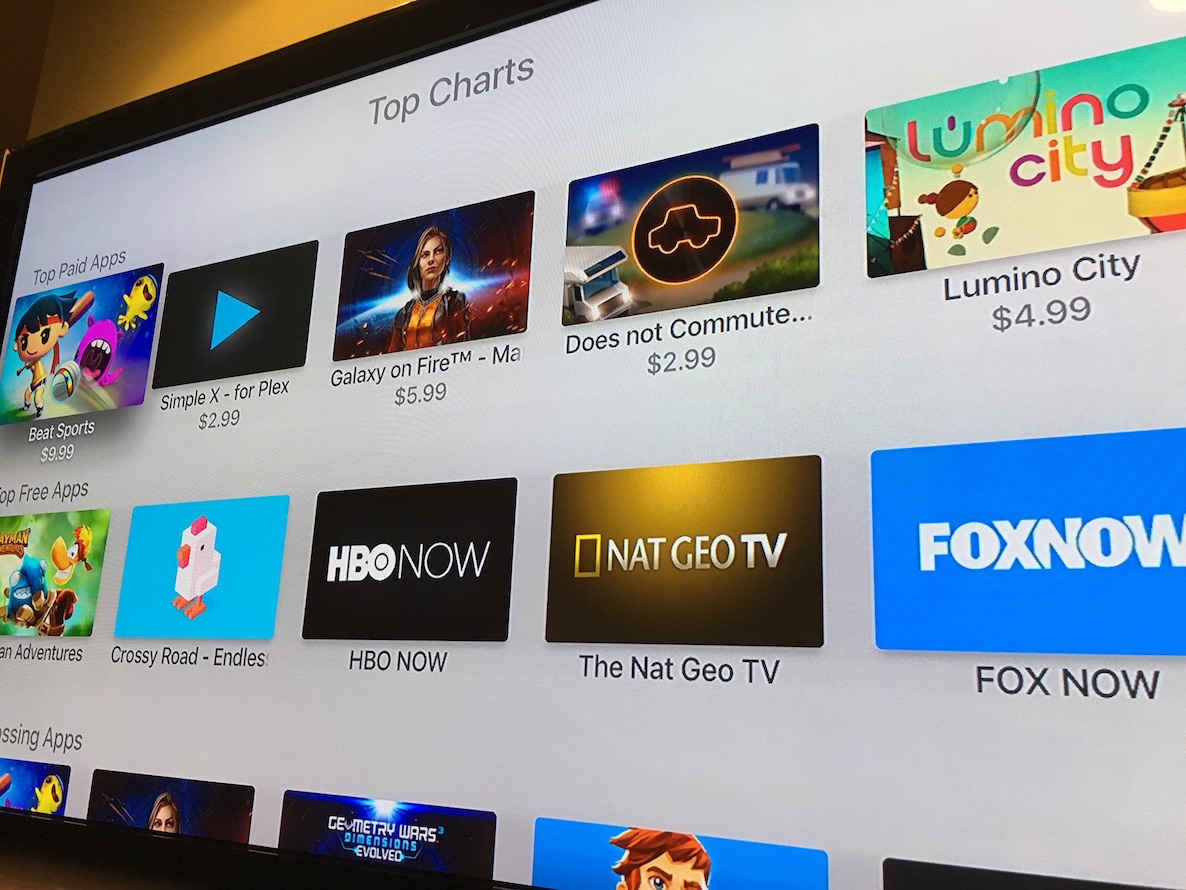
Apple TV App Store now features Top Charts

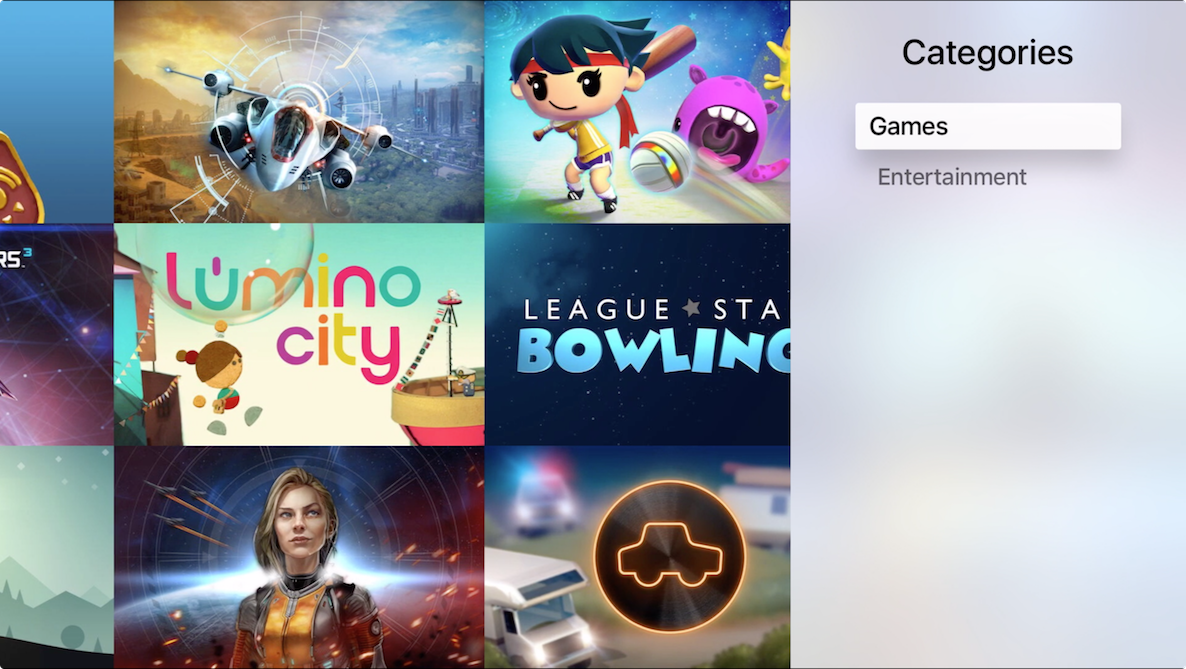
One of the biggest complaints about the new Apple TV is the lack of discovery when it comes to the App Store. The initial version of the App Store only featured three sections: Featured, Puchased, and Search. As such, there is was way to discover great new apps outside of Apple's own recommendations.

Apple has partially remedied this issue by adding a new Top Charts section to the App Store. This section should prove to be immediately useful for early Apple TV adopters. Although I'm not currently seeing the Top Charts on my Apple TV, even after a reboot and a force quit of the App Store app, it may take some time to propagate to all devices and regions.

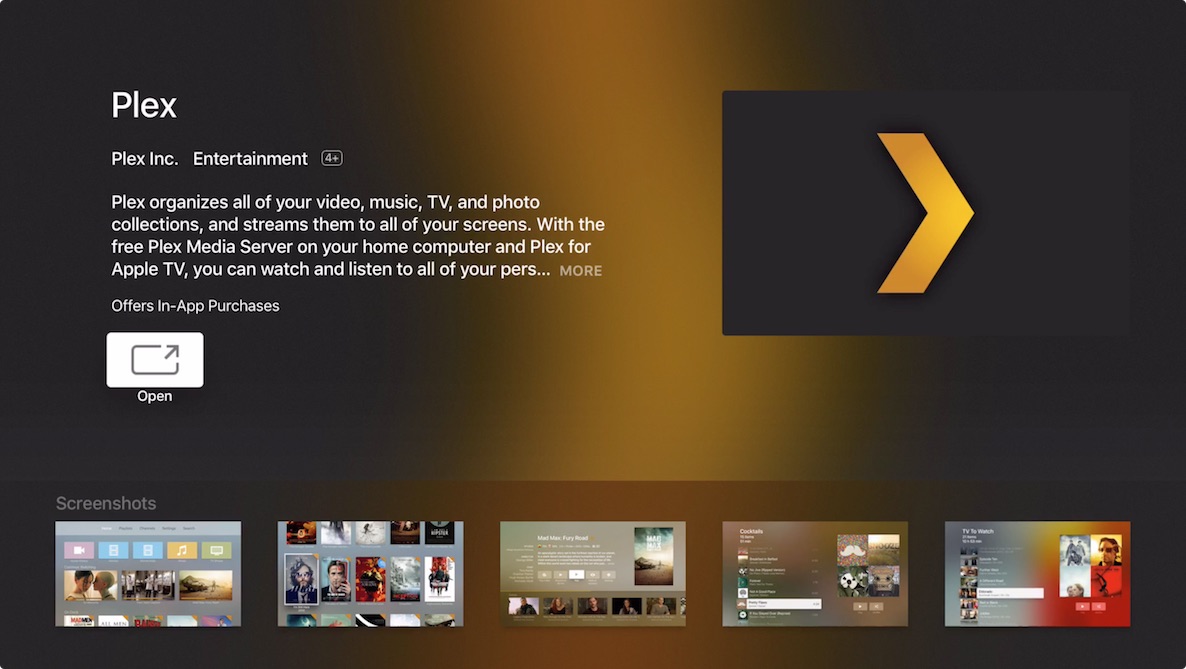
Plex is now available for the Apple TV

Plex, the popular media organizer, streaming solution, and media player, is now available on the Apple TV. The app, which is available as a free download from the App Store, helps users organize videos, music, TV shows, photo collections, and is able to stream content to the television connected to an Apple TV.

In addition, users can take advantage of special channels for access to even more content like Twitch, Comedy Central, BBC, and more. Plex can stream content stored directly on a local computer with the Plex Media Server installed, or a NAS setup for a media streaming solution that's a bit more robust. Needless to say, Plex has been highly anticipated for new Apple TV users since day one, and it's finally here.

tvOS App Store is conveniently flagging gamepad-enabled apps

Unlike the regular App Store for iPhone, iPod touch and iPad application, a brand new tvOS App Store for Apple's latest fourth-generation Apple TV makes it easy to distinguish at-a-glance between games that offer support for 'Made for iOS' (MFi) gamepads and game controllers and those that don't.

As first observed by AppleInsider over the weekend, not only does the device's App Store storefront app clearly states whether or not a game supports dedicated MFi game controllers, but compatible controllers can be used to navigate across the entirety of tvOS.

Here are top free and paid Apple TV apps and games

Although Apple's charts inside the App Store for the new Apple TV are currently empty, developer Steve Troughton-Smith was able to sniff out which apps and games users have been downloading the most since the device's debut last week.

As you could imagine, games absolutely dominate the charts, yet another indication that the new set-top box is popular as a casual gaming device. Here's your list of top paid, free and grossing apps and games for the Apple TV 4, accompanied by a few interesting observations regarding app pricing and frame rates in popular games.