Apple TV

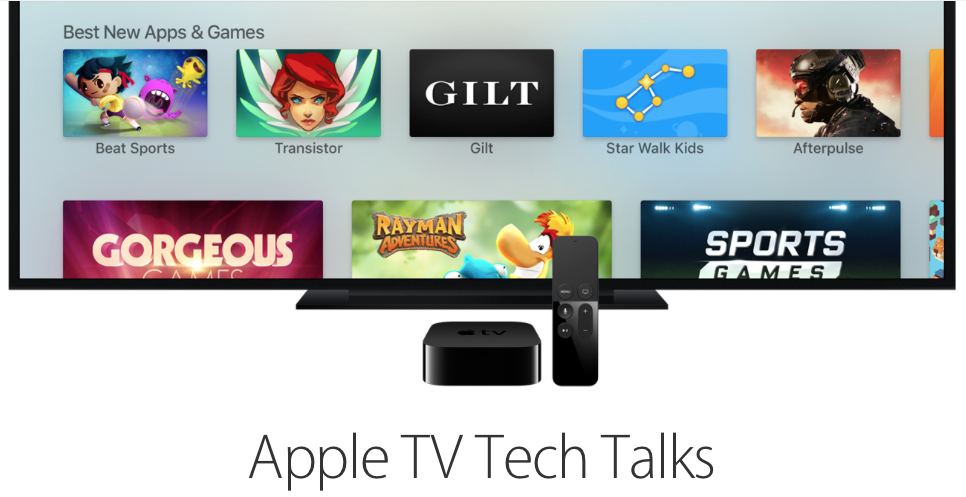
Stay up-to-date on the latest Apple TV news and learn how to get the most out of your device with our comprehensive tutorials and guides. Discover new features, troubleshoot issues, and explore the best apps and games for your Apple TV.

Tim Cook says Apple has more health features in mind, talks iPad Pro and more

Yesterday, Tim Cook sat with The Telegraph's Allister Heath to talk a range of topics, including the Apple TV and the future of television, the forthcoming arrival of the iPad Pro and plans for the Apple Watch.

According to Cook, the company is considering additional health features. He also revealed why Apple doesn't want to put the Apple Watch through the certification process by the United States Food and Drug Administration (FDA) and more.

Apple TV review: it’s all about the potential

Potential. That's a word that you're going to hear tossed around a lot when it comes to the newly released Apple TV. It has the potential to be a great streaming device. It has the potential to be a wonderful music playing machine. It has the potential to be an awesome gaming console. It has the potential to really become your living room's nucleus for entertainment.

Is it doing any one of those things in a mind-blowing fashion currently? Not exactly. Fortunately, the Apple TV has plenty of room for growth, because it's powered by a more significant operating system called tvOS, and Apple has opened the platform up so that developers can create apps. Just like an iPhone 4s at its beginning, which shipped with iOS 5, looks nothing like an iPhone 4s running iOS 9, the Apple TV experience is bound to evolve, grow, and improve.

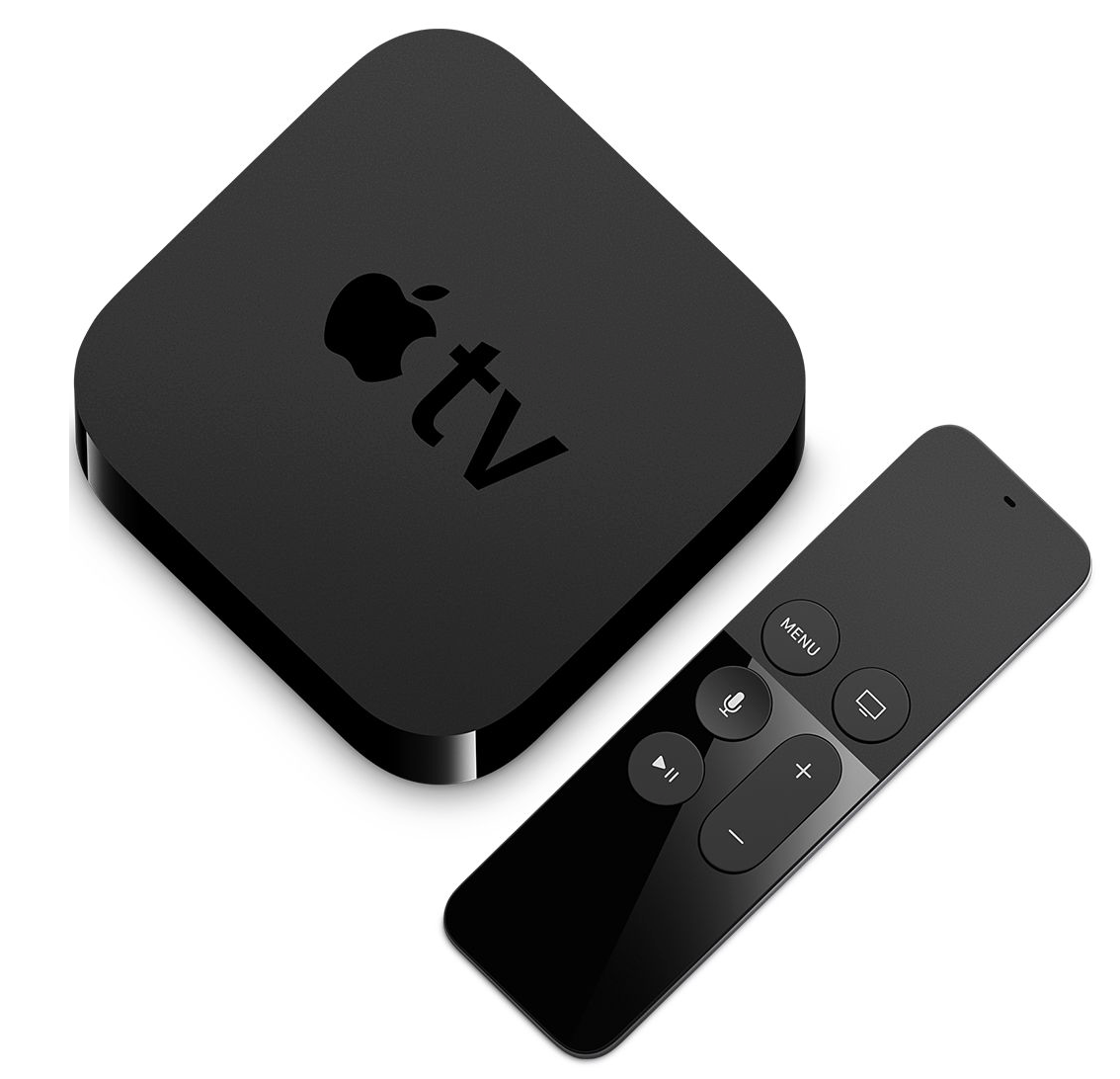
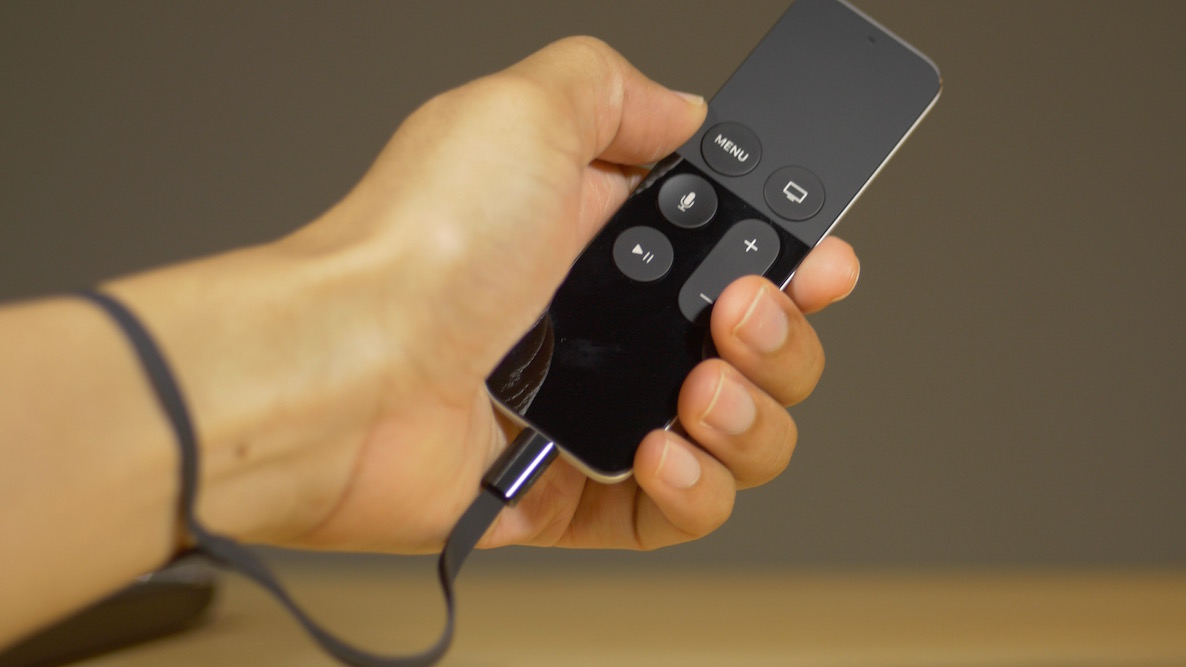
If you purchase an Apple TV now, you're buying into that potential. Already, the Apple TV can do more than the 3rd-generation version that it supplants. The older hardware couldn't download apps, and wasn't capable of playing games natively on device.  With the new Apple TV, you have all of that, along with much-improved hardware, a better remote that doesn't require line of sight, and limited Siri access.

At this early stage in the game, you shouldn't expect a perfect experience, but even out of the gate, it's obvious that the new Apple TV is a much better device than prior versions. Right now, it's just good, but with the proper direction, it has the potential to be the best set top box that we've seen thus far.
FireCore confirms Infuse media player hitting new Apple TV ‘very soon’

Well regarded jailbreak developer FireCore today put an end to speculation, confirming that its speedy, powerful and versatile media player for iOS devices, Infuse, will be coming to the 4th generation Apple TV.

“We're now starting to see a beautiful bright light at the end of the tunnel, and that light is coming into form as Infuse 4 for Apple TV,” reads the post. Infuse 4 for Apple TV will be a free update for all current Infuse Pro users.

Apple releases tvOS 9.0.1 for new Apple TV

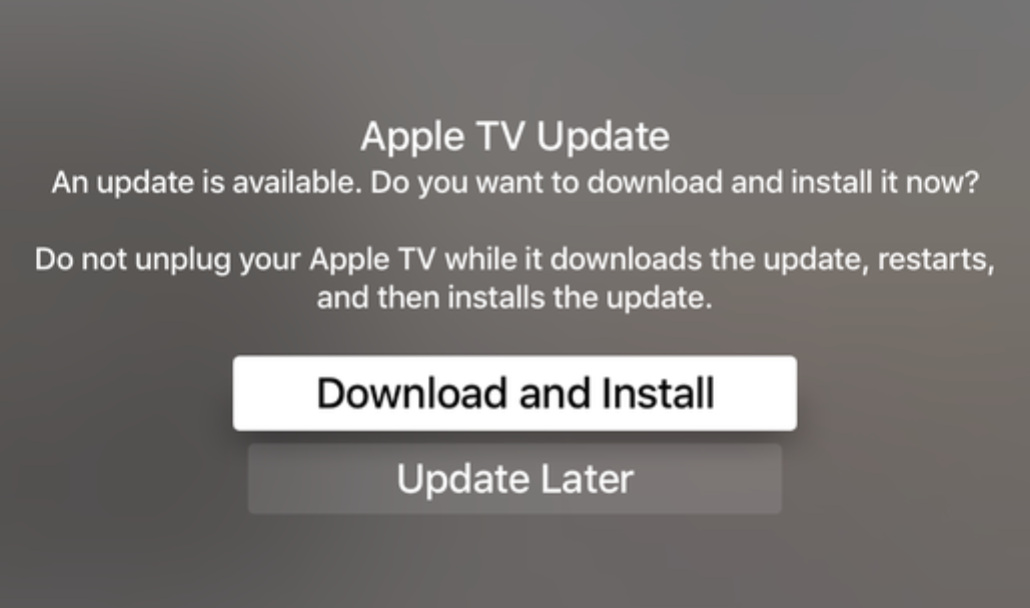
Apple has released tvOS 9.0.1 for the new Apple TV. The update is available as an OTA update by going to Settings → System → Software Updates. The full update is also available as a 922 MB download from Apple.

tvOS 9.0.1 comes with build number 13T402, and any user currently running tvOS 9.0, which will be all users not running a beta, are recommended to update.

How to watch BBC iPlayer on Apple TV

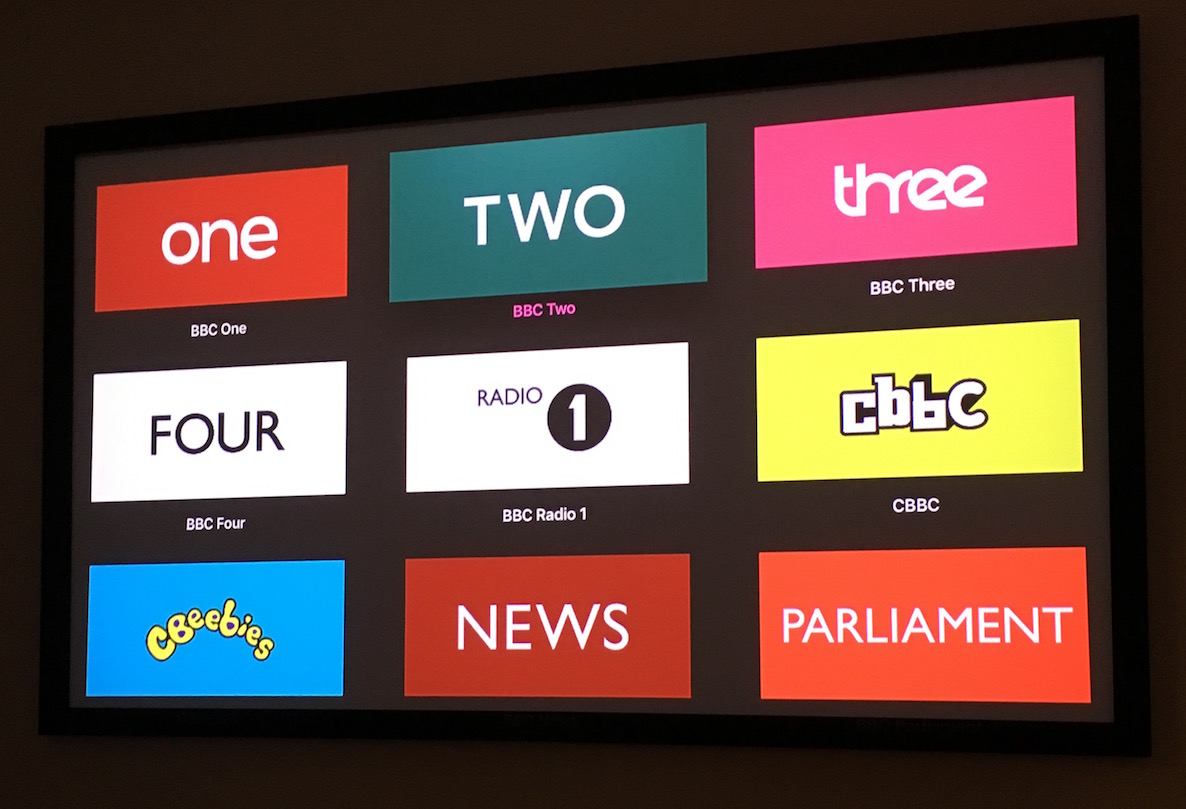
Last month, an open source app called Auntie Player was released to access on demand programs from the BBC. This app can be sideloaded on an Apple TV and used to watch BBC on demand content and even live content.

I tested out Auntie Player today, and it worked as expected. Keep in mind, however, that you're supposed to be in the UK in order to properly access its content. There are ways to access BBC iPlayer outside of the UK, but we cannot endorse those methods.

Still, we understand that many of our UK-based readers would be interested in accessing BBC iPlayer on the Apple TV, so in this post we're going to show you how.

How to redeem an Apple TV app promo code

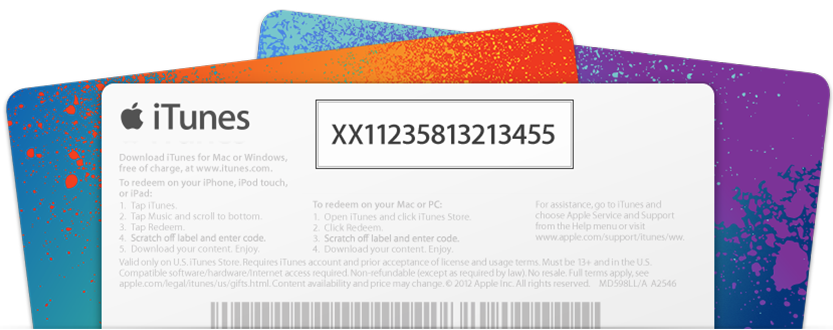
While it's possible to receive promo codes for Apple TV apps, it's not possible to redeem such codes directly from the Apple TV interface itself. Even though the newly released Apple TV is the first iteration of the device capable of running native apps, Apple is keeping the process of promo code redemption limited to iOS or the Mac.

Have you received a promo code for an Apple TV app or game? In this post, we'll show you how to redeem it.

How to record Apple TV video output on Mac

There are lots of reasons why you might invest in a USB Type-C cable for the new Apple TV. One of the most compelling reasons is because a USB Type-C cable allows you to record Apple TV video output. Via QuickTime's video capturing capabilities, first introduced in OS X Yosemite, it's possible to record and save direct-feed footage from the Apple TV to your Mac.

How to play MAME arcade games on Apple TV

Along with being able to play classic Nintendo and Sega games on your Apple TV, you can also play classic arcade titles. Doing so is made possible by a port of MAME, which stands for Multiple Arcade Machine Emulator. Unfortunately there isn't yet a GitHub page setup for the MAME tvOS port, but the same developer that created the MAME emulator that we showed you a while back has made the full Xcode project available for download.

Hack makes new Apple TV run native tvOS browser

A new hack by Dutch developer jvanakker makes the fourth-generation Apple TV run a native tvOS web browser despite the fact that Apple's operating system powering the set-top box lacks web browsing functionality.

The most interesting thing about this hack is its use of Apple's private API based on the UIWebView class, which the company typically provides to iPhone and iPad developers as an officially sanctioned solution for embedding web views inside apps.

How to use photos from the Shot on iPhone 6 campaign as screensavers on your Apple TV

The new Apple TV features quite a few screensaver options available via tvOS' Settings app. In it, you can setup the cool new aerial view screensavers, or you can choose to use screensavers based on album artwork from music found in your music library.

Along with those screensaver options, you can enable screensavers based on photos in your photo library, including Photo Stream photos and iCloud Photo Library photos. You can even go as far as to extract photos from videos and music accessible via Home Sharing if you happen to have Home Sharing enabled.

Of course, Apple is lending us the typical Animals, Flowers, and Nature photos as screensaver options as well. Needless to say, there's no shortage of potential screensavers for use on the new Apple TV.

But one particular option stood out to me above all of the others, and that's Apple's new "Shot on iPhone 6" screensavers. Yes, Apple is allowing us to take photos from its Shot on iPhone 6 media campaign, and use them as screensavers on our Apple TV. In this post, we'll show you how.

Apple adds new Categories section to the Apple TV App Store

Good news for Apple TV owners looking for better ways to discover new apps on the App Store. After adding Top Charts, Apple has added a new Categories section to the App Store as well. As of now, the Categories section appears to be a bit limited, so far listing only Games and Entertainment. Eventually, however, we imagine that the Categories section will become even more fleshed out like it is on iOS.