How to create and manage Collections on Kindle Paperwhite

Collections on Kindle Paperwhite

If you do a lot of reading on your Kindle Paperwhite and download books often, then you know how quickly your library can grow. And while this is good because it gives you options to read what you’re in the mood for, it can also make finding what you want to read difficult.

You can organize your books by using Collections on Kindle. This lets you categorize your books so that you can find a book you want much faster. And the nice thing is that these Collections are yours. So create as many as you want, for whatever you want, to help you organize your books.

To help you out, we’ll show you how to create and manage Collections on your Kindle Paperwhite.

iBlockX offers jailbreakers deeper control over incoming notifications than Do Not Disturb

With iOS’ Do Not Disturb feature, you can effortlessly silence all incoming notifications that bombard your iPhone with the flip of a switch. Unfortunately, Do Not Disturb is a bit of an all-or-nothing solution. While you can individually silence contacts in the Messages app as an alternative, this doesn’t quite offer enough control if you use lots of third-party apps to keep in touch with friends and family.

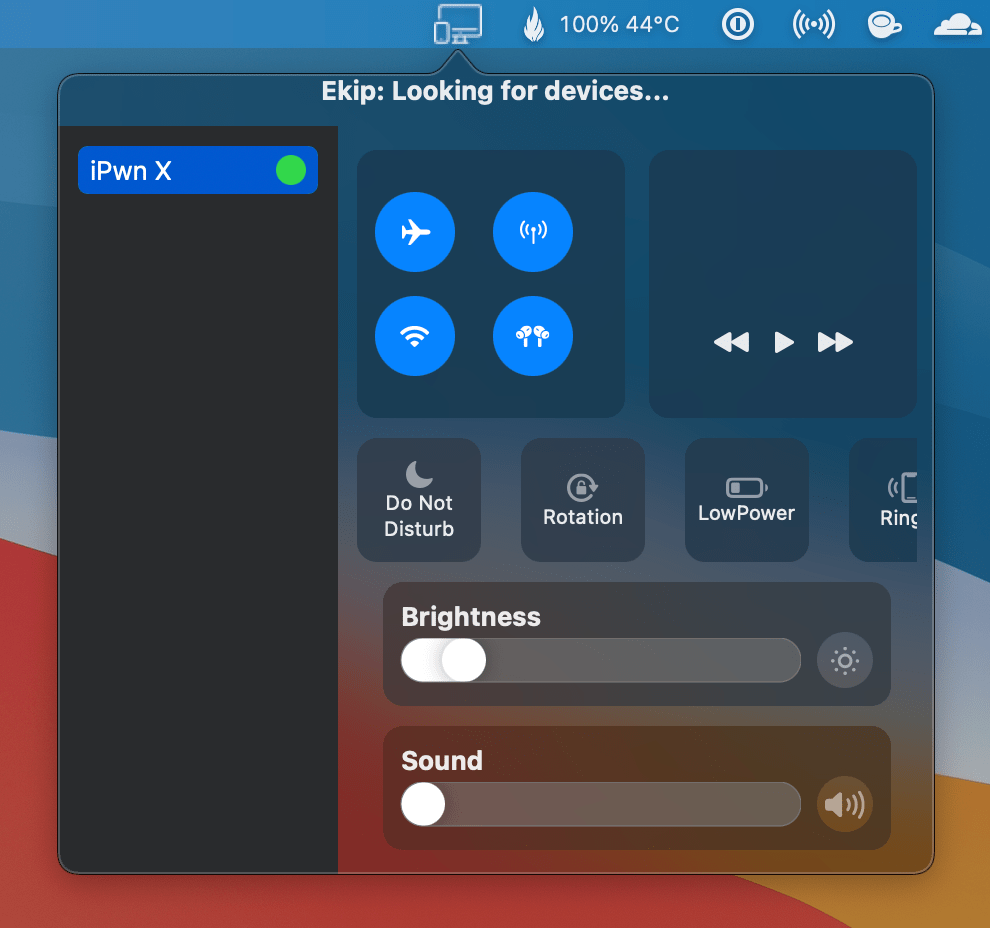
iBlockX is a newly released jailbreak tweak by iOS developers Greg0109 and MeBlackHat that strives to solve the aforementioned dilemma. It does so by handing users a smorgasbord of options for silencing calls and other notifications on a per-contact basis and for several different apps spanning user-configured time-frames whether those apps come preinstalled by Apple or not.

How to generate a new Safari Website Push Certificate

apple developer certificate icon

Action Needed: Website Push Certificate Expires in 30 Days. Your Website Push Certificate will no longer be valid in 30 days. To generate a new certificate, sign in and visit Certificates, Identifiers & Profiles.

If you run a website that send browser push notifications, you have most likely received this email from Apple reminding you that your push certificate for Safari is about to expire. I've been receiving the same email for several years now, but every time I scratch my head wondering how do I do that again.

Apple no longer signing iOS 14.1 following launch of iOS 14.2

Apple unleashed iOS & iPadOS 14.2 to the general public last Thursday with a plethora of new Emojis, wallpapers, and other improvements. That said, no one should be astonished to learn that the company has stopped signing the older iOS & iPadOS 14.1 firmware this Thursday evening, just one week after the aforementioned release.

The unsigning of a particular version of firmware means that iPhone and iPad users can no longer officially downgrade to it via Finder or iTunes, and that’s because these platforms depend on ‘permission’ from Apple’s servers to continue the software restore on one of these devices. Third-party workarounds exist for the daring ones, of course.