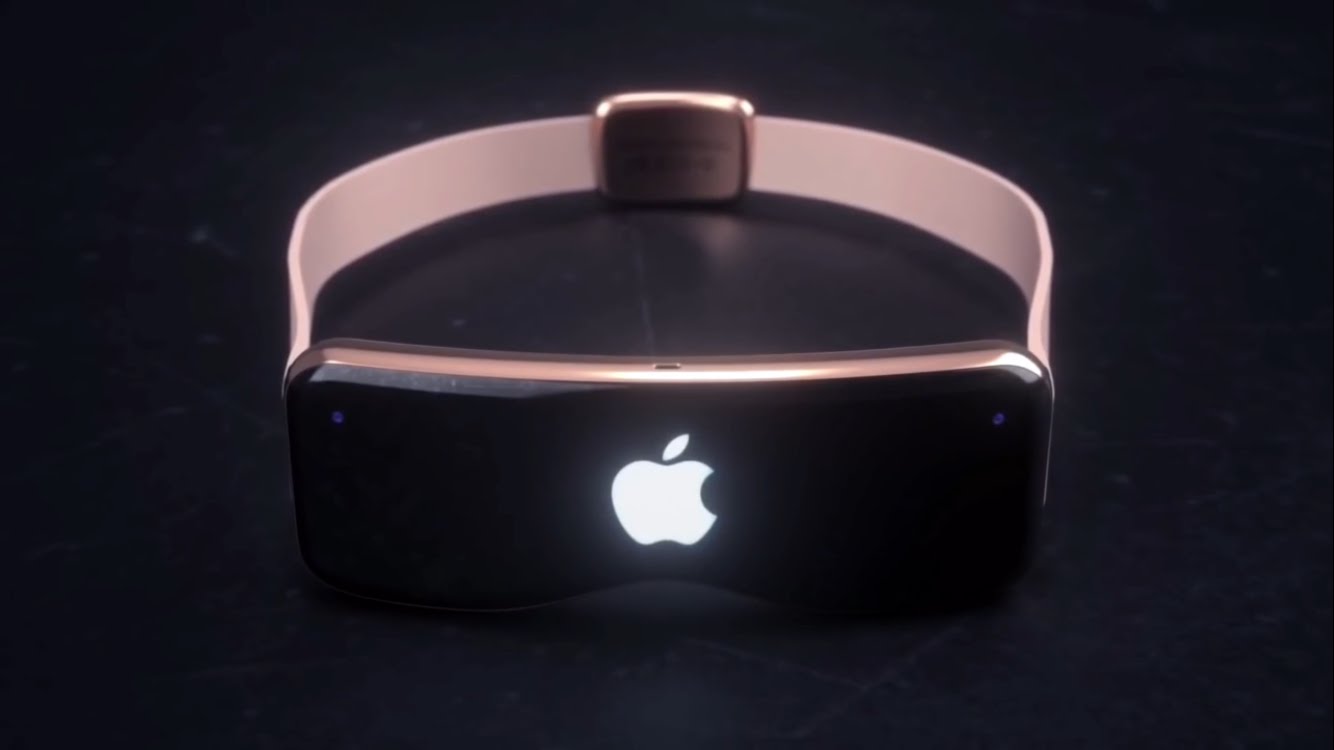
Apple may host its first event of 2021 on March 23

With the ongoing coronavirus pandemic, there's an expectation that Apple is going to host digital events throughout the year (just like last year). And, as such, rumors have leaned towards a Spring event where Apple will finally get around to launching products rumored so often to launch in 2020.

Kids programming coming to Apple Podcasts via Common Sense Media

The iPhone maker has teamed up with age-based content review service Common Sense Media to curate kids-focused narrative audio collections in the Apple Podcasts app.

STORY HIGHLIGHTS:

Kid-approved content on Apple Podcasts. Collections are updated monthly. Currently a US-thing.

Listening to podcasts with kids

Unlike rival Spotify and Amazon which split out children-approved content into separate apps, these shows will appear on the Apple Podcasts platform and within the Apple Podcasts apps.

The Verge has more:

The initial four themes focus on narrative storytelling, shows that kids themselves recommend, mysteries and dramas, and Common Sense’s all-time picks. Programming comes from Tinkercast, American Public Media, WNYC Studios, Rebel Girls, and Nickelodeon, among others, and Common Sense will provide age group recommendations.

The collections will be highlighted on Apple's website at apple.com/showsforkids.

Common Sense Media Picks: All-time favorites that families are sure to find entertaining and informative. One More!: Mysterious tales and action-packed dramas that kids of all ages won't want to stop listening to. Kids Know Best: Popular shows for kids, selected by kids themselves. Story Time: Story-driven shows that transport kids into a world of imagination.

Suggestions regarding those shows should start appearing today in the main carousel within the Apple Podcasts tab. They’ll also be available via the Browse tab indefinitely.

Apple and kids

Kid podcast creators have apparently experienced a boost in listeners at the start of the pandemic. For far too long, many parents have been using smartphone and tablet screens to entertain and occupy their children.

By contrast, listening to podcasts is more of a passive experience than interacting with apps or watching video. Most importantly, it doesn't mean exposing your kid to screens and the blue light which can disrupt their sleep and slow down cognitive development.

Apple also recently launched a new Apple for Kids section on its support website.

Guide to futurerestore: Introduction

This is an introductory article which explains what futurerestore is and how it works, as well as how to follow our futurerestore guides to upgrade/downgrade your device.

Before attempting any of the guides, everyone should read this article. It explains whether the guides apply to you, and if they do, which ones you should follow, as well as making sure that you fulfil the requirements for it to work. Not everyone can use futurerestore.

Guide to futurerestore Part 1: How to set a generator

This is Part 1 of a two-part guide on how to use futurerestore.

Before attempting this guide, everyone should read the introductory article, Guide to futurerestore: Introduction. It will explain whether this guide applies to you, as well as making sure that you fulfil the requirements for it to work.

If you currently have a jailbreak and you want to move to a different firmware with futurerestore’s generator mode, you must follow this guide first before following Part 2.

If you currently have no jailbreak, and you want to move to a different firmware with futurerestore’s Apnonce collision mode, you can skip this guide and head straight to Part 2. This method does not apply to most users.

Guide to futurerestore Part 2: How to use futurerestore to restore to unsigned firmwares

This is Part 2 of a two-part guide on how to use futurerestore.

Before attempting this guide, everyone should read the introductory article, Guide to futurerestore: Introduction. This will explain whether the guides apply to you, as well as making sure that you fulfil the requirements for it to work.

If you currently have a jailbreak and you want to move to a different firmware with futurerestore's generator mode, you must follow Part 1 of the guide before following Part 2.

If you currently have no jailbreak, and you want to move to a different firmware with futurerestore's Apnonce collision mode, do only this part of the guide. This method does not apply to most users.

CallFavorites lets iOS 14 users dial favorite contacts via a Haptic Touch gesture on the Home Screen

We all probably have at least a few favorite contacts saved on our iPhones, whether it’s close family or our best of friends. Fortunately, Apple allows you to set up favorite contacts in the Phone app so that it’s easier to get in touch with them when life necessitates it.

Designating a contact as a ‘favorite’ contact in the Phone app moves that person’s contact information to the dedicated Favorites tab at the bottom of the app, but if you were looking for even more added convenience, then we think you’ll come to appreciate a newly released and free jailbreak tweak called CallFavorites by iOS developer pixelomer.