iPhone newly jailbroken? This tweak upgrades the native keyboard in more than one way

Whether you send a ton of text messages, spend a lot of time browsing the Web, or like to jot down notes from time to time, the keyboard is something most iPhone owners interact with on a daily basis.

While Apple’s keyboard offers perhaps one of the most refined keyboard user experiences on the market today, it’s not uncommon for the jailbreak community to develop ways of making it better. The latest of such attempts comes by way of a new and free jailbreak tweak dubbed Shortmoji 2 by iOS developer MiRO.

New FutureRestore GUI makes unsigned iOS downgrades and upgrades more approachable

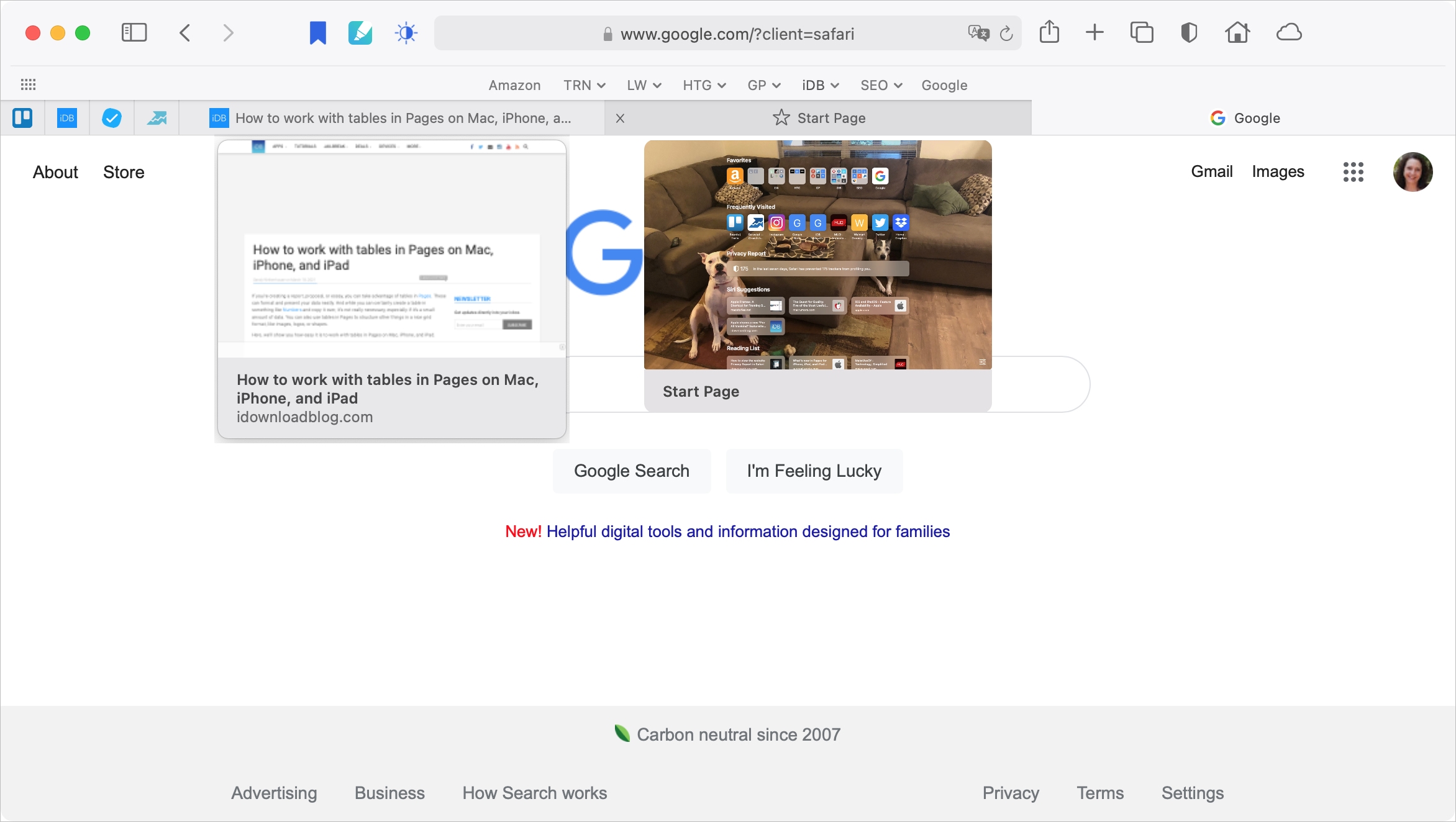
The FutureRestore GUI.

Excellent news for those who’ve been wanting to take advantage of futurerestore to downgrade or upgrade to an unsigned version of iOS or iPadOS – you’re no longer limited to using command line interfaces (CLI) to do so.

On Monday, the community was pleasantly surprised by the release of a new user-friendly and Java-based futurerestore application for macOS dubbed FutureRestore GUI (GUI of course stands for graphical user interface).

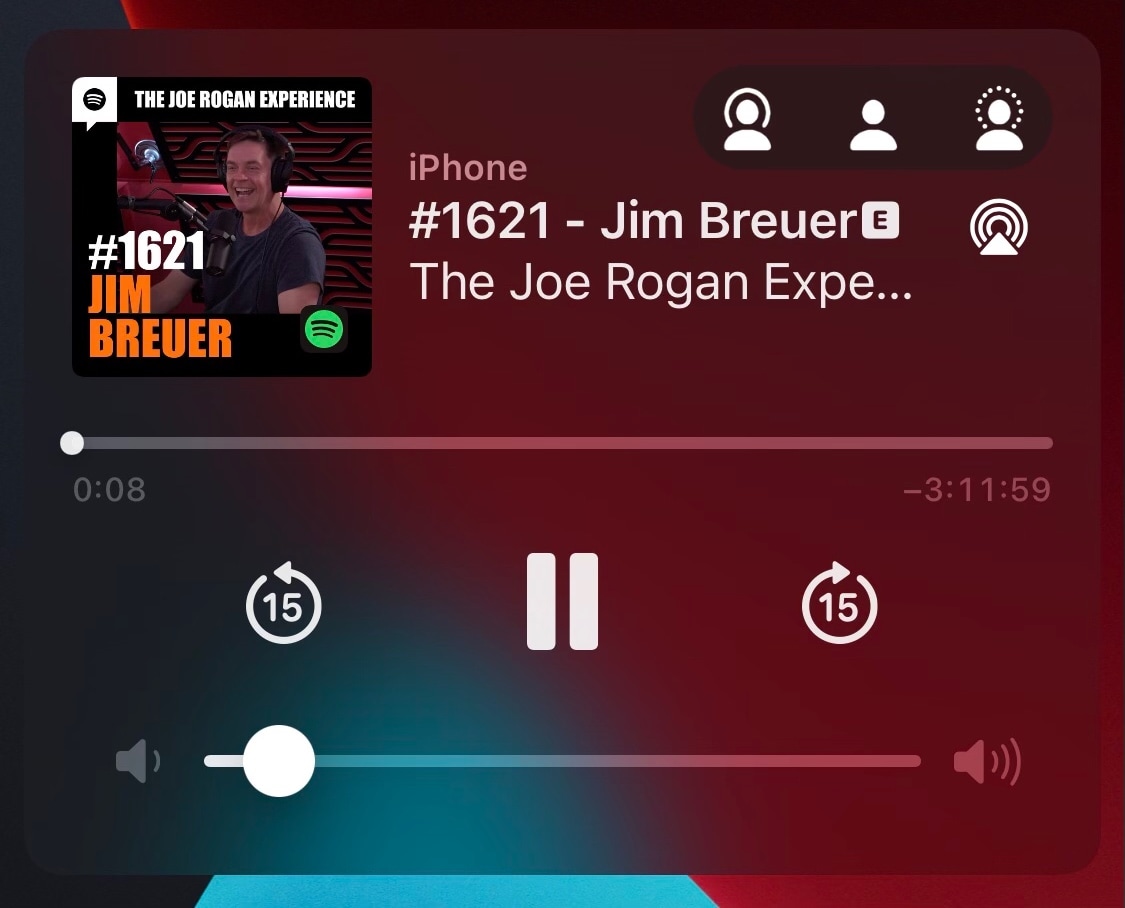
MediaBar14 augments the Home Bar with powerful media controls

All of Apple’s notched devices, iPhones and iPads alike, come equipped with a software alternative to the Home Button known as the Home Bar — the thin line that manifests itself at the bottom-center of the display.

I love the Home Bar as an alternative to the antiquated Home Button, especially when paired with the bigger edge-to-edge displays that modern iPhones and iPads now possess. But with a jailbreak, it’s possible to make the Home Bar even better than it already is.

Customize the toggling sound of your pwned iPhone’s flashlight with FlashSound

If you use your iPhone’s rear-facing LED flash as a flashlight to help you navigate dark environments from time to time, then you’re far from alone.

Right out of the box, Apple provides a shortcut on the Lock Screen for the aforementioned purpose, and it even offers a satisfying amount of haptic feedback when toggled. As for a cool sound effect, however, users are left underwhelmed.

Video: Thoughts and observations after four months with Apple’s MagSafe Wallet for iPhone

First look can be deceiving, especially if you glanced at Apple's MagSafe Wallet only to shrug it off as a pointless, pricey accessory. But spend some quality time with it and things may start to look differently. In this clip, our videographer Harris Craycraft shares with you some pretty interesting thoughts based on his everyday usage of this accessory in the past four months.