Learn how to use weather widgets or smart weather wallpaper to always see weather conditions right on your iPhone or iPad Lock Screen.
How to show weather conditions and forecast on your iPhone Lock Screen
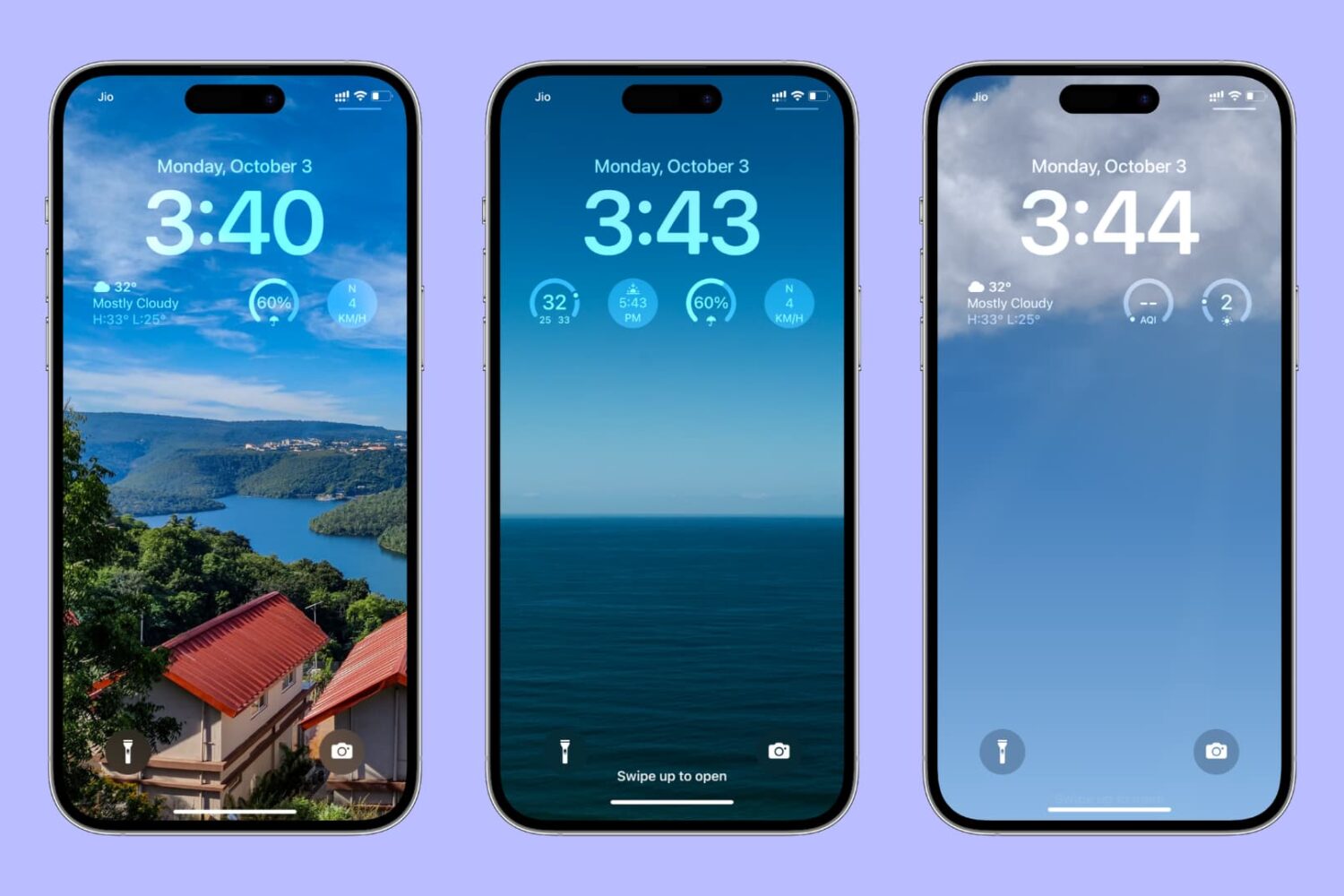
Learn how to use weather widgets or smart weather wallpaper to always see weather conditions right on your iPhone or iPad Lock Screen.
Apple Music Today is Apple's new music series, an audio documentary of sorts that highlights one popular song every day and digs into the story behind it.
Learn how to find your iPhone's Exclusive Chip Identifier (ECID) using a Mac or Windows PC to use firmware downgrades, signing status apps, and more.

TrollStore, the popular utility for perma-signing .ipa files on devices running iOS or iPadOS 14.0-15.4.1 beta 4, has been updated to version 1.1.2 with a minor convenience adjustment that will help users who take advantage of Apple’s proprietary AirDrop file-sharing service for installing files.
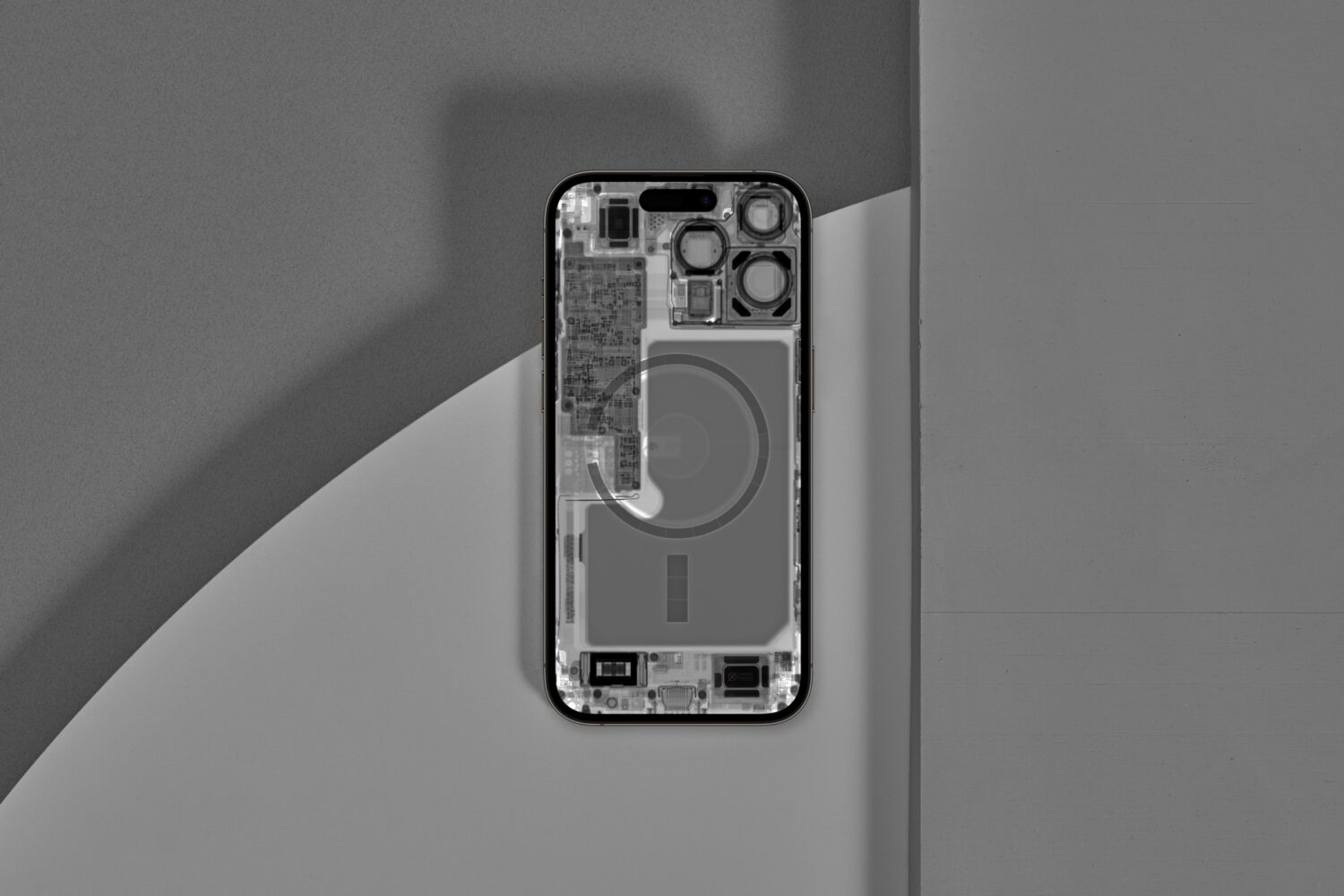
Now several weeks in the wild, reviewers spent hours creating their YouTube reviews, early adopters complained about buggy operation, and iFixit deconstructed the latest Apple handset.
The productive team at iFixit always tediously takes apart the newest Apple gadgets to give everyone a screw-by-screw understanding of how the hardware comes together and whether they feel like it is a repairable design. In doing so, they made these incredible iPhone 14 teardown wallpapers.
With so much happening in the Apple world lately, it’s easy to get distracted and miss important jailbreak news and software releases. That’s why we’re here again this weekend to help keep you in the loop about what’s happening throughout the busy work week.
It's time again for another episode of our Apps of the Week roundup. This week we have some great selections for you including a link-saver, custom sticker reactions and an app for deciding who goes first in a group. And as always, we've picked a great game for you to check out.
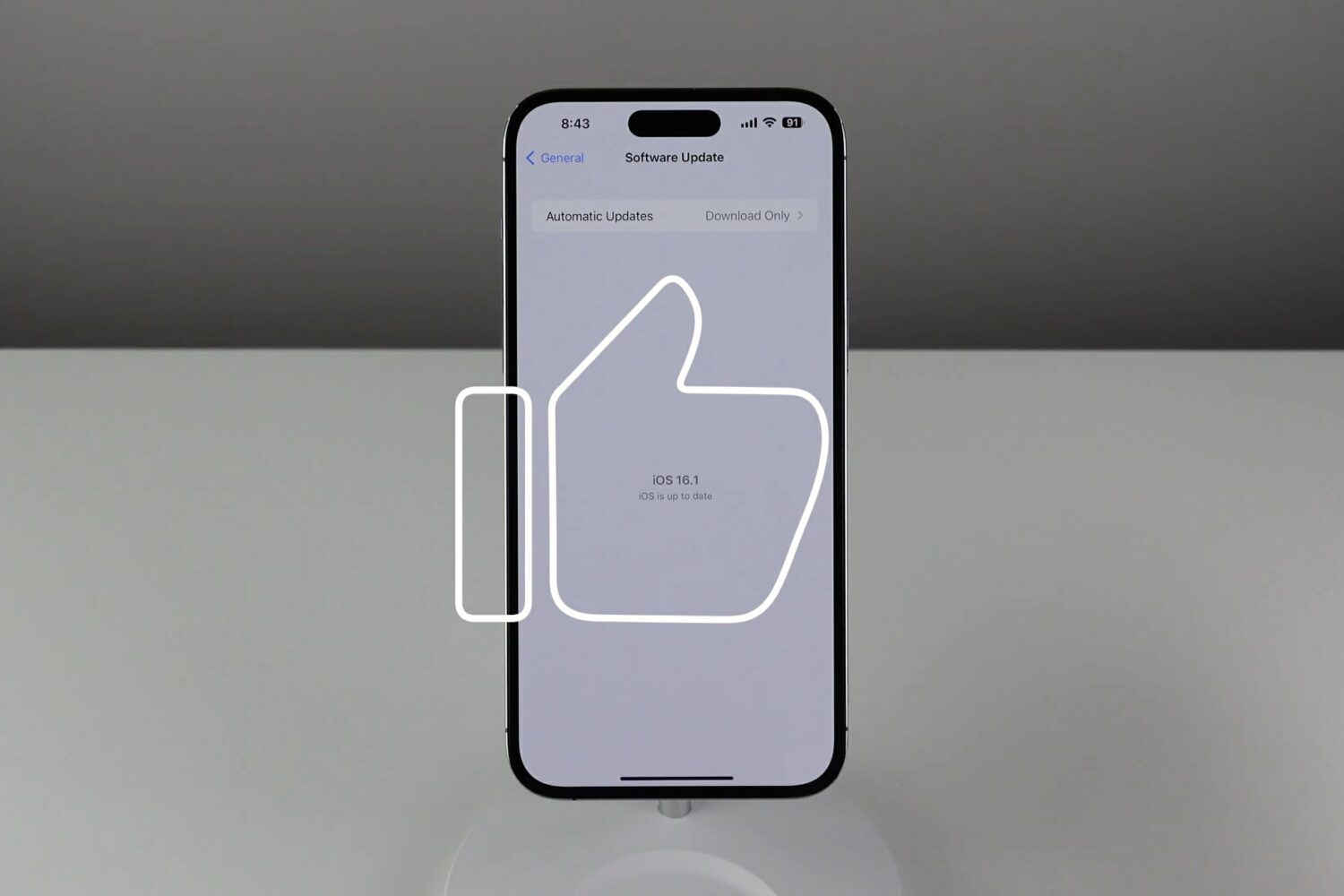
iOS 16.0 was a surprisingly buggy release. But Apple heard your pain—iOS 16.1 squishes a bunch of bugs while bringing a few cool new features to your iPhone.
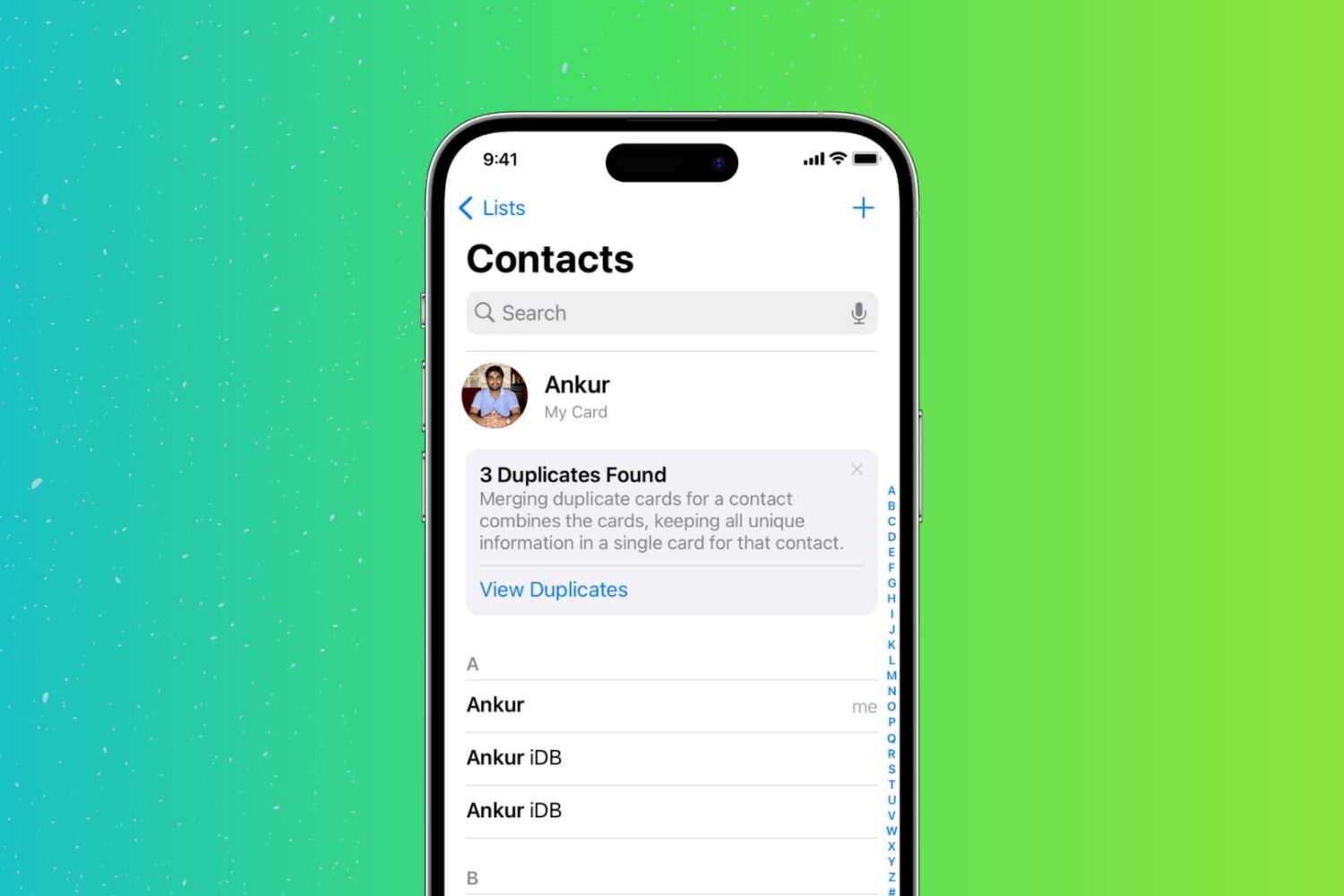
Too many duplicate contacts in your address book? Here are 3 free ways to find, merge, or delete those duplicates directly from your iPhone.
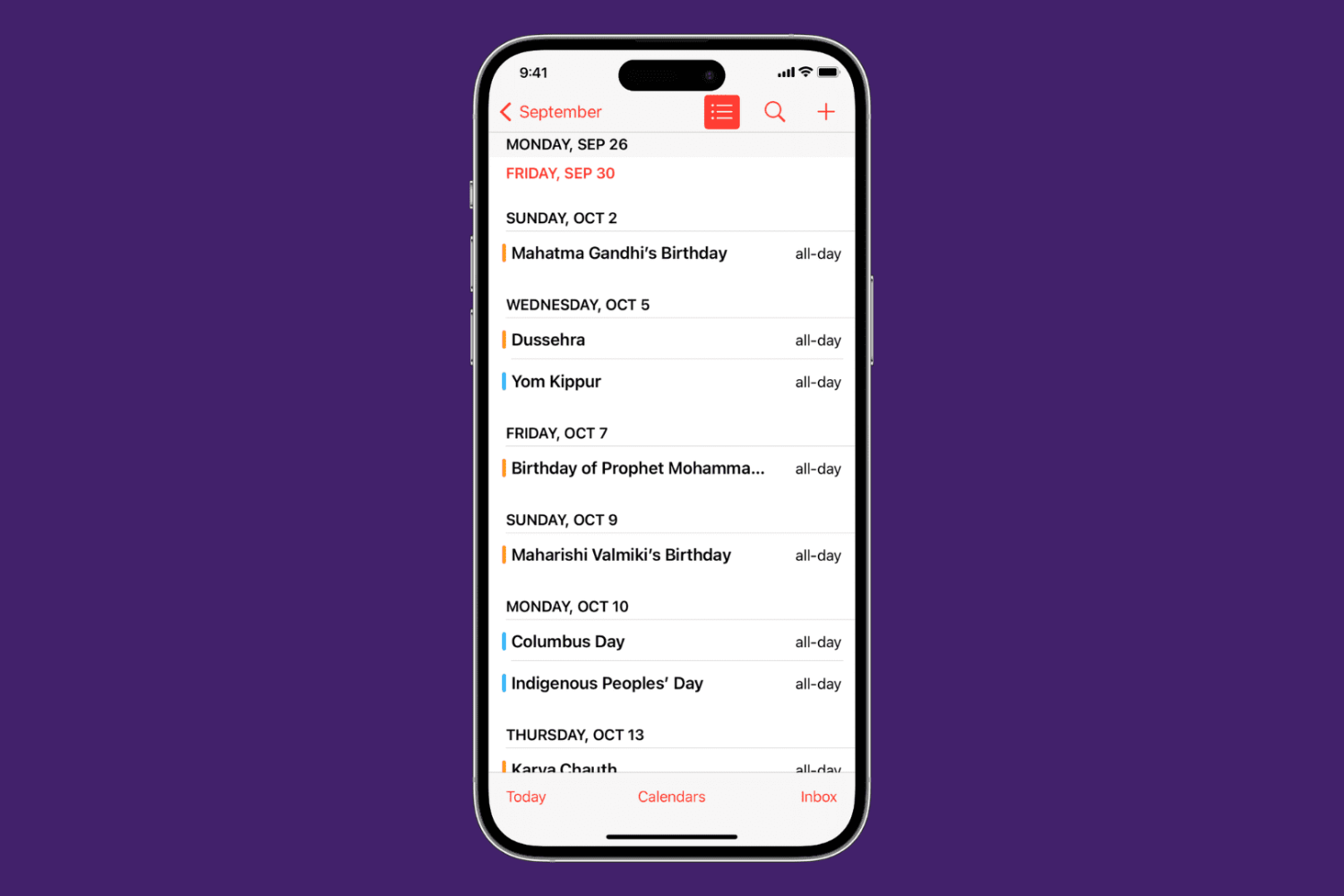
Learn how to view calendar events as a list in the Calendars app, as well as on the Home Screen and Lock Screen of your iPhone, iPad, and Apple Watch.
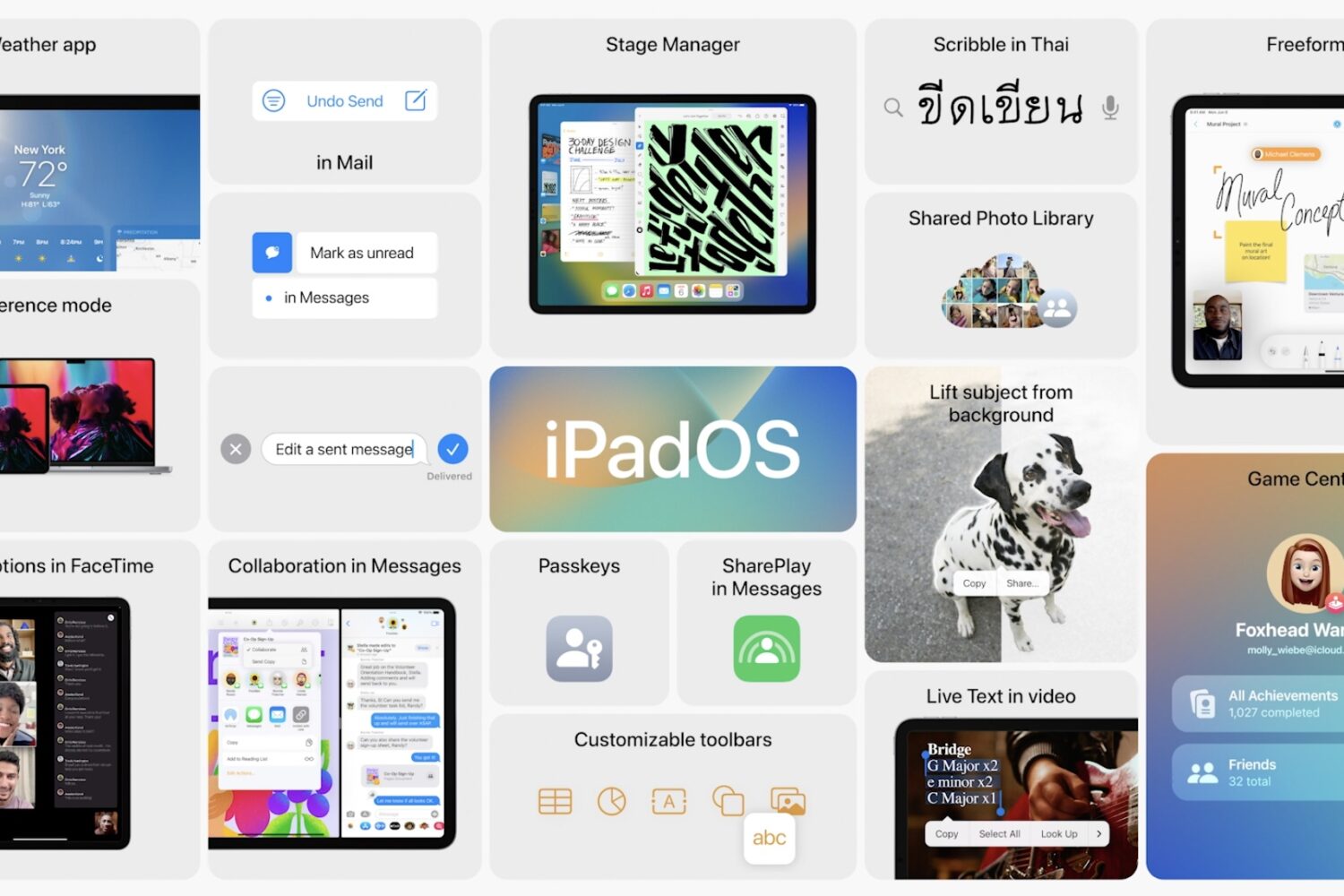
The iPadOS 16 software enables a zoomed-out display setting on older iPad models, including those that are powered by Apple's A12X and A12Z chips.
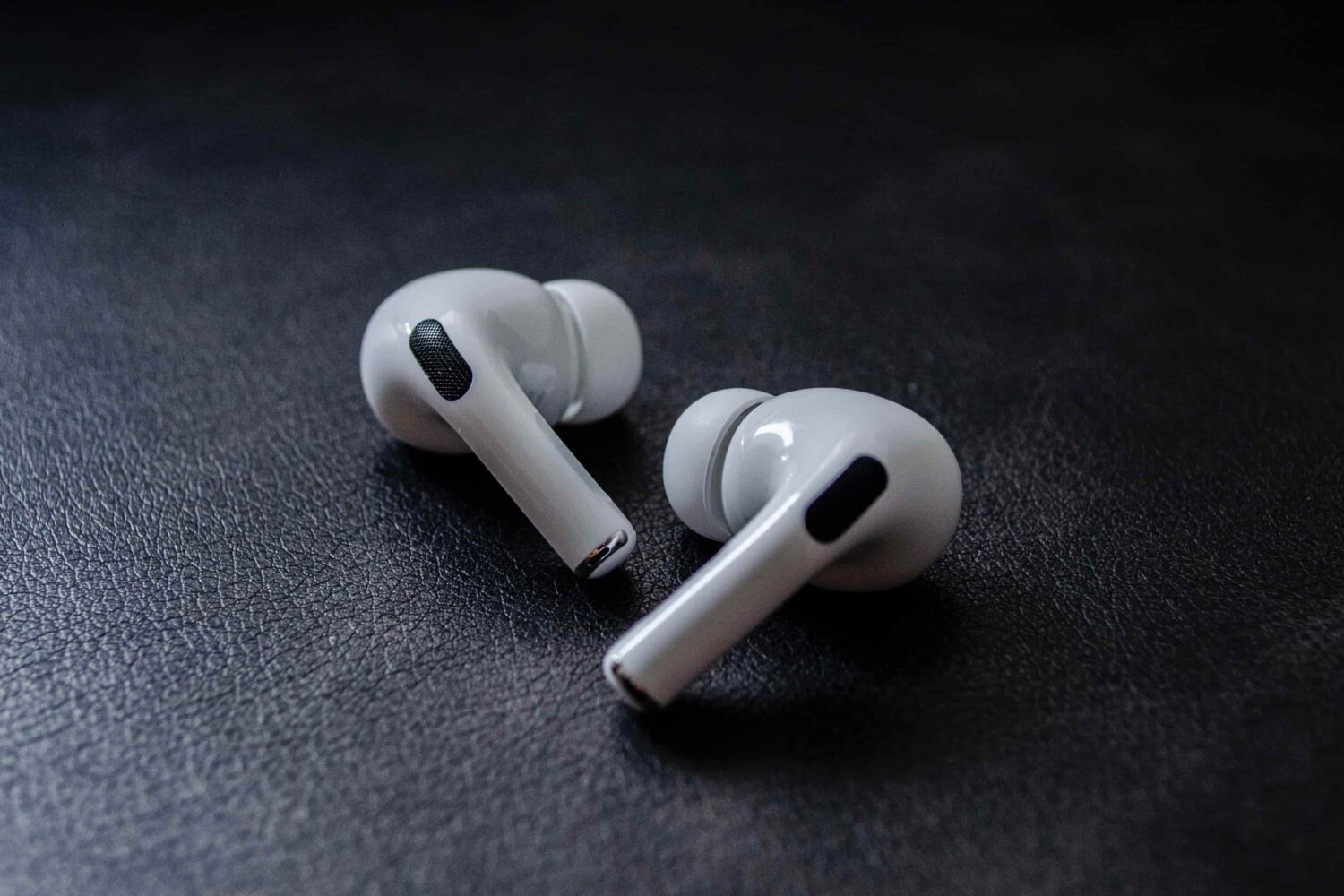
Apple's brought its adaptive transparency mode to the original AirPods Pro with iOS 16.1 beta 3 after this handy feature debuted on the second-generation model.