The iPhone 15 Pros are rumored to swap the current mechanical mute switch for a button, plus ditch the separate volume buttons for a single rocker-style control.
The iPhone 15 Pros could ditch the mute switch for a singular press button
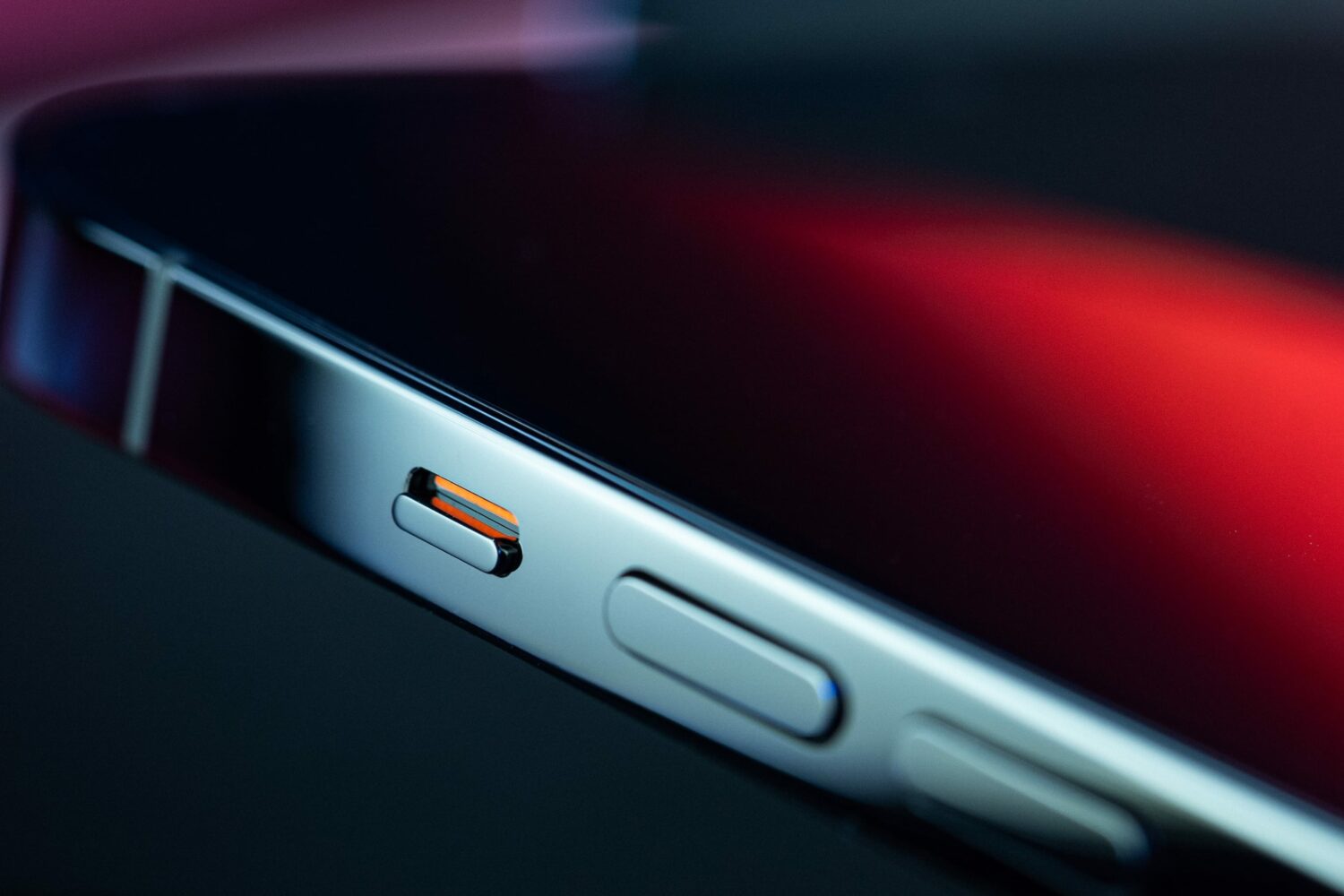
The iPhone 15 Pros are rumored to swap the current mechanical mute switch for a button, plus ditch the separate volume buttons for a single rocker-style control.
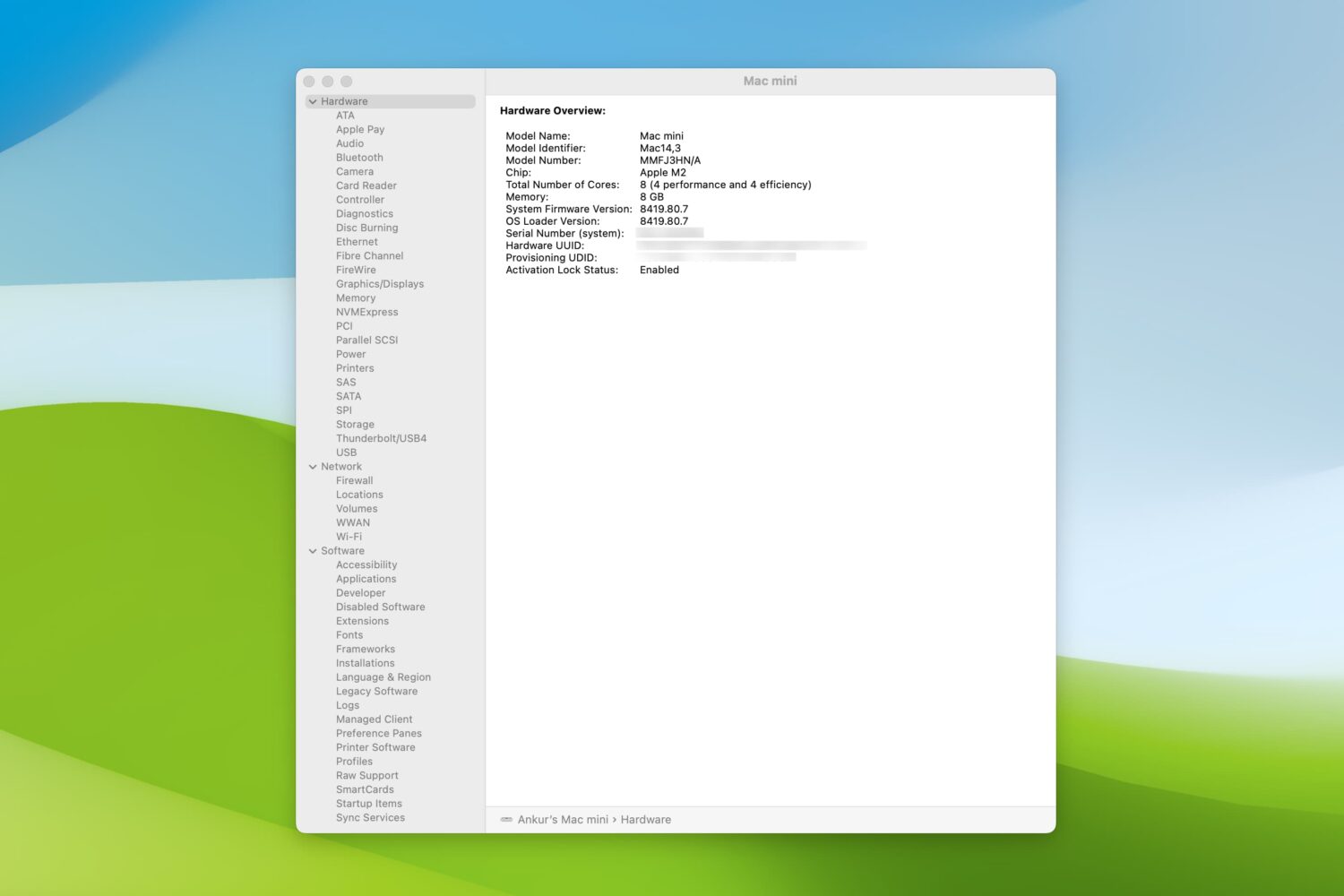
Check out these 5 simple ways to view the system report on your Mac to learn more about your computer or gather useful troubleshooting information.

New Apple Arcade arrivals for the iPhone, iPad, Mac and Apple TV in March 2023 include Kimono Cats and enhanced versions of three App Store games.

With iOS 16.4, you can flip virtual pages while reading in the Books app on your iPhone or iPad by dragging your finger from one corner to another.
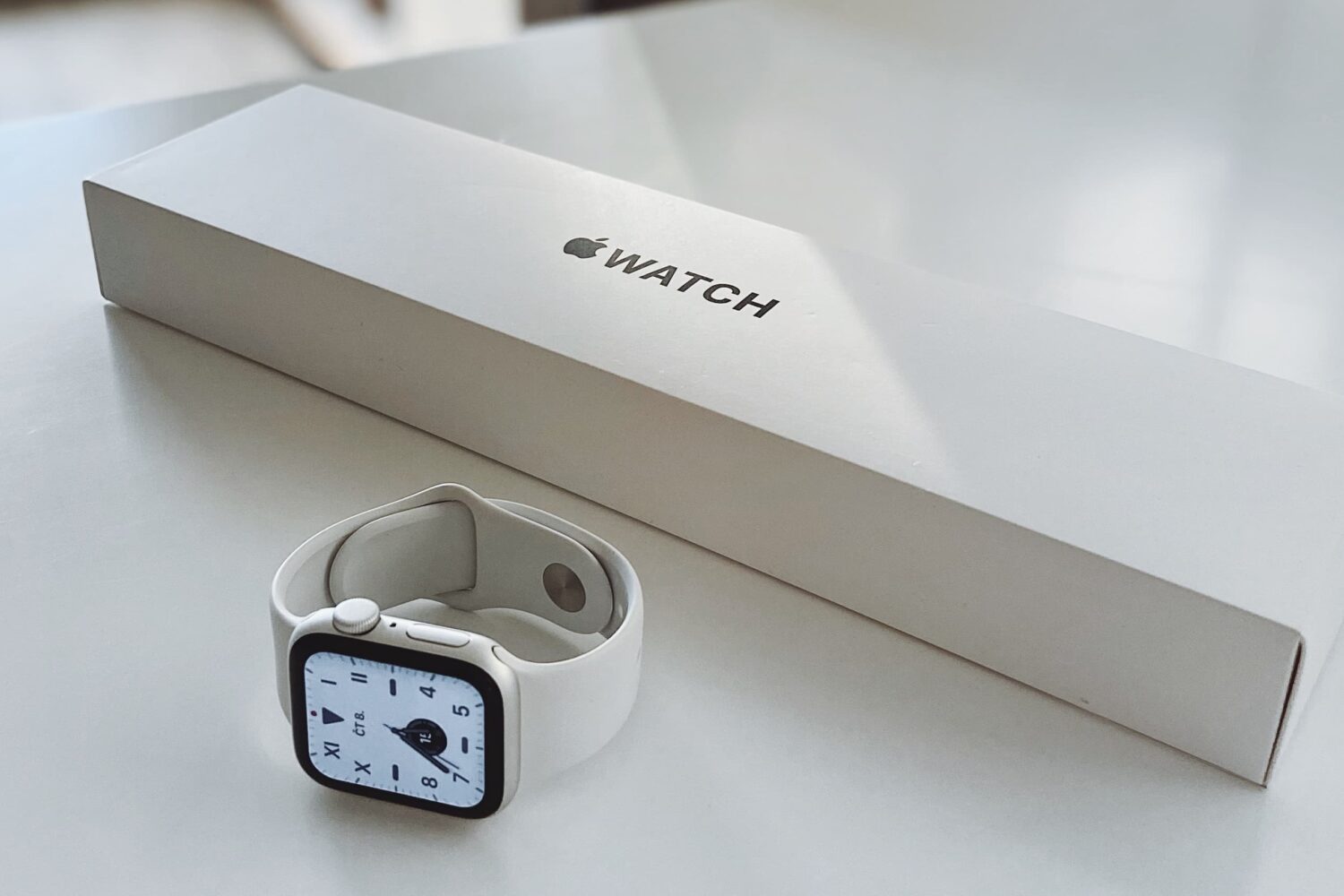
Battery performance of your 44mm Apple Watch Series 6 may improve or degrade as a result of a recalibration process present in the watchOS 9.4 software update.

If you've been looking for a comfortable pair of gaming headphones that sound great, and won't break the bank, you're going to want to jump on this HyperX deal. Right now you can snag a pair of the highly-rated Cloud Core DTS headphones, with spatial audio and a noise-canceling microphone, for just $30.
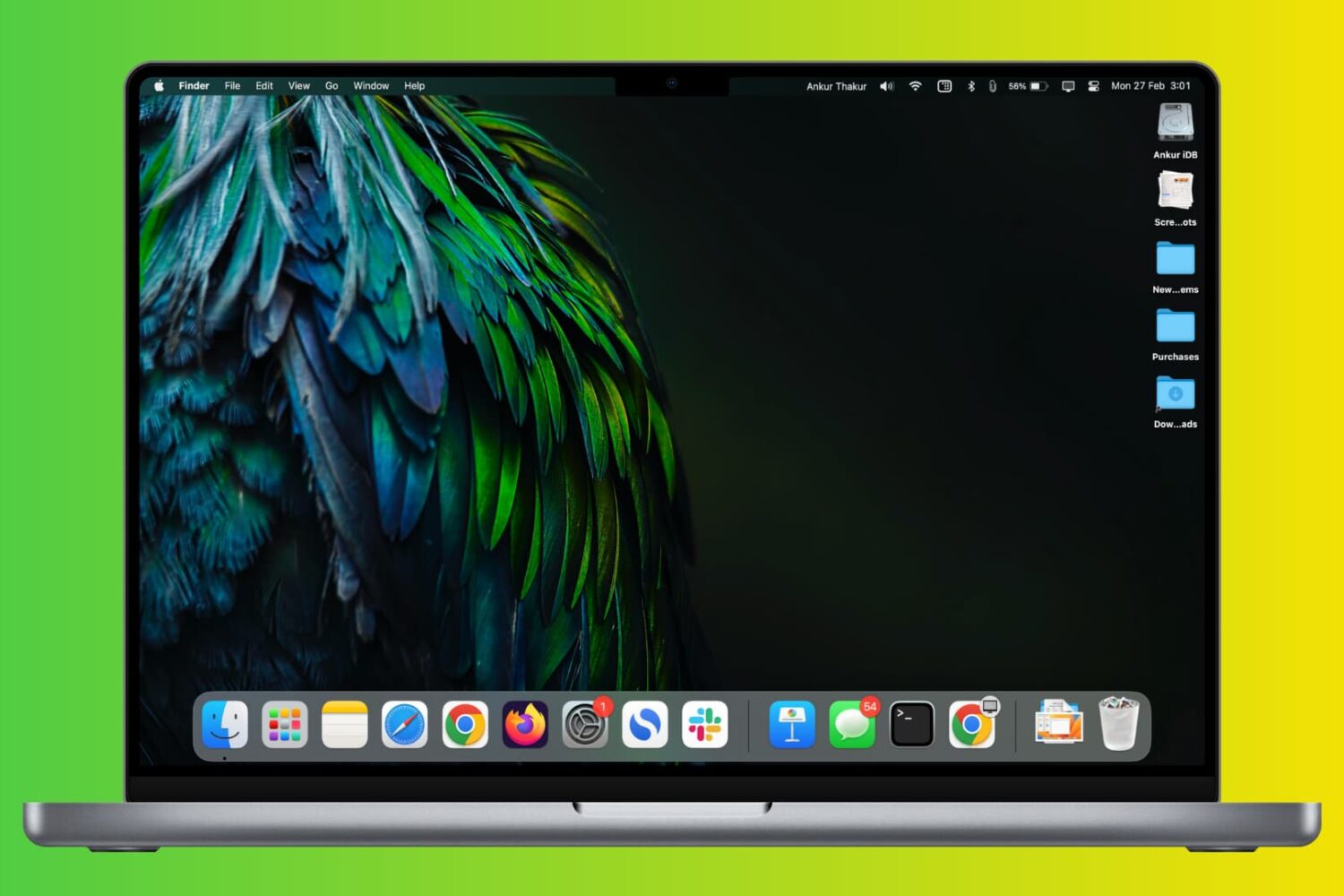
Learn how to prevent your MacBook Air, MacBook Pro, MacBook Neo, iMac, or external Apple Studio Display from randomly dimming or increasing the screen brightness.
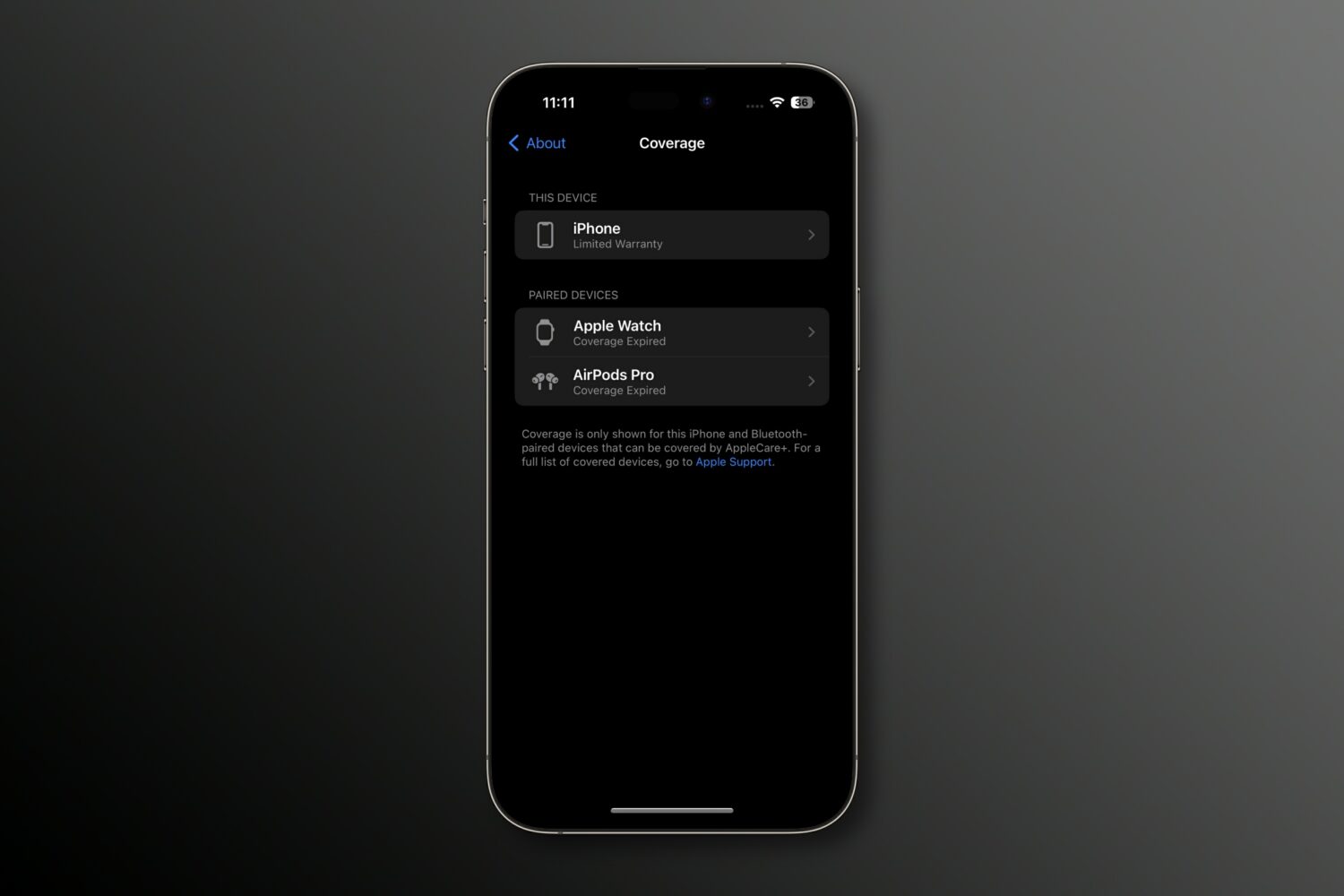
The new Coverage section in Settings provides warranty details and AppleCare+ information for your device and connected accessories like your AirPods.

Apple Watch owners can win the upcoming challenge by completing any workout on March 8 as long as it lasts for at least twenty minutes.

Learn how to manage and customize Telegram's Power Saving Mode on your Mac, including setting the battery threshold to automate the feature.

Find out how to transfer data between the internal storage of your Nintendo Switch and a microSD memory card.

Firmware downgrades are something that jailbreakers have used over the years to thwart Apple’s attempts to stop jailbreaking. Even when Apple stopped signing firmware, jailbreakers found a way around that by saying .shsh blobs and using them to restore to unsigned firmware. But more recently, changes made on Apple’s end appear to have made even this process less than usable.