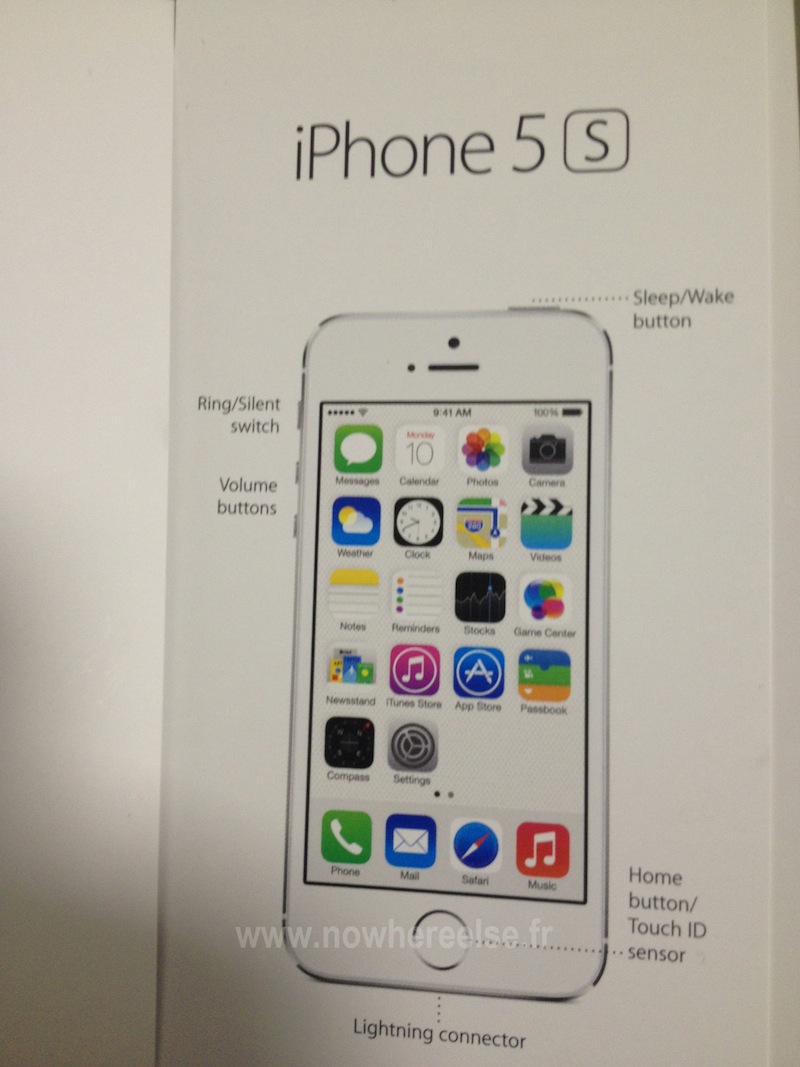
New iPhone models begin arriving in the US ahead of September 10 media event

Apple made its long-rumored September 10 media event official this morning, as it sent out a number of invites to the presser. It's widely believed that the company will use the event to unveil not one, but two new smartphones.

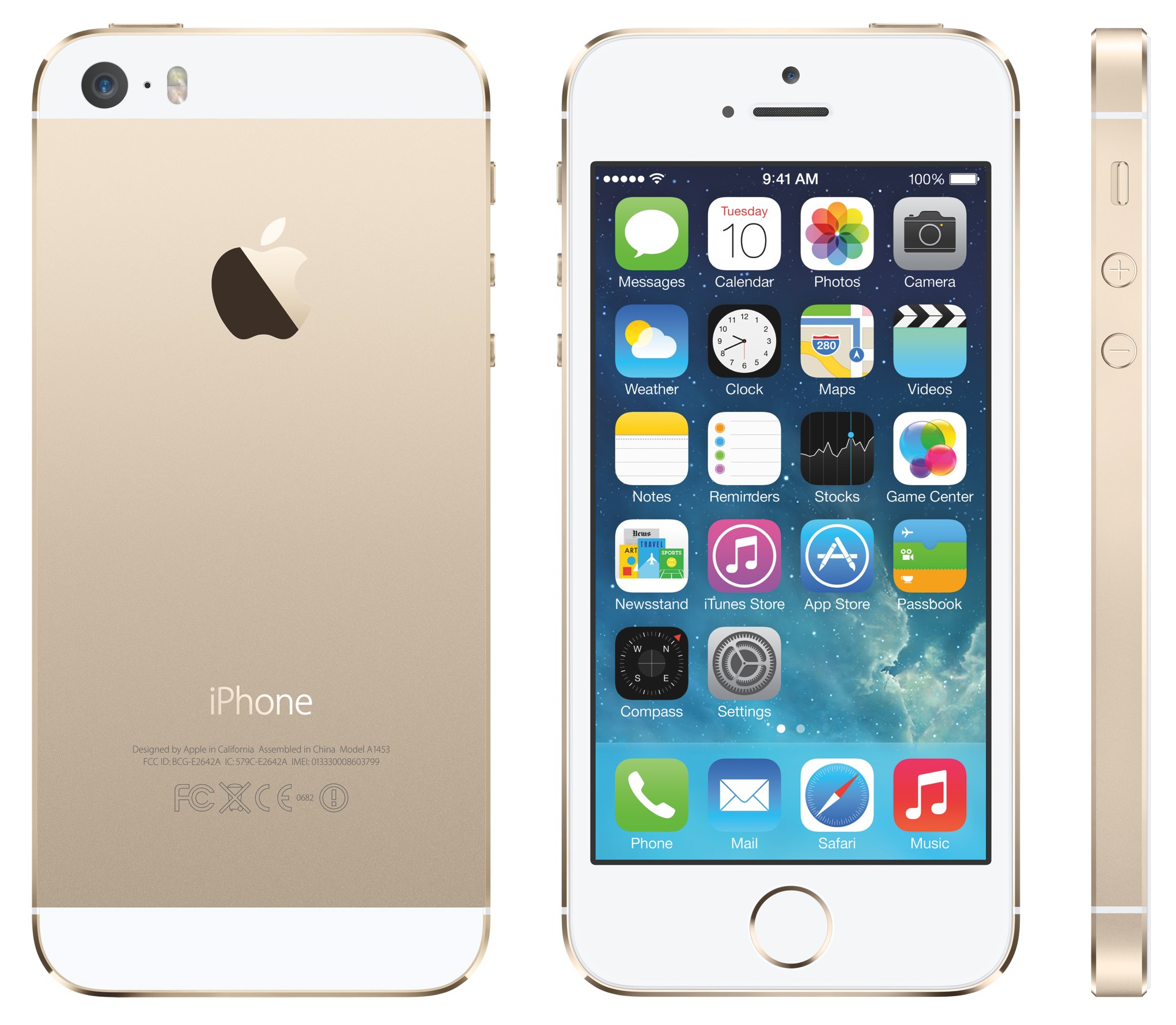
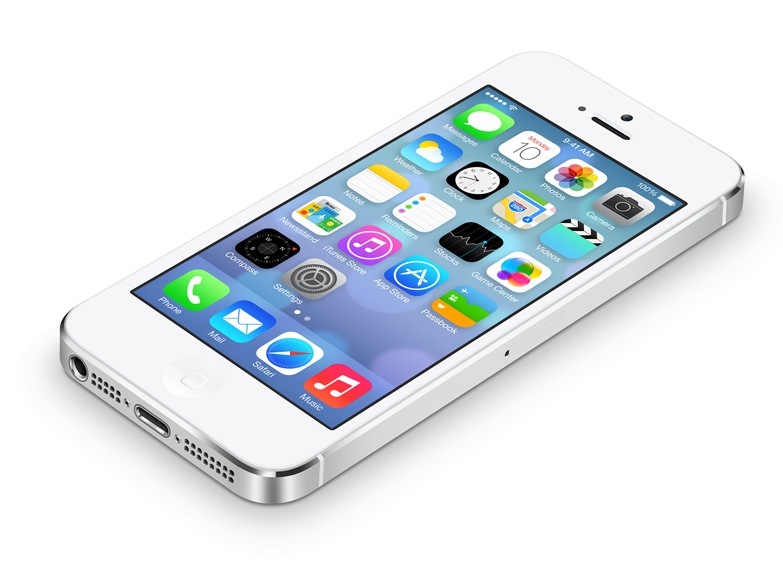
And according to a new report, those smartphones have already begun shipping to the US. Citing a reliable source, MacRumors claims that Apple has begun stockpiling both the iPhone 5S and the iPhone 5C in various channels...

EA teases Real Racing 3 Porsche 911 update

Electronic Arts is set to give its free-to-play iOS/Android racer, Real Racing 3, another notable content update. The forthcoming Porsche 911 update is now on the horizon and challenges you to expand your lineup of cars with seven generations of the Porsche 911.

By the way, the car maker is celebrating the fiftieth anniversary of the legendary 911. The Porsche update is being teased less than three weeks after the most recent content pack enabled a bunch of classic American muscle cars (the Mercedes-Benz and Bentley vehicles came via July's update)...

Google announces Android 4.4 KitKat

Whoa, it's indeed been a crazy news day. First we learned that Microsoft is buying Nokia's devices division for north of $7 billion, then Apple came official with its iPhone event and now - just minutes after Apple's September 10 keynote confirmation - came word straight from the Internet giant Google that the next version of Android is going to be called KitKat.

Way to go to steal Apple's thunder, Google! I'm not kidding: the KitKat Google+ page just went live making the code-name official.

On top of this, the brown chocolate-like statue has joined the crew outside Google's Mountain View, California headquarters. Plus, the Android 4.4 web page is now live, too. Is the use of the KitKat name meant to suggest Google will now "take a break" from innovation? Go past the fold for the full reveal...

Spotify app updated with new way to browse music

Following a big announcement of its new AirPlay-like Connect feature, Spotify has rolled out an update for its iOS client. The update brings the app to version 0.7.4, and includes a handful of new features and improvements.

Easily the biggest change Spotify users will notice in the new app is the completely revamped Browse tab. Thanks to the simplified UI, you can now find your favorite artists and albums, or discover new ones with a few taps...

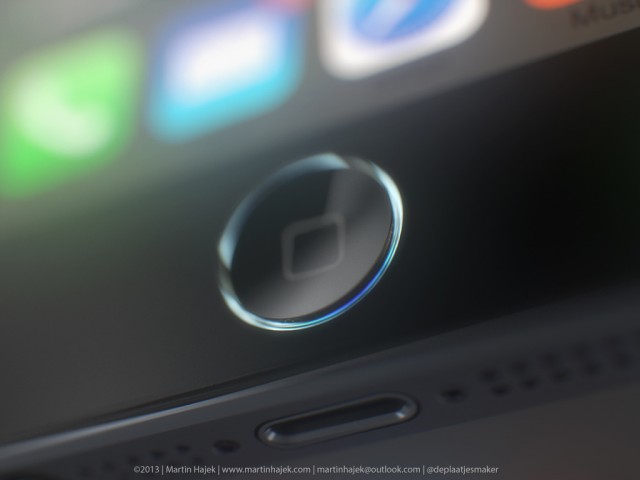
New photo of alleged iPhone 5S Home button part could point to fingerprint sensor

As the September 10 iPhone event draws nearer, pundits have begun to cast their final predictions for what features Apple's next smartphone will possess. A faster processor seems like a given, as do a better camera and new gold colorway, but what else?

A lot of folks also think that the iPhone 5S will have a fingerprint scanner built into its Home button. It's been reported by analysts on several occasions, and evidence of it surfaced in iOS 7, but we have yet to see any real concrete proof. Until now?

Apple patent taps gesture input for multi-user iOS Lock screen access

Many iOS devices, particularly the iPad, are often shared among family and friends. For example, wouldn't it be great if you could unlock just your Games folders for the kids, but give yourself and your spouse access to more applications?

Apple may have heard your thoughts, because a new patent outlines ways to offer limited access to select sets of iOS apps, straight from the Lock screen. The technology could supplant the one-size-fits-all nature of a passcode, with proposed 'access inputs' featuring gestures ranging from letters, shapes and more...

Spotify Connect unveiled: AirPlay-like streaming, but without overhead

The popular Swedish streaming music service Spotify on Tuesday announced a compelling new feature for audiophiles which takes the best ideas from Apple's media streaming technology called AirPlay, and then some more. Called Spotify Connect, the service is being billed as "the new way to play at home".

It's a lot like AirPlay, but with the key difference: there's no overhead as the feature streams songs straight from Spotify's server to supported wireless speakers. I've included more information and a nice promo clip after the break...

August was a bad month for Apple’s mobile web usage share

New data from web analytics firm NetApplicatons shows a significant decline in Apple's share of the mobile web, with iOS devices falling to 54.9 percent in August, a 16.7 percent drop from the 65.9 percent reported during the same month in 2012. While still less than a third of the web usage, Android experienced an increase, rising eleven percent to 28.1 percent from 21 percent in 2012...

New iPhone 5C leaks: manual, aftermarket cases

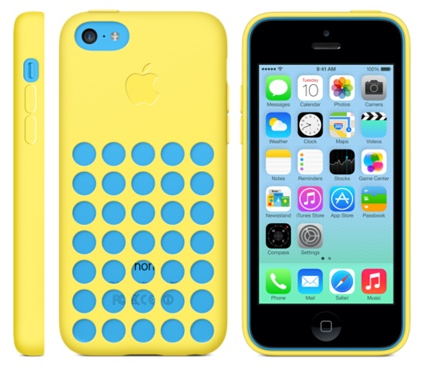
It's exactly a week until Apple's September 10 iPhone 5S/5C event - yes, we think the invites will go out later today - so small wonder we're now seeing leaks on a daily basis. For starters, an instruction manual thought to ship with the Dutch version of the iPhone 5C has surfaced online, reiterating what some analysts have been saying all along, that Apple's mid-range iPhone should phase out the current-generation iPhone 5 because it's basically an iPhone 5 inside a plastic casing.

We also have shots of an iPhone 5C aftermarket case by accessory maker Case-Mate...

Microsoft to acquire Nokia’s devices and services business for $7.2 billion

Early Tuesday morning, Microsoft announced that it would be purchasing Nokia’s devices and services business. The transaction has been approved by the Boards of Directors for both companies, and is expected to close in Q1 of next year, pending regulatory approval.

As for the terms of the deal, Microsoft is paying EUR 3.79 billion to purchase substantially all of Nokia’s cell phone business, and EUR 1.65 billion to license the company's patents, for a total price of EUR 5.44 billion (or roughly $7.2 billion in US dollars) in cash...

‘Cate’ combines Gmail, Twitter and other services into one unified messaging app

I hate email. Even with innovative apps like Mailbox, I'd rather iMessage or talk with someone on Twitter than email back and forth with them. There's subject lines, headers, signatures, and loads of other useless text—it's just all way too complicated.

I would be willing to reconsider my predisposition, though, if an application like this one ever makes it to market. It's called 'Cate,' and in addition to being gorgeous, it promises to make communication easier with direct Gmail messaging and more...

The best apps for creating, editing, and sharing documents on the go

When it comes to productivity, Apple’s iOS ecosystem is chocked full of apps to help you get things done. Microsoft has even provided it's Office Suite for our benefit. There are also many different apps that make it possible for you to access and edit your productivity documents and share them with others.

The App Store has hundreds of productivity apps that will make your working life easy. Here is a list of our favorite apps for creating, editing, and sharing documents on the go.

Word and Excel

Microsoft used to have the market on productivity apps. There was a time when you couldn't get though life without having Word on your desktop. Because of the saturation, many of us are just used to the productivity suite and want to keep with the status quo, which is why it was a pleasant surprise when Microsoft finally launched these apps on iOS. You can create and edit documents using the familiar tools of the desktop versions, but with special care and attention paid to use of the mobile screen. Word and Excel are both available for free.

Pages and Numbers

You can't talk about Microsoft's productivity suite without mentioning Apple's version, especially on a website that covers Apple products almost exclusively. Apple's version is tied more directly to the iOS ecosystem, and is therefore better for iPhone, iPad, and Mac users. You can create and edit documents and take advantage of advanced editing tools, like tracking changes, adding comments, and highlights. Your projects are saved in iCloud and you can access them from any iOS device, as well as Mac or PC, via iCloud Drive. Pages and Numbers both cost $9.99.

Google Drive

Google has permeated our everyday lives. There was a time when you needed an invitation to get a Gmail account. Now, practically everyone has one. And, with it comes Google+, which gives users access to the cloud-based document creation services, Google Drive. With the iOS app, you can access all of your files in Drive, including photos, videos, PDFs, spreadsheets, and more. You can also set permission parameters and share your files with others right from the app. All of your work is saved automatically and backed up in Google's cloud, so you'll never lose your edits. This app is available for free.

Notability

Whether you are sitting in the classroom and listening to a lecture on sixteenth century literature, or meeting with your team for a brainstorming session at work, there is no better way to take notes than with this multipurpose app. You can create documents, mark up PDFs, record lectures, tag files, organize notes and save all of your notes in iCloud for easy access anywhere. This app is available for $5.99.

Documents 5

With this file-sharing app you can see your Office documents, read and annotate PDF files, search keywords in documents and edit Text files. You can also view photos, watch movies offline, and listen to music. If you are working on documents with a coworker, partner or friend, share files in Dropbox, Google Drive, and more. This app is available for free.

Docs To Go Premium

Even though there are hundreds of productivity apps that work just as good as Microsoft’s popular Office Suite (some may even say better than), there are still thousands of people who rely on the program in their daily life. If you really can’t give up that ghost, Documents To Go makes it possible to view, edit, and create Word and Excel files from your iPhone or iPad. You can also view PowerPoint, PDF, and RTF files. You’ll even be able to download the free desktop application for two-way file syncing with your Mac or PC using local Wi-Fi. This app is available for $16.99.

Dropbox

This cloud-based application is one of the most popular in the App Store. Long before Apple offered 5GB of free iCloud storage, Dropbox was making it possible for users to save and share folders full of photos, music, movies, and more. You start off with only 2GB of space, but can easily earn an additional storage space by linking your photo sync, getting others to sign up, or adding multiple devices. You can easily share files to others with a Dropbox account, but you can also send a link for your files to people who still haven’t signed up for the cloud storage service. This app is available for free.

SugarSync

Similar to Dropbox, this app lets you sync documents, photos, videos, music and more. You can access your files from any computer or mobile device using either the compatible app or directly through the SugarSync website. You get 5GB free right off the bat. Share files and documents privately by inviting others to see them, or send a link to share your files publicly. This app is available for free.

GoodReader

The GoodReader app is, by far, my favorite productivity apps for downloading, editing, and sharing PDF documents. If you regularly download large PDF or Text files, you will definitely need this app. You can add magazines, manuals, books, player handbooks, and all manner of PDF files. Plus, you can mark up all files with freehand annotation, highlights, sticky notes, lines and arrows, and more. You can also sync your files with Dropbox, Sky Drive, SugarSync, and more. You can even set up a local Wi-Fi server to send books and magazines to a friend’s GoodReader app directly. This app is available for $4.99.

Evernote

This is another app that you really can’t live without. You can easily create and edit text notes, to-do lists and more. Record audio, search for documents by typing in a specific word of phrase, and organize notes by notebooks. Save web pages for offline reading. Evernote is connectable with iPhone, iPad, and desktop browsers so you can add files and sync documents across all devices. This app is available for free.

Scanner Pro

Are you tired of scanning a document in your office printer hub, sending it to your computer or email address, then downloading it on your iPhone or iPad in order to take it with you on the go? Then, you should try cutting out the middleman by scanning multiple page documents directly onto your iOS device. You can scan receipts, notes, and multipage documents, as well as digitally sign forms with the included annotation feature. Share your scanned documents through email or sync on Dropbox, Evernote, and Google Drive. This app is available for $2.99.

Docusign

How many times per day do you have to sign a document? Do you have an office assistant who is constantly interrupting your telephone conversations with files that need your “John Hancock”? If you regularly sign documents that are sent through email, printed, signed, then resent through another digital format, you need an app like DocuSign. You can sign documents, fill out forms, and create a signature that can be used anytime by your office assistant without having to interrupt you. This app is available for free.

What are some of your favorite productivity apps and why? Please share your recommendations in the comment section below.