Royals and Giants ballparks accepting Apple Pay during World Series

Folks lucky enough to be attending the World Series over the next week will be happy to hear that Apple Pay payments will be accepted at both Kauffman Stadium in Kansas City and AT&T Park in San Francisco. MLB Advanced Media (MLBAM) announced the availability this afternoon.

In conjunction with MasterCard, MLBAM says it worked hard to bring a variety of contactless payment services and devices to the ballparks in time for the Championship series, which will allow attendees to purchase food and beverages at concession stands using their own smartphones.

Improved Resize Controls: a new OS X Yosemite Feature

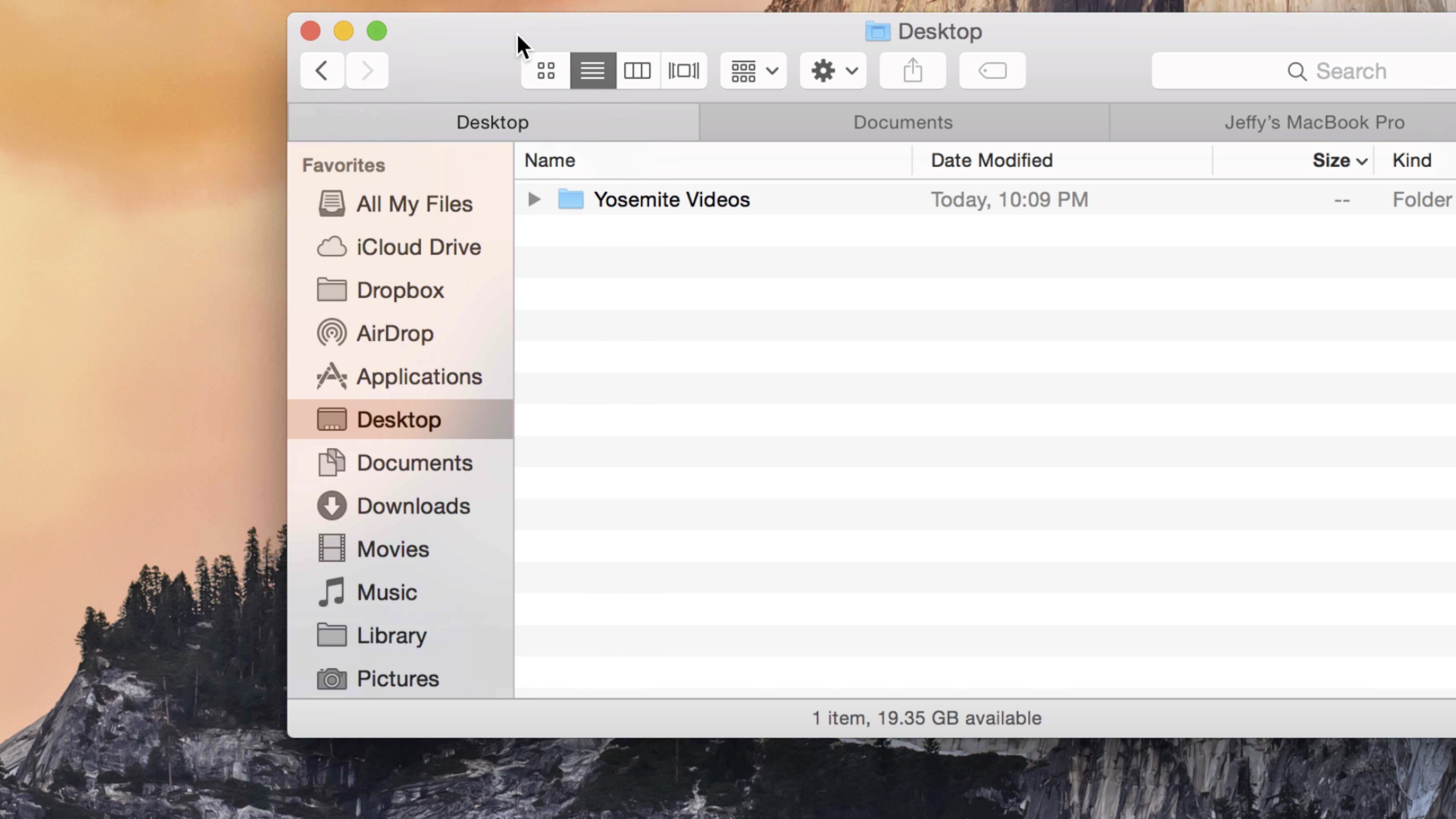
Apple has redesigned and redefined the window controls in OS X Yosemite, and like many of the other changes present in this release, it’s a welcomed change.

All of the window controls in OS X Yosemite—including the ability to invoke full screen mode—are now accessible from the red, yellow, and green “traffic light” buttons in the upper left-hand corner of every app. Check inside for the video details.

Apple to start requiring apps to use iOS 8 SDK, offer 64-bit support in February

Apple sent out a notification to developers today, giving them a heads up on a few upcoming changes to its App Store submission policy. Posted in its developer portal, the bulletin says that beginning in February of next year, iOS applications must meet two new requirements.

Starting February 1, 2015, new apps and updates must be built using the iOS 8 SDK (software development kit), and they must include 64-bit support, otherwise they will be rejected. Apple made a similar announcement around this time last year for iOS 7 app optimization.

15 interesting points from today’s earnings call

Apple announced its financial results for Q4 2014 this afternoon, and for the most part it beat the Street’s expectations. The company sold 39.3 million iPhones and pulled in $42.1 billion in revenue during the three month period, and iPad sales fell short at just 12.3 million.

We’re just finishing up the conference call, where Tim Cook, CFO Luca Maestri and other members of the executive team have discussed Apple’s performance, and offered some insight into its future. As usual, we’ve rounded up the to 15 most interesting points for you below.

Apps with support for Apple Pay

Alongside today's launch of Apple Pay, the App Store is featuring a running list of apps that have been updated to include support for Apple Pay purchases. These apps can accept payment on any iPhone 6, iPhone 6 Plus, iPad Air 2, or iPad mini 3 with iOS 8.1 installed and Apple Pay configured.

A number of apps have received updates with support for seamless purchases with Apple Pay, and several more apps will follow suit in the near future. We've complied a list of apps, complete with links, that support Apple Pay and will be adding to it as updates are released, so check back soon. If you know of an app that supports Apple Pay but isn't featured here, please let us know in the comments below or via email at tips@idownloadblog.com.

How to make and take phone calls on your Mac

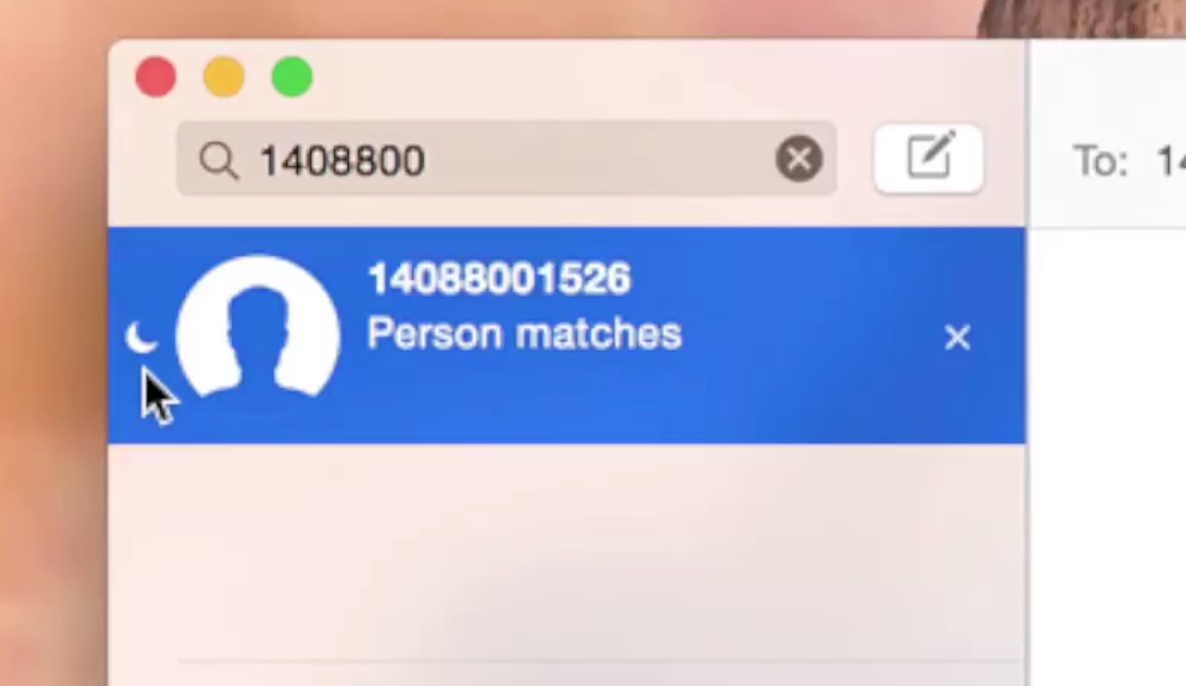
Now that iOS 8 and OS X Yosemite are out, the FaceTime app in OS X Yosemite is now capable of making and taking phone calls. It does so by connecting to an iPhone running iOS 8 to transmit calls via the iPhone’s cellular connection. All calls made from your Mac will appear as if they came from your iPhone’s phone number.

Want to see how it works in action? Check out our video after the break for a demonstration and setup details.

Apple Q4 2014 earnings: 39.3M iPhones, 12.3M iPads, $42.1B revenue

Apple has posted its [fiscal] fourth quarter earnings report this afternoon, announcing that it has sold 39.3 million iPhones and 12.3 million iPads. The numbers are just about as expected, with iPhones coming in a little higher than anticipated, and iPads coming in quite a bit lower.

It's been a significant quarter for Apple in terms of announcements, as it unveiled two new iPhones, Apple Pay and Apple Watch. It's worth noting, however, that neither Apple Pay nor Watch were available in September, and the new iPhones were only on sale for the last 10 days.

List of places where you can use Apple Pay

Now that you've got iOS 8.1 installed, and Apple Pay set up, you're probably wondering where you can test out the new service. As we mentioned earlier, the Apple Store app (among others, at this point) has been updated with Apple Pay support, but what about physical stores?

Luckily Apple has you covered, and has posted a list of all the participating retailers that are supporting Apple Pay at launch. It's a decent-sized list, with over 30 national chains mentioned, including various clothing stores, department stores, restaurants and gas stations.

Google Play Newsstand adds iPhone 6 support

Google Play Newsstand (formerly Google Currents), the search giant's official Flipboard-inspired software for the iPhone and iPad, received a small update Monday bringing native display support for the iPhone 6 and iPhone 6 Plus.

In addition, the new version features an improved download progress interface for offline content and contains unspecified bug fixes. Google Play Newsstand is available as a free download from the App Store.

TechCrunch reports that the search giant will also update the official Google Play Music client for iOS and Android later today with Songza-style functionality.

As you know, Google purchased Songza earlier this year. Like Apple-owned Beats, the service specializes in finding the right music to fit your mood.

How to use Apple Pay

As expected, Apple rolled out Apple Pay to the masses today, courtesy of its iOS 8.1 update for eligible devices. Apple Pay, as you know, allows users to make in-app and online purchases using certain devices equipped with a Touch ID sensor, and in-store purchases using the NFC chips found in the recently released iPhone 6 and iPhone 6 Plus.

In this guide, we'll walk you through the process of setting up Apple Pay, including adding eligible credit cards, along with making in-app, and in-store purchases.

Apple Store app updated with Apple Pay support

Folks looking to test out the just-launched Apple Pay service, but don't have the option to try it in-store, can download the latest version of the Apple Store app. Apple just posted an update for the digital storefront that adds support for the new one-touch mobile payment service.

Folks who have a compatible Apple Pay device, who have updated to iOS 8.1, can set it up either through the Passbook app or in Settings. Once you have a card on file, apps updated with support for the service will offer Apple Pay as a payment option during the checkout process.

Apple releases iOS 8.1 with Apple Pay, Camera Roll, Text Message Forwarding and more

As promised, Apple on Monday released iOS 8.1 for public consumption. Users who have an older version installed on their iPhone, iPod touch or iPad can now update to the latest software over-the-air, by choosing Software Update under Settings > General.

iOS 8.1 flips the switch on Apple Pay in the United States on the iPhone 6 and iPhone 6 Plus, as well as the newly released iPad Air 2 and iPad mini 3.

It also re-enables the missing Camera Roll album in Photos and beta iCloud Photo Library (in beta) while bringing additional Continuity features like Text Message Forwarding between iOS 8 devices and Yosemite Macs and more.