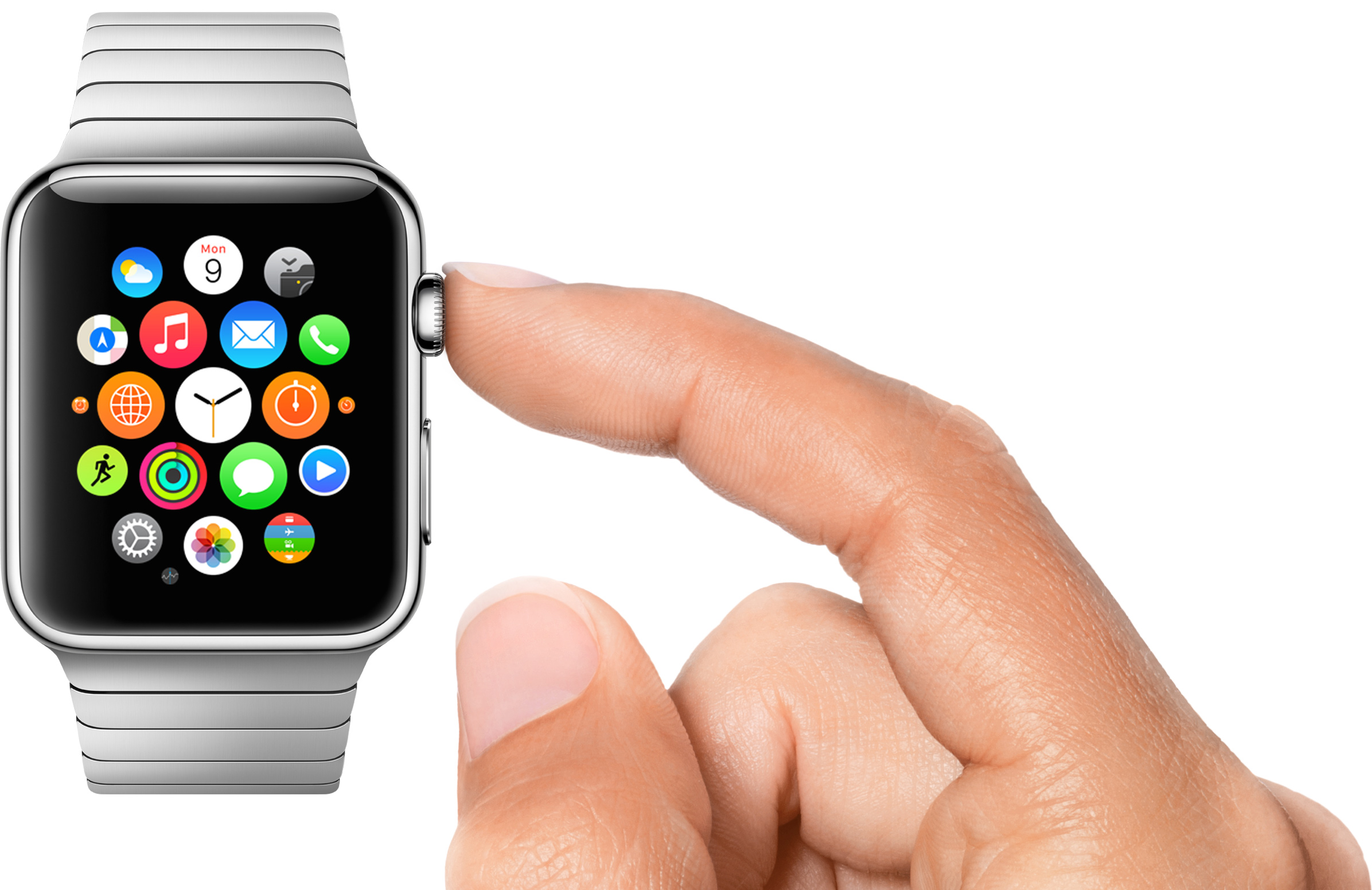
The Apple Watch Home screen is a beautiful mess

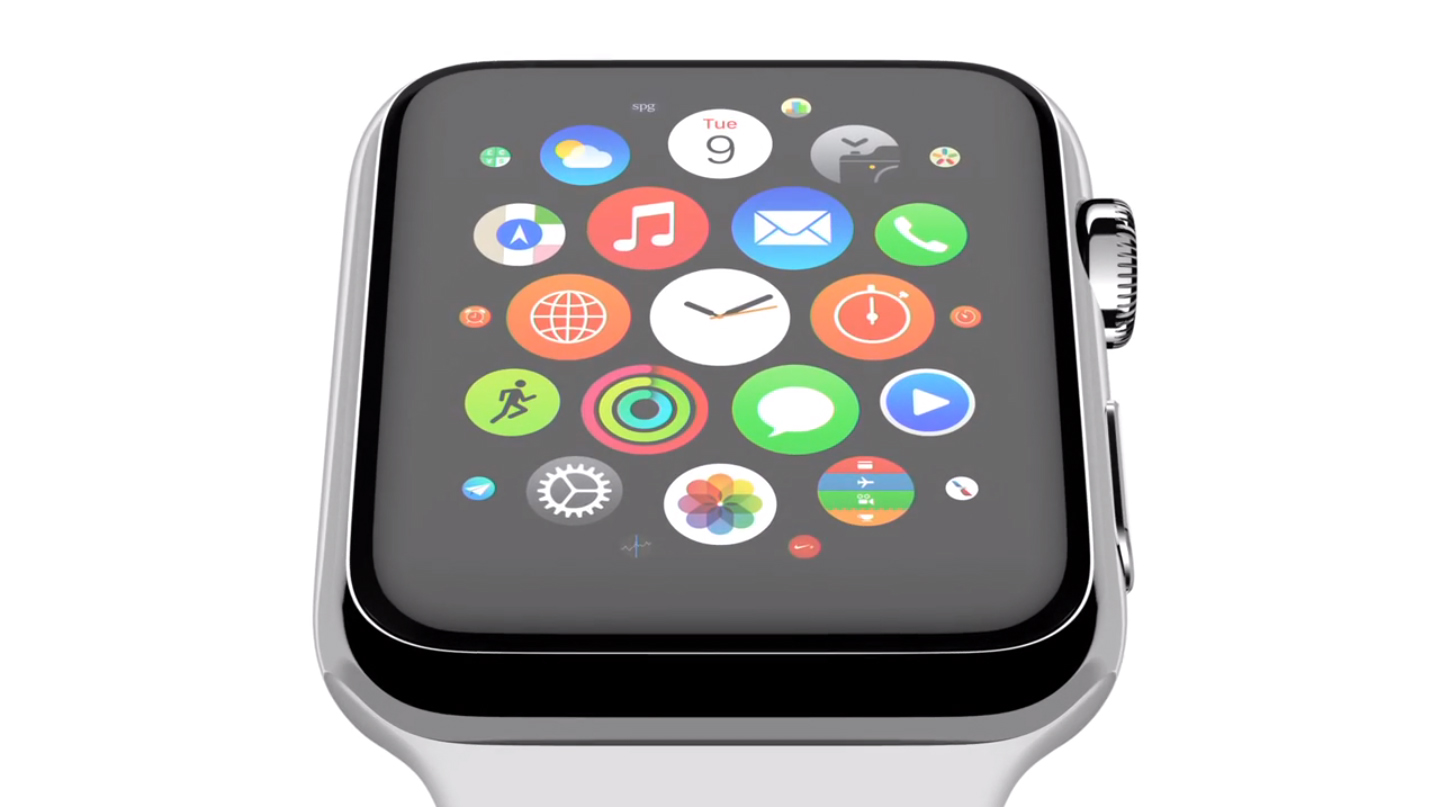
With the Apple Watch Home screen, Apple introduced a new layout and design that is a departure from what we have all been accustomed to with iPhone and iPad. Instead of favoring rows and columns of square-ish icons, Apple had to rethink the user interface and introduced us to an infinite and honeycomb-like fluid grid of apps devoid of pages, folders, or dock.

One could argue this design paradigm modernizes the Home screen as we know it, but beyond the new and refreshing look, I've had a hard time getting used to it and actually find it useful. As a matter of fact, I don't find it useful at all. It is absolutely gorgeous to look at, but it is also a terrible mess to use. Organizing apps, looking for apps, and being able to accurately tap on their icons is something that I have had a difficult time with.

I don’t open apps on my Apple Watch

As I spend more time with my Apple Watch, I am finding that we are starting to settle into something of a routine. The watch tells me when someone or something wants my attention, and I triage that notification based on its importance and the level of attention I can give it. It might not sound exciting, but the process of quick notification triage is something that the Apple Watch is proving most adept at.

But the Apple Watch is more than a way to read notifications. It has apps, and glances, and sensors. Some apps, just like on the iPhone and iPad, are more useful than others, and it's still very early days for the Apple Watch ecosystem as a whole. That said, after a week of using my Apple Watch, I have come to the conclusion that I don't launch apps by tapping their icon on the watch's Home screen. In fact, I don't really use that many apps at all.

Apple Store app updated with support for Apple Watch

Apple updated its Apple Store app on Thursday, bringing the software to version 3.2.1. The change log for the release is short, with just one new feature mentioned, but it's a significant one: Apple Watch support. Now, owners can use the wearable to access information both inside and outside of retail Apple Stores.

Apple TV shipping estimates slip to 1-2 weeks ahead of rumored WWDC refresh

Shipping estimates for the Apple TV slipped to 1-2 weeks on the US Apple Online Store today, further fueling rumors that Apple is getting ready to refresh the device. In March, BuzzFeed reported that the company is planning to unveil a new, slimmer set-top box at WWDC in June.

It's worth noting that some users have reported that the device is showing "in stock" for them online today, but at Check Out many are still seeing later ship times. Regardless, the fluctuation in available stock is consistent with inventory behavior of past Apple products ahead of refreshes.

‘Mighty Switch Force! Hose It Down!’ goes free as Apple’s App of the Week

Apple has just named WayForward's "Might Switch Force! Hose it Down!" its App of the Week for this week. This means that from now through next Thursday, you’ll be able to download the award-winning pick-up-and-play puzzler for iPhone and iPad for free—a solid savings of $1.99.

For those unfamiliar with the game, you play as a member of Planet Land's Fire Brigade that has to help put out fires around Tangent City and evacuate any trapped Hooligan Sisters. You accomplish this by strategically moving and rotating tiles to direct your water towards the flames.

20 new Flyover locations added to Apple Maps

The Apple Maps service has expanded Flyover coverage to an additional twenty locations around the world. Following today's update, owners of iPhone, iPod, iPad or Mac devices in the United States, Australia, France, Ireland, Italy, Mexico, New Zealand, Portugal, South Africa and Spain can being enjoying realistic three-dimensional virtual tours of select cities and landmarks, including the Arches National Park in Utah, Mont Saint-Michel in France and many more.

38mm Apple Watch Sport component costs estimated to begin at $81.20

Based on the initial Apple Watch teardown analysis conducted by hardware experts at iFixit, Chipworks and ABI, research firm IHS Technology has now estimated the cost of components — so-called bill of material — that go into building each 38mm aluminum Apple Watch Sport at $81.20.

The figure excludes other significant costs associated with assembly, packaging, delivery, logistics, overhead, marketing, sales, licensing, advertising and other related expenses.

For clarity, Apple CEO Tim Cook said on an earnings call earlier this week that component cost breakdowns around Apple products are inaccurate and “much different than the reality.”

Here’s what Apple’s custom designed Apple Watch ‘S1’ chip packs in

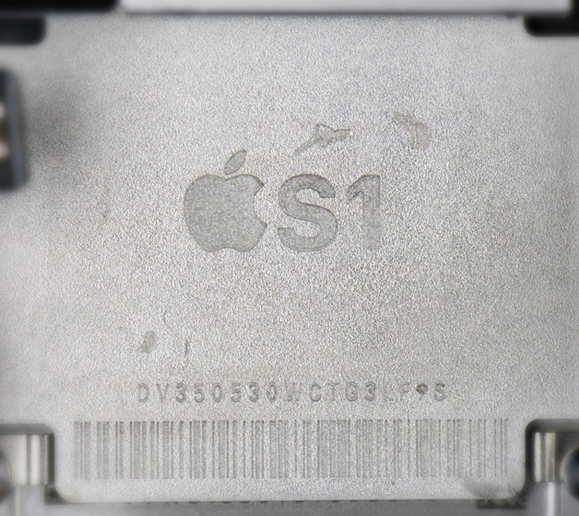
The Apple Watch is driven by Apple's in-house designed system-in-package (SiP) processor, called S1. Laying flat in the bottom of the Watch casing, it integrates many subsystems into one remarkably compact module, essentially miniaturizing an entire computer architecture onto a single chip.

Because it's completely encapsulated in resin to protect the electronics, neither experienced teardown wizards over at iFixit nor semiconductor experts at Chipworks were able to take a detailed look at the S1 innards without basically destroying the package.

Thankfully, ABI Research saw to that.

Thursday, the research firm has published its teardown analysis which delves into the S1 to identify a number of individual components that make up the SiP. Here's what they found.

Premium Star Wars games discounted deeply on Mac App Store and App Store

With only five days left until the annual Star Wars Day celebration (May the Fourth Be With You, says the marketing tagline), Aspyr Media is celebrating the occasion in advance by temporarily slashing five premium Star Wars titles for the Mac by fifty percent.

The Star Wars: Knights of the Old Republic, Star Wars: Empire At War, Star Wars Jedi Knight: Jedi Academy, Star Wars Jedi Knight II: Jedi Outcast and Star Wars: The Force Unleashed games have gone half price each, in some cases even lower, on the Mac App Store. Put together, these downloads normally sell for a combined $70, so you're looking at a cool $40 saved if you download the five Mac games while this promotion lasts.

Amazon’s Instant Video for iOS can now stream content in HD and over cellular

Amazon's Instant Video client for the iPhone and iPad has received an update Thursday, bumping version number to 3.0 and bringing out several improvements to streaming video quality.

Users can now stream Instant Video content on their iOS device through their carrier's cellular network while controlling their mobile data usage settings. In addition, the ability to watch video streams in high-definition has been added, too.

Apple-IBM partnership provides iPads to elderly via Japan Post Group tie-up

Apple on Thursday announced in a press release a move that will see the firm partner up with Japan Post Group to deliver iPads to the country's growing population of elderly citizens over age 65.

Billed as a first-of-its-kind initiative, it'll provide iPads to millions of senior citizens after Japan Post Group piloted iPads and apps custom developed for the elderly earlier this year.

These iPads come preloaded with IBM-developed apps and analytics to connect people with services, healthcare, community and their families. The staggered release will see between four and five million Japanese customers get their iPads by 2020.

Does Not Commute review: and you thought your morning drive was bad?

Driving in traffic can be one of the most stressful experiences of a person’s day. Navigating turns, freeway congestion, and distracted drivers can really put you off.

Does Not Commute takes the concept of daily driving and smashes it into a brick wall. After playing this game, you’ll appreciate the relaxing traffic jam you are stuck in every morning. We’ve got a game review of Does Not Commute for you today.