After seeding iOS 9.1 beta 2 to developers yesterday, Apple has updated its public beta portal to lend 9.1 beta 2 access to participants in its public beta program. If you're already a member of Apple's public beta program, and you're currently running iOS 9.1 beta 1, you can access the update right now via an OTA software update. If you're not a current public beta participant, you may sign up via Apple's beta website.
Apple releases iOS 9.0.1 for the iPhone 6s and iPhone 6s Plus
It's not even officially out yet, but Apple has released the first firmware update for the iPhone 6s. iOS 9.0.1, an update that contains several bug fixes, was released yesterday for older devices, but Apple has gone ahead and released the 9.0.1 update just ahead of tomorrow's iPhone 6s launch as well.
New PCalc update takes advantage of the Taptic engine in Apple Watch
Well-regarded calculator app PCalc received an update today, which allows it to tap into the Apple Watch Taptic engine for subtle feedback on button presses. In watchOS 2, Apple opened up the hardware to developers, allowing them to take advantage of the Digital Crown, accelerometer, heath sensors, microphone, speaker, and Taptic engine.
Slowly but surely, more apps are beginning to trickle into the App Store that take advantage of these enhancements, and PCalc, already a wonderful app in its own regard, does an awesome job of using the Taptic engine to provide distinct feedback that feels different from anything else.
Rumors swirl about a potential iOS 8.4.1 jailbreak
Over the last few hours, rumors have swirled on reddit and other places that we could see a jailbreak released for iOS 8.4.1. While I certainly can't vouch for the validity of these rumors, I am nonetheless intrigued by such a prospect.
Although the great new features found in iOS 9 would make it hard for me to personally backtrack to iOS 8, I understand that some of you would jump at the chance if it meant being able to jailbreak.
The good news is that if a jailbreak is released for iOS 8.4.1, everyone, at least as of this writing, can enjoy it. That's because Apple is still signing the iOS 8.4.1 firmware for all devices. When this will change is anyone's guess, but Apple usually closes its signing window for older firmware in relatively short order.
Tip: ask Siri to remind you about things you’re looking at in your apps
Siri's Proactive features let you do so much more, and in a more intelligent fashion than ever before. In addition to suggesting apps, people, locations and more when you use Spotlight Search, iOS also lets you ask Siri to actually create context-aware reminders for what you’re looking at on the screen of your iPhone, iPod touch or iPad.
Asking to be reminded about things you’re looking at in apps like Safari, Mail and Notes that you want to follow up on later can be a tremendous productivity boost.
The feature is a great time-saver when you cannot currently deal with what you're doing right now, and would like to get reminded about it at a later stage, but are too lazy to create a reminder yourself. Here's how it works.
Apple lists top 25 apps infected by XcodeGhost
Apple today refreshed its official XcodeGhost FAQ webpage, listing the top 25 iPhone and iPad apps on the App Store that contain the widely reported though mostly harmless XcodeGhost malware.
In addition to WeChat, one of the top messaging apps in the world, Rovio's Angry Birds 2 and China Unicom’s Customer Service app, most of the listed apps are distributed on the Chinese App Store only.
“If users have one of these apps, they should update the affected app which will fix the issue on the user’s device,” writes the company. “If the app is available on App Store, it has been updated, if it isn’t available it should be updated very soon.”
Apple has pulled many of the infected apps and said it's working closely with developers to get impacted apps back on the App Store.
Fosmon’s portable mini keyboard is the perfect companion for your iPhone 6 or Apple TV
If you tend to type a lot on your iPhone 6, and not just texting your buddies for dinner plans, then you could probably use an external keyboard to help speed things up.
Fosmon makes a portable mini keyboard that is about as small as an iPhone 6 and comes with a trackpad and arrow keys. While the track pad is only useful for non-iOS products, the arrow keys provide a movable cursor while you type.
New video illustrates how much of a difference OIS makes in the iPhone 6s Plus
We speculated about the difference between the iPhone 6s and the 6s Plus when it comes to the lack of optical image stabilization in the former. We've even read first hand accounts of how much of a difference it makes.
But seeing is believing, and this new video really emphasizes the differences between taking video with the iPhone 6s, a device that lacks OIS, and the iPhone 6s Plus, which features OIS built in. If you plan on taking lots of handheld videos with your new iPhone, you don't want to miss this.
New in iOS 9: 30 second auto-lock
By now, it's apparent that the new iPhone 6s features a somewhat smaller battery to accommodate the device's internal changes. By the sheer nature of physics, battery life will inevitably suffer. Fortunately, iOS 9 is being used to make up for the loss. It employs several changes in the code to increase battery life, and even includes a new Low Power Mode to throttle down the CPU and get rid of battery-draining visual effects.
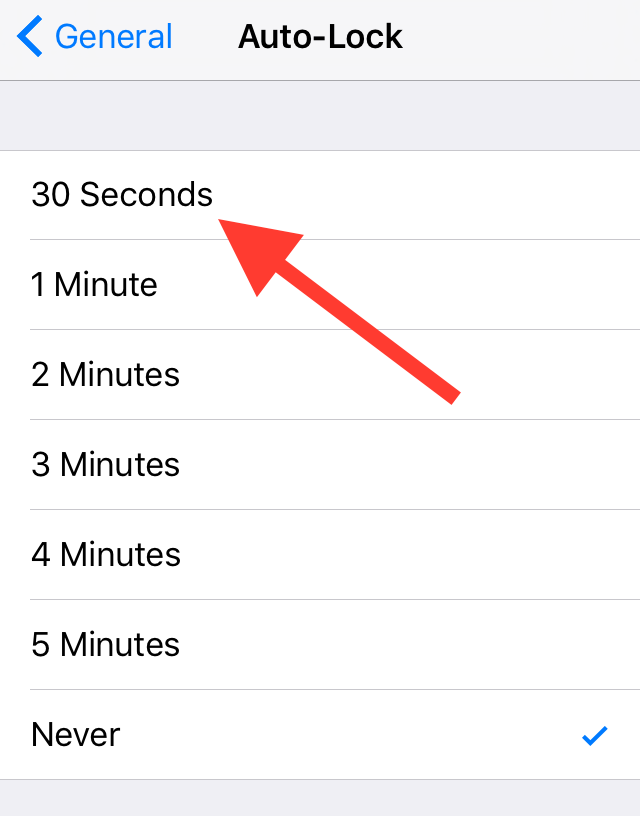
But there's another change that's available to users to help increase battery life. Inside iOS 9's Auto-Lock preference panel, you'll find a new 30 second auto-lock option—a setting that could potentially reduce battery usage even more.
The 30 best watchOS 2 features [Video]
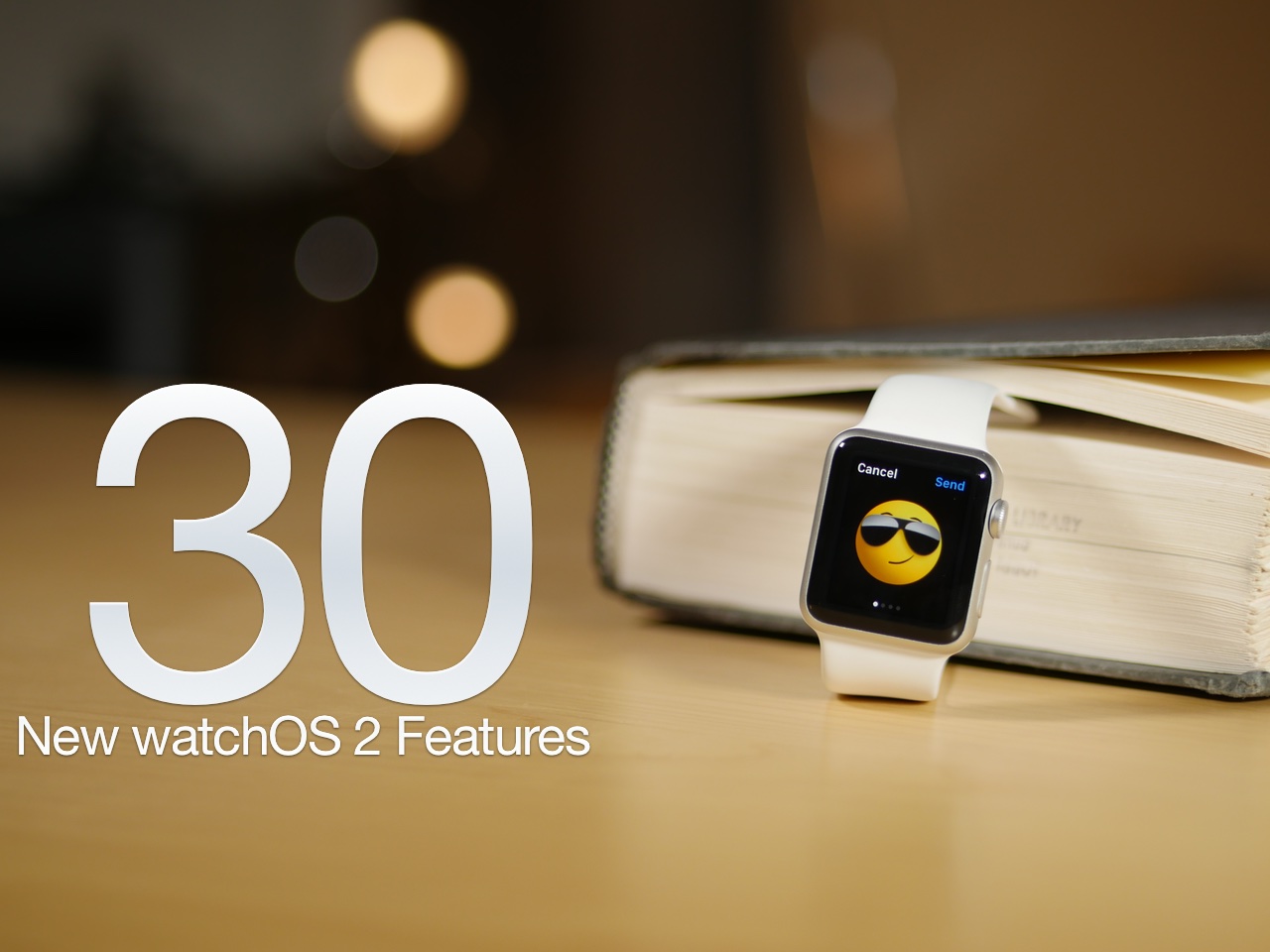
After a unscheduled delay, watchOS 2 was released on Monday for the Apple Watch. As we've noted in the past, watchOS 2 is a significant upgrade over the first version. It brings with it several big name features, including third-party complications, native apps, Nightstand mode, and a handful of all new watch faces.
No, watchOS 2 isn't as big as last week's release of iOS 9 in terms of features, but if you're an Apple Watch owner, it's something that you'll definitely want to update to without delay. Have a look at our video walkthrough to see many of the new features in action
How to import your old Health and Activity data into your new iPhone
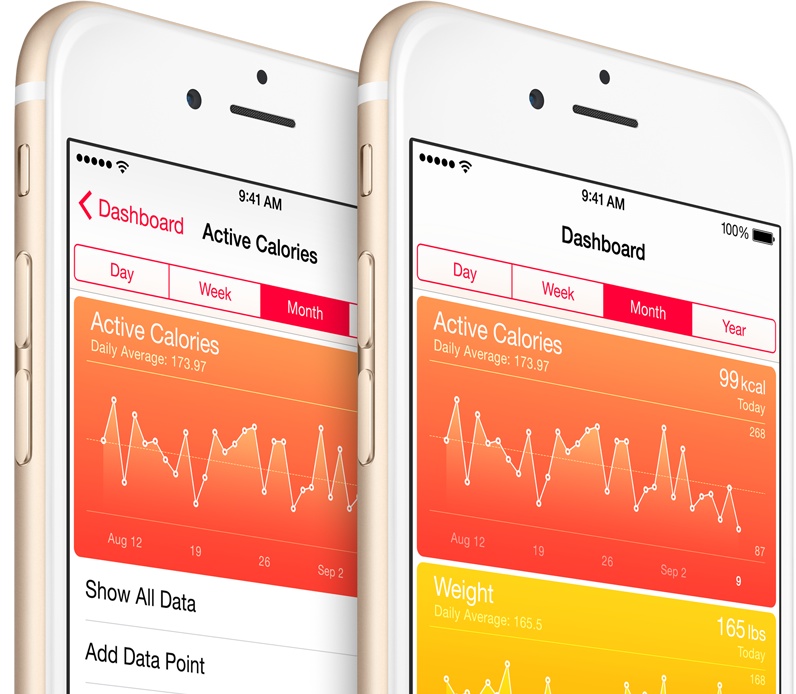
Moving over your existing Health and Activity data from your old iPhone to a new one can be a tricky business unless you know exactly what you're doing. The problem stems from the fact that Health and Activity data is not stored in regular iTunes backups, which are unencrypted by default, unless you remember to turn on encryption manually. It's a security precaution to prevent malicious users with access to your computer to mine your sensitive medical data from unencrypted iTunes backups.
The approach also poses a major challenge to folks who log their fitness and health data in Apple's Health and Activity apps. Surely you don't want to start from scratch and lose all the Health and Activity data that you'e amassed in the past year or so.
As it turns out, there is a way—actually, two ways—to preserve your complete Health and Activity data logs when you switch to a new iPhone.
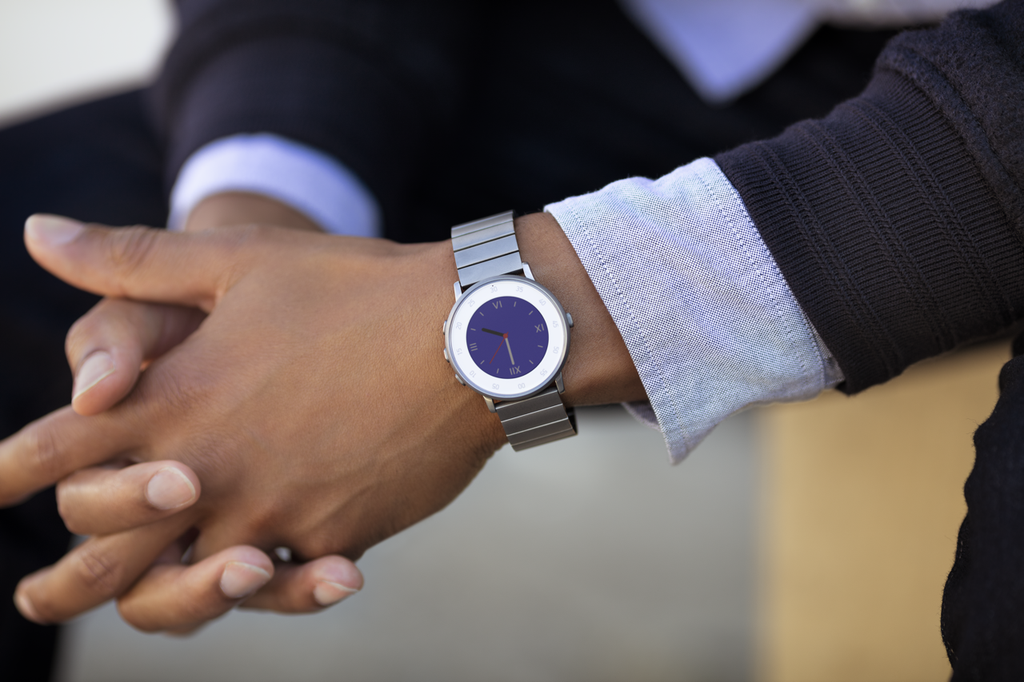
Pebble debuts ultra-thin Round smartwatch
Pebble on Wednesday announced a new addition to its smartwatch lineup called the Pebble Time Round. As the name suggests, the device sports a round face, and the company is billing it as "the world's lightest and thinnest smartwatch."
At 7.5mm thin, with a weight of just 28 grams, this may very well be true, but the size reduction comes at a steep cost: battery life. While Pebble watches are typically known for near-week-long battery life, the Round only lasts about 2 days.